

Successful Project Presentation: 5 Effective Tools to Try
Five effective tools for presenting architectural projects include SmartSHOW 3D for engaging slideshows, Lumion for realistic visualizations, and Canva for clear infographics.
 Muhammad Abdullatef - Tifa Studio22 April 20254 Mins read374

Table of Contents Show
After you invest time and effort into a project, you probably want it to get the attention it deserves. Presenting your project to clients and stakeholders is as important as preparing it in the first place. So, how do you present your design project effectively? That’s what we’re going to talk about below. You’ll discover 5 powerful tools and a couple of tips to try. Now let’s get down to business.
1. SmartSHOW 3D
SmartSHOW 3D is a go-to presentation program for a PC. It lets you create engaging 3D slideshows in a couple of clicks. With this software, you can blend various multimedia components, it’s the best way to create an engaging presentation that captures and retains the interest of your potential client. There’s a vast collection of pre-designed templates, effects, and soundtracks.
You can also add text animation with SmartSHOW 3D. We recommend using bullet points or short sentences to simplify complex information and animating the captions to emphasize key features and benefits. There are ready-to-use animation effects, but you can also create custom animation if you want to.

If you feel like static images don’t convey your ideas fully, the animation effects can help you fix it. For example, Pan&Zoom effects let you make your project presentation more dynamic. Also, you can significantly enhance the emotional impact by adding a soundtrack to your slideshow. In SmartSHOW 3D, you’ll find a huge music library with over 200 royalty-free tracks.

2. Lumion
Lumion is a visualization tool that transforms your 3D models into stunning, lifelike renderings. It’s particularly effective for showcasing architectural designs in a realistic environment. With its vast library of materials, lighting effects, and animations, Lumion creates immersive presentations that captivate audiences. This software allows architects to present their projects in a context that reflects real-world conditions.
You can create high-quality images and videos in a fraction of the time compared to traditional rendering methods. This efficiency is crucial when preparing for a presentation, as it allows you to focus on the design itself rather than getting bogged down in technical details.
3. Canva
With Canva, you can easily incorporate infographics, charts, and images into your slides to present complex information clearly and concisely. Its collaborative features help team members contribute and refine the presentation, ensuring that the final product is polished and professional. However, there are a few drawbacks to consider. While Canva provides a vast library of templates, the customization options can be somewhat limited compared to more advanced design tools. This may hinder your ability to create a truly unique look that fully represents your brand or vision. Additionally, Canva requires a stable Internet connection.

4. SketchUp
SketchUp is a well-known design tool that simplifies the process of creating 3D models. It’s particularly favored by architects for its intuitive interface and extensive library of pre-made models. This software allows users to quickly draft ideas and visualize them in three dimensions. You can easily share your designs with clients. The strength of SketchUp lies in its ability to facilitate collaboration. With features that allow for real-time feedback, team members can work together seamlessly.
5. Revit
Revit is another essential tool for architects, particularly when it comes to Building Information Modeling (BIM). This software allows you to create intelligent 3D models that contain detailed information about every aspect of a building. Revit’s collaborative features enable multiple users to work on a project simultaneously, making it easier to incorporate feedback and updates in real time. This is especially beneficial during presentations, as you can showcase the most current version of your design.
The visualizations produced by Revit are not only accurate but also dynamic. You can create walkthroughs that help clients experience the space as if they were actually in it. With Revit, you can present a comprehensive view of your project, including structural details, materials, and spatial relationships, ensuring that your audience understands the full scope of your work.
Comparison of All 5 Presentation Tools
| Feature | SmartSHOW 3D | Lumion | Canva | SketchUp | Revit |
|---|---|---|---|---|---|
| Primary Use | 3D Slideshows & Photo Movies | Real-Time 3D Rendering | Graphic Design & Presentations | 3D Modeling | BIM & 3D Modeling |
| Best For | Client presentations with multimedia | Photorealistic architectural visuals | Quick slides, infographics, charts | Concept design & quick 3D drafts | Detailed BIM documentation & design |
| Platform | Windows | Windows | Web-based (any browser) | Windows, Mac, Web, iPad | Windows |
| Starting Price | ~$15/year (Deluxe) | ~$199/year (View) | Free / $120/year (Pro) | Free / $129/year (Go) | ~$3,005/year |
| Free Version | Trial (limited) | 14-day free trial | Yes (basic features) | Yes (web-based) | 30-day free trial |
| 3D Capabilities | 3D slideshow effects & transitions | Full 3D rendering with ray tracing | Limited (2D focused) | Full 3D modeling | Full 3D BIM modeling |
| Animation Support | Pan & Zoom, text animation, transitions | Walkthroughs, flyovers, animations | Basic slide animations | Scene-based animations | Walkthroughs, solar studies |
| Collaboration | Export & share | Lumion Cloud (beta) | Real-time collaboration | Trimble Connect, real-time feedback | Cloud worksharing, multi-user |
| Learning Curve | Easy | Moderate | Very Easy | Easy | Steep |
| Output Formats | MP4, AVI, 3GP, DVD | Images, Videos, 360° Panoramas | PNG, JPG, PDF, MP4 | SKP, DWG, IFC, 3DS, OBJ | RVT, DWG, IFC, PDF, images |
Pricing Comparison
| Tool | Free Plan | Entry-Level Plan | Pro / Full Plan | Student / Education |
|---|---|---|---|---|
| SmartSHOW 3D | Limited trial | Deluxe: ~$15/year | Gold: ~$20 (lifetime license) | N/A |
| Lumion | 14-day trial | View: ~$199/year | Pro: ~$999/year Studio: ~$1,299/year |
Free (Lumion Pro for students) |
| Canva | Yes (basic) | Pro: $120/year | Teams: $100/year per user (min. 3) Enterprise: Custom |
Free (Canva for Education) |
| SketchUp | Yes (web only) | Go: $129/year | Pro: $399/year Studio: $819/year |
Pro features: $55/year |
| Revit | 30-day trial | Monthly: ~$380/month | Annual: ~$3,005/year 3-Year: ~$9,020 |
Free (students & educators) |
Tips to Present a Project Effectively
Mastering the art of project presentations is vital in architecture. Whatever software you choose for preparing a presentation, there are a couple of tips that might help you achieve better results. Let’s take a look at them:
-
Organize Your Content
You should keep your presentation structured. You can break it down into clear sections, such as:
- Concept: Explain the idea behind your design.
- Design Process: Share the steps you took to develop your project.
- Final Outcome: Showcase the finished design and its features.
This organization helps your audience follow along easily.
-
Practice Your Presentation
A confident delivery keeps the audience engaged. So, it’s a good idea to rehearse your presentation several times. Pay attention to your tone and pacing.
-
End with a Strong Conclusion
A strong conclusion can inspire further interest in your project. For instance, you can wrap up your presentation by summarizing the key points.
Conclusion
Preparing a top-notch project presentation is the final touch that can help you turn design ideas into reality. We’ve talked about 5 handy tools that might be useful for the job and shared a few presentation tips. Now, it’s time to put it into practice, pick the software you like and get started.





Architecture Crit Presentation: How to Present Your Project With Confidence
The crit is where a good project can fall apart and an...
 Sinan Ozen6 Mins read
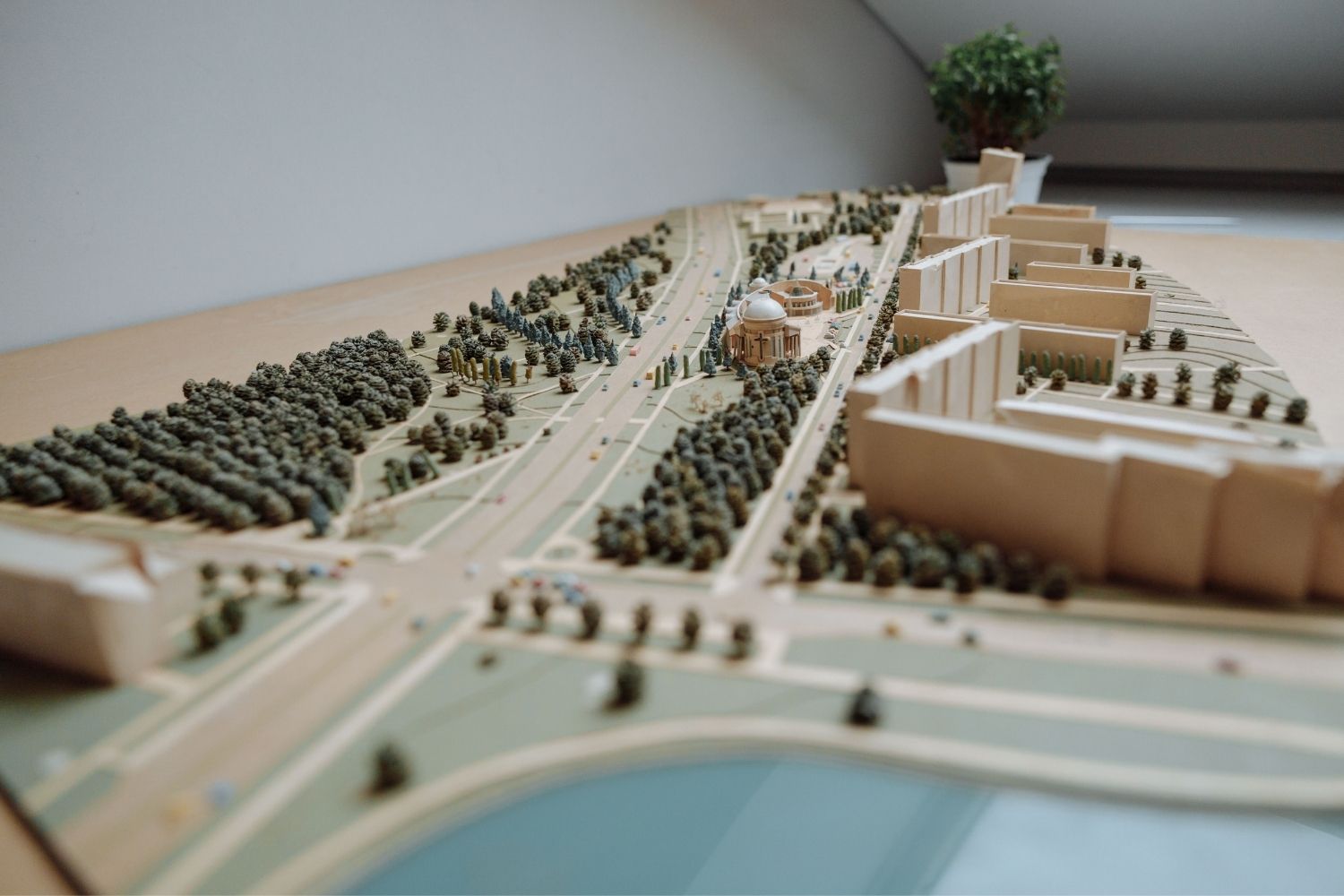
Why Do Architects Use Architectural Models Instead of Just Drawings?
Physical architectural models remain a core tool even in a digital studio....
 Furkan Sen6 Mins read
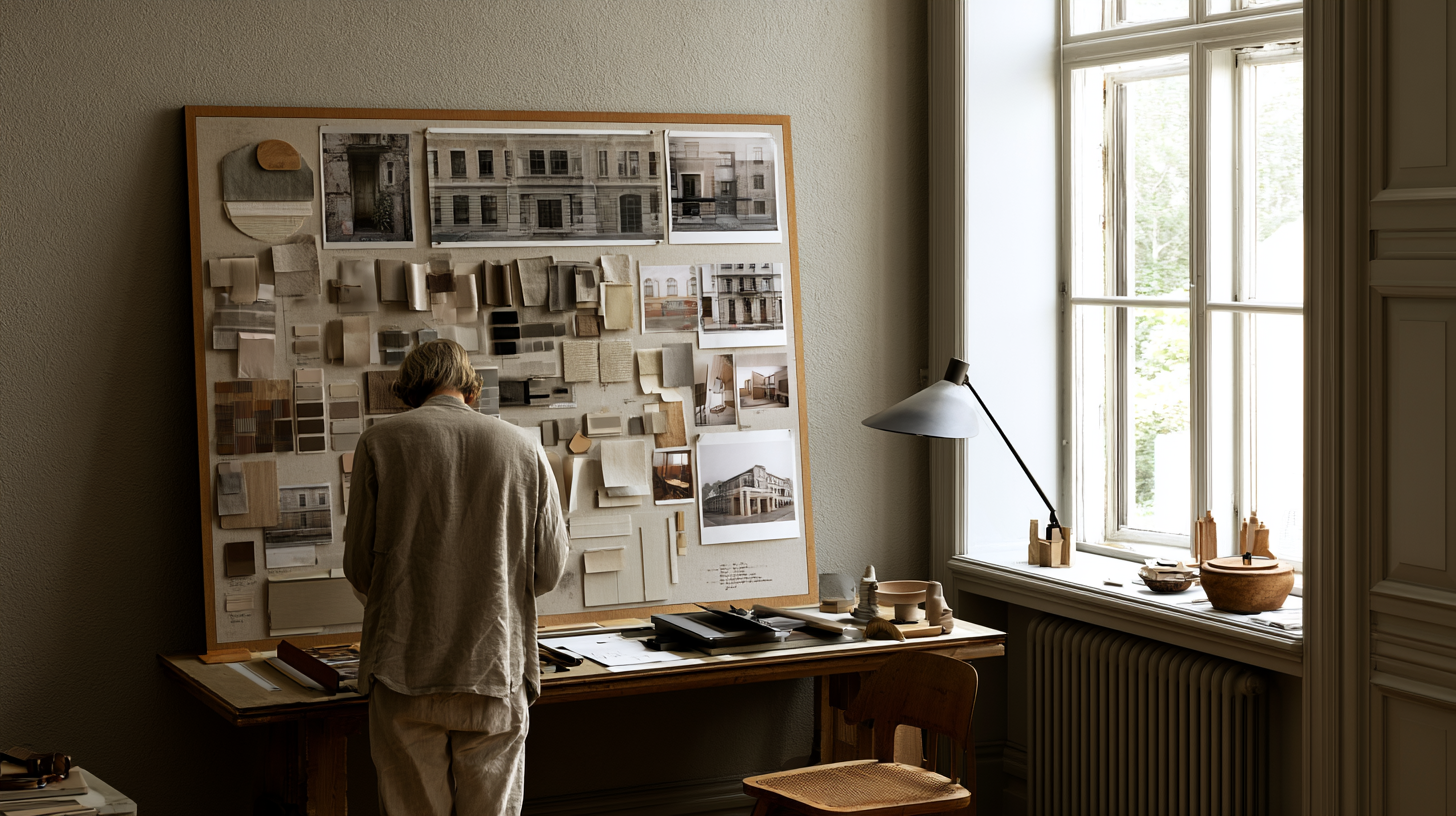
How to Make an Architecture Mood Board: A Step-by-Step Guide
A practical walkthrough for building an architecture mood board, covering how to...
Furkan Sen6 Mins read
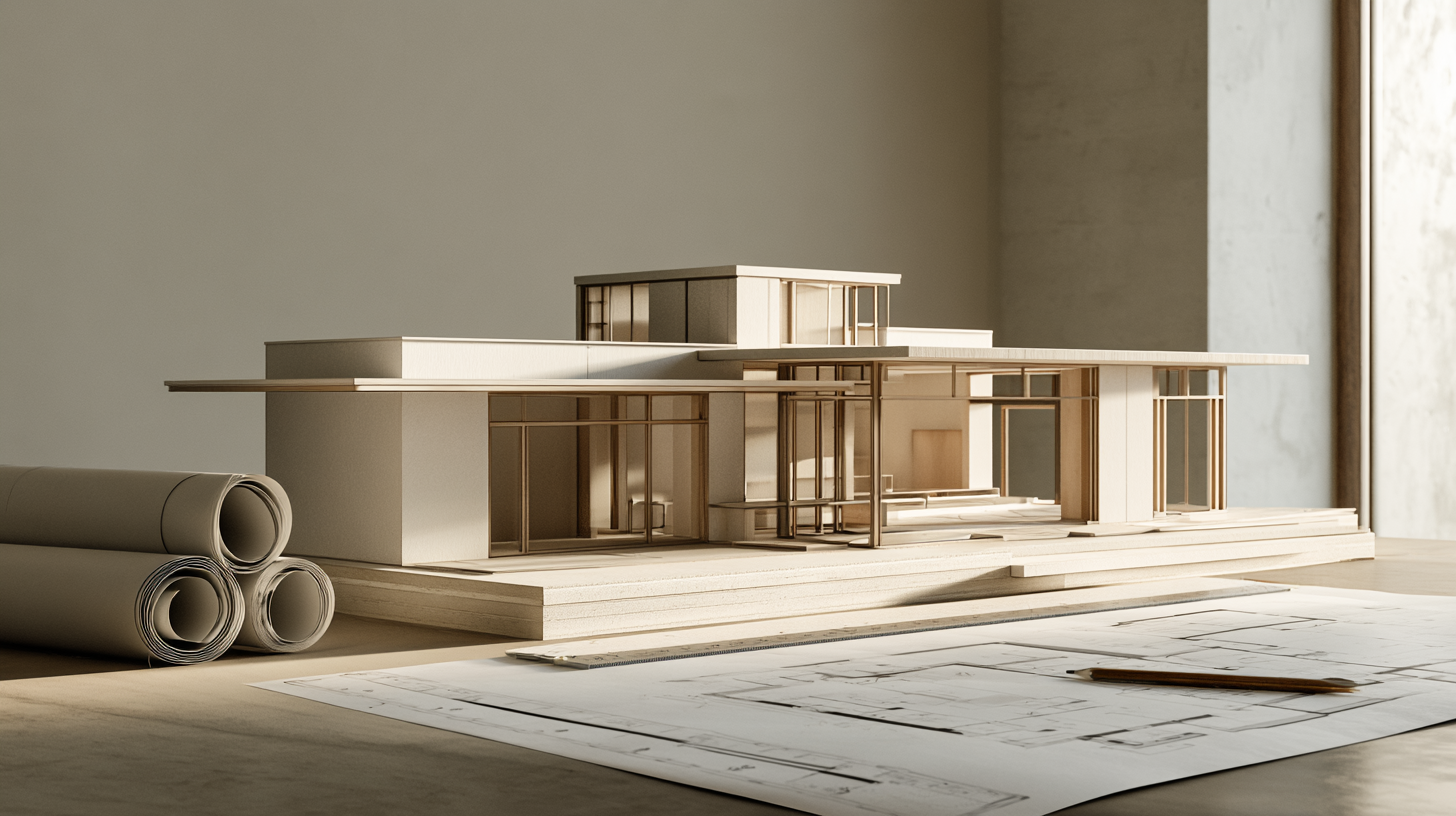
How to Build an Architecture Physical Model From Scratch
Building an architecture physical model from scratch takes the right scale, tools,...
Furkan Sen6 Mins read


Leave a comment