

Artificial Intelligence Engines for Architects
AI engines offer an extensive range of architectural services. They can help architects in their work by providing them with a wide range of ideas that can be used to design and construct buildings. They are also available to assist in architectural presentations, designs, and even architecture research.
 Elif Ayse Sen29 December 20225 Mins read432

Table of Contents Show
AI engines for architects are software tools that turn text prompts, sketches, or massing data into images, renderings, and design options in seconds. They speed up concept work, mood boards, and visualization, letting architects test more ideas before committing time to detailed drawings or 3D models.
Most studios first met this technology through text-to-image tools, but the category now spans rendering, generative massing, and site analysis. Knowing what each engine does well helps you pick the right one for a competition board, a client pitch, or early schematic work instead of forcing one tool to do everything.

What Are AI Engines for Architects?
An AI engine is the model behind a tool that generates or analyzes design content. For architects, these engines fall into a few groups: text-to-image generators that produce concept visuals, diffusion-based renderers that upgrade rough sketches into photoreal images, and generative platforms that propose building layouts based on site rules and program. Each draws on large datasets and neural networks to predict what you are asking for. You can read a plain-language background on the underlying technology in this overview of artificial intelligence.
The practical value is range. Instead of producing one option for a meeting, you can generate twenty facade studies, compare them, and refine the two that hold up. That shift matters most in the concept and presentation phases, where speed and variety carry real weight. For a deeper look at how this plays out in practice, see our Midjourney architecture guide.
📌 Did You Know?
Stable Diffusion was released publicly by Stability AI in August 2022 as an open-source model, which is why so many architecture-specific rendering plugins are built on top of it rather than on closed systems.
How Do AI Engines Fit Into the Architectural Workflow?
AI engines work best as an early-stage partner, not a replacement for documentation tools. A typical sequence looks like this: sketch or describe an idea, generate several visual directions, pick the strongest, then carry that intent into your CAD or BIM model. The engine handles the volume of options while you keep control of the design decision.
Because you no longer send concepts back and forth for slow manual revisions, more of your hours go to judgment and refinement. AI can also handle repetitive visual tasks that used to eat an afternoon, such as restyling a render or producing alternate material studies. If you want a text-side companion for briefs and research, our roundup of ChatGPT alternatives for architects covers writing and analysis tools that pair well with image engines.
💡 Pro Tip
When prompting for facades, name the material, light condition, and camera angle in that order, for example “weathered corten steel facade, overcast morning light, eye-level view.” Vague prompts return generic results, and adding one concrete reference building usually sharpens the output far more than piling on adjectives.
Best AI Engines for Architects
The tools below cover the most common needs in a studio: concept imagery, photoreal rendering, and generative layout. Each has a clear strength, so many architects keep two or three in rotation rather than betting on one.
Midjourney
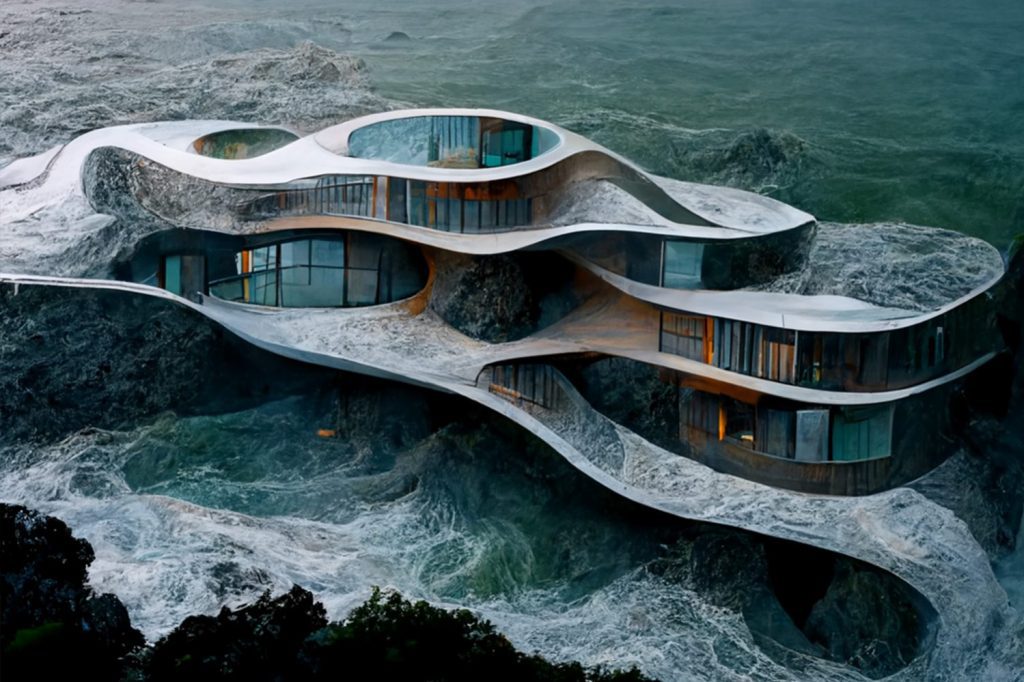
Midjourney is the go-to text-to-image engine for atmospheric concept boards and stylized exteriors. It reads abstract prompts well and produces images with strong composition, which makes it a favorite for early mood-setting and competition visuals. For a step-by-step start, see our walkthrough on how to use Midjourney AI for architects.
DALL-E
DALL-E, from OpenAI, handles precise, instruction-style prompts and edits well, which helps when you need a specific object, sign, or detail placed in a scene. Architects often use it for quick iterations and inpainting fixes. We compare its render quality directly against Midjourney in this Midjourney vs DALL-E breakdown.
Stable Diffusion
Because it is open source, Stable Diffusion powers a wide set of architecture plugins that connect directly to SketchUp, Rhino, and image-to-image workflows. You can run it locally for privacy or use hosted versions, and you control the model with custom training. The official model details live on the Stability AI image models page.
Autodesk Forma
Forma is less about imagery and more about generative site and massing analysis. It evaluates factors like sunlight, wind, and noise early in planning, then helps test layout options against those constraints. For studios already inside the Autodesk ecosystem, it slots into existing BIM habits. The product overview sits on the Autodesk Forma page.
How Do the Main AI Engines Compare?
The table below sums up where each engine fits so you can match the tool to the task rather than the other way around.
| Engine | Primary Use | Best For | Access |
|---|---|---|---|
| Midjourney | Text-to-image concepts | Mood boards, stylized exteriors | Subscription, web |
| DALL-E | Prompt-precise images and edits | Detail edits, inpainting | Subscription, API |
| Stable Diffusion | Open-source rendering | Plugins, image-to-image, local runs | Open source, hosted |
| Autodesk Forma | Generative site and massing | Early planning, environmental analysis | Subscription, BIM |
How to Choose the Right AI Engine
Start with the task, not the brand. If you need fast concept imagery for a pitch, a text-to-image engine like Midjourney or DALL-E will serve you. If you want to turn a SketchUp model into a render without leaving your pipeline, a Stable Diffusion plugin is the better path. For zoning, daylight, and massing trade-offs at the site scale, a generative platform such as Forma earns its place.
Budget and data privacy also shape the choice. Open-source options can run on your own hardware, which keeps client work off third-party servers, while subscription tools trade that control for polish and ease of use. Many practices land on a small stack that covers concept, render, and analysis rather than a single all-purpose engine. It also helps to check how a tool exports, since an image you cannot bring back into your drawing set adds a manual step every time.
Team size matters as well. A solo practitioner may want one easy web tool with no setup, while a larger office benefits from a plugin that several people can run inside a shared model. Test any engine on a real project before rolling it out, because the gap between a demo and your actual deliverables is where most tools either prove their worth or fall short.
Limitations and What to Watch For
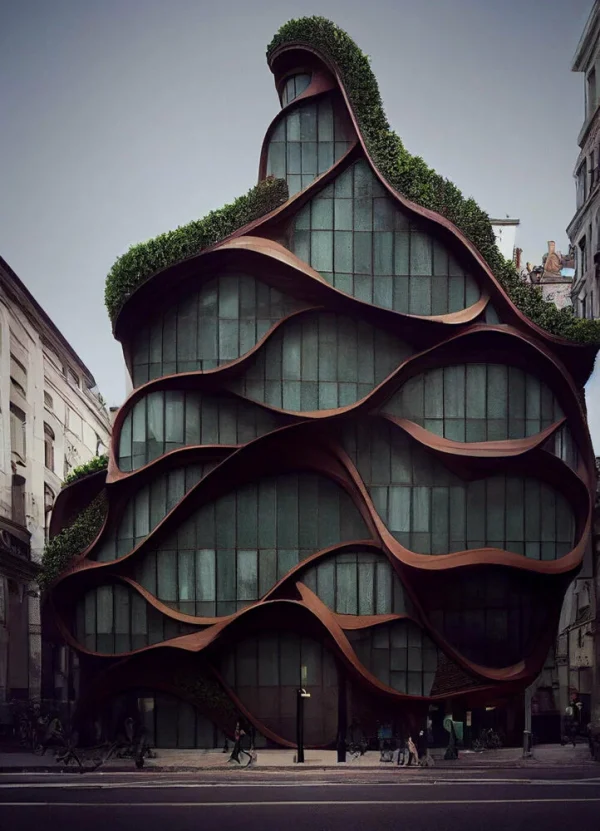
These engines still produce images, not buildable designs. An AI render can suggest a striking facade while ignoring structure, code, and constructability, so treat every output as a starting sketch that needs an architect’s review. Output quality also swings with prompt skill, and results can repeat visual clichés pulled from training data.
There is a labor question too. Photoreal results from large firms have raised real concern about displacement in the visualization and creative sectors. The more grounded view is that AI shifts where architects spend effort rather than removing the need for design judgment. For ongoing coverage of how the profession is responding, the ArchDaily artificial intelligence section tracks new tools and debates as they appear.
Where to Go From Here
Your next step: pick one engine that matches your most frequent task this month, run the same project brief through it three times with sharper prompts each round, and compare the outputs against your hand-drawn concept. That quick test shows you where AI actually saves time before you commit to a paid plan or a full plugin setup.





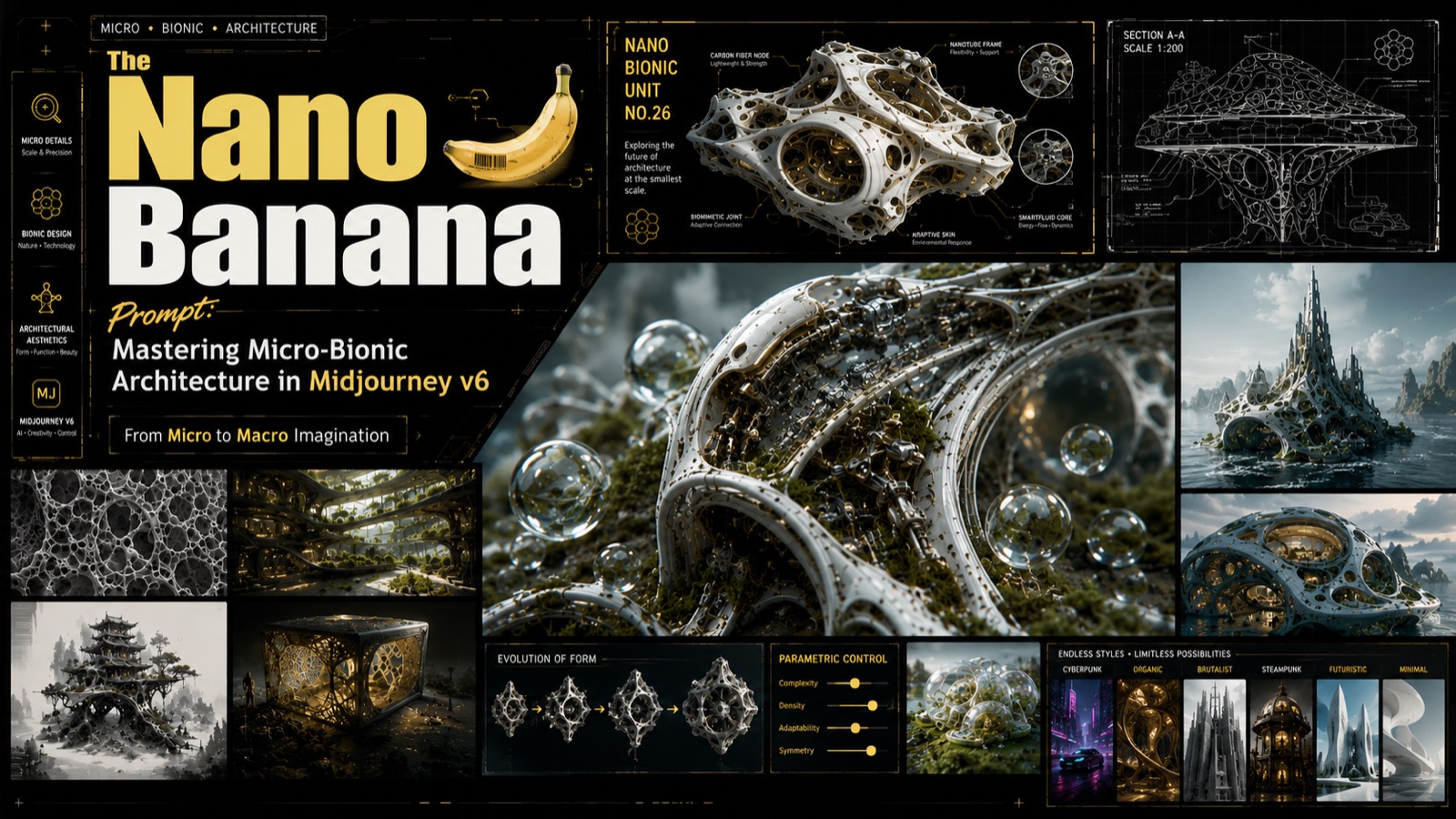
The Nano Banana Prompt: Mastering Micro-Bionic Architecture in Midjourney v6
Table of Contents Show 1. Deconstructing the “Nano Banana Prompt” Logic2. Parametric...
 Bahattin Duran3 Mins read

ChatGPT Alternatives for Architects: 8 Best AI Tools in 2026
Not every AI assistant fits an architecture workflow the same way. This...
 Furkan Sen12 Mins read
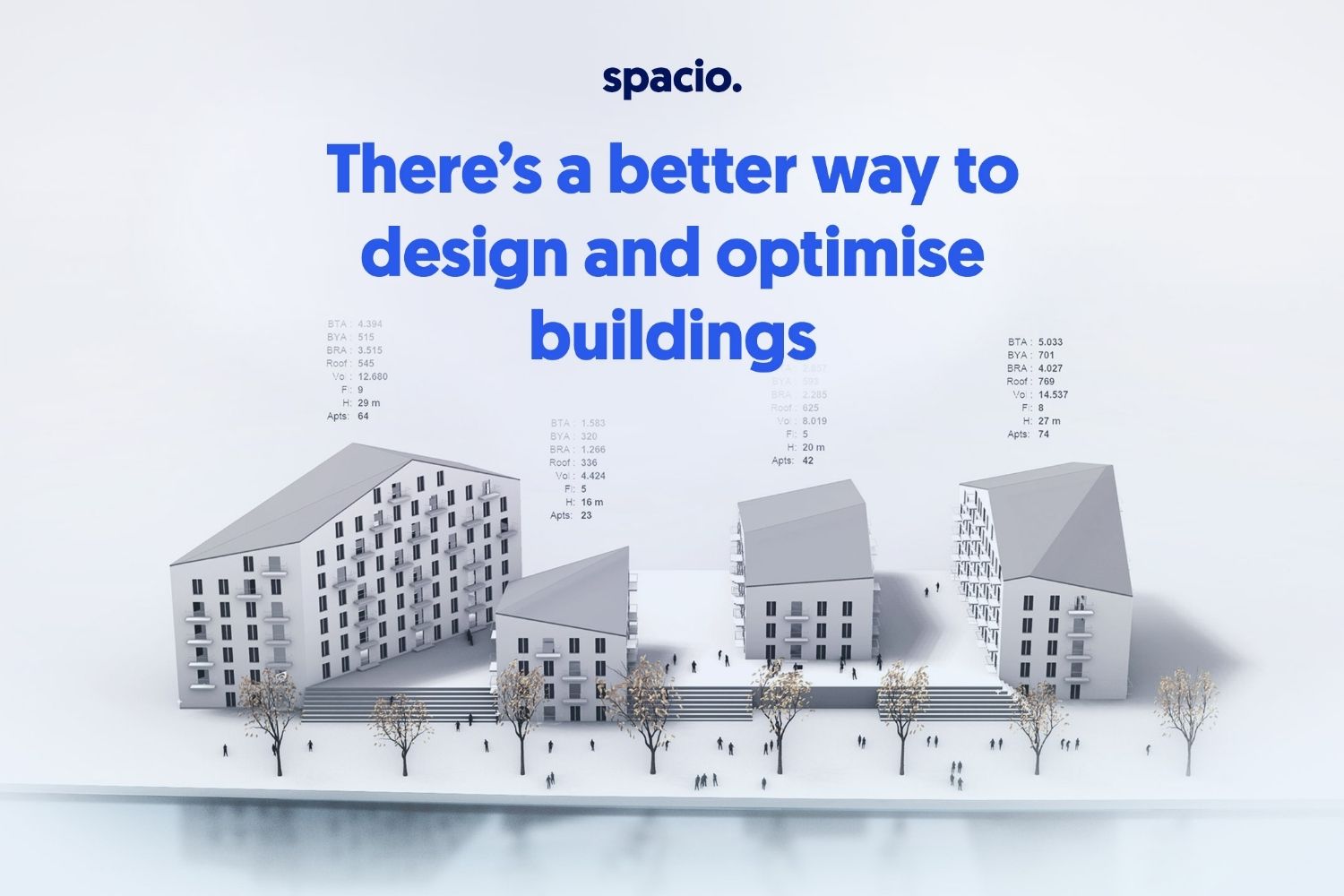
Spacio AI Review: Generate Structured Building Proposals in Minutes, Not Weeks
This Spacio AI review breaks down how the platform handles early-stage building...
 Sinan Ozen8 Mins read
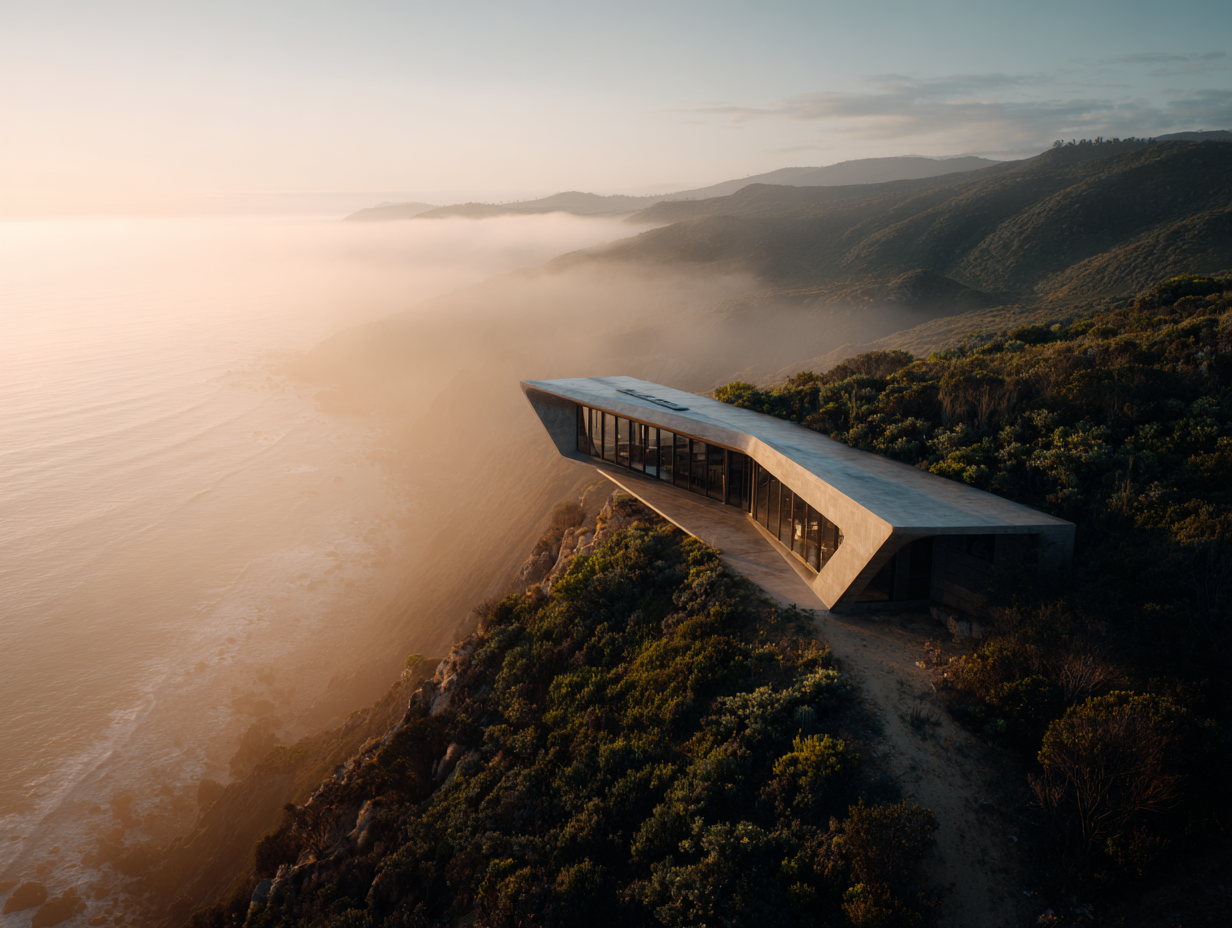
Midjourney Architecture Guide: AI-Generated Renderings with DALL-E and Stable Diffusion
A practical breakdown of Midjourney, DALL-E, and Stable Diffusion for architectural visualization....
Furkan Sen9 Mins read


Leave a comment