

Best DALL-E Architectural Works
The role of AI in architecture is evolving as the technology develops. AI architect works solve some major problems faced by these professionals today - having a shortage in qualified personnel and too many projects to work on at once.
 Elif Ayse Sen3 January 20235 Mins read660

Table of Contents Show
DALL-E architectural works are AI-generated building and space concepts produced by typing a written description into OpenAI’s DALL-E model. The system reads the text, then returns detailed images of facades, interiors, and forms in seconds, letting architects test ideas long before any line is drawn in CAD.
Designers reach for DALL-E when they want to move from a vague brief to a visual reference quickly. Instead of sketching twenty thumbnails by hand, you describe the structure you have in mind and review several interpretations at once. The early concept stage, where speed matters more than precision, is where these images earn their place.
What Makes DALL-E Architectural Works Different
Most design tools start from a known geometry and ask you to refine it. DALL-E starts from language. It was trained on a large set of text and image pairs, so it links words like “cantilevered concrete shell” or “brutalist library at dusk” to visual patterns it has seen. The result reads as architecture, yet it rarely copies a single existing building.
The output sits in an unusual category. A generated structure can look structural and sculptural at the same time, hard in its massing but soft in its surface treatment. That ambiguity is useful in a concept phase, because it pushes you toward forms you might not draw on your own. For a wider view of where this fits, the generative design approach in architecture follows a similar logic of exploring many options fast.

How DALL-E Turns a Text Prompt Into Architecture
The model converts your words into a numerical representation, compares that to patterns learned during training, and assembles pixels that match. You do not control geometry directly. You steer the result through language, framing, and reference styles. Understanding that loop is the difference between random pictures and concepts you can actually use.
Building a Strong Architectural Prompt
A workable prompt usually answers four questions: what the building is, what style or architect it references, what material and light define it, and how the shot is framed. A prompt such as “exterior of a coastal research pavilion, parametric timber roof, soft morning light, wide-angle photograph” gives the model enough to anchor each decision. Vague prompts return generic results, so specifics matter.
Refining With Variations and Outpainting
Once you have a base image, DALL-E lets you request variations of it or extend the frame through outpainting. Variations keep the core idea while shifting proportion, texture, or angle. Outpainting widens the canvas so a single facade study can grow into a street view. Treat the first image as a draft, not a final answer, and iterate.
💡 Pro Tip
When a concept is close but the proportions feel off, run variations on your best result rather than rewriting the prompt from scratch. Holding the description steady and only changing the seed keeps the design language consistent while you hunt for a better composition.
Writing Prompts That Produce Usable Concepts
The quality of a DALL-E architectural work tracks closely with how you order and weight the words. Lead with the subject, then layer in style, material, and atmosphere. Naming a recognizable design vocabulary, such as deconstructivist or mid-century modern, gives the model a clear target. For a deeper prompt method tuned to buildings, the Midjourney architecture guide covers structures that carry over to DALL-E as well.
📐 Technical Note
DALL-E 2 generates square images at 1024 by 1024 pixels, while later versions integrated into ChatGPT support wider framings. For architectural studies, plan your composition around that aspect ratio, then use outpainting to reach landscape or panoramic views when you need them.
Adding camera language helps too. Words like “wide-angle,” “aerial,” “eye-level,” or “axonometric” change how the structure reads in the frame. A facade study and a site overview call for different shots, and stating the view keeps the model from guessing.
⚠️ Common Mistake to Avoid
Stacking too many objects and conditions into one prompt usually backfires. DALL-E often misreads the relationship between many elements and their colors when a caption gets crowded. Keep each prompt focused on one clear idea, then build complexity through follow-up edits instead of one overloaded request.

Where DALL-E Architecture Fits in a Real Workflow
These images are concept aids, not construction documents. They shine at the front of a project, when you are testing a mood, a massing strategy, or a material palette with a client. A few generated boards can move a conversation faster than a written brief, because everyone reacts to a picture. From there, the chosen direction still moves into proper modeling and documentation.
DALL-E also pairs well with other tools rather than replacing them. Many architects sketch a direction with text-to-image models, then rebuild the promising forms in CAD or BIM. If you are comparing platforms before you commit, the breakdown of Midjourney versus DALL-E for architecture is a useful starting point, and the roundup of AI tools for architects shows where each one fits.
💡 Pro Tip
Save the exact prompt next to every image you keep. Concept reviews move fast, and a month later you will want to know which words produced the facade the client liked. A simple prompt log turns one good result into a repeatable style you can apply across a project.
Styles and References Worth Testing
The fastest way to lift a flat result is to name a clear design reference. Calling out a recognized architect, a period, or a structural system tells the model which visual rules to follow. Prompts that mention parametric curves, raw concrete, glass curtain walls, or vernacular stone each pull the output in a distinct direction, and mixing two references can surface forms you would not arrive at alone.
Lighting and setting carry similar weight. A pavilion described “at golden hour” reads warmer and more inviting than the same form “under overcast sky,” and placing a structure in a desert, a dense city, or a forest changes its scale and material logic. Experiment with one variable at a time so you learn which words move the result. For a sharper look at how specific phrasing shifts a render, the Nano Banana prompt breakdown is a practical case study.
Limitations to Keep in Mind
DALL-E is sensitive to wording. Rephrasing a caption in a way that means the same thing to a human can still shift the output, sometimes badly. Accuracy also drops as you ask for more objects in precise positions, since the model can confuse which element gets which property. Fine control over exact dimensions, code compliance, or structural logic stays outside its reach.
Treat the results as inspiration and communication tools. They open the design space and speed up early decisions, but a licensed professional still carries the project from concept to a buildable design. For broader context on how these systems sit within creative practice, see the overview of AI art and the reference entry on DALL-E itself, and follow architecture-focused coverage through the ArchDaily artificial intelligence section.
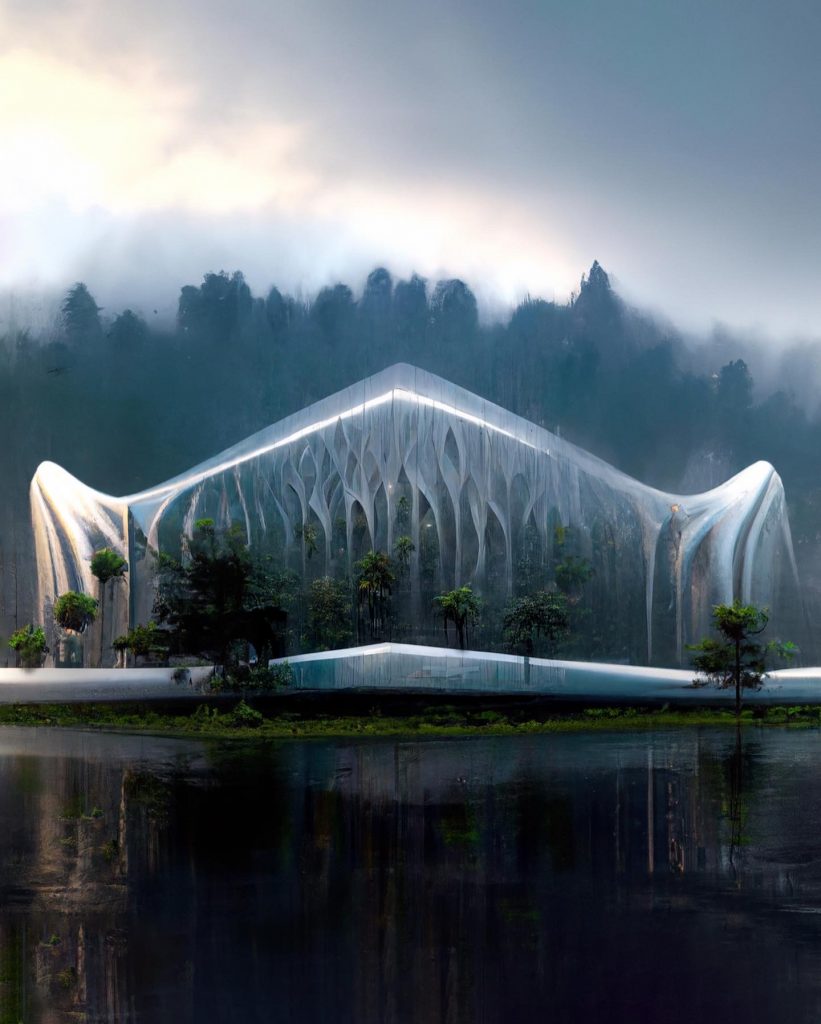
Putting It All Together
Your Next Step: Open DALL-E and write one focused prompt for a project you are already thinking about, naming the building type, a reference style, the main material, and the camera view. Generate a handful of options, run variations on the strongest one, and save the prompt beside it so you can repeat what worked.

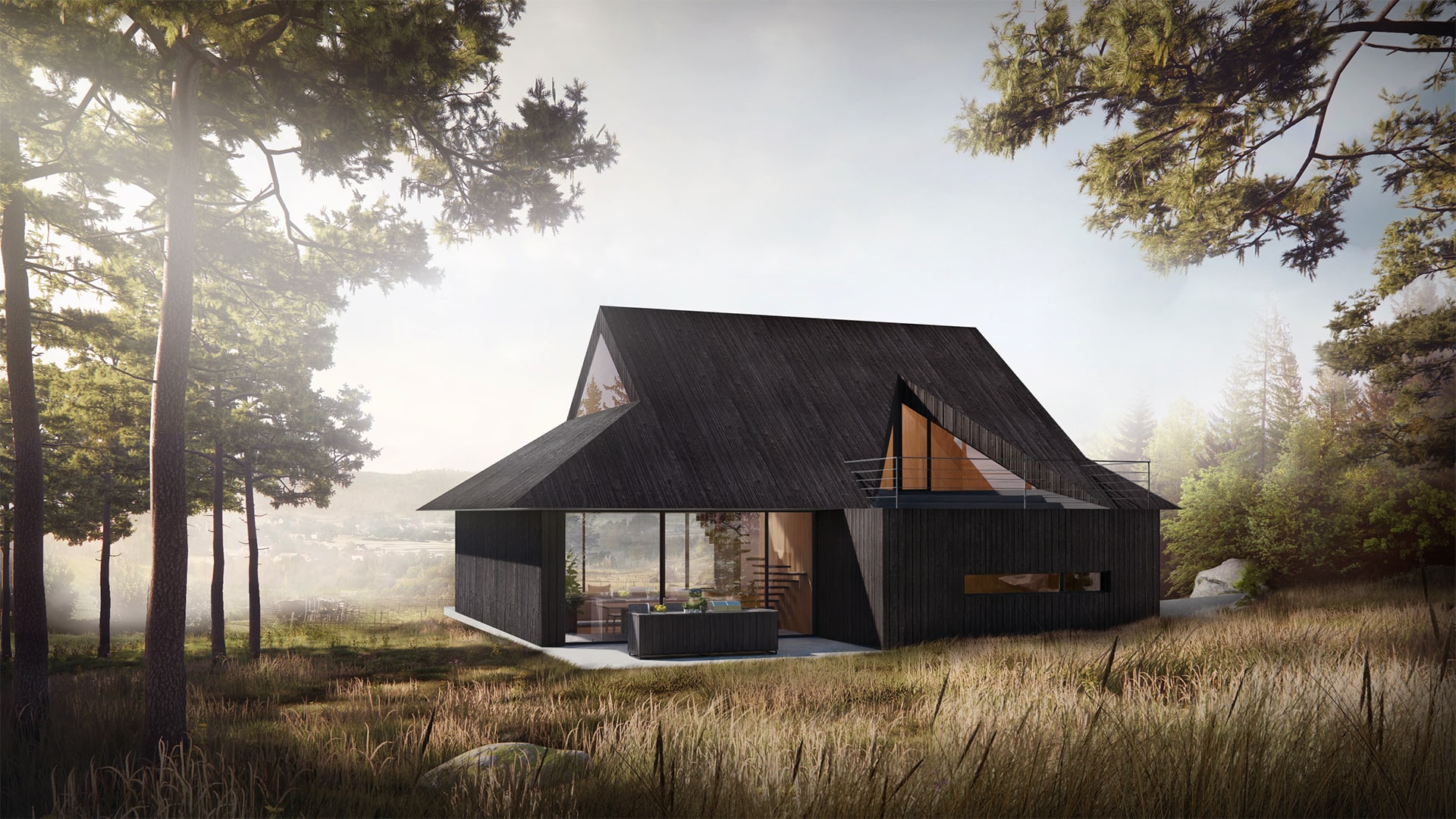


Seedance 3.0 for Home and Garden Concepts: Making a Renovation Story Easier to Discuss
Seedance 3.0 can turn a renovation idea into a short concept video....
 illustrarch Editoral Team5 Mins read

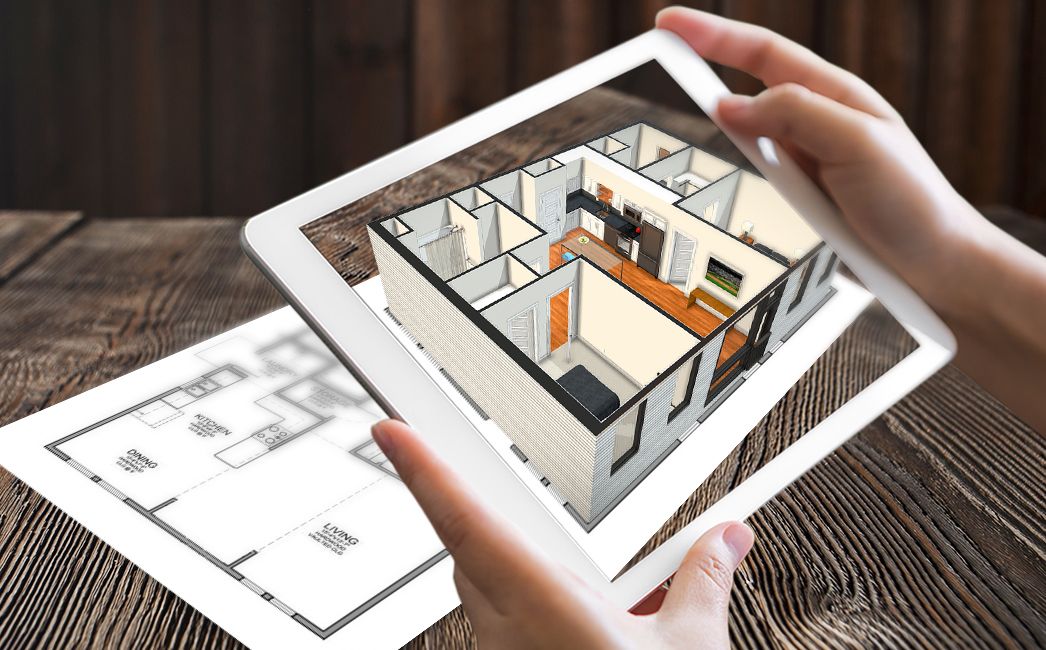
From SketchUp View to Client-Ready Render: A Hands-On Look at Vizbase
Vizbase co-founder Mikus Zarāns shows how the browser-based AI renderer turns SketchUp...
illustrarch Editoral Team4 Mins read
Best AI Interview Assistant for Architects: 9 Tools Compared
We compare nine AI interview assistants for architects on speed, drawing awareness,...
illustrarch Editoral Team12 Mins read

OpenAI’s Astra Model Aims to Turn AI Into an Architecture Workflow Operator
OpenAI's Astra model, launched Sept. 3, 2026, runs multi-step tasks across software,...
illustrarch Editoral Team3 Mins read


Leave a comment