

Best Texture Websites to Download
High-quality architectural visuals require textures from recommended websites that offer seamless PBR textures and comprehensive map sets for effective rendering.
 illustrarch Editoral Team19 January 20223 Mins read475
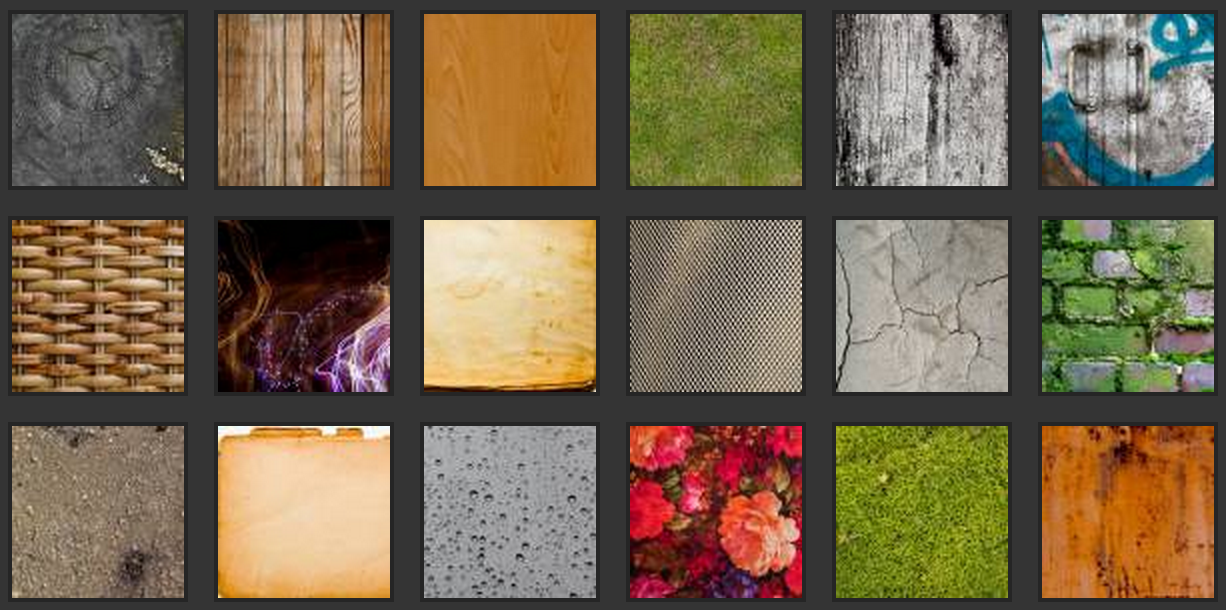
Table of Contents Show
All architects use textures in their architectural presentations and visualizations such as post-productions. In order to have high-quality architectural visuals, the elements that are used must also be high resolution. In this article, we have recommended some websites that you can download the textures you need for free.
This website has seamless PBR textures. There are alternavite textures with diffuse, occlusion, specularity and rouphess maps for users. They have divided into categories, is simple to navigate, and includes beautiful renderings of the material made with all of the maps.

This website is very user-friendly with a large selection of textures of all types. It’s arranged with categories and sub-categories, and it also lets you know when a texture is seamless with a label, which is quite useful.
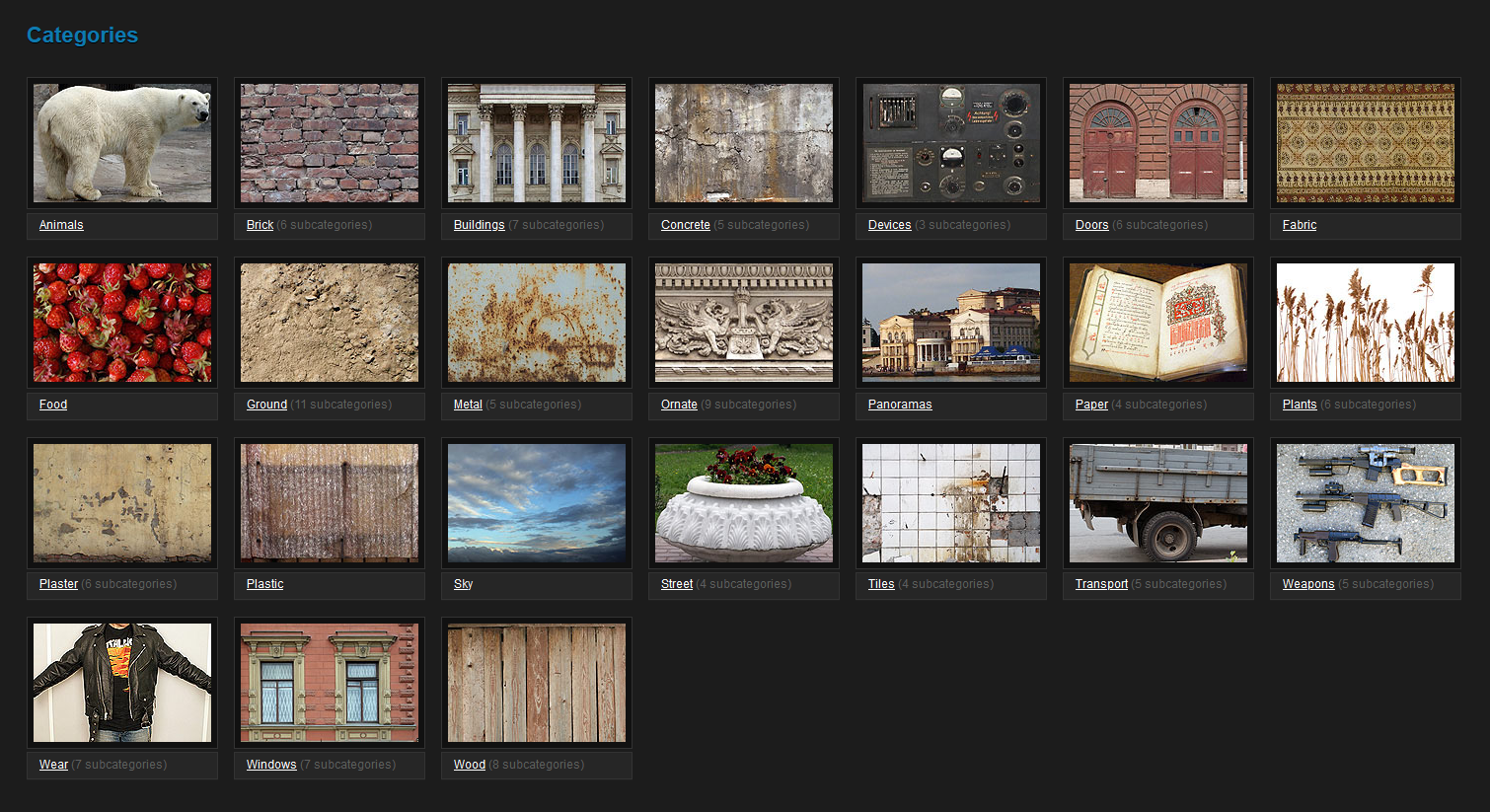
There are countless stock textures on this website, which comes up with a simple interface and a search bar. You can easily download the images you need on this website, which has a very large stock texture archive.
Besides downloading textures with high quality and high resolution, it is a website where you can download great pictures. You can download any text you want by searching for Texture in the search bar on the website.

What to Look for in a Texture Website
Not every free texture is fit for a polished render. Before downloading, check the resolution first. Aim for at least 2K (2048 by 2048 pixels) for surfaces seen up close, and 4K for large floors or facades that fill the frame. Look for tileable or seamless files, since these repeat across a surface without visible joins. The best sites also supply full PBR map sets, not just a single colour image, which gives you far more control inside your render engine.
Understanding PBR Texture Maps
PBR stands for physically based rendering, and a complete texture usually arrives as several linked maps. The diffuse or albedo map carries the base colour. The normal map fakes small bumps and grooves without adding geometry. The roughness map controls how sharp or blurred reflections appear, so a polished marble reads differently from raw concrete. The displacement map pushes the surface in or out for genuine depth, and the ambient occlusion map deepens the shadows in crevices. Loading all of these together is what makes a brick wall or timber floor look believable rather than flat.
How to Use Downloaded Textures in Your Workflow
Start by creating a new material in your render engine, whether that is V-Ray, Corona, Enscape or Blender. Plug each map into its matching slot, then set the texture scale to real-world units so a brick stays brick-sized rather than tiling oddly. Adjust the UV mapping if you see stretching across curved or sloped surfaces. A common tip is to lower the roughness slightly on wet or recently polished materials and to add subtle bump on plaster so it does not read as plastic.
Free Versus Paid: Knowing the Trade-offs
Free libraries are excellent for studies, student projects and quick concept images. Paid platforms tend to offer higher resolutions, scanned real-world materials and consistent map sets across an entire collection, which saves time on a large project. The middle ground is sites that give free downloads with a credit limit and unlock more for a small subscription. Choose based on how often you render and how close the camera sits to the surface.
Checking Licences Before You Publish
Free does not always mean free for every use. Many textures sit under a Creative Commons licence that asks for attribution or restricts commercial work. Pexels and similar sites are generally safe for commercial renders, while some texture archives limit redistribution or resale of the raw files. Always read the licence terms before using a texture in a client deliverable or a published competition entry, and keep a note of the source so you can credit it if required.







From SketchUp View to Client-Ready Render: A Hands-On Look at Vizbase
Vizbase co-founder Mikus Zarāns shows how the browser-based AI renderer turns SketchUp...
illustrarch Editoral Team4 Mins read

Futuro House Production Revived in Finland After Decades-Long Hiatus
A Facebook listing for abandoned moulds led to the first new Futuro...
illustrarch Editoral Team3 Mins read

Building Your Dream Home in NSW: What You Should Know About Montgomery Homes
Montgomery Homes has been building across Sydney, Newcastle, the Hunter, Wollongong and...
illustrarch Editoral Team4 Mins read

Designing a Home Theater: Where Drapery Fits Into the Plan
In a media room the curtains are a performance layer, not decoration....
illustrarch Editoral Team3 Mins read


Leave a comment