

Best YouTube Channels for Learning Lumion
Lumion is a powerful rendering software that can be learned through various YouTube channels offering tutorials, tips, and techniques for achieving quality architectural presentations.
 Elif Ayse Sen18 December 20213 Mins read539

Table of Contents Show
Lumion, which is one of the most preferred rendering software recently, is practical to use. Lumion can be integrated with many modeling software. Below we’ve rounded up best YouTube channels for learning Lumion and what you need to know for quality rendering in Lumion. Note that several video thumbnails in this list come from the Lumion 9 to 11 era; the core workflow they teach still applies, but as of October 2026 the current release is Lumion Pro 2026.1, so check each channel’s newest uploads for version-specific features.

Show it Better is one of the pages with the widest architectural presentation content on both YouTube and Instagram. The YouTube channel of this page, which has a mission to teach architectural presentation techniques and share inspiring content, is among our main recommendations to you. You can learn about Lumion from this channel by following their playlist of “Lumion Tutorials”. You can also learn how to improve your presentations with post-production and architectural illustrations after the render.

The Architectural Inspiration channel has inspiring rendering content just like its name. There are many videos that teach how to get quality rendering not only from Lumion but also from software such as Vray and Enscape. In this channel, you can learn where and how you can download 3d models, effects, plugins to Lumion for a quality render. You can access all the videos about Lumion with the playlist titled “Lumion Tutorials”.

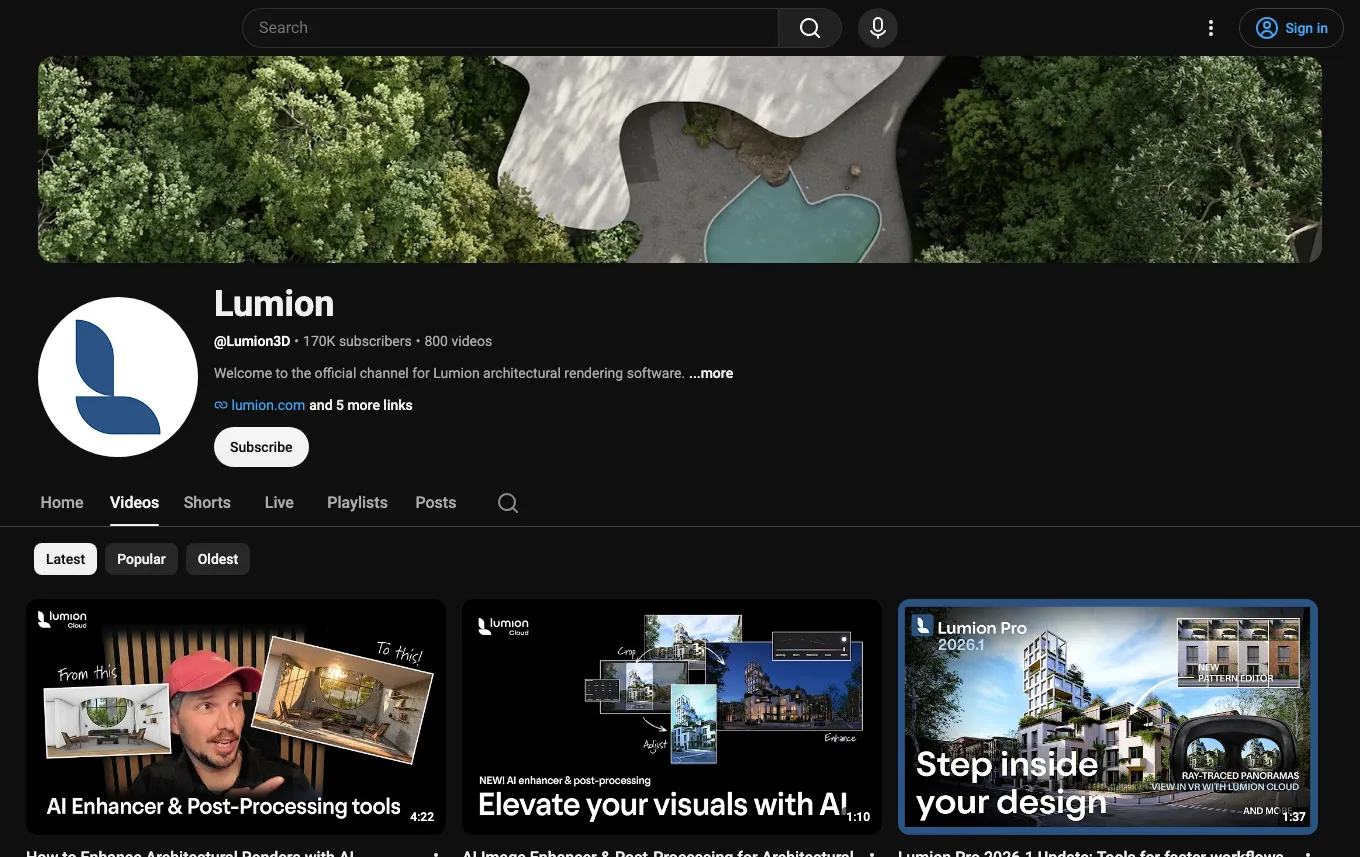
The official Lumion YouTube channel uploads tutorial videos for almost all currently used Lumion versions. With the Lumion channel, you can learn all the details of Lumion step by step. Belonging to many options from lighting to material quality.
You can find detailed tutorial videos. In addition, you will learn about the new features coming to Lumion first hand.
You will learn a lot from this channel with countless tips on Lumion and tutorial videos for many versions. Most of its videos are presented in Indonesian, and its newer uploads also cover SketchUp, D5 Render, Enscape, and AI tools. You can watch most everything you need to get quality rendering, including Lumion animation renders, on the YOGA4ARCH channel.

See also our guide to the best AI architectural rendering tools.
What to Look for in a Lumion Tutorial Channel
Not every rendering channel teaches Lumion the same way, so it helps to know what separates a useful tutorial from one that just shows off a finished render. Look for creators who explain their decisions rather than only clicking through menus. The strongest channels walk you through why a particular sky, sun angle, or material setting was chosen, which is far more transferable than copying a single scene. Pay attention to whether the videos cover the full pipeline: importing a model, placing objects from the library, adjusting materials, lighting the scene, setting the camera, and finally exporting a still or animation. Channels that show their import settings and how they fix common issues, such as flickering surfaces or washed-out lighting, save you hours of trial and error.
Matching the Channel to Your Modeling Software
Lumion connects to most major modeling tools through the LiveSync plugin, which keeps your model and the Lumion scene updated in real time as you work. If you model in SketchUp, Revit, ArchiCAD, Rhino, or 3ds Max, search each channel for tutorials that specifically use your software. The export workflow and the way geometry arrives in Lumion can differ between programs, and a SketchUp-focused walkthrough will not always map cleanly onto a Revit project. Many of the channels above tag their videos by source software, so filtering by that tag is a quick way to find content that matches your actual day-to-day setup.
Practical Tips for Better Lumion Renders
As you follow along with these channels, a few habits consistently improve results. Spend extra time on lighting before adding effects, since a well-lit scene needs far less post-production. Use real-world scale when placing trees, people, and furniture so that proportions read correctly. Add subtle imperfections such as varied vegetation, weathered materials, and people in motion to avoid the sterile look that flat renders often have. When exporting, render at a higher resolution than you think you need so you have room to crop and sharpen later. Finally, study the effect stack that experienced creators use, because layering a small amount of bloom, color correction, and depth of field usually looks more convincing than pushing any single effect to its maximum.
Building a Learning Routine
The fastest way to improve is to recreate a tutorial scene, then rebuild it from memory using your own model. Watching passively rarely sticks; the skills settle in once you make the same mistakes the instructor warns about and learn to correct them yourself. Mix sources too. The official Lumion channel is best for understanding new version features and the intended workflow, while community creators like Show it Better and YOGA4ARCH are stronger on presentation polish and creative direction. Combining the official reference material with community technique gives you both a solid technical foundation and a sense of style, which together produce the most professional results.
Architecture Students Hub
This guide is part of Software, Rendering and Gear, stage 4 of our student roadmap from the first diagram to the first internship. Next stage: Portfolio, CV and Internships, or browse every free tool and guide in the Architecture Students Hub.





Notion Alternatives for Architects: 7 Tools That Fit Studio Work
Notion works until a studio needs fee tracking, phase budgets and timesheets....
 Furkan Sen7 Mins read

Why Every Practice Ends Up With Five Versions of the Same Revit Family
Let’s learn why Revit family libraries accumulate duplicates, break schedules and slow...
 illustrarch Editoral Team5 Mins read

Visualizing Renovation Projects From Photographs: A Workflow for Existing-Building Work
Photo-based visualization turns a photograph of a building that already exists into...
illustrarch Editoral Team7 Mins read

Best Free CAD Blocks and Resources for Architects
A working guide to free CAD blocks for architects, covering ARCAT, CAD-Blocks.net,...
Furkan Sen7 Mins read


Leave a comment