

AI for Architects: How Small Studios Compete with Big Firms Using SaaS Tools
AI for architects, delivered through affordable SaaS tools, is changing the competitive landscape between small studios and large firms. This article breaks down which categories of AI tools matter most, what a realistic stack costs, and how a three-person office can match the speed and output quality of a much larger practice.
 Sinan Ozen2 May 20268 Mins read200

Table of Contents Show
AI for architects, delivered through affordable SaaS platforms, is closing the gap between small studios and large firms by replacing expensive software licenses, in-house rendering teams, and custom infrastructure with subscription-based tools that any practice can access. Small offices now run the same concept, rendering, and analysis pipelines that used to be exclusive to 100-person studios.
Until recently, a three-person studio in Istanbul, Lisbon, or Mexico City could not realistically compete with a 200-architect firm on visualization speed, concept variety, or proposal turnaround. The tools that made large firms fast were expensive, needed trained specialists, and ran on workstation hardware few small offices could justify. That equation has changed. Cloud-based AI software for architects has replaced most of that overhead with monthly subscriptions, browser interfaces, and workflows that a single architect can learn in a weekend. For context on which traditional workflows are being replaced first, the breakdown of AI tools replacing traditional architecture workflows in 2026 is a useful starting point.
This article breaks down exactly where small studios are winning, which categories of AI tools for architects matter most, and how to build a lean SaaS stack that punches above its weight.
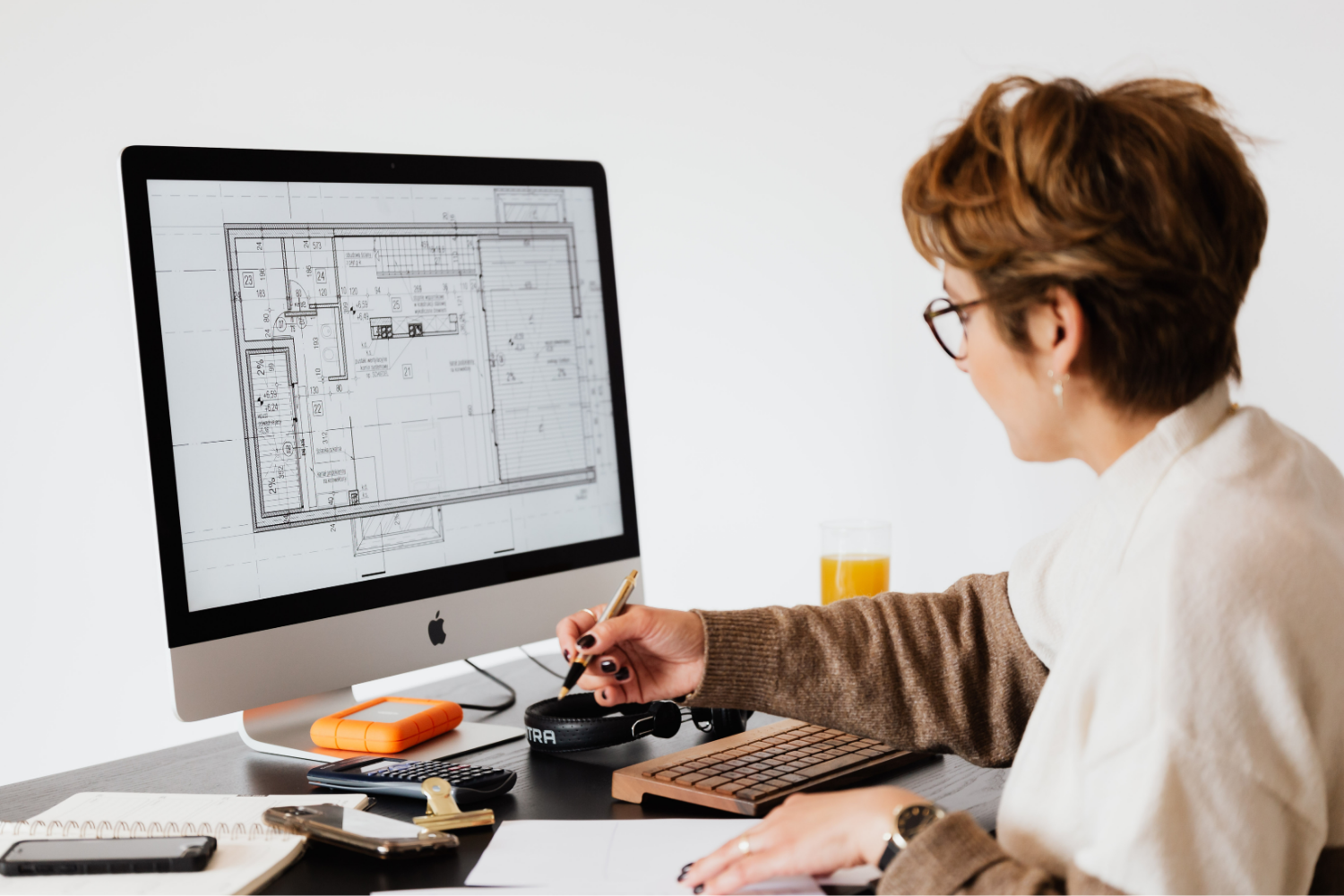
Why AI for Architects Is Now a Small-Studio Advantage
The historical moat around large firms was never purely talent. It was infrastructure: license seats for Revit and Rhino across dozens of machines, full-time rendering artists, dedicated BIM managers, and research departments running feasibility studies. AI for architect workflows, delivered as SaaS, collapses most of that infrastructure into a credit-based subscription.
A small studio today pays for what it uses. Rendering becomes a per-image cost instead of a salaried headcount. Site analysis becomes a browser session instead of a GIS specialist. Concept ideation happens on a phone instead of a licensed visualization workstation. This is the shift that makes the best AI for architect teams genuinely accessible at any size.
🔢 Quick Numbers
- Architects spend an average of 35% of their working hours on non-design administrative tasks (AIA Firm Survey, 2023)
- AI-assisted rendering reduces image generation time from 2 to 4 hours down to under 10 minutes for comparable quality outputs (Autodesk State of Design & Make Report, 2024)
- 67% of architecture professionals say AI tools have meaningfully reduced time spent on repetitive documentation tasks (Dodge Construction Network, 2024)
The practical effect on competitive dynamics is significant. A two-person office can now deliver three concept render variations in a single client meeting, run a shadow study before lunch, and submit a full-massing feasibility analysis within 48 hours of a brief. Speed like this used to require a team of six.

What Are the Core Categories of AI Tools for Architects?
Not every AI tool belongs in a small studio stack. The tools that genuinely move the needle fall into five categories, and each one addresses a specific bottleneck where small firms historically lost time or lost pitches.
AI Rendering for Architects
This is the category where small studios have gained the most ground. Sketch-to-render and model-to-render tools convert a rough SketchUp export, a Rhino viewport, or even a hand sketch into a photorealistic image in under a minute. Platforms in this space include Veras by EvolveLAB, ArchiVinci, ReRender AI, and dedicated architecture platforms like Archfine AI. A detailed walkthrough of the field is available in the 25 best AI architectural rendering tools in 2026.
The workflow is straightforward: export a viewport screenshot from your CAD software, upload it, pick a style, and receive the render. No V-Ray license, no lighting setup, no GPU farm.
💡 Pro Tip
Use AI rendering tools during the first three rounds of client feedback to generate fast style comparisons, then switch to V-Ray or Lumion only for final marketing-grade deliverables. This preserves rendering quality where it matters while cutting project hours significantly across the approval cycle.
Generative AI for Architects and Early-Stage Massing
Generative design SaaS platforms handle massing, site analysis, and feasibility studies that used to require either a dedicated computational designer or a multi-week outsourced study. Autodesk Forma (formerly Spacemaker) analyzes sun path, wind, noise, and density constraints, then returns ranked layout options. TestFit handles parking, unit mix, and yield studies for residential and mixed-use projects in minutes.
For small firms bidding on feasibility contracts against larger offices, this category is a quiet equalizer. The same ranked massing options that a 50-person firm would produce over two weeks can now be shown to a developer in a single meeting.

AI Agents for Architects (Workflow Automation)
AI agents for architects are a newer category, covering tools that sit on top of a firm’s documentation, specifications, and design standards to automate coordination tasks: generating drawing sheet indexes, checking specification consistency, producing area schedules, and even drafting meeting summaries from video calls. Tools in this category overlap with general-purpose AI assistants but are increasingly tuned for AEC workflows.
AI App for Architects (Mobile and On-Site)
A well-designed AI app for architects turns a phone into a working tool. Polycam captures spaces with LiDAR and exports usable point clouds or meshes. Morpholio Trace runs AI-assisted sketching with real-time perspective correction on an iPad. These tools remove the need to bring a laptop on site for measurement, annotation, or rapid concept work.
BIM and Documentation Assistance
The final category covers AI integrations inside Revit, ArchiCAD, and Rhino that automate repetitive modeling, sheet production, and clash detection. Plugins like Hypar and Finch 3D let designers express spatial intent at a high level and receive geometry and documentation in return.
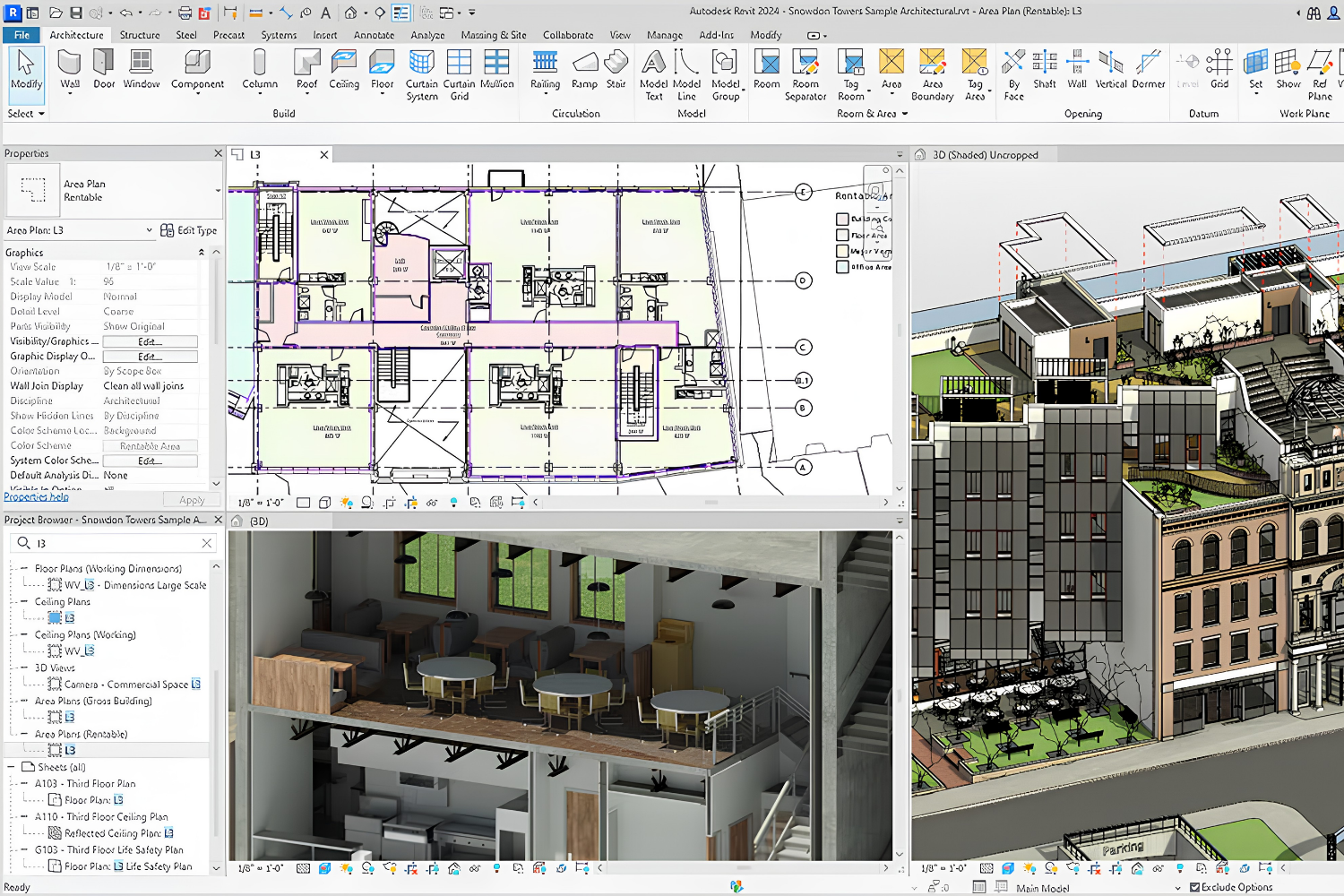
How Small Studios Compete with Big Firms Using SaaS Tools
The interesting question is not whether small studios have access to AI software for architects. They do. The question is what to do with that access. Three competitive advantages consistently show up in small practices that have integrated AI tools effectively.
Faster Concept Turnaround
A boutique studio with three designers can deliver five concept directions in the time a traditional firm delivers one. This matters most at the pitch stage and during early client conversations, where visual volume often decides the engagement. Midjourney v7, combined with a sketch-to-render tool and a quick Rhino massing, lets a small team present options that would have required a dedicated renderer two years ago.
🎓 Expert Insight
“AI will not replace architects. It will replace architects who don’t use AI.”
Refik Anadol, Media Artist and Architect
This observation captures the practical reality of concept-stage work in 2026. The bottleneck for small studios is no longer whether AI tools are capable enough, but whether designers have integrated them into their process early enough to benefit competitively.

Lean Operating Cost Structure
Small firms avoid the license stacking problem that larger firms carry. A 40-seat Revit license, multiple Lumion installations, and a V-Ray farm add up. A small studio can replace much of that with four or five SaaS subscriptions totaling a few hundred dollars per month, paid per user, with no workstation hardware upgrade required. The project management layer is often the cheapest part of the stack, and the comparison between Notion, Trello, and Monday for architecture practice covers the practical differences between the common options. The cost differential across the full stack goes directly to profit margin or to reinvestment in design time.
Competing in Niches Large Firms Ignore
Residential, boutique hospitality, small commercial interior fit-outs, and adaptive reuse projects rarely get the attention of firms billing at enterprise rates. A small studio with sharp AI tools can deliver visualization and design quality in these segments that clients used to expect only from large offices. This is how two-person practices win work that once routinely went to firms ten times their size.
Building a SaaS Stack: A Practical Breakdown
A lean, competitive AI stack for a small studio does not need more than six tools. The table below shows a realistic starter setup that covers concept, rendering, site analysis, documentation, and presentation across five categories.

Recommended SaaS Stack Comparison
The following table compares common tools small studios use in each category, based on typical pricing and workflow fit.
| Category | Tool Example | Pricing Model | Best For |
|---|---|---|---|
| Concept ideation | Midjourney | Monthly subscription | Moodboards, style research |
| AI rendering | Veras or Archfine | Credits or subscription | Sketch-to-render, client iterations |
| Massing and site analysis | Autodesk Forma | Per-seat subscription | Feasibility, environmental studies |
| Mobile capture | Polycam | Free tier plus paid plan | Site surveys, existing conditions |
| Project management | Notion or Trello | Free tier plus paid plan | Task tracking, documentation |
| Presentation | Adobe Firefly | Creative Cloud subscription | Board edits, texture studies |
How Much Does an AI Stack Cost a Small Studio?
The honest range for a three-person studio running the full stack above is roughly $150 to $400 per month, depending on rendering credit usage. This replaces what would have been, in a traditional setup, tens of thousands of dollars in annual software licensing and hardware amortization. The key constraint is rendering credit consumption, which scales with project volume, so studios bidding aggressively should budget a buffer.
Cost figures are approximate and vary by region, tool provider, and subscription tier. Always check current pricing directly with each platform before budgeting.
⚠️ Common Mistake to Avoid
Small studios often subscribe to every AI tool that goes viral, then spread their usage too thin to build real fluency in any of them. A tight stack of four or five tools used daily outperforms a subscription portfolio of twelve tools used occasionally. Pick the minimum set that covers your actual bottlenecks and commit to them for at least three months before adding more.
How to Adopt AI for Architects Without Breaking Your Workflow
Adoption matters more than selection. The best ai for architects only produces results when it is integrated into daily practice, not bolted on for special occasions. A sensible adoption path for a small studio looks like this:
- Week one: Pick one rendering tool and run every SketchUp export through it for internal iteration, not client delivery yet.
- Weeks two to four: Shift client-facing concept images to the AI render workflow. Keep V-Ray or Lumion for final deliverables.
- Month two: Add a massing or site analysis tool. Use it on one live feasibility study to build the muscle memory.
- Month three: Integrate mobile capture and a project management layer. Standardize file naming and handoff points between tools.
- Month four onward: Review monthly spending, drop tools that did not get used, and add specialized ones where clear bottlenecks remain.
Studios that take a slower, more deliberate approach generally get more out of their stack than those that onboard six tools in week one and abandon four of them by month two.
What AI Cannot Replace for Small Studios
The honest limits of AI for architects matter. Generative tools do not produce construction documents, do not verify structural assumptions, and do not substitute for building code interpretation. They accelerate ideation, visualization, and analysis. Everything downstream of schematic design still depends on architect judgment, licensed review, and traditional software.
Small studios that understand this distinction make AI a genuine advantage. Firms that treat AI as a replacement for design thinking tend to produce work that looks generic, which is exactly the opposite of what a boutique practice should aim for. The edge comes from human design intent amplified by AI speed, not the reverse. A broader look at the current platform landscape is available in the overview of the 10 best architecture tools of 2026.
✅ Key Takeaways
- AI for architects, delivered through SaaS platforms, has eliminated most of the infrastructure advantage large firms held over small studios.
- The five core categories that matter are AI rendering, generative design, AI agents, mobile AI apps, and BIM documentation assistance.
- A lean stack of four to six tools at $150 to $400 per month replaces tens of thousands of dollars of traditional software and staffing overhead.
- Small studios compete best by using AI to deliver faster concept turnaround, lean cost structures, and quality in niches that large firms ignore.
- Adoption should be gradual and focused. Four tools used daily beat twelve tools used occasionally.
Final Thoughts
The competitive gap between small studios and large firms is no longer about tool access. It is about tool fluency. A three-person studio that has spent six months mastering a tight SaaS stack is now a credible competitor on projects that would have been unreachable five years ago. The firms winning in this shift are not the ones with the most subscriptions. They are the ones that picked four or five tools, learned them well, and rebuilt their workflow around them. For any small office asking how to compete in 2026, the answer starts with that decision.








Seedance 3.0 for Home and Garden Concepts: Making a Renovation Story Easier to Discuss
Seedance 3.0 can turn a renovation idea into a short concept video....
 illustrarch Editoral Team5 Mins read

From SketchUp View to Client-Ready Render: A Hands-On Look at Vizbase
Vizbase co-founder Mikus Zarāns shows how the browser-based AI renderer turns SketchUp...
illustrarch Editoral Team4 Mins read

Best AI Interview Assistant for Architects: 9 Tools Compared
We compare nine AI interview assistants for architects on speed, drawing awareness,...
illustrarch Editoral Team12 Mins read

OpenAI’s Astra Model Aims to Turn AI Into an Architecture Workflow Operator
OpenAI's Astra model, launched Sept. 3, 2026, runs multi-step tasks across software,...
illustrarch Editoral Team3 Mins read


Leave a comment