

AI Tools That Are Replacing Traditional Architecture Workflows in 2026
AI tools are fundamentally changing architecture practice in 2026, from concept generation and rendering to BIM documentation and site analysis. This article breaks down which traditional workflows are being replaced, which tools are doing the replacing, and what architects need to know to stay ahead.
 Sinan Ozen1 April 20269 Mins read246
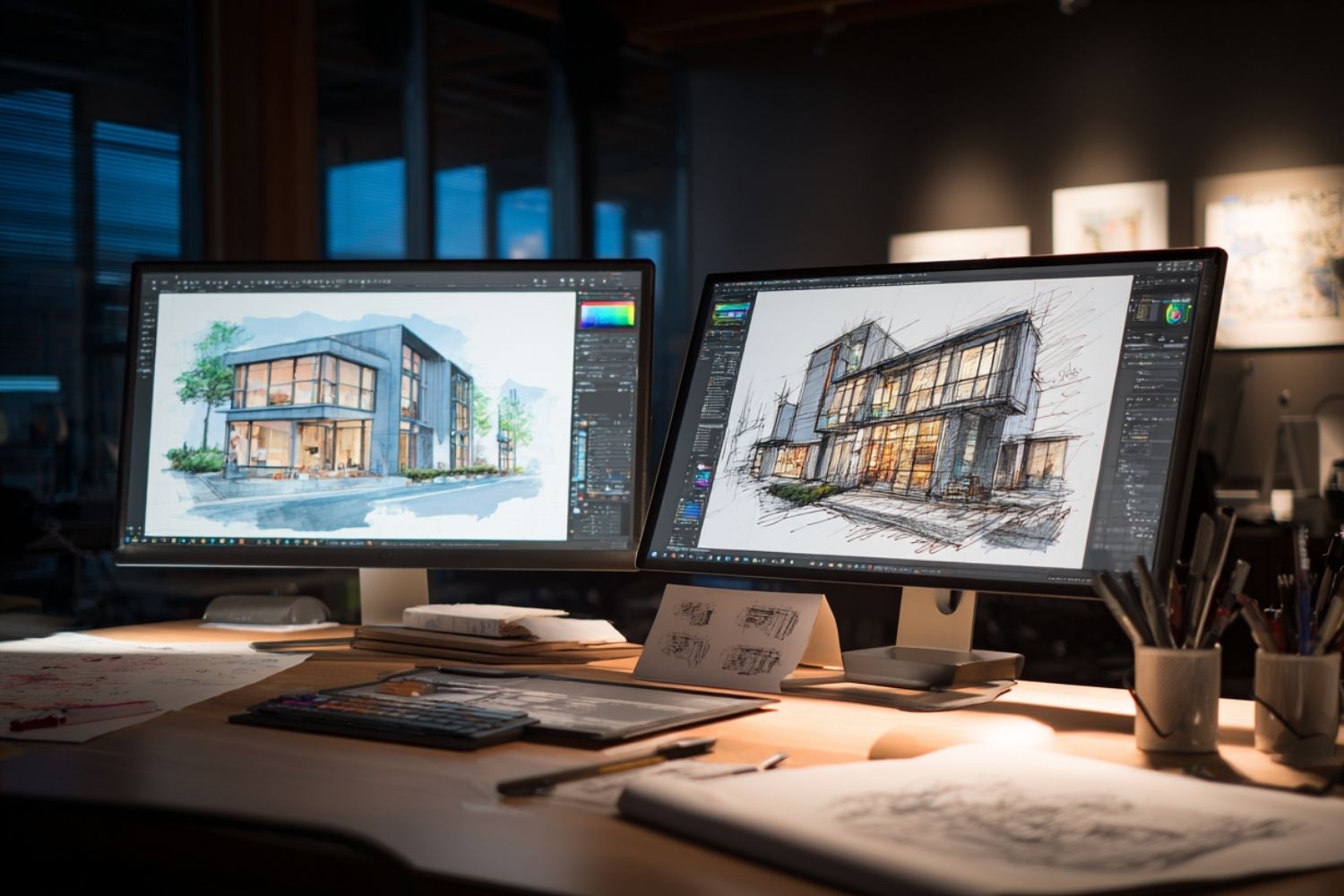
Table of Contents Show
AI tools are fundamentally reshaping how architects work in 2026, automating tasks that once consumed hours of manual effort across rendering, documentation, site analysis, and design iteration. What used to require dedicated software specialists and expensive hardware can now be done in minutes by a single architect with the right AI tool for architecture design.

What Traditional Architecture Workflows Are Actually Being Replaced?
The shift is not abstract. Specific, measurable parts of the architecture workflow are being handed off to AI systems, and the pace of adoption is accelerating. According to a 2024 survey by Autodesk on the state of design and make, 76% of AEC organizations plan to increase their investment in AI within the next three years. A separate survey by Architizer and Chaos found 46% of architecture professionals are currently using AI tools, with another 23% planning to adopt them in the near future.
The workflows being replaced fall into five broad categories: concept visualization, rendering, site analysis, BIM documentation, and construction administration. Each one has seen targeted AI apps for architects move from experimental curiosity to daily practice at firms of every size.
🔢 Quick Numbers
- 46% of architecture professionals currently use AI tools in their workflow (Architizer + Chaos, 2024-2025 State of Architectural Visualization Survey)
- AI-assisted rendering reduces image generation time from 2-4 hours to under 10 minutes for comparable quality outputs (Autodesk State of Design & Make Report, 2024)
- 67% of architecture professionals say AI tools have meaningfully reduced time spent on repetitive documentation tasks (Dodge Construction Network, 2024)
- 76% of AEC organizations plan to increase AI investment within the next three years (Autodesk State of Design & Make, 2024)

AI Architecture Rendering Tools: The Biggest Workflow Shift
Traditional rendering was one of the most time-intensive tasks in architecture practice. A photorealistic exterior view for a mid-complexity project could take 4-8 hours to produce using software like V-Ray or Lumion, even with capable hardware. Setting up materials, configuring lighting rigs, and waiting through render passes was standard procedure. For a closer look at how this cost-benefit equation has shifted, the comparison between AI render tools and traditional architectural rendering engines breaks down speed, cost, and quality differences side by side.
AI architectural rendering tools have collapsed that timeline. Platforms like ReRender AI, Veras by EvolveLAB, and ArchiVinci now generate client-facing visualizations from SketchUp, Revit, or Rhino exports in under 30 seconds. The workflow is straightforward: export a viewport screenshot from your CAD software, upload it to the platform, select a style, and the AI renders a photorealistic result. No material assignments, no light rig setup, no waiting.
According to a 2024 ArchDaily AI Tools Survey, AI-assisted visualization tools reduce production time by an estimated 90% compared to traditional rendering pipelines for concept and client-facing deliverables. For studios running multiple client review cycles, this translates to significant project cost savings.
💡 Pro Tip
Experienced architects recommend using AI render tools during the first three rounds of client feedback to generate fast style comparisons, then switching to V-Ray or Lumion only for final marketing-grade deliverables. This approach preserves rendering quality where it matters while cutting project hours significantly across the approval cycle.
The important distinction is that AI rendering tools are not replacing physics-based engines for final construction documentation or large-format print. They are replacing the concept and iteration phase of rendering, where most rendering hours are spent. Studios that want a technical foundation for this shift can find it in the guide to AI rendering in architecture, which covers how neural network-based rendering works at the platform level.
How AI Architecture Design Tools Are Changing Concept Generation
Manual sketching and early-stage design iteration used to require hours of back-and-forth between architects and clients before a direction could be established. The AI tools architects are using for concept design in 2026 have changed what is possible in a single schematic design session, compressing the gap between brief and first visual to minutes.
Midjourney V6 handles architectural prompts with noticeably improved geometric coherence compared to earlier versions. Architects use it for concept exploration, style research, and client mood boards before committing to a 3D model. Adobe Firefly integrates directly into Photoshop, which is practical for architects already working in the Adobe ecosystem who need to post-process concept renders or produce texture studies.
Autodesk Forma represents a different category: not image generation, but early-stage massing and site analysis. It analyzes sun path, wind, noise, and density constraints to generate and evaluate building layouts, outputting diagrams and data overlays alongside massing geometry. According to Autodesk, one architectural firm using Forma reported a 50% increase in early-phase development productivity. That kind of gain does not come from better images, it comes from replacing the manual workflow of running separate analysis software and compiling results by hand.
🎓 Expert Insight
“AI will not replace architects. It will replace architects who don’t use AI.”
Refik Anadol, Media Artist and Architect
Anadol’s observation captures the practical reality in 2026. The bottleneck is no longer whether AI tools are capable enough for architecture, it is whether design professionals have integrated them into their process early enough to benefit from the time and competitive advantages they offer.

What Is Generative Design in Architecture?
Generative design uses AI algorithms to produce multiple design options from a defined set of constraints, site boundaries, zoning requirements, unit mix targets, and budget parameters. Rather than an architect manually drafting and testing each option, the AI generates hundreds of configurations and surfaces the strongest performers. Tools like TestFit and Finch3D take this approach for site planning and floor plan optimization. TestFit generates site layouts in real time based on zoning, unit mix, and parking requirements, producing feasibility study outputs in minutes rather than days. For students and early-career professionals getting started with these workflows, the overview of AI tools for architecture students is a practical entry point.
AI Tools for Architecture Documentation: BIM and Construction Administration
Documentation is where architecture firms spend a disproportionate share of non-design time. The AIA Firm Survey (2023) found that architects spend an average of 35% of their working hours on non-design administrative tasks. AI tools for architecture are beginning to address this directly. The breakdown of AI tools that save time in architecture firms shows consistent gains across three areas: design ideation, technical documentation, and client communication, and it is documentation where the cumulative hours add up fastest.
BricsCAD BIM uses AI-driven model recognition to identify and classify design elements from generic geometry, then automatically converts conceptual 3D models into fully classified BIM models. AI-assisted documentation within the platform automatically generates schedules, dimensions, and annotations from the BIM model. Vectorworks and ArchiCAD have introduced similar AI-assisted workflows for clash detection, documentation automation, and coordination across architecture, MEP, and structural disciplines.
Construction administration software like Part3 uses AI to automate drawing management and submittal review, two of the most time-consuming parts of the CA phase. The platform automatically detects drawing revisions, identifies the latest IFC sets, and organizes drawings by version. For project teams managing hundreds of drawing sheets and submittal packages, this kind of automation directly replaces hours of manual file management per week.
⚠️ Common Mistake to Avoid
Many architects assume AI rendering tools can replace their entire visualization pipeline from day one. In practice, AI renders are most effective for concept and client-facing work, not final construction documentation or large-format print. Trying to use AI tools at the wrong project phase often leads to quality mismatches and wasted revision cycles. Use them strategically: AI for iteration, traditional engines for final deliverables.

AI Architectural Tools for Site Analysis and Sustainability
Site analysis traditionally involved running multiple separate programs for solar access, wind, noise, and energy modeling, then manually compiling outputs into a coherent report. AI tools are replacing this fragmented workflow with integrated platforms that deliver analysis and design feedback in parallel. For a broader view of how these platforms fit into the full project lifecycle, the overview of how AI enhances architectural design and construction processes covers everything from schematic planning through to site execution.
Autodesk Forma consolidates sun path analysis, wind modeling, noise assessment, and density constraints into a single cloud-based environment. Architects can evaluate multiple massing options against environmental performance criteria without switching between software. A practical case: ARCO Architecture used Forma to optimize building performance on a student housing project in Sweden, analyzing daylight conditions across units and reorienting the courtyard to maximize sun exposure. The data-driven workflow allowed real-time comparisons of design options, replacing the manual iteration cycle that typically adds weeks to the schematic design phase.
For sustainability-focused practices, tools that combine AI with building performance simulation are particularly valuable. Autodesk Insight within Revit provides feedback on energy use intensity, solar gains, and heating and cooling loads. These outputs help architects compare massing and envelope options for sustainability criteria early, when design changes are still easy and cost-effective.
🏗️ Real-World Example
Brooks Scarpa Architects (Florida, ongoing): This 17-person firm achieved 25% profit growth and 50% efficiency gains by integrating AI-powered practice management tools that automate administrative workflows. Rather than replacing designers, the tools shifted time from manual coordination toward higher-value design work, demonstrating how AI tools for architecture can deliver measurable business outcomes alongside design improvements.

What AI Tools for Architecture Cannot Replace
Understanding what AI does not replace is as important as knowing what it does. Contextual design judgment remains a uniquely human capability: AI generates designs by recombining patterns from training data, producing results that can lack emotional resonance or cultural specificity. An AI tool cannot execute the informal design move that emerges from an unexpected site constraint or a client relationship built over years of collaboration. The architecture tools shaping practice in 2026 consistently reflect this divide: the platforms gaining widest adoption are those that automate computational and administrative work, not those attempting to replicate design judgment.
Professional responsibility and legal accountability create an absolute boundary. When projects fail, licensed architects remain legally liable. AI systems cannot assume professional responsibility, maintain licenses, or face disciplinary action. This is not a temporary limitation, it reflects the structural reality of how architecture practice is regulated and how built work is commissioned.
Emotional intelligence in design encompasses how people experience spaces and the cultural meanings embedded in built form. These are not functions AI can simulate with the precision that matters for building-scale decisions. The architects who thrive in this environment are those who learn to use AI tools for the computational and iterative work while directing the creative and judgment-intensive decisions themselves.
💡 Pro Tip
When testing any new AI architecture design tool for the first time, run it through a project you already know well. Using a familiar brief lets you evaluate the tool’s output quality against a baseline you trust, rather than simultaneously learning the tool and trying to judge whether unfamiliar results are good or just unfamiliar. This approach also surfaces integration gaps before they appear on a live client project.
How Architects Are Building AI Toolstacks in 2026
No single AI tool covers the full architectural workflow. The firms reporting the most consistent gains are building layered toolstacks: an image generation tool for early concept exploration, a geometry-respecting render tool for client visuals, a site analysis platform for feasibility and performance diagrams, and an AI-assisted documentation tool for BIM and CA. The pattern is consistent across firm sizes, those that treat AI adoption as a workflow engineering problem, rather than a philosophical debate about creative authorship, see the most measurable gains in profitability and design output quality.
The tools are available, the adoption curves are proven, and the workflows are increasingly well-documented. Firms that get the most value out of artificial intelligence in architecture are those that identify specific workflow bottlenecks before selecting tools, rather than adopting platforms because of industry buzz. The remaining differentiator is the design thinking that frames how they are used.
✅ Key Takeaways
- AI architectural rendering tools have replaced the concept and iteration phase of traditional rendering, cutting production time from hours to minutes for client-facing visuals.
- Generative design platforms like Autodesk Forma and TestFit are replacing manual site analysis and feasibility workflows, compressing early-stage design timelines significantly.
- BIM documentation and construction administration are being automated by AI tools that detect drawing revisions, classify model elements, and manage submittal workflows.
- No AI tool replaces professional judgment, legal accountability, or the contextual intelligence that defines high-quality architectural work.
- The most effective AI workflows in 2026 combine multiple specialized tools across the design stages rather than relying on a single platform.
What are the best AI tools for architecture in 2026?
The best AI tools for architecture in 2026 depend on the workflow they target. For rendering and visualization, Veras by EvolveLAB, ReRender AI, and ArchiVinci are the most widely adopted. For early-stage concept generation, Midjourney and Autodesk Forma lead in daily use. For BIM documentation and construction administration, BricsCAD BIM, Part3, and Vectorworks offer the most integrated AI-assisted workflows.
How is AI changing traditional architecture practice?
AI is changing architecture practice primarily by automating the repetitive, computational work that previously consumed a significant share of architect hours. Rendering, documentation, site analysis, and feasibility studies are all being accelerated or partially automated. The 2024 Autodesk State of Design & Make report found that 44% of AEC survey respondents cited increased productivity, 39% cited automation of mundane repetitive tasks, and 36% focused on producing better-informed design options as their primary AI use cases.
Will AI tools replace architects?
AI tools will not replace architects, but they will replace architects who do not use them. The profession’s core value, contextual judgment, professional liability, cultural intelligence, and client relationships, cannot be automated. What AI is replacing is the time architects spend on tasks that do not require those capabilities. Firms that automate the computational and administrative work free their teams to focus on the design decisions that create lasting value.






Seedance 3.0 for Home and Garden Concepts: Making a Renovation Story Easier to Discuss
Seedance 3.0 can turn a renovation idea into a short concept video....
 illustrarch Editoral Team5 Mins read

From SketchUp View to Client-Ready Render: A Hands-On Look at Vizbase
Vizbase co-founder Mikus Zarāns shows how the browser-based AI renderer turns SketchUp...
illustrarch Editoral Team4 Mins read

Best AI Interview Assistant for Architects: 9 Tools Compared
We compare nine AI interview assistants for architects on speed, drawing awareness,...
illustrarch Editoral Team12 Mins read

OpenAI’s Astra Model Aims to Turn AI Into an Architecture Workflow Operator
OpenAI's Astra model, launched Sept. 3, 2026, runs multi-step tasks across software,...
illustrarch Editoral Team3 Mins read


Leave a comment