

Houdini Alternatives for Architects: 7 Practical Options Compared
A practical comparison of seven Houdini alternatives suited for architectural workflows. Each tool is evaluated by procedural capability, pricing, learning curve, BIM integration, and the specific project types it handles best, helping architects choose the right platform for their design process.
 Sinan Ozen18 June 20265 Mins read114
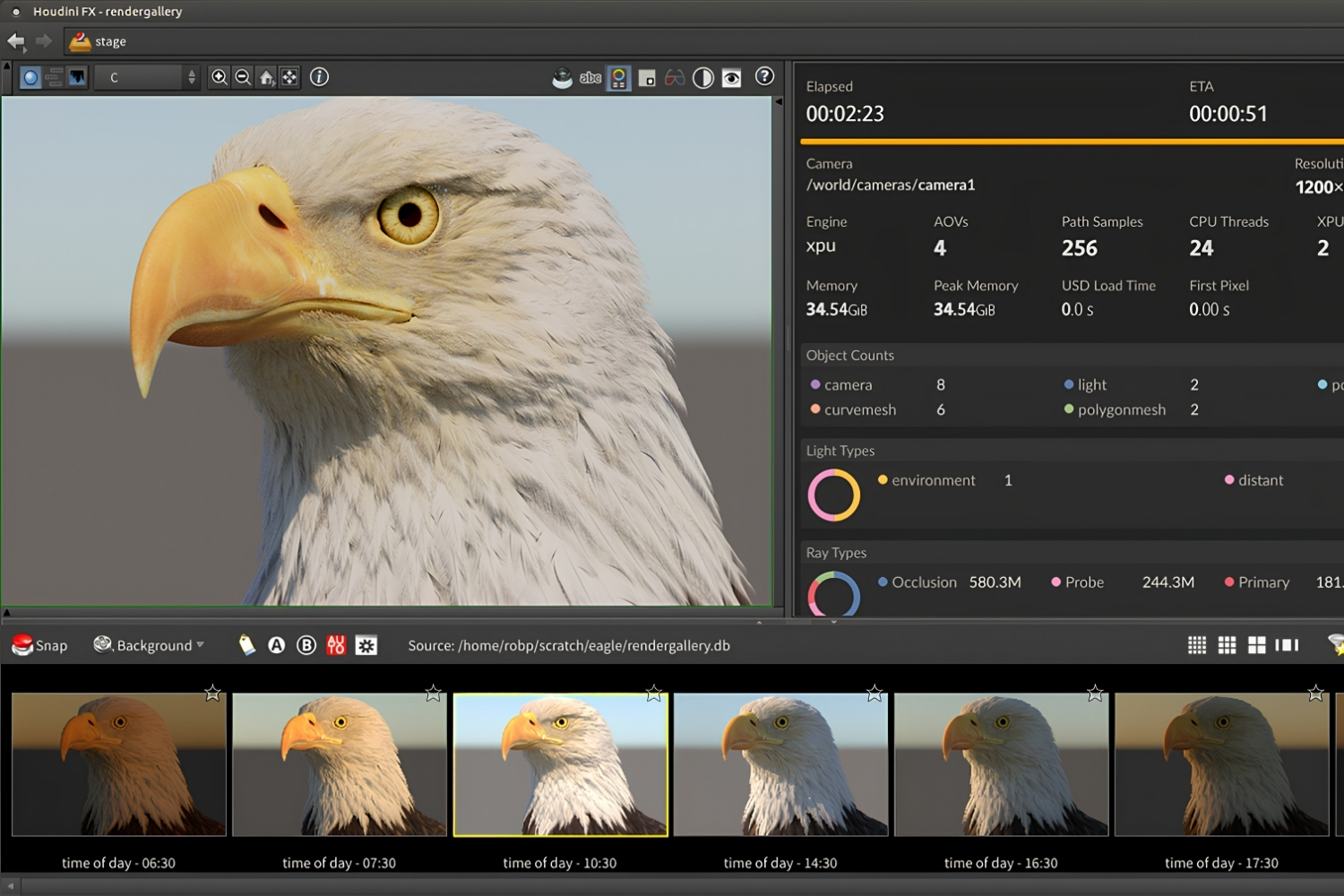
Table of Contents Show
Houdini alternatives for architects range from visual scripting environments like Grasshopper and Dynamo to full 3D suites like Blender and Cinema 4D. The best choice depends on whether your work demands procedural geometry, BIM integration, or free-form modeling, and each option carries different trade-offs in cost, learning curve, and plugin support.
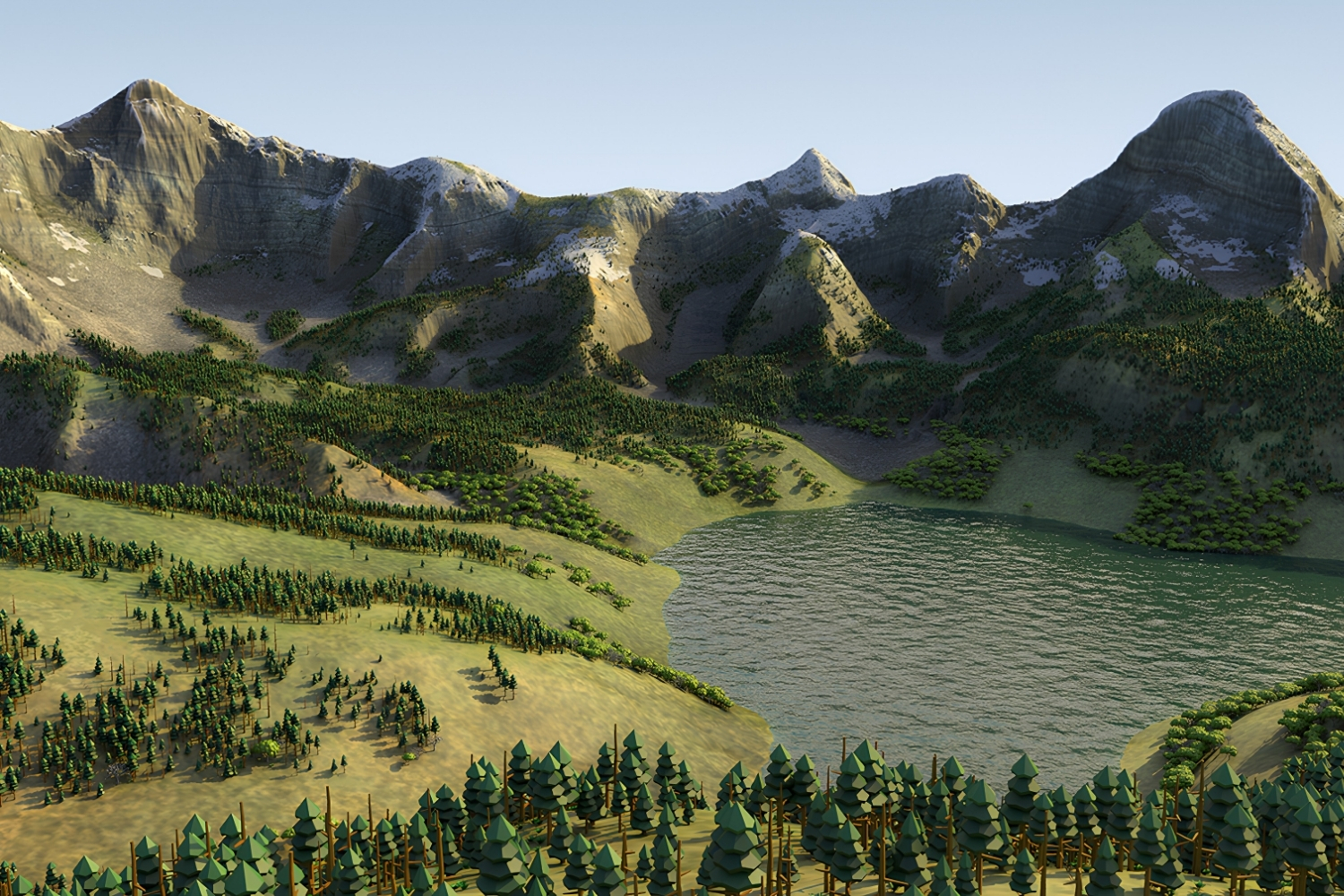
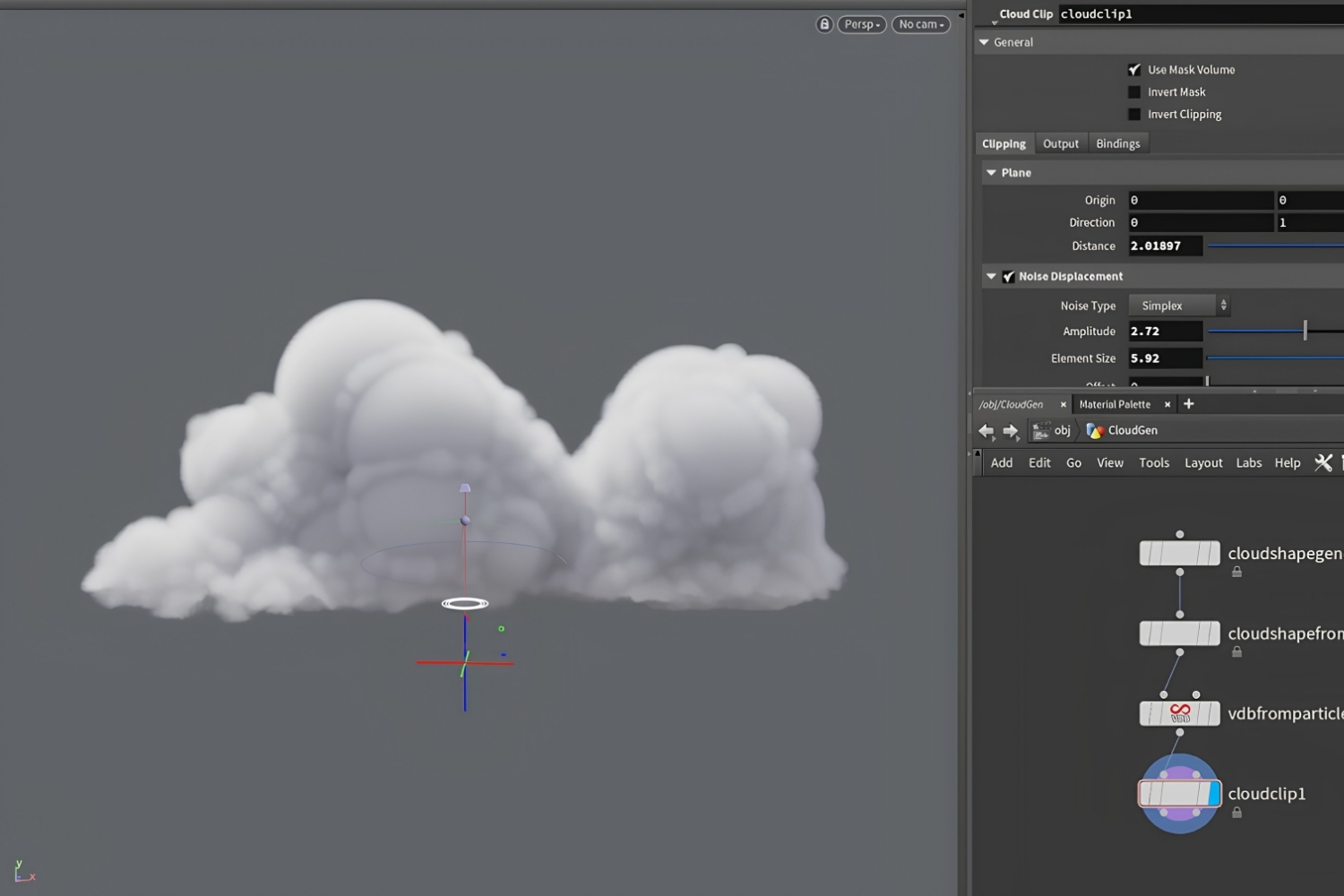
SideFX Houdini is one of the most powerful procedural 3D platforms available. Originally built for visual effects, it has gained traction among computational designers and experimental architecture studios for tasks like urban simulation, agent-based modeling, and physics-driven form generation. But Houdini’s steep learning curve, VFX-oriented documentation, and commercial licensing costs (Houdini FX starts at roughly $4,495/year for a subscription) make it a difficult fit for many architecture practices. If you are looking for parametric design tools that integrate more naturally with architectural workflows, several strong alternatives exist.
Why Architects Look for Alternatives to Houdini
Houdini for architects works well in a narrow set of use cases: large-scale procedural urbanism, complex facade patterning, and simulation-heavy design research. Outside those scenarios, the software creates friction. Its node-based workflow was designed for VFX technical directors, not building designers. File formats like .hip don’t communicate with Revit, ArchiCAD, or other BIM tools without custom scripting. And while Houdini Apprentice is free for non-commercial work, it outputs watermarked renders at limited resolution and saves to a proprietary format that commercial licenses cannot open.
Most architecture firms need tools that connect to their BIM pipeline, handle NURBS geometry cleanly, and let team members contribute without months of technical training. That is where the alternatives below fit in.
1. Grasshopper for Rhino: The Default Parametric Tool in Architecture
Rhinoceros 3D with Grasshopper is the most widely adopted houdini alternative in architecture. Grasshopper ships free with every Rhino license (a one-time purchase of around $995), and its visual programming canvas lets architects build algorithmic definitions without writing code. Hundreds of community plugins extend it into structural analysis (Karamba3D), environmental simulation (Ladybug Tools), digital fabrication, and even machine learning.
Where Houdini excels at massive dataset processing and VFX simulation, Grasshopper for Rhino excels at architectural geometry: NURBS surfaces, panelization logic, facade optimization, and fabrication-ready output. Its connection to Rhino’s precision modeling environment means architects can move between freehand surface design and parametric logic within a single interface.
💡 Pro Tip
If you are coming from Houdini, start by recreating one of your simpler procedural setups in Grasshopper. The node logic transfers surprisingly well, and plugins like Anemone (for loops) and Heteroptera (for mesh operations) fill gaps that Houdini users typically miss in their first weeks.
The trade-off is scale. Grasshopper slows down noticeably with very large point clouds or millions of mesh faces, areas where Houdini’s C++ engine handles data more efficiently. For a deeper look at how Grasshopper works in practice, the Grasshopper 3D complete guide covers setup, plugins, and workflow patterns.
2. Blender with Geometry Nodes: The Free Houdini Alternative
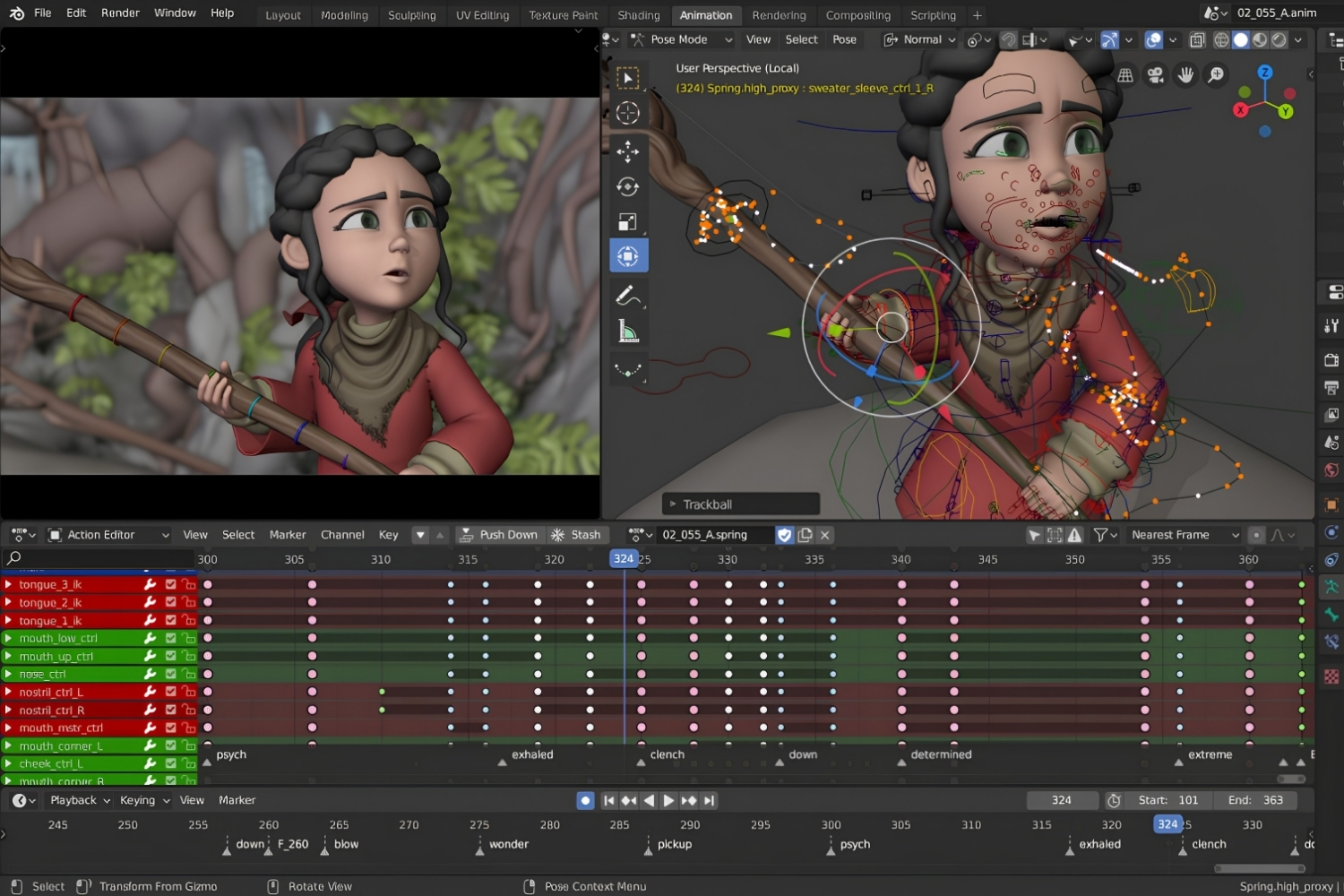
Blender has become the strongest houdini free alternative for architects who need procedural modeling without licensing costs. Since version 3.0, Blender’s Geometry Nodes system offers a node-based procedural workflow that mirrors Houdini’s approach: scatter objects across surfaces, drive geometry with fields, instance meshes procedurally, and build reusable node groups.
Blender also includes Cycles (a physically accurate path tracer) and EEVEE (a real-time renderer), both capable of producing architectural visualizations. For studios that need architectural visualization with Blender, the full pipeline from procedural modeling to final render exists inside a single free application.
The limitation is BIM. Blender has no native IFC support beyond basic import through community add-ons like BlenderBIM, and its NURBS tools are minimal compared to Rhino. Procedural workflows in Geometry Nodes are also younger and less documented than Houdini’s, so expect more trial and error when building complex setups.
3. Autodesk Dynamo: Procedural Logic Inside BIM
For firms running Revit as their primary production tool, Dynamo is the most practical houdini program alternative for parametric work. Dynamo’s node-based interface reads and writes Revit elements directly, so procedural logic drives actual building components rather than abstract geometry. Architects use it to automate facade panel placement, batch-modify family parameters, generate curtain wall patterns from solar data, and extract scheduling information.
Dynamo is not a replacement for Houdini’s simulation engine. It does not handle fluid dynamics, particle systems, or agent-based modeling. What it does well is connect algorithmic thinking to documentation-ready BIM models, a gap that Houdini cannot fill without heavy custom scripting.
4. Marionette in Vectorworks
Vectorworks includes Marionette, a Python-based visual scripting environment that runs inside the BIM platform. For practices already using Vectorworks for design and documentation, Marionette removes the need for a separate parametric tool. Its node network can create custom parametric objects, automate repetitive modeling tasks, and generate complex geometry that feeds directly into Vectorworks’ BIM data structure.
Marionette is less mature than Grasshopper and has a smaller community, but it is included in every Vectorworks license at no extra cost. Studios that want computational design capability without adding another platform to their stack should evaluate it seriously.

5. Cinema 4D: Motion and Visualization Focus
Maxon Cinema 4D appeals to architects who produce animation-heavy presentations, walkthroughs, and motion graphics alongside static renders. Its MoGraph toolset provides procedural cloning, effectors, and fields that can generate repetitive architectural elements quickly. The learning curve is more approachable than Houdini’s, and integration with Redshift (included in the subscription) delivers fast GPU rendering.
Cinema 4D is not a parametric design tool in the architectural sense. It lacks BIM awareness, and its geometry engine is polygon-based rather than NURBS-based. But for visualization-heavy practices that need procedural motion work, it fills a role that neither Grasshopper nor Dynamo address well. Our Cinema 4D alternatives comparison covers how it stacks up against other rendering-focused platforms.
6. Sverchok for Blender
Sverchok is a free, open-source parametric design add-on for Blender that brings Grasshopper-style visual scripting into Blender’s environment. It supports NURBS curves and surfaces, mesh generation, and data-driven geometry, making it one of the more capable alternatives to Houdini for users who prefer to stay inside Blender’s ecosystem.
The community is smaller than Grasshopper’s, and documentation is less polished. However, Sverchok is under active development, and for architects already comfortable with Blender, it avoids the cost and context-switching of adding Rhino to the toolkit.

7. TouchDesigner: Real-Time Procedural for Installations
Derivative TouchDesigner is a visual programming platform built for real-time interactive projects. Architects working on media facades, responsive installations, projection mapping, or interactive pavilions will find its node-based workflow familiar if they have used Houdini. TouchDesigner processes live data feeds (sensors, audio, cameras) and outputs to LED arrays, projectors, or screens in real time.
It is not a modeling or BIM tool, but for the growing intersection of architecture and interactive media, TouchDesigner fills a gap that none of the other tools on this list cover.
📌 Did You Know?
SideFX Houdini Apprentice is completely free for non-commercial personal projects, giving students and hobbyists access to virtually every feature of Houdini FX. The main restrictions are watermarked renders capped at 1280×720 and a proprietary .hipnc file format that does not open in commercial licenses.
Comparison of Houdini Alternatives for Architects
The table below summarizes key differences across all seven alternatives to Houdini covered above:
| Tool | Price | Procedural Strength | BIM Integration | Best For |
|---|---|---|---|---|
| Grasshopper (Rhino) | ~$995 one-time | High | Via Rhino.Inside | Parametric facades, fabrication |
| Blender Geometry Nodes | Free | Medium-High | Limited (BlenderBIM) | Visualization, procedural scattering |
| Dynamo (Revit) | Included with Revit | Medium | Native | BIM automation, documentation |
| Marionette (Vectorworks) | Included with Vectorworks | Medium | Native | Small firms using Vectorworks |
| Cinema 4D | ~$94/mo subscription | Medium (MoGraph) | None | Animation, motion graphics |
| Sverchok (Blender) | Free | Medium | Limited | Grasshopper-style work in Blender |
| TouchDesigner | Free (non-commercial) | High (real-time) | None | Interactive installations, media facades |
🔢 Quick Numbers
- Houdini FX annual subscription: ~$4,495/year; Indie license: $299/year for studios under $100K revenue (SideFX, 2026 pricing)
- Rhino 8 perpetual license: ~$995 with Grasshopper included at no additional cost (Robert McNeel & Associates)
- Blender: $0, fully open-source under GNU GPL, with over 14 million downloads in 2024 (Blender Foundation annual report)
Where to Go From Here
Your Next Step: Download Houdini Apprentice alongside one of the tools above, such as Grasshopper or Blender with Geometry Nodes, and rebuild a single procedural setup in both. Comparing the node logic side by side will tell you more about workflow fit than any feature list, and it costs nothing to test.







Houzz Pro Review: Does It Deliver for Residential Architects?
Houzz Pro combines CRM, estimates, invoicing, 3D floor plans, and a client...
Sinan Ozen6 Mins read
RoomScan Pro Review: How Accurate Is iPhone-Based Floor Plan Generation?
iPhone LiDAR can draw a scaled floor plan in under a minute,...
Sinan Ozen5 Mins read
Canvas by Occipital Review: Turning LiDAR Scans Into CAD Floor Plans
Occipital's Canvas turns an iPhone or iPad LiDAR scan into editable CAD...
Sinan Ozen5 Mins read
Floorplanner Review: Easy 2D to 3D Floor Plan Creation for Non-Designers
Floorplanner turns a 2D layout into a 3D render in the browser...
 Elif Ayse Sen9 Mins read




Leave a comment