

Best Cinema 4D Alternatives for Architectural Visualization
Seven practical Cinema 4D alternatives compared for architects and visualization professionals. Covers Blender, 3ds Max, SketchUp with V-Ray, Rhino, Houdini, Twinmotion, and D5 Render, with honest notes on pricing, strengths, platform support, and which workflows each tool fits best.
 Sinan Ozen22 May 20269 Mins read217
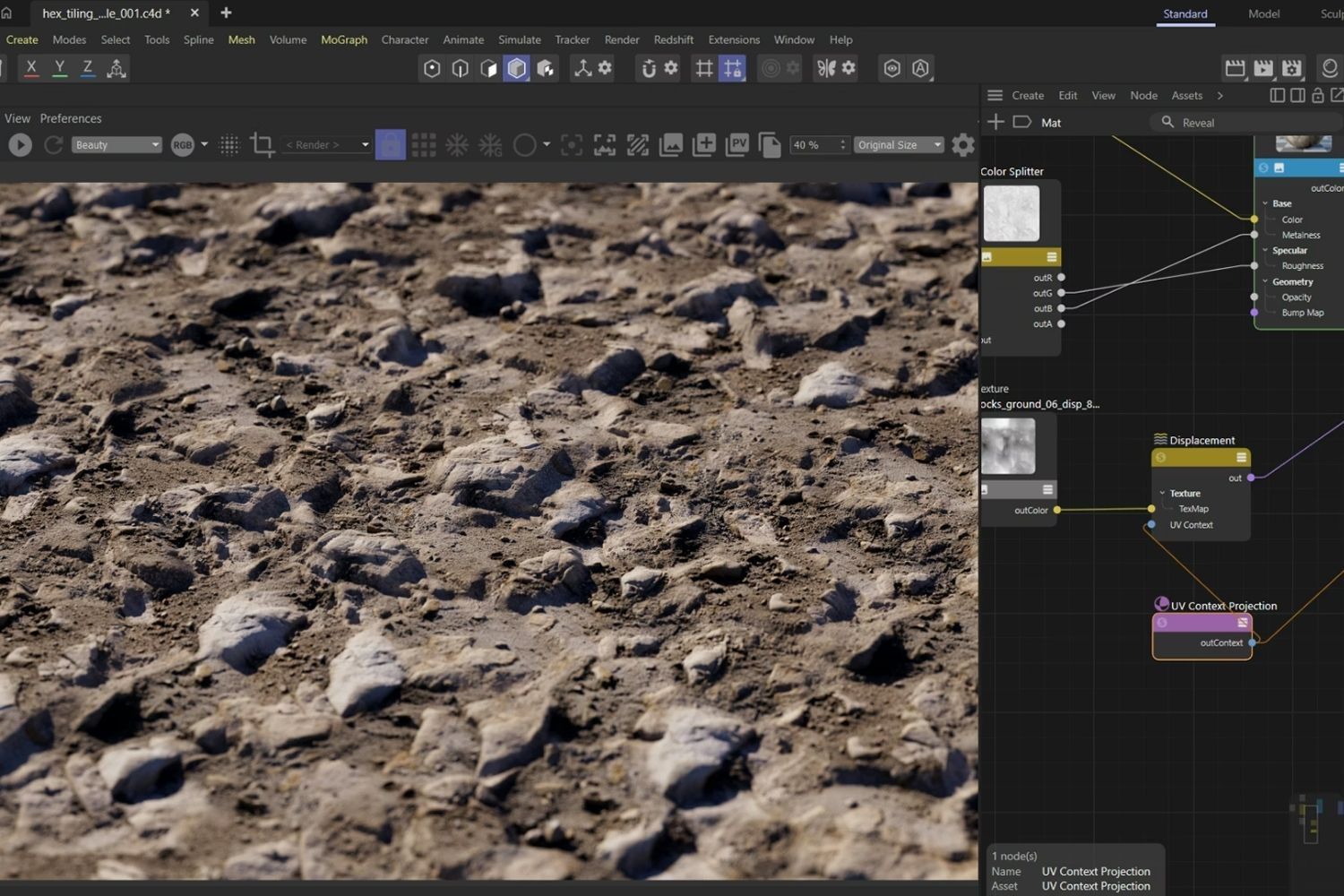
Table of Contents Show
Cinema 4D alternatives for architects include Blender (free, full 3D pipeline), 3ds Max (industry-standard visualization), SketchUp with V-Ray (fast concept-to-render workflow), Rhino 3D (precision NURBS modeling), Houdini (procedural design), Twinmotion (real-time rendering), and D5 Render (GPU-accelerated output). The right choice depends on your project type, budget, and whether you need animation, static renders, or real-time walkthroughs.
Why Architects Look for a Cinema 4D Alternative
Cinema 4D, developed by Maxon, has earned a strong reputation for motion graphics, animation, and architectural visualization. Its MoGraph toolset, procedural animation capabilities, and advanced camera rigging make it a go-to platform for studios producing high-production video walkthroughs and branded architectural content. The software runs on both Windows and macOS, including Apple Silicon, and now includes Redshift GPU rendering with every subscription.
But Cinema 4D comes with a significant cost. An annual subscription runs approximately $839 per year (around $69.91/month billed annually), and the monthly plan sits at $109/month. Maxon discontinued perpetual licenses as of January 2024, which means ongoing subscription costs are unavoidable. For architects who primarily need static renders, quick client presentations, or BIM-integrated visualization, that price tag and the software’s general-purpose 3D focus may not justify the investment. If you currently use Cinema 4D mainly for architectural visualization with render farm support, a dedicated real-time renderer may cover the same ground at a fraction of the cost.
The alternatives listed below each fill a different gap. Some are free. Some focus specifically on architectural workflows. Some replace Cinema 4D’s animation strengths, while others skip animation entirely and prioritize rendering speed or modeling precision. For a broader view of zero-cost options across the architecture workflow, the free tools for architectural design guide on illustrarch covers additional platforms beyond what this list includes.
⚠️ Common Mistake to Avoid
Many architects try to find a single tool that replaces everything Cinema 4D does, from modeling to animation to rendering. That rarely works. A more practical approach is pairing a modeler (SketchUp, Rhino, or Blender) with a dedicated renderer (Lumion, Twinmotion, or Enscape). This two-tool workflow often produces better results than forcing everything through one application.
Cinema 4D Alternatives Compared: Key Features at a Glance
The table below summarizes how each alternative stacks up against Cinema 4D across the factors architects care about most.
Comparison Table: Cinema 4D vs. Alternatives for Architecture
| Software | Price (Annual) | Platform | Best For | Render Engine |
|---|---|---|---|---|
| Cinema 4D | ~$839/yr | Win, Mac | Animation, motion graphics | Redshift (included) |
| Blender | Free | Win, Mac, Linux | Full 3D pipeline on zero budget | Cycles, EEVEE |
| 3ds Max | ~$1,700/yr | Windows only | Photorealistic arch viz | V-Ray, Corona (separate) |
| SketchUp + V-Ray | ~$349-749/yr + V-Ray | Win, Mac, Web | Concept modeling + rendering | V-Ray, Enscape (plugins) |
| Rhino 3D | $995 (perpetual) | Win, Mac | Complex geometry, parametric | V-Ray, Enscape (plugins) |
| Houdini | Free (Apprentice) / $269+/yr | Win, Mac, Linux | Procedural design, simulations | Karma, Mantra |
| Twinmotion | Free (under $1M revenue) | Win, Mac | Real-time walkthroughs | Unreal Engine (built-in) |
| D5 Render | Free tier / ~$360/yr | Windows only | GPU-accelerated arch viz | Built-in ray tracing |
Pricing figures are approximate and reflect publicly available data as of early 2026. Always verify current costs directly with each vendor.
1. Blender: The Best Free Alternative to Cinema 4D
Blender is the most capable Cinema 4D free alternative available. It covers modeling, texturing, lighting, animation, and rendering in a single open-source package at zero cost. For architects and visualization professionals working under tight budgets, Blender removes the software cost entirely while offering a feature set that competes directly with paid tools.
Blender’s Cycles render engine produces photorealistic output that holds up against Redshift and V-Ray results. EEVEE, its real-time engine, handles viewport previews and fast draft renders for client reviews. The Geometry Nodes system adds procedural modeling capabilities similar to Cinema 4D’s MoGraph, though the approach and interface differ significantly.
The main drawback is the learning curve. Blender’s interface was designed for a broad range of 3D tasks, not specifically for architecture. Most architecture students reach functional proficiency within four to six weeks of consistent practice, but the initial investment in learning time is real. The architectural visualization with Blender guide on illustrarch covers how to set up PBR materials and optimize your scene for architecture-specific output.
Blender also supports the BlenderBIM add-on, which brings full IFC support and OpenBIM compliance into the modeling environment. This makes Blender an unusually capable free architecture design tool for practices comfortable with a technically demanding workflow.
💡 Pro Tip
If you are switching from Cinema 4D to Blender, start by importing one of your existing C4D models (exported as FBX or OBJ) into Blender rather than building from scratch. This lets you learn the material and lighting workflow first, which is where Blender’s architectural strength really shows, without getting stuck on modeling differences between the two programs.
2. 3ds Max: The Industry Standard for Architectural Visualization
Autodesk 3ds Max remains the dominant tool in dedicated architectural visualization studios. Its plugin ecosystem, particularly V-Ray and Corona Renderer, produces the highest-quality photorealistic architectural renders in the industry. If your Cinema 4D workflow centers on producing final marketing images and high-end client presentations, 3ds Max is the most direct upgrade in render quality.
The tradeoffs are significant. 3ds Max subscriptions run approximately $1,700/year according to Autodesk’s official pricing, making it more expensive than Cinema 4D. The software is Windows-only, which eliminates it for Mac-based studios. And the learning curve is steep for anyone coming from a design background rather than a 3D animation background.
Where 3ds Max genuinely outperforms Cinema 4D for architecture is in the depth of its visualization plugin ecosystem. V-Ray for 3ds Max has the largest library of ready-made architectural materials, and Corona Renderer’s lighting model produces interior scenes with a warmth and accuracy that few engines match. Studios that produce large volumes of still renders for real estate marketing or competition entries will find 3ds Max more efficient once the initial learning period is behind them. For a detailed look at where 3ds Max fits against other tools, the 3ds Max alternatives breakdown on illustrarch covers seven options side by side.
3. SketchUp + V-Ray: Fast Concept-to-Render Workflow
SketchUp paired with V-Ray or Enscape is a popular cinema 4d alternative for architects who prioritize speed over animation control. SketchUp handles 3D modeling faster than almost any other tool for conceptual design work, and adding V-Ray or Enscape on top delivers photorealistic output without the complexity of a full 3D pipeline.
SketchUp Pro starts at $349/year, with a Studio plan at $749/year that adds Revit interoperability and Sefaira energy analysis. V-Ray for SketchUp is an additional subscription. The combined cost is comparable to Cinema 4D, but the workflow is more architecture-specific. The SketchUp alternatives guide on illustrarch explains how this pairing works in practice.
Where this combination falls short compared to Cinema 4D is in animation. SketchUp has no real animation timeline, and V-Ray’s animation capabilities are limited to basic camera paths. If you need architectural video walkthroughs with production-quality motion, lighting transitions, or MoGraph-style sequences, SketchUp is not the right replacement. For students building their first software stack, the best architectural software for students guide on illustrarch explains how to pair these tools effectively at each project stage.
What Is the Best Free Cinema 4D Alternative for Architecture?
Blender is the strongest free option. It covers modeling, animation, and rendering in a single application, and its Cycles engine produces results that compete with Cinema 4D paired with Redshift. Twinmotion is another free option for practices earning under $1 million annually, though it handles only the rendering and presentation side of the workflow, not modeling or animation.
For architecture students specifically, Blender is worth the initial investment in learning time because its capabilities scale with your skills. Many architecture graduates report that Blender training during school translates directly to freelance visualization work immediately after graduation.
🎓 Expert Insight
The shift in rendering for architecture is not about which tool is technically superior. It is about which tool fits the pace of design decisions. Real-time feedback loops change how architects iterate.
This observation applies directly to the Cinema 4D alternatives discussion. Architects who spend most of their time iterating on designs rather than producing final animations may find that a real-time tool like Twinmotion or Enscape serves them better than any offline renderer, regardless of feature count.
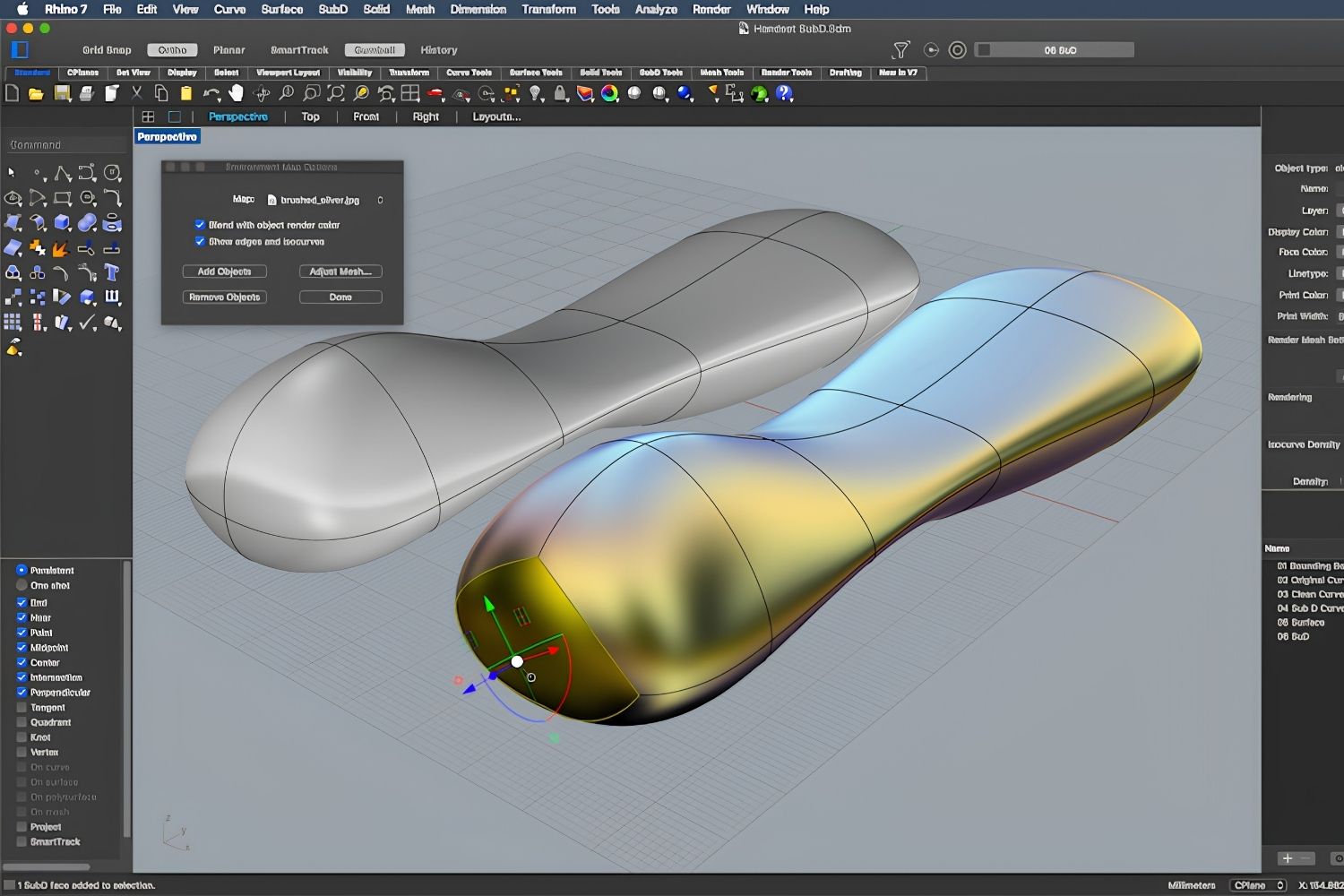
4. Rhino 3D: Precision Modeling with Grasshopper
Rhino 3D is the right alternative to cinema 4d when your work involves complex geometry, freeform surfaces, or parametric design. Its NURBS-based modeling engine handles surface complexity that polygon-based tools like Cinema 4D and Blender approach differently. Grasshopper, Rhino’s built-in visual programming environment, enables generative and algorithmic design workflows that have no direct equivalent in Cinema 4D.
A Rhino commercial license costs $995 as a one-time purchase, with no recurring subscription. Over three to five years, this makes Rhino significantly cheaper than Cinema 4D’s annual subscription model. The software runs on both Windows and macOS.
Rhino does not include a production render engine. You will need V-Ray for Rhino, Enscape, or Twinmotion for visualization output. This means Rhino replaces Cinema 4D’s modeling and procedural capabilities but not its rendering pipeline. The Rhino alternatives analysis on illustrarch covers how firms typically pair Rhino with a render plugin for a complete workflow.
5. Houdini: Procedural Design and Simulation
Houdini, developed by SideFX, is the most technically advanced cinema 4d alternative for architects working with procedural geometry, complex simulations, or computational design. Its node-based workflow generates geometry through rules and parameters rather than manual modeling, which is ideal for facade patterns, structural optimization, and generative form-finding.
SideFX offers Houdini Apprentice for free (non-commercial use with watermarked renders), Houdini Indie at $269/year for studios earning under $100K, and full commercial licenses starting higher. The free tier makes it accessible for learning and experimentation.
The learning curve is the steepest of any tool on this list. Houdini was designed for VFX and simulation professionals, and adapting it to architectural workflows requires significant technical investment. For most architecture practices, Rhino with Grasshopper covers similar procedural territory with a lower barrier to entry. Houdini makes sense for firms producing complex animated sequences or computational design research.
6. Twinmotion: Real-Time Rendering for Architects
Twinmotion, developed by Epic Games and built on Unreal Engine, is a strong cinema 4d alternative for architects who need fast, polished visualization without the complexity of a full 3D animation suite. It supports live sync with Revit, SketchUp, Rhino, and ArchiCAD, and it runs natively on both Windows and macOS.
The licensing model is its biggest advantage. Twinmotion is free for students, educators, and companies earning under $1 million USD in annual gross revenue. The free tier includes full access to all features, path tracing, the complete asset library, and Quixel Megascans. This is a genuine production-grade tool at no cost for qualifying users, unlike Cinema 4D which has no free tier beyond a 14-day trial.
Where Twinmotion falls short compared to Cinema 4D is in animation control. Twinmotion handles camera walkthroughs, season changes, and time-of-day animations well, but it cannot match Cinema 4D’s MoGraph system for complex motion graphics or procedural animation. For a deeper look at how Twinmotion compares to other renderers, see the Lumion vs Enscape vs Twinmotion comparison on illustrarch.
💡 Pro Tip
When evaluating alternatives to Cinema 4D, start by identifying which part of your current workflow Cinema 4D actually handles. If you use it primarily for rendering, Twinmotion or D5 Render may be enough. If you rely on MoGraph for architectural animation, Blender’s Geometry Nodes or Houdini are the closest functional equivalents. Matching the tool to the specific task avoids overpaying for features you will not use.
7. D5 Render: GPU-Accelerated Real-Time Visualization
D5 Render is a standalone real-time rendering application that uses ray tracing on NVIDIA RTX GPUs to produce high-quality architectural visualizations. It offers LiveSync plugins that connect directly to SketchUp, Revit, Rhino, 3ds Max, and Blender, meaning you can keep your modeling software open and see material or geometry changes reflected in D5 in real time.
D5 offers a free Community Edition with limited features, while the Pro version costs around $360/year as of October 2026. The asset library includes over 3,000 furniture models, 2,100 vegetation models, and PBR materials from Quixel Megascans. For architects producing design-development visuals and animations on tight deadlines, D5 fills the rendering gap without requiring Cinema 4D’s broader toolset.
The main limitation is hardware dependency. D5 requires an NVIDIA RTX GPU for full performance and runs only on Windows. Mac users and those without dedicated NVIDIA hardware will need to look elsewhere.
📌 Did You Know?
Cinema 4D was originally released in 1990 by Maxon as a tool for Amiga computers, making it one of the oldest continuously developed 3D applications still in active use. The software only became prominent in architectural visualization after Maxon integrated Redshift (acquired in 2019) as its default GPU render engine, which brought render speeds competitive with dedicated arch viz tools.
How to Choose the Right Cinema 4D Alternative
The best cinema 4d alternative depends on which part of the C4D workflow you are replacing. Here is a quick decision framework:
If you need animation and motion graphics similar to Cinema 4D’s MoGraph, Blender’s Geometry Nodes system is the closest free equivalent, and Houdini is the most powerful paid option. If your primary need is photorealistic still renders, 3ds Max with V-Ray or Corona remains the industry benchmark for quality. SketchUp with V-Ray or Enscape covers the same ground at lower cost and complexity.
For real-time client presentations and walkthroughs, Twinmotion and D5 Render both outperform Cinema 4D in speed and ease of use, at lower or zero cost. If your architecture work involves complex geometry and parametric design, Rhino with Grasshopper handles that workflow more effectively than Cinema 4D ever did.
Many practices find that a two-tool workflow produces the best results. Using Rhino or SketchUp for modeling and pairing it with Twinmotion, Lumion, or Enscape for rendering gives you architecture-specific tools at each stage, rather than adapting a general-purpose 3D suite to your needs.
✅ Key Takeaways
- Blender is the strongest free Cinema 4D alternative, covering modeling, animation, and rendering in a single open-source application.
- 3ds Max with V-Ray or Corona produces the highest-quality photorealistic architectural renders but costs more and runs only on Windows.
- Twinmotion offers free access for qualifying studios and handles real-time architectural presentations better than Cinema 4D at zero cost.
- No single tool replaces Cinema 4D across all workflow phases. Pairing a modeler with a dedicated renderer usually produces better results.
- Rhino with Grasshopper is the best alternative for architects focused on parametric and complex geometry, with a one-time $995 license cost versus Cinema 4D’s ongoing subscription.






Notion Alternatives for Architects: 7 Tools That Fit Studio Work
Notion works until a studio needs fee tracking, phase budgets and timesheets....
 Furkan Sen7 Mins read

Why Every Practice Ends Up With Five Versions of the Same Revit Family
Let’s learn why Revit family libraries accumulate duplicates, break schedules and slow...
 illustrarch Editoral Team5 Mins read

Visualizing Renovation Projects From Photographs: A Workflow for Existing-Building Work
Photo-based visualization turns a photograph of a building that already exists into...
illustrarch Editoral Team7 Mins read

Best Free CAD Blocks and Resources for Architects
A working guide to free CAD blocks for architects, covering ARCAT, CAD-Blocks.net,...
Furkan Sen7 Mins read


Leave a comment