

10 Tech Gadgets For Architects That Make Architecture School Easier
Architecture school is intense, but the right tools can lighten the load. This focused guide covers 10 tech gadgets for architects that improve studio work, sketching, model-making, presentations, and site visits, with practical picks for students on tight budgets.
 Elif Ayse Sen27 April 202611 Mins read3

Table of Contents Show
Tech gadgets for architects can turn long studio nights into productive sessions, helping students draft faster, sketch more accurately, and document site visits with less effort. The right combination of a drawing tablet, laser measurer, smart pen, and noise-canceling headphones often makes the difference between staying on top of a project and falling behind.
Architecture school rewards students who can move quickly between hand sketches, CAD drawings, physical models, and final presentations. The pace is unforgiving, deadlines stack up, and your tools either help you keep up or quietly hold you back. This guide looks at the gadgets for architects that consistently earn their place in studio backpacks, with honest notes on what they do well and where they fall short.
Each pick below is selected with one question in mind: does this actually save time or improve quality during a typical week of architecture school? Trendy gadgets that look impressive but add friction to your workflow are skipped. The focus stays on tools that pay back their cost through real productivity gains.
💡 Pro Tip
Before buying any tech gadget, check which software your studio actually uses in the first two semesters. Buying a Windows-only graphics tablet when your professors teach on iPad workflows is a common mistake that wastes hundreds of dollars. Borrow or test a friend’s setup for a week before committing.
How Tech Gadgets For Architects Change Studio Work
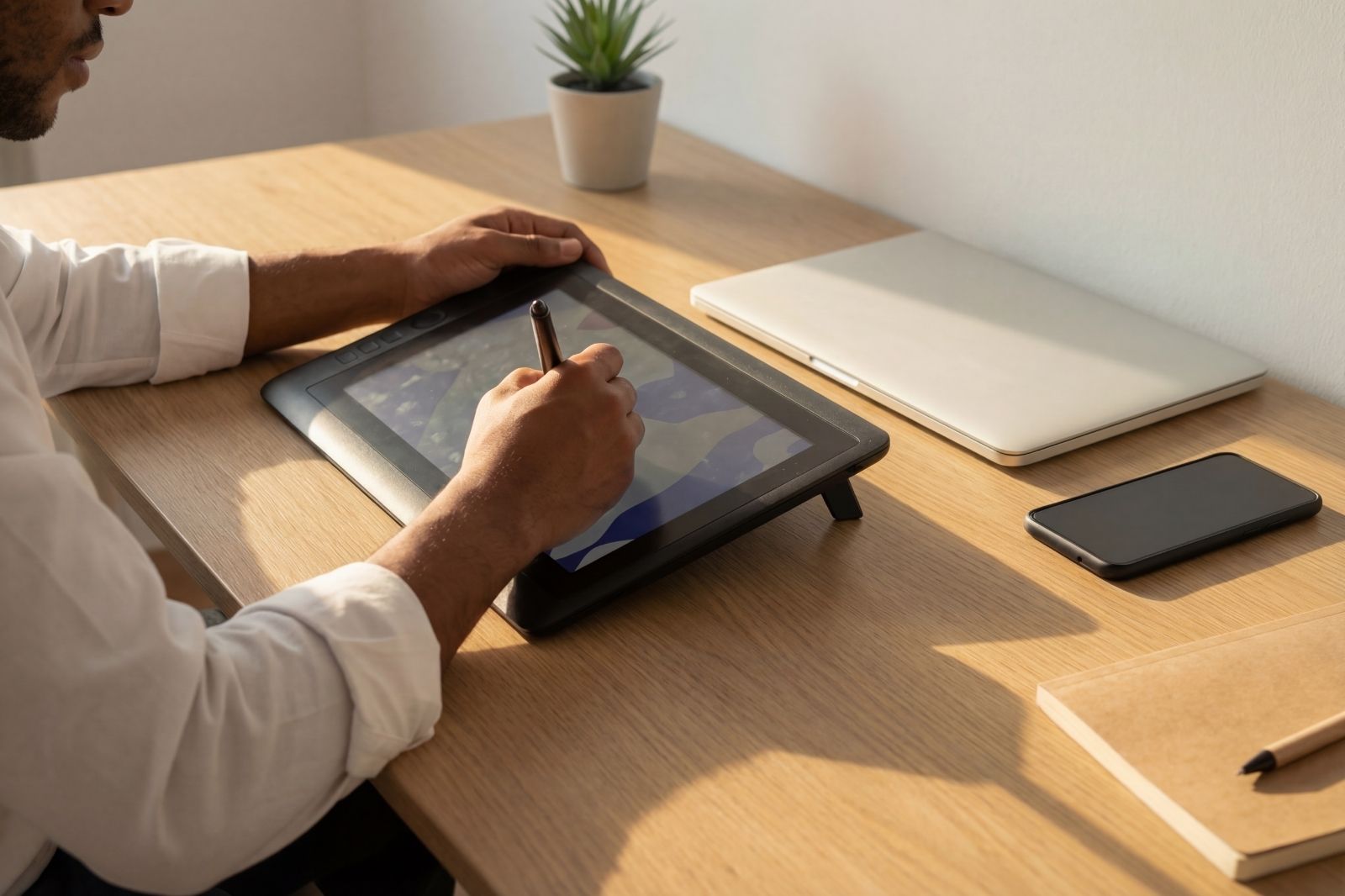
Studio culture used to revolve around drafting tables, vellum, and trace paper. Today, the studio is a hybrid space. Students still build physical models and sketch by hand, but they also run BIM software, render in real time, and collaborate over the cloud. Gadgets bridge these two worlds. A pressure-sensitive stylus lets you sketch like you would on tracing paper, while feeding the result directly into your digital drawing set.
The shift matters because architecture is increasingly judged on how cleanly ideas move from concept to documentation. A messy workflow, where you redraw the same line in three different programs, costs hours each week. The right gadget removes that friction. The wrong one adds another menu to learn and another cable to lose.
For a broader view of how technology is reshaping the field, our coverage of tech gadgets revolutionizing architectural work covers the bigger trends, from BIM to laser scanning. The list below narrows that scope to school-friendly, student-priced tools.
1. A Drawing Tablet With a Pressure-Sensitive Stylus

If you can buy only one of the gadgets for architects on this list, make it a drawing tablet with a quality stylus. It replaces tracing paper, sketchbooks, and most of your scanning needs in one device. Apps like Morpholio Trace, Concepts, and Procreate let you layer drawings, snap to drafted lines, and export clean PNGs straight to Rhino or AutoCAD.
The Apple iPad Pro with Apple Pencil Pro remains the most common pick in studio. Its color accuracy and palm rejection feel close to drawing on paper, and most architecture-focused apps launch on iPadOS first. For Windows users, the Microsoft Surface Pro 11 runs full desktop AutoCAD and Revit, which the iPad still cannot. Budget-conscious students often pair a Huion or XP-Pen screenless tablet with their existing laptop, which gives much of the workflow benefit at a fraction of the price.
For a structured comparison of options across price points, see our best tablets for architects and students guide and the more focused review of 6 best drawing tablets for architects and students.
🎓 Expert Insight
“Sketches define the relationships of the finished work to its place, time, and context.” — Steven Holl, Steven Holl Architects
Holl is famous for his daily watercolor sketches. The point applies to digital sketching too: the value of a tablet is not the technology itself but the speed at which it lets you test relationships of form, light, and context before committing to a more rigid digital model.
2. A High-Performance Laptop That Runs Revit and Rhino

Architecture school will push your laptop harder than almost any other field of study. Revit, Rhino, Lumion, Twinmotion, and Adobe Creative Suite all hit the CPU and GPU at the same time during a typical render or BIM session. A weak laptop turns a 10-minute rendering into a 90-minute one, and that lost time stacks up across a semester.
For most architecture students, a 16-inch laptop with at least an Intel Core i7 or AMD Ryzen 7, 32 GB of RAM, a dedicated GPU with 6 GB or more of VRAM, and a 1 TB SSD covers four years of coursework comfortably. Lighter 14-inch options work for sketching and CAD but tend to struggle with Lumion and Enscape. Apple’s MacBook Pro with M-series chips handles Rhino, Archicad, and Vectorworks beautifully, but Revit users still need Windows through Boot Camp or virtualization.
Detailed picks across performance tiers are covered in our 5 best laptops for architects and students review and the follow-up best laptops for architecture students guide.
What Specs Matter Most for Architecture Students?
RAM and GPU are the two specs most worth upgrading. CAD and BIM models grow throughout a semester, and a laptop that handled your second-year studio file may stall in your final thesis. According to Autodesk’s system requirements for Revit, complex models with rendering benefit from 32 GB of RAM and a workstation-grade GPU. Treat those numbers as a floor, not a ceiling.
3. Laser Distance Measurer for Site Visits
Tape measures still have their place, but laser distance measurers are faster, more accurate over long distances, and require only one person to operate. For studio projects that involve adaptive reuse, renovation, or context modeling, a laser measurer turns a half-day site survey into an hour of focused work.
The Bosch GLM series and the Leica Disto line are the standards. Both offer Bluetooth pairing with apps that build floor plans automatically as you measure room dimensions. Look for a unit with at least 100 ft (30 m) range, accuracy of ±1/16 inch (1.5 mm), and a built-in tilt sensor for indirect height measurements.
📐 Technical Note
Most consumer laser measurers operate at Class 2 laser output (under 1 mW), which is eye-safe under normal use as defined in IEC 60825-1. Their typical accuracy of ±1.5 mm at distances under 10 m exceeds what is achievable with a tape measure pulled by one person, especially across uneven floors or in tight rooms where the tape would sag.
4. Smart Pen for Bridging Sketchbook and Computer
Despite the rise of digital tablets, paper sketchbooks remain a fixture in architecture school. Many professors still grade hand sketches in process work, and the act of drawing on paper engages the brain differently than swiping on glass. A smart pen captures both worlds: you write or sketch on real paper, and a digital copy appears on your phone or laptop seconds later.
The Moleskine Smart Writing Set and the Livescribe Symphony work with companion notebooks and sync sketches to PDF, JPG, or directly into Evernote and OneNote. For architecture students, this matters most during lectures and design crits, when you want to capture diagrams without losing the original notebook page.
5. Noise-Canceling Headphones for Studio Focus
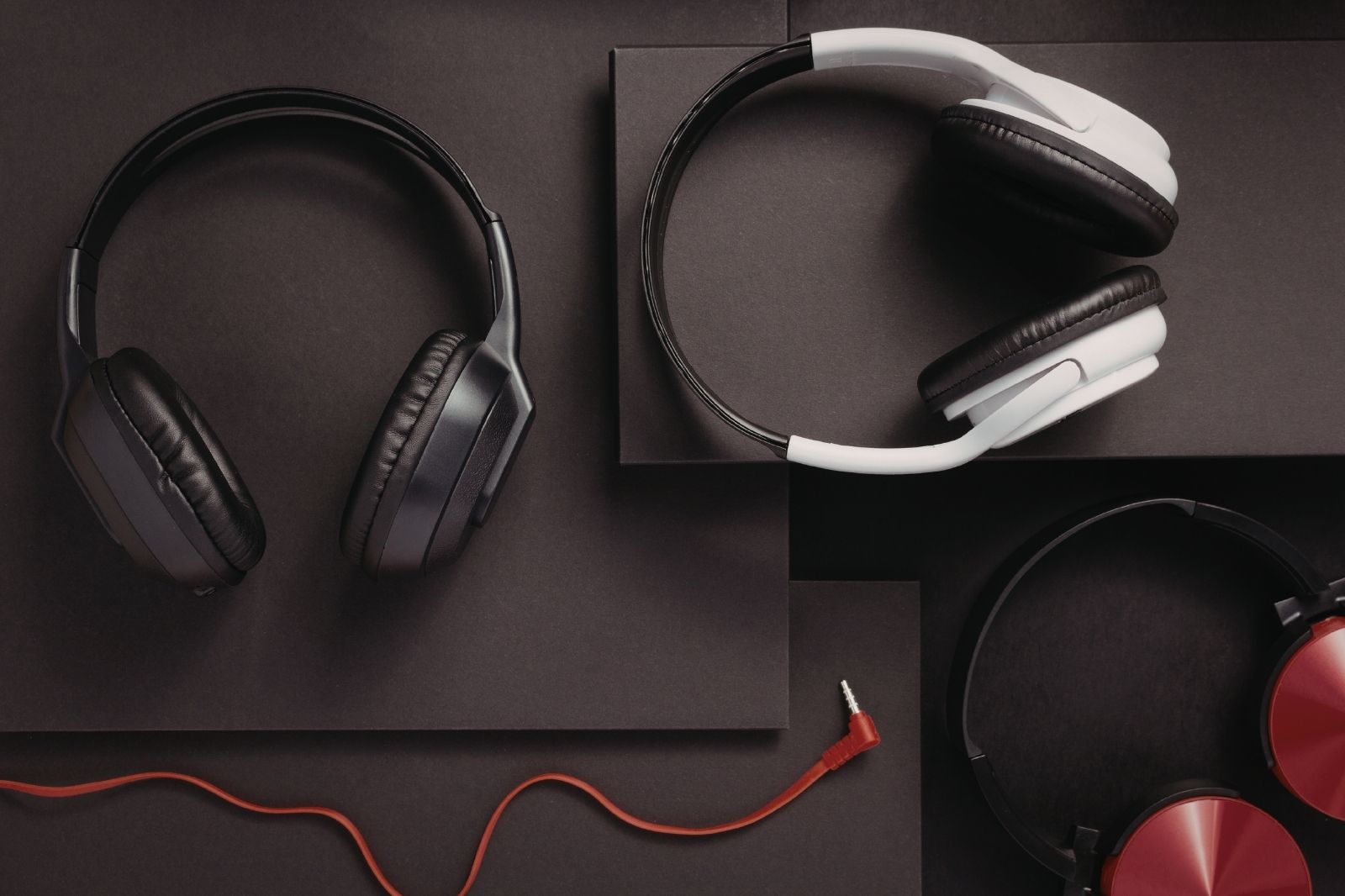
Studios are loud. Between band saws in the model shop, group critiques two desks over, and the constant hum of laser cutters, finding focus during an all-nighter is genuinely hard. Active noise-canceling headphones drop ambient noise by 25 to 35 decibels, which is the difference between an audible conversation and white-noise background.
The Sony WH-1000XM5 and the Bose QuietComfort Ultra are the two most-recommended models in design schools. Both offer 24 to 30 hours of battery life, which covers the longest studio sessions, and comfortable padding that stays bearable past hour six. AirPods Max work well for iPad-heavy users who want effortless device switching, though the price-to-feature ratio is weaker than the Sony or Bose options.
⚠️ Common Mistake to Avoid
Many students buy headphones based on sound quality reviews aimed at music listeners, not active noise cancellation performance. For studio focus, ANC depth matters more than bass response or soundstage. Read reviews specifically focused on noise reduction in office and shared workspace environments before choosing.
6. Portable External Monitor for Dual-Screen Work
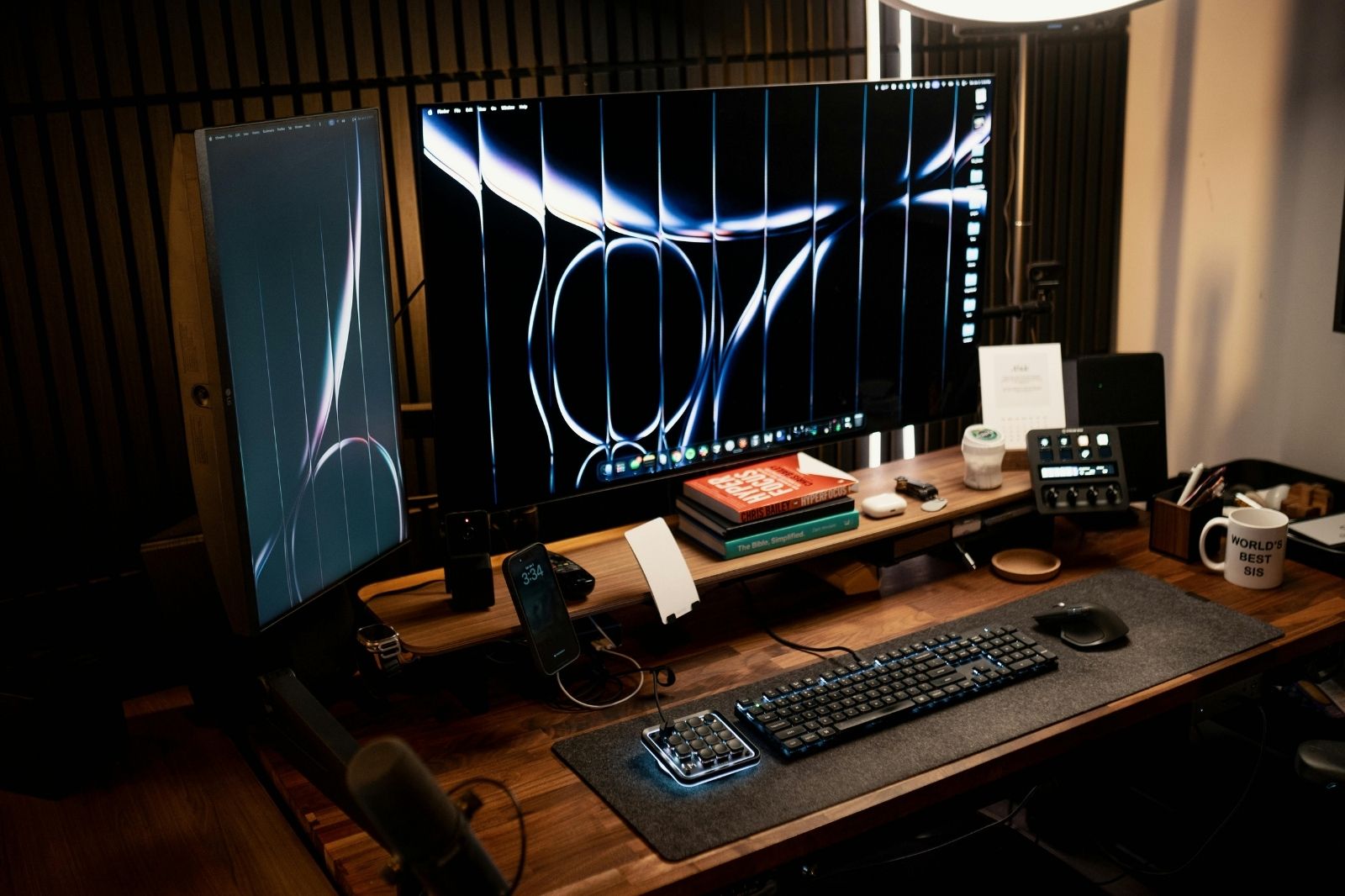
Architecture software is brutal on a single 14-inch laptop screen. You constantly need a second window for a reference image, a tutorial video, or a separate elevation while you work on a plan. A portable USB-C monitor turns your laptop into a dual-screen workstation that fits in the same backpack.
The ASUS ZenScreen, Lenovo ThinkVision M14, and Arzopa portable displays all weigh under 2 lb (900 g) and connect through a single USB-C cable that handles both video and power. Look for a 1080p IPS panel at minimum, with 15.6 inches being the sweet spot between portability and useful screen area.
7. High-Capacity Power Bank With USB-C PD
Architecture school involves long days that stretch from morning lectures to late-night studio sessions, often with limited access to wall outlets. A power bank with 20,000 mAh or more capacity, supporting USB-C Power Delivery (PD) at 65 W or higher, can recharge a 13-inch MacBook Pro from 20% to 80% in under an hour, plus several phone charges on top.
Anker, Baseus, and UGREEN all make reliable models in the 100 W class. Pay attention to airline regulations: most carriers cap battery capacity at 100 Wh (roughly 27,000 mAh at 3.7 V) for carry-on luggage, which is worth checking before any study-abroad trip or thesis travel.
8. Pocket Document Scanner for Process Work
Architecture school generates a remarkable amount of paper: process sketches, professor markups, printed reference images, fabric and material samples. A pocket document scanner, or a quality scanner app like Adobe Scan, captures all of it in searchable PDF format.
For occasional needs, a smartphone app is enough. For students who digitize entire sketchbooks weekly or run a structured digital portfolio, a dedicated scanner like the Epson WorkForce ES-50 or Doxie Go SE pays off through faster speeds and better edge detection.
9. Ergonomic Mouse With Programmable Buttons
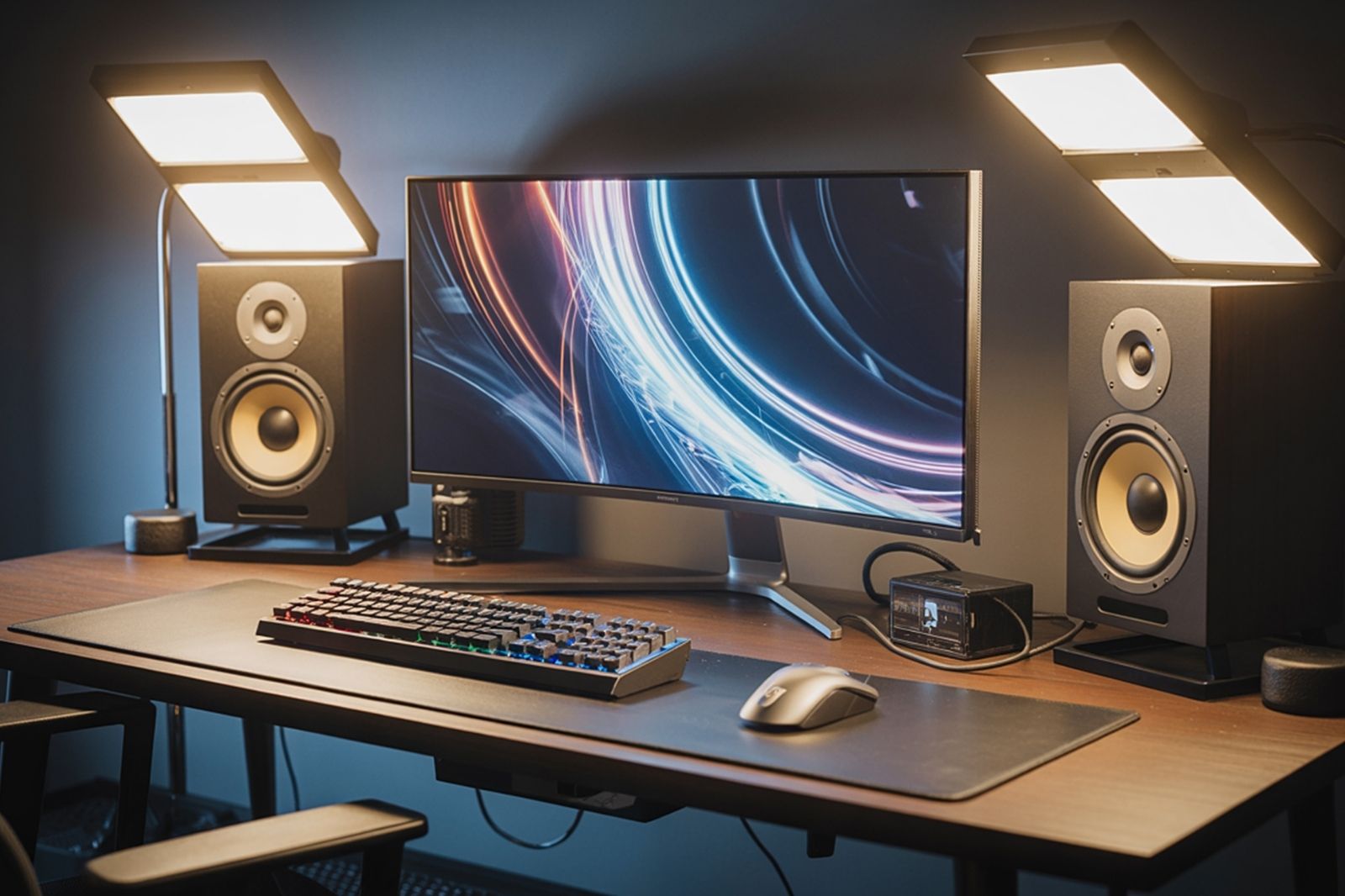
3D modeling software is unkind to wrists. Hours of orbiting in Rhino or pulling vertices in 3ds Max strain the same small muscles in repetitive ways, and tendinitis is a common complaint among upper-year students. An ergonomic mouse with programmable buttons reduces both strain and time spent on menu navigation.
The Logitech MX Master series is the studio standard, with side buttons that can be mapped to common shortcuts in Rhino, Revit, and SketchUp. For users who already deal with wrist pain, vertical mice like the Logitech MX Vertical or the Anker vertical mouse keep the forearm in a more neutral position. Trackballs from Kensington or Logitech are a niche but loyal choice for users with chronic strain.
10. Smartphone-Based 3D Scanner for Context Modeling
Context modeling used to require expensive Trimble equipment or hours of measured drawing. Today, a recent iPhone Pro or iPad Pro with a LiDAR sensor can capture an entire room or facade in 3D, exporting to Rhino or SketchUp via apps like Polycam, Scaniverse, or 3d Scanner App. The geometry is rough by professional standards, but accurate enough for early massing studies and site context.
For students without a LiDAR-equipped device, the Structure Sensor attaches to older iPads and delivers comparable scan quality. Most academic projects do not need survey-grade accuracy; they need a quick, reliable way to bring real-world geometry into a digital model.
Comparison: Top Tech Gadgets For Architects at a Glance
The table below summarizes typical price ranges and primary use cases, helping students prioritize purchases when budgets are limited.
| Gadget | Typical Price Range | Best For | Priority Tier |
|---|---|---|---|
| Drawing tablet + stylus | $80 to $1,500 | Sketching, annotation, presentations | Essential |
| High-performance laptop | $1,200 to $3,500 | Revit, Rhino, rendering | Essential |
| Laser distance measurer | $50 to $250 | Site visits, measured drawings | High value |
| Noise-canceling headphones | $200 to $550 | Studio focus, calls, lectures | High value |
| Portable external monitor | $120 to $400 | Multi-window CAD work | Useful |
| High-capacity power bank | $60 to $200 | All-day studio sessions | Useful |
| Smart pen | $120 to $250 | Lecture notes, hand sketches | Optional |
| Pocket scanner / scanner app | $0 to $250 | Process documentation | Optional |
| Ergonomic mouse | $40 to $130 | 3D modeling, wrist health | Useful |
| 3D scanner / LiDAR app | $0 to $500 | Context modeling, surveys | Optional |
How to Prioritize Tech Gadgets For Architects on a Student Budget

Architecture school is already expensive, so the order in which you buy gear matters as much as which gear you buy. A reasonable sequence is: laptop in year one, drawing tablet by the end of the second semester, laser measurer before the first site-driven studio, headphones whenever your studio environment becomes a focus problem, and the rest as needs arise. Avoid buying everything at once; some gadgets only make sense after you understand your own workflow.
Watch student discount programs. Apple Education, Microsoft Education, and Adobe Creative Cloud Student plans cut prices on hardware and software by 10% to 60%. Many architecture firms also offer interns access to professional-grade tools, so internship timing can shape what you actually need to own personally. Review boards and accreditation bodies such as the National Architectural Accrediting Board (NAAB) publish accredited program lists, and many of those schools maintain their own equipment loan programs that can fill short-term gaps.
🏗️ Real-World Example
SCI-Arc Robot House (Los Angeles, ongoing): SCI-Arc’s robotics lab equips students with industrial KUKA robotic arms, 3D scanners, and CNC tools as part of standard coursework. While these are far beyond personal-budget gadgets, the program shows how schools increasingly expect students to enter studio with their own baseline tech (laptops, tablets, measuring tools) so shared lab time focuses on advanced fabrication rather than basic drafting setup.
Are Tech Gadgets For Architects Worth the Cost?
Worth depends on what you give up. Spending $1,500 on a tablet is steep, but if it replaces $300 in trace paper, $200 in scanning fees, and 100 hours of redrawing across four years, the math leans positive. The gadgets that consistently underperform are the ones bought because they look impressive in a desk photo: VR headsets that gather dust, drones that never leave the box, and 3D printers that cost more in failed prints than the school’s print lab fee.
The most reliable test is to track time. For two weeks, note where your studio hours actually go. If you lose two hours a day to scanning, switching apps, or struggling with a single screen, a $200 gadget that fixes that is one of the best returns you can get on any architecture-school spending.
✅ Key Takeaways
- A drawing tablet with a quality stylus and a high-performance laptop are the two essential tech gadgets for architects in school; everything else is secondary.
- Laser measurers and noise-canceling headphones offer the strongest cost-to-productivity ratio after the core setup.
- Match gadget choices to the software your school actually teaches in the first two semesters, not to brand prestige.
- Track where your studio hours go before buying; the right $200 gadget is often the one that fixes your specific bottleneck.
- Use student discount programs and school equipment loan systems to delay or reduce major purchases.
FAQ: Tech Gadgets For Architects
Which tech gadget should architecture students buy first?
A reliable laptop should always come first because it runs the design software your degree depends on. A drawing tablet with a pressure-sensitive stylus is the strongest second purchase, because it speeds up sketching, annotation, and digital drafting in ways no other gadget can match. Laser measurers and noise-canceling headphones follow as the next-best investments.
Are iPads good enough as a primary gadget for architecture school?
For sketching, presentations, and BIM review, iPad Pro models are excellent and often replace paper sketchbooks entirely. They cannot run full desktop versions of Revit, AutoCAD, or 3ds Max on iPadOS, however, so an iPad cannot fully replace a Windows laptop for most architecture programs. The realistic role of an iPad is as a sketching and review device alongside a primary laptop.
How much should architecture students budget for tech gadgets?
A workable starter budget is around $1,800 to $2,500 for the first year, covering a capable laptop, a mid-range tablet with a stylus, and a laser measurer. Students who already own a laptop can start with $400 to $700 for the tablet and measuring tools. Premium setups with a flagship tablet, dedicated workstation laptop, and noise-canceling headphones can reach $4,500 to $6,000.
Do architecture students need a 3D printer at home?
Most students do not. School fab labs typically offer 3D printing at student rates, and home printers add significant cost in materials and failed prints. Buying a personal 3D printer makes sense only if you print models weekly and your school’s lab has long queues or limited material options.
Will tech gadgets replace traditional architecture skills?
No. Tech gadgets accelerate output but do not replace the underlying skills of spatial thinking, hand sketching, and material understanding. Many top firms still ask portfolio reviewers to look closely at hand drawings during hiring, treating them as a clearer signal of design intelligence than polished renderings.
Pricing figures in this article are approximate ranges and vary by region, retailer, and current promotions. Software requirements and student discount eligibility change over time and should be verified directly with each manufacturer or program.








Magicplan Review: Can Your Phone Really Replace a Tape Measure?
Magicplan lets contractors, realtors, and architects create dimensioned floor plans by scanning...
 Sinan Ozen7 Mins read

8 Innovative HVAC Solutions for Modern Architecture
Modern architecture demands intelligent climate control. Explore 8 innovative HVAC solutions combining...
 Begum Gumusel4 Mins read

6 Best Drawing Tablets for Architects & Students
Looking for the best drawing tablet for architects? This updated 2026 guide...
 Muhammad Abdullatef - Tifa Studio14 Mins read

Architecture Meets Technology: Inside the Digital Construction Workflow
As architecture enters an era shaped by data, simulation, and digital collaboration,...
Sinan Ozen14 Mins read


Leave a comment