

Can Architects Work From Home? A Practical Guide to Remote Design That Actually Works
Discover how architects work from home effectively using cloud BIM, remote collaboration tools, and structured workflows. Covers freelance architect job platforms, home studio setup, licensure considerations, and real industry data from AIA showing 70% of architecture staff now work remotely at least part time.
 Sinan Ozen9 January 20267 Mins read322
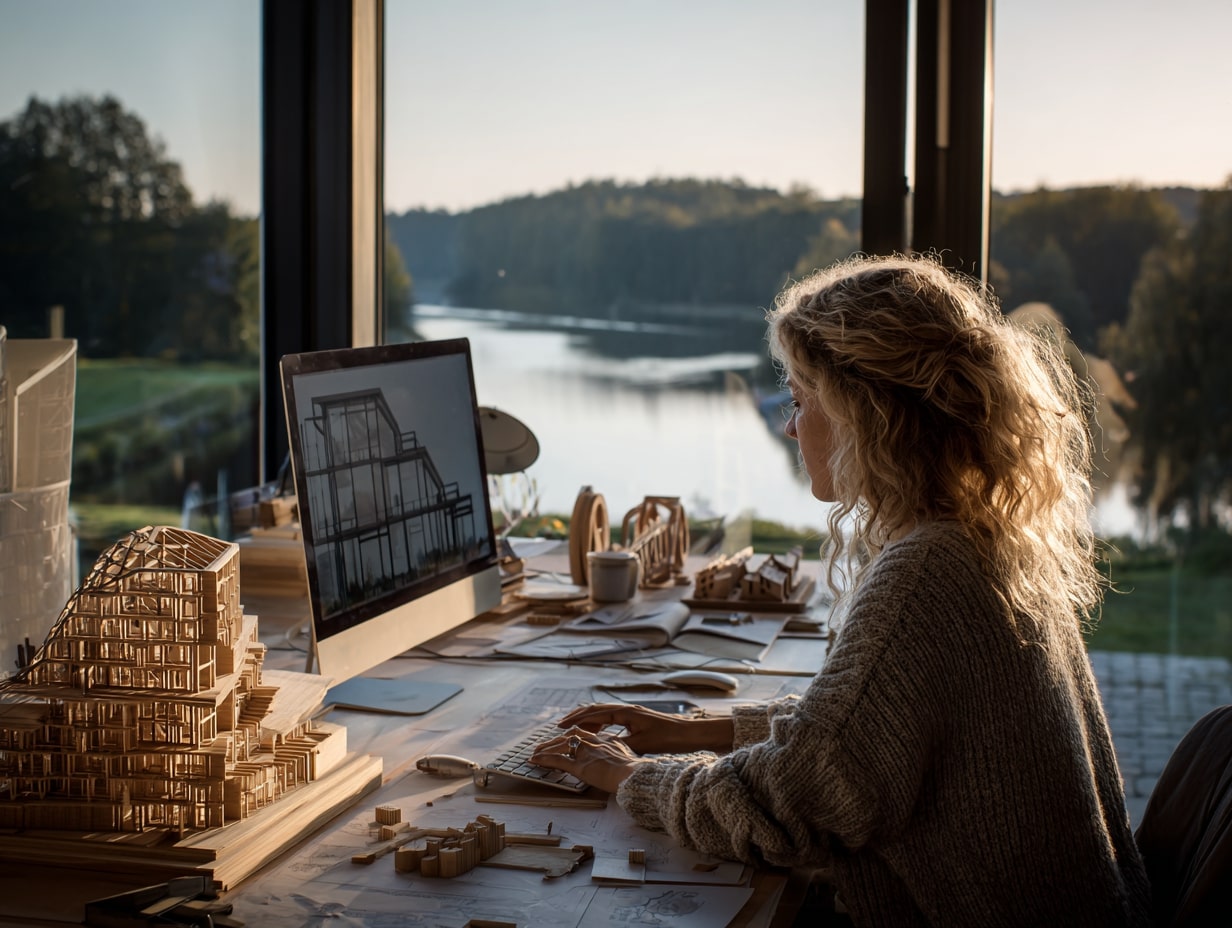
Table of Contents Show
Can architects work from home without sacrificing design quality, client trust, or project momentum? The answer is a resounding yes. According to the AIA 2025 Compensation & Benefits Report, 70% of architecture staff still work remotely at least some of the time, even as firms settle into post-pandemic routines. We have lived both sides of the desk, studio buzz and quiet home setups, and remote design can be highly effective when you adapt your process, tech stack, and communication habits. Here is how architects work from home on real projects, from concept to construction administration.
What Parts of Architecture Translate to Remote Work
Design Phases That Are Remote-Friendly
Most front-end work moves cleanly to a home studio. You can run research, codes analysis, programming interviews, concept sketches, massing studies, and early energy modeling from anywhere. Schematic Design (SD) and much of Design Development (DD) play nicely with digital pinups, shared whiteboards, and cloud libraries. Even material palettes can be built through high-res samples shipped to you and calibrated camera setups. For architects exploring freelance architect work from home opportunities, these early design phases are where remote practice shines brightest.
BIM and Construction Documents From Home
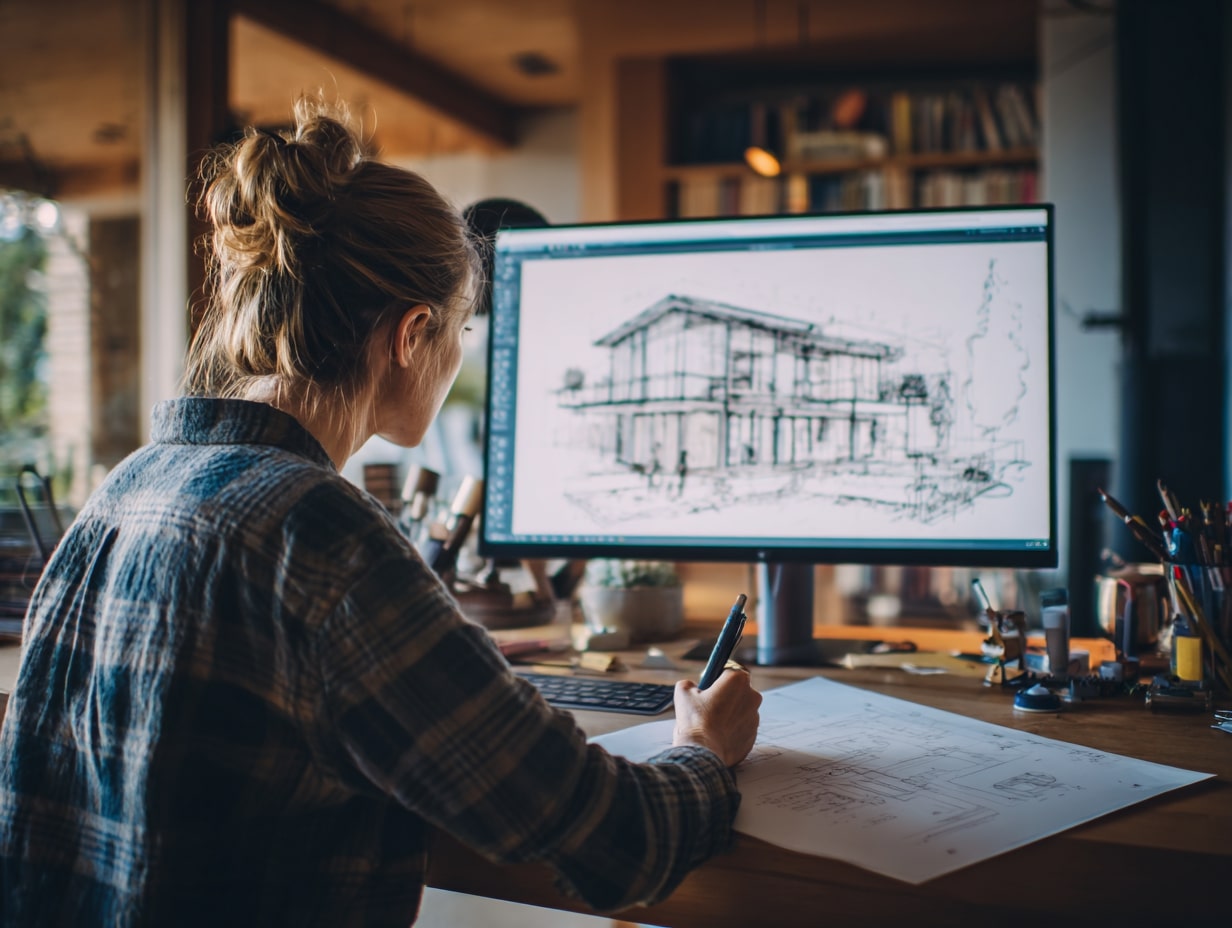
With cloud-enabled BIM (Revit, Archicad, Vectorworks) and common data environments (BIM 360/ACC, Trimble Connect, Speckle), you coordinate models, detail assemblies, and produce sheets remotely. Model health checks, clash detection (Navisworks, Solibri), and issue tracking (BIMcollab) are routine. Redlines become digital markups, and you can churn out CDs without stepping into a physical office, as long as you keep strict standards and version control. If you want a deeper look at the tools that make this possible, our guide to best BIM software for architects covers the leading platforms.
What Still Requires On-Site Presence
Some moments are better on-site: existing conditions verification, critical mockups, complex accessibility checks, and key milestone meetings with high-stakes stakeholders. Construction Administration (CA) often benefits from periodic site walks to confirm workmanship, dimensions, and safety. When you can’t be there, schedule assisted walks with the GC, live video, and annotated photo sets. Be honest about when an in-person look is non-negotiable.
Essential Tools and Infrastructure for Architect Remote Jobs Work From Home
Hardware and Home Studio Setup
Set up like you mean it: a workstation-class laptop or desktop with a current-gen GPU, 32 to 64 GB RAM for BIM, dual 27 to 32 inch monitors, an ergonomic chair, and a decent mic/camera. A large drawing tablet helps for sketch overlays. Reliable fiber or cable internet (at least 200 Mbps down / 20 up) with a backup hotspot saves deadlines. A color-calibrated display and neutral lighting keep renderers honest. For a full breakdown of the gear you need in 2026, check our article on essential architecture tools.
Software Stack and Cloud-Enabled BIM
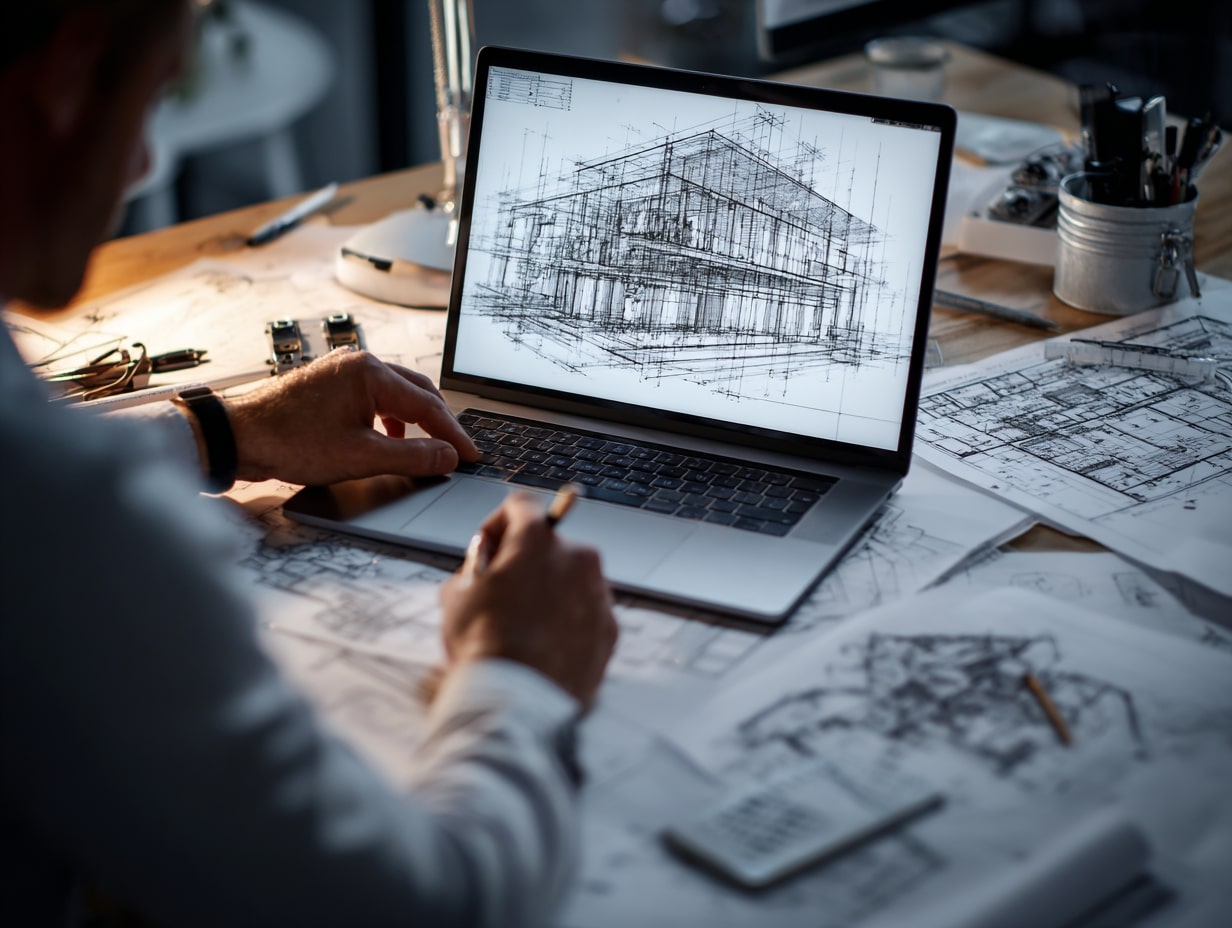
A typical stack for an architect work from home setup includes: cloud BIM (ACC/BIM 360, Archicad BIMcloud), coordination (Navisworks, Solibri, Revizto), issue tracking, renderers (Enscape, Twinmotion, V-Ray), and collaboration (Miro, Figma, Zoom, Slack/Teams). For markups, Bluebeam Revu is still a workhorse. Rely on shared content libraries so families and objects are consistent across projects. Many of these platforms now run natively in browsers, making freelance architect jobs work from home more accessible than ever.
Security, File Management, and Backups
Client trust hinges on security. Use SSO + MFA, VPN to firm servers, encrypted drives, and role-based permissions. NDA-bound files live in approved CDEs, never in personal drives. Versioning follows a clear naming convention, and you should mirror critical data to immutable backups (3-2-1 rule) with periodic restore tests. Screen privacy filters and a clean desk policy at home reduce accidental exposure.
Remote Workflow and Collaboration for Architects Working From Home
Standards, Templates, and QA/QC
Remote teams thrive on clarity. Maintain a living BIM Execution Plan (BEP), sheet and view templates, view naming rules, and a detail index. Weekly model health checks, clash runs, and peer reviews keep drift in check. A pre-flight checklist before any submission (line weights, title blocks, legends, and revision clouds) prevents embarrassing gotchas.

Communication Cadence: Async and Live
Do not default to meetings. Async first: well-structured written updates with screenshots or short Loom videos. Go live only when decisions are blocked. Timebox design crits, circulate agendas 24 hours ahead, and end with owners, decisions, and next steps in writing. That rhythm keeps momentum without calendar bloat. This approach works equally well whether you hold a full-time position or pursue freelance architecture jobs from home.
Coordinating With Consultants and Handling Markups
Align model exchange cycles early: who publishes what, when, and to which folder. Markups flow through Bluebeam Sessions or Revizto issues with clear due dates. For MEP/structural conflicts, hop into the model together and resolve in real time, then log decisions so they don’t get re-litigated next week.
Deliverables, Permitting, and Construction Administration From Afar
Digital Submittals, E-Signatures, and Professional Stamps
Most jurisdictions accept digital submittals: many accept e-seals with secure certificates. Confirm local rules early, as some still require wet stamps on a limited set. Your cover sheets should include digital signatures with audit trails, and you coordinate portal uploads so filenames and sheet sets match municipality checklists.

Remote Site Observation, Photos, and Field Reports
For CA, schedule site walks with the GC’s superintendent. Use photo apps with location/time stamps and room tags, then produce field reports (AIA G-series or custom) the same day. RFIs and submittals flow through Procore or Newforma. When tolerance is tight, ask for 360-degree captures or LiDAR scans and mark issues directly on the model.
Finding Architect Jobs Work From Home: Platforms and Opportunities
The market for architect remote jobs work from home has expanded considerably. Whether you are looking for full-time positions, contract work, or freelance gigs, multiple channels now cater specifically to architects who want to work remotely.
Where to Find Remote and Freelance Architect Positions
Dedicated architecture job boards such as Archinect Jobs and the AIA Career Center let you filter for remote-only openings. General platforms like Indeed, LinkedIn, and FlexJobs also list architect work from home roles. For freelance architect work from home, platforms like Upwork, Fiverr, and specialized services such as Coohom or Bark connect you with project-based clients directly. Our roundup of freelance architecture websites covers additional options.
Types of Online Work From Home for Architects
Remote architecture roles extend beyond traditional design. Here are the most common types of online work from home for architects in 2026:
| Role Type | Typical Tasks | Common Platforms |
|---|---|---|
| BIM Modeler / Drafter | Revit/ArchiCAD modeling, CD production, families | Upwork, WorldTeams, Archinect |
| 3D Visualization Specialist | Renderings, walkthroughs, VR presentations | Fiverr, Behance, 99designs |
| Project Architect (Remote) | Full design, coordination, CA oversight | LinkedIn, AIA Career Center, Indeed |
| Freelance Design Consultant | Concept design, feasibility studies, code reviews | Bark, Houzz, direct referrals |
| Specification Writer | Technical specs, product research, MasterSpec | CSI network, Archinect, firm postings |
If you are just beginning to explore the freelance path, our guide on how to become a freelance architect walks through the essential first steps.
Business and Career Considerations
Licensure, Liability, and Insurance Implications
Practice where you are licensed, period. Working from a different state triggers “practice of architecture” rules, COA requirements, and potential tax nexus. Professional liability carriers often want to know about remote controls, QA/QC procedures, and cyber coverage. Document your process to keep premiums reasonable. The National Council of Architectural Registration Boards (NCARB) provides jurisdiction-specific guidance on multi-state practice.
Contracts, Scope, and Billing for Remote Engagements
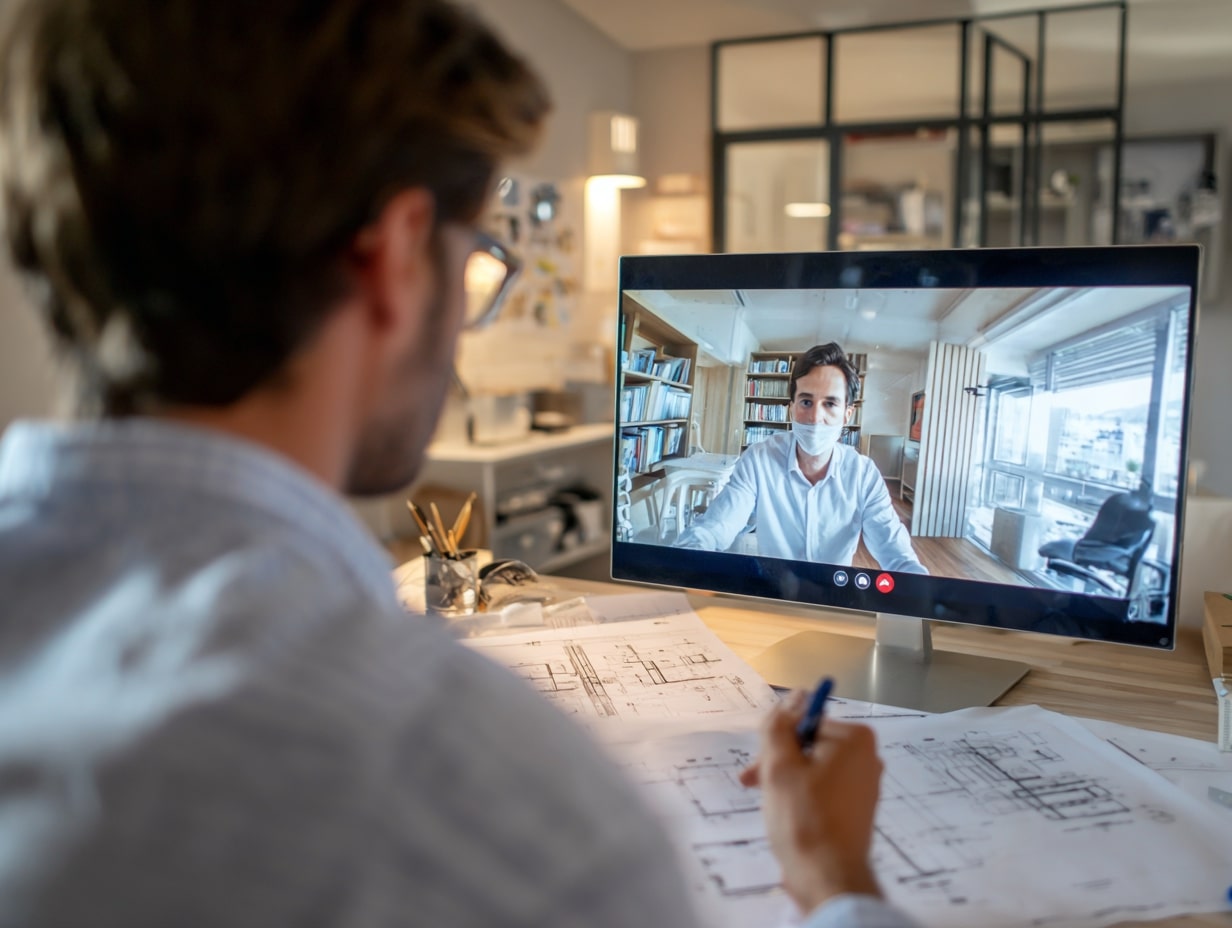
Your proposals should spell out communication channels, response times, model authorship, and what counts as basic versus additional services. Price for coordination time, not just production hours. If a site visit is optional, write in virtual observation plus an allowance for in-person trips. Architects who want to learn more about the business side of independent practice can explore our article on earning more as a freelance architect.
Mentorship, Training, and Culture at a Distance
Do not leave juniors to fend for themselves. Shadow screens, scheduled design crits, recorded micro-lessons, and rotating “detail-of-the-week” sessions build skills. Virtual coffee chats and small project rooms keep culture alive. It takes deliberate effort, but it works. For a broader view of career growth strategies in the profession, see our piece on securing your dream architect job.
Practical Tips, Pitfalls, and Real-World Scenarios
Productivity Habits and Work/Life Boundaries
Block deep-work windows for modeling and detailing, batch email twice a day, and keep notifications quiet during crits. A physical end-of-day ritual (closing the laptop, jotting tomorrow’s top three tasks) helps you switch off. Architects who work from home full time often report that establishing spatial boundaries, such as a dedicated room with a door, significantly improves focus.

Running Design Charrettes and Critique Online
Warm up with quick, messy sketches on a shared board, then converge on two to three viable schemes. Use short breakout rooms followed by an executive review with clear selection criteria. Cameras on when decisions are made; otherwise, async comments keep ideas flowing.
When a Hybrid Model Works Best
Some projects want touch time: tricky renovations, civic work with intense public input, or contractors new to your team. Plan hybrid sprints with kickoff and key CA milestones on-site, and keep everything else remote. It keeps budgets lean and relationships strong. If you are weighing your options between firm employment and going solo, our overview of side hustles and career alternatives for architects may help you decide.
Do Architects Work From Home Successfully? Industry Data Says Yes
The question of whether architects actually do work from home has clear data behind it. The AIA’s 2025 Compensation & Benefits Report found that while only 17% of firms offer fully remote positions, roughly 70% of architecture staff work remotely at least part of the week. Separately, around 42% of firms surveyed by the AIA maintain hybrid schedules as a standard policy. Firms like Saam Architecture, which operates on what it calls “radical flexibility,” have generated millions in annual revenue while running entirely remote teams.
Remote practice is not limited to employees at large firms. Freelance architect work from home has grown alongside the broader gig economy. Platforms report increasing demand for BIM specialists, visualization artists, and project-based design consultants who operate entirely online. For architects exploring building freelance connections, the remote model opens a global client base that geography once restricted.
Regulatory requirements vary by jurisdiction. Always verify licensure rules, digital seal acceptance, and insurance obligations with the relevant state board before establishing a remote architecture practice.
Conclusion
So, can architects work from home? Absolutely, when you pair cloud-native tools with disciplined process and honest expectations about on-site needs. Remote design is not a compromise; it is a different way of practicing that rewards clarity, documentation, and trust. Whether you are seeking full-time architect remote jobs work from home, launching a freelance architect work from home practice, or simply exploring online work from home for architects, the infrastructure and the opportunities are already in place. Get the process right, and the work sings wherever you plug in.








Can You Become a Licensed Architect Through Experience Only?
Twenty-one US jurisdictions let candidates qualify for licensure with documented experience instead...
Sinan Ozen5 Mins read

InDesign Alternatives for Architects: 6 Tools That Handle Portfolios and Boards
Adobe InDesign is still the default layout tool in architecture, but the...
 Furkan Sen7 Mins read

How to Get Work Experience in Architecture Before Graduation
Waiting on one summer internship is the slowest way into practice. This...
Sinan Ozen6 Mins read
What It’s Like Working as an Architect: 5 Things Architecture School Doesn’t Teach You
Architecture school teaches design. Practice runs on construction documents, fee phases, consultant...
Furkan Sen7 Mins read


Leave a comment