

⌨️ Software Shortcuts Cheat Sheets | 10 Programs, 767 Checked Shortcuts, Printable A4, Free
Original price was: $9.99.$0.00Current price is: $0.00.
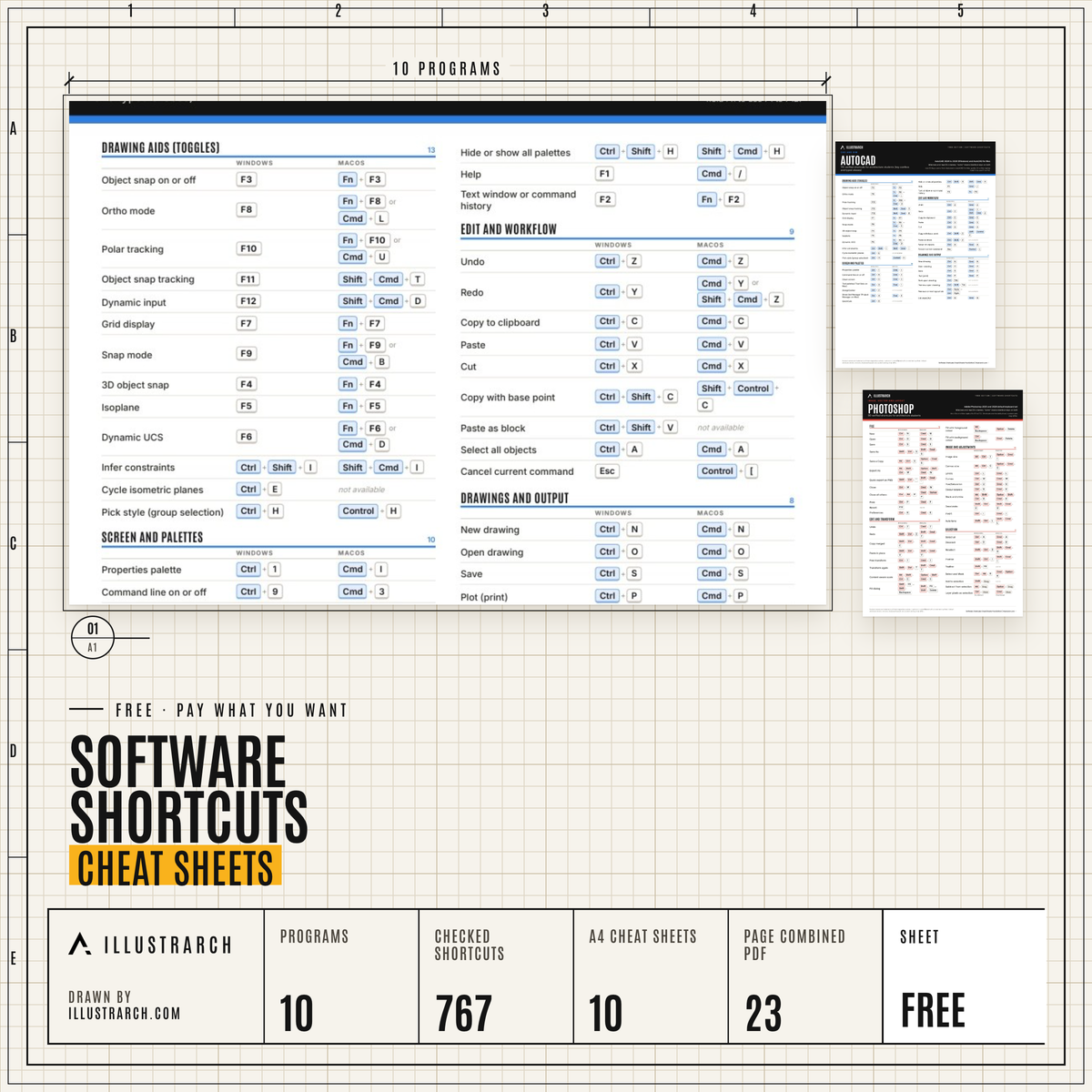
Printable A4 shortcut sheets for AutoCAD, Revit, Rhino 8, SketchUp, Photoshop, Illustrator, InDesign, Blender, Lumion, D5. 767 shortcuts.
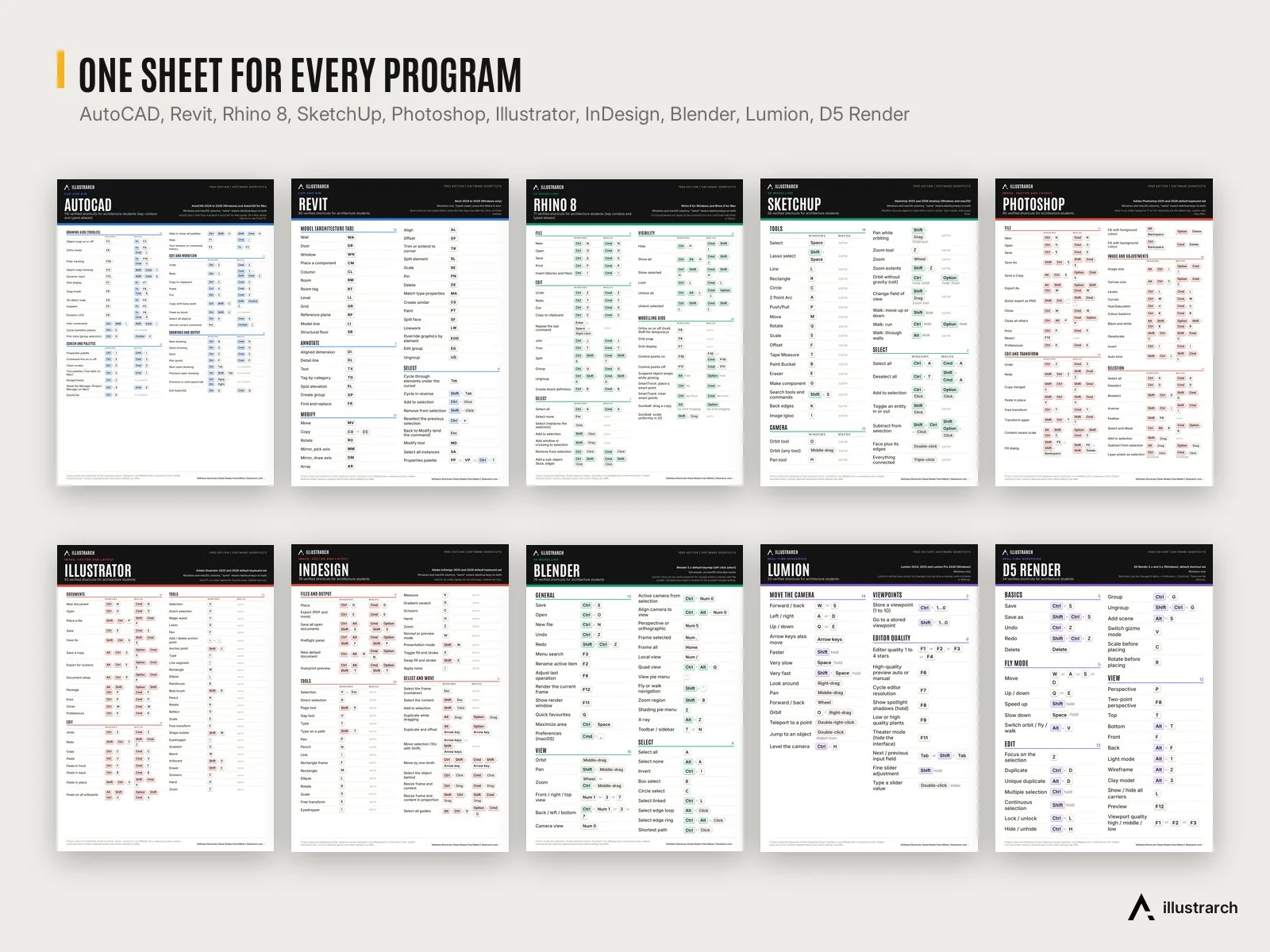
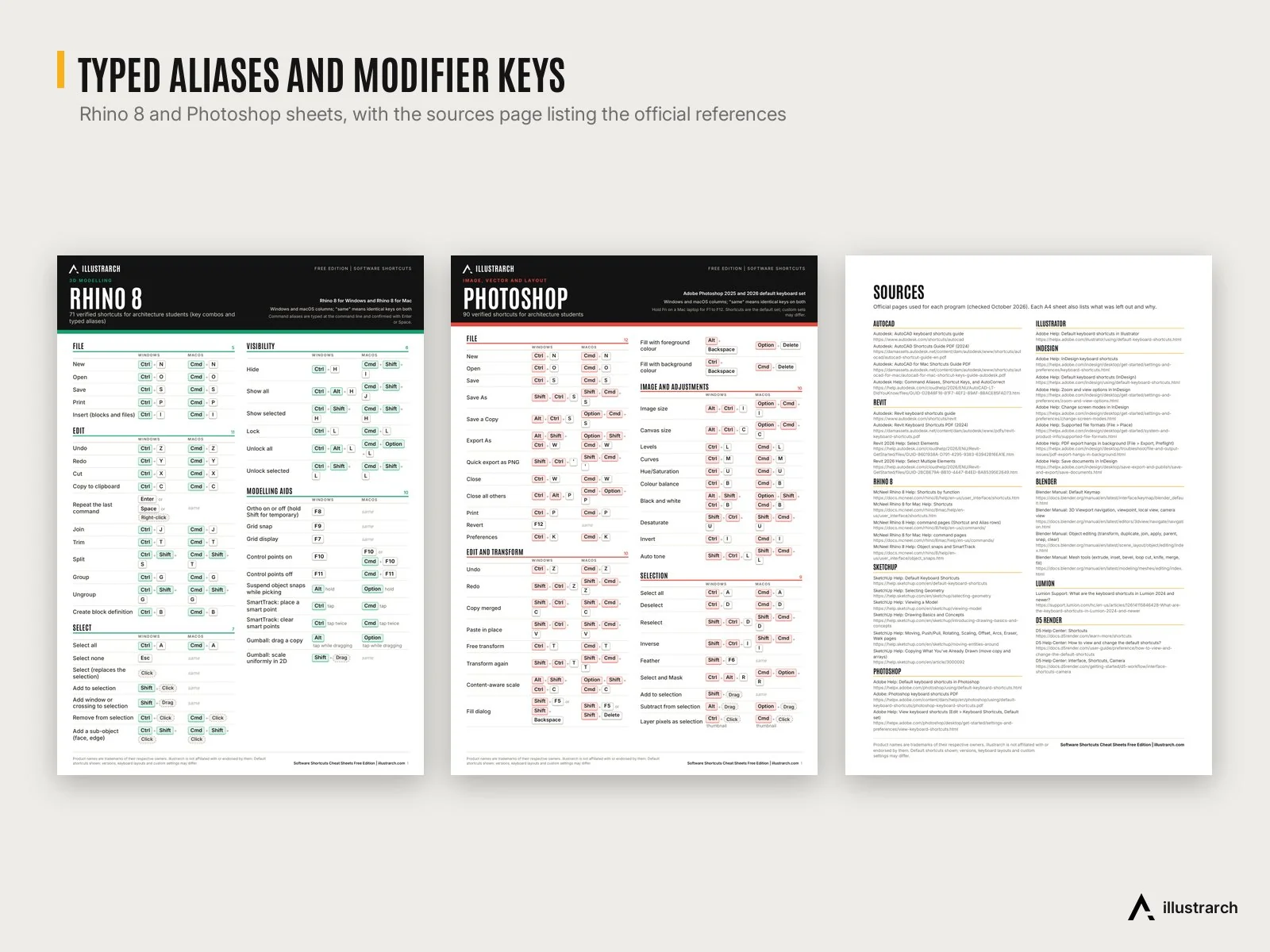
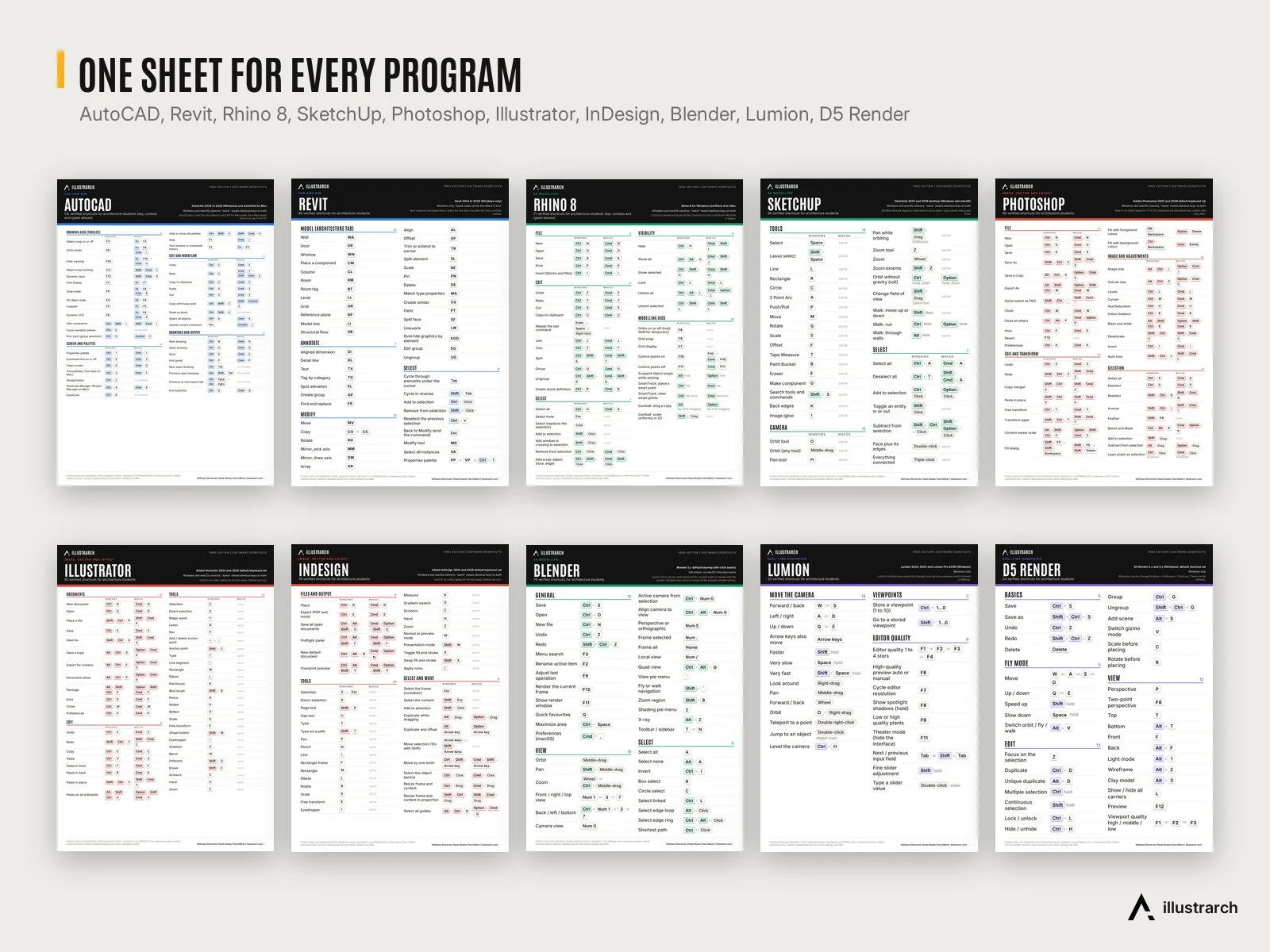
- 10 A4 cheat sheets, one PDF per program, two pages each: AutoCAD (110 shortcuts), Revit (85), Rhino 8 (71), SketchUp (56), Photoshop (90), Illustrator (93), InDesign (76), Blender (79), Lumion (53), D5 Render (54). 767 in total.
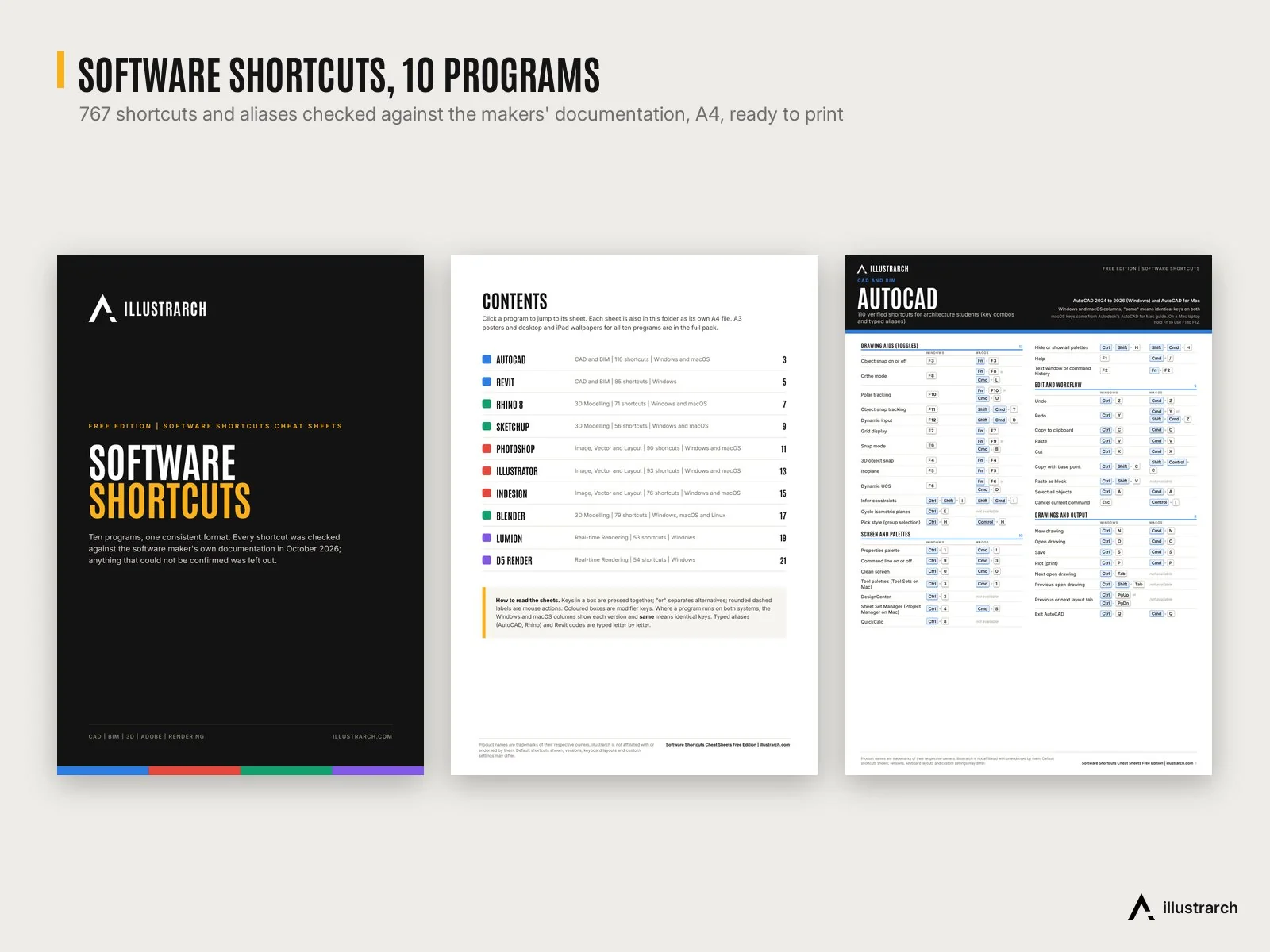
- All-Shortcuts.pdf (23 pages): cover, linked contents, all ten sheets and the sources page, bookmarked for quick jumps.
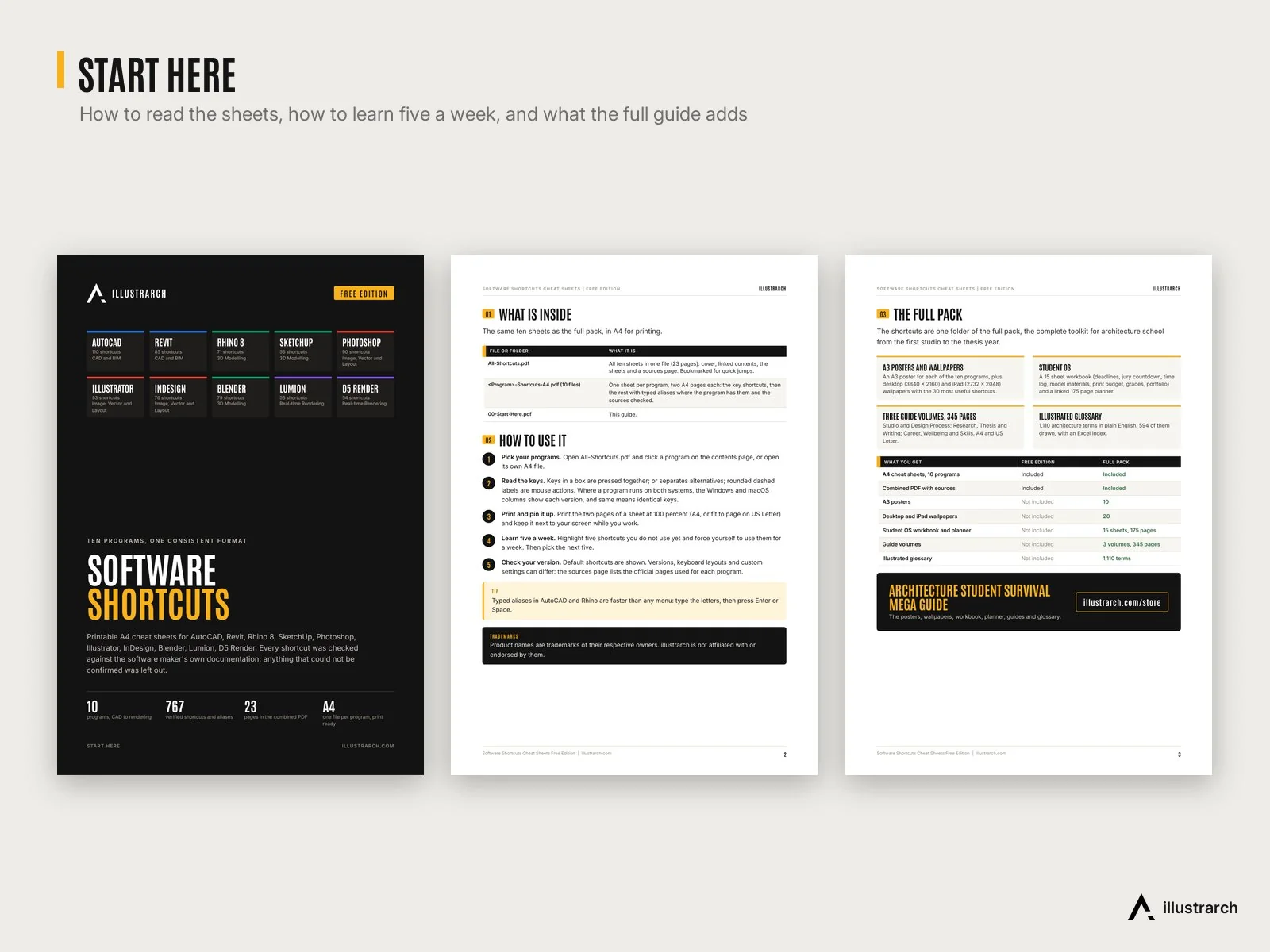
- Start Here guide (3 pages): how to read the keys, how to print, and a “learn five a week” routine.
- Free download.
- Product names are trademarks of their owners; illustrarch is not affiliated with or endorsed by them.
Instant download link (Google Drive) after checkout.
Table of Contents Show
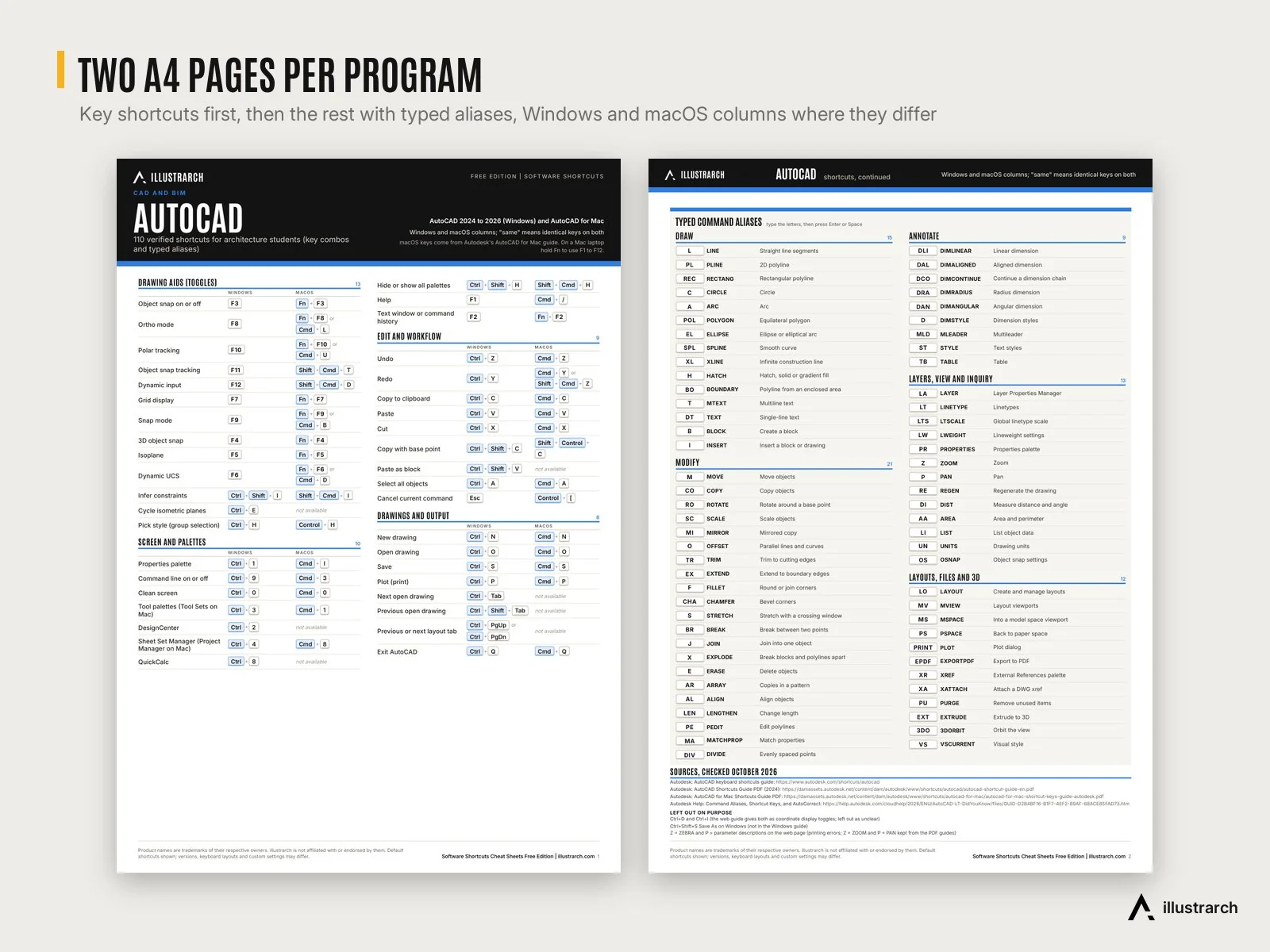
Learn the keys that save you hours in studio. These printable A4 cheat sheets cover the ten programs architecture students use most: AutoCAD, Revit, Rhino 8, SketchUp, Photoshop, Illustrator, InDesign, Blender, Lumion and D5 Render. Each program gets two pages in one consistent format: the key shortcuts first, then the rest, with typed command aliases where the program has them.
Every shortcut was checked against the software maker’s own documentation in October 2026, and anything that could not be confirmed was left out. Where a program runs on both systems, Windows and macOS keys sit side by side. A sources page lists the official pages used for each program.
📦 What’s inside
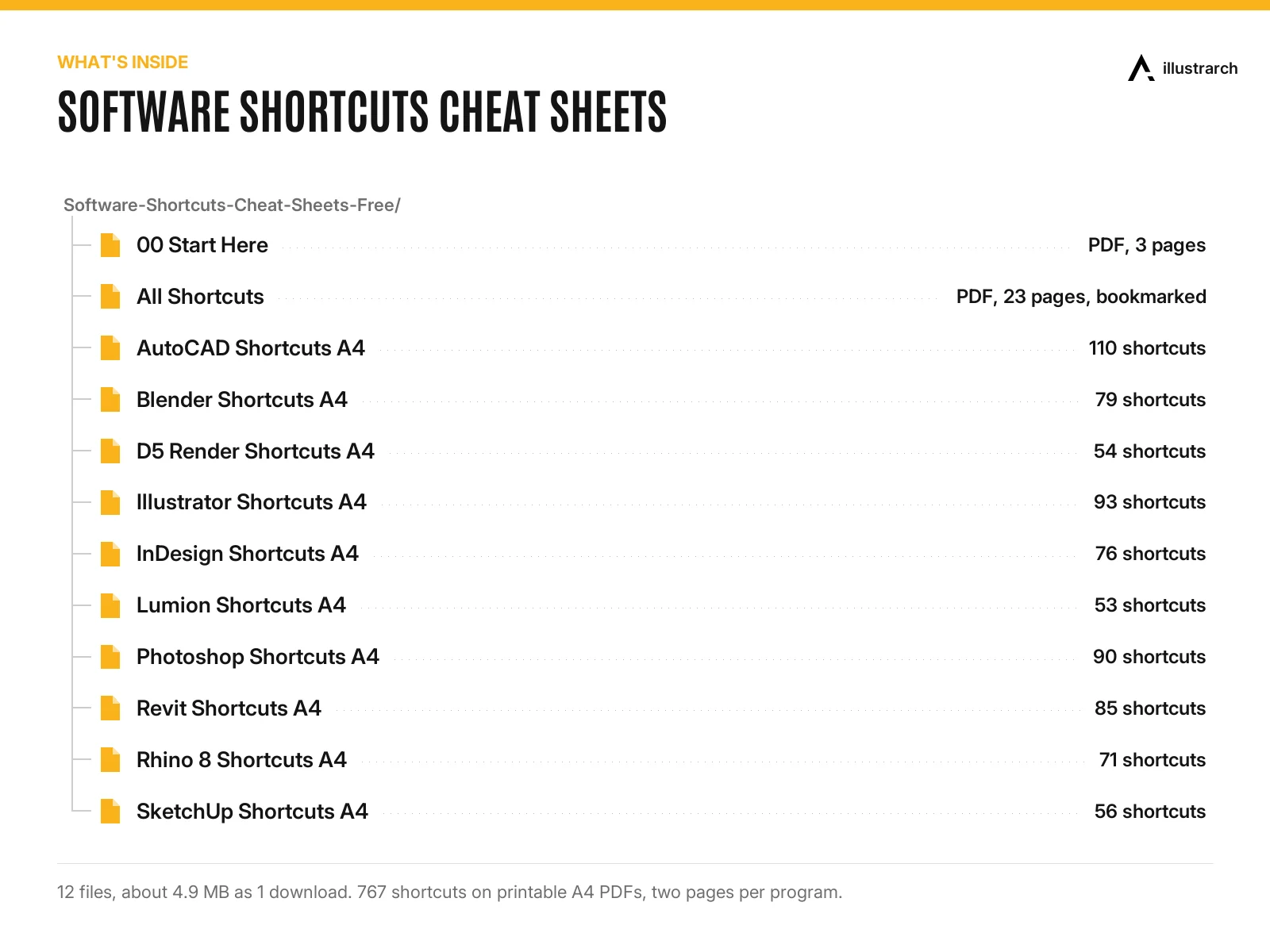
- 10 A4 cheat sheets, one PDF per program, two pages each: AutoCAD (110 shortcuts), Revit (85), Rhino 8 (71), SketchUp (56), Photoshop (90), Illustrator (93), InDesign (76), Blender (79), Lumion (53), D5 Render (54). 767 in total.
- All-Shortcuts.pdf (23 pages): cover, linked contents, all ten sheets and the sources page, bookmarked for quick jumps.
- Start Here guide (3 pages): how to read the keys, how to print, and a “learn five a week” routine.

🧩 Formats and compatibility
PDF, A4, ready to print at 100 percent (or fit to page on US Letter). Default shortcuts are shown; versions, keyboard layouts and custom settings can differ.
🎯 Who it is for
First and second year architecture and interior design students learning their software, and anyone switching between CAD, BIM, 3D, Adobe and real time rendering tools who wants the keys on one sheet next to the screen.
💡 Good to know
- Free download.
- Product names are trademarks of their owners; illustrarch is not affiliated with or endorsed by them.
- Delivered as a download link (Google Drive), 1 file, about 4.9 MB (12 files inside).
🚀 Want more?
The shortcuts are one folder of the Architecture Student Survival Mega Guide ($12), which adds an A3 poster for each of the ten programs, 20 desktop and iPad wallpapers with the 30 most useful shortcuts, the 15 sheet Student OS workbook with a 175 page dated planner, three guide volumes (345 pages: Studio and Design Process; Research, Thesis and Writing; Career, Wellbeing and Skills) and an illustrated glossary of 1,110 architecture terms. It is also part of the Ultimate Bundle ($69 for all ten packs).
Related products
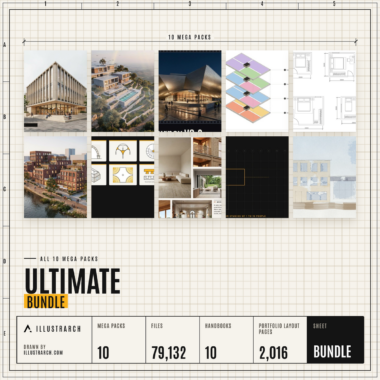
🏆 Ultimate Bundle | All 10 illustrarch Mega Packs, 79,132 Files, 10 Handbooks, $202 of Packs for $69
Original price was: $202.00.$69.00Current price is: $69.00.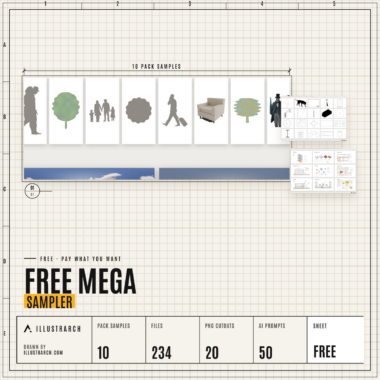
🎁 Free Mega Sampler | One Real Piece of All 10 illustrarch Mega Packs, 235 Files, Free
Original price was: $9.99.$0.00Current price is: $0.00.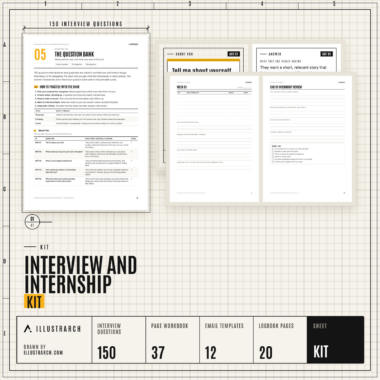
Architecture Interview and Internship Kit: Workbook, 150 Questions, Tracker, Email Templates and Logbook
Original price was: $30.00.$15.00Current price is: $15.00.


Reviews
There are no reviews yet.