

Midjourney Architecture Guide: AI-Generated Renderings with DALL-E and Stable Diffusion
A practical breakdown of Midjourney, DALL-E, and Stable Diffusion for architectural visualization. Covers prompt techniques, platform strengths, comparison tables, workflow integration strategies, and the real limitations architects should expect from AI-generated renderings in 2026.
 Furkan Sen14 May 20269 Mins read100
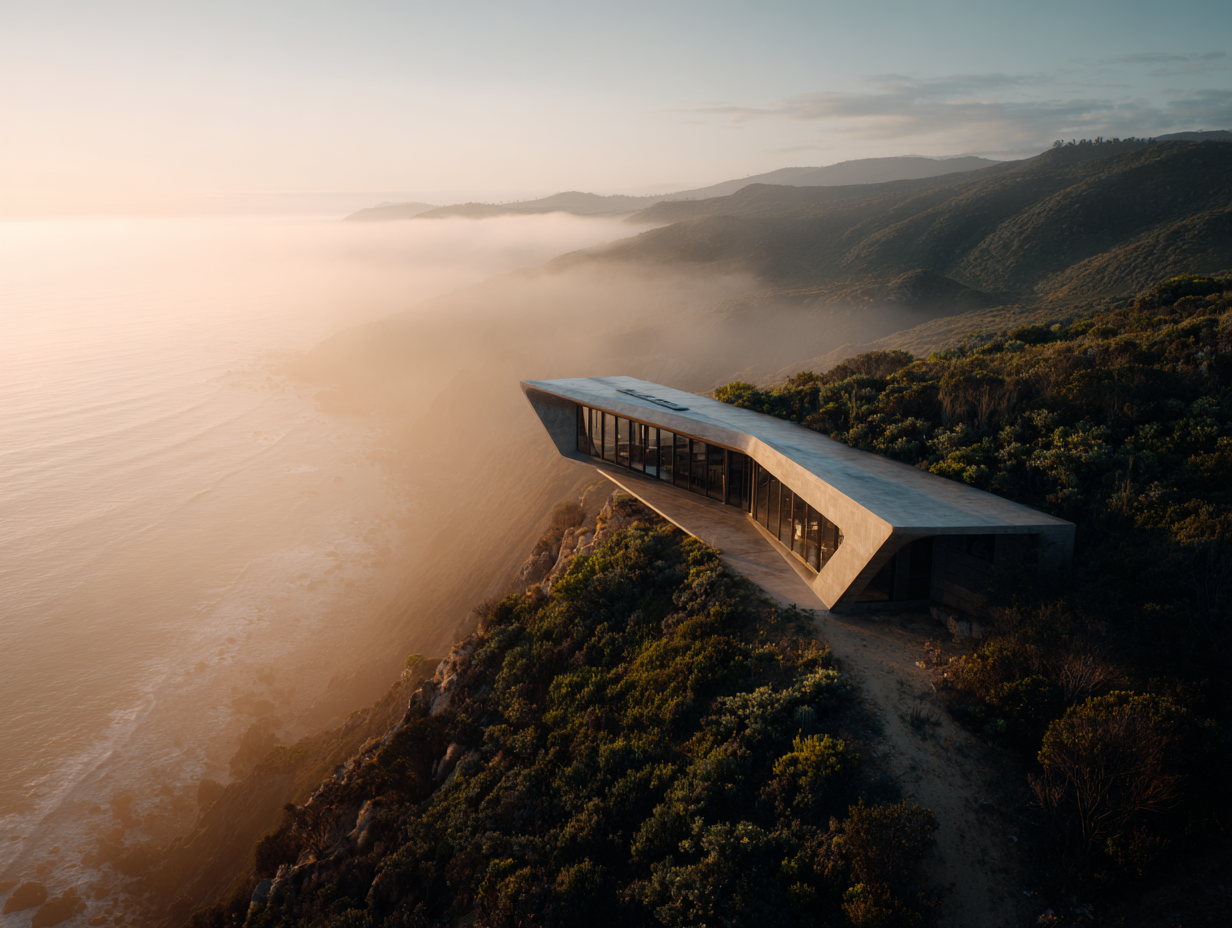
Table of Contents Show
Midjourney architecture tools, along with DALL-E and Stable Diffusion, allow architects to generate photorealistic renderings from text prompts in seconds rather than hours. These AI image generators each bring different strengths to the design workflow, from atmospheric concept visuals to precise prompt-following outputs, giving architects new ways to explore form, material, and light at every project stage.
Architects in 2026 are generating concept renderings faster than at any point in the profession’s history. Where a single exterior visualization once required 4 to 8 hours of setup in V-Ray or Lumion, AI tools now produce comparable concept-phase images in under 10 minutes. The three platforms driving this shift are Midjourney, DALL-E, and Stable Diffusion. Each one works differently, targets different parts of the design process, and produces visually distinct results. This guide breaks down how each platform handles midjourney ai architecture prompts, where they fit in a professional workflow, and what their actual limitations look like in practice.
How Midjourney Works for Architectural Visualization
Midjourney is an independent AI image generator that produces images from natural language descriptions. For architects, it functions primarily as a concept exploration tool. Feed it a descriptive prompt about spatial mood, lighting conditions, and material palette, and it returns visuals that often resemble high-end architectural photography rather than a standard render output.
The platform has gone through rapid development. The V7 model, released in April 2025, brought noticeably improved spatial coherence and material realism for architectural imagery. The V8 Alpha launched on March 17, 2026, introduced native 2K resolution, 5x faster generation speeds, and a completely rewritten GPU-native codebase. V8.1, released in mid-April 2026, refined the aesthetic quality and brought back some of the creative expressiveness users valued in earlier versions.
What makes midjourney architecture prompts effective is front-loading camera position and environmental context. A prompt structured as “wide shot, late afternoon sun, south facade, concrete and glass residential building with deep overhangs” consistently outperforms vague descriptions. The platform responds strongly to atmospheric cues, not just object descriptions.
💡 Pro Tip
When prompting Midjourney for architectural exteriors, specify the camera lens focal length (e.g., “24mm wide-angle”) and time of day before describing the building. This single adjustment produces more spatially coherent results because the model treats environmental context as a primary composition driver, not a secondary detail.
Firms including Zaha Hadid Architects have used Midjourney to generate early-stage design references and explore aesthetic directions before any 3D modeling begins. The platform lets designers test material combinations, massing ideas, and atmospheric conditions without touching Revit or Rhino. That speed is its defining advantage at the conceptual stage.
Midjourney’s pricing starts at $10/month for the Basic plan, making it the most affordable entry point among the three major AI image generators. Subscription tiers scale up based on generation speed and volume, with higher plans offering faster queue times and more GPU hours per month.
Using DALL-E for Architecture: Prompt Accuracy Over Atmosphere
DALL-E is OpenAI’s text-to-image model, integrated directly into ChatGPT and available through the API. Its approach to dall e architecture generation differs fundamentally from Midjourney. Where Midjourney interprets prompts through an artistic filter, DALL-E attempts to deliver exactly what you specify. If you describe oak cladding, a flat roof, and morning light, DALL-E tries to render those elements literally.
This literal prompt adherence makes dall e for architecture particularly useful once design decisions have already been made. Architects working through schematic design or design development, where the goal is to visualize a specific material selection or facade composition, get more predictable results from DALL-E than from Midjourney’s more interpretive outputs.
The current version available through ChatGPT Plus ($20/month) produces architectural images dall-e generates with improved spatial logic compared to earlier iterations. DALL-E’s text rendering inside images also works more reliably than competitors, which matters for signage, labels, or presentation boards where legible text is required within the visualization.
🎓 Expert Insight
“The advantage of Midjourney lies precisely at the beginning of a project when you are dreaming about what something could be.” — Andrew Kudless, Architect and Professor, University of Houston
This observation, shared in an interview with Fast Company, captures the core distinction between the two platforms. Midjourney excels at conceptual freedom, while DALL-E performs better when design intent is already defined and the goal is accurate visualization.
DALL-E’s integration within the OpenAI ecosystem adds a practical workflow advantage. Architects can use GPT-4 to analyze a site brief, generate a descriptive prompt, and produce a corresponding visualization in a single conversation, all without switching tools. For firms already using Microsoft products, DALL-E access also comes through Copilot and Microsoft Designer.
Stable Diffusion Architecture: Open-Source Control for Custom Workflows
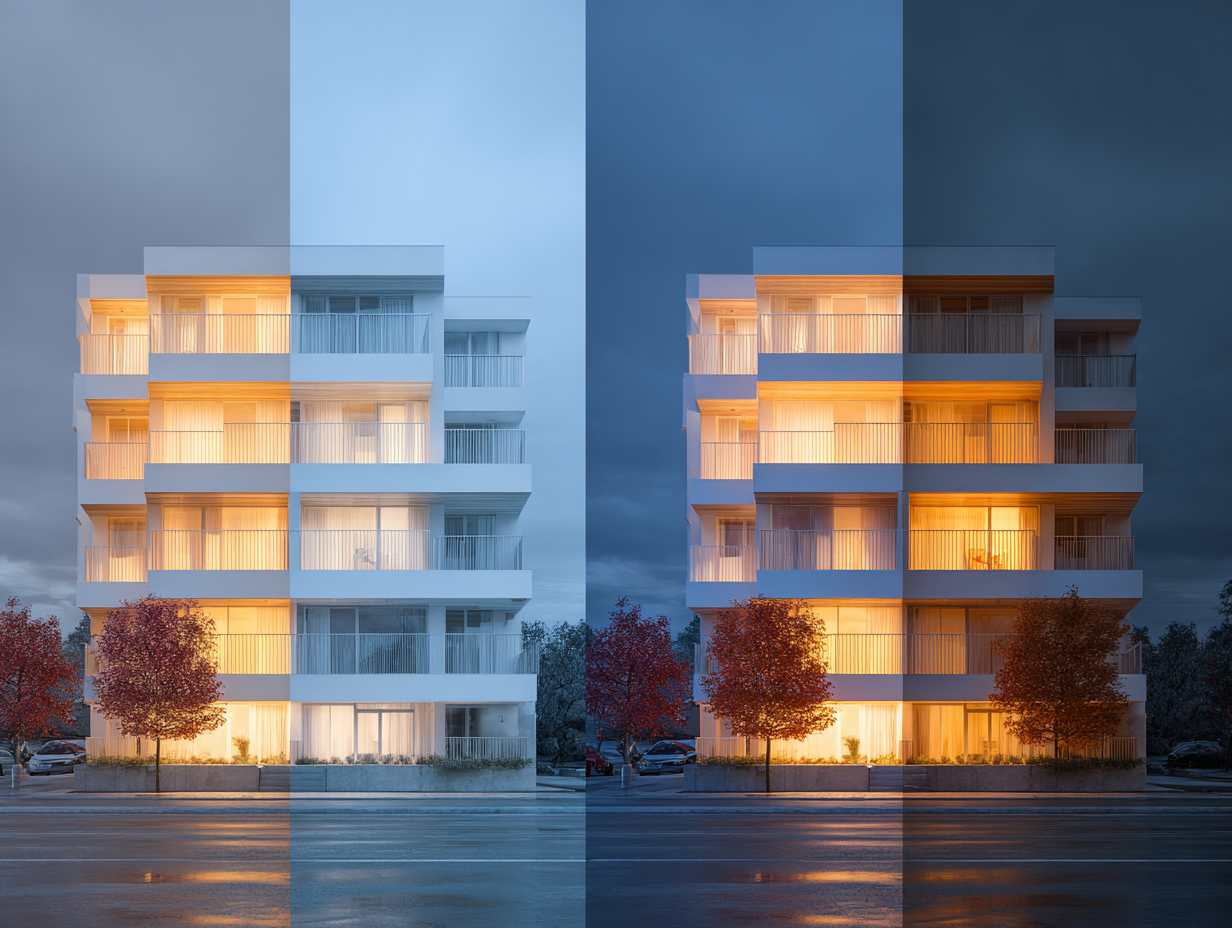
Stable Diffusion takes a fundamentally different approach. Developed by Stability AI, it is an open-source model, meaning architects can download, modify, and run it locally on their own hardware. This matters for firms handling sensitive project data or those needing full control over their image generation pipeline.
The latest release, Stable Diffusion 3.5, uses a Multimodal Diffusion Transformer (MMDiT) architecture with 8 billion parameters in its Large variant. This architecture replaced the earlier U-Net design and significantly improved prompt adherence and text rendering capabilities. The Large Turbo variant can generate images in just four steps, producing results in seconds on consumer-grade GPUs.
For stable diffusion architecture applications, the real power lies in customization. Architects can train custom models (called LoRAs) on their own rendering styles, ensuring visual consistency across an entire presentation. A firm could train a model on its past V-Ray output and then generate AI images that match their established visual language, something neither Midjourney nor DALL-E can offer natively.
ControlNet, a companion tool for Stable Diffusion, adds another layer of precision. It allows users to control output geometry using edge maps, depth maps, or line drawings extracted from CAD exports. An architect can export a wireframe from SketchUp or Rhino, feed it into ControlNet, and generate a rendering that follows the exact geometry of the original model while AI handles materials, lighting, and atmosphere.
⚠️ Common Mistake to Avoid
Many architects try to use AI-generated renderings for final construction documentation or large-format print deliverables. These tools are designed for concept and iteration phases, not for replacing physics-based engines like V-Ray or Lumion at the production stage. Applying AI renders at the wrong project phase produces diminishing returns and can undermine credibility with clients expecting technical precision.
Comparison of Midjourney, DALL-E, and Stable Diffusion for Architecture
The following table summarizes how each platform performs across criteria relevant to architectural visualization:
| Feature | Midjourney | DALL-E | Stable Diffusion |
|---|---|---|---|
| Best Use Case | Early concept, mood boards | Precise visualization, text in images | Custom pipelines, style consistency |
| Prompt Adherence | Interpretive, atmospheric | Literal, high accuracy | High with negative prompts |
| Image Quality | Exceptional, near-photographic | Good, improving rapidly | Variable, model-dependent |
| Geometry Control | Limited (text prompts only) | Moderate (text prompts only) | Strong (ControlNet integration) |
| Pricing | From $10/month | $20/month (ChatGPT Plus) | Free (open-source, hardware costs) |
| Learning Curve | Moderate (prompt craft) | Low (natural language) | Steep (setup, model selection) |
| Data Privacy | Cloud-based (images on servers) | Cloud-based (OpenAI servers) | Full local control possible |
How AI-Generated Architecture Fits Into a Professional Workflow
The practical value of ai generated architecture tools depends entirely on where they sit in your project timeline. These platforms are not replacements for traditional rendering engines. They are accelerators for the concept and iteration phases, where most visualization hours are actually spent.
A hybrid workflow produces the strongest results. Use ai architectural rendering tools during schematic design to test massing options, material palettes, and site context. Generate 10 or 15 variations in an hour instead of spending a full day on a single option. Then switch to physics-based rendering (V-Ray, Lumion, or Enscape) only for the final hero images needed for competition submissions, planning applications, or high-end marketing material.
According to the 2024 Autodesk State of Design and Make Report, AI-assisted rendering reduces image generation time from 2 to 4 hours down to under 10 minutes for comparable concept-phase outputs. A separate survey by Chaos and Architizer of 1,227 architecture professionals found that 46% already use AI tools at some point in their visual workflow, with 74% planning to increase usage within the next 12 months.
🔢 Quick Numbers
- AI-assisted rendering reduces generation time from 2-4 hours to under 10 minutes (Autodesk State of Design and Make Report, 2024)
- 46% of architecture professionals currently use AI tools in their visual workflow (Chaos and Architizer Survey, 2024-2025)
- The generative AI in architecture market was valued at $1.48 billion in 2025, projected to reach $5.85 billion by 2029 (The Business Research Company, 2025)
Writing Effective Prompts for AI Architectural Rendering
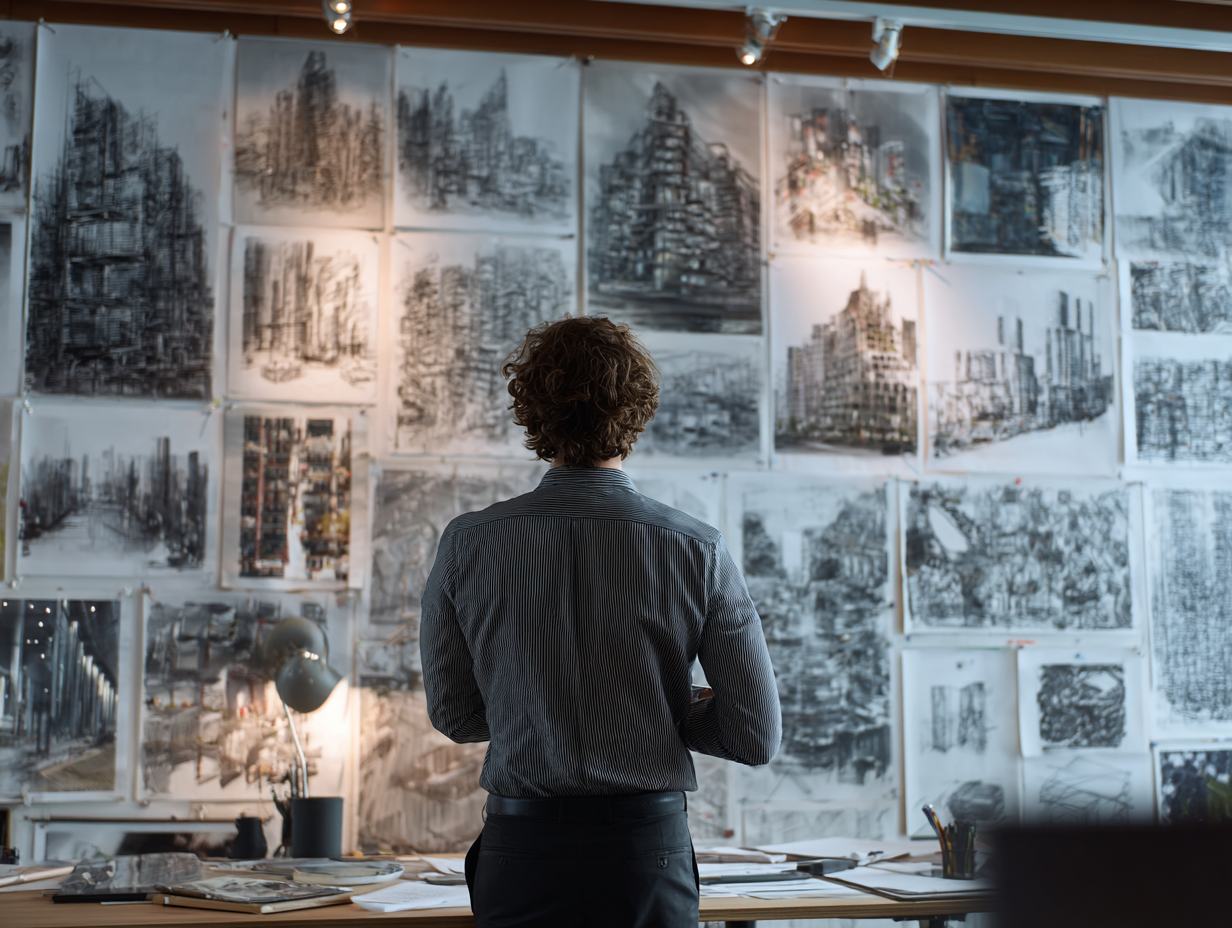
Prompt quality determines output quality across all three platforms. Vague descriptions produce generic results. Specific, structured prompts produce usable visuals. The core framework for an effective architecture prompt follows this order: content type, architectural style, building type, key features, materials, lighting, context, and camera angle.
For Midjourney, front-load atmospheric information. A prompt like “high-resolution architectural rendering of a Brutalist community center, exposed board-formed concrete, narrow vertical windows, overcast sky, 35mm lens, eye-level perspective” gives the model enough spatial and material context to produce a coherent result.
For DALL-E, keep prompts direct and avoid stacking too many style modifiers. The model responds well to clear building types and material specifications. A prompt like “modern apartment building with timber cladding and floor-to-ceiling glazing, corner site, morning light, street-level view” works reliably.
For stable diffusion 3 architecture applications, combine a positive prompt with a negative prompt to control geometry. Add terms like “deformed geometry, warped perspective, floating stairs, uneven windows” to the negative prompt to prevent common architectural distortions. ControlNet provides additional precision by using edge detection or depth maps from your CAD model as structural guides.
💡 Pro Tip
Use Midjourney’s style reference feature (–sref) to maintain visual consistency across a project. Upload a single render you like, then use it as a reference for all subsequent generations. This creates a cohesive presentation set without manually matching lighting and color grading across individual images.
What Are the Limitations of AI-Generated Architectural Renderings?
AI-generated architectural renderings have clear limitations that architects need to understand before integrating these tools into client-facing work. The most significant limitation is geometric reliability. All three platforms can produce structurally implausible details: floating columns, impossible cantilevers, staircases that lead nowhere, and windows that violate basic construction logic. These errors require manual review on every output.
Material accuracy is another constraint. Midjourney excels at producing visually appealing material textures, but the materials it renders may not correspond to real products. A concrete texture that looks stunning in a Midjourney output may not represent any actual concrete finish available from a supplier. This gap between visual appeal and constructability matters when clients begin making decisions based on AI-generated images.
Resolution and detail consistency also vary. While Midjourney V8 now generates native 2K images, fine details like mullion profiles, railing connections, or brick bond patterns still lack the precision needed for detailed design phases. These tools work best when viewed at presentation scale rather than zoomed to construction detail level.
The American Institute of Architects (AIA) has noted the growing need for clear ethical standards around AI-generated imagery in client presentations, particularly regarding transparency about what is AI-generated versus what represents actual design intent backed by technical documentation.
Video: Midjourney V7 for Architecture: Write Prompts, Render, Animate
This step-by-step tutorial covers how architects can write effective prompts, generate architectural visuals, and use Midjourney’s animation and retexturing features for design presentations.
Choosing the Right AI Tool for Your Architecture Project
The choice between these three platforms is not about which one is “best” overall. It is about matching the tool to the project phase and output requirement.
Choose Midjourney when you need atmospheric, mood-driven concept visuals early in the design process. It is the strongest option for competition entries, pitch decks, and exploring midjourney architecture examples that communicate spatial feeling rather than technical precision. The V8 model’s speed improvements make it practical to generate dozens of variations in a single design session.
Choose DALL-E when you need literal prompt adherence and integration with text-based workflows. It works well for architects who want to describe a specific design condition and see it rendered accurately, or for those who need legible text within their visualizations. Its position within the OpenAI ecosystem makes it easy to combine with other AI-assisted tasks like brief analysis or specification writing.
Choose Stable Diffusion when you need full control over the generation pipeline, data privacy, or visual consistency across a large project. Firms producing AI architectural renderings at scale benefit from the ability to train custom models and run everything locally. The learning curve is steeper, but the customization options are unmatched.
🏗️ Real-World Example
Zaha Hadid Architects (London, ongoing): The firm has publicly integrated Midjourney into its early-stage design exploration workflow, using AI-generated visuals to test aesthetic directions and material palettes before committing to 3D modeling. This approach reportedly compresses the initial concept phase from days to hours, allowing the team to present multiple design directions in a single client meeting rather than iterating over several sessions.
Many architects find that using two or all three platforms in combination produces the best results. Generate wide conceptual explorations in Midjourney, refine specific design conditions in DALL-E, and produce presentation-consistent sets through a trained Stable Diffusion model. The tools complement rather than replace each other.
For a deeper look at how these tools compare head-to-head, the Midjourney AI vs DALL-E comparison breaks down rendering quality, prompt control, and practical performance for architects. And for a broader view of the AI visualization landscape, the guide to AI tools replacing traditional architecture workflows covers how these platforms fit alongside BIM automation, site analysis, and documentation tools.
✅ Key Takeaways
- Midjourney produces the most visually striking architectural concept images and is best suited for early-stage exploration, mood boards, and competition visuals.
- DALL-E offers stronger prompt adherence and integrates directly with ChatGPT, making it practical for precise visualizations and text-based workflows.
- Stable Diffusion provides full open-source control, local data privacy, and custom model training for firms needing visual consistency at scale.
- All three tools are concept and iteration accelerators, not replacements for physics-based rendering engines used in final production deliverables.
- A hybrid workflow using multiple AI platforms alongside traditional rendering software produces the strongest results across project phases.
Final Thoughts
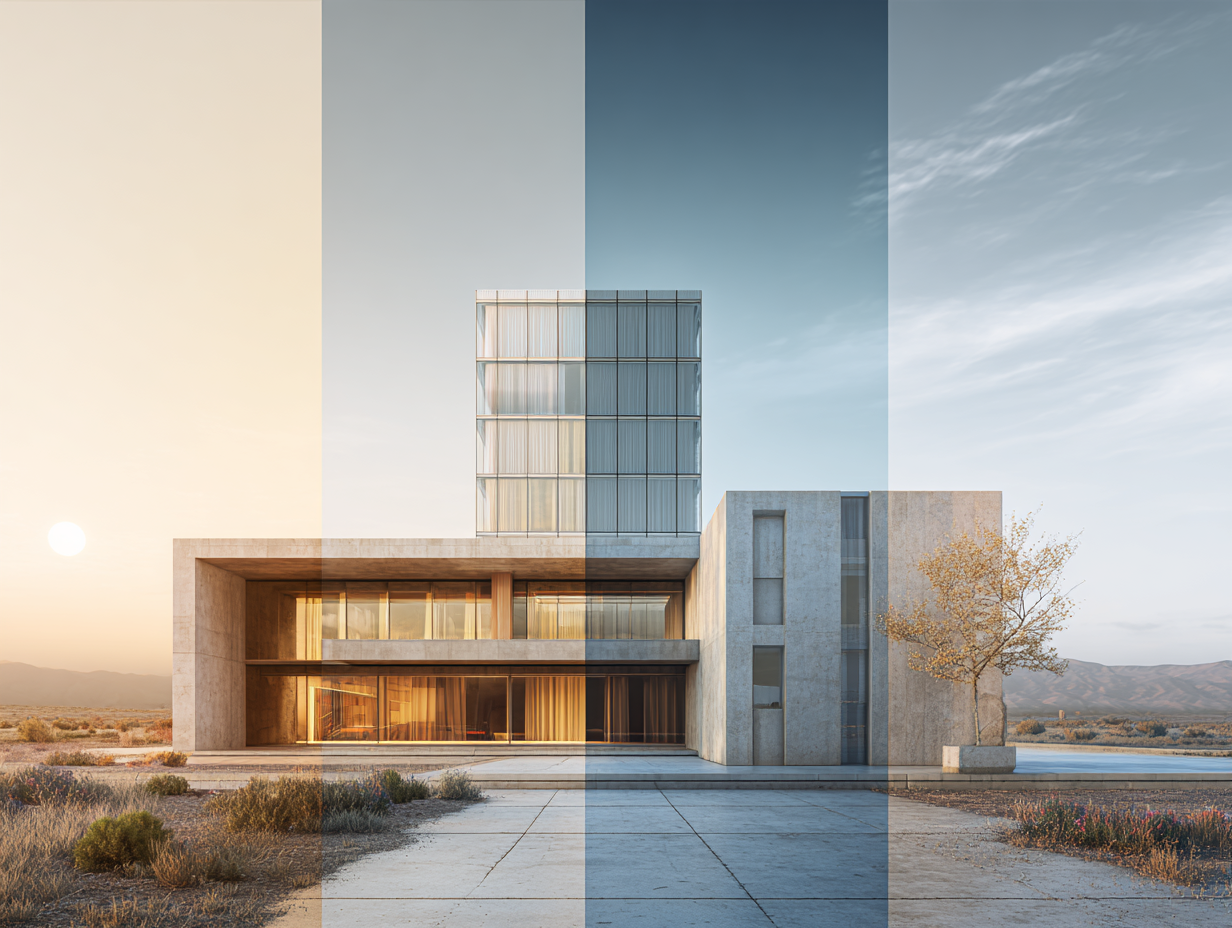
AI-generated architectural renderings have moved well past the experimental stage. The technology is measurably faster, the output quality is credible for concept-phase work, and nearly half the profession is already using these tools. The question is no longer whether to adopt them, but how to integrate them effectively.
Start small. Pick one platform, run it on a live project during schematic design, and evaluate the results against your existing workflow. The learning curve for all three tools is measured in hours, not weeks. What takes longer is developing the judgment to know which tool fits which moment in your process. That judgment comes from use, not from reading about it.
For more on AI-powered design tools and architectural technology, explore the AI render workflow guide and the best AI tools for architects overview on illustrarch.com.
AI rendering outputs are approximations suited for concept and presentation phases. Technical specifications, material selections, and structural details should be verified through conventional design documentation before construction.




The Nano Banana Prompt: Mastering Micro-Bionic Architecture in Midjourney v6
Table of Contents Show 1. Deconstructing the “Nano Banana Prompt” Logic2. Parametric...
 Bahattin Duran3 Mins read

ChatGPT Alternatives for Architects: 8 Best AI Tools in 2026
Not every AI assistant fits an architecture workflow the same way. This...
Furkan Sen12 Mins read
Spacio AI Review: Generate Structured Building Proposals in Minutes, Not Weeks
This Spacio AI review breaks down how the platform handles early-stage building...
 Sinan Ozen8 Mins read
AI for Architects: How Small Studios Compete with Big Firms Using SaaS Tools
AI for architects, delivered through affordable SaaS tools, is changing the competitive...
Sinan Ozen8 Mins read


Leave a comment