

AI Render Workflow 2026: How Architects Are Saving 14+ Hours Every Week
Architects using a structured AI render workflow in 2026 are reclaiming 14 or more hours per week by targeting the right workflow stages: concept visualization, client iteration rounds, and documentation. This article breaks down exactly where the time goes and how to get it back with today's purpose-built AI rendering tools.
 Sinan Ozen23 April 20268 Mins read61
Table of Contents Show
Where Architects Actually Lose Time in Rendering
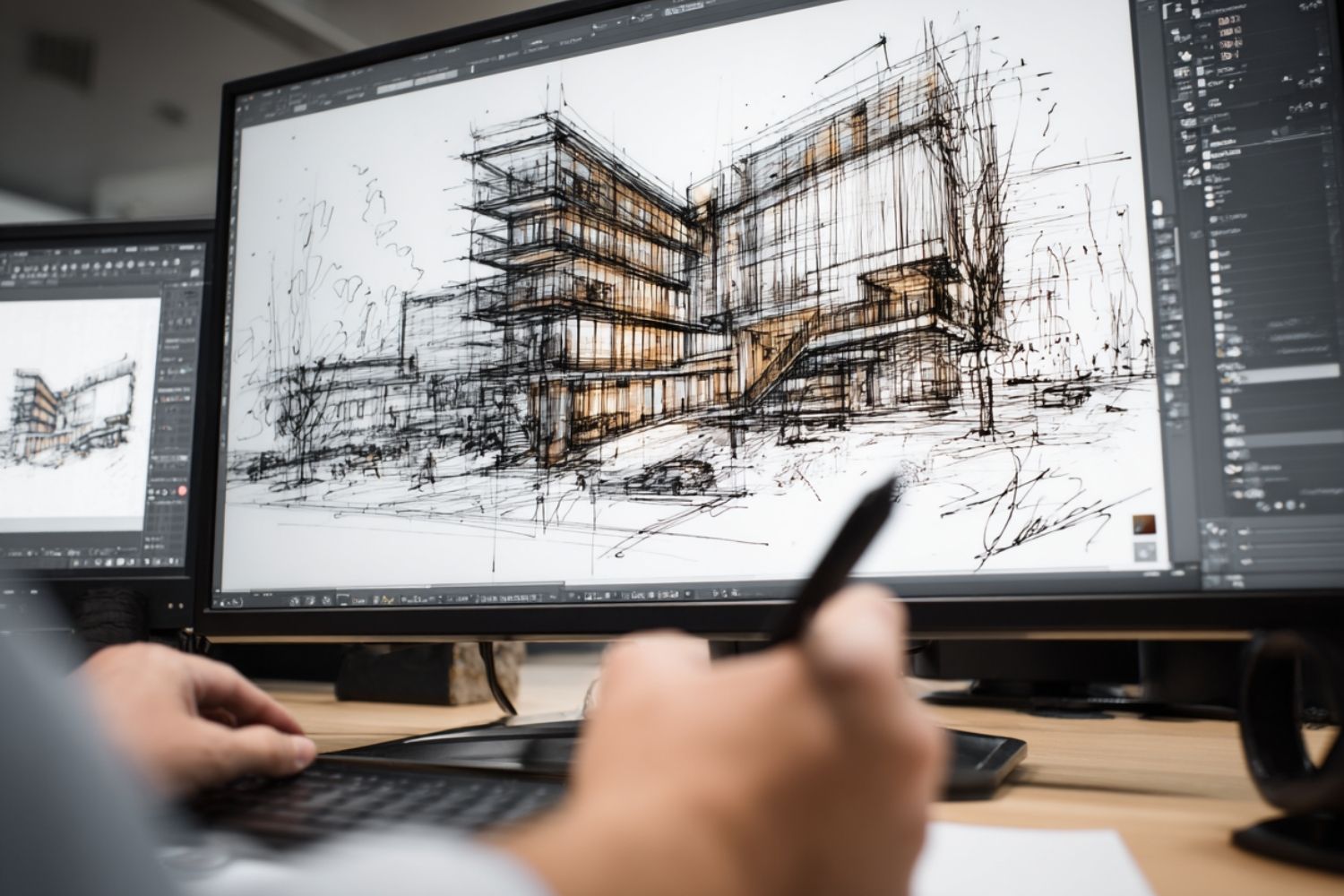
Before mapping out a faster workflow, it helps to be specific about where the hours go. A traditional rendering session for a mid-complexity exterior project in V-Ray or Lumion typically breaks down like this: material assignment and scene setup takes 1 to 2 hours, lighting configuration takes another 30 to 90 minutes, the render itself runs 2 to 6 hours depending on hardware and quality settings, and post-production in Photoshop adds another 30 to 60 minutes per image. The 2024 Autodesk State of Design and Make Report found that AI-assisted rendering reduces image generation from 2 to 4 hours to under 10 minutes for comparable concept-phase outputs. Multiply that by three or four client review rounds and a single project can consume 20 to 30 hours in visualization alone before a design is approved. The Chaos and Architizer State of Architectural Visualization Survey found that 46% of architecture professionals are already using AI tools, with 74% planning to increase usage within the next 12 months — a signal of how fast this shift is moving across practice.💡 Pro Tip
Map your current weekly hours against three specific rendering stages: initial concept visuals, client revision rounds, and final delivery. Most architects find that the first two stages account for over 70% of total visualization time — and both are well-suited to AI rendering tools. Targeting those stages first delivers the fastest measurable return.
The 4-Stage AI Render Workflow That Saves the Most Time
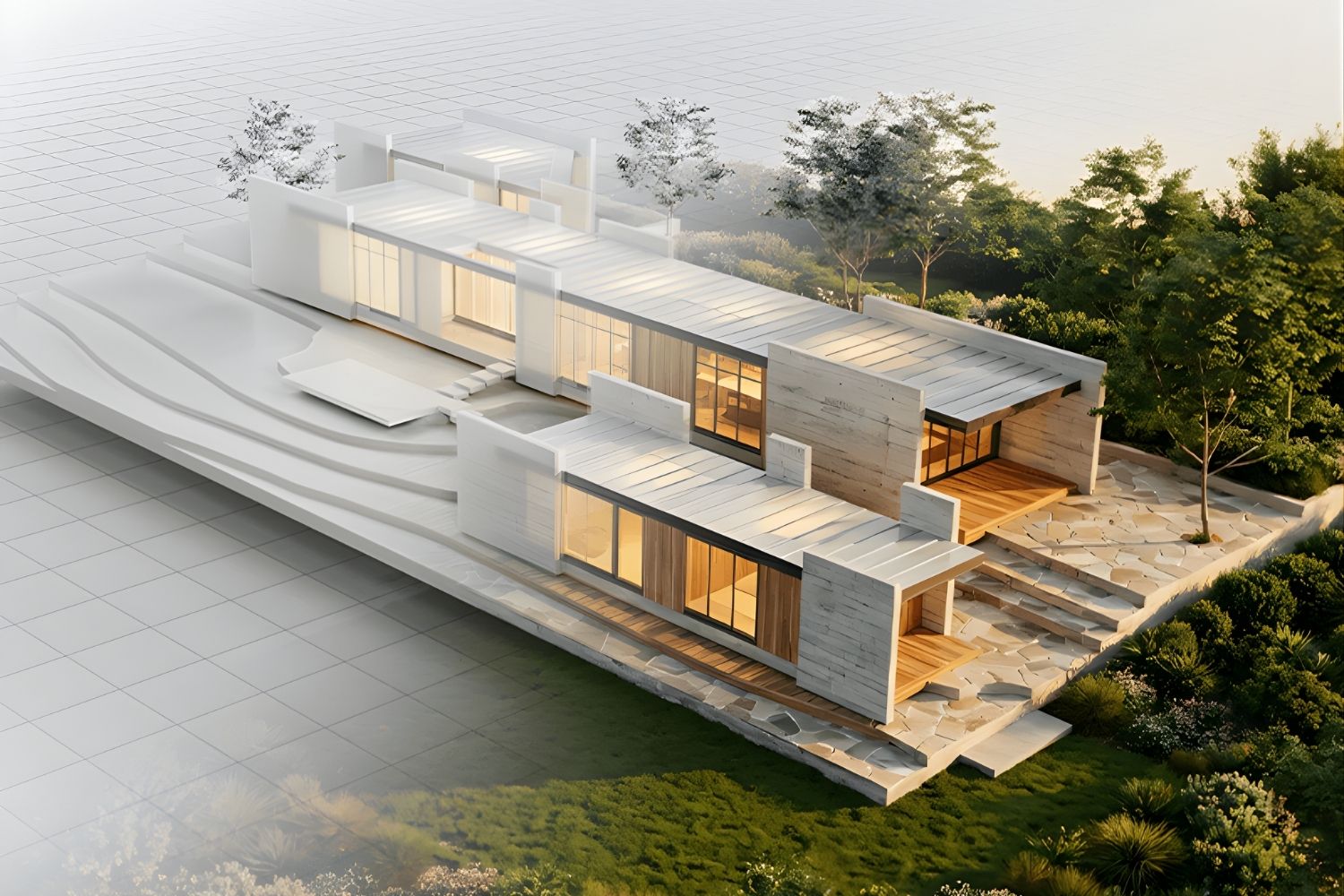
Architects getting consistent 14-plus-hour weekly savings are not simply swapping one render tool for another. They are restructuring when and how visualization happens across the project timeline. The following four-stage workflow reflects how the most time-efficient studios in 2026 operate.Stage 1: Concept Phase — Text-to-Image and Sketch-to-Render
At the earliest stage of a project, before a proper 3D model exists, AI platforms like Midjourney and ArchFine accept rough sketches, reference images, or text descriptions and return styled photorealistic visuals within seconds. This replaces the need for any setup work in a traditional renderer. A single architect can generate six to ten concept directions in the time it previously took to build one massing model for rendering. For a broader look at what tools are available at this stage, the guide to 12 AI tools architects are using for concept design and presentations is a useful starting point. For geometry-based early concepts, platforms like ArchiVinci accept a SketchUp or Rhino screenshot and return a photorealistic result with no material or lighting setup required. The image arrives in under 30 seconds. Studios using this approach consistently report eliminating one to three full days of concept visualization work per project.🔢 Quick Numbers
- AI-assisted rendering reduces image generation time from 2 to 4 hours to under 10 minutes for concept-phase outputs (Autodesk State of Design and Make Report, 2024)
- 46% of architecture professionals currently use AI tools in their workflow, with another 23% planning to adopt them (Architizer and Chaos, 2024-2025 State of Architectural Visualization Survey)
- 67% of architecture professionals say AI tools have meaningfully reduced time on repetitive documentation tasks (Dodge Construction Network, 2024)
- Architects spend an average of 35% of their working hours on non-design administrative tasks, including rendering revisions (AIA Firm Survey, 2023)
Stage 2: Design Development — Iteration Rounds Without Re-rendering
Client feedback rounds are where traditional workflows stall. Each change request — a different facade material, an adjusted lighting mood, an alternative landscape treatment — triggers another full render cycle. With an AI rendering workflow, revision requests are handled by uploading the previous result back into the platform with a modified prompt or a new reference image. The revised visual comes back in seconds, not hours. Veras by EvolveLAB takes this further by integrating directly with Revit, SketchUp, Rhino, and Autodesk Forma, generating AI renders from the live model rather than an exported screenshot. Changes made to the model feed directly into the next render pass without any export or re-upload step. The Veras platform documentation outlines exactly how this BIM-native connection works for each supported software. According to research on how architects are saving 10-plus hours weekly, this integration-based approach accounts for a significant share of the measurable time savings reported by firms that have adopted it.⚠️ Common Mistake to Avoid
Many architects apply AI rendering tools to their entire workflow and then wonder why the time savings are smaller than expected. The issue is that AI renders are not yet ideal for final construction documentation or large-format print deliverables, where V-Ray or Lumion still produce more precise outputs. Applying AI tools to concept and iteration phases, and switching to physics-based rendering only for final marketing deliverables, is where the 14-hour saving figure actually comes from. Using AI for the wrong stage produces diminishing returns.
Stage 3: Client Presentations — Multiple Variations in One Meeting
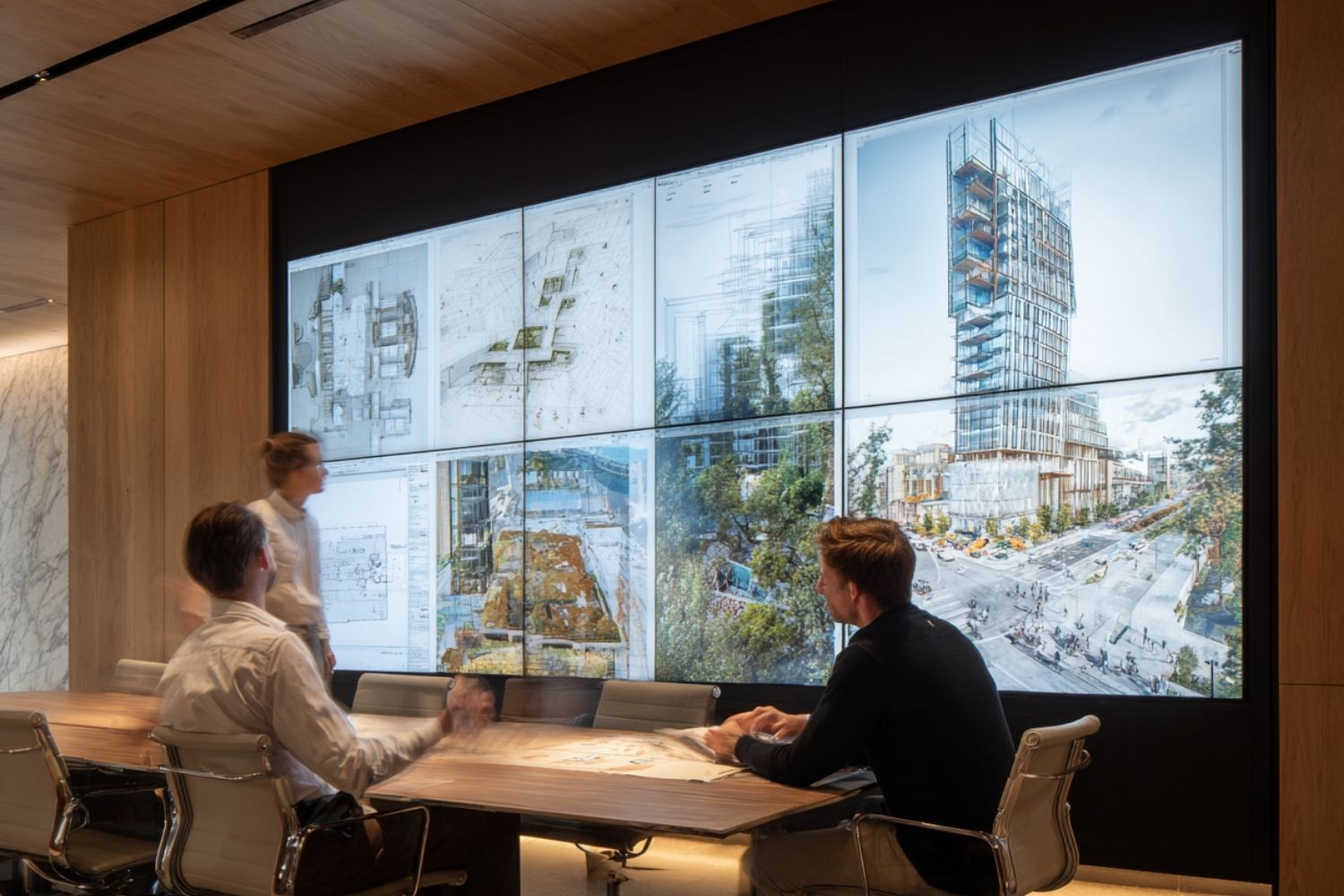
One of the less-discussed time costs in architecture is the back-and-forth between design meetings and the studio. A client requests a lighter material palette. The architect goes back, rebuilds the scene, re-renders, and schedules a follow-up. With an AI architectural rendering workflow, that conversation can happen in real time. Multiple style and material variations can be generated during the meeting itself, compressing what used to be a two-week feedback cycle into a single session. According to a Chaos and Architizer survey of 1,227 architecture professionals, over 67% expressed satisfaction with AI renderings during initial design phases, making them genuinely client-ready for early and mid-stage presentations. ArchDaily’s analysis of AI rendering bottlenecks explores why client approval rates drop to 30% for later-stage deliverables — which explains why the hybrid approach matters rather than going all-in on AI for every output.Stage 4: Final Delivery — Hybrid Pipeline for Maximum Efficiency
The fourth stage is where a good ai architectural rendering workflow differs from a naive one. Production-grade deliverables for competition submissions, planning applications, or high-end marketing material still benefit from a physics-based engine. The hybrid pipeline — AI tools for concept through design development, V-Ray or Lumion only for the final hero images — cuts total visualization hours by 50% or more per project while maintaining the quality standard required for formal submissions. According to Transparent House, a professional visualization studio, AI-assisted workflows save an estimated 30 to 50% of GPU time across typical client review cycles. That saving compounds across multiple projects running in parallel.💡 Pro Tip
When building a hybrid pipeline, set a clear internal rule about when to switch from AI to traditional rendering. A practical threshold: use AI tools for every round until client sign-off on the design direction, then switch to V-Ray or Lumion for the final two to three deliverables. This prevents the common mistake of re-rendering approved designs multiple times in a physics-based engine before the design is actually finalized.

How Much Time Can You Actually Save? A Realistic Breakdown
The 14-hour figure is specific and worth unpacking. It reflects architects running three to five active projects simultaneously, each requiring two to four client review rounds with visual updates. Here is where the hours come from in a typical week for that workload: Concept visualization using traditional tools takes roughly 4 to 6 hours per week across active projects. Client revision renders add another 6 to 10 hours, since each round requires a full re-render cycle. Material exploration and style testing, often done informally in Photoshop or by re-rendering, adds 2 to 4 hours. An AI rendering workflow for architects addresses all three of these categories directly. Concept and iteration renders drop from hours to minutes. Material variations are generated in seconds. The 14-hour estimate is conservative for architects with four or more active projects.🎓 Expert Insight
“AI tools will not replace architects, but they will replace architects who do not use them.” — Autodesk State of Design and Make Report, 2024
This observation captures the current competitive reality. The profession’s core value — contextual judgment, professional liability, cultural intelligence, and client relationships — cannot be automated. What AI is replacing is the time architects spend on tasks that do not require those capabilities. Rendering revisions are the clearest example.
What Does an AI Render Workflow Actually Look Like Day to Day?
The practical question is how this maps onto a real workday. A morning design session for a new residential project might start with five SketchUp screenshots uploaded to an AI platform, returning five style variants within two minutes. The architect reviews them, selects two directions to develop, and sends both to the client before 10am — a task that previously required setting up a full render scene overnight. Client feedback arrives by midday. The architect updates the model, exports a new screenshot, uploads it, and has a revised visual back before the afternoon. The entire revision cycle takes 15 minutes instead of 3 hours. By the end of the week, that pattern repeated across three projects recovers the 14-hour estimate with room to spare. The broader workflow shift behind this pattern is covered in depth in AI tools replacing traditional architecture workflows in 2026, which maps specific tasks to specific AI platforms across each project phase.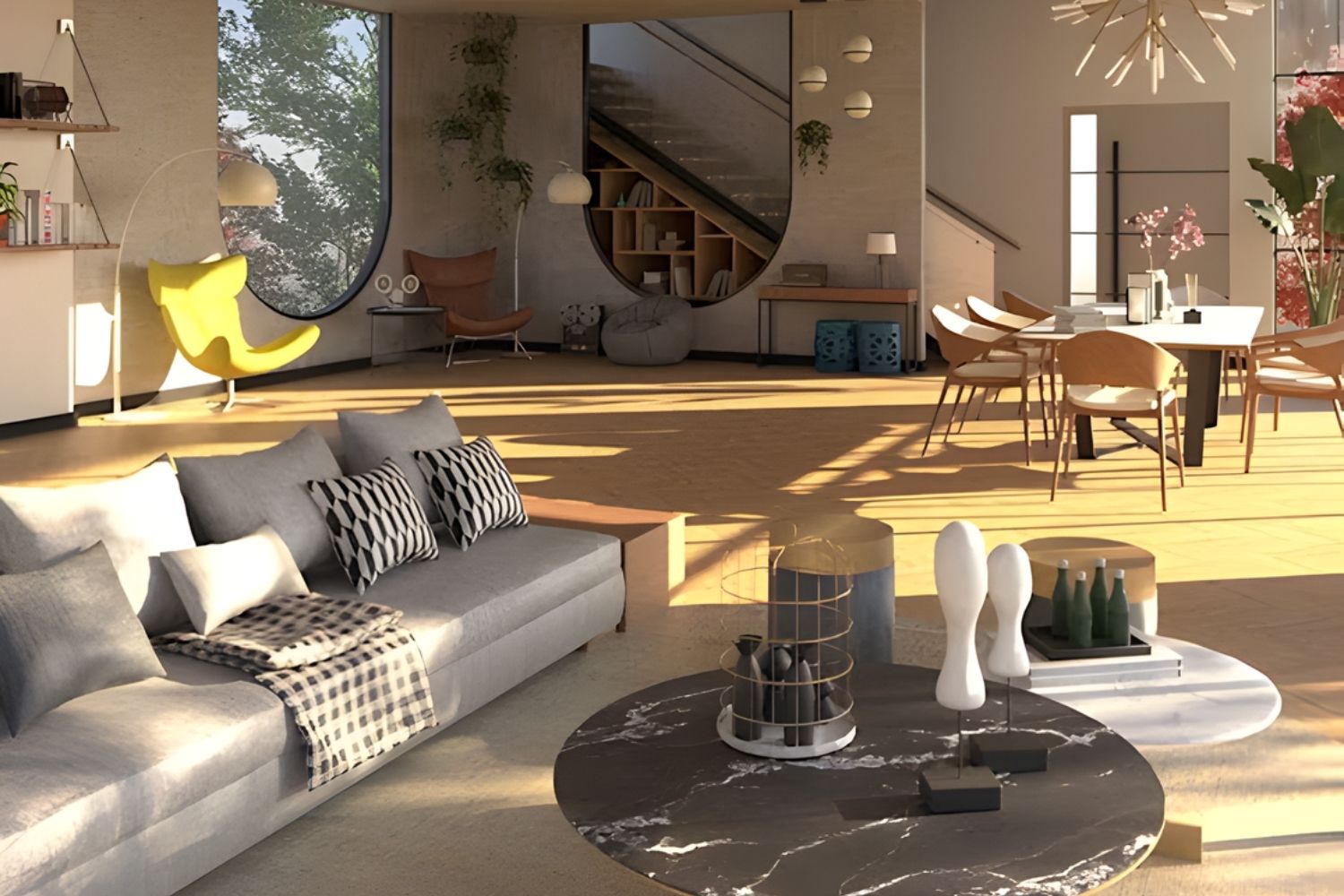
Which AI Render Tools Fit This Workflow Best?
The best ai render workflow architecture tools in 2026 fall into three categories based on where they fit in the four-stage pipeline described above. For text and sketch input at the concept stage, Midjourney v7 and ArchFine handle architectural prompts with strong geometric coherence. Both accept reference images alongside text prompts, which gives architects a way to anchor outputs to an existing design language rather than generating generic visuals. ArchFine is specifically trained on architectural datasets, which makes its material and lighting interpretations more reliable than general-purpose generators for building-scale work. A full overview of this tool category is available in the 25 best AI architectural rendering tools in 2026. For geometry-based iteration at the design development stage, Veras by EvolveLAB and ArchiVinci are the most widely adopted. Veras works directly inside Revit and SketchUp, which eliminates the export step entirely. ArchiVinci works from uploaded screenshots and supports 4K to 8K output for client-facing presentations. Both platforms generate results in under 30 seconds per image. For final delivery in a hybrid pipeline, V-Ray, Lumion, and D5 Render remain the standard. D5 Render has added AI-assisted lighting and material tools that reduce setup time even for physics-based renders, narrowing the gap somewhat between the two categories. For architects also managing the post-production stage, the analysis of Photoshop vs AI rendering in 2026 clarifies where each tool still earns its place in a professional pipeline.✅ Key Takeaways
- The 14-hour weekly saving comes from targeting three specific stages: concept visualization, client iteration rounds, and material exploration — not from replacing the entire render pipeline.
- A hybrid workflow (AI for concept through design development, physics-based rendering for final deliverables) delivers both speed and quality without compromising output standards.
- AI rendering tools like Veras, ArchiVinci, and ArchFine generate client-facing visuals in under 30 seconds from a model screenshot, with no material or lighting setup required.
- The most common mistake is applying AI rendering to the wrong stages — it performs best before design sign-off, not as a replacement for final construction documentation or marketing imagery.
- According to the 2024 Autodesk State of Design and Make Report, 81% of firms that have integrated AI into at least one project phase report measurable reductions in total project hours.
Frequently Asked Questions
How does an AI render workflow save architects time compared to traditional rendering?
AI rendering tools replace the most time-intensive stages of traditional visualization — material setup, lighting configuration, and iteration renders — with image generation that takes under 30 seconds. Traditional workflows require rebuilding and re-rendering scenes for every client revision. AI workflows handle revisions by re-uploading images with modified prompts, reducing each iteration cycle from 2 to 4 hours to under 10 minutes.What AI render tools for architects in 2026 fit into a daily workflow?
The most widely adopted tools for daily use in 2026 are Veras by EvolveLAB (integrates directly with Revit and SketchUp), ArchiVinci (browser-based, works from model screenshots), and ArchFine (trained on architectural data for more accurate material and spatial outputs). For concept-phase ideation, Midjourney v7 remains the most flexible option for generating direction-setting visuals from text and reference image inputs.How does AI rendering speed compare to traditional rendering in terms of hours per week?
For architects running three to five active projects simultaneously, replacing concept and iteration rendering with AI tools typically recovers 10 to 20 hours per week. The 14-hour figure cited by multiple industry sources reflects a moderate project load with two to four client review rounds per project. Architects with heavier visualization workloads report savings at the higher end of that range.- ai architectural rendering workflow
- ai render tools for architects 2026
- ai render workflow 2026
- ai render workflow architects
- ai rendering speed vs traditional rendering
- ai rendering time savings architects
- ai rendering workflow architecture
- ai visualization workflow architects
- best ai render workflow architecture
- how architects save time with ai rendering







The Nano Banana Prompt: Mastering Micro-Bionic Architecture in Midjourney v6
Table of Contents Show 1. Deconstructing the “Nano Banana Prompt” Logic2. Parametric...
 Bahattin Duran3 Mins read

ChatGPT Alternatives for Architects: 8 Best AI Tools in 2026
Not every AI assistant fits an architecture workflow the same way. This...
 Furkan Sen12 Mins read

Spacio AI Review: Generate Structured Building Proposals in Minutes, Not Weeks
This Spacio AI review breaks down how the platform handles early-stage building...
Sinan Ozen8 Mins read
Midjourney Architecture Guide: AI-Generated Renderings with DALL-E and Stable Diffusion
A practical breakdown of Midjourney, DALL-E, and Stable Diffusion for architectural visualization....
Furkan Sen9 Mins read


Leave a comment