

Illustrator Alternatives for Architects: 7 Tools That Actually Work
Adobe Illustrator dominates architectural diagramming, but its subscription is hard to justify for light use. This breakdown compares seven vector tools architects can switch to, including free options that import Adobe files.
 Sinan Ozen17 June 20265 Mins read155
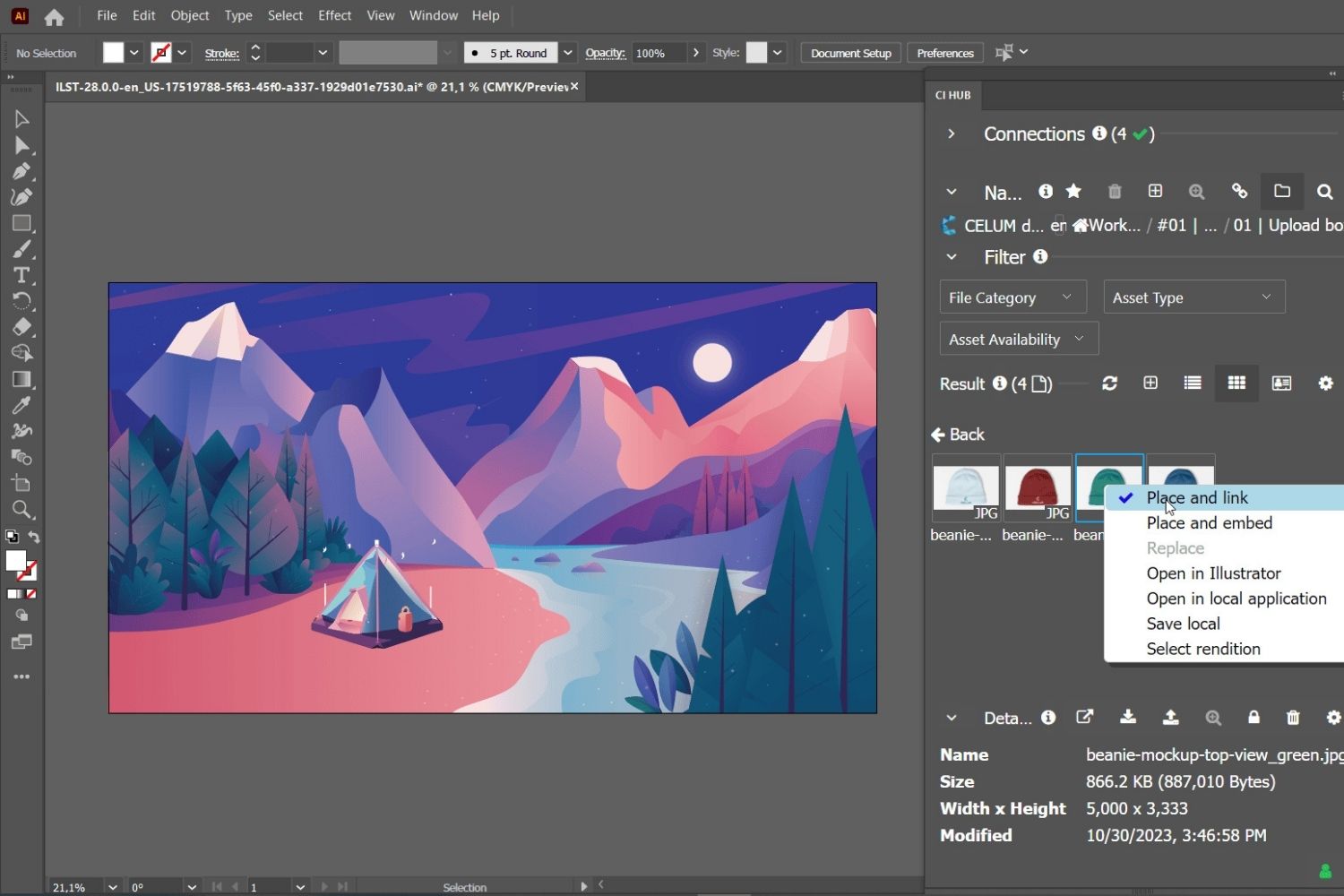
Table of Contents Show
The best Illustrator alternatives for architects include Affinity, Inkscape, Linearity Curve, CorelDRAW, and Figma. These tools handle the vector diagrams, presentation boards, and portfolio layouts that architects rely on. Several are free, and most import Adobe files, so switching away from a Creative Cloud subscription rarely means losing your existing work.
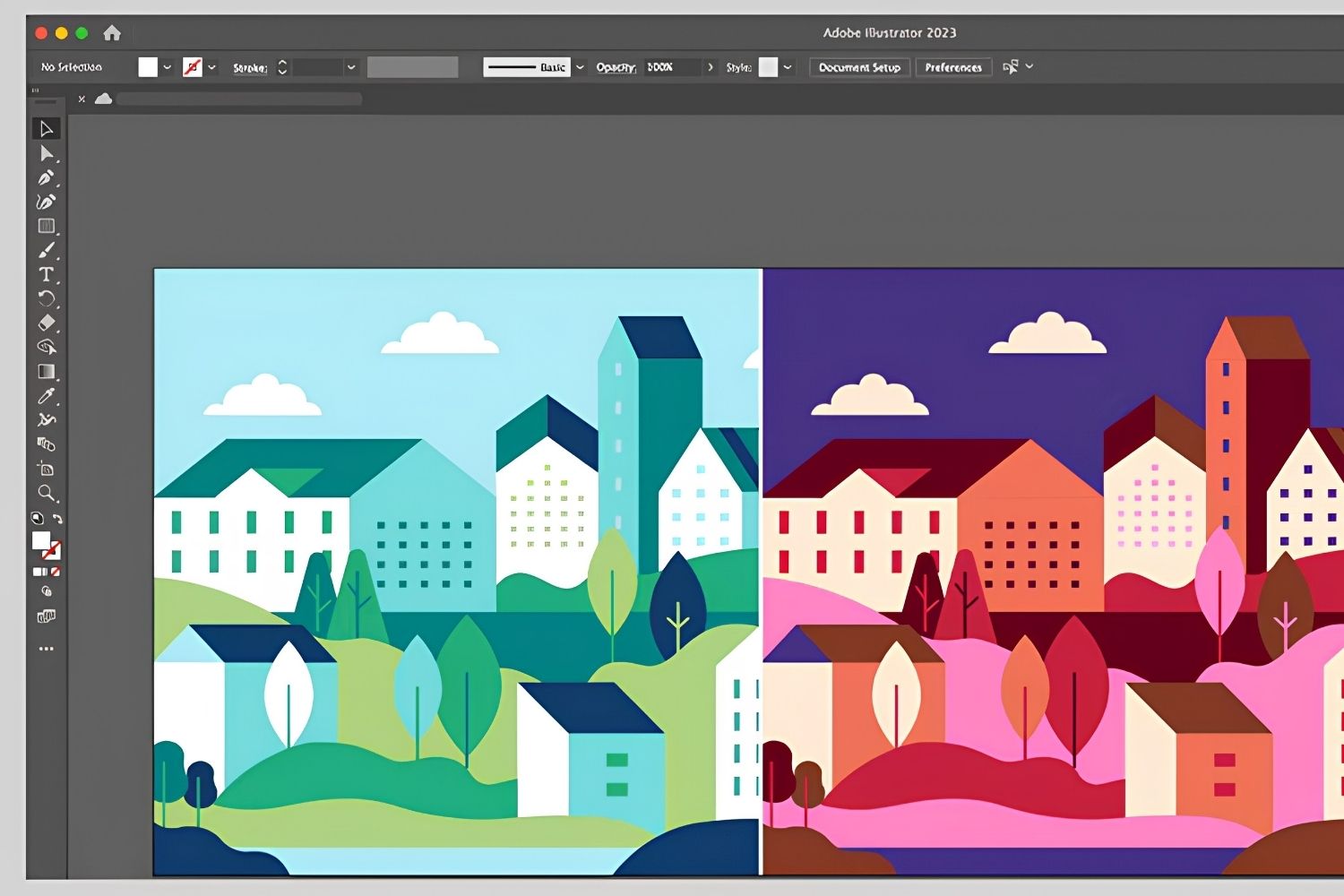
Adobe Illustrator has been the default vector tool in architecture studios for years, used for everything from concept diagrams to final presentation sheets. The monthly cost adds up, though, especially for students and small practices that only open the program now and then. The alternatives have caught up, and a few of them now cost nothing at all.
Why Look for an Adobe Illustrator Alternative?
Architects look for an Illustrator alternative mainly to cut subscription costs and to find a tool that matches how they actually work. Illustrator’s single-app plan runs about $22.99 per month on an annual contract, which is hard to justify if you mostly use it for diagrams and the occasional board.
Cost is only part of it. Some architects want a perpetual license instead of renting software every month. Others work on an iPad on site and need a tablet-first app. If you already know Illustrator, the good news is that the core vector concepts carry over, so most of our Adobe Illustrator tips for architecture students still apply to whichever tool you pick. Architects switching their modeling software face the same budget math, and our look at ArchiCAD alternatives covers that side of the decision.

What Should Architects Look for in an Illustrator Alternative?
The features that matter most for architectural work are precise line-weight control, clean PDF and SVG import, layer management, and multiple artboards for laying out sheets. Print export quality counts too, since presentation boards often go to large format. A useful reference point is the Wikipedia comparison of vector graphics editors, which lists file format support across the main options.
Raster editors like Photoshop or GIMP can fake some of this, but line drawings pixelate when scaled. A true vector editor keeps your diagrams sharp at any size, which is the whole point of using something in the Illustrator family.
7 Best Illustrator Alternatives for Architects
Each tool below covers vector work, but they differ in price, platform, and the kind of architect they suit. Here is how they break down.
1. Affinity (Best Overall Illustrator Replacement)
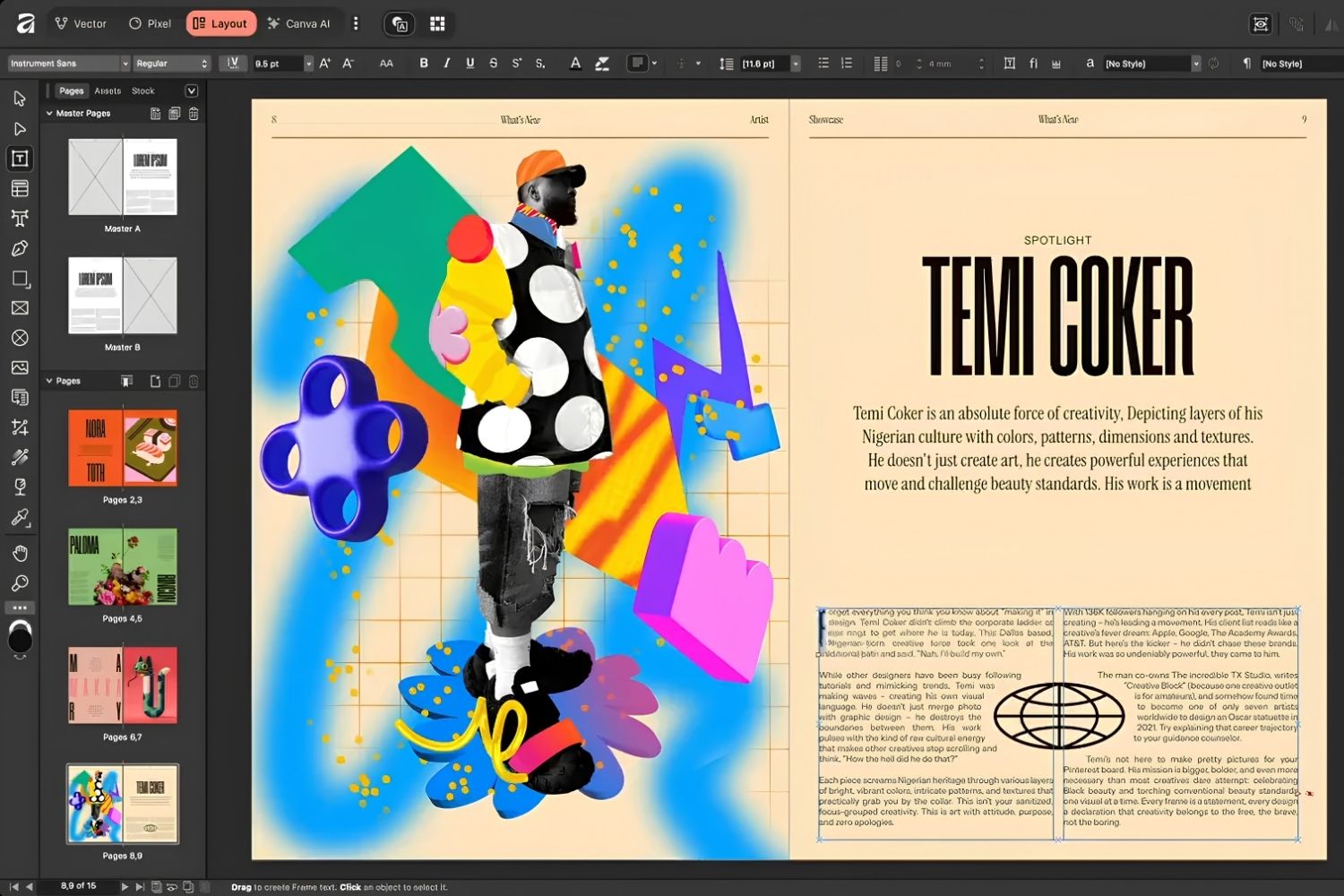
Affinity’s vector tools are the closest match to Illustrator’s, and the price story changed completely in late 2025. Canva, which now owns the software, merged the old Designer, Photo, and Publisher apps into a single program called Affinity and made the core app free. For architects, the vector mode handles diagrams, line-weight control, and large presentation boards, and it imports PDF cleanly. It runs on Windows, Mac, and iPad.
📌 Did You Know?
Affinity spent years as a one-time-purchase rival to Illustrator before becoming completely free in October 2025. The shift followed Canva’s acquisition of Affinity’s maker, Serif, for around $500 million in 2024 (TechRadar, 2026), after which the three separate apps were folded into one.
2. Inkscape (Best Free Open-Source Option)
Inkscape is free, open source, and runs on Windows, Mac, and Linux. It is built around the SVG format, which makes it strong for diagrams and node-level editing. The interface feels dated next to newer tools, and it can lag on very heavy files, but for students who need real vector power at zero cost, Inkscape is hard to beat. It reads PDF, so importing exported CAD linework works well.
3. Linearity Curve (Best for Mac and iPad)
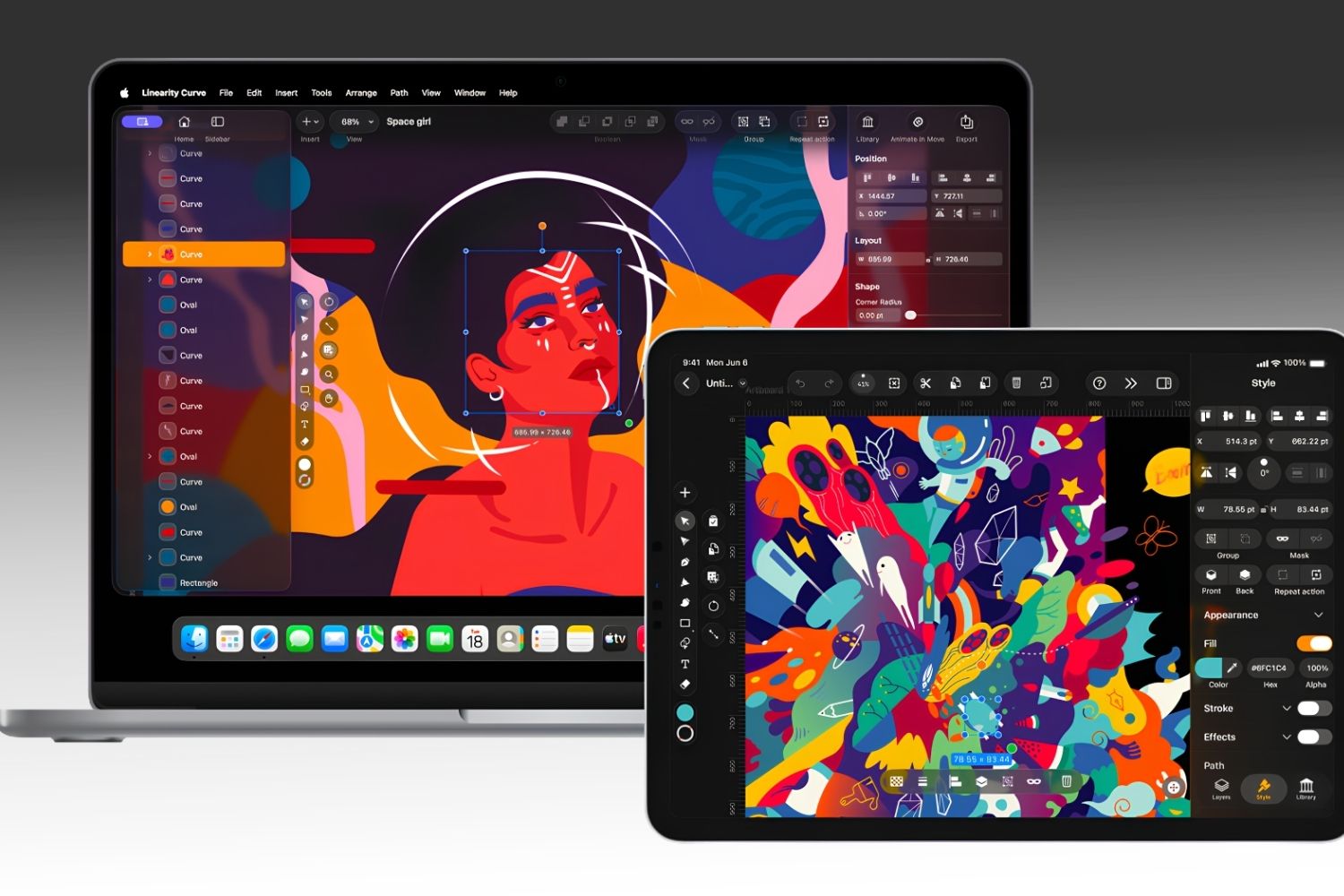
Formerly known as Vectornator, Linearity Curve is an Apple-native vector app for Mac, iPad, and iPhone with a generous free tier. Its gesture-based interface is fast for sketching quick diagrams on the go, and the paid Pro plan (around $120 per year) adds export and collaboration features. The trade-off is that it skips Windows entirely and is less suited to dense, print-heavy boards.
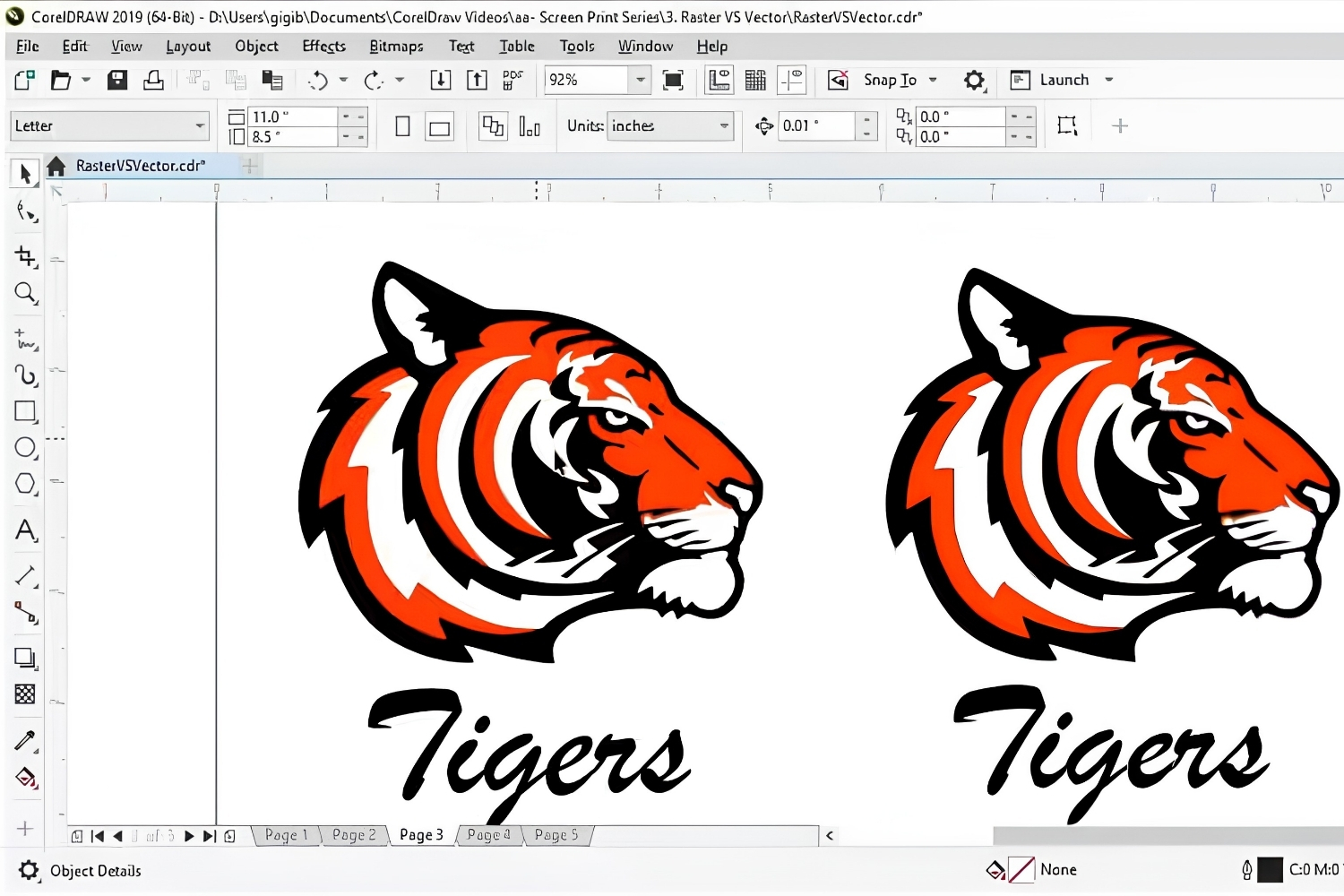
4. CorelDRAW (Best Established Paid Suite)
CorelDRAW has been around since the late 1980s and remains a serious vector suite, particularly strong for print and large-format output like signage and exhibition panels. CorelDRAW runs on Windows and Mac and is sold by subscription or, in some regions, as a one-time license. It costs money, but firms that produce a lot of printed material often prefer its layout and color handling.
5. Figma (Best for Collaboration and Web)
Figma started as a UI design tool, but its vector engine and free tier make it a practical choice for shared concept boards and web-based portfolios. Because Figma runs in the browser with real-time collaboration, two people can edit the same diagram at once, which suits studio teams. It is weaker on print preparation, so think of it as a complement rather than a full Illustrator swap. If portfolio output is your goal, our guide to architecture portfolio software covers the layout side in more detail.
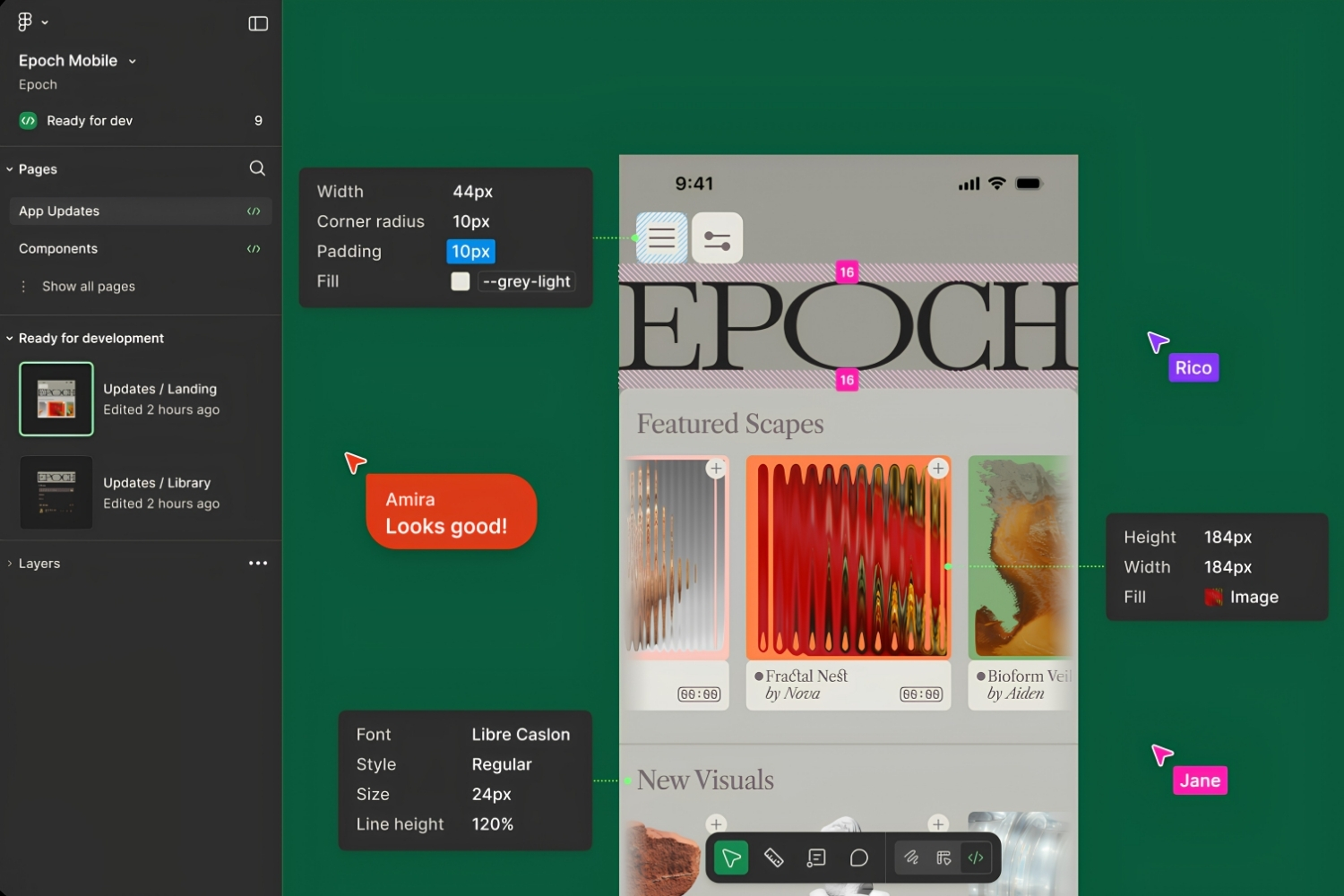
6. Sketch (Best for Mac-Based Diagram Work)
Sketch is a Mac-only vector tool that, like Figma, grew out of interface design. Architects use it for clean, schematic diagrams and presentation graphics where its tidy artboard system shines. It runs on a subscription and stays focused on screen-based work, so it is a niche pick rather than an all-round Illustrator replacement.
7. Corel Vector (Best Browser-Based Free Option)
Corel Vector, previously called Gravit Designer, is a lightweight vector editor that runs in the browser with a free tier. It handles basic diagrams and quick graphics without any install, which is handy on shared studio machines or school computers. It lacks the depth of Affinity or Inkscape for complex sheets, but for fast, simple vector work it does the job.
Illustrator Alternatives Compared
The table below summarizes price, platform, and the best use for each tool.
| Tool | Price | Platform | Best For |
|---|---|---|---|
| Affinity | Free | Windows, Mac, iPad | All-round Illustrator replacement |
| Inkscape | Free | Windows, Mac, Linux | Open-source diagrams |
| Linearity Curve | Free, Pro from ~$120/yr | Mac, iPad, iPhone | Apple-based quick vectors |
| CorelDRAW | Paid subscription | Windows, Mac | Print and large-format |
| Figma | Free, paid tiers | Browser, Windows, Mac | Team collaboration, web |
| Corel Vector | Free, paid tiers | Browser | Lightweight browser editing |
| Sketch | Paid subscription | Mac | Mac diagram and screen work |
💡 Pro Tip
When you bring CAD linework into a new vector editor, export from your CAD program as PDF rather than DWG, then drop it onto a locked layer before you trace or annotate. Most Illustrator alternatives read PDF cleanly but struggle with native CAD formats, and locking the base layer keeps your line weights intact while you work on top of it.
These tools all handle the kind of concept work covered in our guide to architectural diagrams. If you want to build vector skills first, the same logic behind any Adobe Illustrator course transfers directly to Affinity and Inkscape, since the pen tool, layers, and path editing behave in similar ways.
Pricing is approximate and changes often. Check each tool’s official site for current plans before you subscribe.
What This Means for Your Next Project
Your Next Step: Download Affinity or Inkscape this week and rebuild one old diagram in it before your next deadline. Working through a real sheet, rather than a tutorial, tells you fast whether a tool fits your workflow. If you are assembling free options across your whole pipeline, our roundup of free tools for architectural design pairs well with a free vector editor, and together they can cover most of what a Creative Cloud subscription does for a fraction of the cost.







Notion Alternatives for Architects: 7 Tools That Fit Studio Work
Notion works until a studio needs fee tracking, phase budgets and timesheets....
 Furkan Sen7 Mins read

Why Every Practice Ends Up With Five Versions of the Same Revit Family
Let’s learn why Revit family libraries accumulate duplicates, break schedules and slow...
 illustrarch Editoral Team4 Mins read

Visualizing Renovation Projects From Photographs: A Workflow for Existing-Building Work
Photo-based visualization turns a photograph of a building that already exists into...
illustrarch Editoral Team7 Mins read

Best Free CAD Blocks and Resources for Architects
A working guide to free CAD blocks for architects, covering ARCAT, CAD-Blocks.net,...
Furkan Sen7 Mins read




Leave a comment