

SketchUp for iPad Free: How the App Compares to Desktop
A hands on review of SketchUp for iPad that explains the free viewer, the 7 day Go trial, and the SketchUp Free browser tier, then compares the iPad modeler to desktop SketchUp Pro on features, LayOut documentation, plugins, and price.
 Furkan Sen28 June 20266 Mins read1

Table of Contents Show
SketchUp for iPad free use covers viewing, exploring, and presenting models, plus a 7 day Go trial for full editing. Ongoing 3D modeling on iPad needs a paid Go, Pro, or Studio subscription. The browser based SketchUp Free is the only no cost way to keep modeling, though it carries real limits.
SketchUp built its reputation on the desktop, where push pull modeling and a deep extension library made it a studio staple. The iPad version promises that same workflow in a portable, pencil driven form. This review looks at what the sketchup for ipad app actually delivers, where the free options stop, and how much of the desktop experience survives the move to a tablet. If you are weighing whether to model on a tablet at all, our look at whether architects should use an iPad for design sets the wider context.
Is SketchUp Free on iPad?
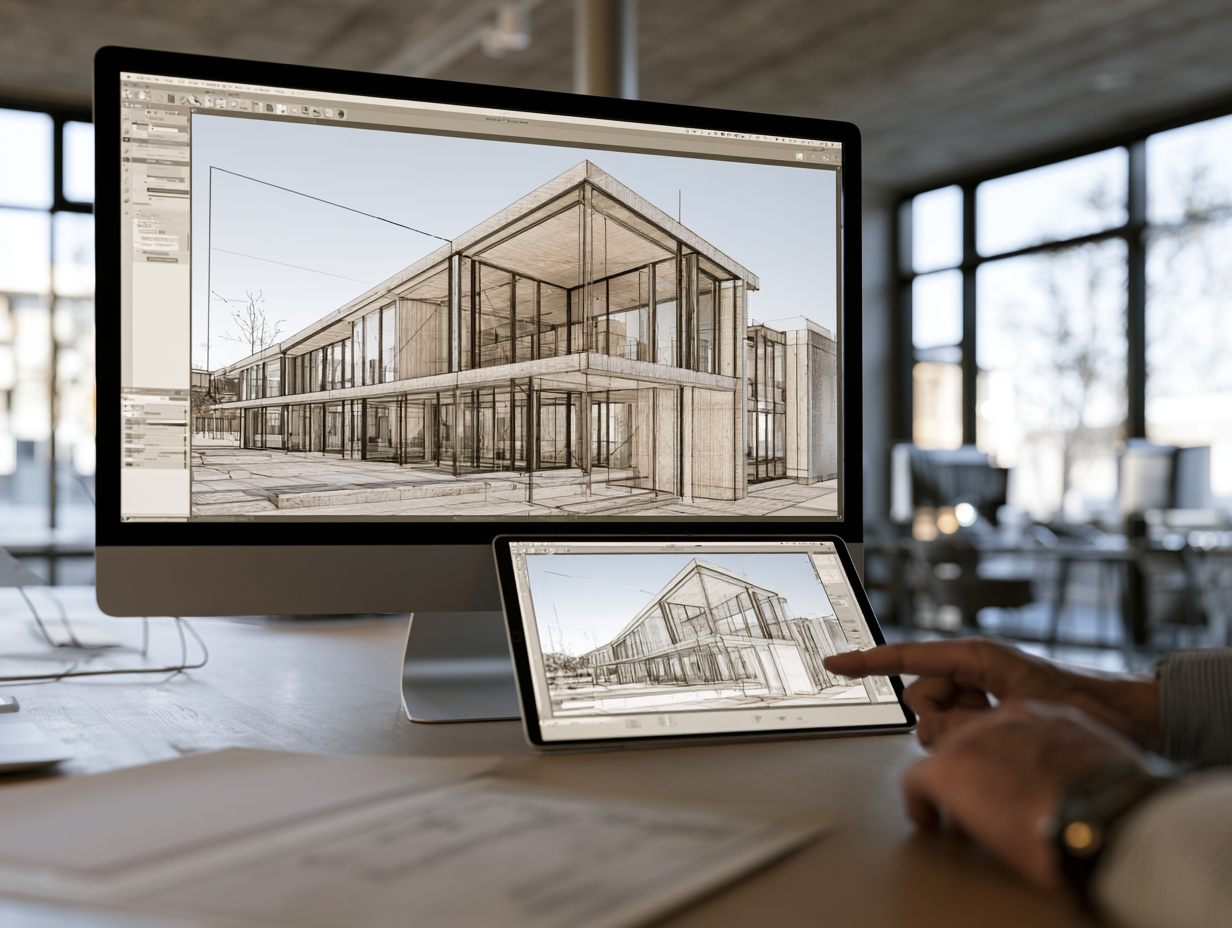
Partly. You can download the sketchup for ipad app at no cost and use it as a viewer to open, orbit, and present finished models. Full modeling is gated behind a subscription, with a 7 day free trial to test it. So free sketchup for ipad exists in two forms inside the app: a permanent free viewer, and a time limited trial of the paid modeler.
There is a third route. SketchUp Free, the browser based tier, runs in Safari on an iPad and lets you model without paying. The catch is that it is built for personal, non commercial use, limits 3D Warehouse downloads to roughly five models per day, and skips desktop apps and LayOut entirely. For students and hobbyists testing ideas, sketchup free for ipad through the browser is a workable starting point. For paid client work, it falls short quickly.
If your goal is genuinely zero cost software on a tablet, it helps to compare options side by side. We tested several in our guide to free architecture apps for iPad, where Shapr3D and Concepts both earn a place alongside SketchUp’s free tier.
What SketchUp for iPad Can Do
The sketchup for ipad app is not a stripped down companion. It carries the core modeling engine, so you draw with the same tools, work with Scenes, Styles, and Sections, apply Materials, and pull components from the 3D Warehouse library. Apple Pencil support is the headline. You sketch lines, push and pull faces, and mark up models by hand, which feels closer to drawing than working with a mouse.
Trimble has kept adding desktop features over time. The iPad app now imports and exports DWG and DXF files, so CAD drawings move between tablet and workstation without a separate converter. Solid Tools, Dark Mode, customizable shortcut toolbars, and USDz export for apps like Procreate and Morpholio Trace are all included. There is even a built in AI Render feature for quick visualizations, which sits alongside the third party options we cover in our roundup of SketchUp AI render tools.
Augmented reality rounds out the mobile case. You can place a model in a real room through the camera, then walk a client around it on site. Cloud sync through Trimble Connect keeps the same file current across the iPad app, the web modeler, and SketchUp Pro on a computer. Trimble documents many of these additions in its own notes on the iPad app.
💡 Pro Tip
Do not start your 7 day trial from inside the SketchUp for iPad app itself. SketchUp resellers note that the in app trial runs only 7 days before rolling into a Go offer, so begin the trial through your Trimble ID account so you keep your options open. Each person can register only one Trimble account, so use it deliberately.
What Translates From Desktop, and What Doesn’t
This is where a review has to be honest. The modeling itself translates well. If you know SketchUp on a computer, you will be productive on the tablet within an hour. Where the iPad version stops short is documentation and extensions.
SketchUp for iPad vs SketchUp Pro on Desktop
Here is how the two stack up on the features that shape day to day work:
| Feature | SketchUp for iPad | SketchUp Pro (Desktop) |
|---|---|---|
| Core 3D modeling engine | Yes, full engine | Yes, full engine |
| Apple Pencil input | Yes, with hover on M2 iPad Pro or newer | No, mouse and keyboard |
| LayOut 2D documentation | Not available | Included |
| Extension Warehouse plugins | Not supported | Full access (V-Ray, Enscape, more) |
| DWG and DXF import and export | Yes | Yes |
| Offline modeling | Yes | Yes |
| 3D Warehouse access | Yes | Yes |
| Entry price point | Go from $129 per year | Pro from $399 per year |
The two gaps that matter most are LayOut and plugins. LayOut, the 2D documentation tool that turns models into titled, dimensioned sheets, is desktop only. The Extension Warehouse, including renderers like V-Ray and Enscape and parametric add ons, also stays on the desktop. So the iPad handles concept modeling, site edits, and presentation, while final construction drawings and plugin heavy rendering route back to a computer. For a sense of how SketchUp’s modeling holds up against a full BIM tool, our Archicad vs SketchUp comparison is a useful companion read.
⚠️ Common Mistake to Avoid
Treating SketchUp for iPad as a full desktop replacement. The iPad app handles modeling, Scenes, Styles, and DWG import and export, but it does not include LayOut, the documentation tool used to produce construction drawings. It also cannot run desktop extensions such as V-Ray or Enscape. For permit ready sheets and plugin based rendering, you still need SketchUp Pro on a computer.
How Much Does SketchUp for iPad Cost?

There is no standalone iPad only plan. Access to the sketchup for ipad app comes bundled with three subscriptions, and each one also includes SketchUp for Web.
SketchUp Go is the entry point at $129 per year or $19.99 per month, and it covers web and iPad modeling with cloud storage. Step up to sketchup pro for ipad access and you also get the desktop app and LayOut for $399 per year. Studio sits at the top for advanced rendering and point cloud work. In practice, most architects who want sketchup pro for ipad pro workflows pair Go or Pro on the tablet with the desktop app for documentation. You can review current plans on SketchUp’s official site.
🔢 Quick Numbers
- SketchUp Go costs $129 per year or $19.99 per month and includes both the iPad and web modelers (Source: SketchUp 2026 subscription pricing)
- SketchUp Pro adds the desktop app and LayOut for $399 per year, with iPad access included (Source: SketchUp 2026 subscription pricing)
- The 3D Warehouse library holds more than 4 million prebuilt models you can pull into the iPad app (Source: SketchUp App Store listing)
- The iPad app includes a 7 day free Go trial before any payment (Source: SketchUp App Store listing)
Subscription prices and plan features change over time and vary by region. Confirm current figures on SketchUp’s official site before you subscribe.
What Is the Best iPad for SketchUp?
Any supported iPad runs the app, but the best ipad for sketchup is one with an M series chip. The reason is precision. On an M2 iPad Pro or newer, you can hover the Apple Pencil above the screen and trigger SketchUp’s inferencing, snapping to midpoints and endpoints before you draw. That single feature makes accurate modeling far quicker. Storage matters too, since model files and 3D Warehouse components add up fast.
📐 Technical Note
Current versions of the SketchUp for iPad app require iPadOS 18 or later, and the app is listed as compatible across iPad Pro, iPad Air, iPad, and iPad mini lines. Hover based inferencing needs an M2 iPad Pro or newer. A second generation Apple Pencil is recommended, though a first generation Pencil and supported third party styluses also work. (Source: SketchUp App Store listing and SketchUp Help Center)
For a tablet that doubles as a site documentation tool, the larger Pro models pull ahead. Our hands on test of the iPad Pro M4 for architects covers LiDAR scanning and markup speed in detail, and our broader best architecture apps for iPad guide places SketchUp among the tools worth installing first. If you want the best sketchup app for ipad experience specifically, an M series iPad Pro with a second generation Apple Pencil is the pairing to target.
Who Should Use SketchUp for iPad?
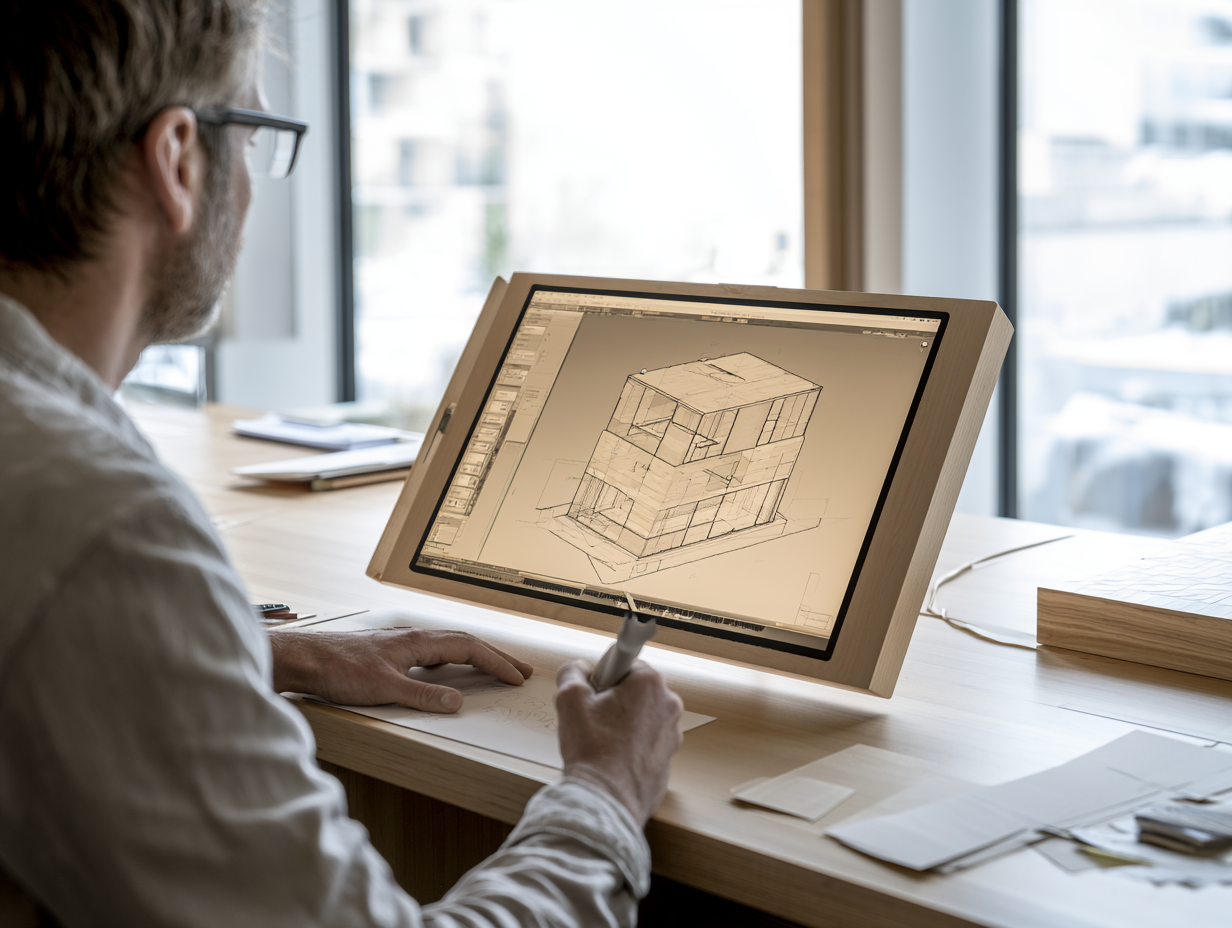
The sketchup app for ipad fits architects and designers who already use SketchUp and want to model, edit, and present away from the desk. On site changes, early concept sketches, and client walkthroughs are where it performs best. Students on a budget can start with the free browser tier or the trial and move up to Go later. If your work depends on construction documentation or extension based rendering, treat the tablet as a sketching and review companion rather than a full replacement, and keep SketchUp Pro on a computer for the heavy work. Designers shopping for a different fit can also review our list of SketchUp alternatives. You can download the app from the App Store to try the viewer and trial yourself.
Putting It All Together
Bottom Line: SketchUp for iPad brings the real modeling engine to a tablet, and for concept work, site edits, and presentations it holds its own against the desktop. The free options stop at viewing and a short trial, and documentation through LayOut still belongs on a computer, so the smartest setup pairs the iPad for mobile modeling with SketchUp Pro for final drawings.





FormIt Alternatives for Architects: 6 Tools for Conceptual Design in 2026
Autodesk FormIt entered maintenance mode in 2024 and is merging into Forma....
 Sinan Ozen5 Mins read
Houdini Alternatives for Architects: 7 Practical Options Compared
A practical comparison of seven Houdini alternatives suited for architectural workflows. Each...
Sinan Ozen5 Mins read
Illustrator Alternatives for Architects: 7 Tools That Actually Work
Adobe Illustrator dominates architectural diagramming, but its subscription is hard to justify...
Sinan Ozen5 Mins read
Enscape Alternative: 6 Best Rendering Tools for Architects in 2026
A practical comparison of six enscape alternatives for architects in 2026, covering...
Furkan Sen7 Mins read


Leave a comment