

Blender for Architects: A Complete Beginner’s Guide
Architects can produce professional renders without paying for software. This guide to Blender for architects covers installation, the interface, modeling a building, choosing between Cycles and EEVEE, and producing a first render.
 Sinan Ozen3 July 20266 Mins read0
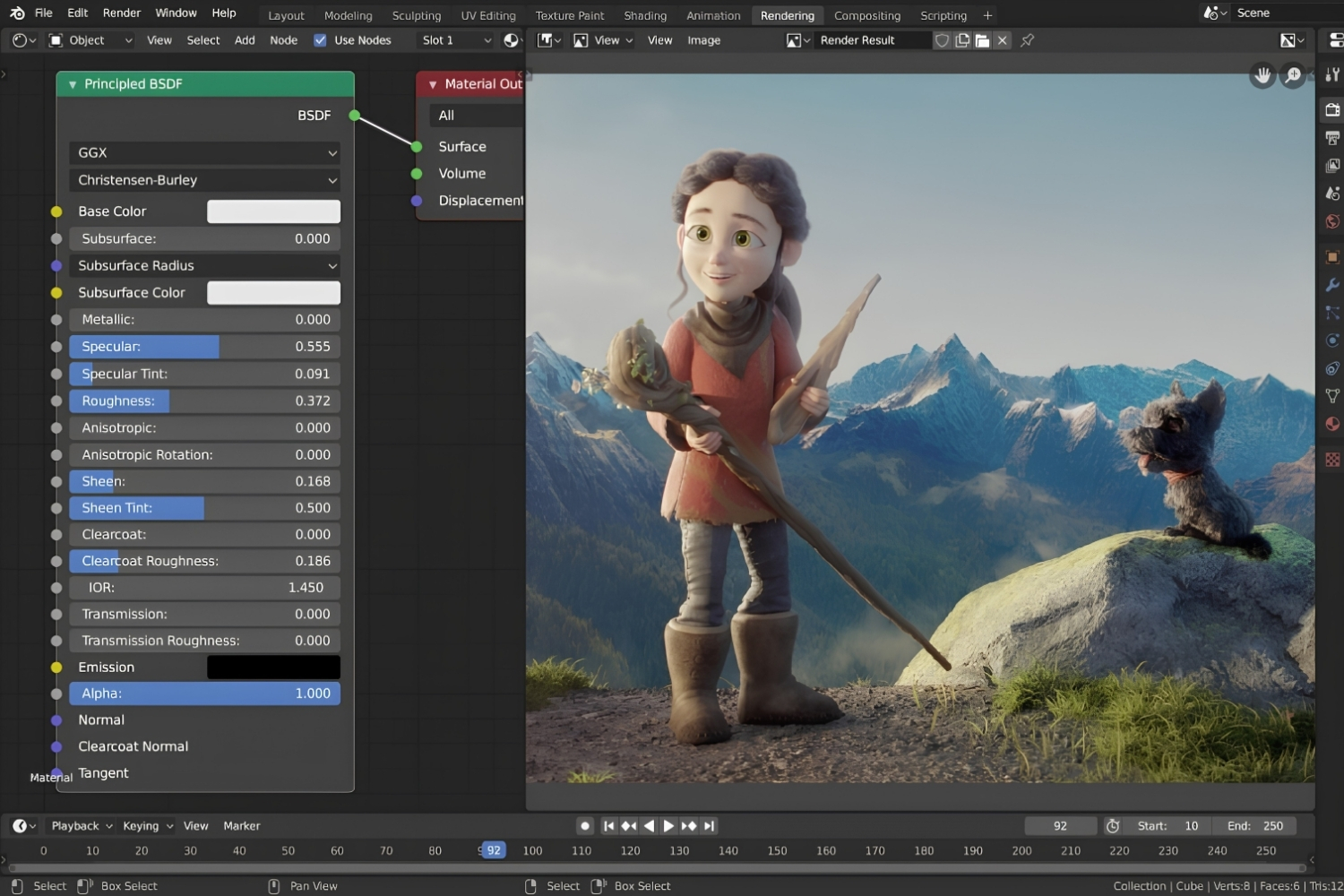
Table of Contents Show
Blender for architects is a free, open-source 3D suite for modeling, lighting, and rendering building projects. Beginners start by installing Blender, learning to move around the viewport, importing or modeling geometry, applying materials, and rendering with the Cycles or EEVEE engine. With steady practice, most reach working proficiency in four to six weeks.
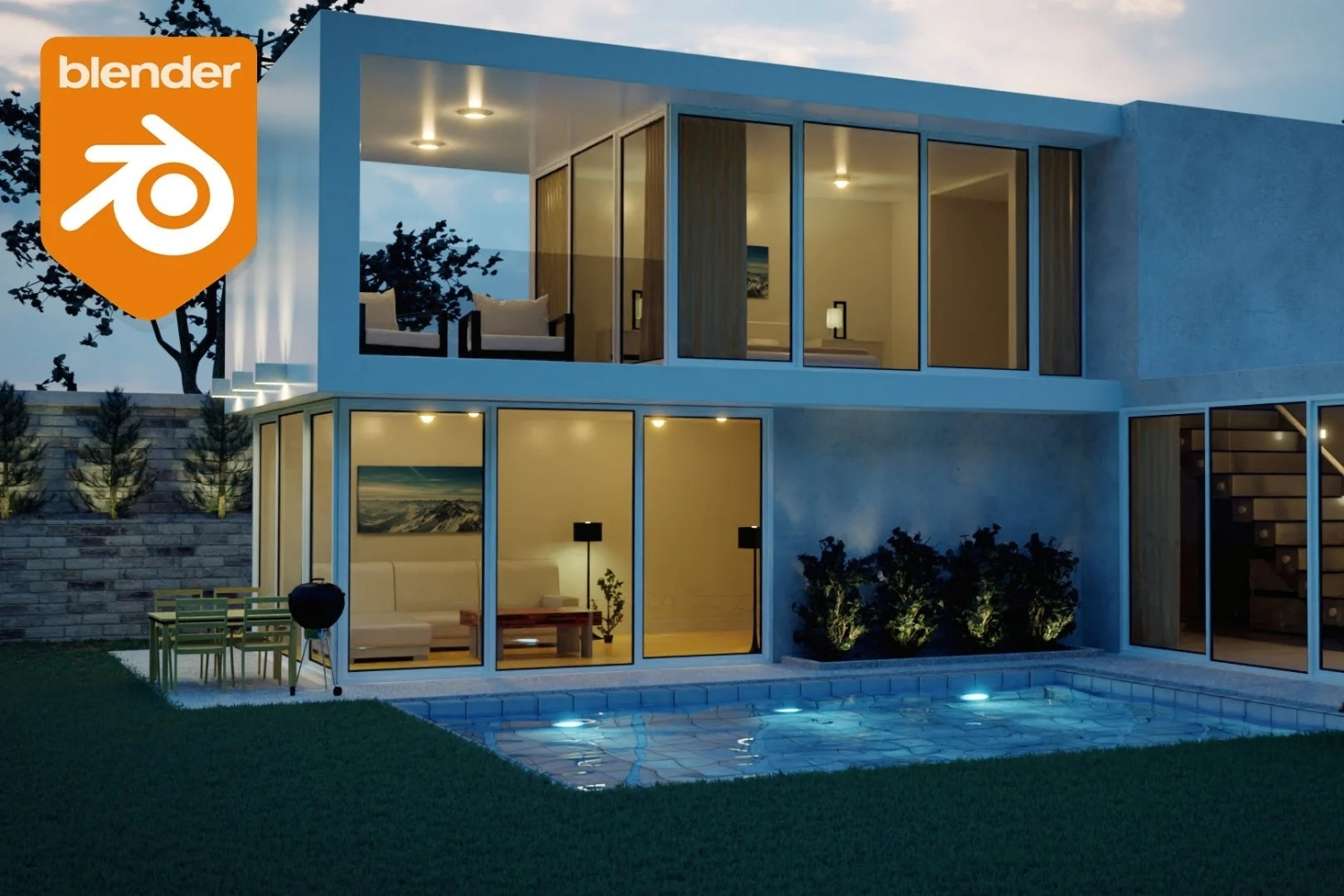
Blender has moved from a niche animation tool to a serious option for architectural visualization. For students and small practices working without a software budget, it covers modeling, materials, lighting, and rendering in one program. This guide to Blender for architects runs from your first install to your first render.

Why Use Blender for Architecture?
The main reason is cost paired with capability. Blender is free and open source, which removes the licensing fees that put tools like 3ds Max or V-Ray out of reach for many students and small offices. As a full 3D creation suite, it handles the whole pipeline in one place, so you can import a CAD file, model geometry, apply materials, set up lighting, and produce a final image without switching programs.
It also reaches into professional workflows. With the BlenderBIM add-on, Blender supports IFC and OpenBIM, which matters for offices that exchange models with engineers. For a wider look at zero-cost options that pair well with it, see our guide to free tools for architectural design and planning.
📌 Did You Know?
Blender is not just a hobbyist tool. It was used to produce Flow (2024), which won the Academy Award for Best Animated Feature. The same free software architects rely on for building visualization is used on award-winning professional film work.
Installing Blender and Setting Up for Architecture
Download Blender from the official site at blender.org. It runs on Windows, macOS (including Apple Silicon), and Linux, and every release is free, with no subscription or watermark. A mid-range laptop handles small and mid-size scenes, while a dedicated GPU speeds up rendering without being required to start.
After installing, open Edit then Preferences and turn on a few architecture-friendly add-ons. Archimesh ships with Blender and generates parametric walls, doors, windows, and stairs. For BIM work, the BlenderBIM add-on adds IFC support inside the same file.
💡 Pro Tip
Before you model anything, open Edit > Preferences > Add-ons and enable Archimesh. It gives you parametric walls, windows, doors, and staircases that behave like building elements, which cuts the time spent on standard geometry compared to pushing raw mesh by hand.
Getting Around the Blender Interface
Blender’s layout looks dense at first because it is built for many kinds of 3D work, not only buildings. The center is the 3D viewport, where you model and frame views. The Outliner on the upper right lists every object, and the Properties panel below it holds render, material, and modifier settings. Orbiting, panning, and zooming run on the numpad and middle mouse button, and they become automatic within a few days.
When a tool or shortcut is unfamiliar, the official Blender Manual is the fastest reference, with a getting-started section aimed at first-time users.
⚠️ Common Mistake to Avoid
Treating Blender like SketchUp is the most common early mistake. There is no built-in wall, door, or floor object, and the interface rewards keyboard shortcuts over mouse-only clicking. Spend a week learning the core shortcuts and add Archimesh for architectural elements instead of fighting the default tools.
How Do You Model a Building in Blender?
You have two starting points: import an existing model or build from scratch. If you already work in SketchUp, Rhino, Revit, or FreeCAD, export to FBX, OBJ, DAE, or IFC and bring that geometry into Blender so you can focus on materials and lighting first. If you are modeling fresh, load your floor plan as a background reference image and extrude walls, floors, and ceilings from it.
To save time on furniture and context, pull from free asset libraries; our list of the best websites for downloading 3D models is a good place to start. Architects weighing a switch between programs can also compare options in our guide to SketchUp alternatives.
📐 Technical Note
Architectural models need to sit at 1:1 real-world scale, or lighting, displacement, and depth of field will behave incorrectly. Set your Scene units to Metric in the Scene Properties, then check an object’s dimensions right after import. A door that reads as roughly 2 meters tall confirms your scale before you invest time in materials.
Cycles vs EEVEE: Which Render Engine?
Blender ships with two render engines, and beginners often ask which to use. Cycles is a physically accurate ray tracer for photorealistic stills, competition boards, and marketing images. EEVEE is a real-time engine that renders in seconds, which makes it the practical choice for design iteration and for any blender render animation with many frames. Most architects use both: EEVEE during design, Cycles for final output. Because both read the same materials, switching engines needs only a setting change. For a wider comparison of rendering options, see our guide to what is the best rendering engine.
Cycles vs EEVEE at a Glance
The table below summarizes how the two engines differ for architectural work:
| Feature | Cycles | EEVEE |
|---|---|---|
| Method | Ray tracing, physically accurate | Rasterization, real-time |
| Render time | Minutes to hours per image | Seconds per image |
| Best for | Final renders, competitions, marketing | Iteration, walkthroughs, animation |
| Realism | Photorealistic, including caustics | Strong, improving each release |
| Hardware | Benefits from a GPU (CUDA or OptiX) | Runs well on lighter hardware |
Rendering Your First Scene
Knowing how to render in Blender comes down to lighting, camera, and output. For exteriors, use an HDRI environment map for realistic sky light; for interiors, combine an HDRI through the windows with area or IES lights for fixtures. Place your camera at standing eye height, roughly 1.5 to 1.7 meters, and use a focal length between 16mm and 50mm indoors or 30mm to 100mm outdoors.
Set the engine, frame the shot, and produce your blender 3d render. For a deeper walkthrough of free assets, PBR materials, and lighting setups, our guide to architectural visualization with Blender covers the full process.
💡 Pro Tip
For Cycles, start at 128 samples and turn on the denoiser (OpenImageDenoise or OptiX). This often matches the look of a 512-sample render in a fraction of the time. Always run a low-resolution test first to check lighting balance before committing to the final high-resolution image.
Is Blender Right for Every Architect?
Blender is strongest for visualization, portfolios, competition images, and any work where a free pipeline matters. It is weaker for construction documentation, where Revit and ArchiCAD remain faster, and for one-click real-time presentation, where Lumion and Twinmotion lead. Many offices run Blender alongside those tools rather than replacing them. If it does not fit your workflow, compare options in our guide to Blender alternatives for architects, and students can review the wider field in the best architectural software for students.
Interface names and default settings refer to the Blender 4.x series and may differ slightly in other versions. Confirm add-on compatibility with your installed version before relying on it.
Where to Go From Here
Your Next Step: Download Blender, open a new file, and spend twenty minutes only on moving the view, orbiting, panning, and zooming around the default cube until it feels automatic. That single habit removes most of the early friction before you touch a real project. The official Blender tutorials and manual are good companions once the basics feel comfortable.
Frequently Asked Questions
Is Blender good for architecture?
Yes, for visualization, modeling, and rendering. Its Cycles and EEVEE engines produce professional renders, and add-ons like Archimesh and BlenderBIM add architectural tools and IFC support. It is less suited to construction documentation than Revit or ArchiCAD.
How long does it take to learn Blender for architecture?
Most architecture students reach working proficiency in about four to six weeks of regular practice. The interface and shortcuts take the longest to absorb, while materials and lighting follow more quickly once moving around the viewport feels comfortable.
Can Blender replace AutoCAD or Revit?
Not fully. Blender excels at modeling and rendering but lacks the native drafting, scheduling, and documentation systems of AutoCAD and Revit. With the BlenderBIM add-on it supports IFC, yet most firms use it alongside a BIM platform rather than as a replacement.
Is Blender free for commercial architectural work?
Yes. Blender is released under the GNU GPL and is free to use for any purpose, including paid client projects, with no licensing fee or subscription.



Best Free Rendering Software for Architecture Students in 2026
Architecture students can create professional renders without a paid license. This guide...
Sinan Ozen5 Mins read

Twinmotion Architectural Rendering: 7 Best Alternatives for Architects
Twinmotion is a strong free option for real-time architectural visualization, but not...
 Furkan Sen8 Mins read
SketchUp for iPad Free: How the App Compares to Desktop
A hands on review of SketchUp for iPad that explains the free...
Furkan Sen6 Mins read
FormIt Alternatives for Architects: 6 Tools for Conceptual Design in 2026
Autodesk FormIt entered maintenance mode in 2024 and is merging into Forma....
Sinan Ozen5 Mins read


Leave a comment