

SolidWorks Alternatives for Architects: 7 Better Tools for Design and Modeling
SolidWorks is built for mechanical engineering, not architecture. This guide compares seven practical SolidWorks alternatives, including free options like Blender and FreeCAD, that handle architectural modeling, BIM documentation, and visualization without the steep licensing cost.
 Sinan Ozen21 May 20267 Mins read1
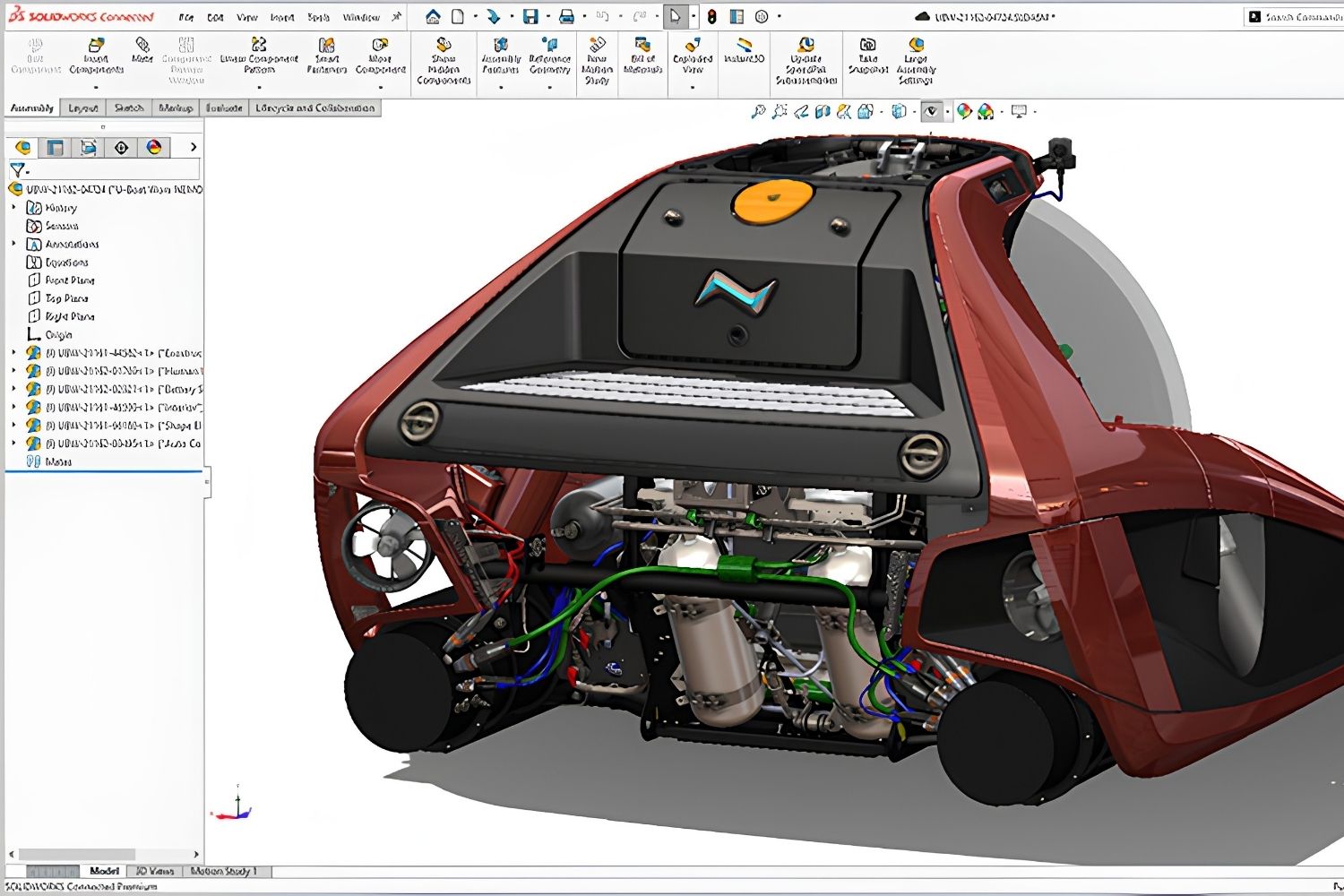
Table of Contents Show
SolidWorks alternatives give architects access to 3D modeling, BIM documentation, and rendering tools that are purpose-built for building design rather than mechanical engineering. Options range from free open-source platforms like Blender and FreeCAD to professional BIM software such as Revit and ArchiCAD, each offering workflows closer to what architects actually need on a daily basis.
SolidWorks is one of the most widely used 3D CAD platforms in the world, but it was designed for product designers, mechanical engineers, and manufacturers. Its parametric modeling engine excels at creating precise mechanical parts, assemblies, and production-ready components. For architects, though, the software presents a mismatch. Building design involves site context, wall assemblies, floor plans, sections, and construction documentation, none of which SolidWorks handles natively. Add a subscription cost starting at roughly $2,820 per year (Dassault Systemes, 2026) and the lack of BIM or architectural drawing tools, and the case for finding a best alternative to SolidWorks becomes clear for anyone working in the AEC industry.
This guide covers seven alternatives to SolidWorks that fit architectural workflows, from early concept sketching through to construction documentation. Each option is evaluated on price, platform support, and suitability for building projects.
Why SolidWorks Falls Short for Architecture
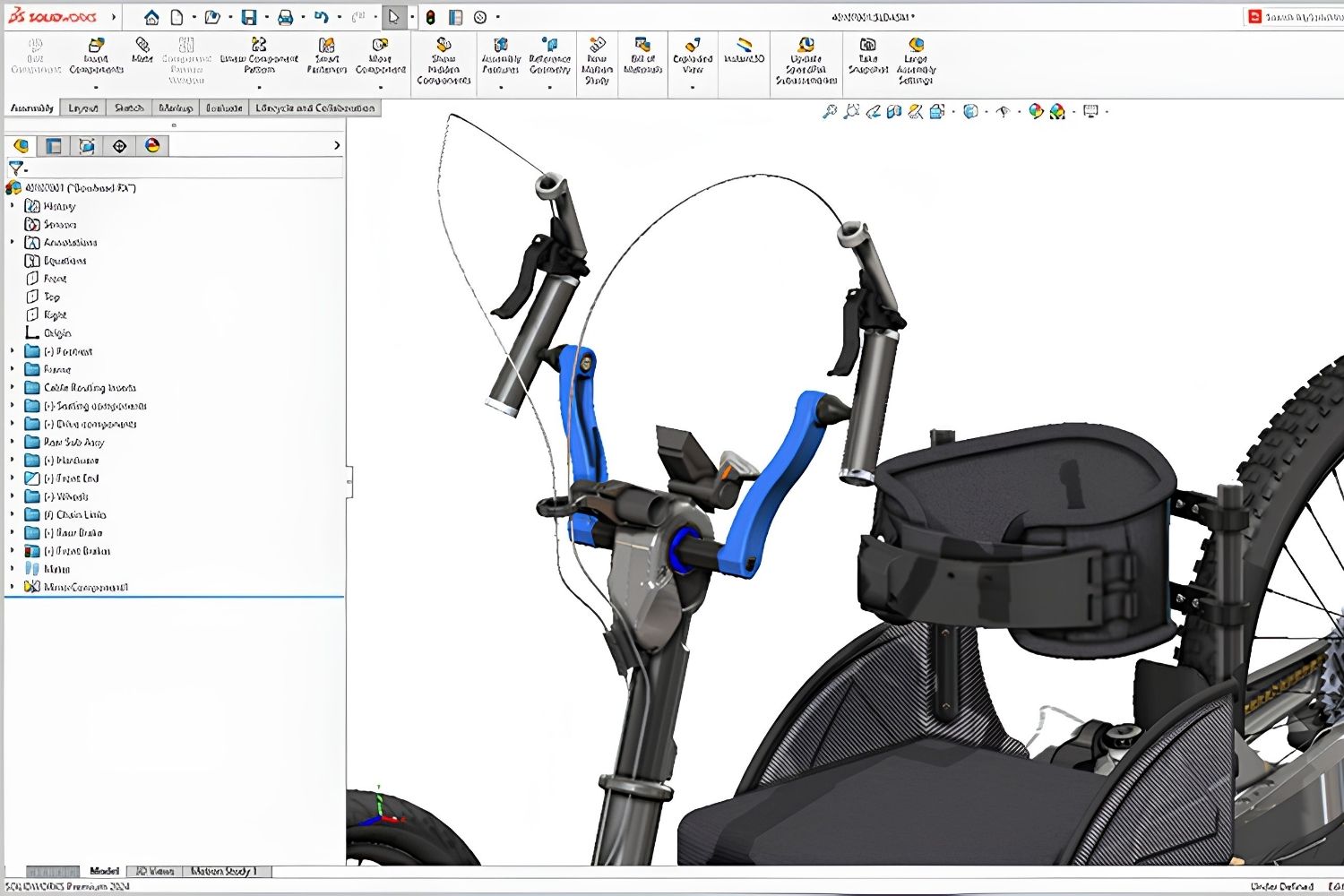
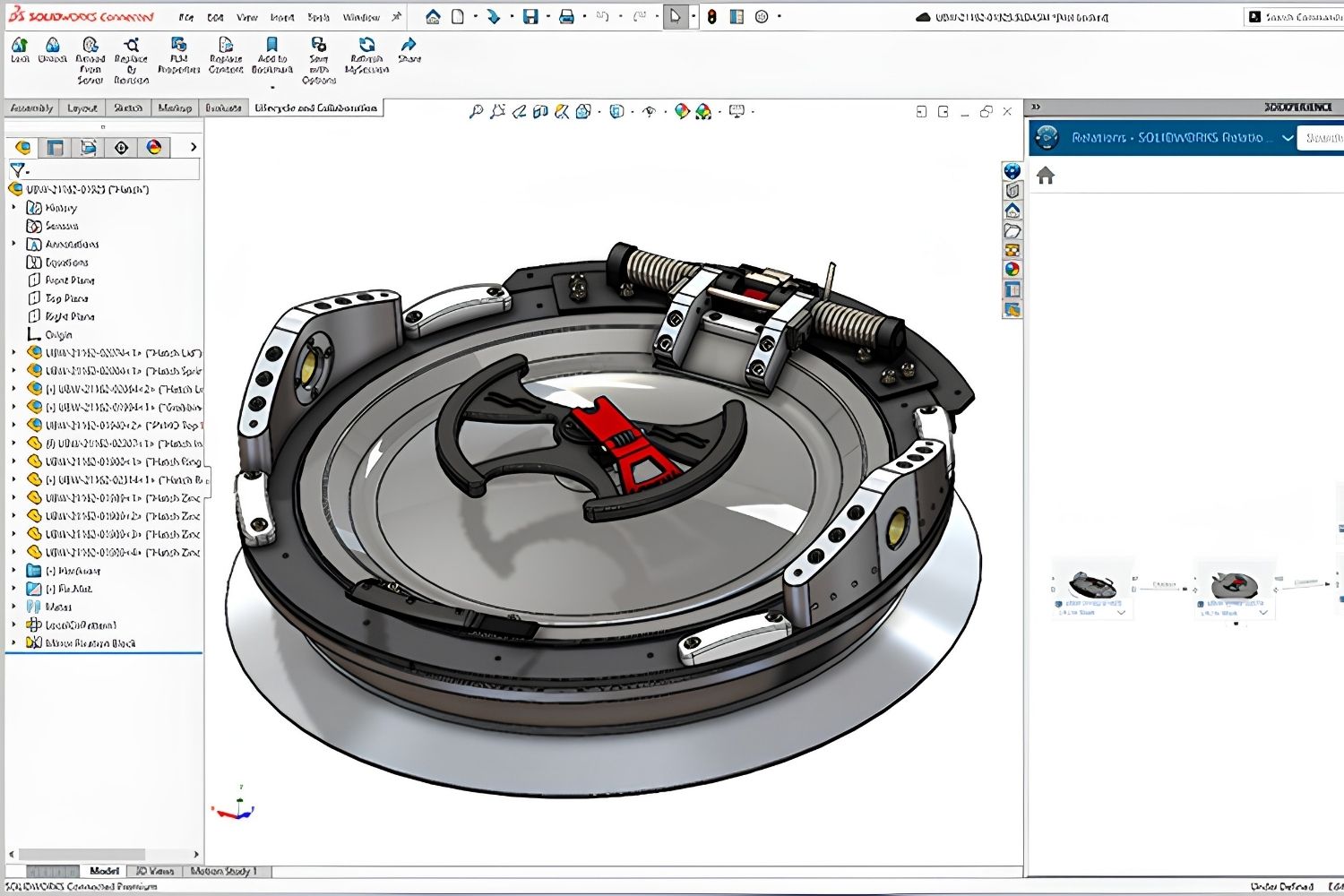
SolidWorks treats everything as a mechanical part or assembly. You model with features like extrusions, fillets, and chamfers applied to sketches on planes. This approach works well for a turbine blade or an injection-molded enclosure, but it becomes awkward when you need to place walls, assign room functions, generate floor plans, or produce a set of construction drawings with proper annotation layers.
Architects also rely heavily on BIM workflows where every element carries data beyond geometry: material specifications, fire ratings, cost estimates, and scheduling information. SolidWorks has no BIM capability. Its file formats (.SLDPRT, .SLDASM) are not recognized by most AEC collaboration platforms, and its rendering pipeline is oriented toward product visualization rather than architectural scenes with daylight, landscape, and human-scale context.
⚠️ Common Mistake to Avoid
Some architecture students learn SolidWorks in university engineering courses and then try to use it for studio projects. The result is typically hours spent forcing architectural geometry into a mechanical modeling paradigm. Learning an architecture-specific tool from the start saves significant time and produces better deliverables for design reviews.
7 Best SolidWorks Alternatives for Architects
1. Rhino 3D
Rhino is a NURBS-based modeler that handles curved surfaces, complex facades, and organic building forms better than nearly any other tool in the architecture space. Its one-time purchase price of $995 makes it cost-competitive with two to three years of SolidWorks subscriptions. Rhino 8 runs natively on both Windows and macOS, which removes a major friction point for Mac-based studios.
Grasshopper, Rhino’s built-in visual programming environment, is the main reason many architects choose it. Grasshopper allows designers to create parametric relationships between design variables and have geometry update automatically. Firms working on parametric facades, free-form roofs, or algorithmically generated structures consistently choose Rhino for this phase of design. The Rhino.Inside.Revit plugin then lets teams push Rhino geometry directly into Revit models for BIM documentation. For a closer look at what Rhino offers, see our beginner’s guide to Rhino 3D.
2. SketchUp
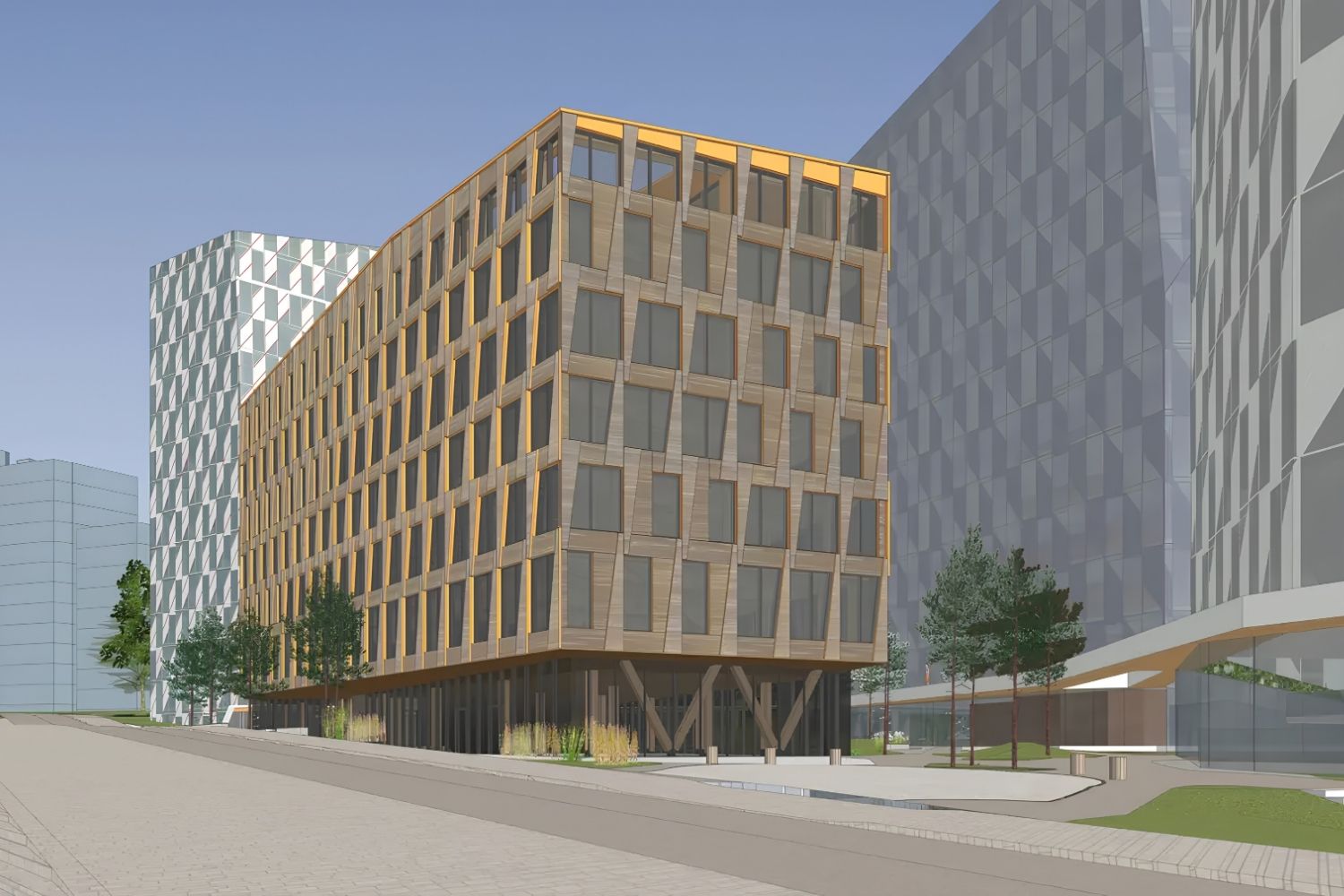
SketchUp’s push-pull interface makes 3D modeling accessible to architects at every skill level. It is one of the fastest ways to test building massing, explore spatial layouts, and present early-stage concepts to clients. The free web version handles basic modeling, while SketchUp Pro ($349/year) adds LayOut for drawing sheets and Sefaira for energy analysis.
SketchUp is not a BIM tool, so it cannot replace Revit or ArchiCAD for construction documentation. But for concept development, interior layout exploration, and client presentations, it remains one of the most practical free SolidWorks alternatives for architects who do not need parametric modeling. The 3D Warehouse provides a large library of pre-made components that speed up scene assembly. Our guide on SketchUp alternatives covers options for practices that need more documentation depth.
3. Blender
Blender is fully open-source, costs nothing, and runs on Windows, macOS, and Linux. It started as a tool for animation and visual effects, but its modeling, rendering, and visualization capabilities have made it a serious contender for architectural work. The Cycles and EEVEE render engines produce photorealistic and real-time visualizations that rival paid software.
Blender is the strongest free alternative to SolidWorks for architects who prioritize visualization and rendering. BlenderBIM, a community-developed add-on, adds native IFC authoring, turning Blender into an open-source BIM tool. The learning curve is steeper than SketchUp, but the depth of features, from geometry nodes for procedural modeling to a full compositing pipeline, makes it worth the investment for architects building digital portfolios or producing competition visuals. You can find more on Blender’s role in architectural education in our best architectural software for students guide.
💡 Pro Tip
If you are switching from SolidWorks to Blender, start by importing your existing STEP or OBJ files rather than rebuilding from scratch. Blender handles STEP imports through add-ons like CAD Sketcher, letting you reuse mechanical components as context objects in architectural scenes without re-modeling them.
4. FreeCAD
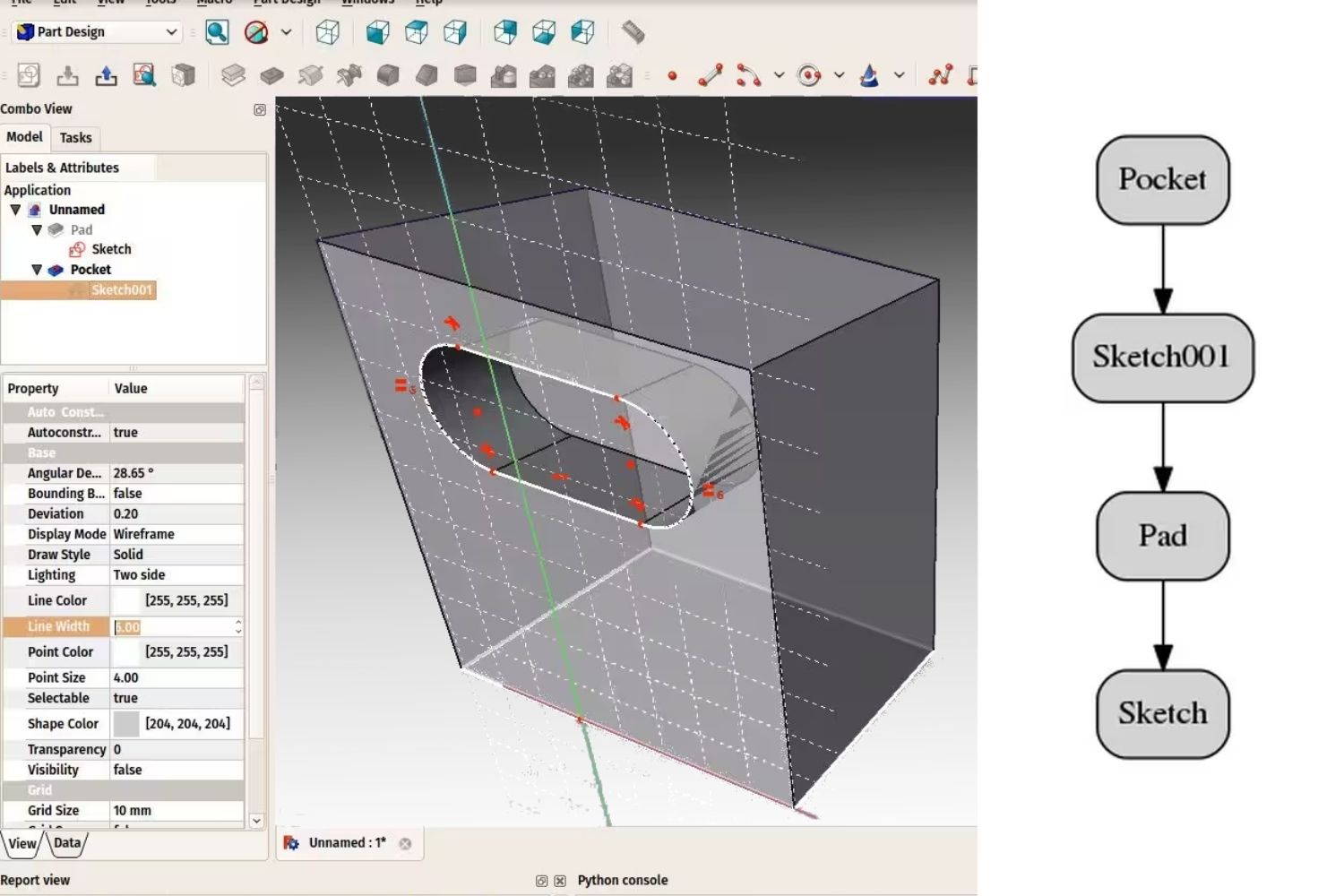
FreeCAD is the closest open-source equivalent to SolidWorks in terms of parametric modeling philosophy. It uses a constraint-based sketcher and feature tree that will feel familiar to anyone with SolidWorks experience. The BIM Workbench adds architectural modeling tools, IFC support, and basic documentation capabilities, making it a viable SolidWorks free alternative for smaller architectural projects.
FreeCAD runs on Windows, macOS, and Linux, supports Python scripting for custom workflows, and has an active development community. The main drawback is usability: the interface requires patience, and construction documentation output is not as polished as commercial rivals. For students and budget-constrained practices, it remains the strongest free parametric CAD option available. Our Revit alternatives guide covers FreeCAD’s BIM capabilities in more detail.
5. Autodesk Fusion 360
Fusion 360 combines parametric modeling, mesh modeling, and cloud-based collaboration in a single platform. At $690 per year (Autodesk, 2026), it costs significantly less than SolidWorks. Fusion 360 includes basic rendering, simulation, and CAM tools, which makes it attractive for architects who also work on product design, custom furniture, or fabrication-ready details.
Fusion 360 is not a BIM tool and does not generate architectural drawings, but its cloud-first approach means files are accessible from any device and collaboration with remote team members is straightforward. For architects who split their time between building design and product-scale work (custom hardware, furniture prototypes, facade panel details), Fusion 360 bridges the gap more naturally than SolidWorks.
6. Revit
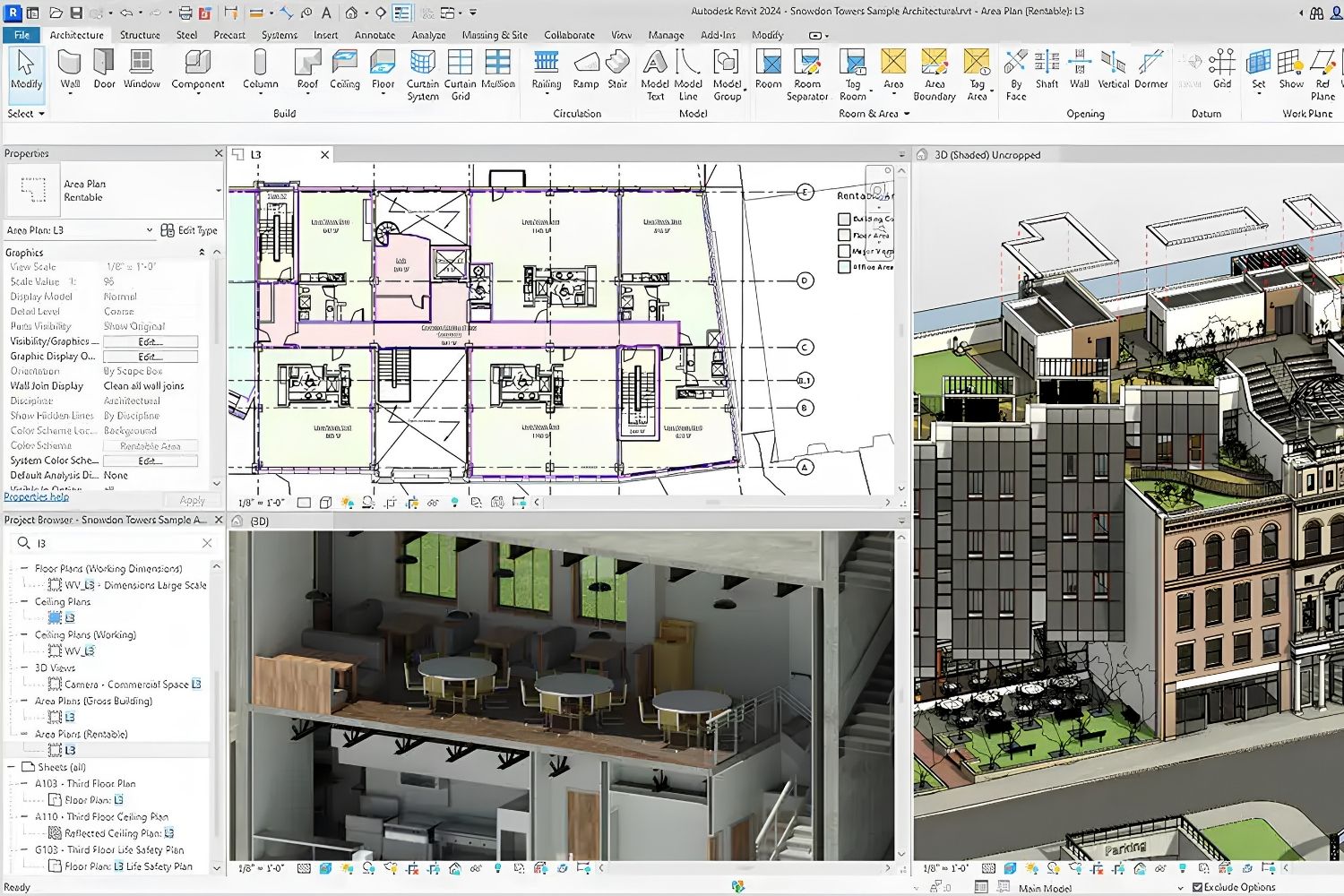
Revit is the dominant BIM platform in commercial architecture, particularly in North America and the UK. It handles the full project lifecycle from schematic design through construction documentation, with built-in tools for structural coordination, MEP systems, and energy analysis. Annual subscription costs approximately $3,149 (Autodesk, 2026).
Revit is not a direct modeling replacement for SolidWorks. Instead, it represents a fundamentally different workflow built around building information rather than mechanical assemblies. Architects who need their 3D model to automatically generate plans, sections, elevations, and schedules will find Revit far more productive than any SolidWorks-style parametric modeler. For a detailed comparison with other BIM platforms, see our ArchiCAD vs Revit comparison.
7. ArchiCAD
ArchiCAD by Graphisoft is a BIM platform built specifically for architects. It runs natively on both macOS and Windows, which gives it an edge over Revit for Mac-based studios. ArchiCAD’s “Virtual Building” modeling approach lets architects work with walls, slabs, roofs, and stairs that behave like their real-world counterparts, making it intuitive for design-led practices.
Subscription pricing starts at approximately $200 per month billed annually, with free educational licenses available for students. ArchiCAD combines 3D modeling with strong 2D drafting tools in a single environment, so architects can move between design exploration and technical documentation without switching software. For smaller firms that do not need Revit’s multi-discipline coordination tools, ArchiCAD often provides a smoother workflow at a lower total cost.
🎓 Expert Insight
“The tool should match the task. For architectural design, you need software that thinks in buildings, not in parts and assemblies.” — Licensed architect with 20+ years of practice experience
This observation captures why many architects who start with SolidWorks eventually move to purpose-built BIM or architectural modeling tools. The shift is not about one software being “better” but about choosing a tool whose logic matches building design workflows.
SolidWorks Alternatives Comparison Table
The following table compares key specifications across all seven alternatives to help you narrow down your shortlist based on price, platform support, and architectural fit.
| Software | Price | Platform | BIM Support | Best For |
|---|---|---|---|---|
| Rhino 3D | $995 (one-time) | Windows, macOS | Via plugins | Complex geometry, parametric facades |
| SketchUp Pro | $349/year (free web version) | Windows, macOS, Web | No | Concept modeling, client presentations |
| Blender | Free | Windows, macOS, Linux | Via BlenderBIM add-on | Visualization, rendering, open-source BIM |
| FreeCAD | Free | Windows, macOS, Linux | BIM Workbench (IFC) | Parametric CAD on a zero budget |
| Fusion 360 | $690/year | Windows, macOS | No | Product design crossover, fabrication |
| Revit | $3,149/year | Windows only | Full BIM | Large-scale commercial projects, documentation |
| ArchiCAD | ~$2,400/year | Windows, macOS | Full BIM | Design-led practices, Mac studios |
How to Choose the Right SolidWorks Alternative
Picking the best SolidWorks alternative depends on three practical factors rather than feature lists alone.
Project type comes first. If your work is primarily building design with construction documentation, a BIM platform like Revit or ArchiCAD will save you more time than any general-purpose modeler. If you are doing competition entries, facade studies, or conceptual work, Rhino with Grasshopper or Blender will serve you better.
Budget matters, especially for students and small firms. Blender and FreeCAD remove cost entirely. SketchUp’s free web version covers basic needs. Rhino’s one-time purchase avoids recurring subscription fatigue. Fusion 360 sits in a middle ground for practices that mix architecture with fabrication work.
Platform is the final filter. Revit is Windows-only for its full BIM capabilities. ArchiCAD, Rhino, SketchUp, and Blender all run on macOS. If your studio is Mac-based, this immediately narrows the field. For a broader view of the digital tools available to architects, our overview of architectural design software and features covers additional categories beyond 3D modeling.
💡 Pro Tip
Before committing to any software switch, export a representative project from SolidWorks as a STEP file and import it into your shortlisted alternatives. Testing real geometry, not sample files, reveals compatibility gaps and workflow friction that trial periods alone will not surface.
Video: Architecture Software and Their Alternatives
This video from Expose Academy breaks down seven categories of software used in architecture and interior design, covering both popular commercial options and their free open-source alternatives.
Final Thoughts
SolidWorks remains an excellent tool for mechanical engineering and product design, but architects gain very little from its feature set while paying a premium price. Every alternative on this list offers workflows that are closer to how buildings are actually designed, documented, and built. Free options like Blender and FreeCAD have matured enough to handle real project work, while professional BIM platforms like Revit and ArchiCAD deliver the documentation depth that architectural practice demands.
The most productive approach is often combining tools rather than searching for a single replacement. Many firms use SketchUp or Rhino for early design, then move to a BIM platform for documentation. Testing your actual project files in trial versions of each tool is the most reliable way to find the right fit for your specific practice.
Software pricing referenced in this article is approximate and may vary by region, reseller, and licensing model. Always verify current pricing directly with the software vendor before purchasing.





Top 8 Websites for Downloading Free Revit Families Every Architect Should Bookmark
A reviewed list of eight trusted websites for downloading free Revit families,...
Sinan Ozen8 Mins read

Best Architecture Software for Small Firms
A practical comparison of the best architecture software for small firms in...
 Elif Ayse Sen12 Mins read
Lumion Asset Library: A Practical Guide to Free Assets and PBR Materials for Architects
A focused guide to the Lumion asset library covering its 7,500+ built-in...
Elif Ayse Sen14 Mins read

BricsCAD Alternatives for Architects
A practical guide to seven of the most capable BricsCAD alternatives for...
Sinan Ozen10 Mins read


Leave a comment