

7 Key Features of SketchUp vs 3ds Max You Should Know
A side-by-side look at seven areas where SketchUp and 3ds Max differ most for architects and visualization professionals, from modeling workflow and V-Ray integration to pricing structure and platform compatibility, with practical guidance on choosing the right tool for your project type.
 Sinan Ozen8 June 20266 Mins read149
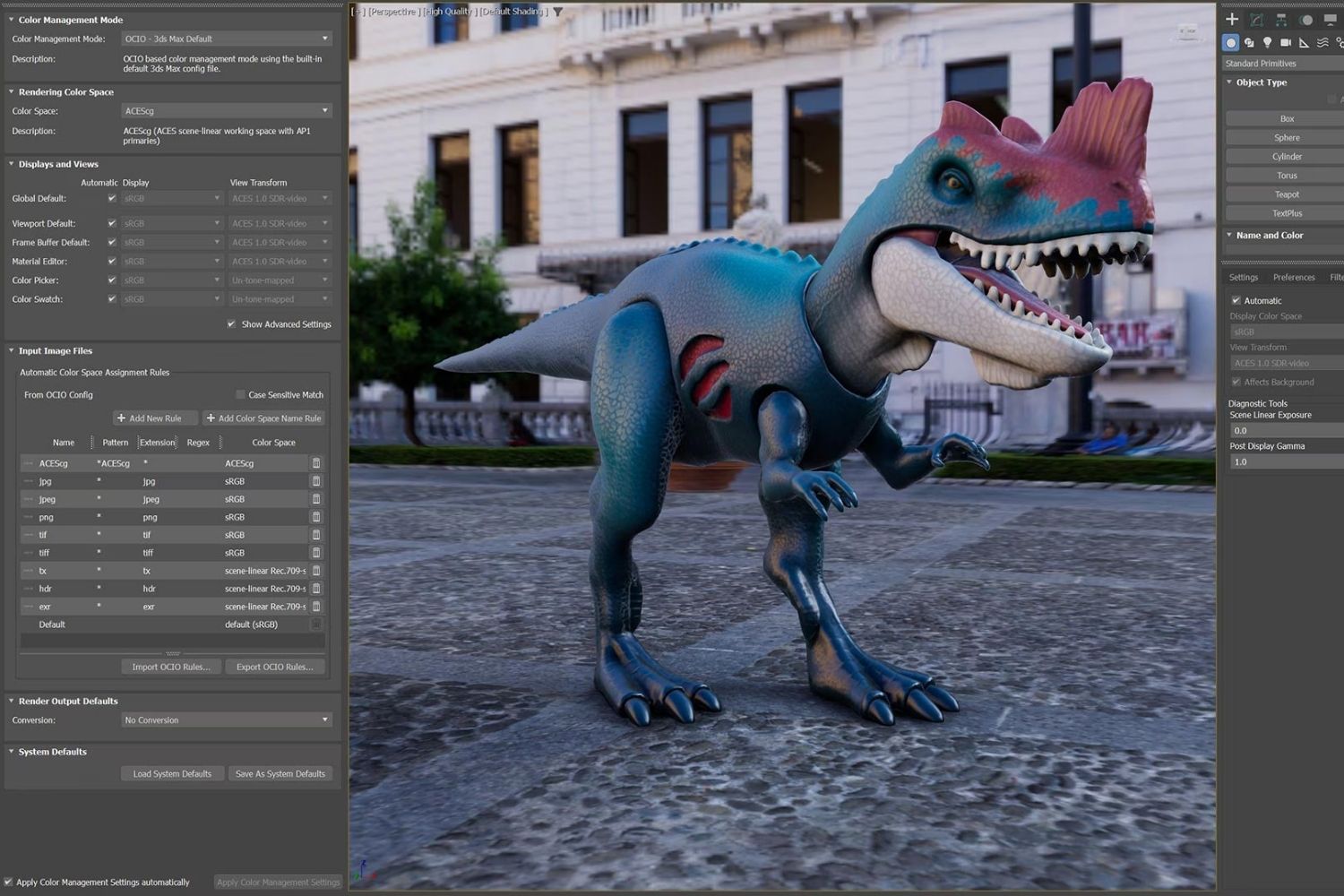
Table of Contents Show
The key features of SketchUp vs 3ds Max come down to modeling philosophy, rendering capability, pricing, and target workflow. SketchUp favors speed and simplicity for conceptual design, while 3ds Max delivers deep control for photorealistic architectural visualization. Choosing between them depends on your project stage and output quality requirements.
If you work in architecture or architectural visualization, you have probably asked yourself whether SketchUp or 3ds Max is the better investment. The answer is rarely one or the other. Each tool occupies a different position in the design pipeline, and most firms eventually use both at different project phases. Below, we break down seven specific areas where these two programs differ so you can decide which fits your current needs.
Modeling Approach: Push-Pull vs Modifier Stack
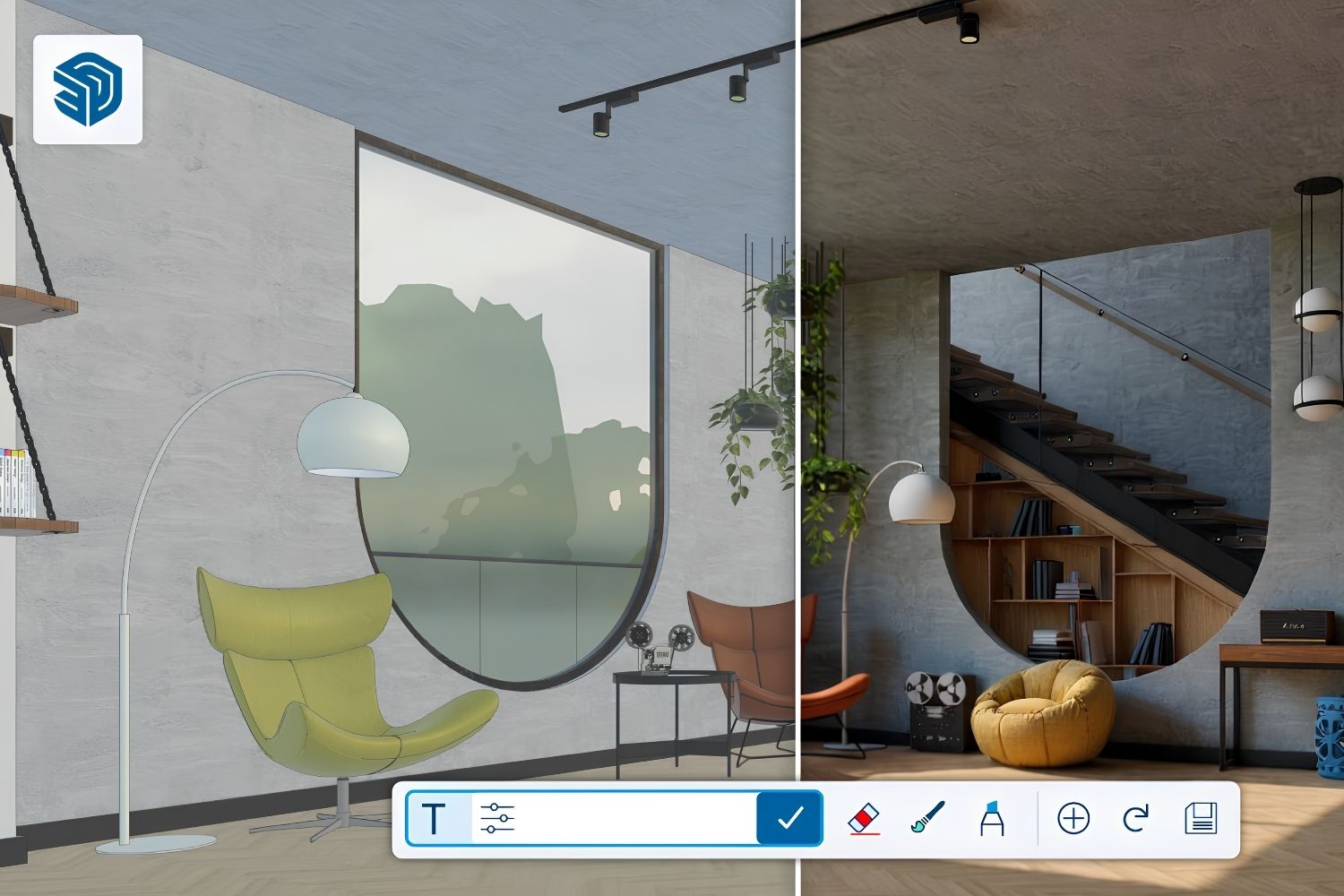
SketchUp’s signature push-pull tool lets you draw a 2D shape and extrude it into 3D geometry in seconds. The interface is direct and visual. You click a face, drag it, and the form appears. This approach works extremely well for massing studies, early conceptual models, and quick client presentations where the goal is communicating spatial ideas rather than producing construction-level detail.
3ds Max uses a modifier-based system. You start with a primitive shape and then stack modifiers on top of it (bend, twist, turbosmooth, shell, and dozens more). Each modifier is non-destructive, meaning you can go back and adjust any step without losing the work above it. This gives 3ds Max a clear advantage for complex organic forms, detailed furniture models, and scenes that require precise geometric control. The tradeoff is speed: building a simple room in 3ds Max takes considerably longer than in SketchUp.
💡 Pro Tip
Many visualization studios model the base building in SketchUp for speed, then export it to 3ds Max for detailing and rendering. SketchUp exports clean .FBX and .OBJ files that import into 3ds Max with minimal cleanup, making a hybrid workflow practical without rebuilding geometry from scratch.
V-Ray Integration: SketchUp V-Ray vs 3ds Max V-Ray
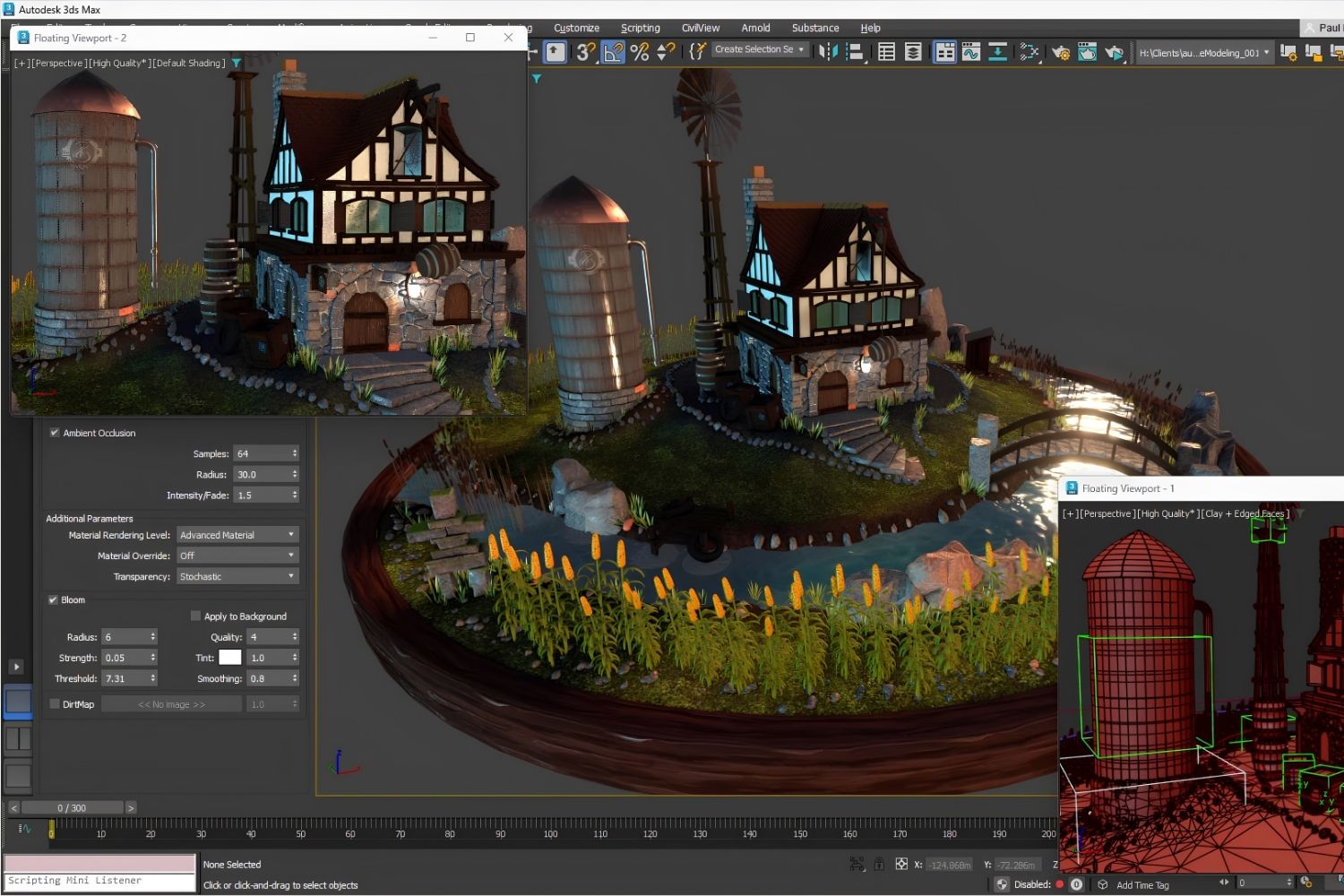
Both SketchUp and 3ds Max support V-Ray as a rendering engine, but the depth of integration differs significantly. V-Ray for 3ds Max is the most feature-complete version of the renderer. It includes every V-Ray tool Chaos Group develops: full light mixing, V-Ray proxy objects, advanced hair and fur rendering, volumetric effects, and deep compositing output. Major 3D architectural visualization studios worldwide rely on 3ds Max paired with V-Ray (or Corona) as their primary production pipeline.
V-Ray for SketchUp is a lighter implementation. It covers the essentials well, including realistic materials, global illumination, sun and sky systems, and batch rendering. For interior and exterior architectural renders, V-Ray for SketchUp produces professional results. Where it falls short is in advanced effects. Volumetric fog controls, complex particle interactions, and some post-processing features are either simplified or absent compared to the 3ds Max version.
⚠️ Common Mistake to Avoid
Assuming that V-Ray produces identical results across all host applications. V-Ray for SketchUp and V-Ray for 3ds Max share the same rendering core, but their material editors, light controls, and proxy systems differ. A V-Ray material set up in SketchUp cannot be directly opened in 3ds Max and may need manual adjustment after transfer.
Rendering Options Beyond V-Ray
3ds Max supports the widest range of rendering engines in the industry. Beyond V-Ray, you can use Arnold (included with the subscription), Corona Renderer, Redshift, Octane, and several real-time options. This flexibility matters for studios working across architecture, film, and product visualization, where different projects may demand different rendering approaches. Arnold’s physically based shading, in particular, has become the default renderer for film and animation pipelines.
SketchUp’s rendering options are more limited but still solid. V-Ray, Enscape, D5 Render, Lumion, and the native SketchUp Diffusion AI tool cover most architectural needs. For real-time client walkthroughs, Enscape and D5 Render both connect directly to SketchUp and produce results quickly. If your output is primarily architecture visualization rather than film-quality VFX, SketchUp’s renderer ecosystem is more than sufficient.
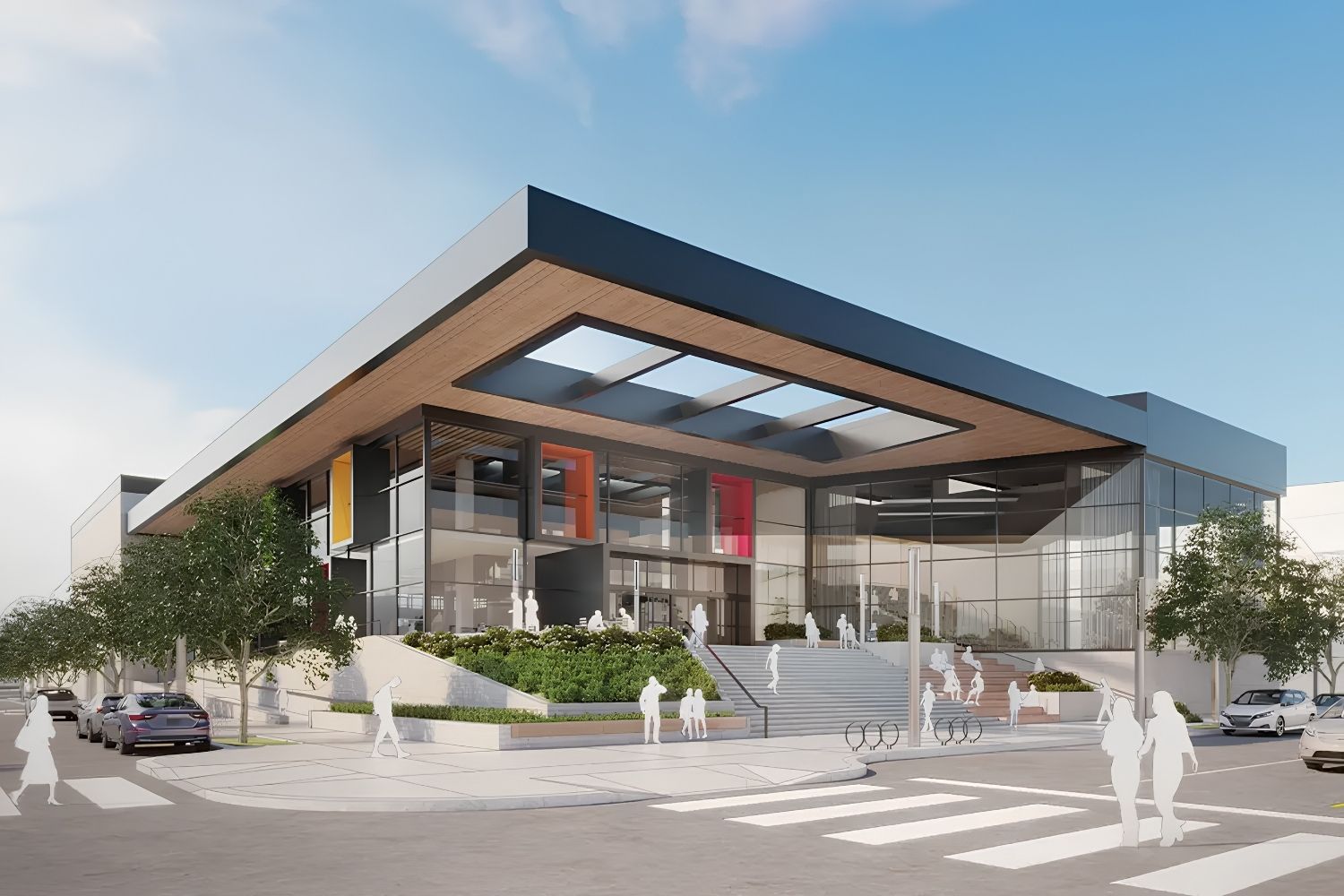
Comparison of SketchUp vs 3ds Max Features
The following table summarizes the key differences between the two programs across the seven areas covered in this article:
| Feature | SketchUp | 3ds Max |
|---|---|---|
| Modeling style | Push-pull, direct manipulation | Modifier stack, non-destructive |
| V-Ray integration depth | Core features, simplified controls | Full feature set, advanced compositing |
| Other renderers supported | Enscape, D5, Lumion, SketchUp Diffusion | Arnold, Corona, Redshift, Octane |
| Platform | Windows, macOS, web browser | Windows only |
| Pricing model | From $349/year (Pro) | ~$2,010/year subscription |
| Learning curve | Days to weeks | Weeks to months |
| Best for | Concept design, quick presentations | Photorealistic visualization, animation |
Learning Curve and User Interface
SketchUp is one of the fastest 3D tools to learn. Architecture students routinely pick up the basics within a few days, and most users reach productive proficiency within two to three weeks. The toolbar is minimal, the inference system guides snapping automatically, and the 3D Warehouse provides thousands of pre-made components (furniture, fixtures, vegetation) that speed up scene assembly.
3ds Max has a steep learning curve. The interface is dense, with dozens of panels, rollout menus, and right-click context options. The modifier stack concept, while powerful, requires understanding how modifiers interact with each other in sequence. Most users need several months of regular practice before they can produce professional-quality output independently. There are excellent online courses for 3ds Max, but the time investment is real.
🎓 Expert Insight
“The key is matching the tool to the task. SketchUp is unbeatable for early design exploration, and 3ds Max is unbeatable for final visualization. Trying to force one tool to do both jobs well wastes time.” — Licensed architect with 20+ years of visualization experience
This reflects a common industry pattern: firms that produce both concept presentations and marketing-quality renders typically maintain licenses for both programs and assign them to different project phases.
Platform Compatibility and Pricing
SketchUp runs on Windows, macOS, and even in a web browser (the free version). The Pro subscription starts at around $349 per year, and the Studio tier (which includes V-Ray) costs around $749 per year. There is also a free web-based version for personal use, making it accessible to students and freelancers on tight budgets. SketchUp 2026 added improved collaboration features, Photoreal Materials, and Live Components to the platform.
3ds Max is Windows-only. There is no macOS or Linux version. The subscription costs approximately $2,010 per year ($255/month for monthly billing), with an Indie tier at roughly $330 per year for qualifying freelancers earning under $100,000 annually. For Mac-based studios, the platform restriction alone may make the decision. Firms running macOS would need to either run Windows through virtualization or choose an alternative like SketchUp, Blender, or Rhino.
How Does Each Tool Handle Architectural Visualization?
3D architectural visualization rendering is where 3ds Max has historically dominated. The combination of 3ds Max with V-Ray or Corona Renderer produces the highest-quality photorealistic output in the industry. Marketing renders for luxury residential towers, commercial developments, and competition entries almost always come from a 3ds Max pipeline. The depth of material editing, lighting control, and camera simulation gives visualization artists the precision they need for final deliverables.
SketchUp handles architecture visualization well at the concept and schematic design stages. Paired with V-Ray, Enscape, or D5 Render, it produces renders that are more than adequate for design development presentations, planning submissions, and internal design reviews. The gap between SketchUp renders and 3ds Max renders has narrowed significantly over the past five years, especially with improvements in V-Ray for SketchUp and the growing library of high-quality assets and HDRI resources available for the platform.
💡 Pro Tip
If your firm’s primary output is architectural visualization for marketing (brochures, websites, investor decks), invest in 3ds Max. If your renders serve internal design decisions and planning applications, SketchUp with a good renderer will save you both money and training time.
Plugin Ecosystem and Extensions
SketchUp’s Extension Warehouse hosts hundreds of free and paid plugins that extend the software’s capabilities. You can add terrain modeling tools, profile builders, parametric components, and rendering connectors without leaving the SketchUp environment. The Extension Warehouse makes finding and installing plugins straightforward. For most architectural modeling tasks, there is a plugin that speeds up the process.
3ds Max’s plugin ecosystem is older and deeper. Architectural visualization software plugins like Forest Pack (for scattering vegetation and objects), RailClone (for parametric arrays), and Siger Studio shaders are industry standards. These plugins are mature, well-documented, and specifically built for arch-viz production. The depth of scripting support (MAXScript and Python) also makes 3ds Max highly customizable for studio-specific pipelines.
📌 Did You Know?
SketchUp’s 3D Warehouse contains over 4 million free models uploaded by its community. This makes it one of the largest free 3D model libraries in the world, and it is directly accessible from within the SketchUp interface without any additional download or plugin.
Which Should You Choose?
The decision between SketchUp vs 3ds Max is not about which program is “better” in absolute terms. It depends on where you sit in the design and visualization pipeline. Small firms, solo practitioners, and architects focused on design exploration will get more value from SketchUp. Dedicated 3D architectural visualization studios producing marketing-quality imagery and animation will find 3ds Max essential.
If you are starting from scratch and need to pick one tool, SketchUp is the safer first investment. You can produce usable output within weeks and expand into rendering with V-Ray or Enscape as your skills grow. If your career is specifically in architectural visualization rendering, 3ds Max is the industry standard and learning it will give you access to more job opportunities in dedicated viz studios.
Many professionals end up using both. SketchUp for speed and concept, 3ds Max for polish and final output. That combination covers the full architectural visualization workflow without forcing either tool into a role it was not designed for.
Pricing figures referenced above are approximate and subject to change. Check sketchup.com and autodesk.com for current subscription rates in your region.







Notion Alternatives for Architects: 7 Tools That Fit Studio Work
Notion works until a studio needs fee tracking, phase budgets and timesheets....
 Furkan Sen7 Mins read

Why Every Practice Ends Up With Five Versions of the Same Revit Family
Let’s learn why Revit family libraries accumulate duplicates, break schedules and slow...
 illustrarch Editoral Team5 Mins read

Visualizing Renovation Projects From Photographs: A Workflow for Existing-Building Work
Photo-based visualization turns a photograph of a building that already exists into...
illustrarch Editoral Team7 Mins read

Best Free CAD Blocks and Resources for Architects
A working guide to free CAD blocks for architects, covering ARCAT, CAD-Blocks.net,...
Furkan Sen7 Mins read


Leave a comment