

How AI Is Reshaping Audio and Visual Content: From Voice Changers to Image Enhancement
Voice changers and AI image enhancement rely on the same pattern-learning models. Here is what each tool does, where the two meet in a creator's workflow, and how to use them well.
 illustrarch Editoral Team2 November 20264 Mins read2

Table of Contents Show
A few years ago, polishing a podcast, a video, or a set of product photos took specialized software and hours of manual work. Today, machine learning handles much of that effort in seconds. Two areas show this shift clearly: voice changing technology and AI-based visual enhancement. They serve different senses, but they rest on similar ideas.
What a Voice Changer Actually Does
A voice changer alters the characteristics of a recorded or live voice, such as pitch, tone, timbre, and speaking style. Early versions were simple pitch shifters that made a voice sound higher or lower, usually with a robotic result. They were fun for pranks but rarely convincing.

Modern tools work differently. Neural networks analyze the structure of speech: the rhythm of syllables, the resonance of the vocal tract, and the subtle breathiness that makes a voice recognizable. The system separates what is being said from how it sounds, then rebuilds the audio with a different vocal identity. The result can sound far more natural than older pitch-shifting methods.
Common uses include:
- Content creation: streamers and video creators who want a consistent character voice without revealing their own.
- Gaming and virtual worlds: players who want their voice to match an avatar.
- Privacy: people who want to keep their identity hidden in online conversations.
- Accessibility: users who want a voice that better reflects how they identify, or who need help with speech difficulties.
- Entertainment and production: quick prototyping of character voices for animation, audiobooks, or short films.
The Shared Foundation: Learning Patterns from Data
Voice changers rely on models trained on large amounts of audio. Image enhancement models are trained on large collections of photographs. In both cases the model learns what “good” data looks like and uses that knowledge to improve or transform new input.
An audio model learns that consonants have sharp transients, vowels have predictable harmonic structures, and background hiss differs from speech. An image model learns that edges are continuous, skin has fine texture, and film grain differs from real detail. When the input is degraded, the model predicts what the missing information likely looked or sounded like and fills it in.
This is why a good voice enhancer can clean up a noisy recording, and why an image upscaler can turn a small, soft photo into a sharper, larger one. Neither tool is retrieving information that was never captured. They make educated reconstructions based on patterns learned elsewhere, which also explains why results are strong but not perfect.
Why Visuals Matter When You Work with Audio
Anyone who experiments with voice changers will quickly find that audio rarely travels alone. A modified voice usually accompanies a video, a thumbnail, a cover image, a character illustration, or a social media post. If the voice sounds polished but the artwork is blurry or pixelated, the overall impression suffers.
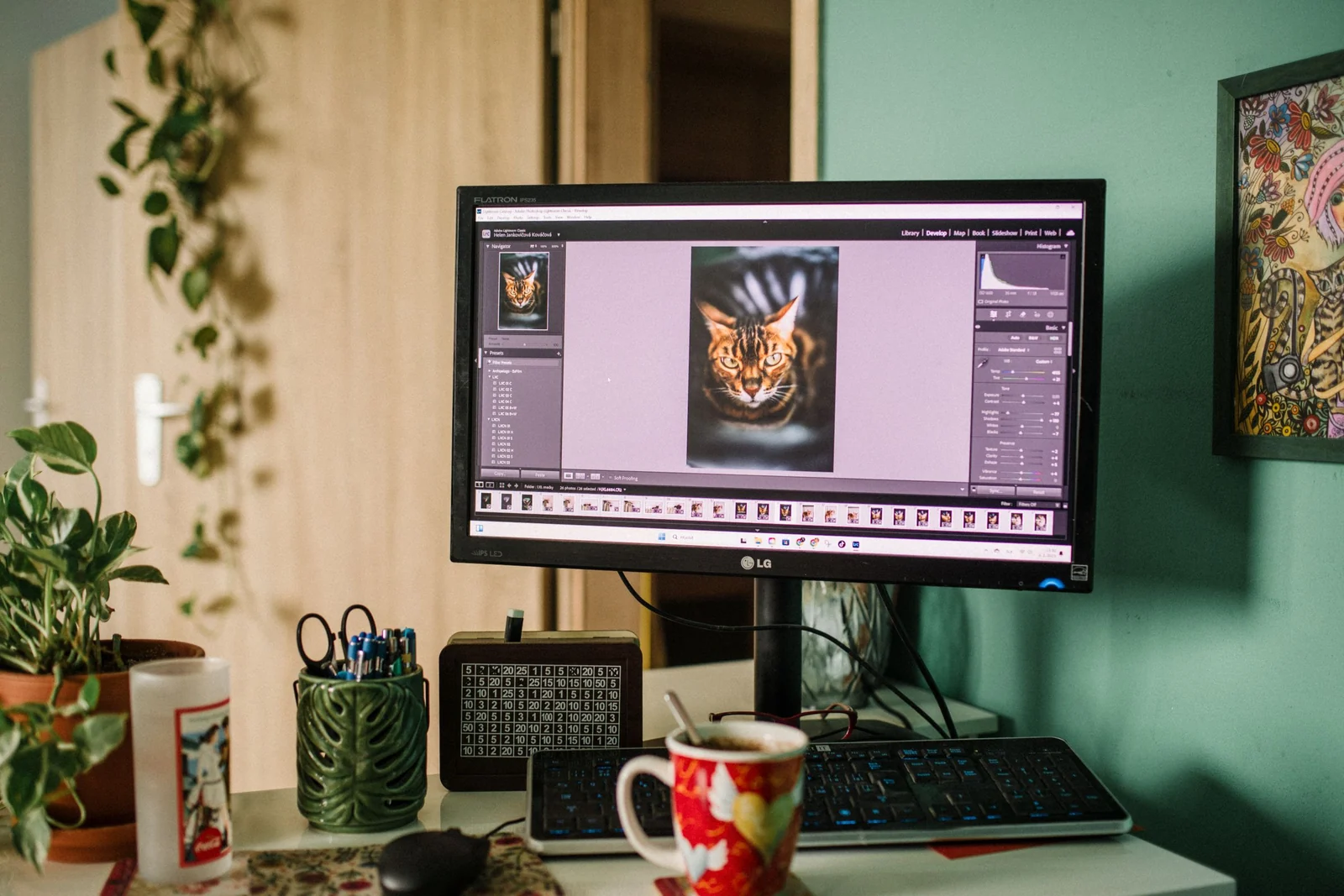
This is where visual enhancement tools fit into a creator’s workflow. A low-resolution character portrait for a virtual persona, an old promotional photo, or a screenshot saved at a small size can all be improved with an image upscaler. Tools like this increase resolution while sharpening edges and reducing noise, so the artwork holds up on larger screens or in print. Some can also help restore scratched or faded scans, which is useful when working with archival material.
As with voice tools, it helps to treat the output as a draft to review. Enlarged images should be inspected at full size to confirm that textures, small text, and edges still look natural, just as a transformed voice should be played back to catch odd artifacts or unnatural phrasing.
Practical Tips for Better Results
Start with the best source you can. A clean recording gives a voice changer more to work with, just as a sharp original gives an upscaler a better starting point. AI can repair a lot, but it cannot replace quality at the source.
Avoid over-processing. Extreme voice transformations can sound synthetic, and aggressive image sharpening can create an artificial, plastic look. Subtle changes often read as more professional.
Compare before and after. Listen to the original next to the processed version, and view images side by side. This is the easiest way to catch problems early.
Keep formats in mind. Export audio at a suitable bitrate and save images in a format that matches the destination, whether that is a web page, a video, or a printed poster.
Ethical Considerations
Both technologies raise questions about authenticity. Voice changers can be used to impersonate real people, and image enhancement can be used to alter photos in misleading ways. Responsible use means being transparent when synthetic voices or heavily modified media are presented to an audience, getting consent before replicating anyone’s voice, and following platform rules about disclosure.
Used thoughtfully, these tools are not about deception. They lower the barrier to producing polished, expressive work.
Looking Ahead
The line between audio and visual AI tools is blurring. Many platforms now bundle voice generation, captioning, noise reduction, and image enhancement in one place, so a single creator can produce a complete video project without switching between a dozen applications. Expect faster processing, better handling of difficult source material, and more control over style and tone.
For creators, the practical takeaway is straightforward: understand what each tool does well, use it to strengthen the work you have already done, and keep your own judgment in the loop. Whether you are reshaping a voice or sharpening a photograph, the best results come from pairing capable technology with careful, deliberate choices.







Seedance 3.0 for Home and Garden Concepts: Making a Renovation Story Easier to Discuss
Seedance 3.0 can turn a renovation idea into a short concept video....
illustrarch Editoral Team5 Mins read
Best AI Interview Assistant for Architects: 9 Tools Compared
We compare nine AI interview assistants for architects on speed, drawing awareness,...
illustrarch Editoral Team12 Mins read
The Nano Banana Prompt: Mastering Micro-Bionic Architecture in Midjourney v6
Nano Banana Prompt explores the innovative fusion of biomimicry and architectural design...
 Bahattin Duran3 Mins read
ChatGPT Alternatives for Architects: 8 Best AI Tools in 2026
Not every AI assistant fits an architecture workflow the same way. This...
 Furkan Sen12 Mins read


Leave a comment