

FormIt Alternatives for Architects: 6 Tools for Conceptual Design in 2026
Autodesk FormIt entered maintenance mode in 2024 and is merging into Forma. This guide covers six practical FormIt alternatives for architects, including SketchUp, Rhino 3D, Blender, Snaptrude, and ArchiCAD, with pricing, platform details, and workflow notes to help you choose the right conceptual design tool.
 Sinan Ozen19 June 20265 Mins read4
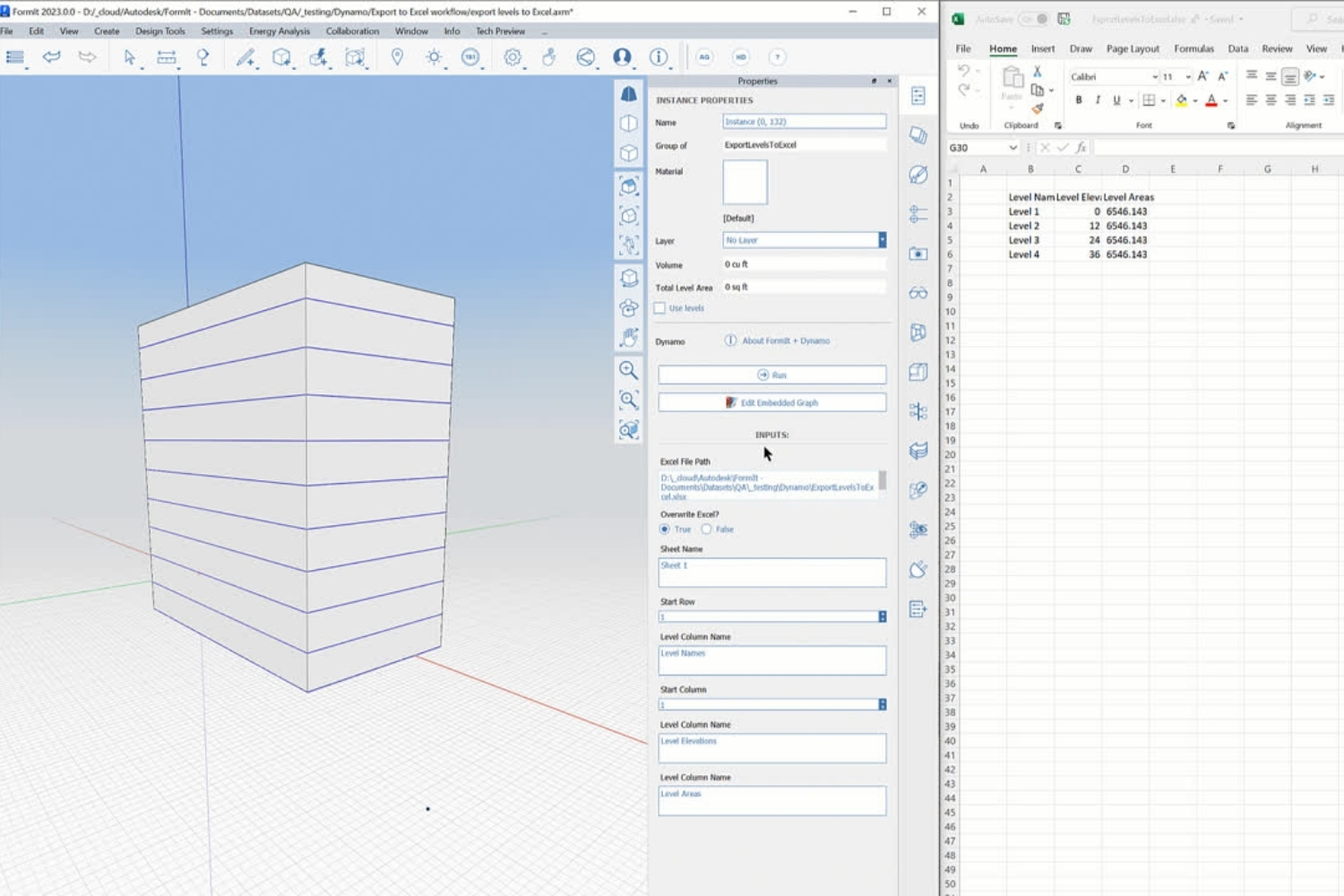
Table of Contents Show
FormIt alternatives give architects access to conceptual 3D modeling tools that replace Autodesk’s discontinued sketching platform. The strongest options include SketchUp for push-pull modeling, Rhino for complex geometry, Blender for free rendering, and Autodesk Forma as the official successor with added site analysis capabilities.
What Is Autodesk FormIt?
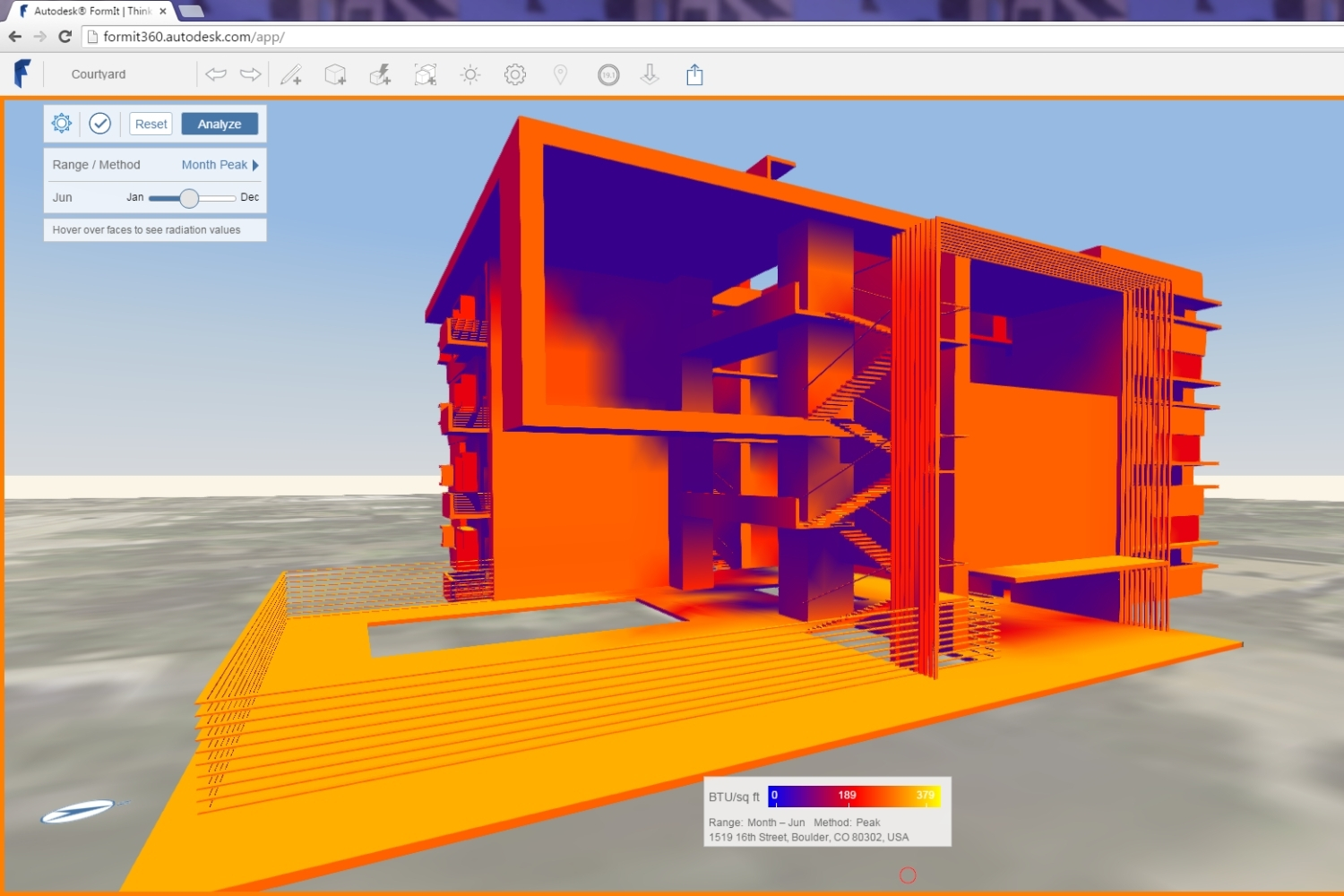
Autodesk FormIt was a cloud-based conceptual design application built for architects who needed to sketch building masses quickly and test early ideas before moving into Revit. It used a push-pull modeling approach similar to SketchUp, ran on Windows, iPad, and web browsers, and offered built-in energy analysis and solar study tools. Its main advantage was direct Revit interoperability: geometry created in FormIt could transfer into Revit without rebuilding.
As of April 2024, Autodesk FormIt Pro is no longer available for purchase or renewal. FormIt for Windows will be maintained until 2027 for security updates only, with no new feature development. The web and iPad versions were taken offline in August 2024. Autodesk is folding FormIt’s modeling engine into its newer platform, Forma, which means architects who relied on FormIt need to either transition to Forma or find an independent alternative.
📌 Did You Know?
Autodesk acquired Spacemaker, an AI-driven site analysis platform, in November 2020 for $240 million. In May 2023, Autodesk merged Spacemaker’s analysis engine with FormIt’s conceptual modeling tools to create Autodesk Forma. As of 2026, the platform is officially called Forma Site Design, with a Building Design module still in development (Autodesk Forma product announcement, 2023).
Best FormIt Alternatives for Architects
The right replacement depends on what you actually used FormIt for. If your priority was quick massing and Revit handoff, Forma or SketchUp are the closest matches. If you want stronger geometry tools or free software, Rhino and Blender are better fits. Below are six options ranked by how closely they match typical formit alternatives for architects use cases.
1. Autodesk Forma
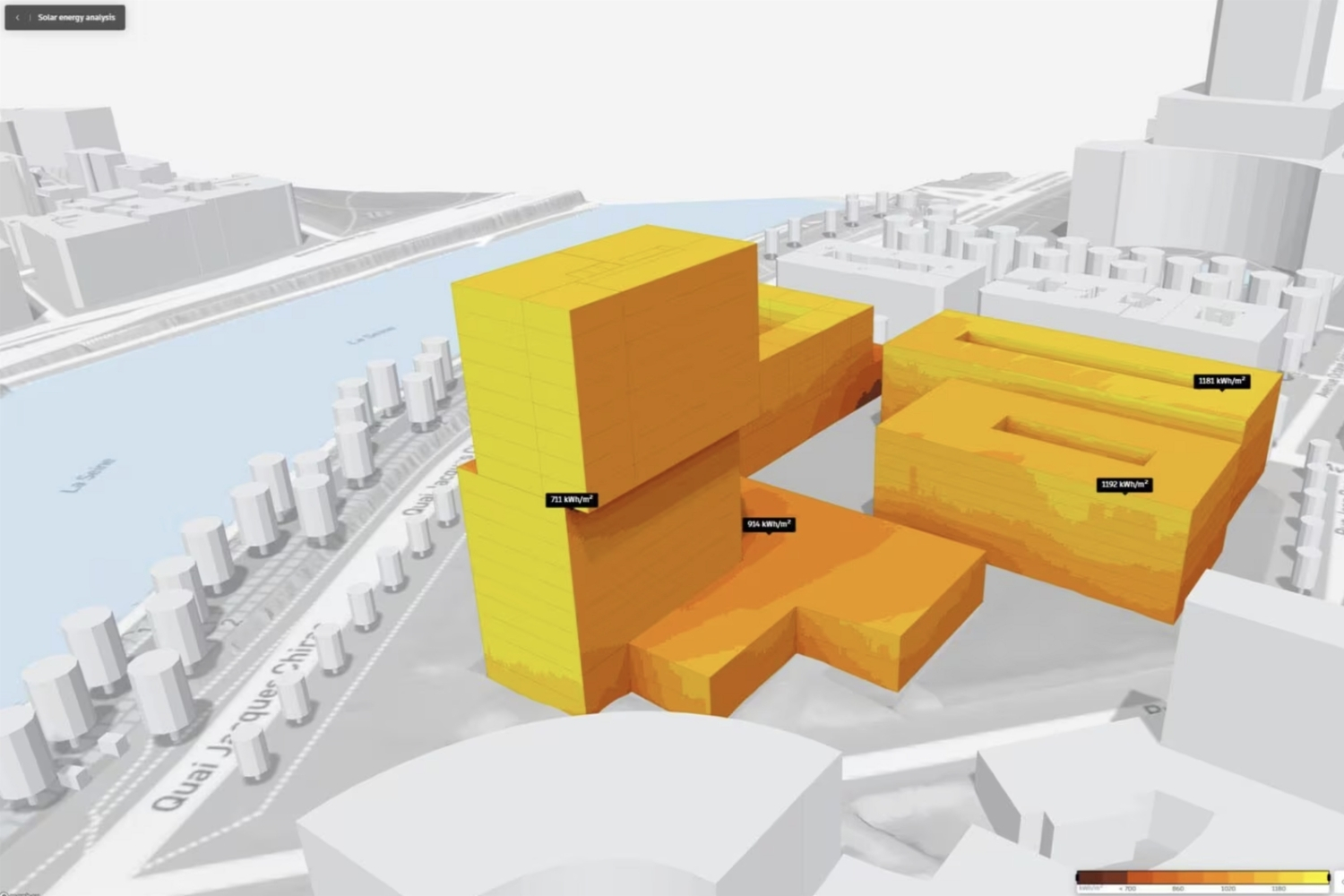
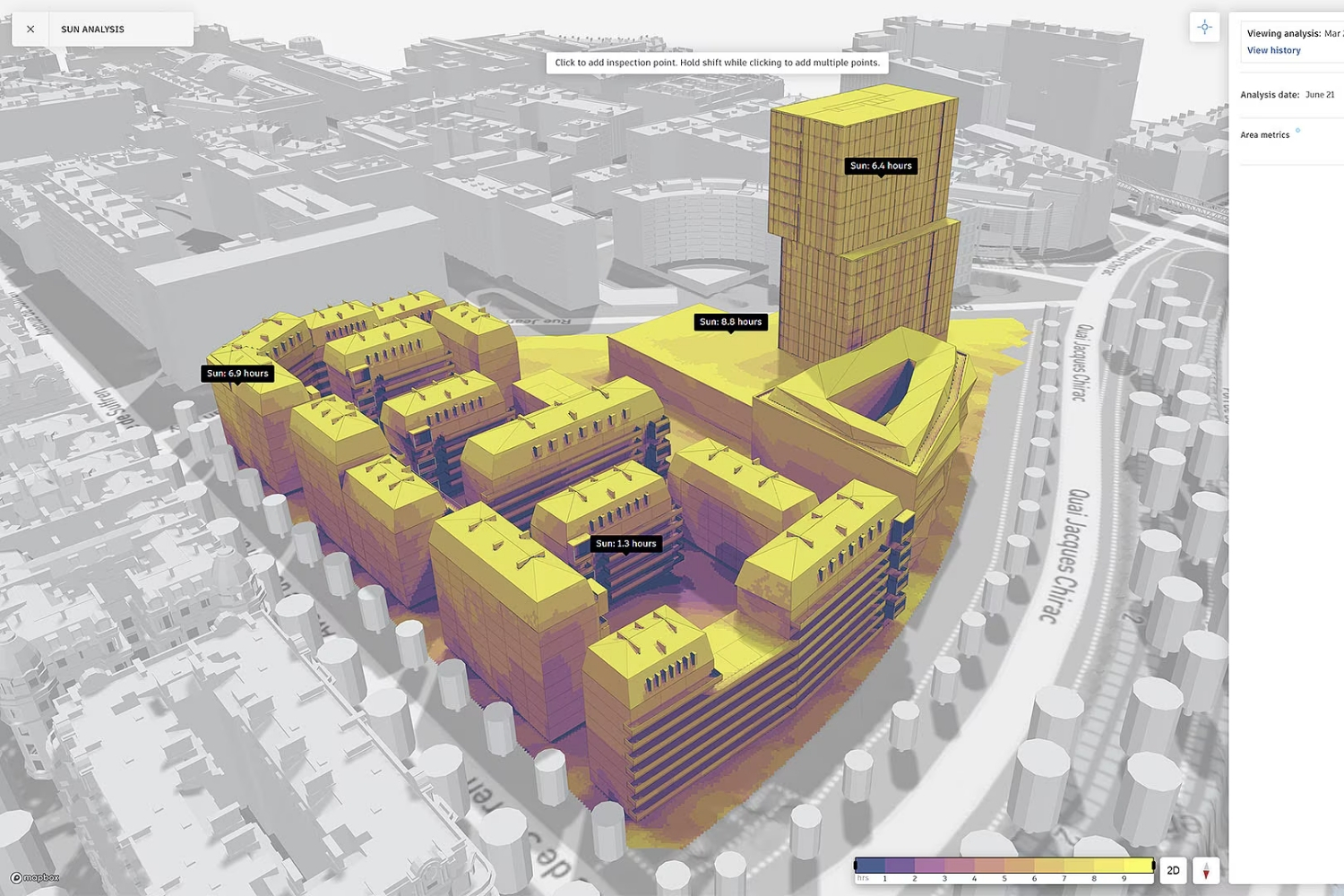
Forma is the official successor to FormIt and the path Autodesk expects its users to follow. It includes FormIt’s 3D Sketch mode (built on the same modeling engine) alongside AI-powered environmental analysis for sun hours, wind comfort, noise, and embodied carbon. Forma runs entirely in the browser and connects directly to Revit through an add-in. For firms already subscribed to the Autodesk AEC Collection, Forma is included at no extra cost. As a standalone product, it costs $185 per month or $1,445 per year. The learning curve is moderate if you already know FormIt, though the interface has changed significantly. Forma is strongest for site-level planning and early massing, but it does not yet replace FormIt’s full freeform modeling depth for building-scale conceptual work.
2. SketchUp Pro
SketchUp remains the most direct workflow replacement for FormIt’s push-pull conceptual modeling. The interface logic is nearly identical: click a face, push or pull it to create volume, and iterate quickly without dealing with BIM overhead. SketchUp Pro costs $349 per year, runs on Mac and Windows, and pairs with rendering tools like Enscape and V-Ray for client presentations. The main gap compared to FormIt is the lack of native Revit interoperability. You will need to export via IFC or use third-party plugins to move geometry into Revit, which adds friction. For a full rundown of what SketchUp can and cannot do, see this guide to SketchUp alternatives that covers its strengths and limitations for architecture workflows.
💡 Pro Tip
If your main reason for using FormIt was the Revit connection, test your handoff workflow before committing to any alternative. Export a typical massing model from your new tool into Revit via IFC or SAT format and check how much cleanup is needed. The time spent on post-transfer fixes often outweighs any savings from a cheaper license.
3. Rhino 3D
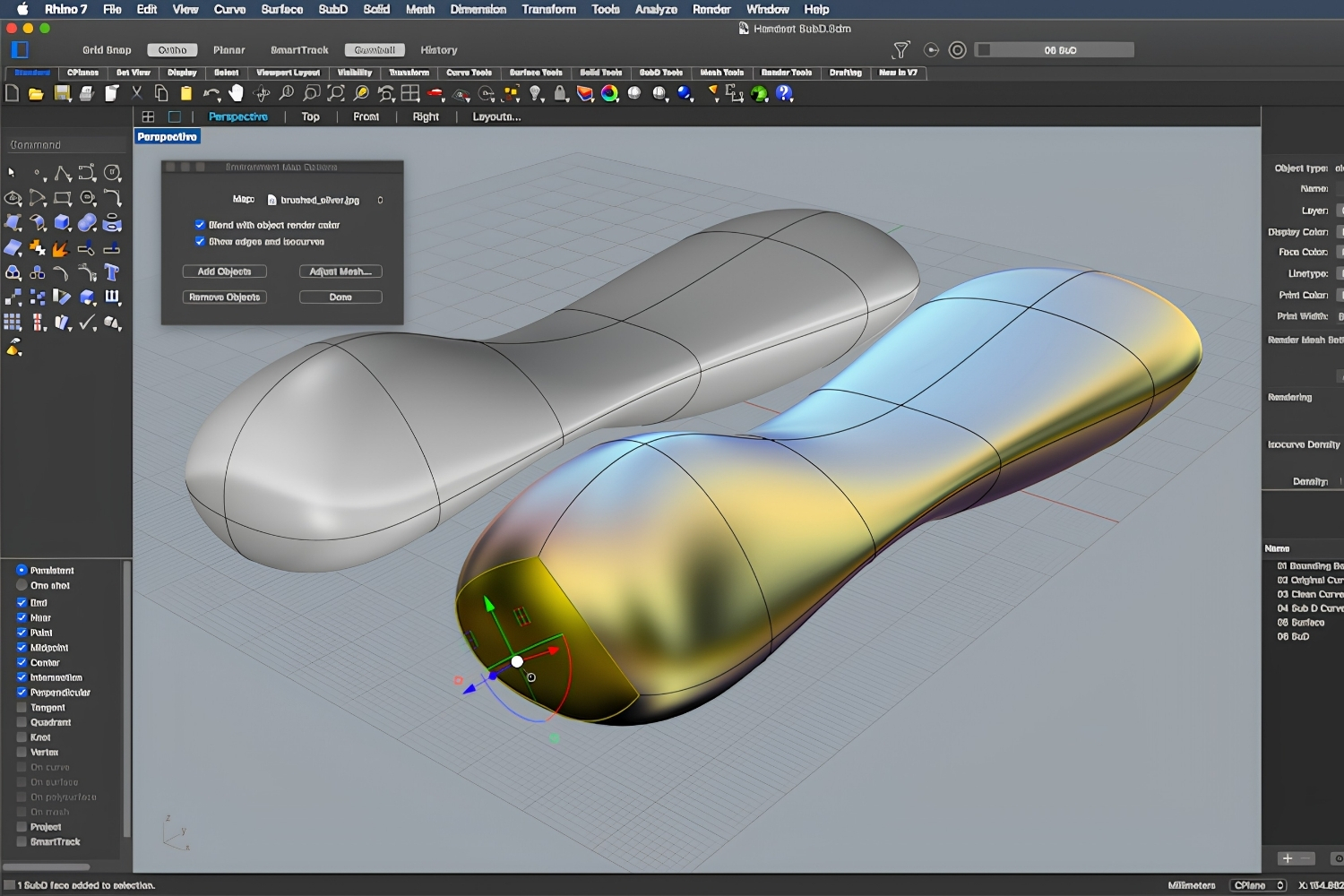
Rhino 3D is the strongest choice when your conceptual work involves curved geometry, complex surfaces, or parametric studies. Where FormIt and SketchUp handle boxy massing well, Rhino’s NURBS engine handles free-form shapes with mathematical precision. Grasshopper, Rhino’s built-in visual programming tool, lets you create parametric relationships and generate multiple design variations from a single logic chain. Rhino 8 costs approximately $995 as a one-time purchase (no subscription), runs on both Mac and Windows, and connects to Revit through the Rhino.Inside.Revit plugin. The trade-off is a steeper learning curve. FormIt users accustomed to push-pull modeling will need a few weeks to adjust to Rhino’s surface-based approach. For firms doing computational or competition work, Rhino with Grasshopper is difficult to replace.
4. Blender
Blender is free, open-source, and increasingly used by architects for both modeling and visualization. Its Cycles and Eevee render engines produce photorealistic imagery that FormIt could never match on its own. The BlenderBIM add-on brings IFC support and basic BIM workflows into the platform, making it viable for practices that need to exchange building data with consultants. Blender runs on Windows, Mac, and Linux. The learning curve is the steepest on this list, but free tutorials from Blender Guru and architecture-specific channels have made onboarding faster. For studios on tight budgets, Blender combined with FreeCAD can replace both conceptual modeling and documentation tools at zero cost. Our guide to architectural visualization with Blender covers materials, lighting, and workflow setup.
5. Snaptrude
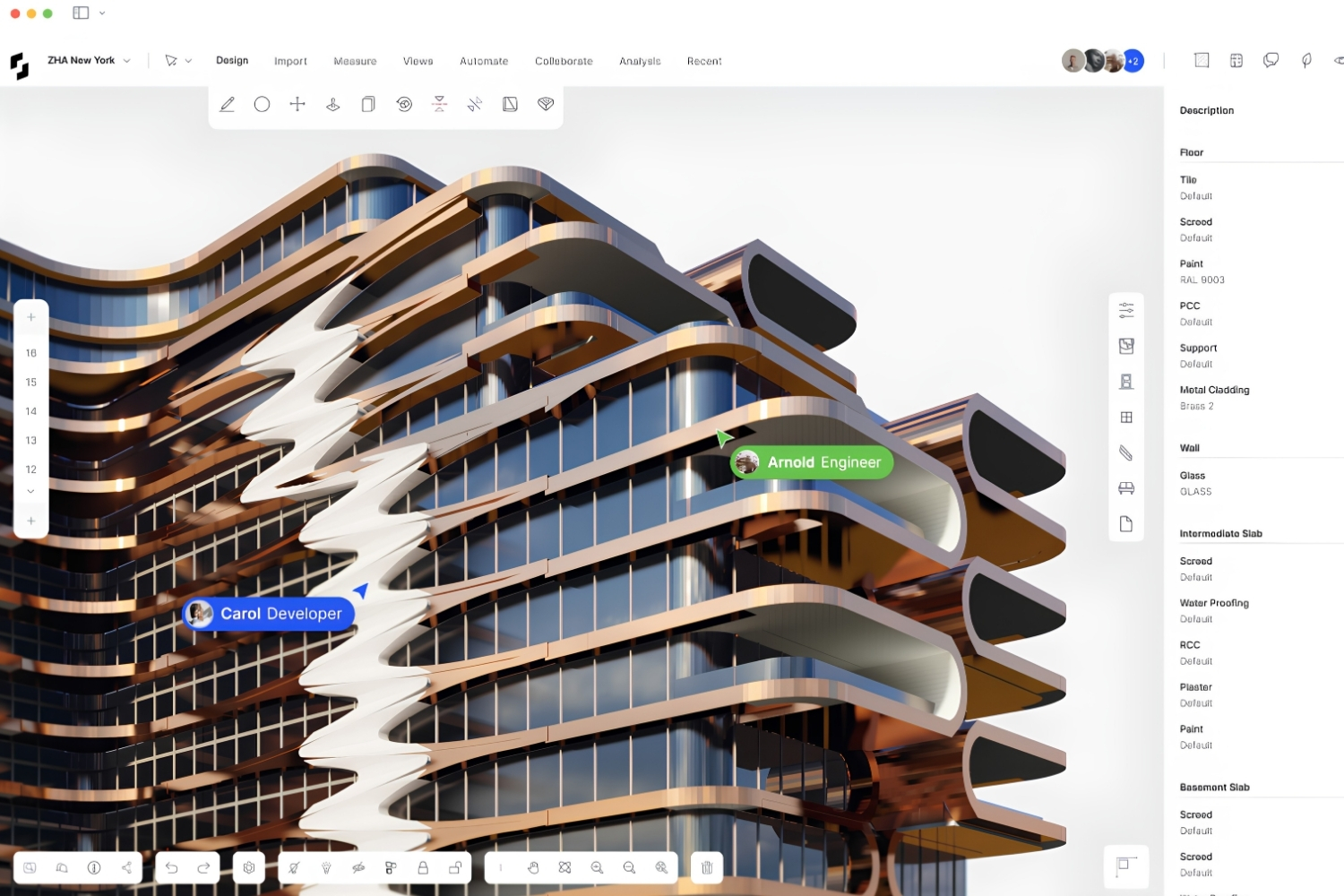
Snaptrude is a browser-based platform designed specifically for architects who want to move from concept sketches to BIM-ready models without switching software. It runs entirely in the browser, supports real-time collaboration, and exports to Revit and ArchiCAD formats. The AI Concept Mode generates floor plans and massing from text prompts, which is useful for rapid option testing during early client meetings. Pricing starts with a free plan for basic use, with paid plans for teams. Snaptrude targets the same gap FormIt filled: fast, accessible 3D design that connects to professional BIM tools downstream. The trade-off is that it is a newer platform with a smaller user base and fewer third-party resources than SketchUp or Rhino.
6. ArchiCAD
ArchiCAD works as a FormIt alternative for architects who want to skip the concept-to-BIM handoff entirely. Its modeling interface allows freeform 3D work during early design, then transitions into full BIM documentation without exporting to a separate platform. ArchiCAD runs natively on Mac and Windows, costs approximately $2,414 per year for Studio licensing, and supports Open BIM standards for cross-platform collaboration. For firms that already use ArchiCAD for documentation, starting conceptual design in the same tool removes the data loss and rework that comes with transferring geometry between applications. For a broader comparison of ArchiCAD and its competitors, see our dedicated guide.
⚖️ Pros & Cons at a Glance
✔️ Pros: Single environment from concept to construction documents, native Mac support, strong IFC interoperability
✖️ Cons: Higher annual cost than most conceptual tools, steeper learning curve for FormIt users, less flexible for pure form-finding than Rhino
FormIt Alternatives at a Glance
The table below compares the six alternatives across the criteria that matter most when replacing a conceptual design tool.
| Tool | Price (Annual) | Platform | Revit Connection | Best For |
|---|---|---|---|---|
| Autodesk Forma | $1,445 (or free with AEC Collection) | Browser | Native add-in | Site analysis, Autodesk ecosystem users |
| SketchUp Pro | $349 | Mac, Windows | IFC export, plugins | Quick massing, client presentations |
| Rhino 3D | $995 (one-time) | Mac, Windows | Rhino.Inside.Revit | Complex geometry, parametric design |
| Blender | Free | Mac, Windows, Linux | IFC via BlenderBIM | Visualization, budget-limited firms |
| Snaptrude | Free tier available, paid plans vary | Browser | Revit/ArchiCAD export | Concept-to-BIM in one tool |
| ArchiCAD | ~$2,414 | Mac, Windows | IFC, Open BIM | Full BIM with design-phase flexibility |
Video: Revit vs Forma for Architects
This comparison from Balkan Architect covers how Autodesk Forma compares to Revit and where FormIt technology fits into the updated Autodesk workflow.
Where to Go From Here
Your Next Step: Download or sign up for the free version of two tools from this list, model the same small building in both, and compare how each handles your typical early-stage workflow. That direct comparison will tell you more about fit than any feature list. If you are evaluating your full software stack beyond conceptual design, our guide to the best architecture software for small firms covers the broader picture, and this overview of AI tools for concept design shows where generative platforms fit alongside traditional modelers.
Pricing figures referenced in this article are approximate and based on publicly available data as of early 2026. Actual costs may vary by region, licensing type, and promotional offers.





Houdini Alternatives for Architects: 7 Practical Options Compared
A practical comparison of seven Houdini alternatives suited for architectural workflows. Each...
Sinan Ozen5 Mins read
Illustrator Alternatives for Architects: 7 Tools That Actually Work
Adobe Illustrator dominates architectural diagramming, but its subscription is hard to justify...
Sinan Ozen5 Mins read
Enscape Alternative: 6 Best Rendering Tools for Architects in 2026
A practical comparison of six enscape alternatives for architects in 2026, covering...
 Furkan Sen7 Mins read
Lumion vs Enscape vs Twinmotion: Best Renderer for Architects in 2026
A side-by-side comparison of Lumion, Enscape, and Twinmotion covering pricing tiers, CAD...
 Elif Ayse Sen9 Mins read


Leave a comment