

7 Powerful iPad Apps for Modern Landscape Architecture & Garden Design
In 2025, iPad-based workflows have become essential for landscape architects and garden designers, supporting sketching, site analysis, visualization, and client collaboration. These 7 iPad apps represent the most effective tools for building agile, creative, and data-informed landscape design workflows that respond to contemporary demands for sustainability, collaboration, and design clarity.
 Bahattin Duran27 December 202510 Mins read400

Table of Contents Show
iPad apps for landscape architecture have reshaped how designers sketch concepts, collect site data, model terrain, and present ideas to clients. In 2026, the best iPad apps for garden design and landscape planning combine Apple Pencil precision, AR measurement, GIS integration, and cloud collaboration to support every phase of the design process, from initial site visit to final construction documentation.
The rise of tablet-based design workflows has transformed how landscape architects and garden designers sketch, plan, visualize, and collaborate. In 2026, the iPad has become an essential field companion, lightweight, intuitive, and powerful enough to support real-time ideation as well as advanced visualization tasks. Its portability allows designers to document site conditions, refine concepts on the go, and interact directly with clients in ways traditional desktop tools cannot match. As digital hand drawing, AR-enabled modeling, and cloud-integrated workflows become standard industry expectations, the iPad stands out as a device that bridges creativity and practicality. According to a 2024 survey by the American Institute of Architects (AIA), over 67% of architecture firms now use tablets as primary tools during client presentations and on-site design reviews. Below, we explore seven of the most valuable iPad apps that every landscape architect and garden designer should have in their toolkit this year.
💡 Pro Tip
Before committing to a paid subscription for any iPad landscape design app, test your Apple Pencil with the free tier first. Draw slow diagonal lines at the screen edges to check for latency. Landscape architects doing detailed planting plans need sub-5ms response times, and this quick test reveals more than any spec sheet.
Quick Comparison: All 7 Apps at a Glance
| App | Primary Use | Pricing Model | Price (approx.) | Apple Pencil Support | Export Formats |
|---|---|---|---|---|---|
| Procreate | Digital Sketching & Illustration | One-time Purchase | $12.99 | ✅ Full Support | PSD, PDF, PNG, JPG, TIFF, USDZ |
| Morpholio Trace | On-site Sketching & CAD Overlay | Freemium / Subscription | Free – $19.99/year (Pro) | ✅ Full Support | PDF, JPG, PSD, CAD (DWG/DXF) |
| Concepts | Vector Sketching & Diagramming | Freemium / Subscription | Free – Subscription or $39.99 Essentials | ✅ Full Support | PDF, SVG, DXF, PNG, PSD |
| Shapr3D | 3D Modeling & CAD | Freemium / Subscription | Free (limited) – $29/month (Pro) | ✅ Full Support | STEP, IGES, STL, OBJ, DWG, DXF, USDZ |
| ArcGIS Field Maps | GIS Data Collection & Site Analysis | Requires ArcGIS License | Included with ArcGIS Online subscription | ✅ Supported | Shapefile, GeoJSON, CSV, KML |
| Adobe Fresco | Digital Painting & Illustration | Freemium / Subscription | Free (basic) – $9.99/year (Premium) or via Creative Cloud | ✅ Full Support | PSD, PDF, PNG, JPG |
| PLNAR | AR Measurement & Floor Plans | Freemium / Subscription | Free (basic) – Pro from $199/year | ⚪ Not Required | PDF, CAD, 3D Model, CSV |
1. Procreate
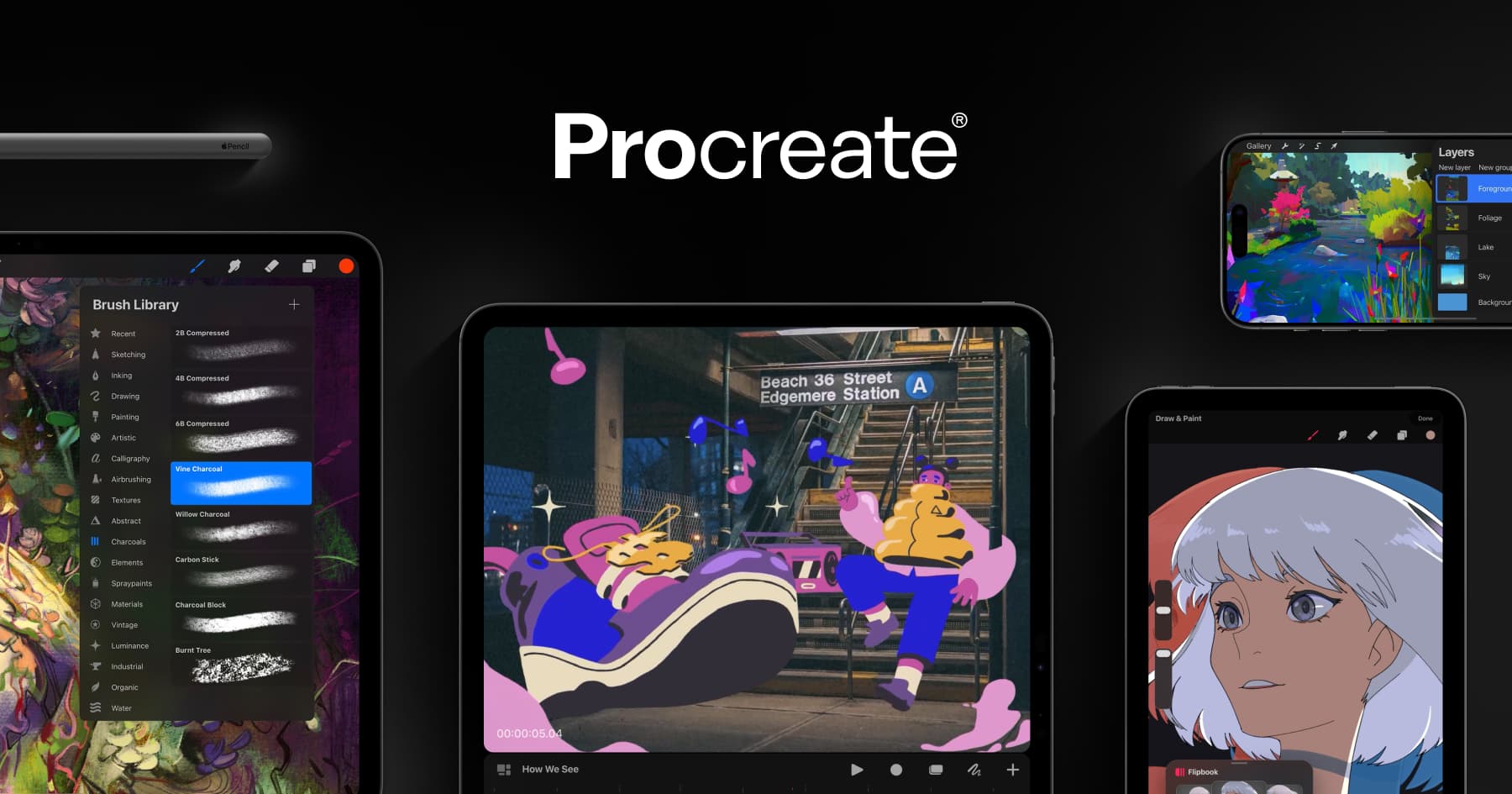
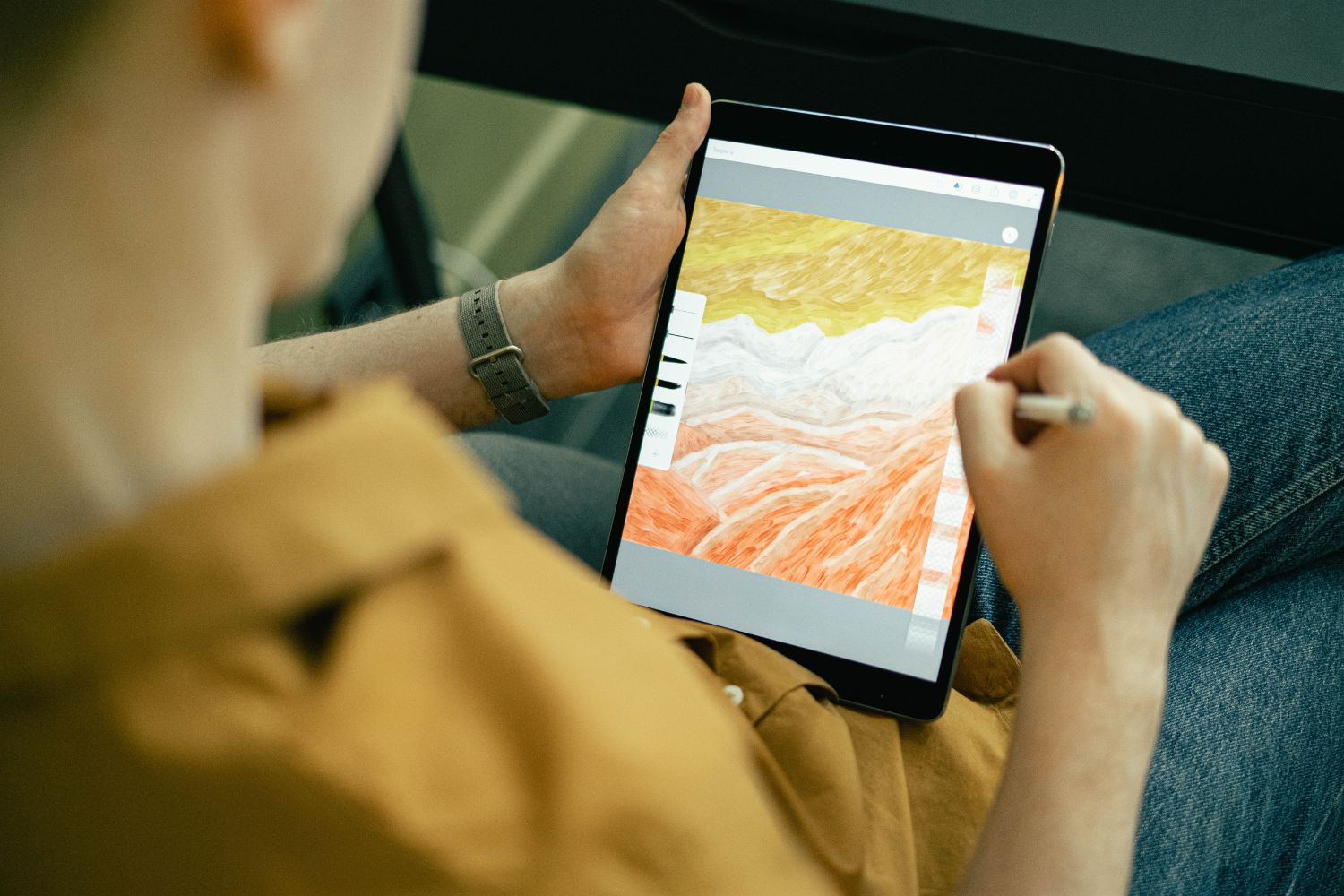
Procreate remains the gold standard for digital sketching on the iPad, offering the right balance between artistic expression and technical precision. Landscape architects rely on Procreate to sketch early concepts, overlay planting ideas on site photos, and build atmospheric illustrations for presentations. The app’s recent updates introduce enhanced brush stabilizing and improved layer controls, making it easier to combine hand-drawn textures with professional-grade clarity. The fluid responsiveness of the Apple Pencil enables designers to work as naturally as they would on paper, while taking advantage of digital flexibility such as undo history, custom brushes, and color harmony tools. If you are looking for the right tablet for architectural work, the iPad paired with Procreate is a strong starting point for landscape visualization.
Procreate’s one-time purchase model ($12.99) also sets it apart from subscription-heavy competitors. For landscape architects who produce presentation boards, section perspectives, or planting mood boards, the app’s brush library and blend modes provide fine control over textures like stone, foliage, and water surfaces. Exporting to PSD preserves layer structure, making handoff to desktop tools like Photoshop straightforward.
2. Morpholio Trace

Morpholio Trace is considered essential for on-site ideation and early design development. With its powerful layering system, designers can sketch over maps, photos, CAD plans, or even live camera inputs. AI-assisted line recognition features allow users to refine hand-drawn contours into clean, precise geometry, speeding up workflow while preserving creative freedom. For landscape architects specifically, Trace supports quick planting layouts, grading sketches, site section diagrams, and conceptual spatial studies. It is especially effective during client meetings or design charrettes where instant visualization helps move discussions forward productively.
Morpholio Trace also exports directly to DWG and DXF formats, which means sketches created on-site can move into digital architectural drafting workflows without redrawing. The app’s scale ruler and smart stencil library, which includes landscape-specific elements like trees, shrubs, and hardscape symbols, reduce setup time and let designers focus on design intent rather than tool configuration.
3. Concepts
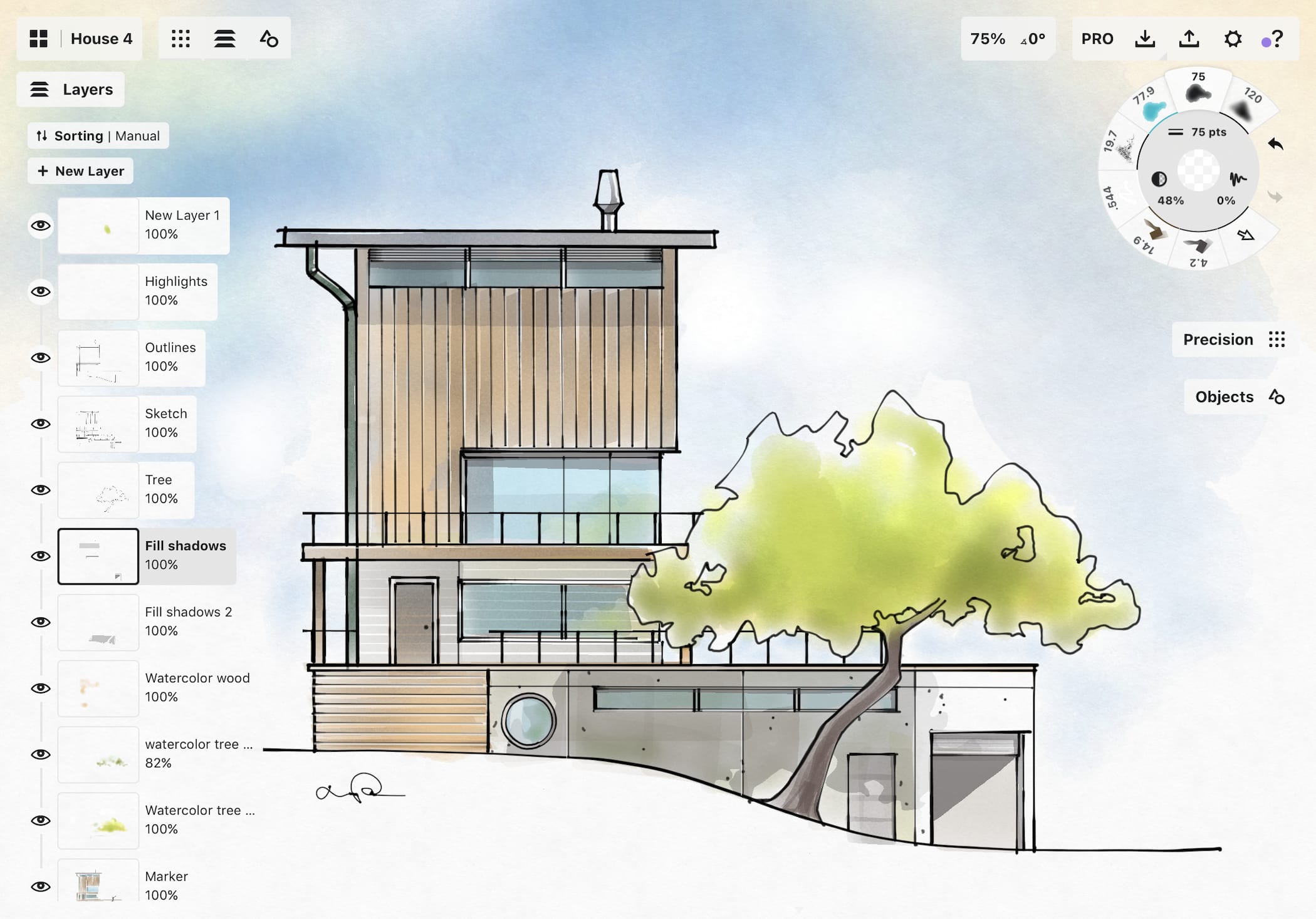
Concepts offers an infinite canvas with vector-based drawing tools, making it ideal for iterative landscape planning, zoning diagrams, and detailed garden layouts. Its mixture of sketch-based freedom and vector precision allows designers to zoom endlessly without losing quality. Concepts is particularly valuable during early master planning because it supports flexible diagramming, workflows based on layers and color coding, and efficient revisions. With its customizable toolsets and fluid interface, Concepts encourages continuous exploration and experimentation, a quality that suits designers who think visually and prefer non-linear ideation.
The app also supports real-world scale settings, so you can draw a garden bed at 1:100 and know the proportions will hold when exported to CAD. Concepts exports cleanly to SVG and DXF, making it a natural bridge between freehand thinking and production-ready drawings. For landscape architects managing large site master plans, the ability to pan across an infinite workspace without canvas limits is a practical advantage over pixel-based alternatives like Procreate.
4. Shapr3D
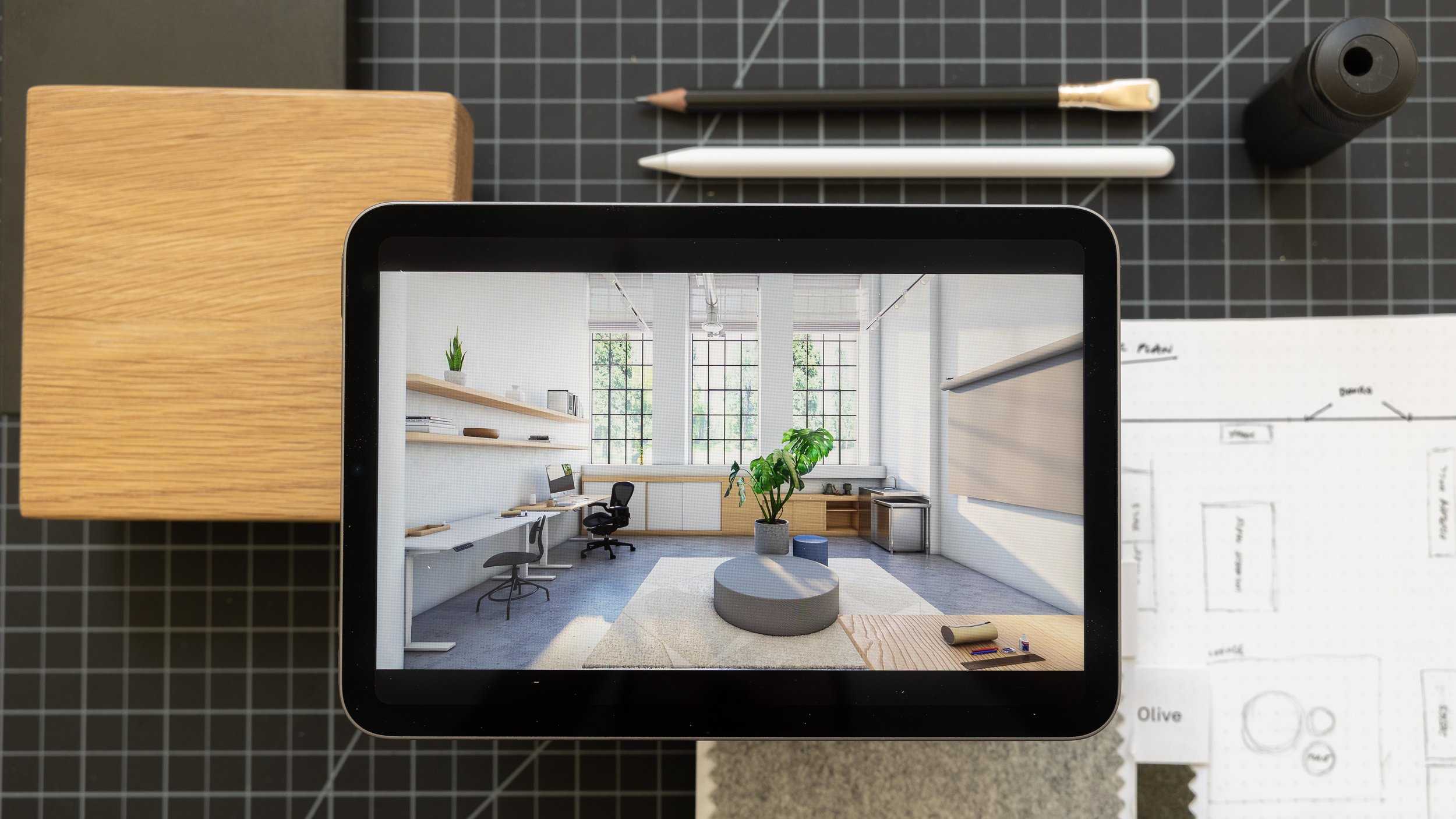
Shapr3D brings intuitive 3D modeling to the iPad, enabling landscape designers to build terrain forms, spatial structures, outdoor furniture, and planting beds directly on-site. By using the Apple Pencil in combination with powerful modeling tools, designers can sculpt and refine three-dimensional ideas with surprising accuracy. Recent updates include better terrain manipulation, improved AR previews, and smoother export into CAD and BIM software. This makes Shapr3D extremely valuable for landscape architects working on complex grading schemes, outdoor installations, or garden structures that benefit from quick 3D testing before deeper development.
One feature that stands out for landscape work is the AR preview mode. You can place a 3D model of a pergola, retaining wall, or garden pavilion directly into the real environment through the iPad camera, giving clients an immediate sense of scale and spatial relationship. Shapr3D exports to STEP, IGES, STL, and DWG, covering both fabrication and documentation needs.
💡 Pro Tip
When using Shapr3D for landscape grading, start with a simple extruded surface and use the subtract tool to carve slopes and drainage channels. This approach is faster than trying to sculpt organic terrain from scratch and keeps the geometry clean for CAD export.
5. ArcGIS Field Maps

ArcGIS Field Maps bridges GIS data collection with real-world site analysis. Landscape architects can walk the site while capturing georeferenced notes, mapping existing vegetation, marking drainage issues, and recording soil conditions. Because the app synchronizes with the broader ArcGIS ecosystem and GIS tools, field data becomes instantly accessible to team members working in the office. This eliminates duplication, improves accuracy, and provides a richer foundation for early design decisions. As resilience, environmental sensitivity, and ecological performance rise in importance, the ability to collect and manage site data directly in the field becomes essential.
For landscape architects working on ecological restoration, stormwater management, or campus-scale master plans, ArcGIS Field Maps turns the iPad into a georeferenced data hub. Every photo, annotation, and measurement carries GPS coordinates, making it possible to overlay field observations onto topographic surveys, soil maps, or municipal GIS layers back in the office.
📌 Did You Know?
A 2015 survey by the American Society of Landscape Architects (ASLA) found that 76% of landscape architects use a smartphone or tablet app for all or most of their site analyses. With the rise of iPad-specific GIS apps like ArcGIS Field Maps, that figure has likely grown significantly.
6. Adobe Fresco

Adobe Fresco delivers a painterly, expressive approach to landscape illustration with its dynamic live brushes that mimic watercolors, oils, and natural textures. Designers use Fresco to build lush planting visuals, atmospheric mood boards, and artistic renderings that communicate the character of proposed landscapes. The blend mode options and layer system provide strong compositional control, while the integration with Adobe Creative Cloud makes it easy to transfer work into Photoshop or Illustrator for refinement. For teams seeking high-quality visuals that balance artistry with clarity, Fresco is a strong addition to the iPad toolkit.
Fresco is particularly useful during the visualization and presentation phases, where a watercolor-style rendering of a proposed garden can communicate mood, seasonality, and spatial atmosphere in ways that CAD drawings cannot. Landscape architects who produce competition boards or client-facing booklets often use Fresco alongside Procreate, choosing Fresco for its live brush physics and Procreate for its raster flexibility.
7. PLNAR
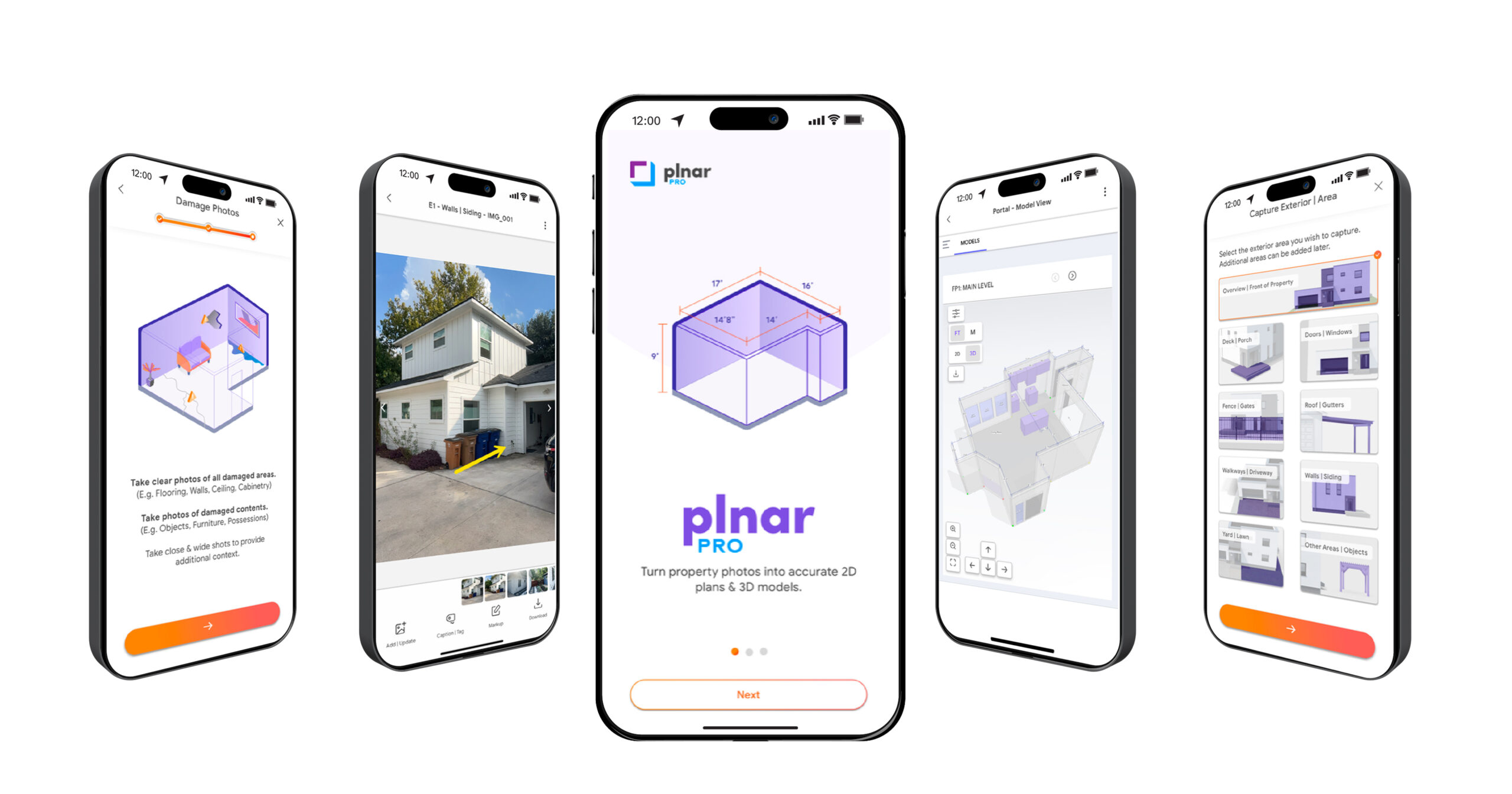
PLNAR is a powerful AR measurement app that helps landscape and garden designers capture accurate site dimensions quickly. By scanning outdoor spaces with the iPad’s camera, the app generates measurements, outlines boundaries, and creates shareable diagrams within minutes. This is particularly useful during initial consultations or when evaluating renovation projects where existing conditions must be documented efficiently. The app’s simplicity reduces time spent on manual measuring and ensures a more accurate foundation for design layouts and material estimates.
For garden designers handling residential projects, PLNAR can replace a tape measure and clipboard entirely. You walk through the site, let the app scan the space, and leave with a dimensioned plan that exports to PDF or CAD. This speed is valuable when managing multiple small-scale garden projects with tight turnaround times.
Best App by Design Phase
| Design Phase | Recommended App(s) | Why |
|---|---|---|
| Site Visit & Data Collection | ArcGIS Field Maps, PLNAR | Georeferenced notes, AR measurement, mapping vegetation and drainage |
| Initial Concept & Ideation | Procreate, Morpholio Trace | Fast sketching over site photos, layered conceptual drawings |
| Master Planning & Zoning | Concepts | Infinite canvas, vector precision, flexible diagramming with color coding |
| 3D Modeling & Spatial Testing | Shapr3D | Terrain sculpting, AR previews, export to CAD/BIM |
| Visualization & Rendering | Adobe Fresco, Procreate | Painterly illustrations, mood boards, atmospheric planting visuals |
| Client Presentation | Morpholio Trace, Procreate, Adobe Fresco | Polished overlays, expressive renderings, real-time sketch during meetings |
| Construction Documentation | Morpholio Trace, Shapr3D | PDF markup, CAD export, dimensioned 3D models |
Key Features Comparison
| Feature | Procreate | Morpholio Trace | Concepts | Shapr3D | ArcGIS Field Maps | Adobe Fresco | PLNAR |
|---|---|---|---|---|---|---|---|
| Vector Drawing | ❌ | ✅ | ✅ | ✅ | ❌ | ✅ | ❌ |
| Raster / Brush Painting | ✅ | ✅ | ✅ | ❌ | ❌ | ✅ | ❌ |
| 3D Modeling | ❌ | ❌ | ❌ | ✅ | ❌ | ❌ | ✅ |
| AR Features | ❌ | ✅ | ❌ | ✅ | ✅ | ❌ | ✅ |
| Layer System | ✅ | ✅ | ✅ | ❌ | ✅ | ✅ | ❌ |
| CAD/BIM Export | ❌ | ✅ | ✅ | ✅ | ✅ | ❌ | ✅ |
| Infinite Canvas | ❌ | ❌ | ✅ | ❌ | ✅ | ❌ | ❌ |
| Cloud Sync / Collaboration | ⚪ (iCloud) | ✅ | ✅ | ✅ | ✅ | ✅ (Creative Cloud) | ✅ |
| GIS / Geo Data | ❌ | ❌ | ❌ | ❌ | ✅ | ❌ | ⚪ (GPS tagging) |
| AI-Assisted Tools | ⚪ (QuickShape) | ✅ | ⚪ | ⚪ | ⚪ | ⚪ | ✅ |
| Offline Use | ✅ | ✅ | ✅ | ✅ | ✅ | ✅ | ✅ |
✅ = Full Support | ⚪ = Partial / Limited | ❌ = Not Available
How to Choose the Right iPad App for Your Landscape Workflow
Selecting the right iPad app depends on the specific phase of design you spend the most time in and the type of output your clients expect. If your practice focuses on residential garden design with emphasis on visual presentation, Procreate and Adobe Fresco will deliver the strongest results. If you work on larger-scale landscape projects with GIS requirements, ArcGIS Field Maps paired with Concepts provides a data-informed planning workflow. Firms that handle construction documentation alongside conceptual design should prioritize apps with CAD export, such as Morpholio Trace and Shapr3D.
Consider your budget as well. Procreate’s one-time $12.99 purchase is the most affordable entry point. Morpholio Trace offers a generous free tier for basic sketching. Shapr3D and ArcGIS Field Maps require subscriptions or institutional licenses, so they make more sense for established practices with recurring project revenue. If you need a deeper comparison of hardware, see our guide to the best drawing tablets for architects and students.
What Are the Best Free iPad Apps for Landscape Architecture?
Several apps on this list offer useful free tiers. Morpholio Trace provides basic sketching and layering at no cost. Concepts lets you draw on the infinite canvas with a limited brush set in its free version. Adobe Fresco includes a free tier with access to basic brushes and a small selection of live brushes. PLNAR offers basic AR scanning without a subscription. For students or designers testing iPad workflows for the first time, these free options provide enough functionality to evaluate whether tablet-based design fits your process before investing in premium subscriptions.
Workflow Integration Tips
The real value of iPad apps for landscape architecture comes from integrating them into a connected workflow rather than treating each app in isolation. A practical field-to-studio sequence might look like this: start a site visit with ArcGIS Field Maps to capture georeferenced data, use PLNAR to scan site dimensions, then switch to Morpholio Trace to sketch initial concepts directly over site photos. Back in the studio, refine the master plan in Concepts, test spatial ideas in 3D with Shapr3D, and produce final presentation visuals in Procreate or Adobe Fresco.
Cloud sync matters here. Most of these apps support iCloud, Dropbox, or their own cloud systems, so files move between iPad and desktop without manual transfer. For teams, Morpholio Trace and ArcGIS Field Maps offer collaboration features that let multiple designers contribute to the same project. Exporting to standard formats like PDF, DXF, and PSD ensures compatibility with desktop CAD software like AutoCAD, Vectorworks, or rendering tools like Enscape.
Bonus Apps Worth Exploring
Beyond the seven core apps covered above, landscape architects may benefit from a few additional iPad tools. SketchUp for iPad offers quick 3D massing and access to a large component library, useful for blocking out landscape structures and site context models. Sun Seeker and Sun Surveyor help track sun paths and shadow patterns on-site, which is critical for planting decisions and outdoor comfort analysis. PictureThis uses image recognition to identify plant species in the field, a handy companion during site inventory. For a broader look at mobile drawing apps for architects, we have a dedicated guide covering additional options across platforms.
✅ Key Takeaways
- Procreate and Adobe Fresco excel at expressive sketching and presentation visuals for landscape design.
- Morpholio Trace bridges hand drawing and CAD, making it ideal for on-site concept development and client charrettes.
- Concepts provides an infinite vector canvas suited for master planning, zoning diagrams, and iterative garden layouts.
- Shapr3D offers direct 3D modeling on iPad with AR preview, valuable for testing terrain forms and outdoor structures.
- ArcGIS Field Maps turns the iPad into a georeferenced data collection tool for ecologically informed landscape projects.
- PLNAR speeds up site measurement with AR scanning, especially useful for residential garden renovations and initial consultations.
Designing with Creativity and Mobility
The integration of iPad workflows into landscape architecture represents a shift toward more agile, intuitive, and responsive design processes. These apps allow designers to engage with their sites directly, collaborate across teams, and express ideas with greater immediacy. As sustainability, ecology, and community engagement grow more central to the profession, the ability to capture insights quickly and translate them into expressive digital visuals becomes critical. With these seven iPad apps for landscape architecture, designers can move fluidly between fieldwork, conceptual exploration, and polished presentations, shaping outdoor spaces that are thoughtful, adaptive, and deeply connected to their contexts. The iPad has become not only a drawing tool but an essential ecosystem for modern landscape design practice. For those interested in how AI is influencing landscape design workflows more broadly, the combination of these apps with emerging AI tools opens further possibilities for data-driven, creative site planning.
- apple pencil landscape design
- digital sketching landscape architecture
- garden design ipad apps
- ipad apps for landscape architects
- landscape architecture apps 2025
- landscape architecture ipad workflow
- landscape architecture technology
- landscape design workflow
- landscape planning apps
- modern landscape architecture tools



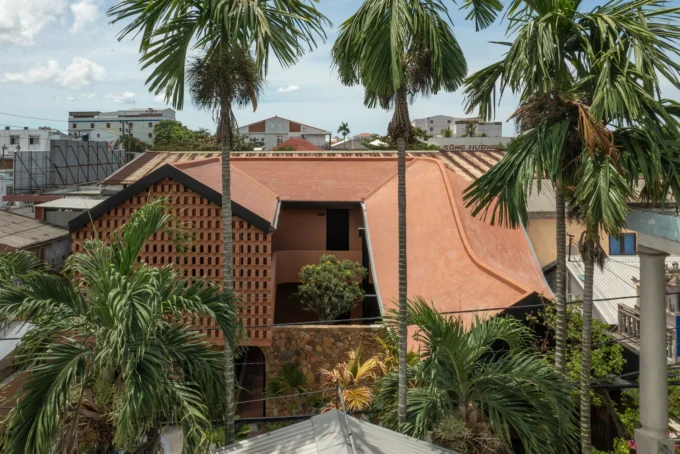




Foster + Partners to Test Robot Swarms Building Timber from the Top Down
Foster + Partners wins €4m EU grant to build robot and drone...
 illustrarch Editoral Team2 Mins read
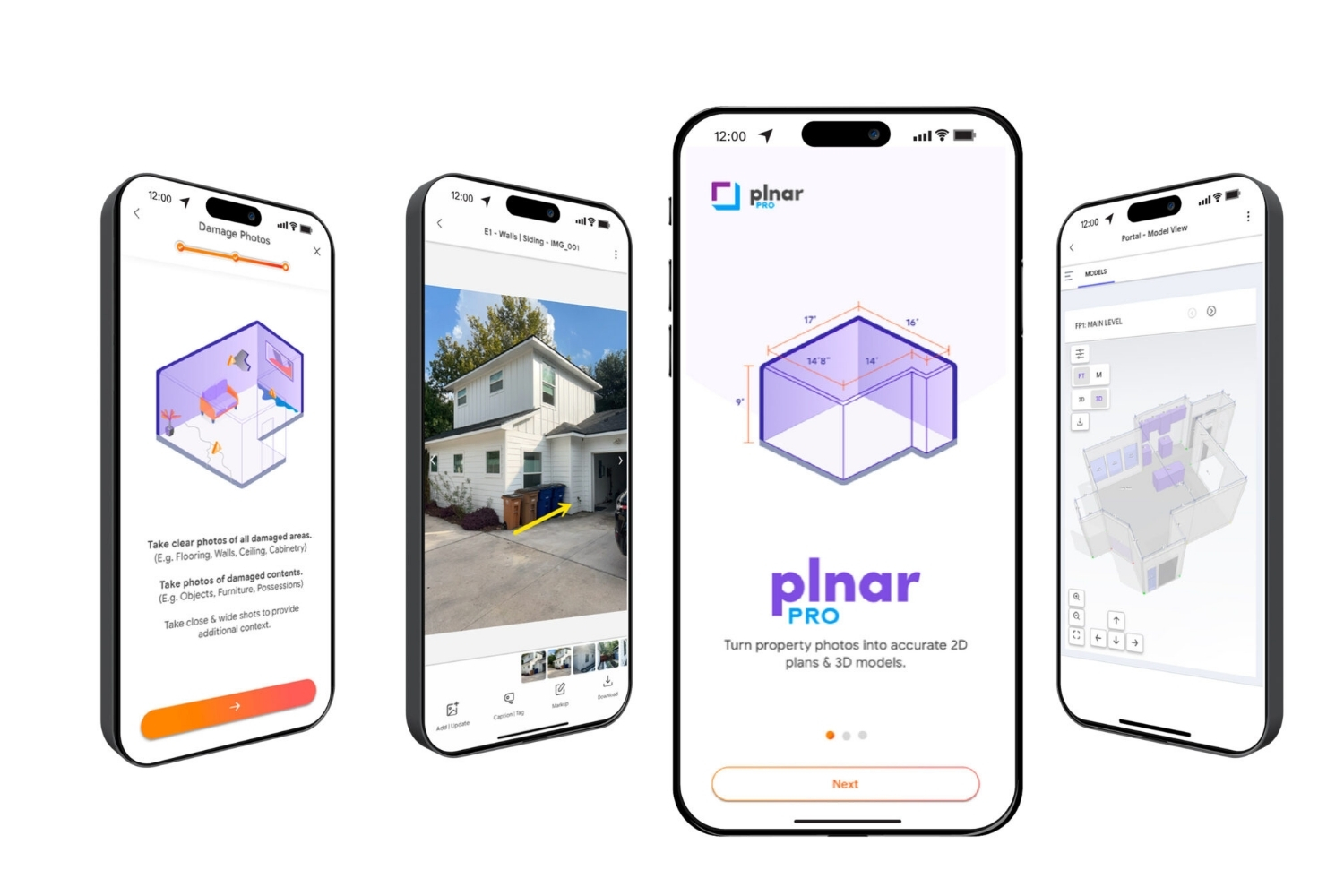
PLNAR Review: Does AR Measurement Hold Up on a Real Site Visit?
PLNAR began as a consumer AR tape measure and now runs as...
 Sinan Ozen5 Mins read
ArchiSnapper Review: Is This Field Report App Worth It for Architects?
A hands-on look at Deltek ArchiSnapper, the mobile app built for field...
Sinan Ozen5 Mins read

Gross Internal Area and Net Internal Area: What’s the Difference?
The difference between Gross Internal Area and Net Internal Area shapes how...
Sinan Ozen5 Mins read


Leave a comment