

10 Best Mobile Drawing Apps for Architects and Digital Sketching
A focused look at the 10 best mobile drawing apps for architects, covering Procreate, Concepts, Adobe Fresco, Morpholio Trace, ibis Paint and more, plus a quick comparison table showing the platform and best use for each app.
 Furkan Sen17 July 20226 Mins read720
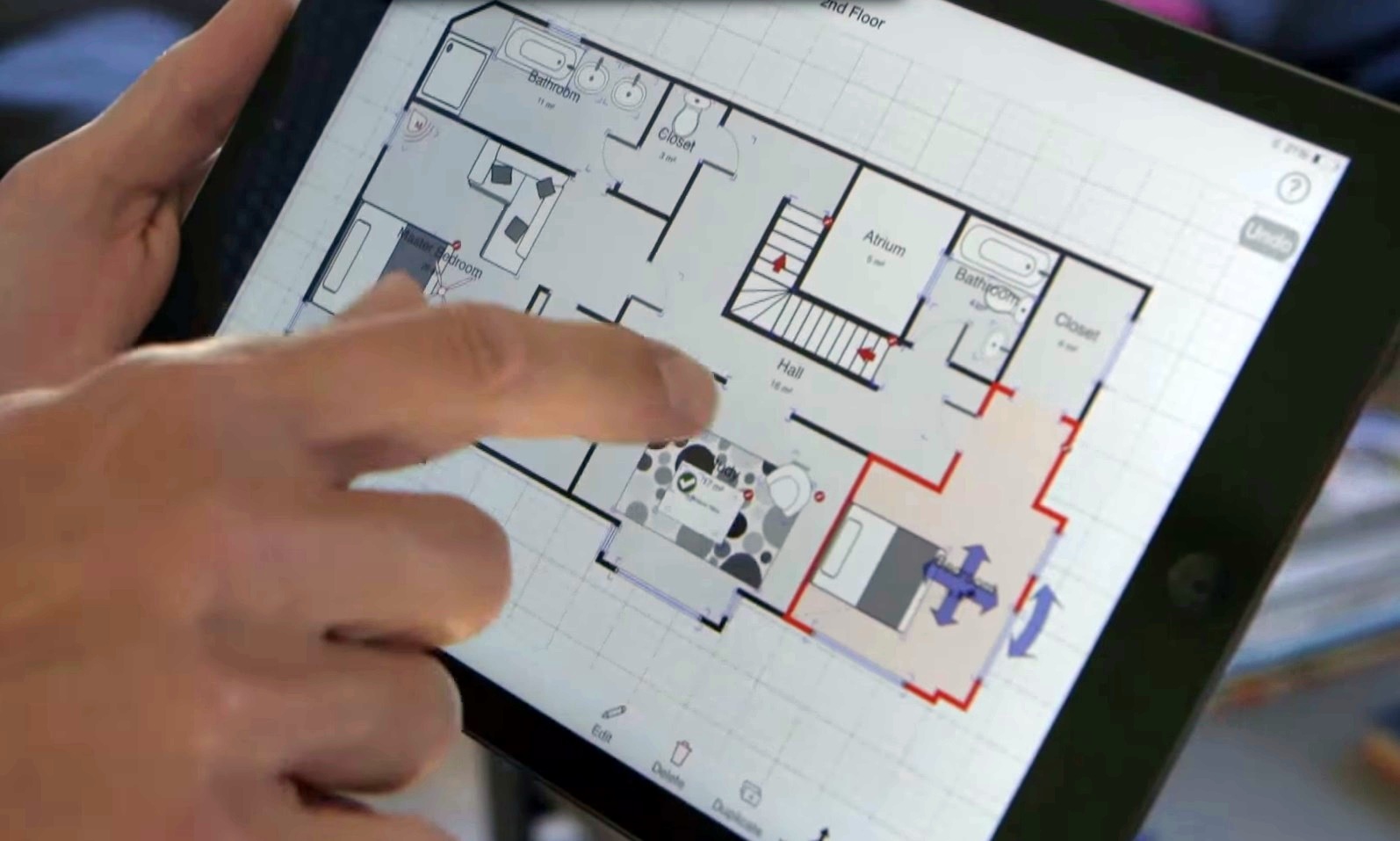
Table of Contents Show
Mobile drawing apps let architects sketch concepts, trace over plans, and refine ideas straight from an iPad or phone, without waiting to get back to the desktop. The best options pair pressure-sensitive brushes with layers and export tools, so a quick napkin idea can travel all the way into a presentation set.
Paper sketching still has its place, yet a good tablet and stylus now cover most of that ground with the bonus of undo, layers, and instant sharing. The apps below focus on freehand drawing and sketching rather than measuring or documentation, so they suit early concept work, design reviews, and quick studies. If you also want scanning, modeling, and productivity tools, see our broader roundup of the top mobile apps for architects.
What Makes a Good Mobile Drawing App for Architects?
Architects need more than a pretty brush engine. The tools that earn a permanent spot on the home screen tend to share a few traits. A responsive, low-latency stroke keeps sketching from feeling laggy. Solid layer support lets you separate line work, shadows, and color the way you would with trace paper. Import and export options matter too, since most concept sketches end up layered over a photo, a plan, or a rendering.
Pricing models split into three camps: one-time purchases like Procreate, freemium apps such as ibis Paint, and subscription products tied to a creative suite. For studios that already work across devices, syncing and file compatibility can outweigh the raw brush count.
⚠️ Common Mistake to Avoid
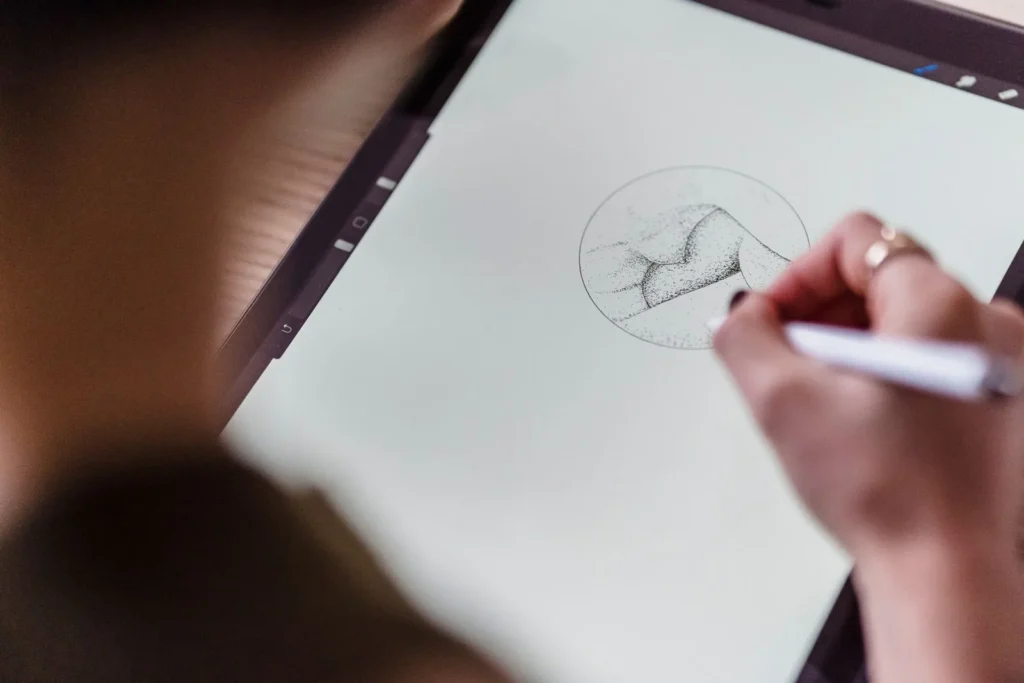
Do not judge a sketching app by brush count alone. Many architects buy a feature-heavy tool, then only ever use three brushes and a couple of layers. Match the app to how you actually draw, whether that is loose concept lines or tight vector diagrams, and the workflow will feel far smoother.
The 10 Best Mobile Drawing Apps for Digital Sketching
Each app below covers a different working style, from loose ideation to precise vector line work. Try two or three before you commit, since the right fit depends on your device, your stylus, and the kind of drawings you produce most.
1. Procreate
Procreate is the reference point for iPad sketching, and plenty of architects use it well beyond its illustration roots. It offers more than 200 brushes, unlimited layers within your device limits, and a genuinely fast painting engine. The time-lapse recording is handy for design reviews, letting you replay how a concept came together. It is a one-time purchase with no subscription, which is part of why it stays popular in studios. See the official Procreate site for current device support.
2. Concepts
Concepts is built around an infinite, vector-based canvas, which suits architects who zoom between a site plan and a door detail without losing quality. Strokes stay editable after you draw them, so you can nudge a line or change a brush later. It runs on iOS, Android, and Windows, and its precision tools bridge the gap between free sketching and technical drawing. The Concepts team keeps a generous free tier with paid add-ons.
3. Adobe Fresco
Adobe Fresco replaced the older Photoshop Sketch and Illustrator Draw apps, folding raster and vector drawing into one tool. Its live brushes mimic watercolor and oil bleeding across the canvas, which is useful for atmospheric concept boards. Files move cleanly into Photoshop and Illustrator through Creative Cloud, so it fits studios already tied to that ecosystem.
4. Autodesk Sketchbook
Autodesk positions Sketchbook as a clean, distraction-free drawing app, and that simplicity is its strength for architects. The ruler, ellipse, and perspective guides help with straight lines and vanishing points, which matter for quick building studies. It works across iOS, Android, and desktop, and the interface hides tools until you need them. Details live on the Sketchbook site.
5. Morpholio Trace
Morpholio Trace is the app most explicitly aimed at architects. It recreates the classic trace-paper workflow, letting you draw over imported photos, plans, and renderings on stacked layers. Smart tools snap lines, scale drawings, and even estimate dimensions, which turns rough overlays into review-ready markups. Learn more at Morpholio Trace.

💡 Pro Tip
When you sketch over a plan in Morpholio Trace or Procreate, drop your base image on a locked bottom layer and set its opacity to around 30 percent. You get a clear reference to trace without the underlay competing with your new line work, and you can toggle it off instantly for a clean export.
6. ibis Paint X
ibis Paint X is a favorite for architects who want a large brush library without a big price tag. The free version covers most sketching needs, with a low-cost upgrade to remove ads and add extras. It offers hundreds of brushes, strong layer control, and stroke stabilization that smooths shaky lines, which helps on smaller phone screens. Available on iOS and Android through the ibis Paint site.
7. Clip Studio Paint
Clip Studio Paint leans toward detailed inking and illustration, and its precise vector line tools appeal to architects producing polished presentation sketches. Perspective rulers with multiple vanishing points make it strong for interior and streetscape views. It runs on iPad, iPhone, Android, and desktop, with both subscription and one-time license options.
8. Paper (Sketch, Draw & Create)
Paper, long known as Paper by WeTransfer and now published on the App Store by Evernote Corporation, keeps things deliberately minimal, which makes it ideal for fast, loose concept sketches during a meeting or site visit. Its blend and smudge tools produce soft, expressive marks with almost no setup. Architects often use it for the earliest idea capture, then move a promising thumbnail into a heavier app for refinement.
9. Tayasui Sketches
Tayasui Sketches focuses on realistic natural media, with brushes, pencils, and watercolors that behave much like the real thing. The calm, uncluttered interface encourages quick studies rather than technical precision. It is a good choice when you want a sketch to look hand-drawn rather than digitally perfect.
10. Adobe Illustrator on the iPad
For architects who think in clean vectors, Illustrator on the iPad brings true resolution-independent drawing to a tablet. It suits diagrams, logos, and crisp line drawings that need to scale to any print size. As part of Creative Cloud, files sync with the desktop version, which is convenient when a concept moves from tablet to final documentation.
Mobile Drawing Apps at a Glance
The table below summarizes each app by platform and the kind of work it handles best.
| App | Platform | Best For |
|---|---|---|
| Procreate | iPad | All-round concept sketching and painting |
| Concepts | iOS, Android, Windows | Infinite vector canvas and precision |
| Adobe Fresco | iPad, iPhone, Windows | Live raster and vector, watercolor looks |
| Autodesk Sketchbook | iOS, Android, desktop | Clean line work with perspective guides |
| Morpholio Trace | iPad | Tracing over plans, photos, renderings |
| ibis Paint X | iOS, Android | Budget sketching with many brushes |
| Clip Studio Paint | iPad, iPhone, Android, desktop | Detailed inking and presentation views |
| Paper (Evernote) | iPad, iPhone | Fast, loose idea capture |
| Tayasui Sketches | iOS, Android | Natural-media hand-drawn studies |
| Adobe Illustrator (iPad) | iPad | Scalable vector diagrams and drawings |
📌 Did You Know?
Procreate won an Apple Design Award and was named iPad App of the Year by Apple in 2013, which helped push tablet sketching into mainstream creative and design workflows. Its success is a big reason so many drawing tools now target the iPad first.
Which Mobile Drawing App Should You Choose?
The right pick comes down to how you draw and what hardware you own. If you want one app that does almost everything on an iPad, Procreate is hard to beat for the price. Architects who need editable, scalable line work should look at Concepts or Illustrator instead. For overlaying ideas on existing drawings, Morpholio Trace remains the specialist. Working on Android or a tight budget points you toward ibis Paint or Autodesk Sketchbook.
Stylus quality also shapes the experience. A pressure-sensitive pen such as the Apple Pencil or a Samsung S Pen brings out the shading and line-weight control that make these apps feel like real drawing tools. If you are still choosing hardware, our guide to apps for architectural plan drawing covers tools that lean more toward measured documentation.

⚖️ Pros & Cons at a Glance
✔️ Pros: Instant undo and layers, easy sharing, portable studio, lower cost than desktop suites
✖️ Cons: Screen size limits large layouts, stylus and tablet add cost, some apps lock features behind subscriptions
Putting It All Together
Digital sketching does not replace a designer’s eye, it just removes friction between the idea and the page. The apps here span every stage, from a two-minute thumbnail in Paper to a polished presentation view in Clip Studio Paint or Concepts.
Your Next Step: Download one free or low-cost option from this list, pair it with whatever stylus you already own, and redraw a recent hand sketch on it this week. You will learn faster which app fits your process than any feature comparison can tell you.


3 Comments



Architectural Drawings: A Student’s Guide to 8 Essential Types
A clear introduction to the eight architectural drawing types every student meets...
 Sinan Ozen6 Mins read
How to Draw Architectural Plans by Hand: A Step-by-Step Guide
A practical, step-by-step breakdown of drawing architectural plans by hand, from choosing...
 Elif Ayse Sen14 Mins read
Best Stylus and Pen for Architectural Sketching: Top Picks for 2026
A tested breakdown of the top stylus pens and traditional pens for...
Elif Ayse Sen11 Mins read
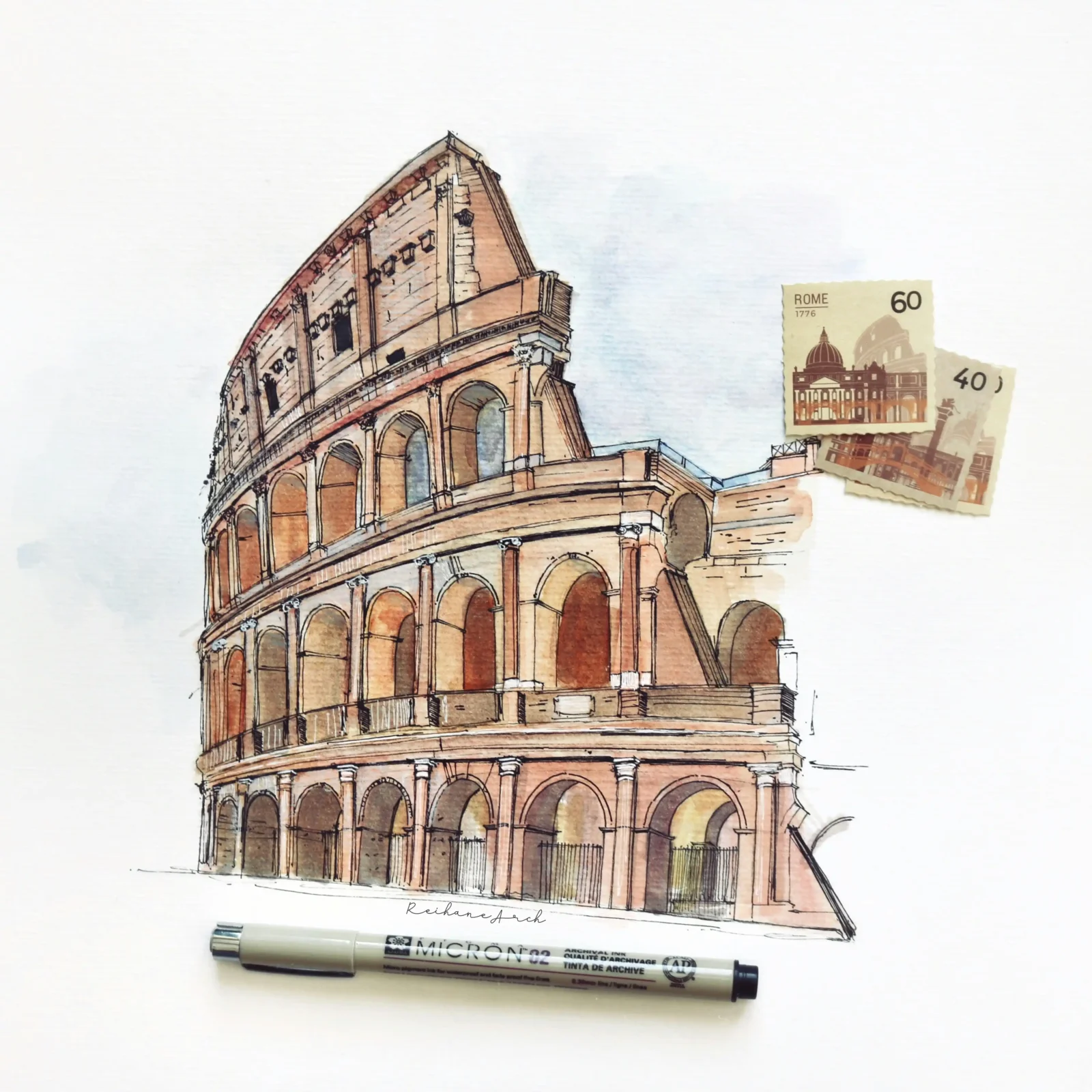
Architecture Sketch: Essential Techniques and Modern Practices
Architectural sketching is a vital technique that facilitates rapid idea development, communication,...
 Bahattin Duran5 Mins read


The apps mentioned seem interesting. I might try them out.
I didn’t know there were so many apps for architects. They look useful.
These tools could help with design work. I will consider using them.