

ASUS ProArt P16 for Architecture: Revit and Rhino Performance Breakdown
A detailed performance breakdown of the ASUS ProArt P16 H7606 for architectural workflows. Covers Revit BIM handling, Rhino 3D modeling speed, display accuracy, thermal behavior, and how the laptop compares to mobile workstation alternatives for architects and architecture students.
 Furkan Sen11 June 20266 Mins read281
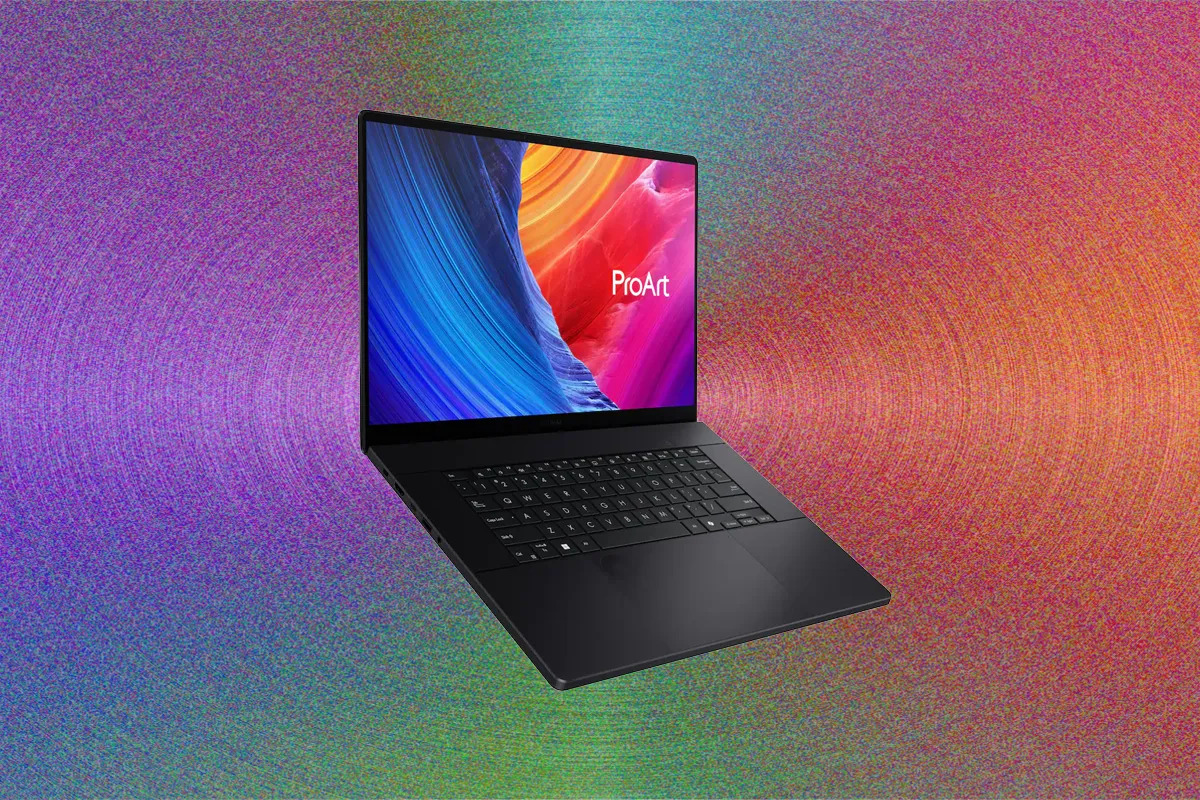
Table of Contents Show
The ASUS ProArt P16 is a 16-inch creator laptop built around the AMD Ryzen AI 9 HX 370 processor, available with an NVIDIA GeForce RTX 4070 (2024 configuration) or RTX 5090 (2025 refresh) laptop GPU, and up to 64 GB of LPDDR5X RAM. For architects running Revit BIM models and Rhino 3D workflows, it offers workstation-grade processing in a 4.3-pound chassis with a color-accurate OLED display.
Choosing a laptop for architecture means balancing single-core speed for Revit, GPU power for rendering, RAM headroom for linked models, and display accuracy for design reviews. The ASUS ProArt P16 H7606 targets all four. This breakdown covers how it actually performs in the software architects use daily, where it excels, and where its limitations show up.
ASUS ProArt P16 H7606 Specs That Matter for Architects
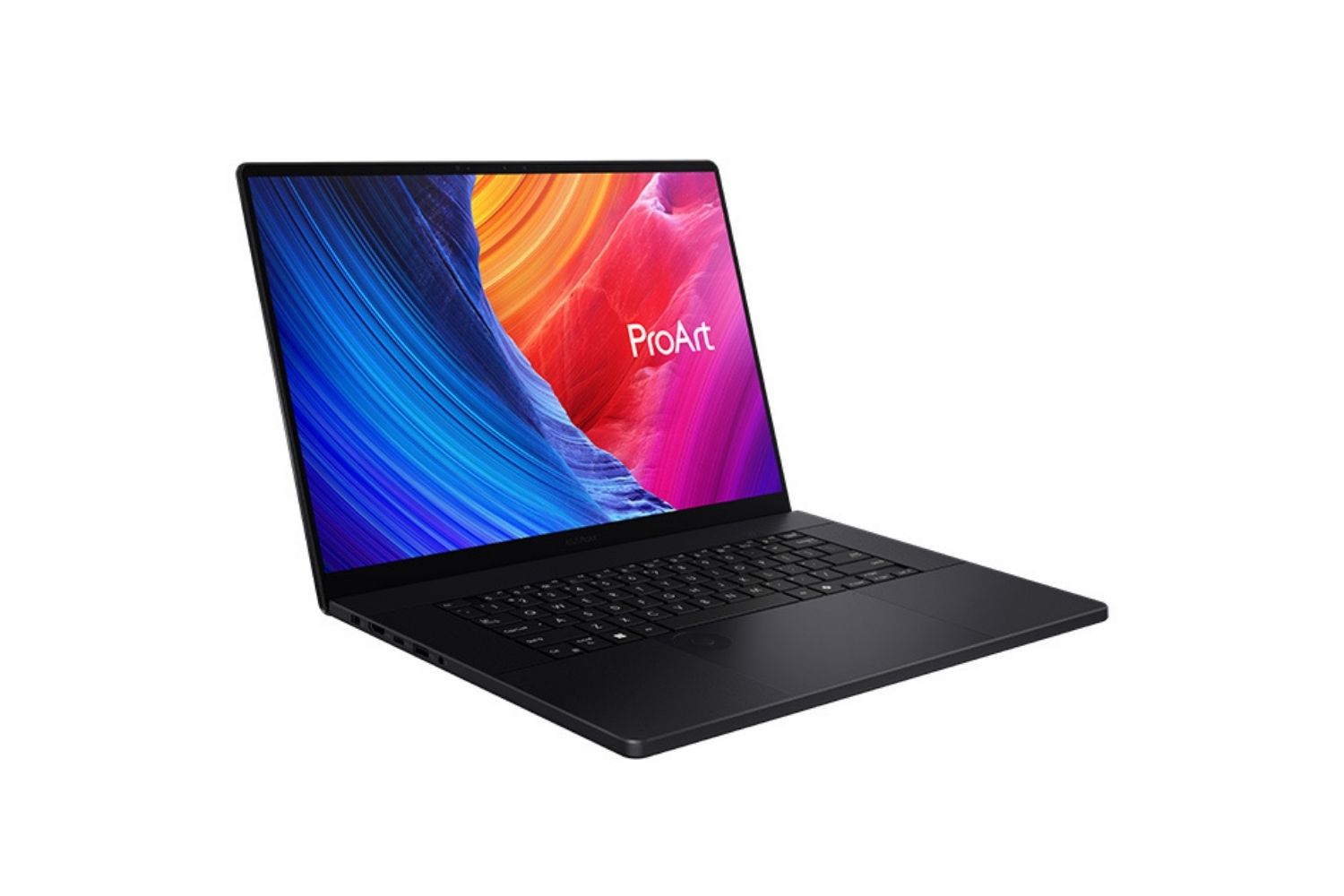
Not every spec on a datasheet matters equally for architectural work. Revit, Rhino, Enscape, Lumion, and V-Ray each stress different hardware components. Here is what the ProArt P16 brings to an architecture workflow, filtered for relevance.
The AMD Ryzen AI 9 HX 370 is a 12-core, 24-thread processor with boost clocks reaching 5.1 GHz. Revit leans heavily on single-core performance for modeling, view regeneration, and parameter calculations. The HX 370 delivers strong single-threaded speed, though it trails the desktop AMD Ryzen 7 9800X3D in Revit-specific tasks due to the latter’s larger L3 cache. For a laptop, it is among the fastest options currently available.
The GPU options span a wide range. The RTX 4070 configuration (8 GB VRAM) handles viewport navigation in Revit and real-time rendering in Enscape without issues. The RTX 5090 model (24 GB VRAM) opens up GPU-heavy workflows like V-Ray GPU rendering and real-time rendering tools such as Twinmotion with large Nanite scenes. For pure BIM work in Revit, the RTX 4070 is more than sufficient. The RTX 5090 justifies its cost only if rendering is a regular part of your pipeline.
🔢 Quick Numbers
- AMD Ryzen AI 9 HX 370: 12 cores / 24 threads, up to 5.1 GHz boost (AMD, 2024)
- RTX 5090 Laptop GPU: 10,496 CUDA cores, 24 GB GDDR7 VRAM (NVIDIA, 2025)
- Display: 16-inch 4K OLED, 120 Hz, Delta E < 1, Pantone Validated (ASUS ProArt P16 spec sheet)
- Weight: 4.31 lbs / 1.95 kg, thickness 0.72 inches (ASUS, 2025)
How Does the ASUS ProArt P16 Handle Revit?
Revit’s performance depends on a mix of CPU speed, available RAM, and (increasingly with Revit 2026) GPU capability. The Accelerated Graphics Tech Preview in Revit 2026 marks a shift from a CPU-only graphics pipeline to a GPU-driven Hydra/OpenUSD engine. This change makes the ProArt P16’s RTX GPU more relevant to BIM work than it would have been even two years ago.
CPU Performance for BIM Modeling
Most Revit operations run on a single thread. Panning through floor plans, regenerating views, adjusting parameters, and running schedules all rely on clock speed rather than core count. The HX 370 at 5.1 GHz handles mid-size commercial projects (50,000 to 100,000 square feet) with responsive navigation. Architects working on larger institutional or mixed-use models with multiple linked disciplines will notice some slowdown during view regeneration, but this is a Revit limitation rather than a hardware one.
For background tasks like exporting sheets, running interference checks, or batch printing, the 12-core configuration helps. These tasks can use multiple threads, and the HX 370 handles them faster than quad-core alternatives that still appear in many laptop recommendations for architects.
RAM and Large Project Files
The ProArt P16 is available with up to 64 GB of LPDDR5X 7500 MHz RAM. According to a practical guideline used by BIM managers, system RAM should be roughly 20 times the size of your .rvt file. A 500 MB model uses about 10 GB of RAM in Revit alone, plus 8 GB for the OS and background applications. With linked structural, MEP, and site models loaded simultaneously, real-world RAM consumption on a multi-discipline project can reach 30 to 40 GB. The 64 GB in the ProArt P16 leaves enough headroom for this scenario without forcing you to close other applications.
⚠️ Common Mistake to Avoid
Many architects choose a laptop based on GPU specs alone, assuming that a faster graphics card will speed up Revit. In practice, Revit’s modeling and documentation tasks are CPU-bound and single-threaded. A laptop with a powerful GPU but a slow single-core CPU will still feel sluggish during daily BIM work. Prioritize clock speed first, GPU second.

One constraint worth noting: the RAM in the ProArt P16 is soldered. You cannot upgrade it after purchase. If your firm regularly works on hospital, airport, or campus-scale projects where linked model sizes exceed 2 GB, confirm that 64 GB meets your projected needs before committing. For Revit alternative users on ArchiCAD or Vectorworks, 64 GB is more than adequate for virtually any project scale.
Rhino 3D Performance on the ProArt P16
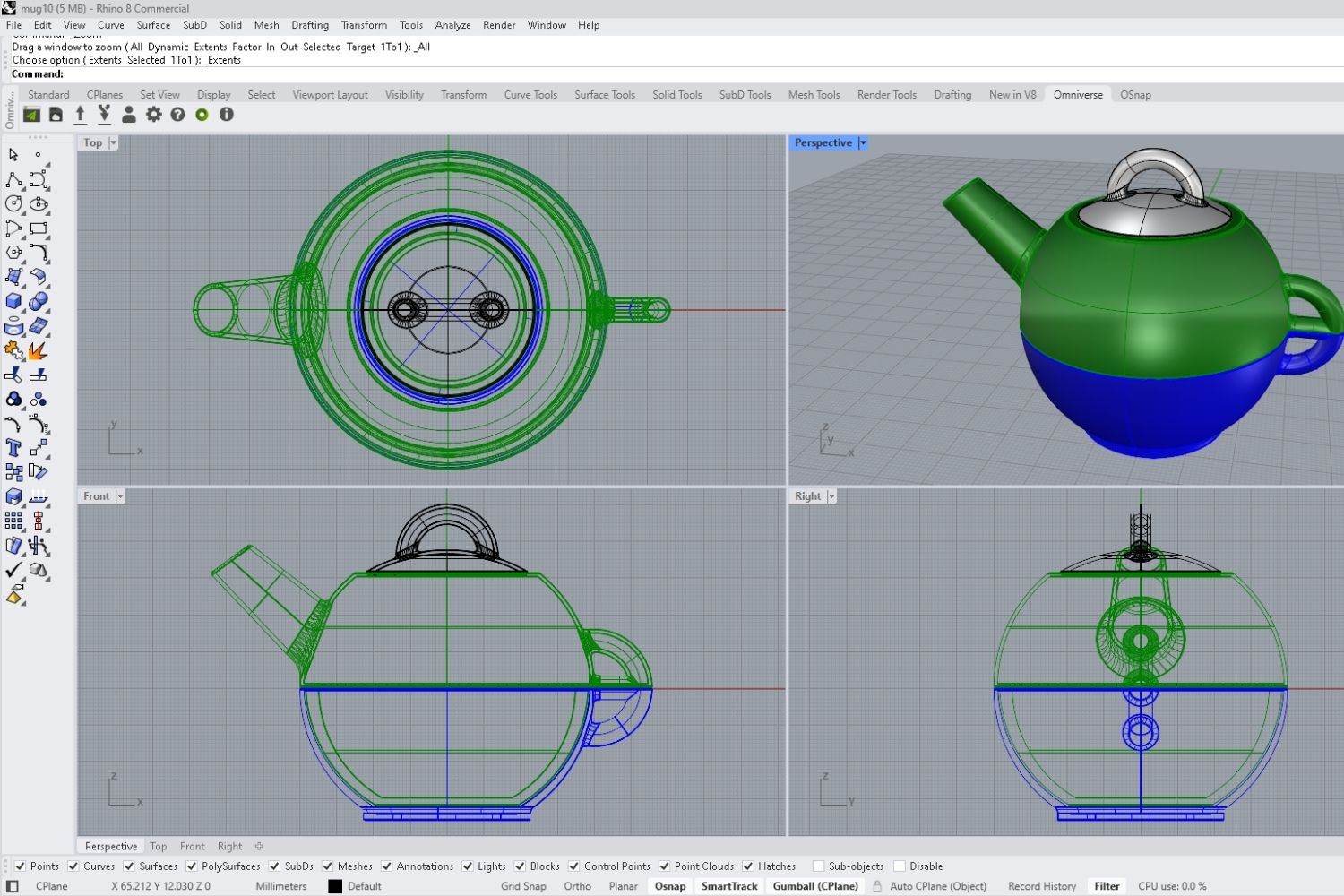
Rhino behaves differently from Revit. While modeling operations in Rhino 3D still depend on single-core CPU speed, the software makes heavier use of the GPU for display, shading, and its built-in Raytrace renderer. Grasshopper definitions with heavy mesh operations also benefit from multi-core processing.
GPU-Accelerated Rendering in Rhino
Rhino 8’s Raytrace display mode can be configured for GPU acceleration through NVIDIA CUDA or OptiX. On the RTX 5090 configuration, viewport raytracing in Rhino produces clean previews within seconds on mid-complexity models. Grasshopper scripts involving iterative geometry operations run noticeably faster than on older quad-core laptops, thanks to the HX 370’s 12-core layout.
For architects pairing Rhino with rendering plugins like V-Ray or Enscape, the RTX 5090’s 24 GB VRAM becomes a genuine advantage. V-Ray GPU mode stores the entire scene in VRAM, and complex architectural scenes with high-resolution textures can exceed 8 GB. The RTX 4070 model (8 GB VRAM) can run out of video memory on larger V-Ray GPU scenes, which slows rendering significantly or forces a switch to CPU mode.
💡 Pro Tip
If you use Rhino with Grasshopper and heavy computational geometry, set ASUS’s performance profile to “Full Speed” through the MyASUS app before starting your session. The default “Standard” profile throttles the CPU to reduce fan noise, which can add 20 to 30 percent to processing time on large Grasshopper definitions.

Rhino currently does not support ARM-based Windows laptops. The ProArt P16’s x86 AMD processor ensures full compatibility with Rhino 8 and all its plugins, including Rhino’s officially listed requirements. This is a relevant distinction as newer ARM-based Windows devices enter the market.
Display Quality for Design Accuracy
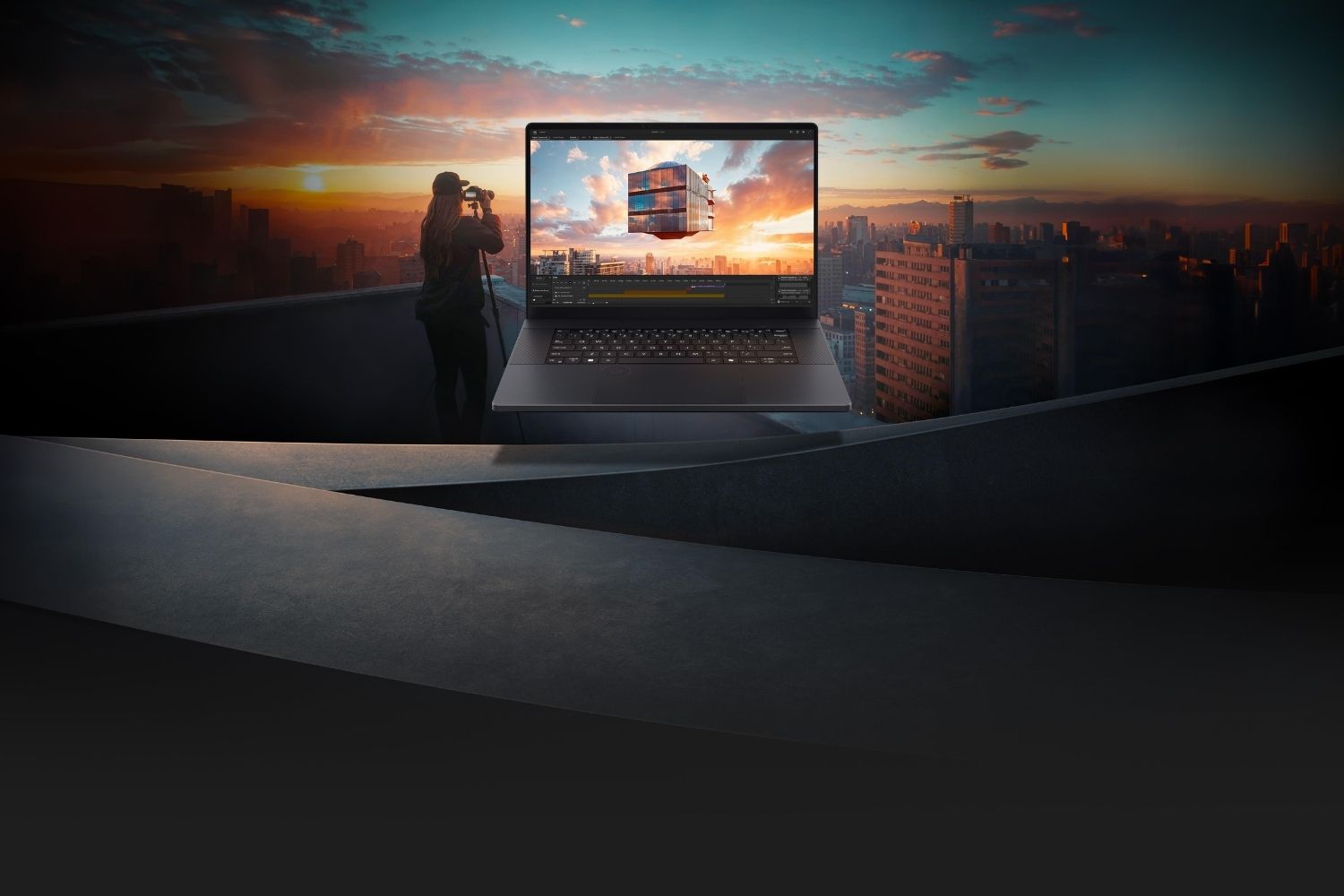
The ASUS ProArt P16 features a 16-inch OLED panel at 3840 x 2400 resolution (16:10 aspect ratio). It covers 100% of the DCI-P3 color gamut, carries Pantone validation, and ships with factory calibration achieving Delta E below 1. For architects reviewing material palettes, preparing client presentations, or checking render output, this level of color accuracy removes a common source of error.
The display runs at 120 Hz, which is a noticeable improvement over the previous generation’s 60 Hz panel. Smoother panning and orbiting in both Revit and Rhino reduce visual fatigue during long modeling sessions. The touchscreen adds another input method for quick navigation, though most architects will still prefer a mouse for precision work.
One drawback: reviewers have noted that the screen is glossy despite ASUS’s anti-reflection coating. In bright studio environments or on construction sites, glare can interfere with visibility. A matte screen protector is worth considering if you frequently work away from a controlled office setting.
📐 Technical Note
The ProArt P16 display achieves DisplayHDR True Black 500 certification. Peak brightness reaches 1,600 nits in HDR content. For color-critical work, ASUS provides a pre-installed color calibration profile. Recalibration with a hardware colorimeter (such as the X-Rite i1Display or Calibrite ColorChecker) is recommended every 3 to 6 months per ICC standards for professional color workflows.
ASUS ProArt P16 Alternatives for Architects
The ProArt P16 sits in a competitive segment. If your priorities differ, whether that means ISV-certified drivers, lighter weight, or lower cost, other options are worth evaluating. The table below puts the ProArt P16 against three common alternatives that architects and architecture students frequently consider.
ProArt P16 vs. Mobile Workstation Alternatives
The following table compares key specs across four laptops commonly used in architectural workflows:
| Feature | ASUS ProArt P16 | Dell Precision 7780 | Lenovo ThinkPad P16 Gen 3 | MacBook Pro 16 (M4 Max) |
|---|---|---|---|---|
| CPU | AMD Ryzen AI 9 HX 370 | Intel Core i9-14950HX | Intel Core i9-14950HX | Apple M4 Max |
| GPU | RTX 4070 / RTX 5090 | RTX 5000 Ada (16 GB) | RTX 5000 Ada (16 GB) | Integrated (40-core GPU) |
| Max RAM | 64 GB (soldered) | 128 GB (upgradeable) | 128 GB (upgradeable) | 128 GB (unified) |
| Display | 16″ 4K OLED, 120 Hz | 17.3″ UHD+ IPS | 16″ WQXGA IPS | 16.2″ Liquid Retina XDR |
| Weight | 4.31 lbs / 1.95 kg | 6.66 lbs / 3.02 kg | 5.60 lbs / 2.54 kg | 4.74 lbs / 2.15 kg |
| Revit Support | Full native | Full native, ISV certified | Full native, ISV certified | No native support |
| Starting Price (approx.) | $1,999 (RTX 4070) | $3,200+ | $2,800+ | $3,499 |
The Dell Precision 7780 and Lenovo ThinkPad P16 offer ISV-certified NVIDIA RTX professional GPUs. ISV certification means Autodesk and McNeel have tested and approved specific driver configurations for their software. The ProArt P16 uses consumer GeForce GPUs, which work well in practice but lack this formal certification. For firms where IT policies require ISV-certified hardware, the Dell or Lenovo may be the safer choice.
The MacBook Pro 16 with M4 Max is a strong option for architects who primarily use Rhino, SketchUp, and ArchiCAD. However, Revit does not run natively on macOS. Architects who depend on Revit for documentation and BIM coordination should avoid macOS-only machines unless they have a secondary Windows workstation or use cloud-based Revit solutions.
Video: ASUS ProArt P16 (2026) Review
This review covers the latest ProArt P16 configuration, including build quality, performance benchmarks, and real-world creative workflow testing.
Where to Go From Here
Your Next Step: Before purchasing, open your largest active Revit model and check its file size. Apply the 20x rule (file size multiplied by 20) to confirm that 64 GB of RAM is sufficient for your projects. If your linked models regularly push past 2 GB combined, consider the Dell Precision or Lenovo ThinkPad with upgradeable 128 GB RAM instead. If 64 GB covers your needs, the ASUS ProArt P16 delivers the best combination of display quality, portability, and raw performance for architecture work in its price range.
Prices referenced in this article are approximate and may vary by region, retailer, and configuration. Verify current pricing with the manufacturer or authorized resellers before making a purchase decision.








Foster + Partners to Test Robot Swarms Building Timber from the Top Down
Foster + Partners wins €4m EU grant to build robot and drone...
 illustrarch Editoral Team2 Mins read

PLNAR Review: Does AR Measurement Hold Up on a Real Site Visit?
PLNAR began as a consumer AR tape measure and now runs as...
 Sinan Ozen5 Mins read

ArchiSnapper Review: Is This Field Report App Worth It for Architects?
A hands-on look at Deltek ArchiSnapper, the mobile app built for field...
Sinan Ozen5 Mins read

Gross Internal Area and Net Internal Area: What’s the Difference?
The difference between Gross Internal Area and Net Internal Area shapes how...
Sinan Ozen5 Mins read


Leave a comment