

D5 Render Alternatives for Architects: 7 Best Tools for 2026
D5 Render is fast and beginner friendly, but it is not the only real time engine worth using. This guide compares seven alternatives for architects, looking at speed, realism, platform support, Mac compatibility, and pricing for studio sizes.
 Sinan Ozen16 July 20268 Mins read438
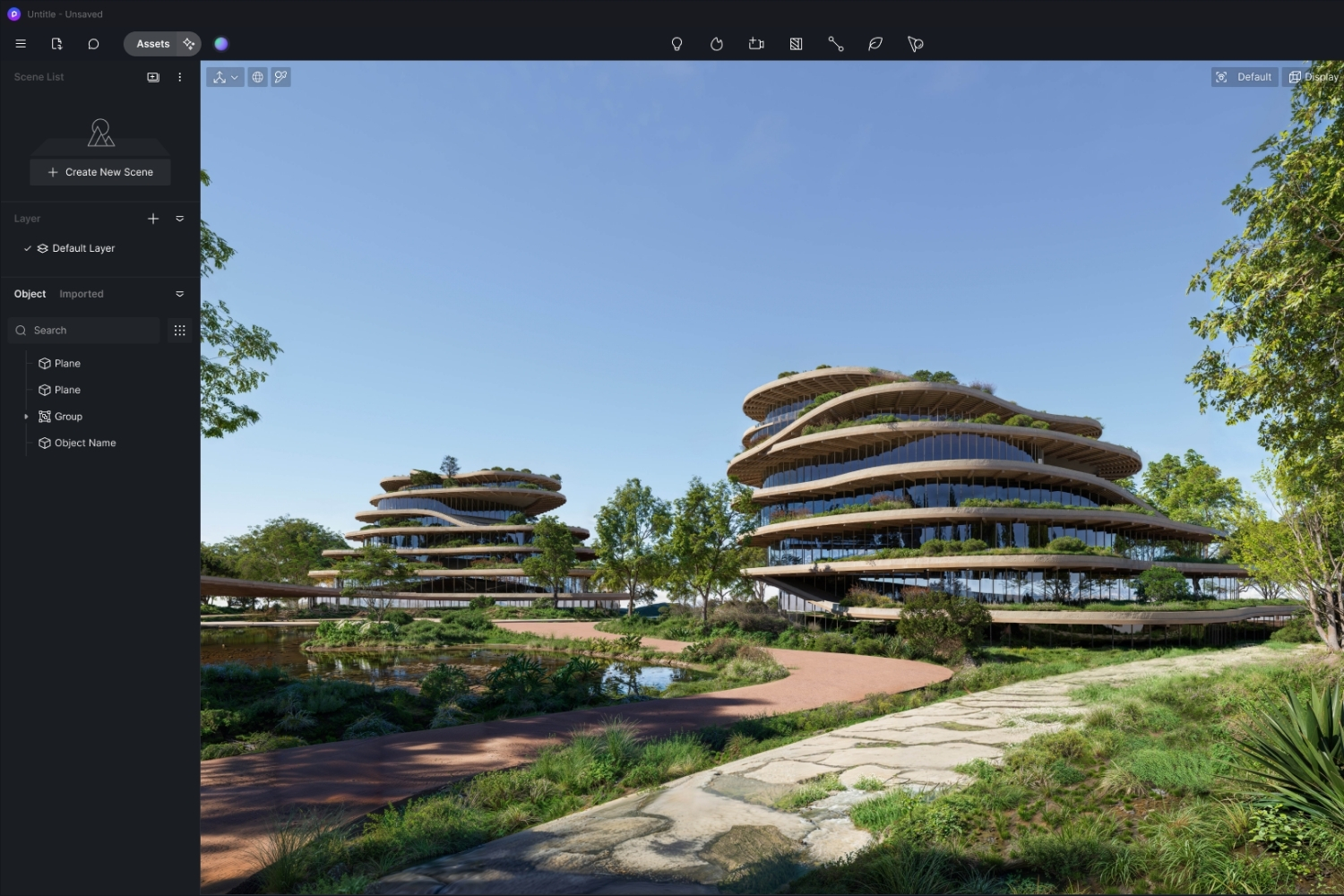
Table of Contents Show
D5 Render alternatives give architects other ways to produce fast, photorealistic visuals without relying on a single tool. The strongest options in 2026 include Twinmotion, Enscape, Lumion, V-Ray, Chaos Vantage, Blender, and Unreal Engine, each matched to a different budget, platform, and rendering workflow.
D5 Render earned a large following for one reason: it makes real-time ray tracing approachable, even for people who never touched a render engine before. Still, a single tool rarely covers every studio. Some teams need tighter Revit integration, others want a free pipeline, and a growing number of architects on Apple Silicon want something that runs well outside Windows. That is where a solid shortlist of options helps.
Below you will find seven tested tools, a side-by-side comparison table, and guidance on matching each one to your actual work. If you want a wider view of the category first, our overview of 3D rendering software for architects sets the context.
Why Architects Look for D5 Render Alternatives
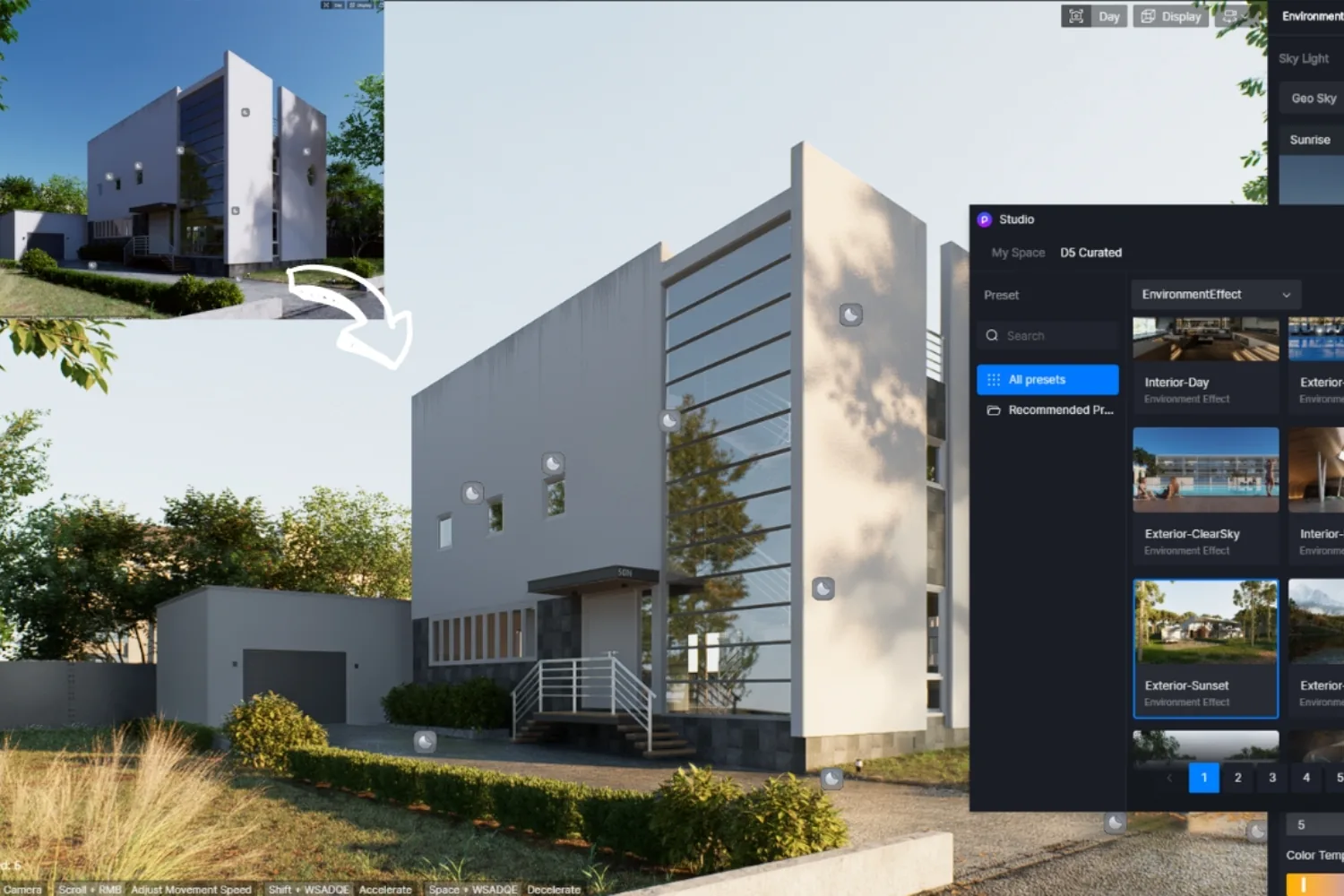
D5 Render is fast, looks great, and has a friendly learning curve. So why switch? Workflow gaps usually drive the search. Architects working inside Revit or SketchUp often want feedback without exporting to a separate app. Larger firms want render farm support and version control that real-time engines do not always provide. And anyone producing print-quality stills sometimes needs a dedicated production renderer that pushes realism further than a live viewport can.
Cost and platform matter too. Subscription fatigue is real, and the gap between a free engine and a paid suite can shape a small studio’s entire budget. Understanding the trade-off between live preview speed and final image control is the core decision, and the physics behind it comes down to how each tool handles ray tracing on your hardware.
There is also the matter of output type. A competition entry, a planning submission, and a quick client check-in all ask for different things. One needs a polished hero still, one needs a clear set of context views, and one just needs something good enough to approve a direction by end of day. No single engine is equally good at all three, which is the honest reason most architects end up using two tools rather than searching for a perfect one. The list below reflects that reality by pairing fast real-time picks with stronger production options.
📌 Did You Know?
Architectural rendering has split into two camps that most firms now run side by side. Real-time engines like D5, Enscape, Twinmotion, and Lumion deliver client-ready images in seconds, while production renderers such as V-Ray and Corona produce film-grade frames in minutes to hours. Choosing an alternative often means deciding which camp a given project belongs to.

Best D5 Render Alternatives at a Glance
The table below summarizes how the seven tools compare across the factors architects ask about most: what each one does best, the engine or platform it runs on, and how you pay for it.
Comparison Table of D5 Render Alternatives
| Tool | Best for | Engine / Platform | Price model |
|---|---|---|---|
| Twinmotion | Fast cinematic walkthroughs and VR | Unreal Engine 5, Windows and Mac | Free under a revenue cap, paid above it |
| Enscape | Live feedback inside Revit and SketchUp | GPU ray tracing plugin, Windows (partial Mac) | Annual subscription |
| Lumion | Asset-rich exteriors and landscapes | Standalone real-time, Windows (View on Mac) | Annual license |
| V-Ray | Photorealistic production stills | Plugin for many hosts, Windows and Mac | Subscription or perpetual |
| Chaos Vantage | Real-time review of heavy V-Ray scenes | Standalone RTX path tracing, Windows | Subscription |
| Blender (Cycles) | Full pipeline control at zero cost | Open source, Windows, Mac, Linux | Free |
| Unreal Engine | Interactive and immersive experiences | Real-time game engine, Windows and Mac | Free for most architectural use |
The 7 Best D5 Render Alternatives in Detail
1. Twinmotion
If you want the closest match to D5’s speed-first approach, start with Twinmotion. Built by Epic Games on Unreal Engine 5, it turns a CAD or BIM model into stills, cinematic walkthrough videos, and VR experiences through a drag-and-drop interface that most architects learn in an afternoon. Its Datasmith plugins keep the model linked to Revit, SketchUp, Rhino, and ArchiCAD as the design evolves.
Twinmotion is free for individuals and for firms under a set annual revenue, with no watermarks and full features, which makes it one of the most generous deals in the category. Above that revenue line you move to a paid license. For studios that value motion and atmosphere over fine-tuned hero stills, it is hard to beat.
2. Enscape
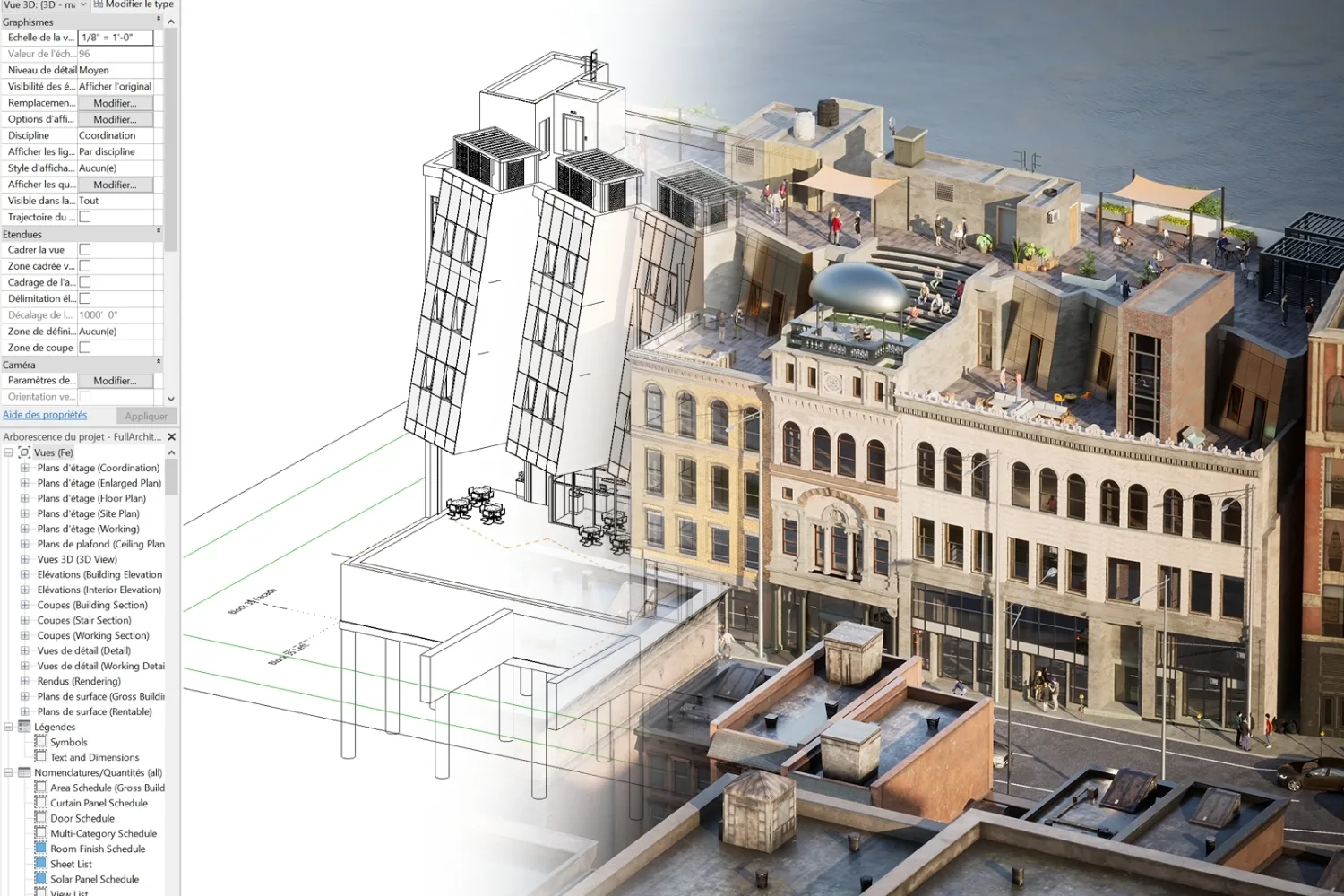
Architects who never want to leave their modeling software reach for Enscape. It runs as a plugin inside Revit, SketchUp, Rhino, ArchiCAD, and Vectorworks, so a change in your model updates the render instantly in a docked window. That tight loop is its real advantage during design development, when you are testing massing and light rather than polishing a final frame.
Enscape now sits under Chaos, the same company behind V-Ray, and its 2025 pricing changes pushed some users to look around. If that includes you, our roundup of Enscape alternatives covers the trade-offs in detail. Mac support exists for SketchUp, Rhino, ArchiCAD, and Vectorworks, though the Revit plugin remains Windows-only.
💡 Pro Tip
When testing any plugin-based renderer, run it on your largest live project, not a clean demo scene. Real Revit files with dense families and linked models expose viewport lag and crashes that a small sample never reveals, and that is exactly where a tool either earns its place or fails you on deadline.
3. Lumion
For populated exteriors, master plans, and landscape work, Lumion remains a studio favorite. Its strength is the asset library, with thousands of trees, plants, people, vehicles, and entourage that let you fill a scene in minutes rather than sourcing models one by one. A LiveSync plugin connects it to SketchUp, Revit, ArchiCAD, Rhino, AutoCAD, and Vectorworks.
The current line includes Lumion View, a lighter plugin that also runs on Mac, plus the full Pro and Studio editions. Pricing sits at the higher end, with Lumion Pro running around the four-figure mark per year, so it suits firms that produce visuals regularly. If the cost gives you pause, compare the field in our guide to alternatives to Lumion.

4. V-Ray
When the brief calls for print-quality realism, architects turn to V-Ray, made by Chaos. It plugs into 3ds Max, SketchUp, Rhino, Revit, and more, and it is the long-standing reference point for materials, lighting accuracy, and control. V-Ray is slower than a live engine because it computes each frame in full, but the payoff is image quality that holds up at large print sizes and on competition boards.
Think of V-Ray as the production half of a two-tool setup. Many firms design with a real-time engine, then send their final shots to V-Ray when the stakes are high. It ships in both subscription and perpetual forms, which appeals to studios that dislike pure rentals.
5. Chaos Vantage
If you already use V-Ray, Chaos Vantage adds the live layer D5 users love. It loads full V-Ray scenes without simplification and renders them in real time using RTX path tracing, so you can fly through a heavy model, swap lighting scenarios, and pull stills or animations at full quality. It works with .vrscene files and connects directly to hosts like 3ds Max, SketchUp, Rhino, and Revit.
Vantage is Windows-only and needs a capable GPU, but for V-Ray studios it removes the old wait between design changes and seeing the result. It is the natural pairing for teams that want both speed and uncompromised final frames.

6. Blender with Cycles
The best free D5 Render alternative for architects who want full control is Blender. Its Cycles engine is a path tracer that produces genuinely photorealistic results, and the price is zero on Windows, Mac, and Linux. With add-ons for CAD import and architecture-specific tools, Blender can cover modeling, rendering, and animation in one open-source package.
The catch is the learning curve. Blender does not hold your hand the way D5 does, and an architectural pipeline takes time to set up. For studios willing to invest that time, the reward is a tool with no subscription and no feature gates. If Blender feels like too much, our list of Blender alternatives points to gentler options.
7. Unreal Engine
For the most control over interactive and immersive output, Unreal Engine is the ceiling. It is the same technology Twinmotion is built on, but exposed fully, which means configurators, real-time VR, and game-like architectural experiences are all on the table. Unreal is free for the vast majority of architectural use, and it runs on both Windows and Mac.
This power comes at a cost in complexity. Unreal is a development environment, not a one-click renderer, so it rewards teams with the skills or budget to build custom experiences. For everyone else, Twinmotion delivers most of the visual quality with far less setup.

D5 Render Alternatives for Mac Users
Mac compatibility is one of the most common reasons architects compare tools. D5 Render itself now offers an Apple Silicon build, but if you want choices, the most reliable Mac-friendly options here are Twinmotion, Lumion View, Blender, V-Ray, and Unreal Engine, all of which run natively on modern Apple Silicon hardware. Enscape supports Mac for SketchUp, Rhino, ArchiCAD, and Vectorworks, while its Revit plugin stays on Windows. Chaos Vantage is the one tool on this list with no Mac version, so plan around that if your studio is Mac-first.
Best Free D5 Render Alternatives
You can build a complete visualization pipeline without paying for software. Blender is the strongest free option for architects who want a single tool covering modeling and rendering. Twinmotion is free under its revenue cap and gives you cinematic output with almost no learning time, which makes it the easiest free pick for most firms. Unreal Engine rounds out the group for teams chasing interactive and VR work.
Free does not mean limited here. Twinmotion’s free tier carries no watermark, and Blender’s Cycles matches paid engines on raw image quality. The trade is your time rather than your money, since these tools ask more setup in exchange for zero license cost. For a student or a one-person studio testing the waters, that trade is usually worth making, because you can produce client-ready work before spending a cent and reinvest the saved budget into better hardware, which often improves render times more than any software upgrade would.
How to Choose the Right D5 Render Alternative
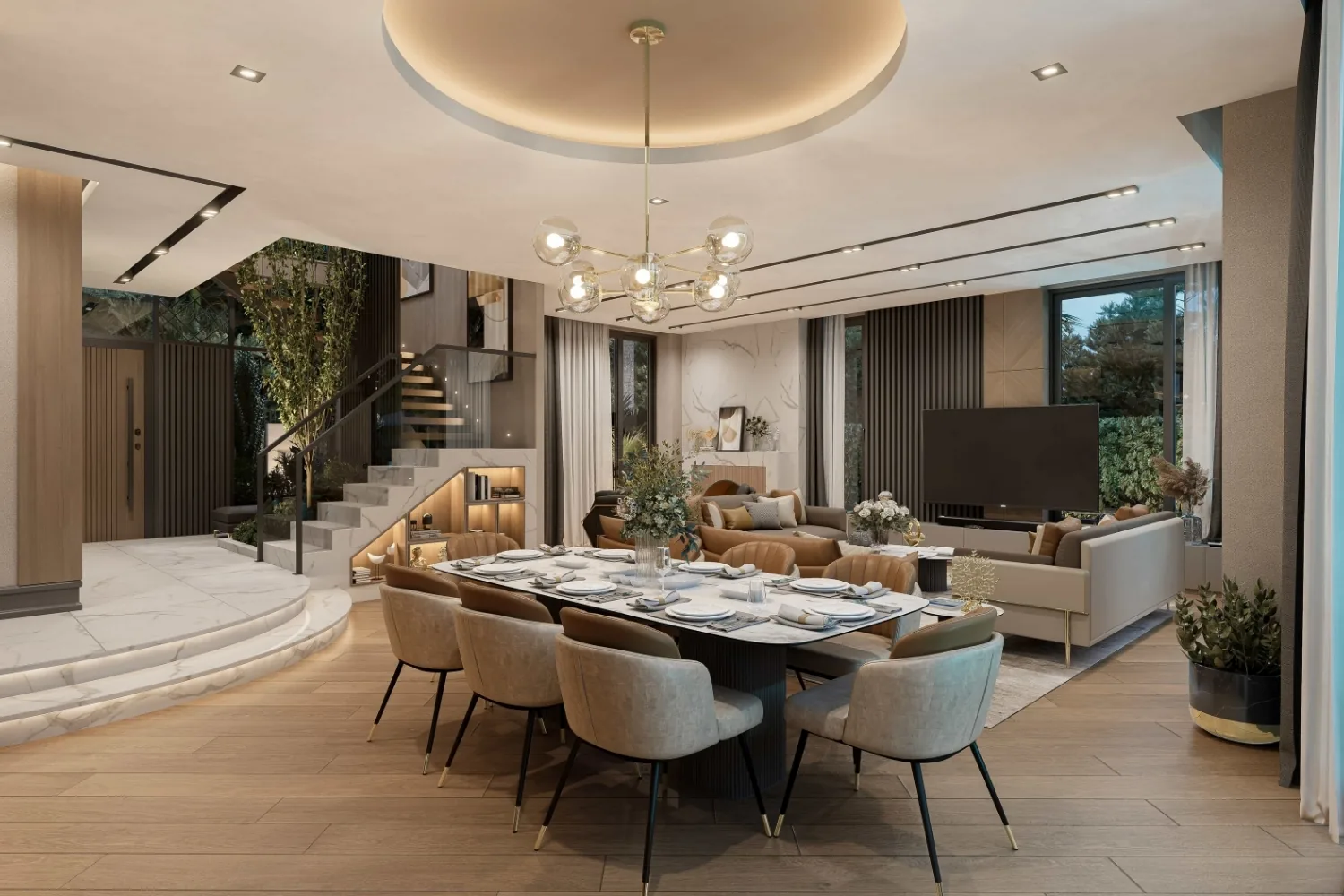
Match the tool to the job rather than chasing a single winner. If your priority is speed and a short learning curve, Twinmotion is the natural step across from D5. If you live inside Revit or SketchUp and want instant feedback, Enscape fits. For asset-heavy exteriors, Lumion leads, and for print-grade realism, V-Ray with Chaos Vantage covers both quality and live review. When budget is the deciding factor, Blender and Twinmotion’s free tier are hard to argue with.
Hardware and delivery method shape the choice too. Heavy scenes and animation can push a single workstation hard, so weigh whether your work belongs on local machines or a service, a question our breakdown of cloud versus local rendering answers with real numbers. For a closer look at three of the picks above, our Lumion, Enscape, and Twinmotion comparison goes deeper on each.
💡 Pro Tip
Before you commit, render the same two views in every shortlisted tool, one interior and one exterior. Comparing identical scenes side by side tells you more about lighting behavior and your own speed than any feature list, and most of these engines offer a trial long enough to run that test.
Pricing figures change often and vary by region, license type, and promotions. Confirm current rates on each vendor’s official site before you budget for a switch.
Putting It All Together
Bottom Line: There is no universal replacement for D5 Render, because the right pick depends on whether you value speed, integration, realism, or cost most. Twinmotion is the easiest crossover, Enscape wins for in-app feedback, Lumion owns asset-rich scenes, the Chaos pair handles production work, and Blender keeps the whole thing free for studios willing to learn it.





Notion Alternatives for Architects: 7 Tools That Fit Studio Work
Notion works until a studio needs fee tracking, phase budgets and timesheets....
 Furkan Sen7 Mins read

Why Every Practice Ends Up With Five Versions of the Same Revit Family
Let’s learn why Revit family libraries accumulate duplicates, break schedules and slow...
 illustrarch Editoral Team5 Mins read

Visualizing Renovation Projects From Photographs: A Workflow for Existing-Building Work
Photo-based visualization turns a photograph of a building that already exists into...
illustrarch Editoral Team7 Mins read

Best Free CAD Blocks and Resources for Architects
A working guide to free CAD blocks for architects, covering ARCAT, CAD-Blocks.net,...
Furkan Sen7 Mins read


Leave a comment