

uMake Review: Is It the Best 3D Modeling App for iPhone and iPad?
uMake brings NURBS surface modeling, Apple Pencil sketching, AR presentation, and SketchUp file support to iPhone, iPad, and Mac. This review covers its tools, new AI features, three pricing plans, and where the app works and where it falls short.
 Sinan Ozen6 July 20265 Mins read1

Table of Contents Show
uMake is a NURBS-based 3D modeling app for iPhone, iPad, and Mac, built around Apple Pencil input and aimed at architects, interior designers, and product designers. This uMake review breaks down its sketching and surface tools, AR and AI features, file support, pricing, and the project types where it actually fits.
3D modeling used to mean sitting at a workstation. Tablet hardware changed that, and uMake is one of the few apps trying to bring real CAD-style modeling to a touchscreen instead of just sketching or viewing. It launched alongside the first iPad Pro and has grown into a tool architects use for concept work and client presentations. This uMake review answers one question: how far can you push it, and where does it stop being enough?
What Is uMake?
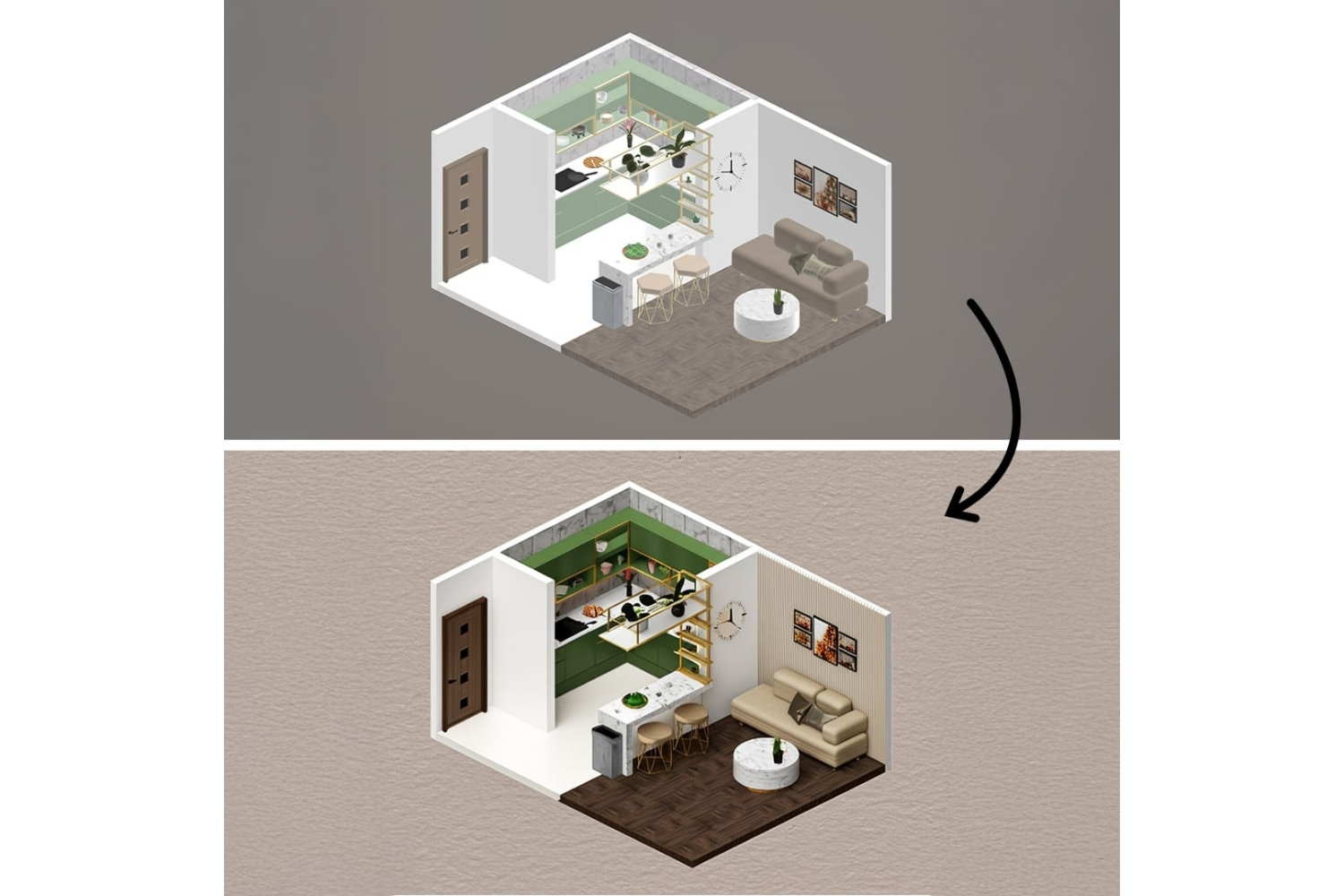
uMake is a 3D design and CAD app available on iPhone, iPad, and Mac, with the iPad version doing most of the heavy lifting. The uMake 3D modeling app runs on a NURBS modeling engine, the same curve-and-surface math used by desktop tools like Rhino, which lets it handle smooth, freeform geometry rather than only blocky push-pull shapes. It is free to download from the App Store, with paid plans unlocking the full toolset. Product and company detail sits on the official uMake site.
The app has real history behind it. uMake was featured in Apple’s keynote when the company introduced the first iPad Pro and Apple Pencil, and it arrived as an App Store Editor’s Choice. It later raised a $5.2 million Series A round led by BlueRun Ventures (TechCrunch, 2015). Its App Store listing also presents it as an iPad Pro App of the Year.
The target audience is creative professionals: architects sketching early concepts, interior designers laying out spaces, and product designers building quick prototypes. If you already work in iPad apps for architects, uMake sits at the more serious modeling end of that range rather than the sketch-and-annotate end.
🔢 Quick Numbers
- More than 30,000 designers and businesses worldwide use uMake (uMake, 2025)
- The company raised a $5.2 million Series A round led by BlueRun Ventures (TechCrunch, 2015)
- uMake imports and exports across seven formats: STEP, IGES, OBJ, STL, USDz, GLB, and SVG (uMake)
Modeling Tools and Features That Matter
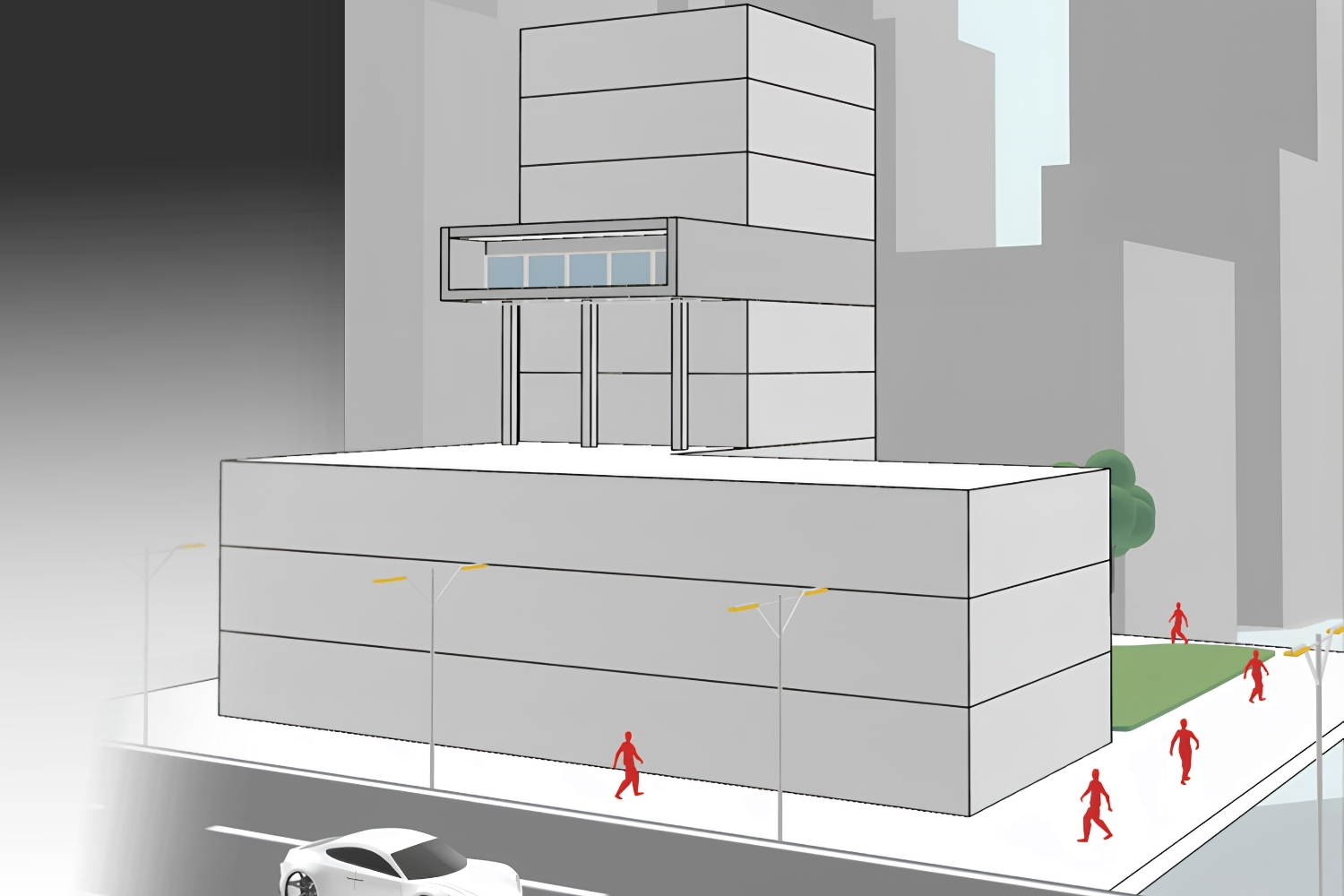
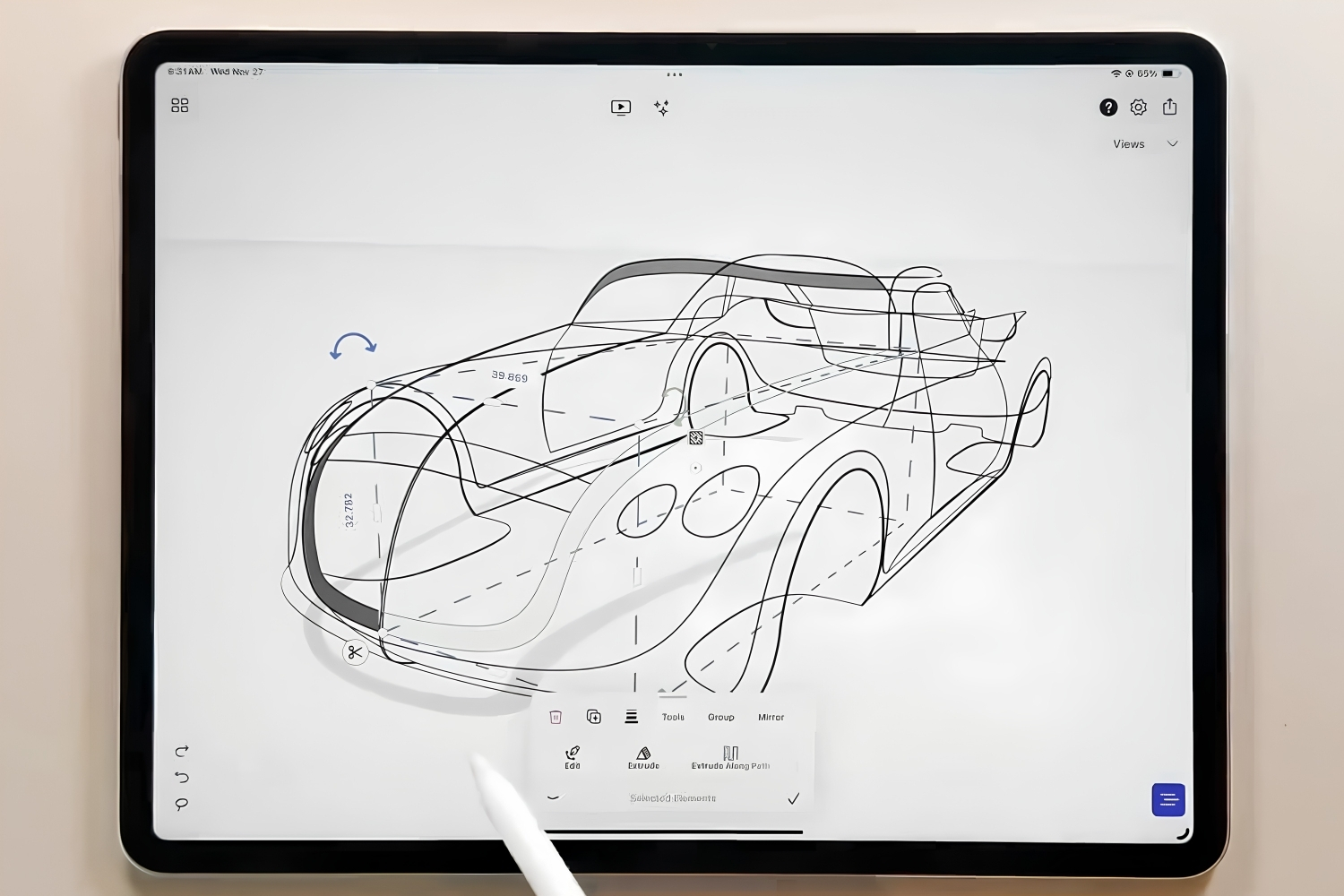
The core of uMake is sketching in 3D space. You draw on construction planes using three input modes: a precision tool for exact lines, arcs, and dimensions, a pen tool for smooth curves, and a freestyle tool for rapid sketching. From those curves you build surfaces, then push and pull, extrude, revolve, and run boolean operations to develop solid forms. Layers and grouping keep larger models organized, and dimensioning tools let you work to real measurements instead of rough proportions.
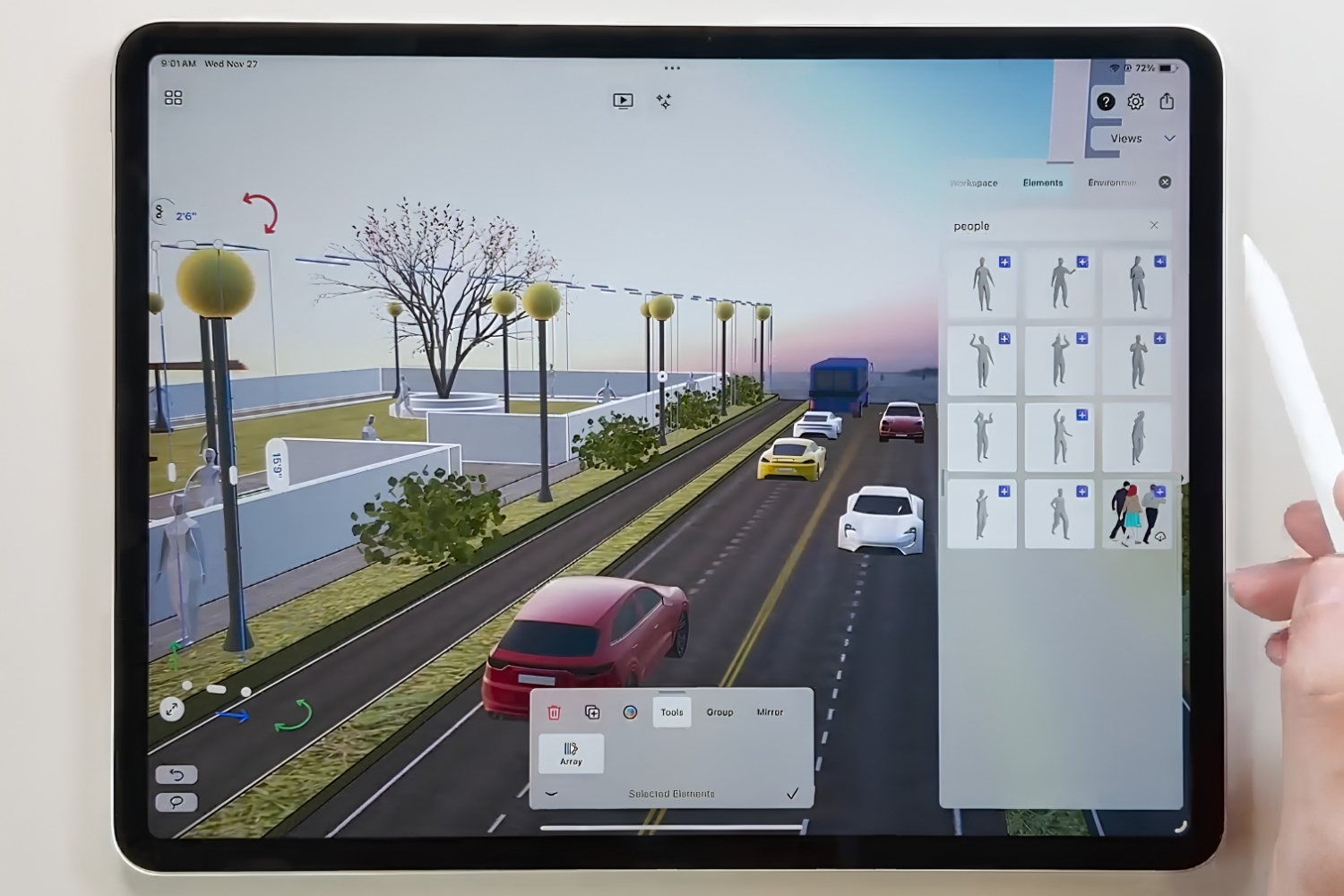
Two newer additions stand out. Spaces is an infinite canvas, still in beta, where you can combine 3D models, photos, sketches, and notes on one board, useful for putting a concept in front of a client without exporting anything. The app also has an AR mode that drops your model into the real world through the camera, one of the more practical features for design reviews and a growing area covered in our look at AR apps for architecture. For final images, uMake includes path-traced rendering with adjustable materials, lighting, and environments. If you need a deeper look at standalone 3D rendering software for higher-end output, that is a separate category, but uMake covers in-app presentation well.
uMake has also added AI features, including a tool that converts a photo into a 3D object and AI styles that restyle sketches, models, or photos into rendered visuals in seconds. The Basic plan gives you 800 monthly AI credits, and Pro doubles that to 1,600. These are aimed at fast concepting rather than production output, but for early ideation they save time.
File Formats and Cross-Device Workflow
File support is one of uMake’s stronger points for anyone working in a mixed software environment. It imports and exports OBJ, STL, STEP, IGES, USDz, GLB, and SVG, and it reads SketchUp SKP files, so you can open an existing SketchUp model, edit it on an iPad, and pass it back out. Projects sync across iPhone, iPad, and Mac through the cloud, which means you can rough something out on a phone and refine it later on a larger screen. For most architects, 3D modeling on iPad becomes genuinely viable once that round-trip works cleanly.
One limitation is worth flagging before you commit. uMake’s surface modeling does not always produce watertight solids, which matters if your end goal is 3D printing. Several users have reported STL files that fail to print cleanly and moved to Shapr3D for that specific reason. iCloud syncing has also drawn requests for improvement. For concept design and presentation, these are minor points; for fabrication, they are not.
💡 Pro Tip
If 3D printing is part of your workflow, export a test STL early rather than at the end. uMake builds surfaces beautifully, but those surfaces are not always closed solids, so a model that looks finished on screen can still fail on the print bed. Catching this on a simple test object saves hours of rework later.
uMake for Architects: Where It Fits
For architects, uMake works best at the front of a project. Concept massing, form studies, quick spatial ideas, and client-facing presentations are where it earns its place, especially when you are away from the office. The AR mode and the Spaces board make it easy to talk through an idea on site or in a meeting without opening desktop software. If you are weighing whether tablets belong in your process at all, our piece on using an iPad for design work covers the broader case.
Where it stops is documentation. uMake is not a BIM tool and not a substitute for Revit or ArchiCAD when you need construction drawings, schedules, or coordinated models. It also lacks the dimensional precision that engineering and fabrication demand. Any fair uMake app review has to separate what it does brilliantly from what it does not do at all, so treat it as a sketching and modeling companion that feeds into your main workflow rather than a replacement for it. On a recent-generation iPad Pro the app runs smoothly even on heavier models, which our iPad Pro site-work test gets into in more detail.
⚖️ Pros & Cons at a Glance
✔️ Pros: NURBS surface modeling on a tablet, natural Apple Pencil input, strong file compatibility including SKP, useful AR and rendering, low entry price
✖️ Cons: not a BIM or documentation tool, surfaces are not always print-ready solids, iCloud sync needs work, AI tools are concept-grade rather than production-grade
uMake Pricing and Plans
uMake uses a freemium model. The free plan covers two Spaces, importing and viewing 3D files (including SKP), watermarked rendering, and measuring tools, which is enough to test the modeling feel. The Basic plan, at $9.99 per month, adds unlimited Spaces, the full drawing and dimension toolset, presentation and AR features, and AI tools. The Pro plan, at $14.99 per month, removes content limits on 2D and 3D elements, textures, and environment lights, and extends AI usage. Annual billing lowers the effective monthly cost, and students and faculty can apply for a discounted educational license. You can confirm current tiers on the uMake pricing page. If budget is the deciding factor, our roundup of free architecture apps for iPad covers fully free options worth testing alongside it.
uMake Plans Compared
The table below summarizes what each plan unlocks and who it suits:
| Plan | Price | Best For | Key Inclusions |
|---|---|---|---|
| Free | $0 | Viewing and testing | 2 Spaces, import and view 3D files including SKP, watermarked rendering, measure tools |
| Basic | $9.99/mo | Sketching and modeling | Unlimited Spaces, drawing and dimension tools, AR presentation, AI tools (800 credits) |
| Pro | $14.99/mo | Full professional use | Everything in Basic, unlimited content library, extended AI usage (1,600 credits) |
Pricing reflects uMake’s published plans at the time of writing and may change by region, billing cycle, or platform. Check the official pricing page for current figures before subscribing.
Wrapping Up
Bottom Line: uMake is the most capable true 3D modeling app on iOS for designers who think in curves and surfaces rather than parametric parts. It will not replace your BIM software or handle 3D printing reliably, but as a portable tool for concept design, surface modeling, and AR-backed client presentations, few apps match it at this price. Start on the free plan, model something real, and you will know within an afternoon whether it fits your workflow.






Morpholio Trace Review: Is It the Best Sketching App for Architects?
Morpholio Trace is an iPad app built by architects that merges hand...
Sinan Ozen5 Mins read

SketchUp vs Rhino: Best 3D Modeling for Architects
A practical comparison of SketchUp vs Rhino for architects, covering push-pull versus...
 Elif Ayse Sen6 Mins read
Shapr3D Review: Is It Worth It for Architects on iPad?
Shapr3D turns the iPad into a precise CAD workspace, but is it...
Sinan Ozen5 Mins read
Blender for Architects: A Complete Beginner’s Guide
Architects can produce professional renders without paying for software. This guide to...
Sinan Ozen6 Mins read


Leave a comment