

Best Free Rendering Software for Architecture Students in 2026
Architecture students can create professional renders without a paid license. This guide covers six free rendering tools, from open-source Blender to real-time engines like Twinmotion and D5 Render, with platform support and student licensing notes.
 Sinan Ozen2 July 20265 Mins read1
Table of Contents Show
Free rendering software gives architecture students professional visualization tools without a license fee. The strongest options in 2026 are Blender, Twinmotion, D5 Render, Enscape, Lumion, and LuxCoreRender, covering everything from open-source path tracing to real-time engines that plug directly into your modeling software.
Rendering is where a design finally looks real, but the tools that produce those images have a reputation for being expensive. V-Ray, 3ds Max, and the commercial tier of Lumion all run into four figures a year, which is hard to justify on a student budget. The good news is that several capable renderers are completely free, or free for anyone enrolled in a school. This breakdown covers six of them, what each does well, which modeling software they connect to, and how to pick the right one for your coursework.
What Should Architecture Students Look for in a Free Renderer?
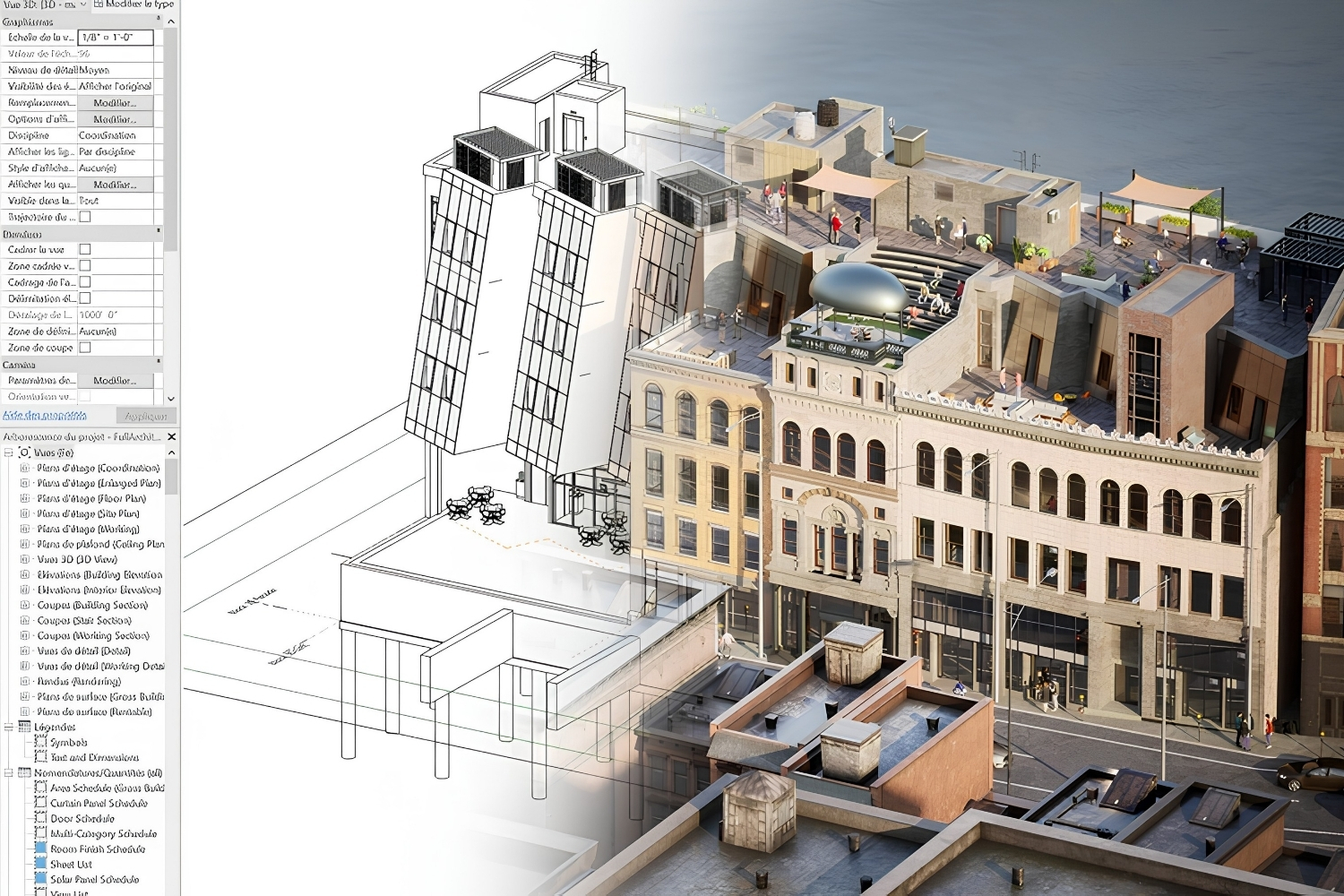
The right free renderer depends on three things: whether it connects to your modeling software, how fast it produces a usable image, and how steep the learning curve is. A tool that plugs into Revit or SketchUp and updates as you draw saves hours compared to one that needs a separate import each time. Speed matters because architectural visualization is iterative, you will rerun a render dozens of times before a review. Built-in asset libraries (vegetation, people, furniture, vehicles) also save real time when a scene needs to feel populated. For a wider look at paid and free options side by side, see our guide to the best 3D rendering software for architects.
📌 Did You Know?
Blender’s development is funded through the Blender Development Fund, whose corporate backers have included NVIDIA, AMD, Apple, Epic Games, and Meta. That support is part of why a tool that costs nothing keeps pace with renderers charging well over a thousand dollars a year.
The Best Free Rendering Software for Architecture Students
These six tools cover the full range, from a free-for-everyone open-source suite to real-time engines that are free specifically for students. Each one fits a different workflow.
Blender (Cycles and Eevee)
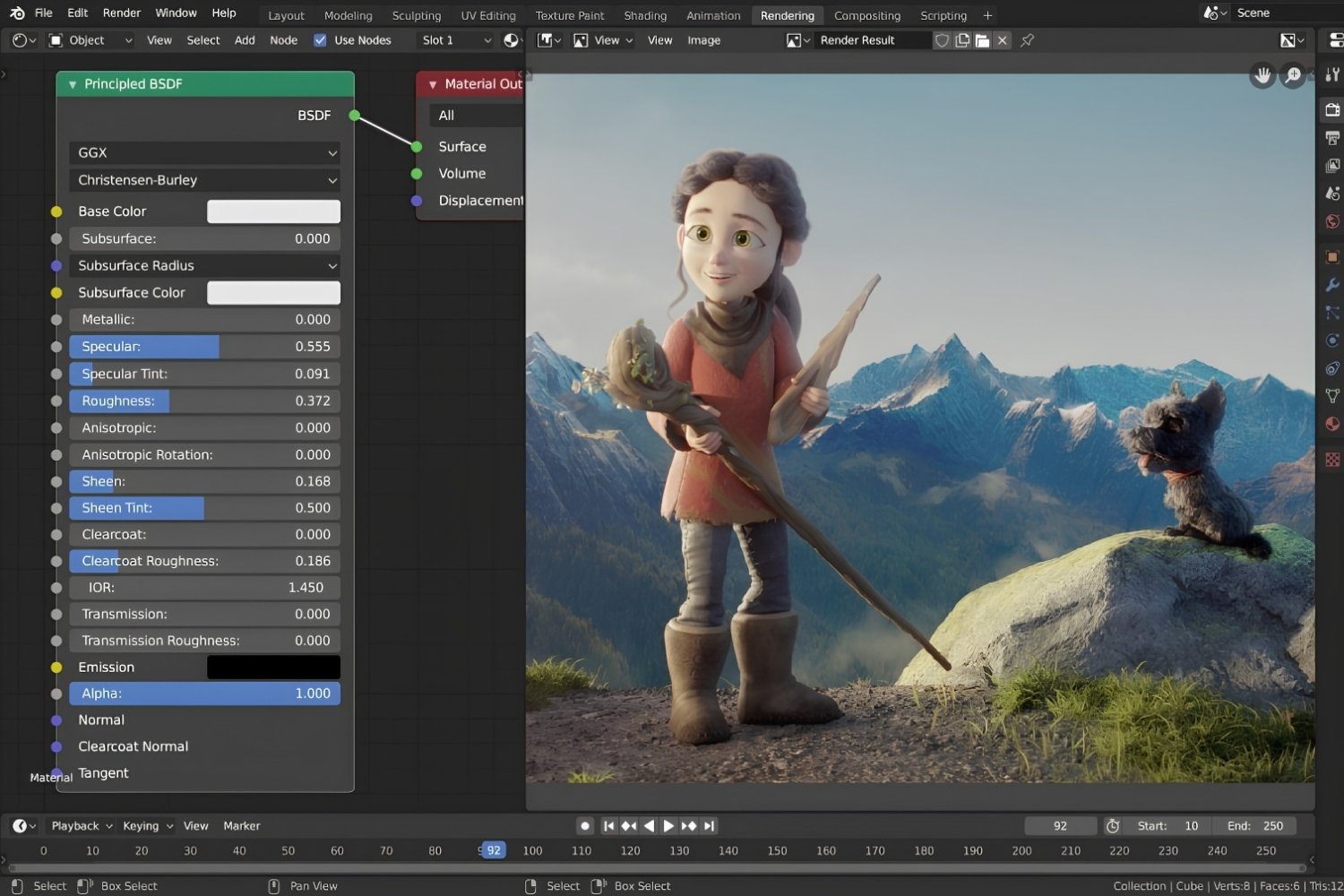
Blender is the only tool here that is completely free for everyone, with no revenue cap and no expiry. It ships with two render engines: Cycles, a physically based path tracer that can rival V-Ray output, and Eevee, a real-time engine for quick previews and animation. It runs on Windows, macOS, and Linux, with native Apple Silicon support. The trade-off is the learning curve, since Blender is a full 3D suite rather than an architecture-specific tool, so scaling and documentation take more setup. For students willing to put in the hours, it removes the cost barrier entirely. Our guide to architectural visualization with Blender covers free asset packs and material libraries that speed up the process. Download it from blender.org.
Twinmotion
Built on Unreal Engine by Epic Games, Twinmotion is free for students, educators, hobbyists, and anyone earning under $1 million a year, with no watermarks or export limits. It specializes in real-time visualization and one-click sync from Revit, SketchUp, Rhino, and ArchiCAD, so edits to your model update live. Recent releases added Nanite, the virtualized geometry system from Unreal Engine 5, which handles extremely dense models without manual optimization. Its real strength is animated walkthroughs and interactive scenes, which makes it a good fit when a review needs motion rather than a single still. Get it from the official Twinmotion site.
D5 Render
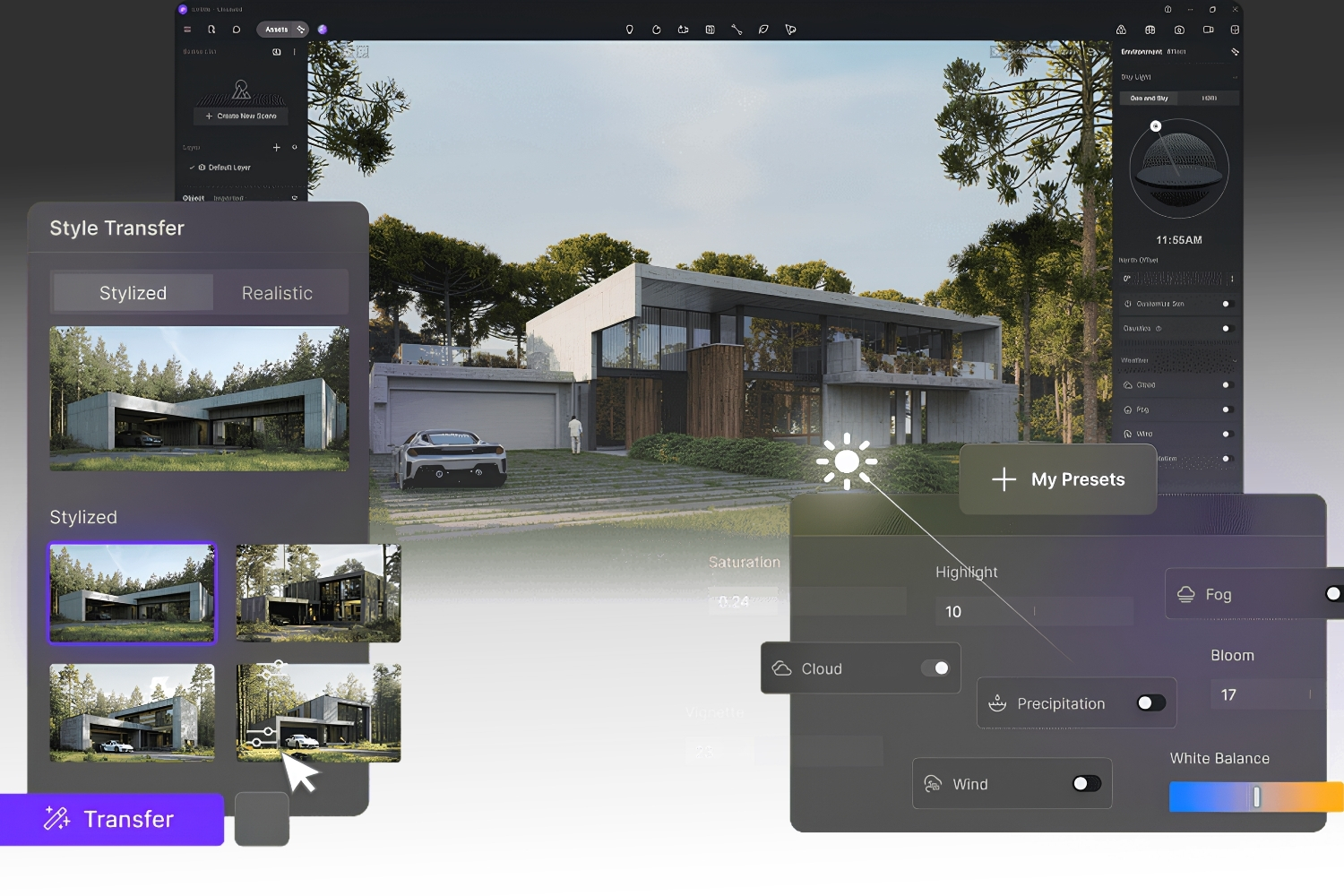
D5 Render is the standout for students who want photorealistic stills quickly. Its free version never expires and exports both images and video with no watermark, which is rare at this price. It uses real-time ray tracing and connects through LiveSync plugins to SketchUp, Revit, Rhino, 3ds Max, ArchiCAD, and Cinema 4D. Recent versions added AI features such as atmosphere matching. The main limitation is that D5 is Windows-first, so Mac users need a workaround. For fast, convincing exterior and interior shots, it is one of the easiest free tools to learn. Download it at d5render.com.
Enscape (Education License)
Enscape, now part of Chaos, runs as a plugin inside your modeling software rather than as a separate program. It integrates with Revit, SketchUp, Rhino, ArchiCAD, and Vectorworks, updating the render in real time as you design. Students and educators can apply for a free education license through the Future Creators Program, valid for 24 months and renewable while you study. The catch is that it cannot be used for paid commercial work. For anyone who works mostly in Revit or SketchUp, it removes the export step completely. If you want to compare it against similar tools, see our roundup of Enscape alternatives for architects. Apply on enscape3d.com.
Lumion (Student License)
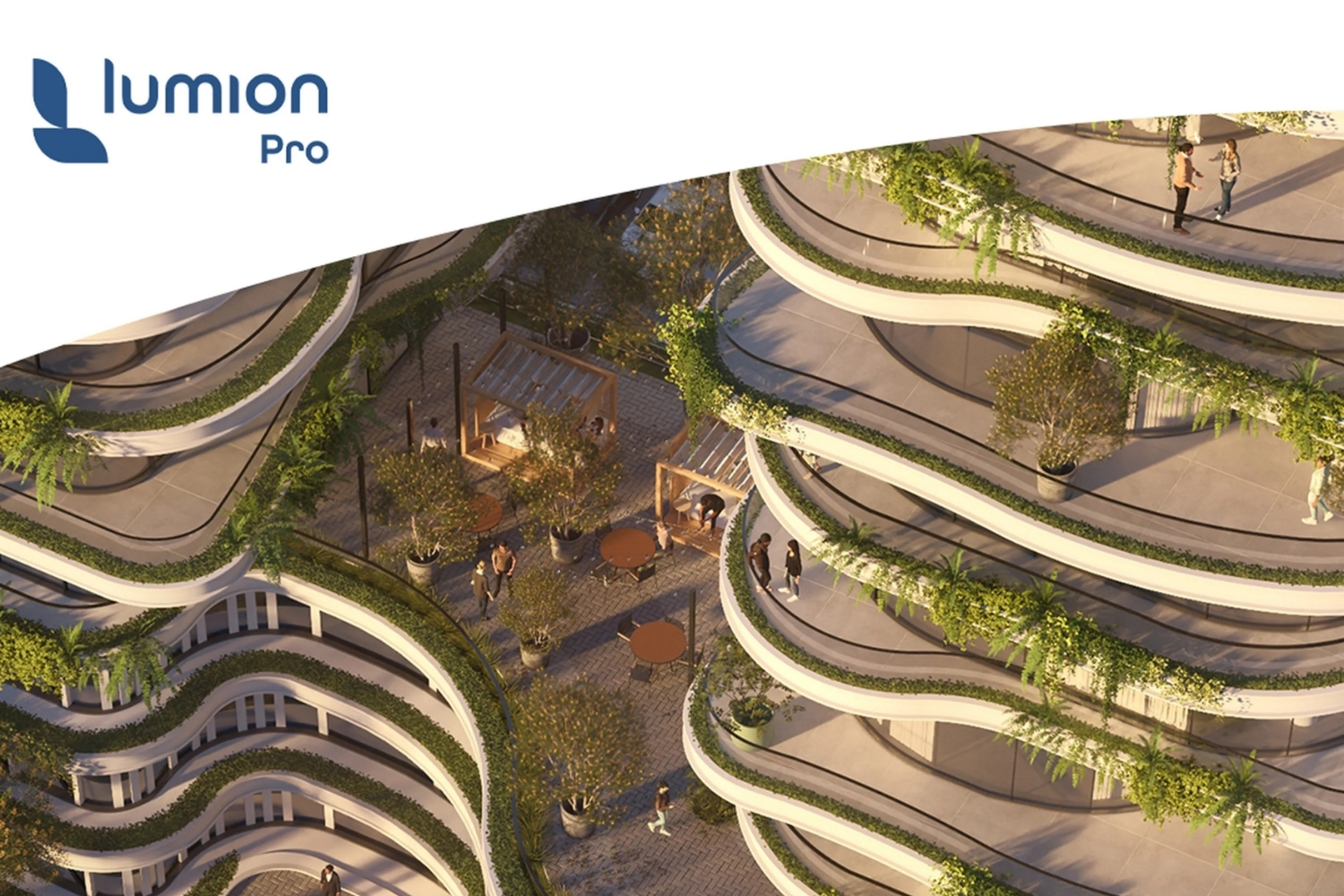
Lumion is a standalone renderer known for polished output and a large asset library, with more than 10,000 built-in models including vegetation, people, and vehicles according to Lumion. Eligible students and faculty can get Lumion Pro Student for free, which includes the full feature set of Lumion Pro 2026 plus Lumion View. Availability is limited to certain countries, so check whether your region qualifies before relying on it. It is Windows-only, and projects made in the student edition cannot be opened in commercial versions. For landscape and urban scenes that need to be populated fast, it is hard to beat. We cover other standalone options in our list of Lumion alternatives. Apply through lumion.com.
LuxCoreRender (Open Source)
LuxCoreRender is a fully free, open-source engine for students who want physically accurate, unbiased rendering and do not mind a more technical setup. It works on both CPU and GPU, supports OpenCL and CUDA, and connects to Blender and other modeling tools through exporters. It lacks the asset libraries and one-click workflows of the real-time engines, so it suits final, high-fidelity images more than rapid design-review previews. For a student already comfortable in Blender who wants a second physically based rendering engine to experiment with, it is a solid option at no cost. Find it at luxcorerender.org.
💡 Pro Tip
A common trap is installing every free renderer at once and getting fluent in none. Pick the one that connects to the modeling software your studio already uses, then give it a full semester. In a portfolio, one convincingly lit scene in a single tool carries more weight than rough tests spread across five.
How These Free Tools Compare
Render type, platform, and who qualifies for the free version are the fastest ways to narrow the list. The table below puts the six side by side.
Free Rendering Software Comparison
| Software | Render Type | Platform | Free For | Best For |
|---|---|---|---|---|
| Blender | Path tracing and real-time (Cycles, Eevee) | Windows, macOS, Linux | Everyone, no expiry | A full no-cost pipeline |
| Twinmotion | Real-time (Unreal Engine) | Windows, macOS | Students, under $1M revenue | Animated walkthroughs |
| D5 Render | Real-time ray tracing | Windows | Free tier, no watermark | Fast photorealistic stills |
| Enscape | Real-time plugin | Windows, macOS (SketchUp) | Students, educators | Rendering inside your model |
| Lumion | Real-time standalone | Windows | Students, faculty (select regions) | Asset-rich scenes |
| LuxCoreRender | Unbiased path tracing | Windows, macOS, Linux | Everyone (open source) | High-fidelity final images |
If your studio runs on a tight budget, free rendering tools for students now cover most of what a paid pipeline does for coursework. For a broader view of zero-cost options across modeling and documentation too, see our breakdown of the best architecture software for small firms.
🔢 Quick Numbers
- Blender has been free and open-source under the GNU General Public License since 2002 (Blender Foundation)
- Lumion includes more than 10,000 built-in assets, available in the free student edition (Lumion)
- 85 of the top 100 architecture firms use Enscape, according to Enscape (Chaos)
Wrapping Up
Licensing terms and free-tier eligibility change often, and student programs vary by country. Confirm current terms directly with each developer before relying on a tool for graded work.
Bottom Line: If cost is your only constraint and you have time to learn, Blender does everything for free on every platform. If you need fast, presentation-ready images this semester, start with D5 Render or Twinmotion, or apply for the free Enscape or Lumion student license if your studio runs Revit or SketchUp.







Twinmotion Architectural Rendering: 7 Best Alternatives for Architects
Twinmotion is a strong free option for real-time architectural visualization, but not...
 Furkan Sen8 Mins read

SketchUp for iPad Free: How the App Compares to Desktop
A hands on review of SketchUp for iPad that explains the free...
Furkan Sen6 Mins read
FormIt Alternatives for Architects: 6 Tools for Conceptual Design in 2026
Autodesk FormIt entered maintenance mode in 2024 and is merging into Forma....
Sinan Ozen5 Mins read
Houdini Alternatives for Architects: 7 Practical Options Compared
A practical comparison of seven Houdini alternatives suited for architectural workflows. Each...
Sinan Ozen5 Mins read


Leave a comment