

GoodNotes vs Notability: Which Is Better for Architecture Students?
Choosing between GoodNotes and Notability as an architecture student depends on your workload. This comparison covers platform support, recorded audio, PDF plan markup, organization, handwriting search, and pricing for studio and lecture work.
 Sinan Ozen10 July 20268 Mins read184
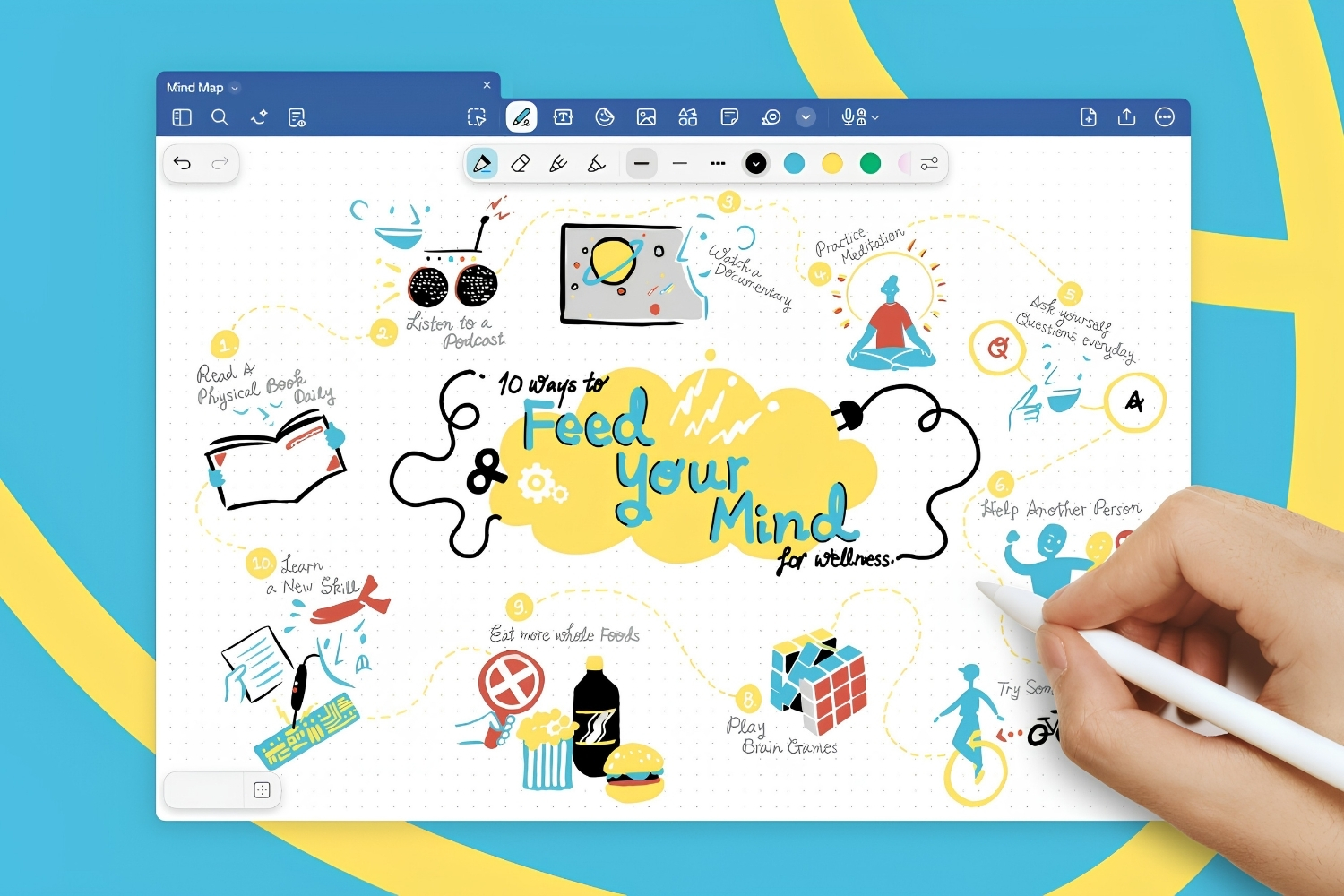
Table of Contents Show
GoodNotes vs Notability comes down to how you work. GoodNotes suits architecture students who juggle many project notebooks, mark up PDF plans, and switch between iPad, Windows, or Android. Notability fits lecture-heavy schedules with recorded audio synced to handwriting. Both run on iPad with Apple Pencil and handle quick sketching well.
Architecture school throws a strange mix at you. One hour is a theory lecture you need to capture word for word, the next is a studio crit where you scribble over a printed plan, and the evening is spent sorting reference images for a precedent study. The note app you pick has to keep up with all of it. GoodNotes and Notability are the two apps most students argue about, and the right answer depends on which of those tasks dominates your week.
GoodNotes vs Notability at a Glance
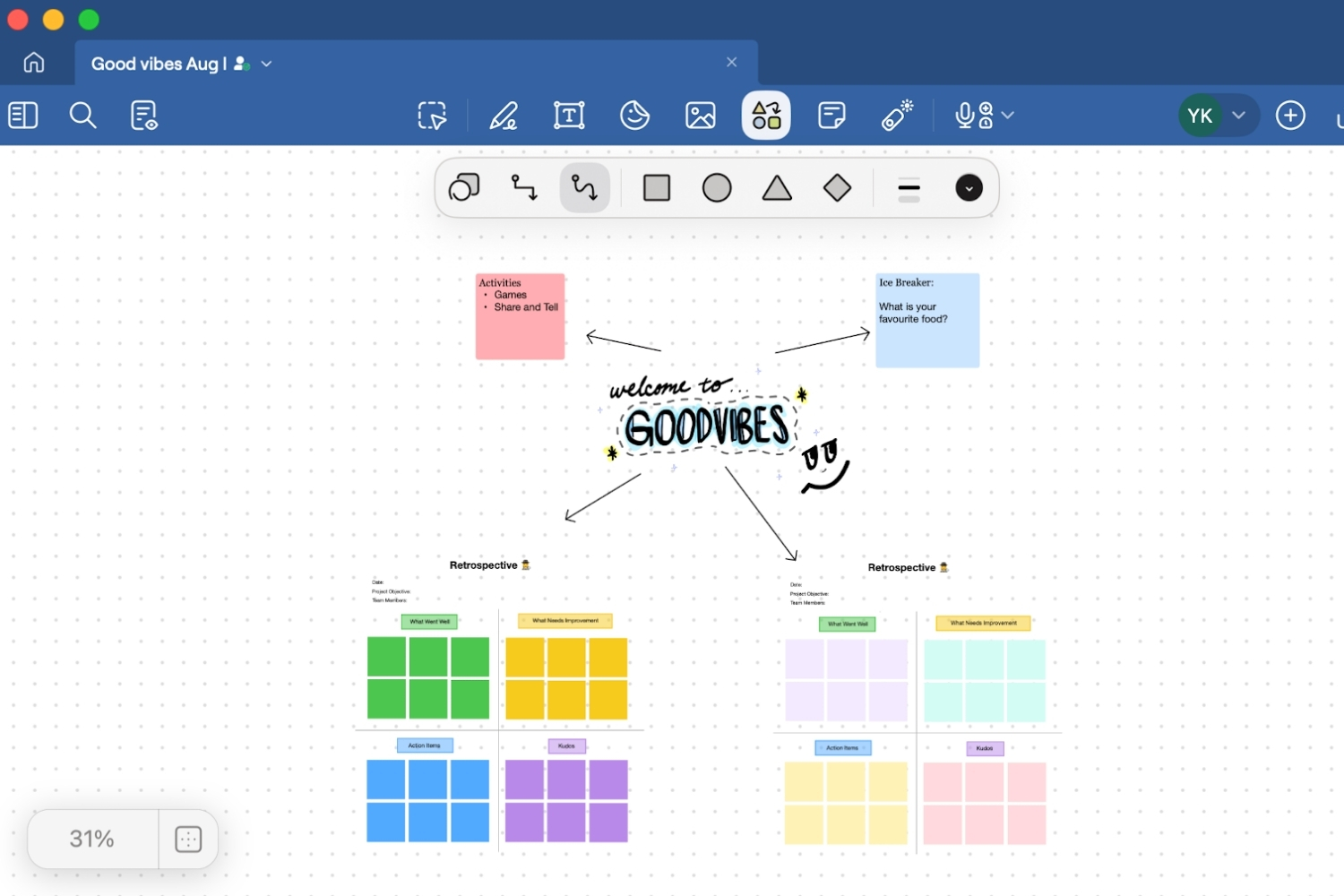
Before getting into the detail, here is a side by side look at the features architecture students ask about most. The table below summarizes where each app pulls ahead.
Feature Comparison Table
| Feature | GoodNotes | Notability |
|---|---|---|
| Platforms | iPad, iPhone, Mac, Windows, Android, web | iPad, iPhone, Mac only |
| Organization | Folders, notebooks, paged structure | Subjects and dividers, single scrolling note |
| Audio recording | Yes, added in version 6 | Yes, playback synced to each pen stroke |
| PDF markup | Strong, import full sets and annotate | Strong, annotate and present |
| Handwriting search (OCR) | Yes, across all notebooks | Yes, within notes |
| Templates | Large library, custom imports, dot and grid | Built in set, custom paper supported |
| Pricing model | Free tier, one time purchase or yearly plan | Free tier, Notability Plus subscription |
| Best for | Project notebooks, plan markup, mixed devices | Recorded lectures, freeform sketch notes |
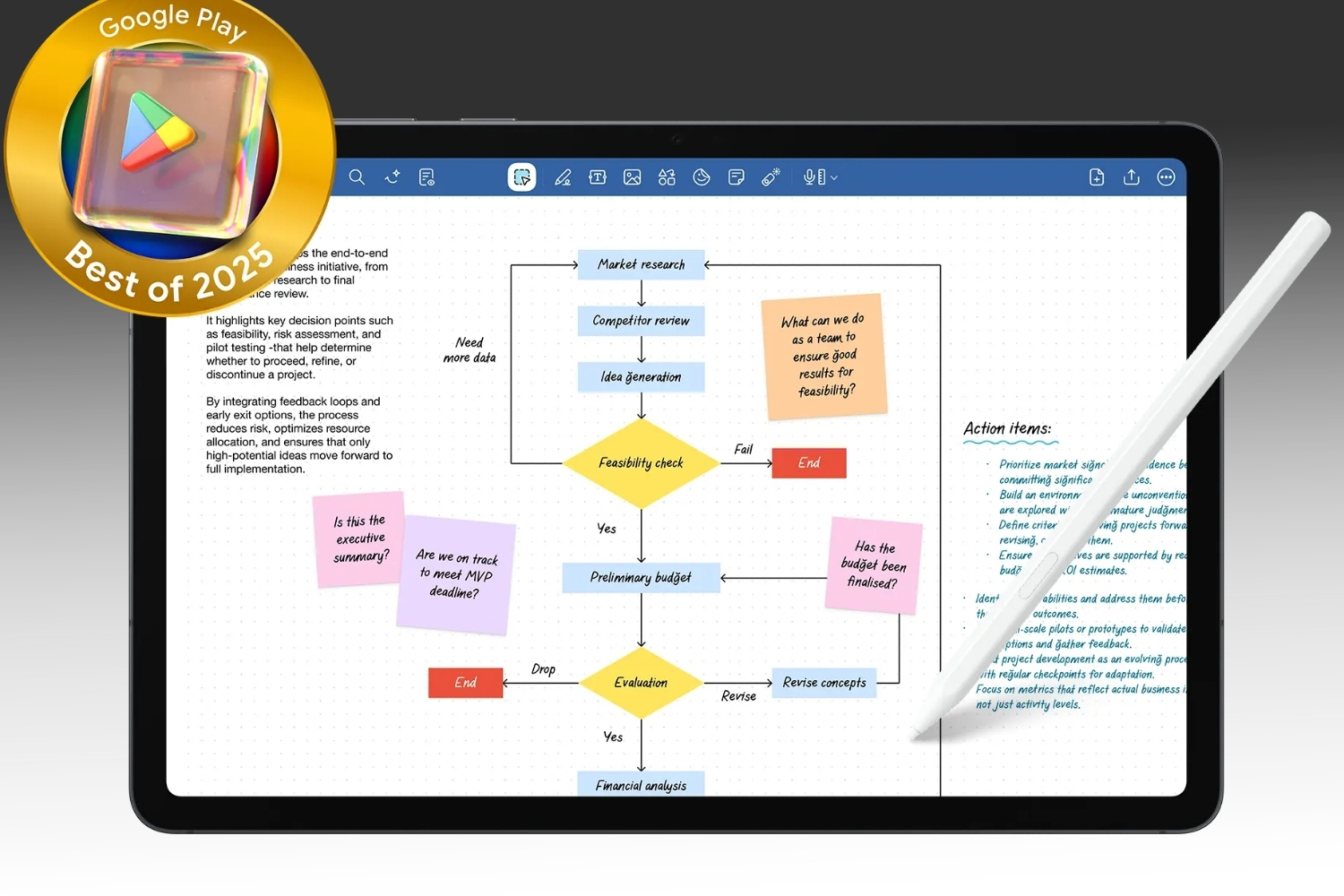
The table makes the headline clear. GoodNotes wins on reach and structure, Notability wins on recorded audio and a faster freeform feel. The sections below explain what that means once you are deep in a semester.
What Architecture Students Actually Need From a Note App
A note app for architecture is not the same as a note app for a law student or a business major. You are constantly mixing typed text, freehand drawing, scaled drawings, and imported reference material in one place. Three needs tend to decide things.
First, drawing has to feel natural. You sketch axonometrics in the margin, redline a floor plan, and trace a detail over a photo. Pen lag, brush options, and zoom precision matter more than they would for someone taking pure text notes. Both apps support Apple Pencil pressure and tilt, so the gap here is small, though Notability has a slightly looser, sketchbook style flow while GoodNotes feels more page bound.
Second, you handle a lot of PDFs. Studio briefs, lecture slides, code excerpts, and printed drawing sets all arrive as PDFs you need to annotate. The app has to import them cleanly, let you write across them, and keep the markup organized by project. If you want a wider view of the tools that fit this kind of work, the roundup of digital notepads for architects covers how note apps sit alongside dedicated sketching software.
Third, retrieval has to be fast. Six weeks into a term you will have hundreds of pages of notes and you need to find that one structural diagram before a deadline. Search, folders, and handwriting recognition decide whether your notes stay useful or turn into a pile you never reopen.
💡 Pro Tip
Set up one notebook or subject per studio project at the start of the term, then add a dated cover page for every desk crit. When juries ask how a scheme developed, you can scroll a single timeline of sketches instead of hunting across scattered files.
GoodNotes for Architecture Students
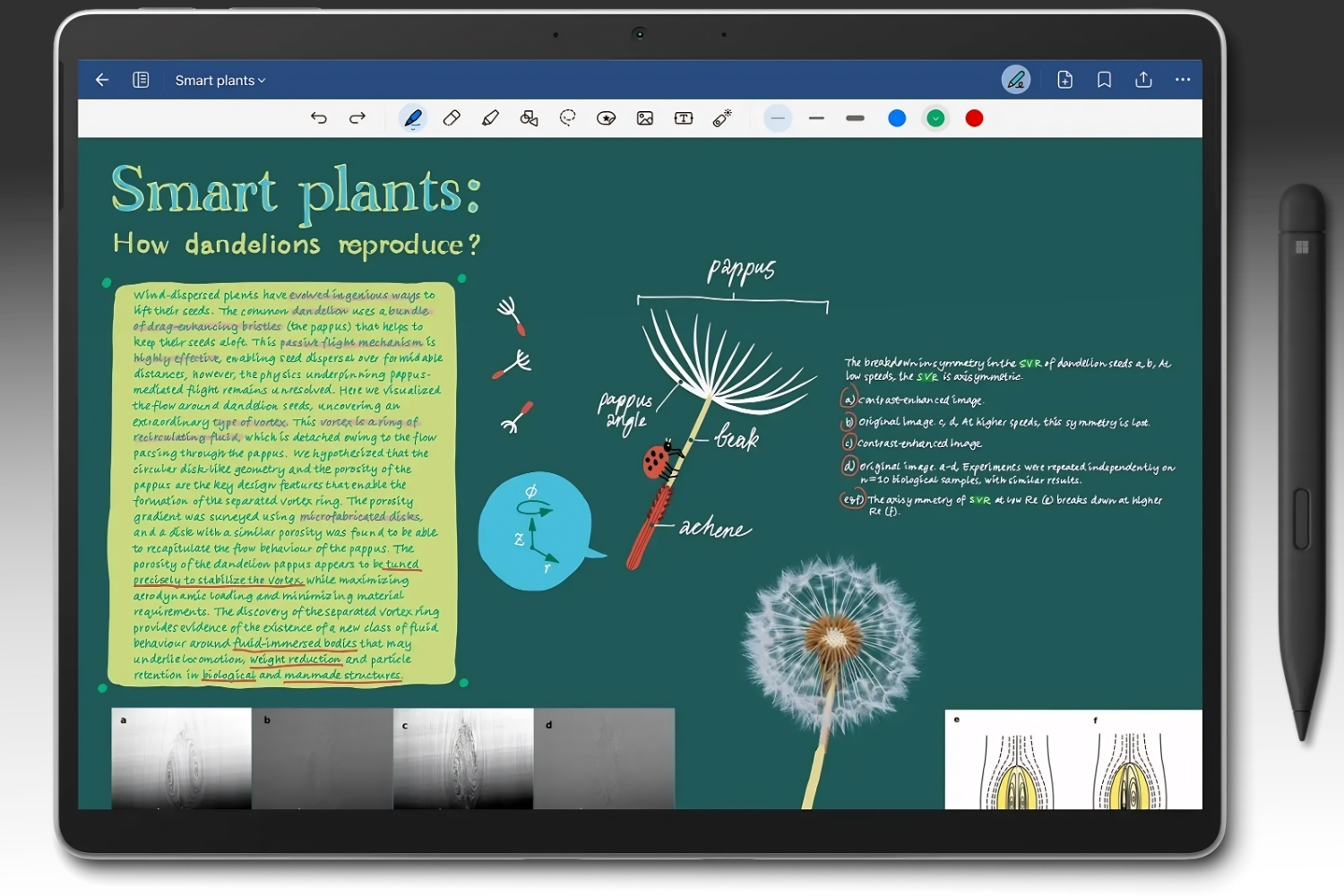
GoodNotes treats your work like a stack of physical notebooks. You create a notebook for a course or a project, choose paper, and flip through pages. That structure rewards students who think in discrete units of work, such as one notebook for History of Architecture, another for a studio project, another for technical drawing.
Organization and Templates
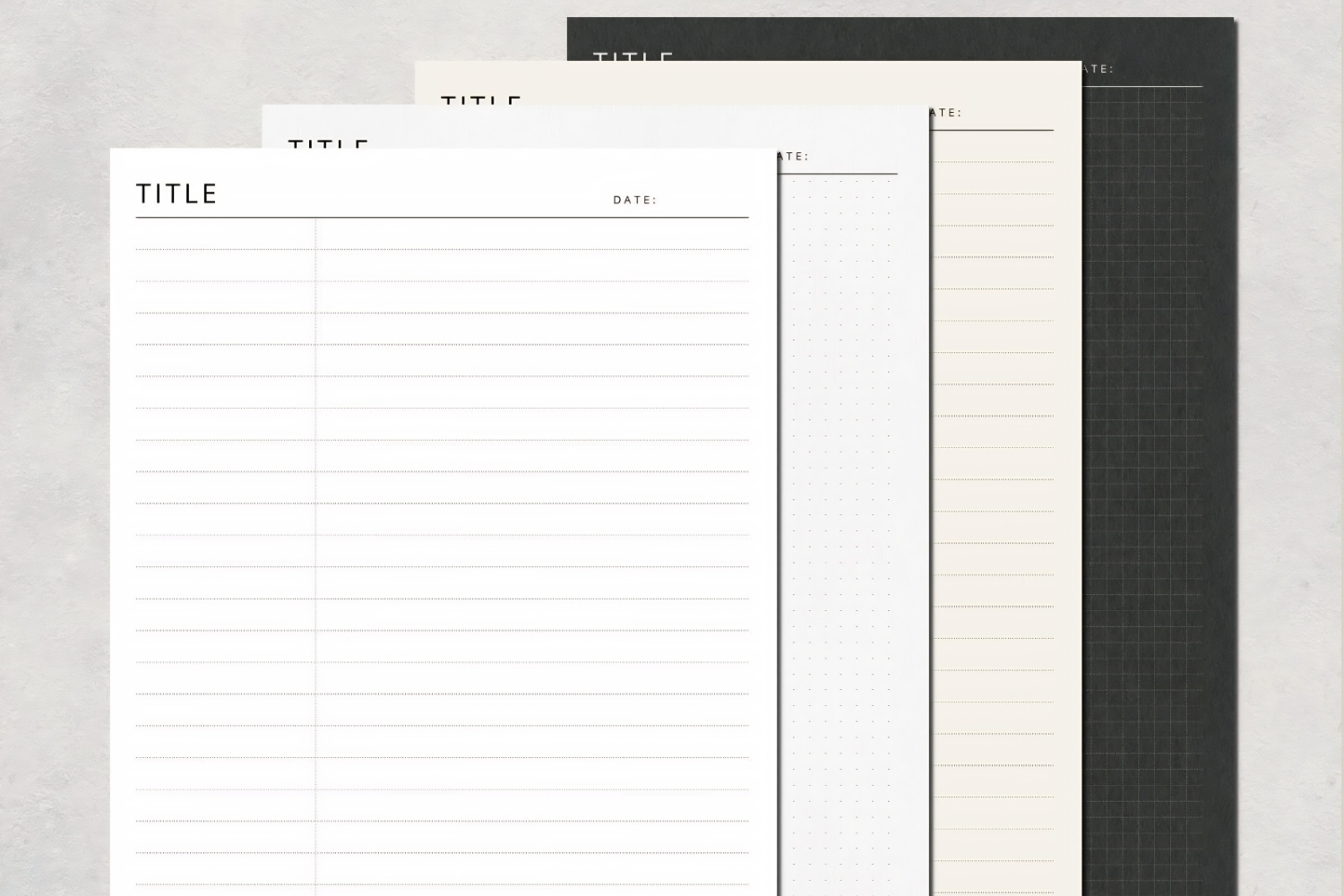
The folder and notebook system is the standout for keeping a heavy course load tidy. You can nest folders, pin frequent notebooks, and drop in custom templates. For architecture that means importing your own title block, a precise dot grid for scaled sketches, or section paper. Handwriting search runs across every notebook at once, so a quick query for a beam type or a professor’s name surfaces the right page fast.
PDF Markup and Plan Review
Importing a multi page drawing set and writing over it is where GoodNotes earns its place in a design workflow. Pages stay crisp when you zoom to detail level, and your PDF markup stays attached to the project notebook rather than floating loose. This pairs well with an iPad and Apple Pencil setup, and if you are still choosing hardware the guide to the best tablets for architects and students is worth a read before you commit.
Cross Platform Reach
GoodNotes runs on iPad, iPhone, Mac, Windows, Android, and the web. For a student who drafts on a Windows laptop in the computer lab and sketches on an iPad in studio, that cross-platform reach removes a real headache. Your notes follow you to whatever screen is in front of you, which Notability cannot match.
⚖️ Pros & Cons at a Glance
✔️ GoodNotes Pros: Works on every major platform, deep notebook and folder organization, custom template imports, global handwriting search
✖️ GoodNotes Cons: Audio recording is newer and less refined than the rival, paged layout can feel rigid for loose sketching
Notability for Architecture Students
Notability built its reputation on one feature that students keep coming back to. It records audio and ties every second of that recording to whatever you were writing at the time. Tap a word in your notes weeks later and playback jumps to the exact moment the lecturer said it. For dense theory and structures lectures, that is genuinely useful.
Recorded Audio Synced to Notes
The audio recording in Notability is the cleaner of the two apps. During a long lecture you can sketch a rough diagram, half listen, and trust that the recording will fill the gaps later. Architecture history and building technology courses move fast and reward this, since you can sketch a structural concept live and replay the spoken explanation when you revise.
Freeform Canvas and Sketch Feel
Instead of fixed pages, a Notability note is one continuously scrolling surface. That infinite scrolling canvas suits people who sketch ideas in bursts and do not want a page edge interrupting a long elevation study or a row of thumbnail concepts. The drawing tools feel quick and forgiving, which is why many students reach for it during early concept work. To see where a note app stops and a true sketching tool begins, compare it against the picks in the guide to the best stylus and pen for architectural sketching.
💡 Pro Tip
During a desk crit, start a Notability recording and sketch your tutor’s suggested moves as they talk. Replaying the audio against your live sketches later captures the reasoning behind each change, which is the part most students forget by the next week.
GoodNotes vs Notability on the Features That Matter
Both apps cover the basics well, so the decision lives in the differences. On organization, GoodNotes is built for someone managing many separate streams of work, while Notability keeps things flatter and faster to start. If you think in projects and courses, the notebook model fits. If you think in continuous sessions of ideas, the scrolling note fits.
On capturing lectures, Notability is ahead because of how tightly it links sound to ink. GoodNotes added recording in version 6 and it works, but the playback link is not as polished. On reach, GoodNotes is the clear pick for anyone who touches a non Apple device during the day. A student locked into an all Apple setup loses nothing by ignoring that advantage.
For pure drawing and PDF annotation, the two are close enough that personal feel decides it. Try both pen engines on the same imported plan and you will quickly know which one you prefer. Many students who use either app also keep a dedicated drawing tool nearby, which is why the overview of iPad apps for architects and students is a useful companion when you build out your kit.
Handwriting Recognition and Long Term Reference
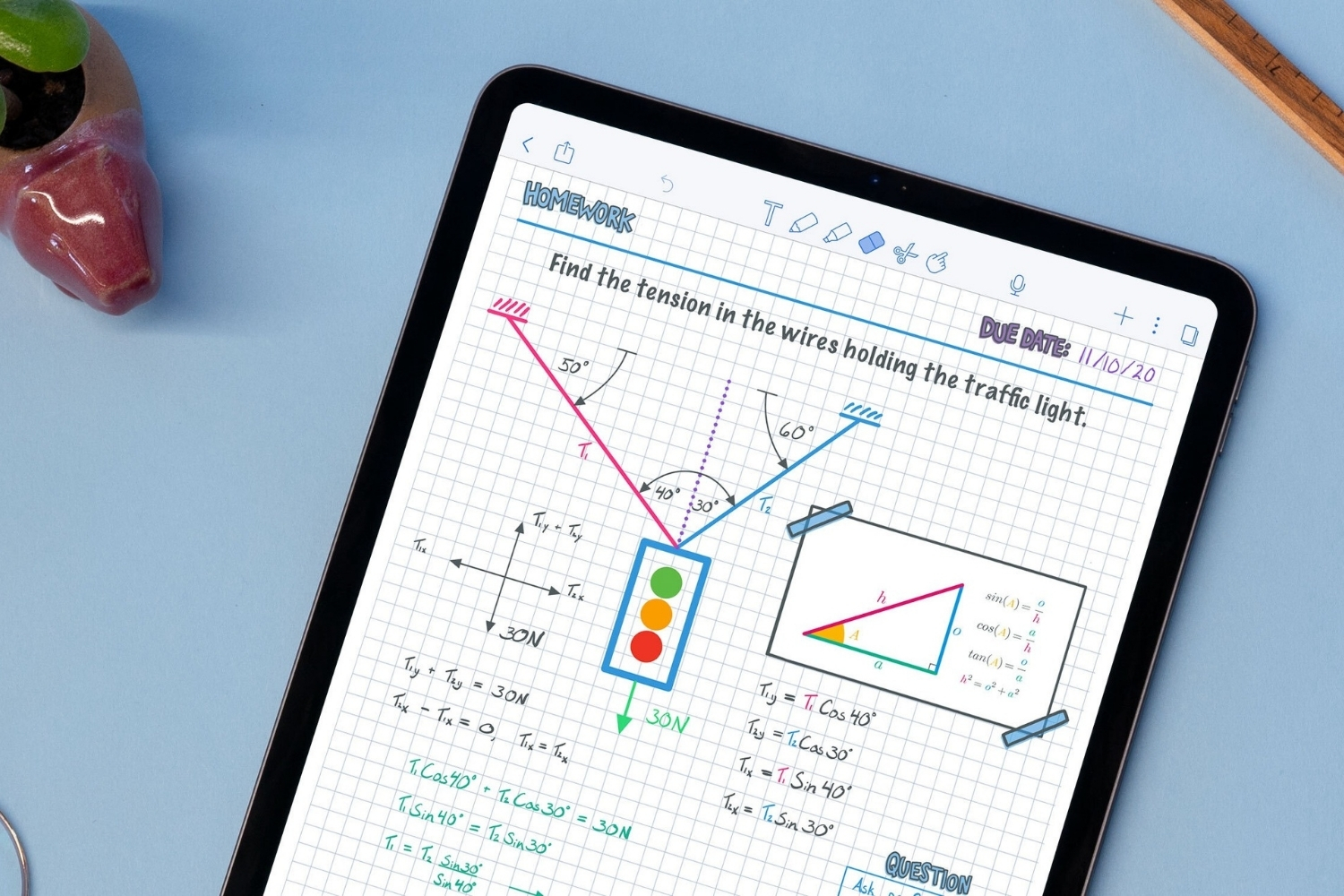
Notes only earn their keep if you can find what you wrote months later, and this is where the two apps quietly diverge. GoodNotes converts handwriting to searchable text across your whole library, so a single query for a term like cantilever or a tutor’s surname pulls every page that mentions it, regardless of which notebook it lives in. For a student building a personal archive of precedent studies and technical references across several years, that library wide reach is hard to give up.
Notability also recognizes handwriting and lets you search within notes, and it adds study tools that turn your notes and imported PDFs into review material. For exam heavy theory and structures modules, that conversion saves time when you revise. The practical difference is scope. GoodNotes thinks in a connected library you search as a whole, while Notability thinks in self contained notes you mine individually. Neither approach is wrong, but the first favors long projects and the second favors focused study sessions.
There is also the question of export and backup, which matters more than students expect. Both apps export to PDF, so your annotated drawing sets and lecture notes travel into a portfolio review or a shared studio folder without fuss. GoodNotes leans on automatic cloud sync across its many platforms, while Notability ties more tightly into the Apple ecosystem. If your degree program standardizes on shared drives or a particular laptop, factor that into the choice before you commit a full term of notes to one app.
Pricing Compared
Both apps use a free tier so you can test them before paying. GoodNotes offers a free version with a notebook limit, then a one time purchase or a yearly plan that adds its newer features. Notability offers a free tier with monthly editing limits, then a Notability Plus subscription that unlocks unlimited use and the full audio and import tools. Confirm current figures on the official pages, since both companies adjust plans and student offers regularly.
For a student budget, the math is simple. If you dislike subscriptions, the GoodNotes one time option is appealing. If you want the strongest recorded audio and do not mind a yearly fee, Notability Plus pays off over a degree. You can review the official details on the GoodNotes website and the Notability site from Ginger Labs.
Pricing and plan structures change over time and vary by region and student offers. Check each developer’s official page for current rates before you buy.
Which Should You Choose?
Match the app to the heaviest part of your week. Choose GoodNotes if you manage several projects at once, mark up a lot of drawing sets, or move between an iPad and a Windows or Android device. Its notebook structure and cross platform reach keep a busy term under control. Choose Notability if your schedule is full of long lectures you want to record, and you prefer a free, scrolling canvas for sketching ideas without page breaks.
Plenty of students run both. They use Notability for theory and history lectures where recorded audio earns its keep, and GoodNotes for studio project notebooks and plan markup. Since both have free tiers, you can test that split for a few weeks at no cost before settling. Either way, the app is only as good as the hardware under it, so it helps to understand how an iPad fits an architecture student workflow and to check Apple’s own Apple Pencil compatibility guide so your stylus matches your tablet.
Bottom Line: GoodNotes is the safer all rounder for organizing projects and working across devices, while Notability is the better tool if recorded lectures and loose sketching define your days. Test both free tiers against one real week of classes, and the right fit for your own workflow will be obvious.






Notion Alternatives for Architects: 7 Tools That Fit Studio Work
Notion works until a studio needs fee tracking, phase budgets and timesheets....
 Furkan Sen7 Mins read

Why Every Practice Ends Up With Five Versions of the Same Revit Family
Let’s learn why Revit family libraries accumulate duplicates, break schedules and slow...
 illustrarch Editoral Team5 Mins read

Visualizing Renovation Projects From Photographs: A Workflow for Existing-Building Work
Photo-based visualization turns a photograph of a building that already exists into...
illustrarch Editoral Team7 Mins read

Best Free CAD Blocks and Resources for Architects
A working guide to free CAD blocks for architects, covering ARCAT, CAD-Blocks.net,...
Furkan Sen7 Mins read



Leave a comment