

Best Online Tutorials for Creating Architectural Illustrations
Online tutorials for creating architectural illustrations provide guidance on modeling, rendering, and hand drawing to enhance communication of design concepts effectively.
 Furkan Sen15 June 20225 Mins read757
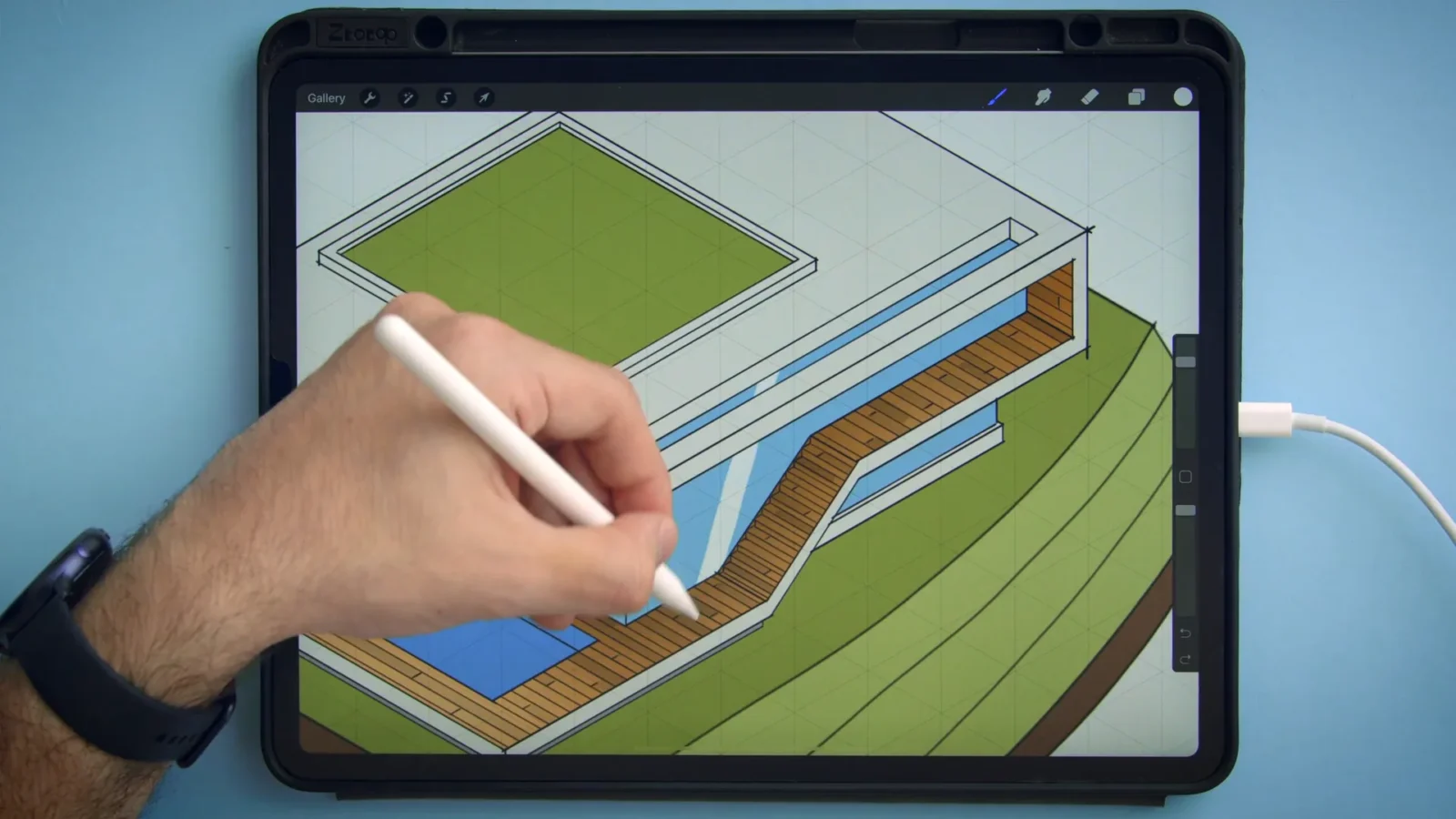
Table of Contents Show
The best online tutorials for creating architectural illustrations teach you to model, render, and hand draw a project so the final image reads clearly to a client. Most of these architectural illustration tutorials run as short video courses on platforms like Domestika, where you work through a real brief from sketch to finished sheet at your own pace.
Strong illustration skills decide whether a design idea lands or gets lost in a meeting. A clean axonometric, a warm pedestrian view, or a humanised floor plan can carry a concept further than any spec sheet. The courses below cover digital workflows, freehand drawing, and post-production, so you can pick the path that fits how you already work.
What to Look for in an Architectural Illustration Course
Before paying for any course, check three things: the software it uses, the instructor’s own portfolio, and the type of output you want to produce. A SketchUp and Photoshop pipeline suits architects who already model in 3D, while Procreate and freehand classes reward those who prefer drawing by hand. Match the tool to your daily routine instead of chasing the newest app.
Audio language and subtitles matter too. Several of the courses listed here are taught in Spanish or Portuguese with English captions, which is fine for visual demonstrations but worth knowing before you enroll. Most also include downloadable project files so you can follow along with the same assets the tutor uses.
💡 Pro Tip
Finish one course completely and rebuild the exercise with your own studio project before starting the next. A single technique applied to real work teaches you more than five courses watched passively, and it gives you a portfolio piece in the process.
Best Online Tutorials for Creating Architectural Illustrations
Each of the six courses below sits in Domestika’s architectural illustration category and is taught by a practising architect or illustrator. They are grouped roughly from digital pipelines toward fully analog drawing.
1. Digital Illustration of Architectural Projects

Course link: Domestika · Tutor: Fernando Neyra Moreta · Level: Beginner · Audio: Spanish (English subtitles)
Fernando Neyra is an architect and illustrator whose style has been used by clients such as Gehl Architects, Aeromexico, and Studio Precht. The course walks you through two presentation types, axonometric and pedestrian, so you can communicate a concept with an artistic edge. The pipeline covers modeling in SketchUp, rendering in V-Ray or Lumion, then filtering and recomposing the whole image in Photoshop. It is a solid starting point if you want one repeatable workflow from model to final sheet.
2. Presentation Technique for Architectural Projects
Course link: Domestika · Tutor: DX Arquitectos · Level: Beginner · Audio: Spanish (English subtitles)
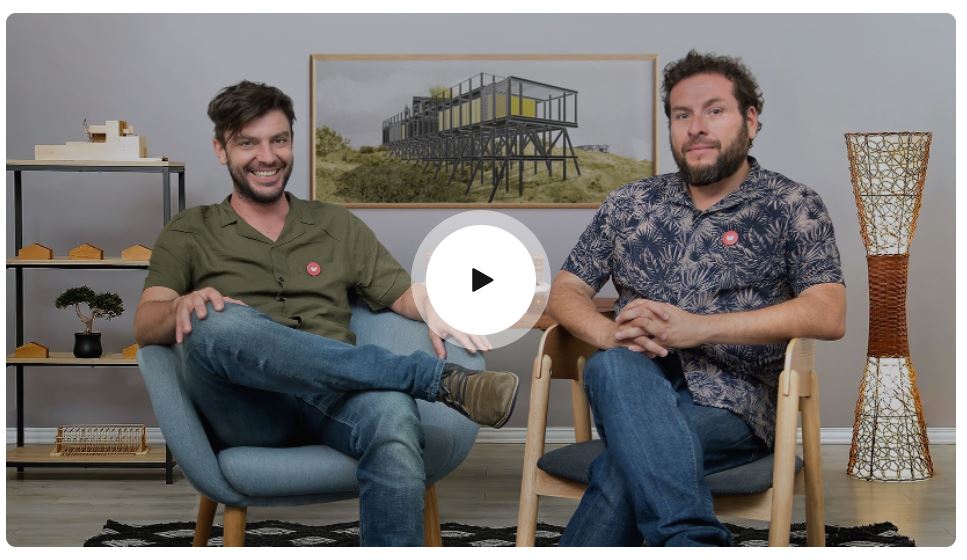
Sergio Hidalgo and German Rodriguez of DX Arquitectos mix analog and digital methods to build visualizations with unusual texture and depth. You learn to assemble a presentation sheet in Adobe Photoshop, moving through every stage from the first sketch and physical model to the 3D view. By combining freehand drawing, photography, and digital composition, you reach a richer result than any single technique gives on its own.
📌 Did You Know?
Several architectural illustration courses on Domestika have enrolled well over 100,000 students each, according to the platform’s own course pages. That volume of feedback in the project gallery means you can study how hundreds of beginners solved the same brief before you submit your own.
3. Artistic Architectural Sketching with Procreate

Course link: Domestika · Tutor: Ehab Alhariri · Level: Beginner · Audio: English
Moving an architectural drawing onto an iPad opens up fast colour, layering, and easy revisions. Ehab Alhariri shares his full process for turning a line drawing into a finished illustration inside Procreate, using brushes and layers built for quick iteration. If you are weighing the app for studio work, our review of Procreate for architects covers where it fits, and you can browse the digital tools that pair well with it. For more reference, see these architectural sketch examples.
4. Concept Sketching for Architecture and Design
Course link: Domestika · Tutor: Timo Muller · Level: Beginner · Audio: English
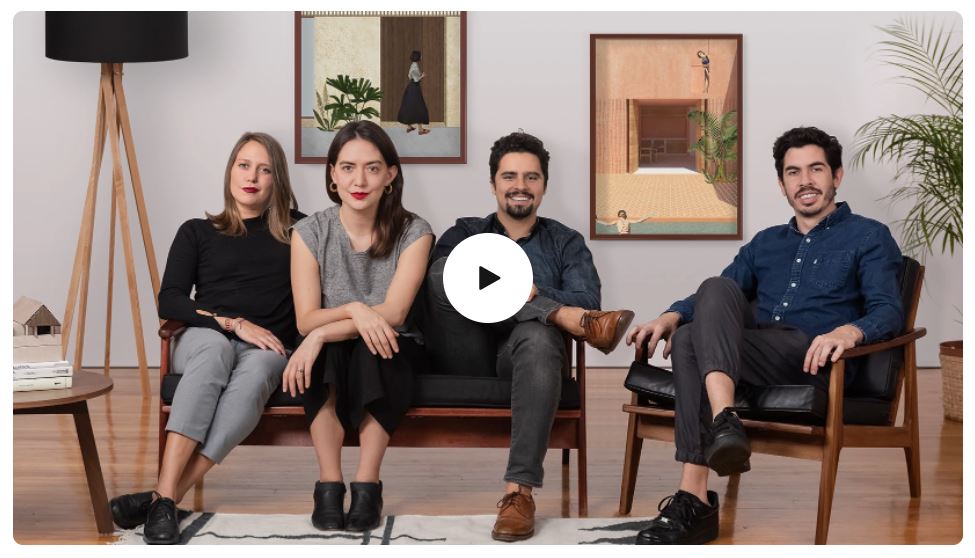
A good concept sketch should feel like a small act of discovery for whoever views it. Industrial designer and illustrator Timo Muller blends digital tools with analog texture to build spaces that hold attention. You learn to draw a sketch that carries the core idea of a design, then bring it forward with detail, colour, light, and shadow across both mediums. It pairs well with our guide to understanding the architectural concept behind a project.
5. Architectural Illustration: Humanize the Design of a Space

Course link: Domestika · Tutor: Marcelo Marttins · Level: Beginner · Audio: Portuguese (English subtitles)
This is the course to take if you want to draw entirely by hand. Marcelo Marttins, an architect and artist based in Sao Paulo, treats the hand as the main tool for graphic illustration. He shows you how to add personality to a space so the project reads as lived in rather than sterile. The lessons run through sketching basics, drawing vegetation and human figures, applying colour and shadow, and presenting the result to a client.
6. Post-production of Architectural Plans in Photoshop

Course link: Domestika · Tutor: Maria Cilveti · Level: Beginner · Audio: Spanish (English subtitles)
Maria Cilveti, an architect and co-founder of a visualization studio, teaches her method for turning a flat 2D plan into an expressive graphic that blends nature and architecture. You work through the building blocks of a strong plan: the colour palette, the floor plan read, and a mood board that fixes the look before you start. The class then covers composing a site plan and editing landscape detail. If Photoshop is not your tool, compare the options in our roundup of Photoshop alternatives for architects.
How These Tutorials Compare
The table below lines up the six courses by their main software and the kind of illustration each one produces, so you can match a class to the result you need.
Architectural Illustration Courses at a Glance
| Course | Main Software | Best For | Audio |
|---|---|---|---|
| Digital Illustration of Architectural Projects | SketchUp, V-Ray/Lumion, Photoshop | Axonometric and pedestrian views | Spanish |
| Presentation Technique for Architectural Projects | Photoshop | Mixed analog and digital sheets | Spanish |
| Artistic Architectural Sketching with Procreate | Procreate (iPad) | Fast digital sketching | English |
| Concept Sketching for Architecture and Design | Digital plus analog | Early concept sketches | English |
| Humanize the Design of a Space | Hand drawing | Fully freehand illustration | Portuguese |
| Post-production of Architectural Plans | Photoshop | Stylised 2D plans | Spanish |
⚖️ Pros & Cons at a Glance
Pros: Learn at your own pace, downloadable project files, real instructor portfolios, lifetime access on most platforms.
Cons: Limited live feedback, several courses use Spanish or Portuguese audio, self-discipline needed to finish.
Skills You Build Through These Tutorials
Taken together, these classes cover the full range of architectural illustration: 3D modeling, render post-production, freehand drawing, concept sketching, and presentation layout. Working across two or three of them gives you a flexible toolkit rather than dependence on one app. For a wider look at how illustration sits alongside built work, design publications like ArchDaily are a useful source of reference imagery and current visual trends.
Frequently Asked Questions
Are online tutorials enough to learn architectural illustration?
For most architects, yes. Online tutorials cover the technical workflow and let you repeat lessons until a technique sticks. The gap they leave is live critique, which you can fill by sharing work in the course project gallery or with peers.
Do I need expensive software to start?
No. You can begin with one tool you already own, such as Photoshop or an iPad with Procreate. Several render engines and drawing apps offer free trials, so test a workflow before committing to a paid licence.
How long does it take to finish one of these courses?
Most run between two and five hours of video. Allow two to three times that to complete the project exercises properly, since the hands-on practice is where the skill actually forms.
Where to Go From Here
Your next step: Pick the one course whose software matches what you already use, block out a weekend, and finish the project brief end to end. One completed illustration in your own style is worth more than a stack of half-watched lessons.






Are Online Courses Worth It for Young Architects? Benefits, Challenges, and Success Stories
Are online courses worth it for young architects? Discover the benefits, drawbacks,...
 Sinan Ozen5 Mins read

Top 10 Free Online Architecture Courses for 2026
A Top 10 guide to free online architecture courses from Harvard, MIT,...
 Elif Ayse Sen5 Mins read

Evolution of Architectural Education in the Digital Age: The Role of Online Platforms in Preparing Students
Online platforms are transforming architectural education by providing students with access to...
 Bahattin Duran4 Mins read
Unlock the Benefits of Learning from Online Architecture Courses Today
Explore the transformative potential of online architecture courses, offering unmatched flexibility and...
 Muhammad Abdullatef - Tifa Studio4 Mins read


Leave a comment