

10 Best Rhino Extensions Every Architect Should Use
A practical look at 10 of the best Rhino extensions for architects, from Grasshopper and Kangaroo to Karamba3D, VisualARQ, and Enscape. See what each plugin does, the type of work it suits, and where to download it from an official source.
 Furkan Sen1 July 20227 Mins read674

Table of Contents Show
Rhino extensions are add-on plugins that expand Rhino 3D with tools for parametric modeling, structural analysis, environmental simulation, and real-time rendering. Most run inside Grasshopper, Rhino’s visual programming environment, and the best ones let architects automate repetitive tasks, test designs faster, and produce documentation without leaving the modeling space.
Rhino is a flexible 3D modeler, but its real power shows once you start adding plugins on top of it. The right set of Rhino extensions turns a general surface modeler into a design studio that handles form-finding, engineering checks, facade paneling, and presentation renders. Below are 10 of the best Rhino plugins that working architects and designers reach for, why each one matters, and where to download it from an official source.
💡 Pro Tip
Install one plugin at a time and restart Rhino between each, then check the Grasshopper components load without red errors. Stacking five installers in a row is the fastest way to hit version conflicts that are painful to trace later, especially when a plugin targets an older Rhino build.
The 10 best Rhino plugins and extensions at a glance
Before the detailed breakdown, this table maps each plugin to what it does and the type of work it suits best, so you can shortlist the ones that fit your projects.
| Plugin | What it does | Best for |
|---|---|---|
| Grasshopper 3D | Visual programming and parametric modeling | Any algorithmic or generative design |
| Kangaroo | Live physics and form-finding simulation | Tensile, mesh, and structural forms |
| Ladybug Tools | Climate, daylight, and energy analysis | Environmental and sustainable design |
| Karamba3D | Finite element structural analysis | Load testing and structural optimization |
| Weaverbird | Mesh subdivision, smoothing, thickening | Clean mesh geometry for fabrication |
| Pufferfish | Tweening, morphing, and transformations | Interpolated forms without scripting |
| LunchBox | Paneling, math shapes, data tools | Facade panels and surface geometry |
| Elefront | Baking and managing geometry with attributes | Data-driven Rhino model workflows |
| VisualARQ | Parametric BIM objects and documentation | Plans, sections, and elevations in Rhino |
| Enscape for Rhino | Real-time rendering and VR walkthroughs | Fast client-ready visuals |
1. Grasshopper 3D
Grasshopper 3D is the plugin most people think of first, and for good reason. It is a graphical algorithm editor that lets you build geometry by connecting components instead of writing code. You can generate complex geometries, drive them with sliders, automate repetitive steps, and rebuild an entire model by changing a single input. It started life as a separate download called Explicit History and now ships built into recent Rhino releases. If you plan to run most of the other tools on this list, Grasshopper is the foundation they sit on.
Why Grasshopper matters for parametric design
Grasshopper makes parametric design accessible without deep programming knowledge. Facade systems, structural grids, and site studies that would take hours to redraw by hand update in seconds once the definition is set up. This is why so many studios treat it as the entry point into computational work.

📌 Did You Know?
Grasshopper was first released by developer David Rutten in 2007 under the name Explicit History. It was a free add-on for years and is now bundled directly inside Rhino, which is why most modern Rhino extensions are written as Grasshopper components rather than standalone tools.
2. Kangaroo
Kangaroo is a live physics engine that runs inside Grasshopper. Instead of modeling a shape directly, you set up forces, springs, and constraints, then let the solver settle into a form that satisfies them. Architects use it for tensile structures, gridshells, inflated cushions, and any design where the final geometry depends on physical behavior rather than fixed coordinates. Because the simulation updates in real time, you can drag points and watch the structure respond, which makes it a strong tool for early form-finding studies. You can download it from Food4Rhino.
3. Ladybug Tools
Sustainability now sits at the center of most design briefs, and Ladybug Tools brings environmental analysis into Rhino. The Ladybug Tools suite imports standard EnergyPlus weather files (EPW) and produces 2D and 3D graphics for sun paths, radiation, wind, and daylight. Its companion, Honeybee, connects to validated engines for energy and daylight modeling. Together they let architects test how a building form performs against real climate data early in the process, when changes are cheap. For deeper reading on the ideas behind this kind of work, our overview of parametric design in architecture is a useful companion.
4. Karamba3D
Karamba3D is a finite element analysis tool that lives inside Grasshopper, so structural checks stay parametric alongside the geometry. It calculates the response of beams, shells, and trusses under arbitrary loads, reports deflection and stress, and can optimize member sizes automatically. For architects who want to understand how a structure behaves before handing it to an engineer, Karamba closes the gap between design intent and structural reality. The parametric link means that when the form changes, the analysis follows. Download it from Food4Rhino.

⚖️ Pros & Cons at a Glance
✔️ Pros: Huge range of free and paid tools, tight Grasshopper integration, active community support, faster iteration on complex geometry.
✖️ Cons: Version compatibility can break between Rhino releases, some plugins carry a learning curve, and stacking too many slows performance.
5. Weaverbird
Weaverbird is a topological mesh editor that handles subdivision, smoothing, and thickening with clean, predictable results. When you build faceted or organic forms, raw meshes often come out messy and hard to fabricate. Weaverbird refines them into geometry that can be paneled, unrolled, or sent to a mill. It works both as a Rhino plugin and inside Grasshopper, and it pairs well with Kangaroo output that needs tidying before production. You can get it from the developer’s official page at giuliopiacentino.com.
6. Pufferfish
Pufferfish focuses on tweening, blending, morphing, and transformations, using parameters like numbers, planes, and points. It fills gaps in native Grasshopper for designers who want smooth interpolation between shapes without writing scripts. If you need to blend one profile into another across a surface, array forms along a curve with controlled variation, or morph geometry between two states, Pufferfish gives you the components to do it cleanly. It has become a favorite for facade and product studies where gradual change across a set of elements is the whole point. Find it on Food4Rhino.
7. LunchBox
LunchBox is a general-purpose toolkit that many architects install on day one. It offers paneling tools for triangular, diamond, and custom grids, a library of mathematical shapes, and helpers for managing data and geometry. When you need to wrap a panel system over a free-form surface or rationalize a complex geometry into buildable pieces, LunchBox handles the heavy lifting. It also includes machine learning components for regression and clustering. Download it from Food4Rhino.
💡 Pro Tip
Keep a small text note of which plugin version you used on each active project. When you reopen a file months later on a newer Rhino build, that note saves you from guessing why a definition suddenly throws errors, and it makes handing files to collaborators far smoother.
8. Elefront
Elefront changes how you move data between Grasshopper and the Rhino model. It lets you bake geometry with attributes attached, such as layer, name, and custom user text, then reference that geometry back into Grasshopper by its properties. For large projects, this turns the Rhino file into a structured database rather than a loose pile of objects. Teams that manage schedules, tagging, or fabrication data rely on Elefront to keep everything organized and linked. It is available on Food4Rhino.
9. VisualARQ
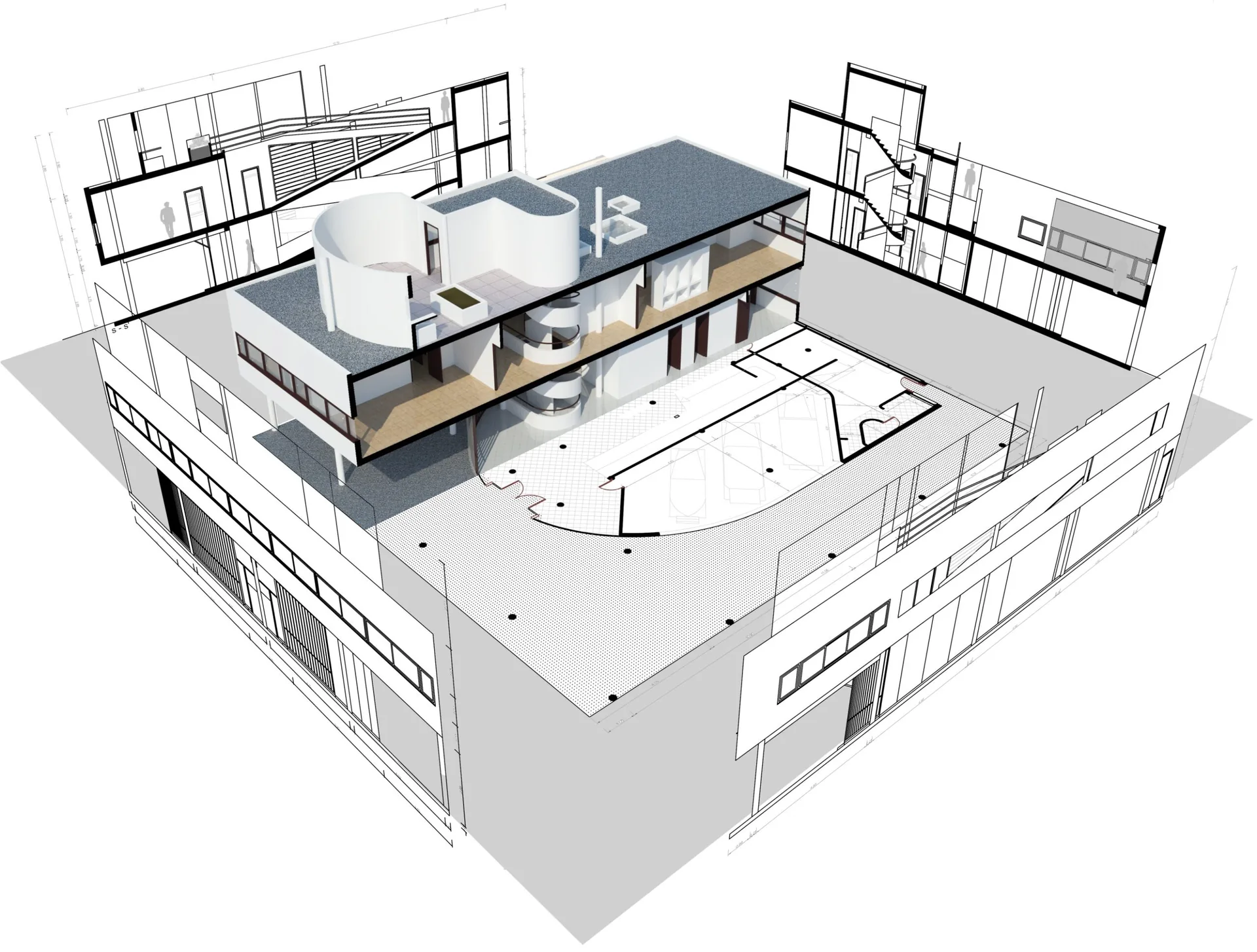
VisualARQ adds BIM-style workflows to Rhino. It provides a library of parametric architectural objects, including walls, doors, windows, stairs, and beams, and generates plans, sections, and elevations that stay linked to the 3D model. When the model changes, the documentation updates. For architects who love Rhino’s freedom but need proper construction drawings, VisualARQ bridges free-form modeling and building documentation without forcing a switch to another program. Learn more at the official VisualARQ site.
10. Enscape for Rhino
Rhino has never been known for quick, photorealistic output, and this is where Enscape steps in. As a real-time rendering plugin, Enscape links directly to your Rhino model and produces lit, textured views instantly, with support for VR walkthroughs. Because it renders live, you can adjust the design in a client meeting and show the updated visual in the same session. For presentations and design reviews where speed matters, it is one of the most practical Rhino extensions available. See the feature list on the official Enscape site.
How do you install Rhino extensions?
Most Rhino plugins install in one of two ways. Grasshopper components usually come as a .gha file that you drop into the Grasshopper Components folder, then unblock in the file properties and restart Rhino. Standalone Rhino plugins ship as .rhi or .rhp installers that register themselves automatically. Many of the tools above are distributed through Food4Rhino, the official plugin community run by McNeel, which keeps versions and documentation in one place. Always download from the developer or Food4Rhino rather than mirror sites, and match the plugin version to your Rhino version to avoid load errors.
How to choose the right Rhino plugins for your work
Start with the problem, not the plugin. If you fight with structural questions, Karamba3D earns its place. If your projects live and die on daylight and energy, Ladybug Tools comes first. Designers doing heavy facade work lean on LunchBox, Weaverbird, and Pufferfish, while practices that need drawings stay close to VisualARQ. Almost everyone benefits from Grasshopper and a fast renderer like Enscape. Rather than installing everything at once, add tools as real needs appear, and keep your Grasshopper environment lean so definitions stay reliable. If you also work in other modelers, our list of SketchUp extensions and our guide to the best channels for learning Rhinoceros are worth a look.
Bottom Line: The strongest Rhino setups are built around Grasshopper, then extended with a few targeted plugins that match the work in front of you. Pick tools that solve a real bottleneck, install them carefully, and you will spend far less time fighting software and far more time refining the design.
Architecture Students Hub
This guide is part of Software, Rendering and Gear, stage 4 of our student roadmap from the first diagram to the first internship. Next stage: Portfolio, CV and Internships, or browse every free tool and guide in the Architecture Students Hub.






Notion Alternatives for Architects: 7 Tools That Fit Studio Work
Notion works until a studio needs fee tracking, phase budgets and timesheets....
Furkan Sen7 Mins read

Why Every Practice Ends Up With Five Versions of the Same Revit Family
Let’s learn why Revit family libraries accumulate duplicates, break schedules and slow...
 illustrarch Editoral Team5 Mins read

Visualizing Renovation Projects From Photographs: A Workflow for Existing-Building Work
Photo-based visualization turns a photograph of a building that already exists into...
illustrarch Editoral Team7 Mins read

Best Free CAD Blocks and Resources for Architects
A working guide to free CAD blocks for architects, covering ARCAT, CAD-Blocks.net,...
Furkan Sen7 Mins read


Leave a comment