

Procreate Alternatives for Architects: 8 Apps Worth Switching To
Procreate is iPad only, which rules it out for many architects. This article compares 8 alternatives including Morpholio Trace, Concepts, Adobe Fresco and Krita, covering platform support, scale tools, export formats and pricing models.
 Elif Ayse Sen11 August 20267 Mins read270
Table of Contents Show
Procreate runs only on iPad, so architects working on Windows, Android, or a desktop machine need a different tool. The strongest Procreate alternatives are Morpholio Trace, Concepts, Adobe Fresco, Clip Studio Paint, Affinity, Krita, Sketchbook, and Infinite Painter, each covering a different mix of platform support, drawing scale, and export requirements.
Most lists of drawing apps are written for illustrators. Architects need something else: scaled linework, clean PDF markups, exports that a CAD file can actually receive, and a perspective system that holds up across a facade study. The eight apps below are ranked by how they fit a working design process, not by brush count.
Why Architects Look for Procreate Alternatives
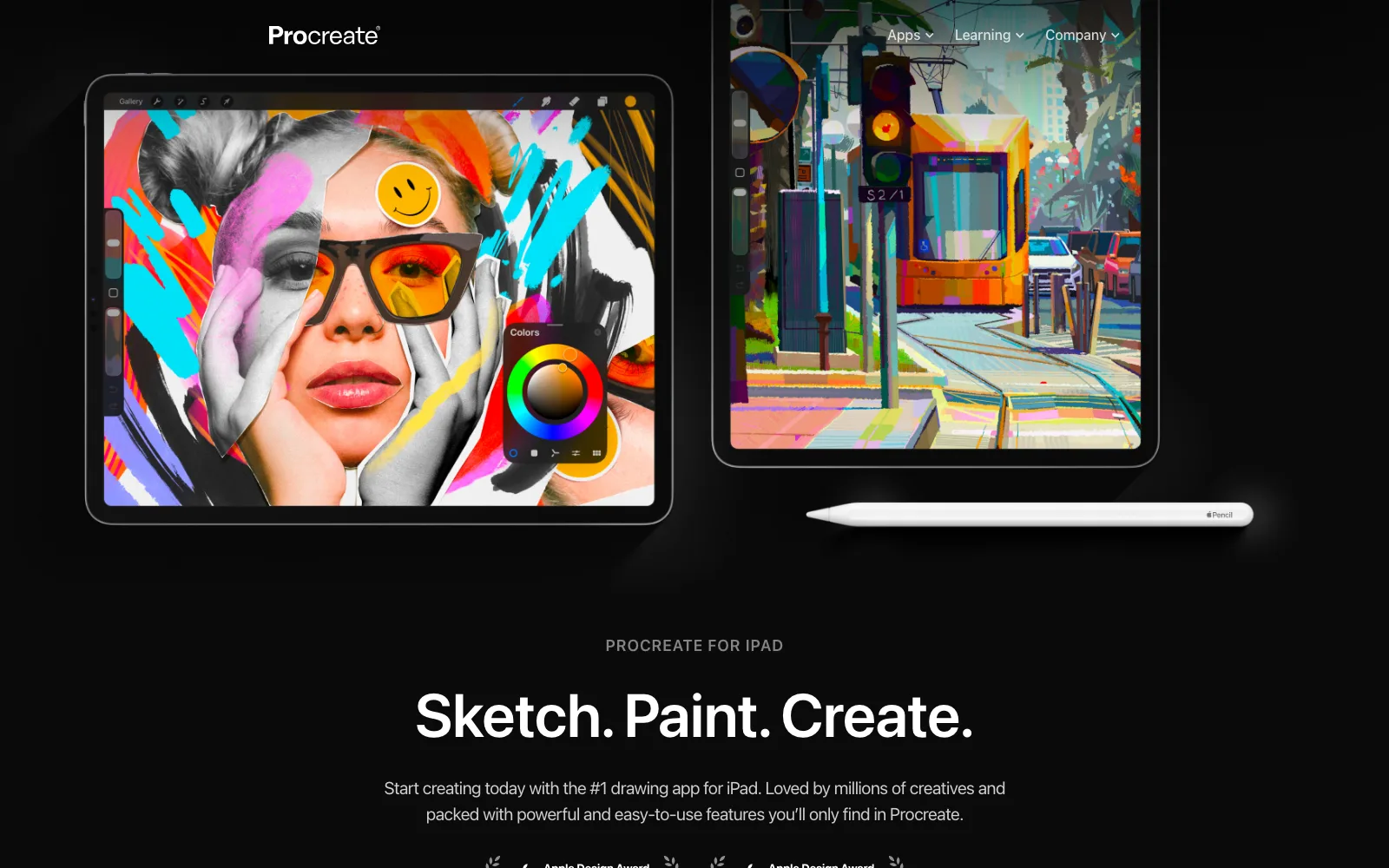
The app itself is rarely the problem. Our own practical review of Procreate for architects covers how well it handles concept massing and presentation paint-overs. The friction shows up somewhere else, usually in one of three places.
Hardware comes first. Procreate is sold exclusively through the App Store and needs an iPad, which the official product page confirms. If your studio standardized on Surface tablets or Android devices, the app is off the table before you compare features.
Scale comes second. Procreate has no true measurement system. You can fake a grid, but you cannot set a drawing to 1:100 and trust that a dimension read off the screen means anything. For schematic design and construction administration markups, that gap matters more than brush quality.
Third is file handoff. Raster output moves poorly into CAD. If your sketch needs to return to AutoCAD, Revit, or Rhino as geometry rather than a background image, you want an app that exports DXF or SVG.
How to Choose a Drawing App for Architecture Work
Before comparing names, decide which of these five things your workflow actually needs:
- Platform: iPad, Windows, Android, macOS, or a mix across a team
- Scale and measurement: real-world dimensions on the canvas, not just a grid
- Vector or raster strokes: editable lines versus painterly texture
- Export formats: DXF and SVG for CAD, PSD for compositing, PDF for issue sets
- Payment model: one-time purchase, free tier, or subscription
An architect doing weekly redlines over drawing sets has almost nothing in common with one producing competition boards. Pick for the task you repeat most often. If your sketching fundamentals need work before the software does, our architectural sketching tips and techniques are the better starting point.
The 8 Best Procreate Alternatives for Architects
1. Morpholio Trace (Best for Scaled Architectural Drawing)
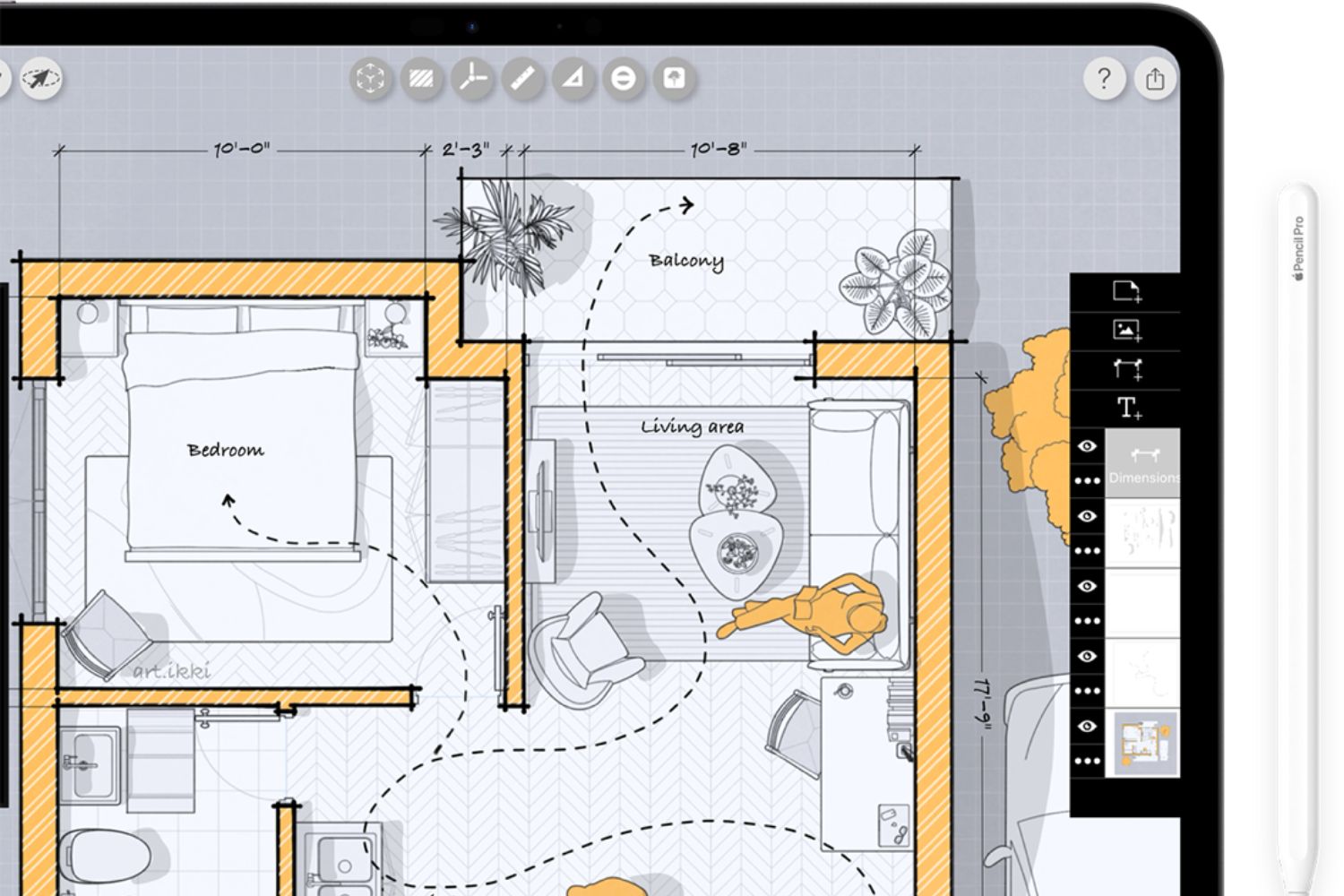
Trace was built by four architects in 2010 and behaves like digital tracing paper with CAD intelligence underneath. You import a plan, a site photo, or a LiDAR room scan, calibrate the scale, and sketch in layers on top. Smart Hatch and Smart Fill calculate areas as you draw, and finished work exports as DXF straight into AutoCAD, Revit, Rhino, or Vectorworks, according to the Morpholio Trace product page.
Pricing runs as a free tier with a limited project count, then TracePlus and TracePro subscriptions. It is iPad and iPhone only, so it solves the scale problem but not the platform problem. Our full Morpholio Trace review breaks down the tiers.
📌 Did You Know?
Vectorworks, part of the Nemetschek Group, acquired Morpholio in February 2026, putting a sketching app under the same roof as a full CAD and BIM platform. In March 2026 the company released AI Scale inside Trace, a feature that reads an imported drawing and calibrates its scale automatically, removing the manual setup step. (Source: Vectorworks newsroom, March 2026)
2. Concepts (Best Cross-Platform Sketching App)
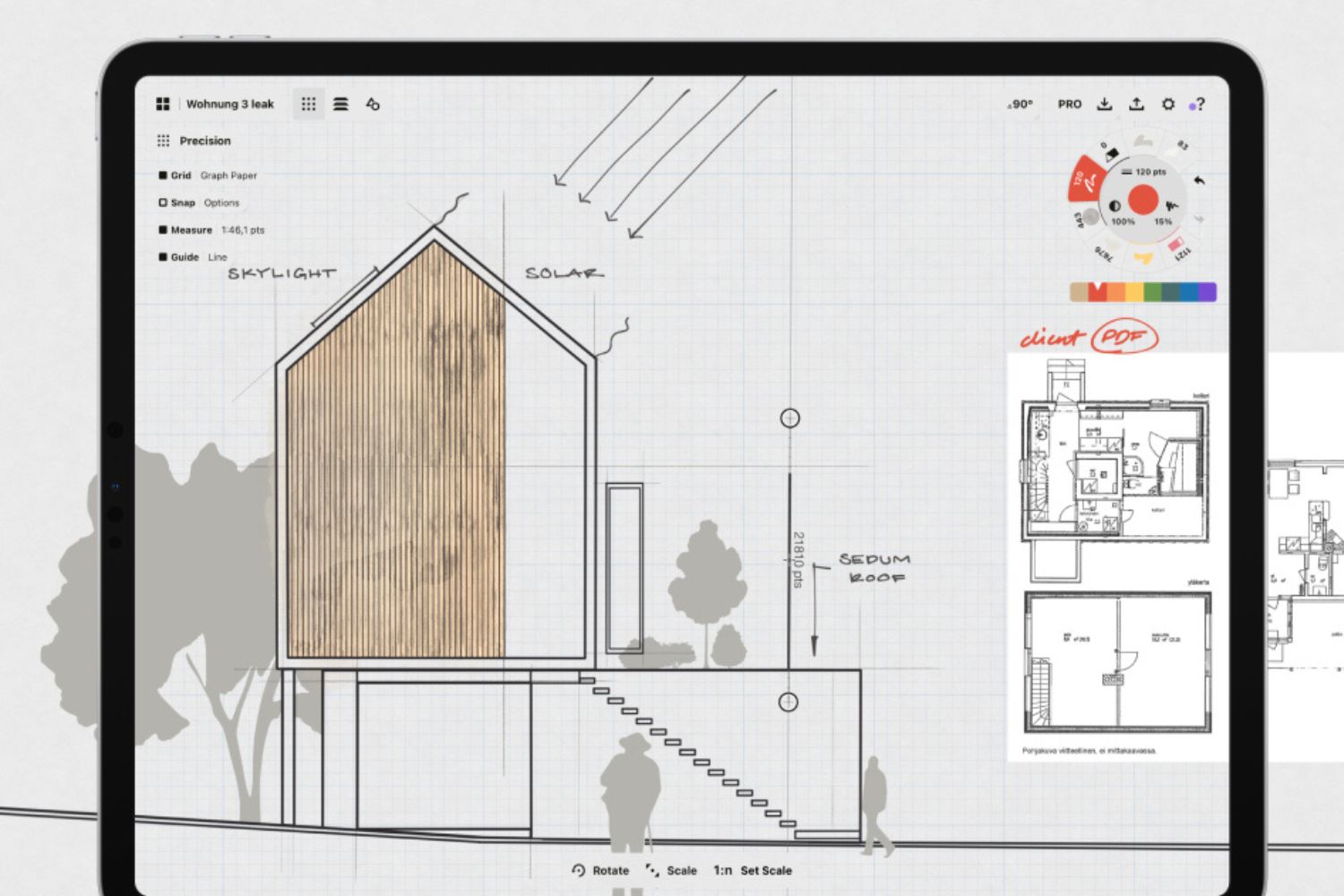
Concepts gives you an infinite canvas where every stroke stays an editable vector. You can sketch a site plan, scroll sideways, rough out three sections beside it, and adjust any line later without redrawing. It runs on iOS, Android, ChromeOS, and Windows, which makes it the closest thing to a studio-wide standard on this list. Exports include SVG, DXF, PSD, and scaled PDF.
The company publishes a dedicated page for architects covering presentation mode and premade architectural objects. A free tier gives you the canvas, basic tools, and five layers, with a subscription or one-time packs opening up the rest. Our Concepts app review goes deeper on the iteration workflow.
💡 Pro Tip
Before committing a team to any cross-platform app, test the same file on both device types you actually own. Concepts historically kept separate file formats on iOS versus Windows and Android, and feature parity has been a moving target. Send one real project file back and forth for a week before you standardize.
3. Adobe Fresco (Best Free Procreate Alternative for Windows)
Fresco is the most direct answer for anyone searching for Procreate for Windows. It runs on iPad, iPhone, and Windows 10 and 11, and Adobe made the full app free to download and use, with thousands of brushes made free since late 2024. There is no macOS build.
Its live watercolor and oil brushes behave more like wet media than anything in the category, which suits atmospheric elevation studies and quick color washes. Pixel and vector brushes sit in the same document, so linework stays crisp when you scale up. Storage and premium fonts are the parts still tied to a paid Adobe plan.
4. Clip Studio Paint (Best for Precise Linework)
Clip Studio Paint covers Windows, macOS, iPad, iPhone, Android, and Chromebook, and version 5.0 shipped on 11 March 2026. Two features earn it a place here: perspective rulers that snap strokes to vanishing points across an entire drawing, and vector layers where a line can be rethickened or trimmed after the fact.
The 3D model system also drops posed figures and props into a scene at a set camera angle, which is a fast way to get believable entourage into a hand-drawn perspective. Desktop use is available as a perpetual license through the official store, while tablet and phone use runs on a plan.
5. Affinity (Best Free Desktop Suite for Boards)
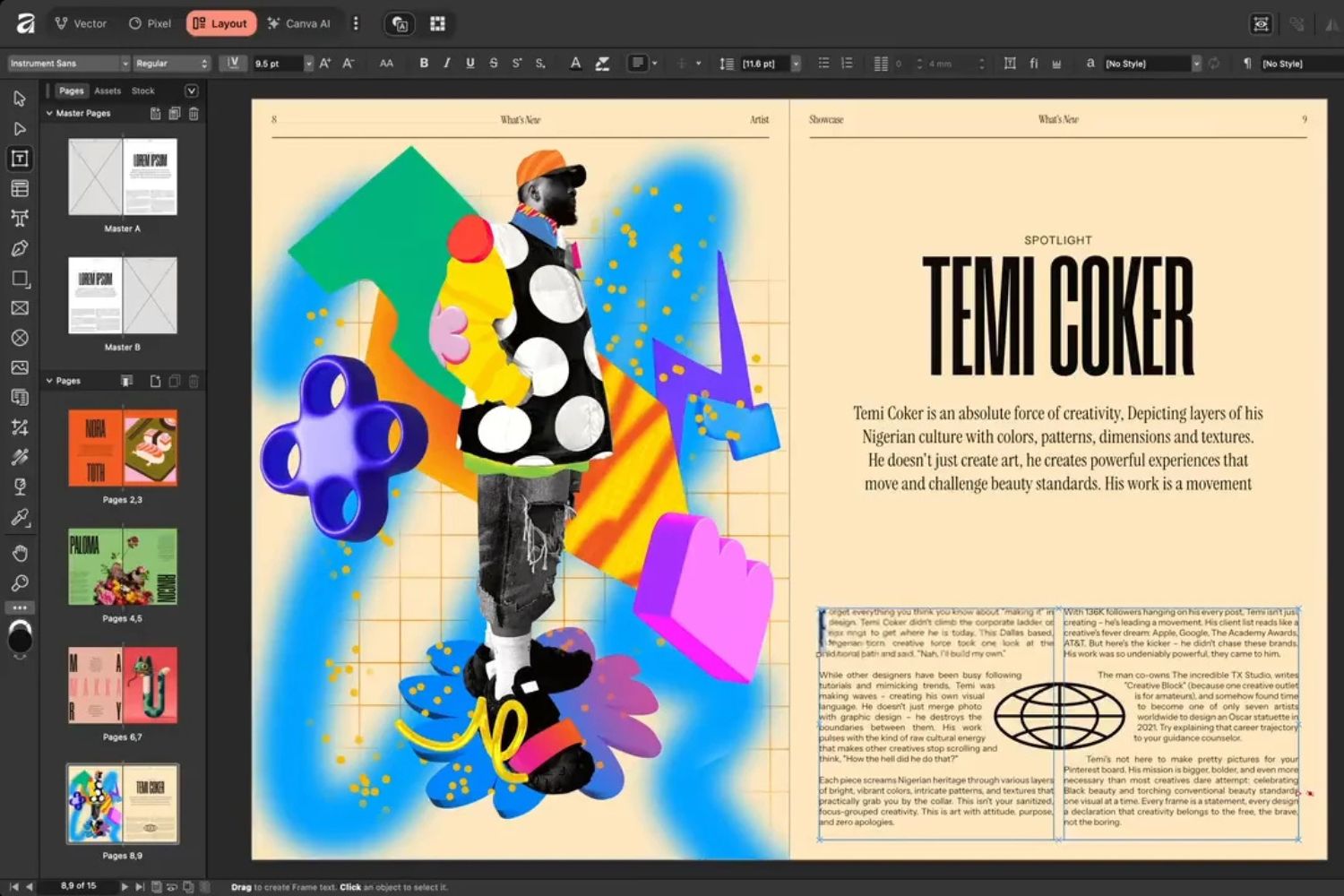
Canva merged Affinity Photo, Designer, and Publisher into a single Affinity application in October 2025 and made it free on Windows and macOS. In one file you get vector drawing, pixel editing, and page layout, which maps neatly onto how a portfolio sheet actually gets built: linework, render composite, and sheet typography. TechRadar’s 2026 review found the merged interface stayed clean, with only the optional AI tools locked behind a Canva subscription.
It is not a sketching app and has no pressure-first drawing culture behind it. Treat it as the free replacement for the production half of your workflow rather than the concept half.
6. Krita (Best Open-Source Option)
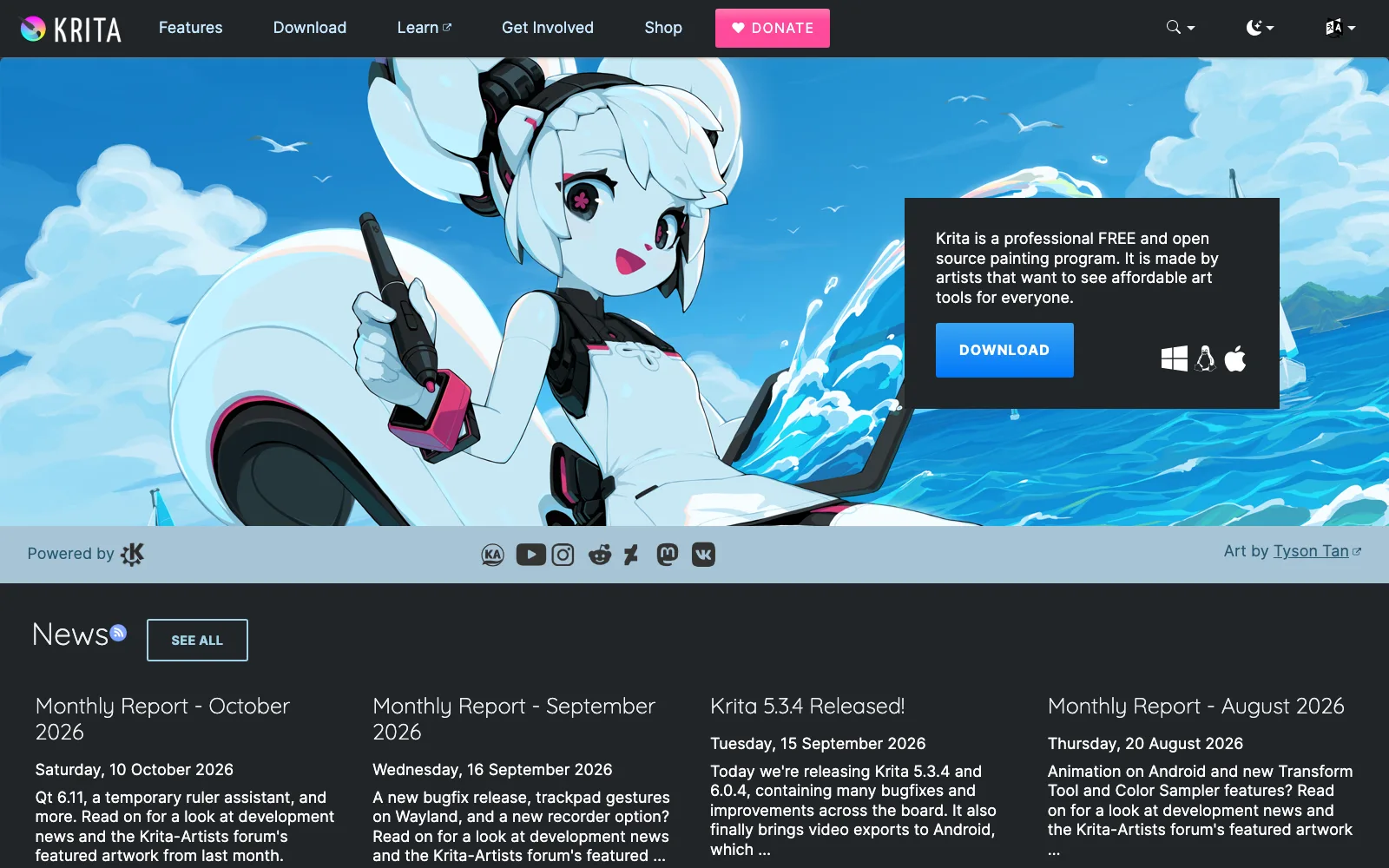
Krita is free and open source under a GPL license, and runs on Windows, macOS, Linux, and Android. It reads and writes PSD, includes a deep brush engine, and handles very large canvases without a subscription attached. Downloads come straight from krita.org.
There is no iPad version, so this is the pick for architects on a Linux workstation or a Windows laptop who mainly need render paint-overs, texture work, and material studies rather than scaled drawing.
7. Sketchbook (Best Lightweight Sketching App)
Sketchbook spun out of Autodesk into an independent company and kept the tool set that made it popular with designers: one-point, two-point, three-point, and fisheye perspective guides, predictive stroke smoothing, and French curve and ellipse guides. It runs on Windows, macOS, iOS, and Android, and the mobile app is free with a low-cost premium bundle listed on its App Store page.
The interface stays out of the way, which is the point. For fast thumbnails during a site walk, it starts faster than anything heavier on this list.
8. Infinite Painter (Best for Android Tablets)
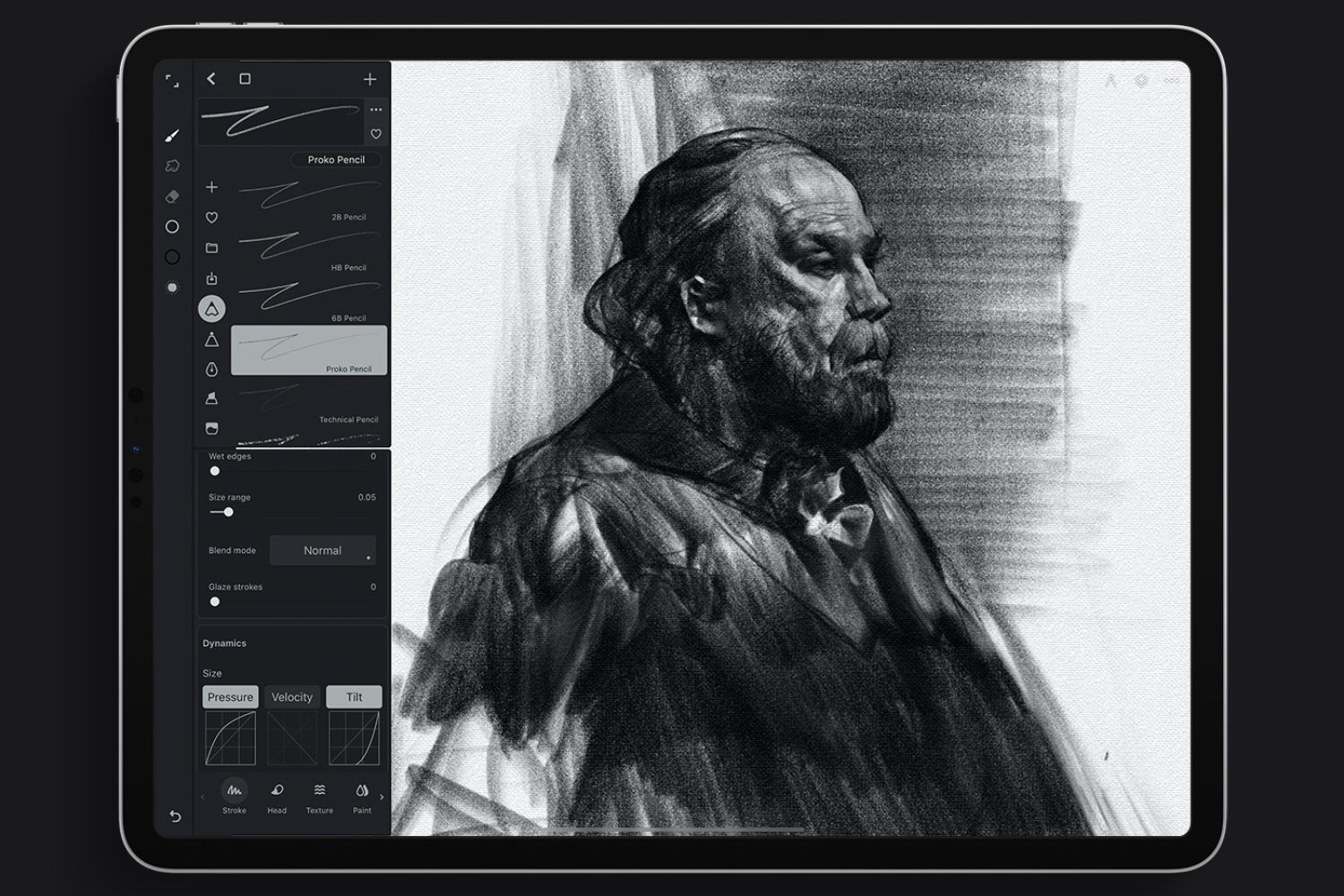
Android users get skipped by most serious drawing apps. Infinite Painter is the exception, with five perspective guides, shape snapping that holds perspective as objects scale, a vectorize tool, and SVG import and export, per the developer’s product page. It also runs on iPad, iPhone, and Chromebooks.
The app is free to try with a one-time purchase for the full tool set. For an architecture student on an Android tablet, it is the closest equivalent to what an iPad owner gets for the price of one app.
Procreate Alternatives Compared
The table below sets the eight alternatives against Procreate on the three factors that usually decide the choice:
| App | Platforms | Payment model | Best for |
|---|---|---|---|
| Procreate | iPad only | One-time purchase | Concept sketching, paint-overs |
| Morpholio Trace | iPad, iPhone | Free tier plus subscription | Scaled drawings, PDF markup, DXF |
| Concepts | iOS, Android, Windows, ChromeOS | Free tier, packs or subscription | Infinite canvas vector iteration |
| Adobe Fresco | iPad, iPhone, Windows | Free | Windows drawing, wet media studies |
| Clip Studio Paint | Windows, macOS, iPad, Android | Perpetual license or plan | Perspective rulers, vector linework |
| Affinity | Windows, macOS, iPad | Free with Canva account | Portfolio sheets, print layout |
| Krita | Windows, macOS, Linux, Android | Free and open source | Render paint-overs, texture work |
| Sketchbook | Windows, macOS, iOS, Android | Free on mobile, paid desktop | Fast thumbnails, perspective guides |
| Infinite Painter | Android, iOS, ChromeOS | Free trial, one-time purchase | Android tablet sketching |
Pricing and platform support change without notice. Check each developer’s own store listing before you buy.
What Is the Best Free Procreate Alternative?
Adobe Fresco is the best free Procreate alternative for most architects, because the full app costs nothing and runs on both iPad and Windows. Krita is the stronger choice if you work on Linux or want open-source software with no account attached, and Affinity is free for the production and layout side rather than sketching.
Free tiers behave differently from free apps, and the difference catches people out. Concepts, Morpholio Trace, and Infinite Painter are all free to install but hold back layers, projects, or export formats until you pay. Fresco and Krita are free in full.
Is There a Procreate for Windows?
No official Windows version of Procreate exists, and the developer has never announced one. The practical substitutes are Adobe Fresco, which was built with pen-enabled Windows devices in mind, Clip Studio Paint, and Concepts. All three support pressure and tilt on a Surface Pen or a Wacom tablet.
The hardware pairing matters as much as the app. A pressure-sensitive pen with low latency changes how a line feels more than any brush setting does, which our guide to the best stylus and pen for architectural sketching covers in detail.
💡 Pro Tip
Run two apps rather than hunting for one that does everything. A common studio setup is Morpholio Trace or Concepts for anything that needs scale, then a painting app for atmosphere and entourage on top. Export a flattened PNG from the scaled app, paint over it, and keep the measured version as the file of record.
Where These Apps Fit in a Studio Workflow
Scaled work, concept sketching, and presentation output rarely belong in the same file. Trace and Concepts hold the measured layer. Fresco, Clip Studio, Krita, and Infinite Painter handle the expressive pass. Affinity assembles the sheet at the end.
Team standardization is the one decision worth taking slowly. Buying eight licenses of the wrong app is more expensive than the license fee, because the real cost is the file exchange that breaks two months later. For a wider view of what belongs on a tablet, see our roundup of the best architecture apps for iPad and the overview of tools for digital architectural sketching. Anyone starting from scratch should read the introduction to digital architectural sketching first.
Wrapping Up
Quick Recap:
- Procreate is iPad only, so platform is usually the reason architects go looking elsewhere.
- Morpholio Trace and Concepts are the two alternatives that understand real-world scale.
- Adobe Fresco is the strongest free option for Windows, and Krita for Linux or open-source setups.
- Most working setups end up as two apps, one measured and one expressive, rather than a single replacement.
Architecture Students Hub
This guide is part of Software, Rendering and Gear, stage 4 of our student roadmap from the first diagram to the first internship. Next stage: Portfolio, CV and Internships, or browse every free tool and guide in the Architecture Students Hub.





Notion Alternatives for Architects: 7 Tools That Fit Studio Work
Notion works until a studio needs fee tracking, phase budgets and timesheets....
 Furkan Sen7 Mins read

Why Every Practice Ends Up With Five Versions of the Same Revit Family
Let’s learn why Revit family libraries accumulate duplicates, break schedules and slow...
 illustrarch Editoral Team5 Mins read

Visualizing Renovation Projects From Photographs: A Workflow for Existing-Building Work
Photo-based visualization turns a photograph of a building that already exists into...
illustrarch Editoral Team7 Mins read

Best Free CAD Blocks and Resources for Architects
A working guide to free CAD blocks for architects, covering ARCAT, CAD-Blocks.net,...
Furkan Sen7 Mins read


Leave a comment