

Fusion 360 Alternatives for Architects
Fusion 360 was built for product designers and machinists, not architects. This guide compares seven of the most practical Fusion 360 alternatives in 2026 across modeling depth, BIM workflows, rendering quality, pricing, and platform support so architects can choose the right tool for their practice and project type.
 Sinan Ozen26 April 202610 Mins read154
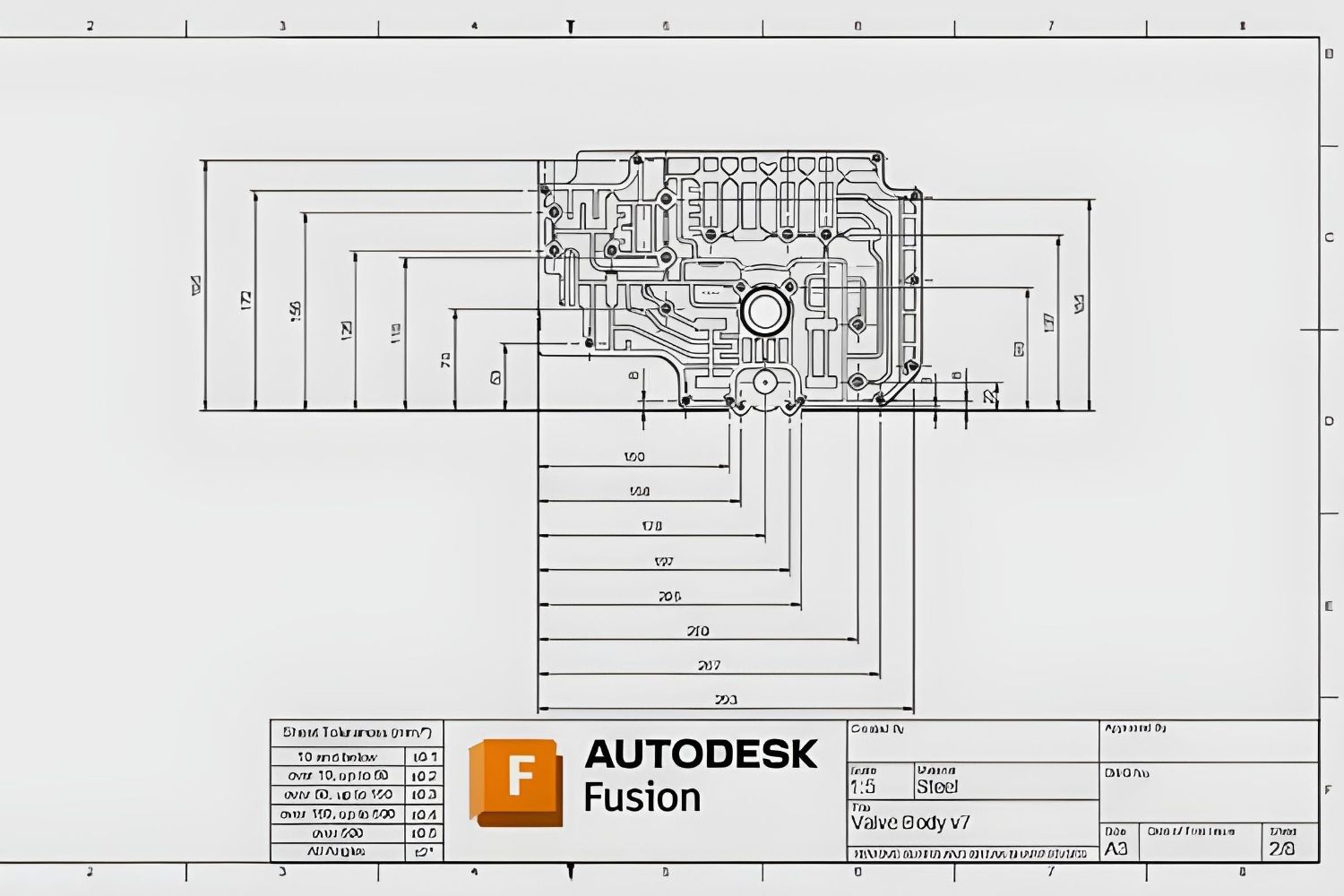
Table of Contents Show
Fusion 360 alternatives for architects range from BIM platforms like Revit and ArchiCAD to NURBS modelers like Rhino and free options like Blender and FreeCAD. Autodesk Fusion 360 was built for product designers and engineers, so most architectural workflows need a different tool. The right alternative depends on your project type, budget, and operating system.
Why Architects Look for Fusion 360 Alternatives
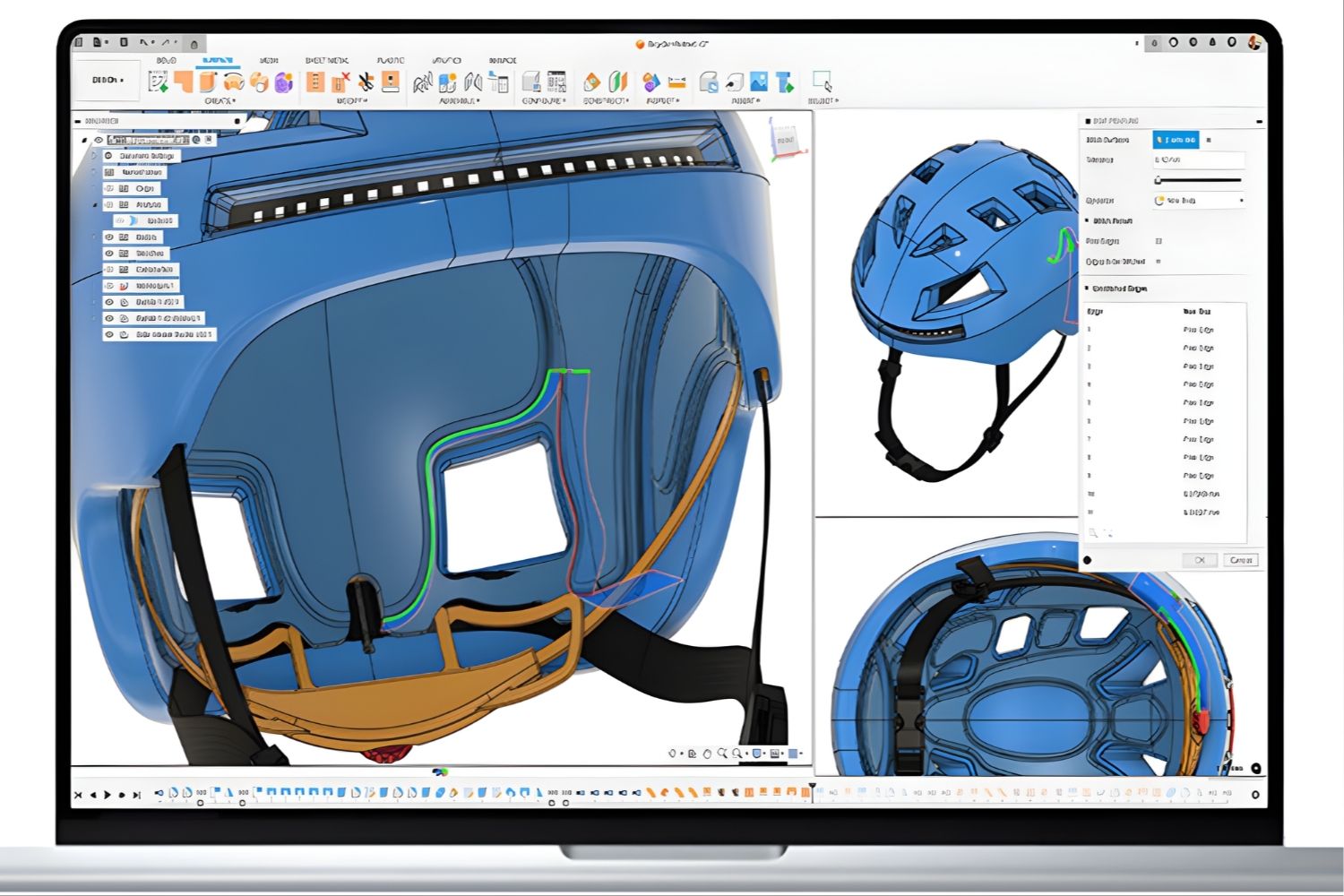
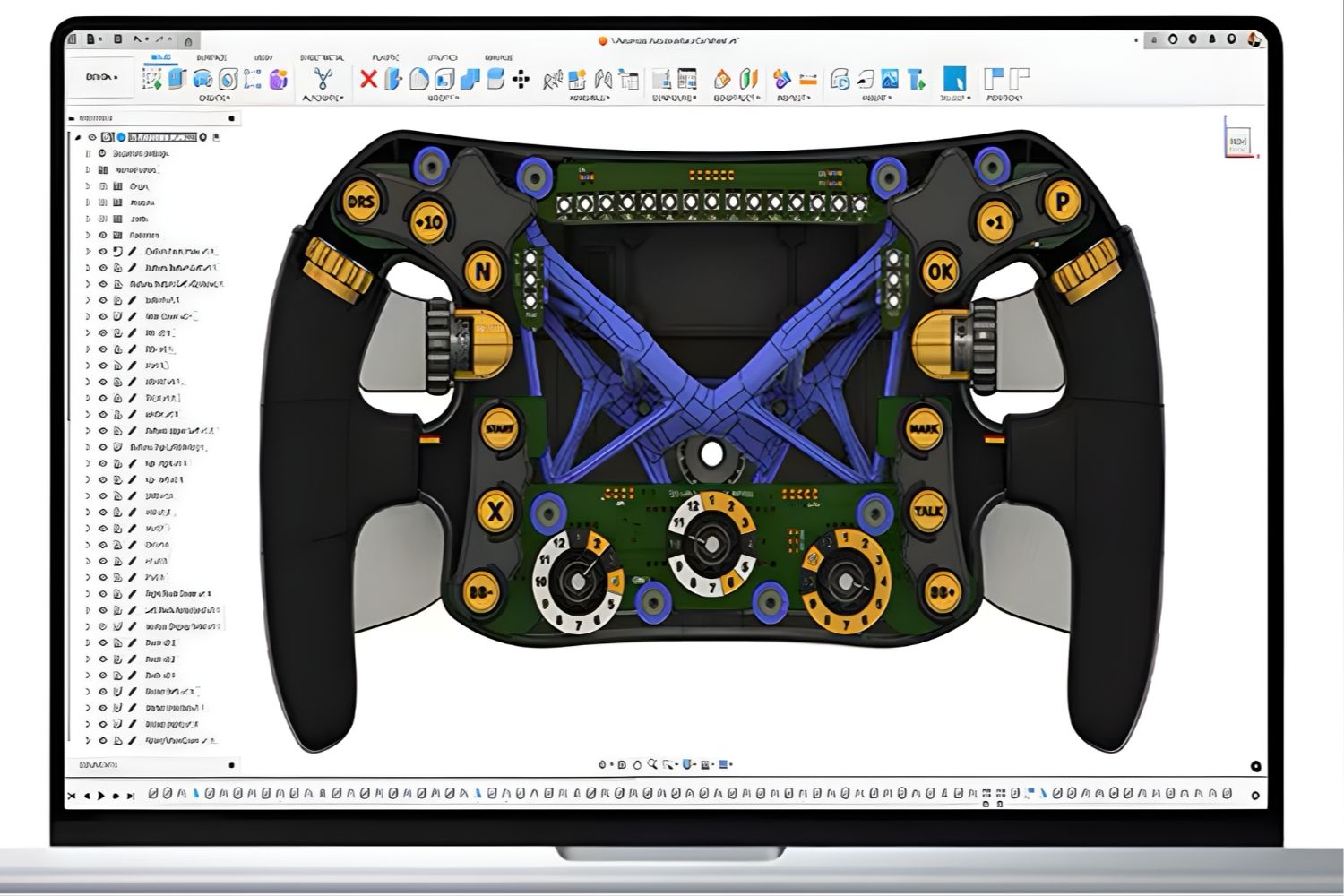
Autodesk Fusion 360 is a parametric CAD, CAM, and CAE platform built primarily for mechanical engineers, industrial designers, and machinists. Its modeling logic centers on solid bodies, parametric features, and toolpath generation for CNC fabrication. Architects who try fusion 360 software often hit the same wall: the tool is excellent at producing a single precise part, but it does not handle walls, floors, sheet sets, or building documentation in any native way.
There is also a pricing question. Autodesk Fusion 360 free is available only for personal, non-commercial use, and the autodesk fusion 360 student license is restricted to verified students and educators. For practicing architects, the commercial subscription cost can be hard to justify when the tool was not designed for buildings in the first place. The fusion 360 online version reduces hardware demands but does not change the underlying limitation: this is product design software being used for architecture.
💡 Pro Tip
Explore more in our complete guide: read the full guide.
If you currently use autodesk fusion 360 for fabrication work like CNC millwork or custom metal details, you do not need to abandon it entirely. Keep Fusion for the parts that need toolpaths and pair it with a building-focused tool for the architectural model. A two-tool workflow almost always beats forcing one platform to do everything.
What to Consider Before Switching
Before comparing tools, three constraints decide most of the shortlist. First, your operating system: Revit is Windows-only, while ArchiCAD, Rhino, Vectorworks, Blender, and FreeCAD all run on macOS. Second, your output type: if you produce full construction drawings, you need a tool with native sheet, schedule, and annotation systems. Third, your collaborators: if your engineers work in Revit, a clean IFC export workflow becomes the most important single feature.
A common trap is comparing solidworks vs fusion 360 vs the architectural options as if they belong in the same conversation. They do not. SolidWorks and Fusion are mechanical CAD platforms. The list below covers tools built for or widely used in buildings, not in product engineering.
The 7 Best Fusion 360 Alternatives for Architects
The following tools represent the most practical options for architects moving away from autodesk 360 fusion workflows toward software designed for buildings.
1. Rhino 8 — Best for Complex Geometry and Parametric Design
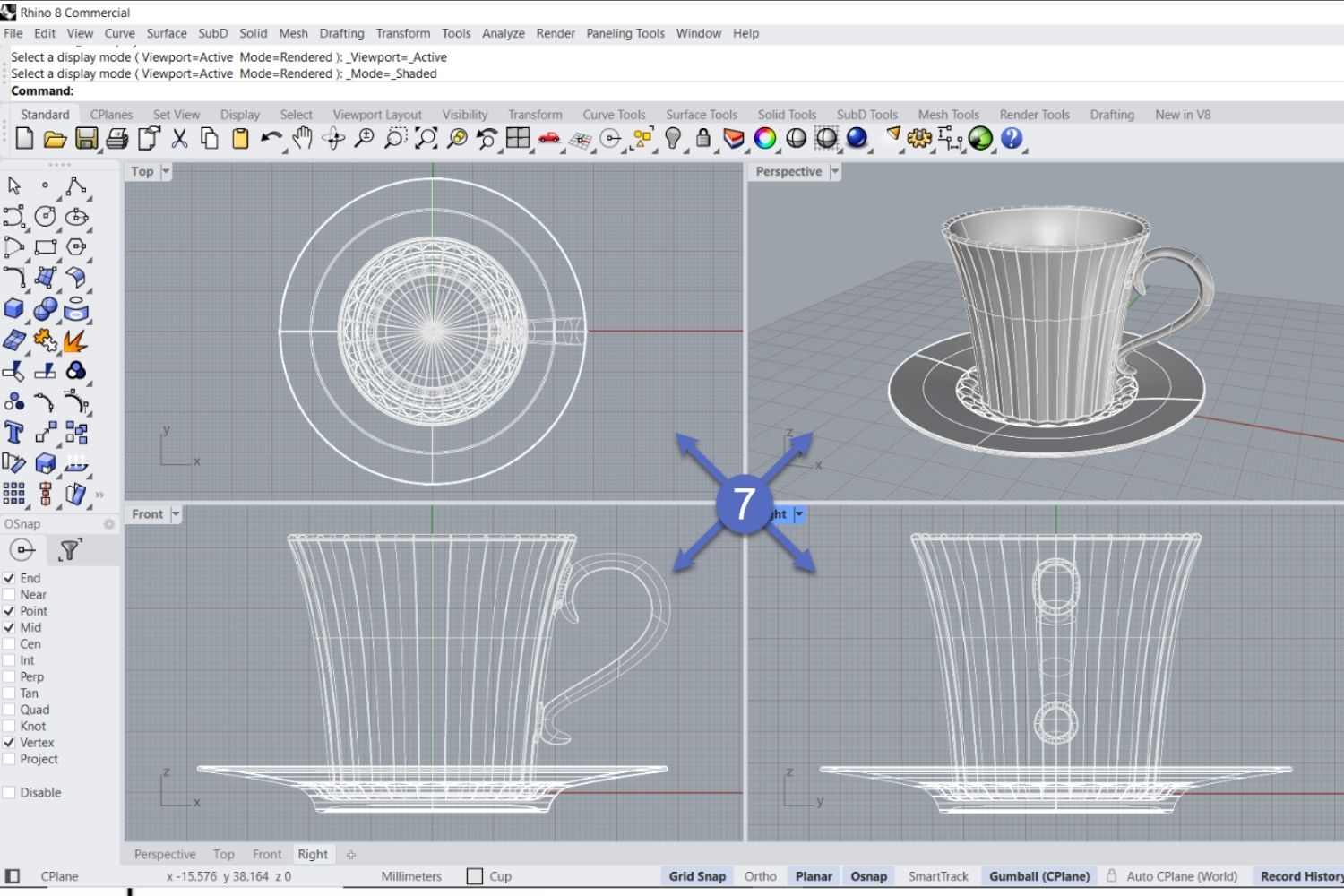
Rhino is the strongest direct fusion 360 cad software alternative for architects who care about geometric precision and surface modeling. Where Fusion uses parametric solid features, Rhino uses NURBS surfaces, which gives it an edge for curved facades, complex roof forms, and any geometry where mathematical precision matters more than feature history.
Rhino 8 runs natively on both Windows and macOS, supports a deep plugin ecosystem including Grasshopper for parametric design, and exports cleanly to almost every architectural format. Its learning curve is fair: command-line workflows feel familiar to anyone coming from AutoCAD, and the modeling logic is more intuitive for architects than Fusion’s feature tree. Pricing is a one-time perpetual license at around $995 commercial, with significant discounts for students.
For more on how Rhino fits into architectural practice and how it compares to other modelers, see our guide to Rhino alternatives for architects.
⚖️ Pros & Cons at a Glance
✔️ Pros: NURBS precision, Grasshopper parametric workflow, perpetual license, Mac and Windows support
✖️ Cons: No native BIM, limited documentation tools, plugin-dependent rendering
2. Autodesk Revit — Best for BIM and Construction Documentation
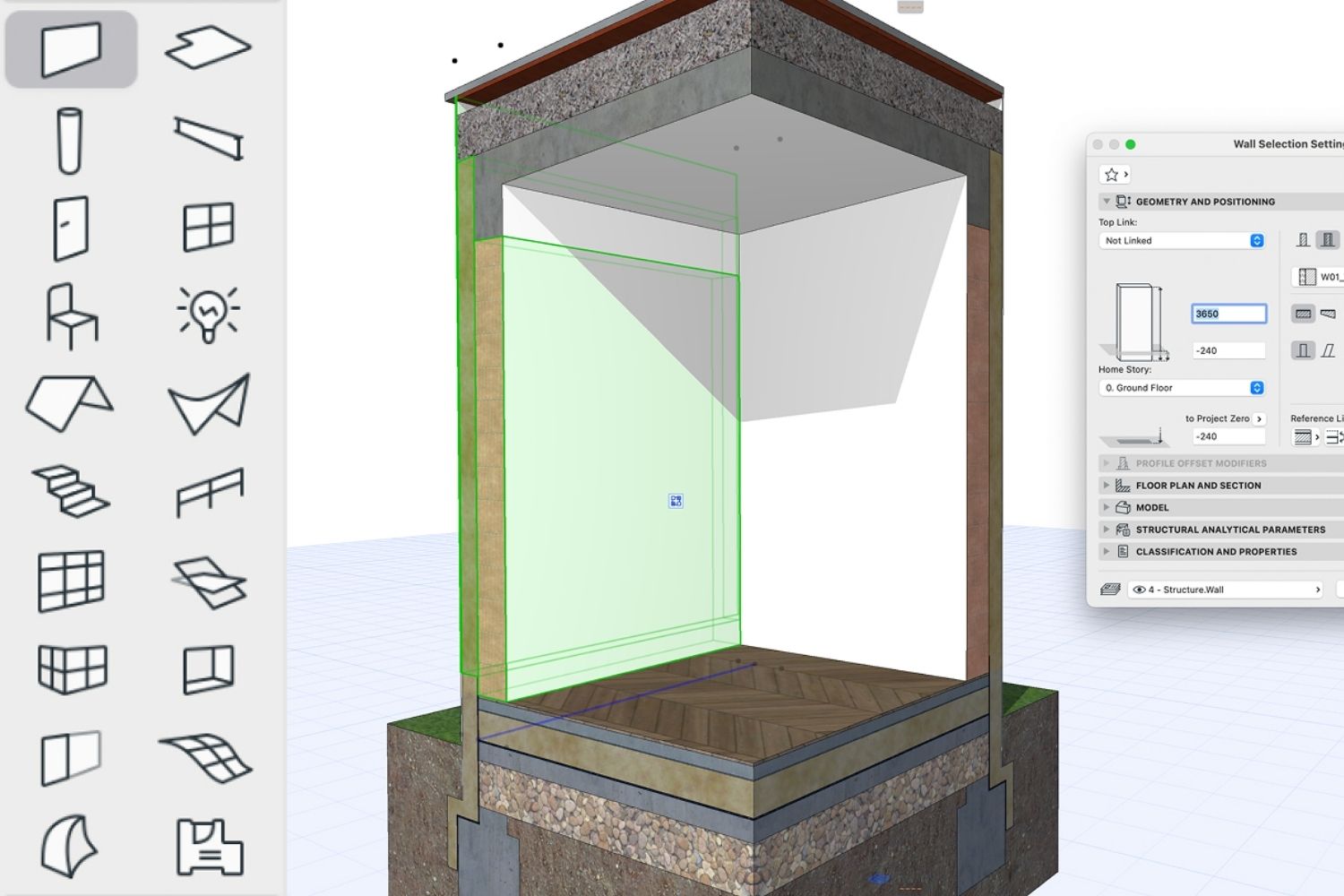
If your work involves construction documentation, multi-discipline coordination, or any project that runs through a general contractor, Autodesk Revit is the industry standard. It uses a fully parametric BIM database where walls, floors, doors, and rooms behave as intelligent objects with embedded data. Schedules, sheets, and section cuts update automatically when the model changes.
Revit is Windows-only and the subscription is significant, with a single-user license at roughly $2,910 per year according to Autodesk’s official pricing. The learning curve is steeper than Fusion 360 because the underlying logic is different: you are authoring a building information model, not designing a part. For architects whose deliverables are sheet sets and IFC files rather than CNC paths, that trade-off is worth it.
3. ArchiCAD — Best BIM Alternative for Mac Users
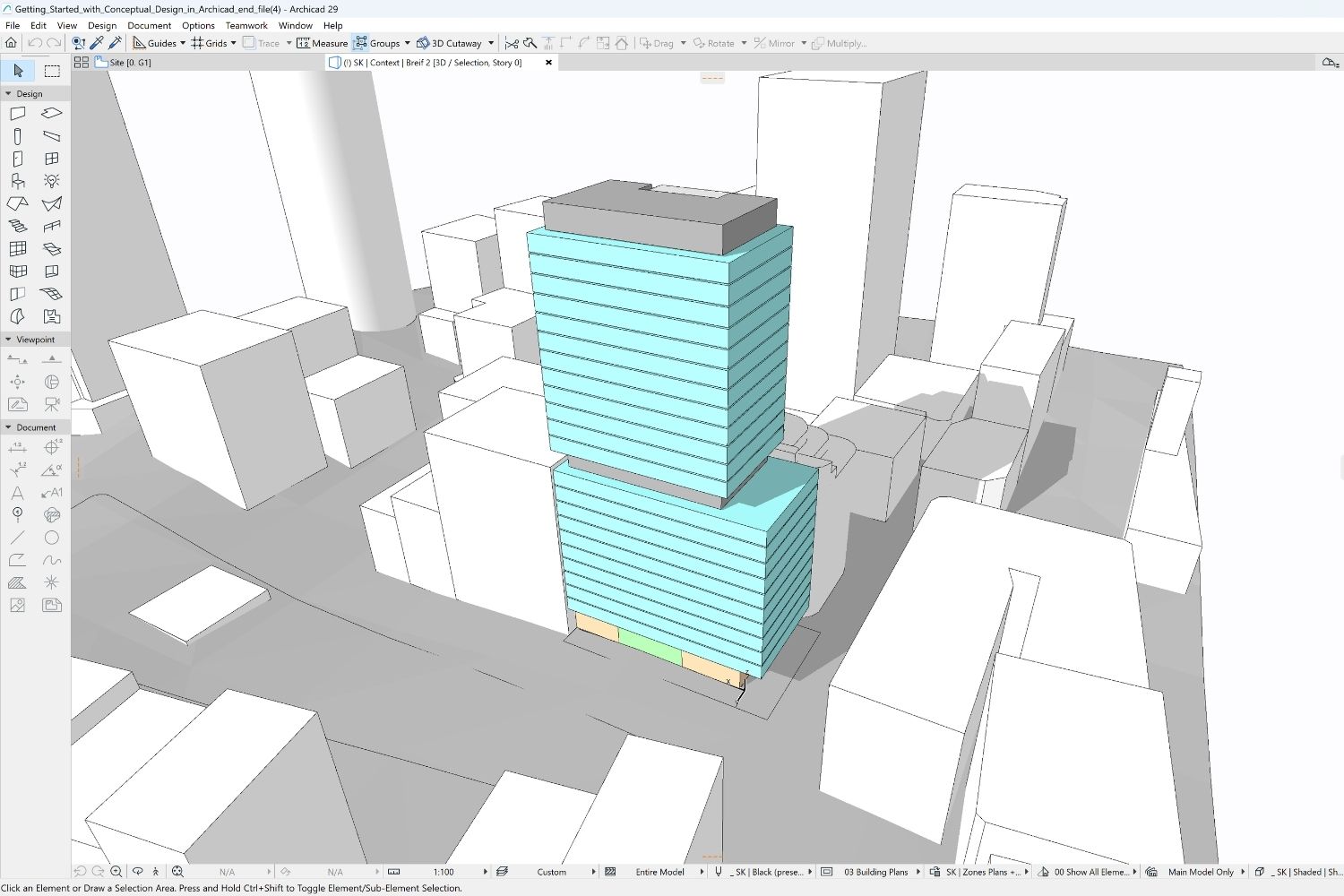
ArchiCAD is a mature BIM platform from Graphisoft that has been refined for architectural workflows since 1987. It runs natively on both Mac and Windows, which immediately makes it the leading BIM option for studios that prefer Apple hardware. Its modeling logic feels closer to how architects think about buildings, with a less rigid family system than Revit.
For small to mid-size practices, ArchiCAD often produces cleaner construction documents with less template setup. Pricing starts around $3,100 per year. For a deeper look at how ArchiCAD stacks up against the wider market, see our guide to ArchiCAD alternatives for architects in 2026.
📐 Technical Note
For multi-discipline projects, IFC 4 (ISO 16739) is the open standard that allows Revit, ArchiCAD, Vectorworks, and FreeCAD to exchange building information. Whichever Fusion 360 alternative you choose, verify its IFC export quality if your engineers work on a different platform. Geometry round-trips cleanly across most BIM tools, but property data and classifications often need template configuration before they survive the handoff.
4. SketchUp Pro — Best for Concept Design and Speed
SketchUp is not a direct replacement for fusion 360 software, but it solves a problem most architects have: getting from sketch to a working 3D model in minutes rather than hours. Its push-pull interface is one of the fastest ways to test massing studies, interior layouts, and facade ideas. The 3D Warehouse provides a large library of pre-built components for furniture and site context.
SketchUp Pro costs $349 per year, with the Studio tier at $749 per year adding LayOut for 2D documentation and Sefaira for energy analysis. It works best as the front end of a two-tool workflow, paired with a renderer or BIM platform for downstream work. For an honest comparison with the closest competitor, our guide to SketchUp alternatives for architects covers the full landscape.
5. Blender with BlenderBIM — Best Free Alternative
Blender is the most capable free alternative to Fusion 360 for architectural work. The base application covers modeling, texturing, animation, and rendering with the Cycles and EEVEE engines. The BlenderBIM add-on brings full IFC support, OpenBIM compliance, and a BIM authoring workflow into the same environment. Together they form a zero-cost pipeline that can handle small and mid-size architectural projects end to end.
Blender runs on Windows, macOS, and Linux, with native Apple Silicon support. The interface is dense and the learning curve is real, but the active community produces architecture-specific tutorials and add-ons every week. For practices already exploring open-source workflows, our guide to free tools for architectural design and planning covers complementary platforms.
6. FreeCAD with BIM Workbench — Best Open-Source Parametric CAD
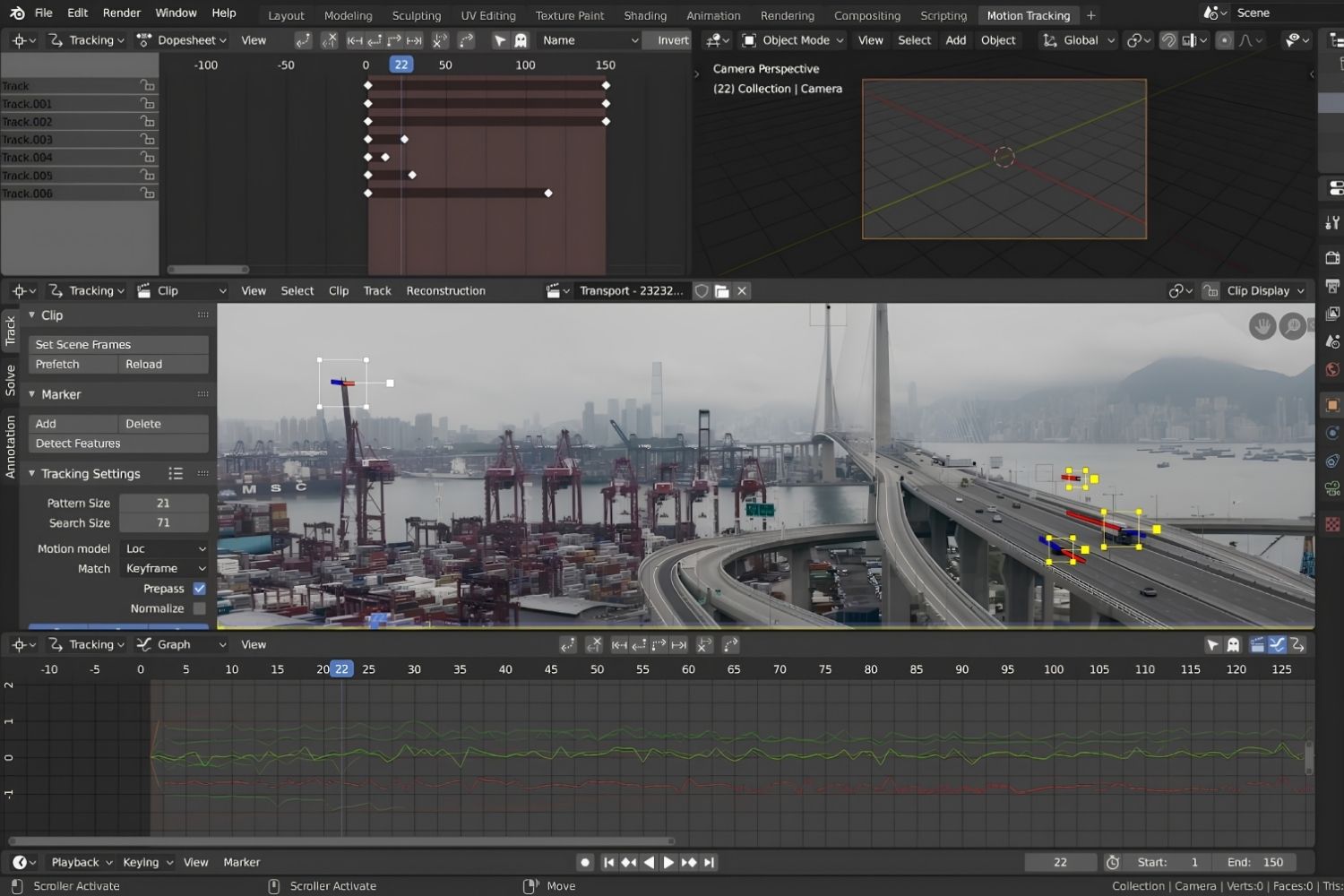
FreeCAD is the closest open-source equivalent to fusion 360 cad software for architectural use. It uses constraint-based parametric modeling, so dimensions drive geometry and connected elements update when parameters change. The BIM Workbench (formerly Arch Workbench) adds wall, floor, roof, door, window, and stair objects that carry IFC data.
FreeCAD is free for commercial use, runs on Windows, macOS, and Linux, and has a Python API for customization. The interface is clearly engineering-first rather than architecture-first, but for budget-constrained practices and students, it offers the broadest feature set of any free parametric tool. Active development continues to close the gap with commercial platforms.
7. Vectorworks Architect — Best Hybrid CAD-BIM Tool
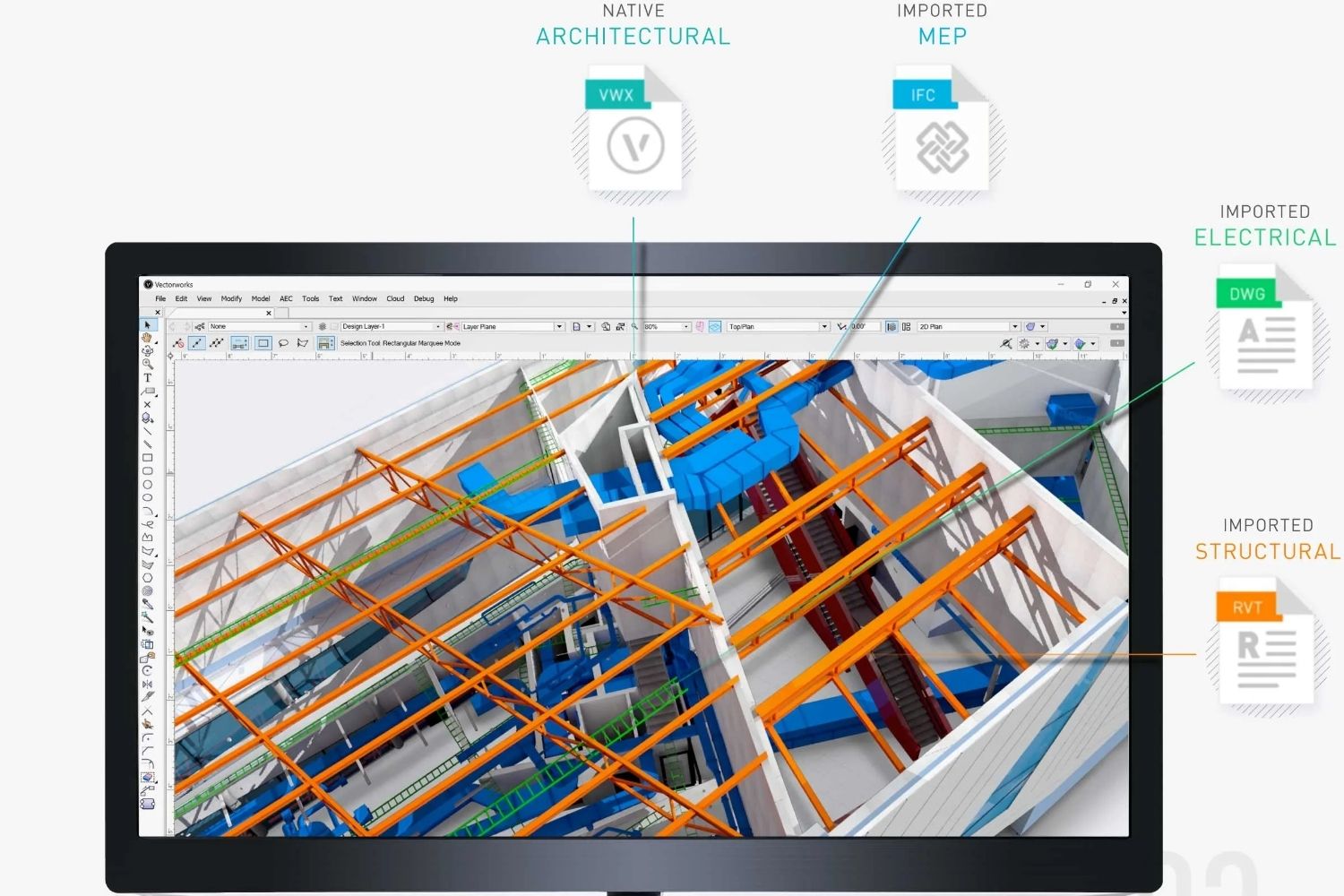
Vectorworks Architect is part of the Nemetschek Group and serves over 685,000 users worldwide. It combines CAD-style drafting freedom with BIM data structures, which makes it a strong choice for design-led practices that want graphic control over their construction documents. Drawing output is consistently praised: custom fonts, line weights, and gradients render cleanly in published sheets.
The platform runs natively on both Mac and Windows, supports IFC export, and integrates with Rhino, SketchUp, Cinema4D, and Photoshop. Pricing is available through Nemetschek’s distributor network and varies by region. For architects who want the documentation depth of a BIM platform without the rigid feel of Revit, Vectorworks is often the right answer.
Comparison Table: Fusion 360 Alternatives at a Glance
The following table summarizes the seven Fusion 360 alternatives across the criteria that matter most for architectural decisions:
| Software | Type | Platform | Pricing | Best For |
|---|---|---|---|---|
| Rhino 8 | NURBS modeler | Mac, Windows | ~$995 perpetual | Complex geometry, parametric design |
| Autodesk Revit | BIM platform | Windows only | ~$2,910/year | Construction docs, multi-discipline BIM |
| ArchiCAD | BIM platform | Mac, Windows | ~$3,100/year | Mac studios, small to mid practices |
| SketchUp Pro | Mesh modeler | Mac, Windows, Web | $349/year | Concept design, fast massing |
| Blender + BlenderBIM | Mesh + BIM | Mac, Windows, Linux | Free | Visualization, open-source workflow |
| FreeCAD | Parametric CAD + BIM | Mac, Windows, Linux | Free | Students, technical users, budget |
| Vectorworks Architect | Hybrid CAD-BIM | Mac, Windows | Quote-based | Design-led firms, graphic-heavy docs |
How to Choose the Right Fusion 360 Alternative
The decision usually comes down to project phase and team setup. For early-stage massing and client presentations, SketchUp Pro is the most efficient choice. For complex geometry, parametric facades, or competition work, Rhino with Grasshopper is the best fit. For construction documentation and BIM coordination with engineers, Revit and ArchiCAD are the professional standards, with the Mac question often deciding which one wins.
⚠️ Common Mistake to Avoid
Many architects evaluating fusion 360 alternatives look for a single tool to replace everything. That rarely works. Most professional architectural workflows use two or three programs: a fast modeler for early design, a BIM platform for documentation, and a renderer for client visuals. Trying to force one application to handle all three usually produces a worse result than pairing the right tools for each phase.
Budget matters, but it should not be the only filter. A free combination of Blender plus FreeCAD plus AutoCAD Web can cover most early-career or student workflows, and our guide to architectural design software and features covers how to build a toolkit progressively. For studios with billable work, the cost of a Revit or ArchiCAD subscription is usually recovered through faster documentation and fewer coordination errors within the first few projects.
💡 Pro Tip
Before committing to any paid platform, run a small test project end to end on the trial version. Most platforms feel acceptable for the first few hours of modeling. The friction shows up later, in sheet setup, schedules, IFC export, and consultant coordination. A two-week trial focused on those tasks tells you more than any feature list will.
Final Thoughts on Fusion 360 Alternatives for Architects
Fusion 360 is a strong tool for product design, mechanical engineering, and CNC fabrication, but it was never built for buildings. Architects who try to force it into an architectural role usually hit limits around documentation, coordination, and BIM data within the first few projects.
The right alternative depends on what you actually produce. Concept-stage practices benefit most from SketchUp or Rhino. Documentation-heavy firms need Revit or ArchiCAD. Budget-constrained students and independents can build a credible toolkit around Blender, FreeCAD, and free Autodesk educational licenses. The platform decision matters less than matching your tool to your real deliverables and your collaborators’ workflows.
Software pricing and feature availability are accurate at the time of writing and may change. Verify current subscription terms directly with each vendor before purchasing.
Frequently Asked Questions About Fusion 360 Alternatives
Is Fusion 360 good for architects?
Fusion 360 is not built for architecture. It is a parametric CAD and CAM platform designed for product designers, mechanical engineers, and machinists. It can model architectural objects, but it lacks native walls, floors, sheet sets, schedules, and BIM data structures that real architectural workflows depend on. Most architects are better served by a tool built for buildings.
What is the best free alternative to Fusion 360 for architecture?
Blender with the BlenderBIM add-on is the most capable free alternative for architectural work. It covers modeling, rendering, and IFC-based BIM authoring in a single open-source application that runs on Mac, Windows, and Linux. FreeCAD with the BIM Workbench is the second strongest option, particularly for users who prefer parametric constraint-based modeling.
Is fusion 360 online the same as the desktop version?
Fusion 360 online refers to the cloud-connected nature of the platform: the software runs locally but stores files and updates through Autodesk’s cloud. There is no fully browser-based version that matches the desktop application’s modeling capabilities. For architects who want a true browser-based CAD tool, AutoCAD Web and Onshape are closer alternatives.
SolidWorks vs Fusion 360 — does the comparison matter for architects?
The solidworks vs fusion 360 comparison is relevant for mechanical engineering and product design teams, not for architectural practice. Both are mechanical CAD platforms with different feature trees and licensing models. Architects should compare alternatives across architecturally focused tools like Rhino, Revit, ArchiCAD, SketchUp, Vectorworks, Blender, and FreeCAD instead.
Can I use Autodesk Fusion 360 student license for commercial architectural work?
No. The autodesk fusion 360 student license is restricted to enrolled students and educators for educational use only. Using it for commercial work, including paid architectural projects, violates the license terms. Practicing architects need a commercial subscription, and even then the tool is not designed for buildings.






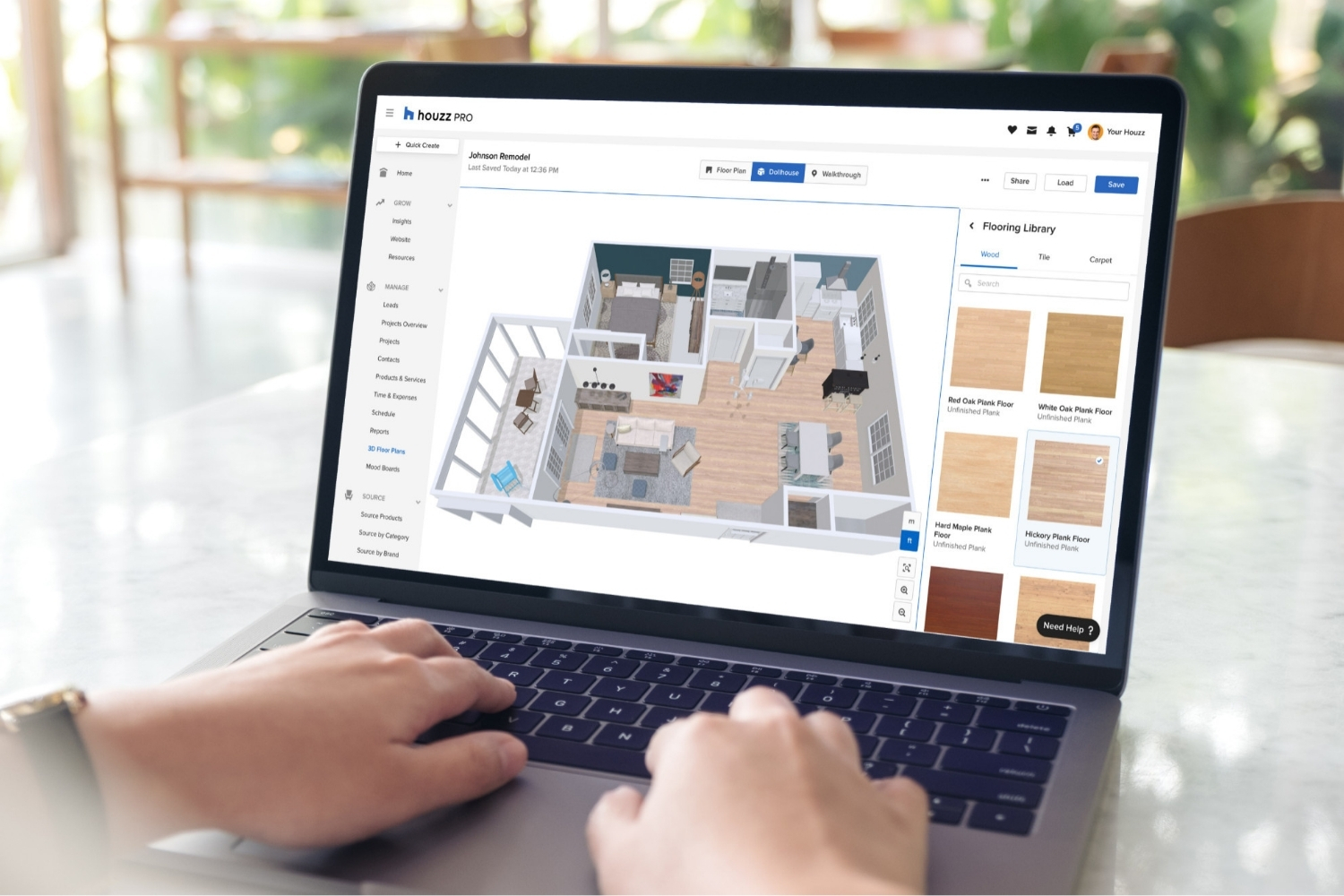
Houzz Pro Review: Does It Deliver for Residential Architects?
Houzz Pro combines CRM, estimates, invoicing, 3D floor plans, and a client...
Sinan Ozen6 Mins read
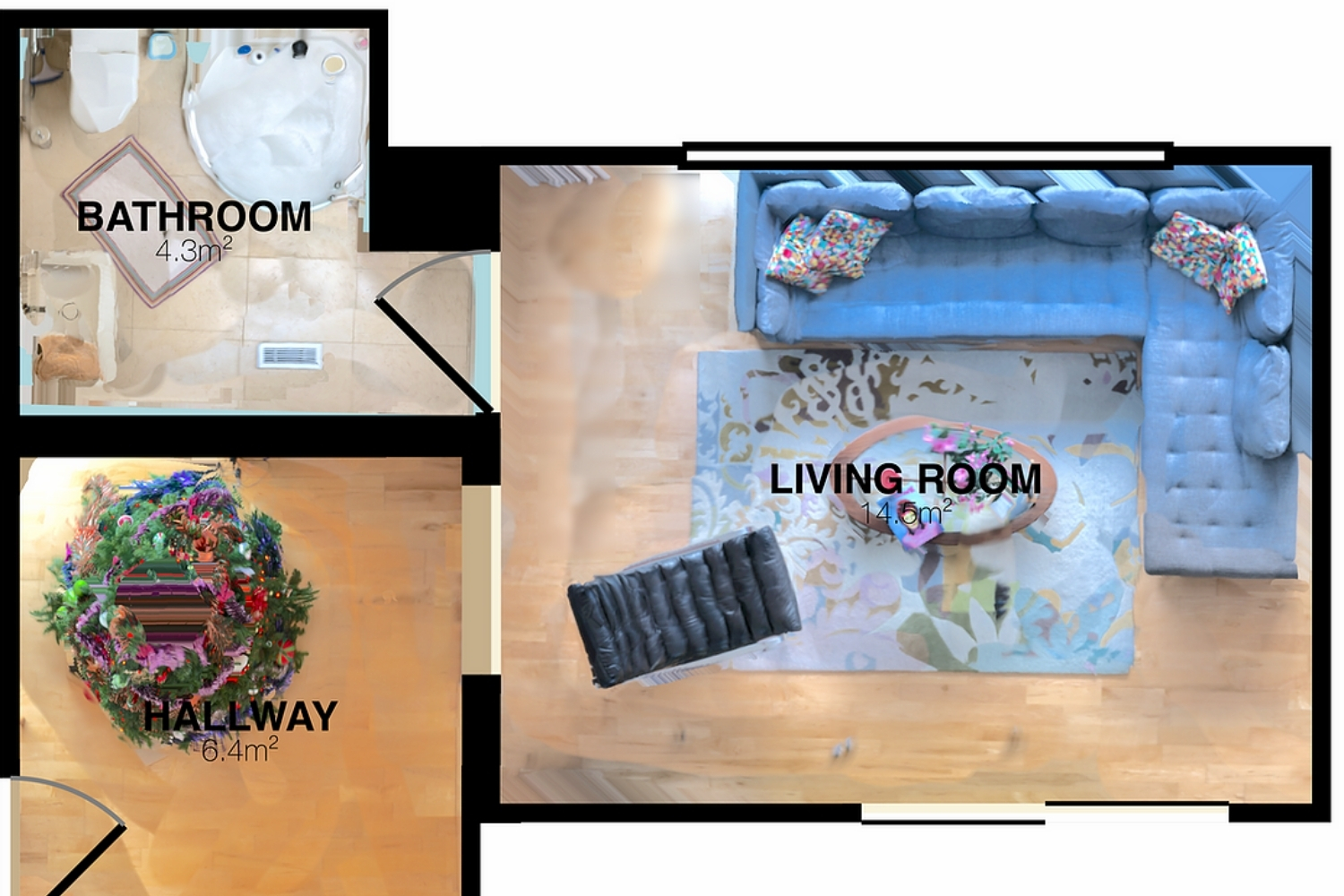
RoomScan Pro Review: How Accurate Is iPhone-Based Floor Plan Generation?
iPhone LiDAR can draw a scaled floor plan in under a minute,...
Sinan Ozen5 Mins read

Canvas by Occipital Review: Turning LiDAR Scans Into CAD Floor Plans
Occipital's Canvas turns an iPhone or iPad LiDAR scan into editable CAD...
Sinan Ozen5 Mins read
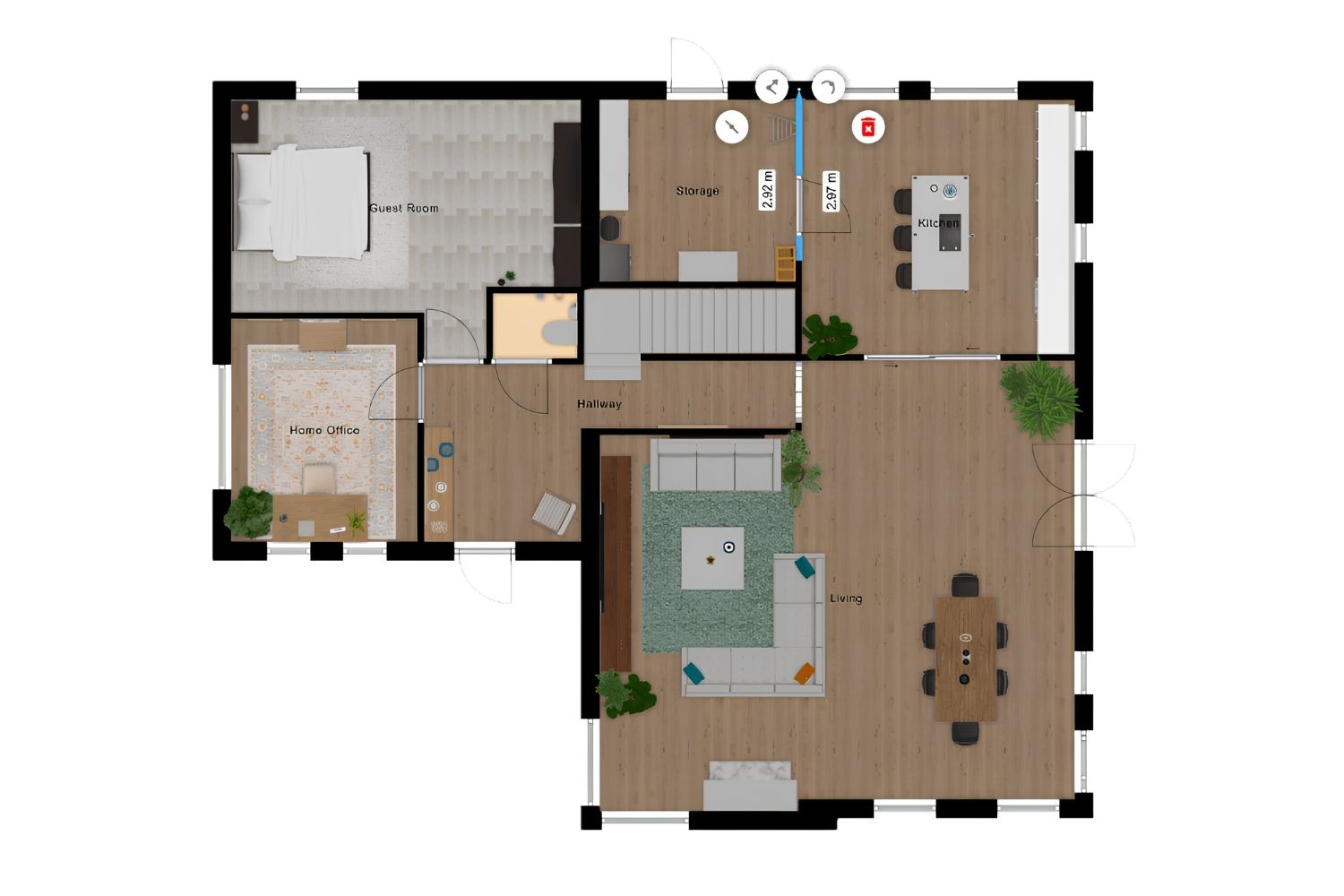
Floorplanner Review: Easy 2D to 3D Floor Plan Creation for Non-Designers
Floorplanner turns a 2D layout into a 3D render in the browser...
 Elif Ayse Sen9 Mins read




Leave a comment