

Enhancing Architectural Presentations: Leveraging Visual Storytelling Tools
Effective architectural presentations utilize visual storytelling tools and techniques to clearly communicate design intent and engage non-technical audiences.
 Begum Gumusel2 October 20252 Mins read283

Table of Contents Show
In architecture, a design’s brilliance is only as effective as its presentation. Architects and designers invest countless hours perfecting plans, models, and renderings, yet many struggle to convey their vision compellingly to clients, stakeholders, or the public. Clear visual storytelling can bridge this gap, ensuring that every concept resonates as intended.
The Power of Visual Communication in Architecture
Architecture is inherently visual. From floor plans and 3D renderings to material boards and site diagrams, communicating design intent visually is essential. However, translating technical drawings into a narrative that engages non-technical audiences is a skill in itself.
Strong presentations help:
- Clarify complex designs for clients who may not read technical plans fluently.
- Highlight unique design elements, like spatial flow, material usage, or structural innovation.
- Facilitate approvals by simplifying decision-making through clear visual cues.
By combining architectural illustrations with effective storytelling, architects can elevate both the perception and understanding of their work.

Architectural Diagrams and Illustrations: More Than Just Drawings
Architectural illustrations are not merely decorative—they are functional tools that communicate ideas efficiently. Common types include:
- Isometric and axonometric diagrams: Show 3D spatial relationships clearly.
- Exploded views: Highlight structural components and construction techniques.
- Process flows and timelines: Explain project phases from conception to completion.
When these visuals are used strategically, they tell a story rather than just display information. Well-designed illustrations guide the viewer’s eye, emphasize critical aspects, and simplify complex architectural concepts.
Integrating Visual Tools into Presentations
Creating compelling architectural presentations can be time-consuming. Not every designer is a presentation expert, and manual formatting often detracts from the core design content. This is where visual storytelling tools and pre-designed templates can help.
For instance, platforms like SlideUpLift PowerPoint templates provide ready-to-use slides tailored for professional storytelling. Architects can leverage these templates to:
- Transform raw diagrams into polished, client-ready presentations.
- Use consistent color schemes, icons, and layouts that highlight design intent.
- Save hours on formatting, allowing more time to refine the actual architectural concepts.
Other tools commonly used by architects include:
- Figma and Adobe Illustrator for detailed illustrations.
- Miro for collaborative workflows and concept mapping.
- SketchUp or Revit for 3D modeling integration into presentation slides.
By combining these design tools with structured presentation templates, architects can ensure that their work is both technically precise and visually engaging.

Case Study: Transforming a Design Concept
Consider a residential project featuring a multi-level home with complex spatial layouts. Presenting this to clients solely through CAD drawings might overwhelm them.
- Without visual storytelling: Clients struggle to understand spatial relationships and may overlook key design features.
- With integrated visuals and templates: A SlideUpLift template can showcase floor plans alongside 3D perspectives, highlight material selections, and include a project timeline. This approach communicates the narrative of the space clearly, making the design both understandable and compelling.
The result is a presentation that not only informs but also persuades, ensuring client confidence and approval.
Conclusion: Elevating Architectural Communication
In architecture, visuals are more than just supporting material—they are the language of the profession. Strong presentations that combine clarity, structure, and design make it easier to communicate ideas, gain approvals, and inspire confidence. By blending diagrams, illustrations, and well-structured presentation tools, architects can ensure their concepts are understood and appreciated by diverse audiences.









Architecture Crit Presentation: How to Present Your Project With Confidence
The crit is where a good project can fall apart and an...
 Sinan Ozen6 Mins read
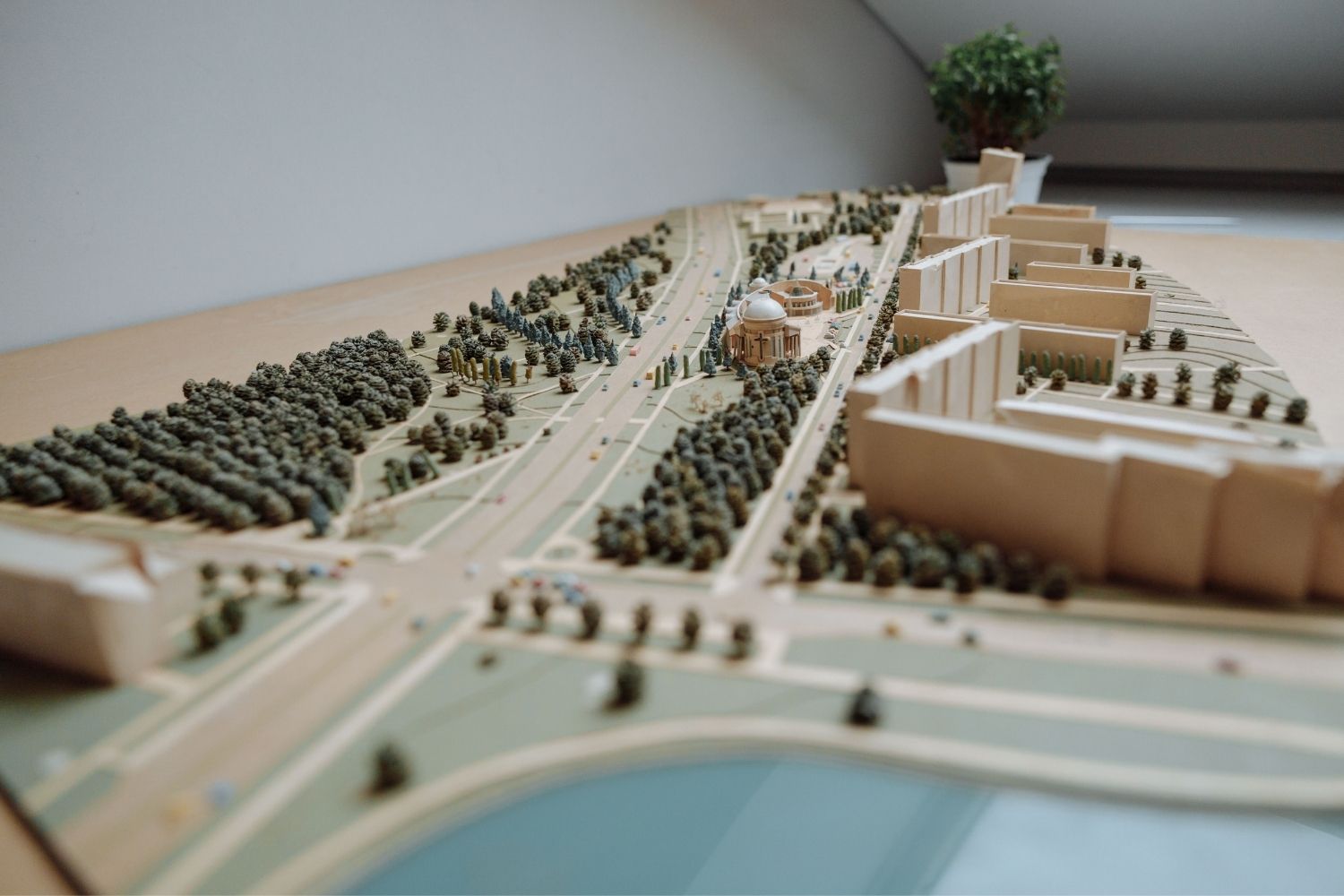
Why Do Architects Use Architectural Models Instead of Just Drawings?
Physical architectural models remain a core tool even in a digital studio....
 Furkan Sen6 Mins read
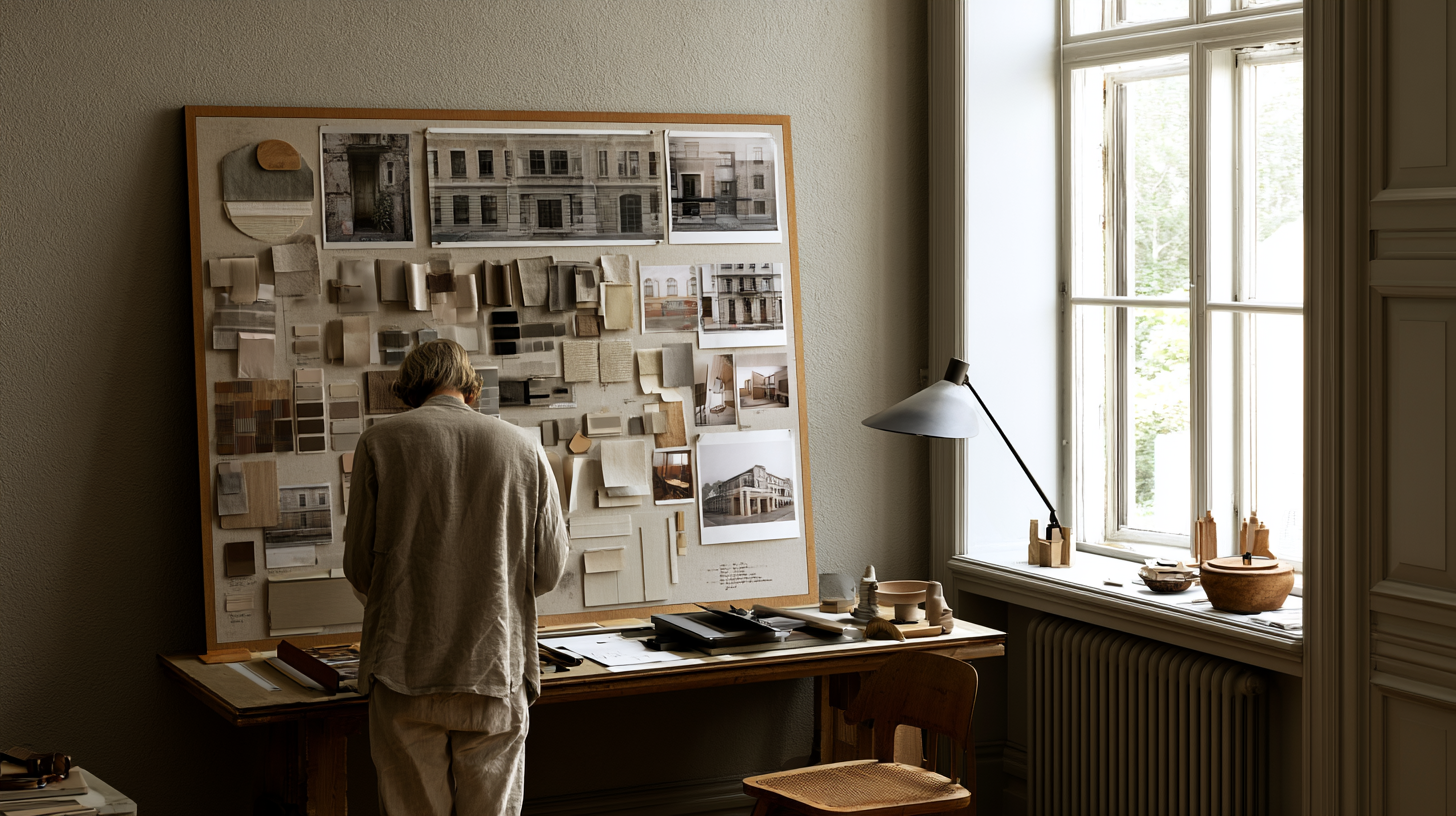
How to Make an Architecture Mood Board: A Step-by-Step Guide
A practical walkthrough for building an architecture mood board, covering how to...
Furkan Sen6 Mins read
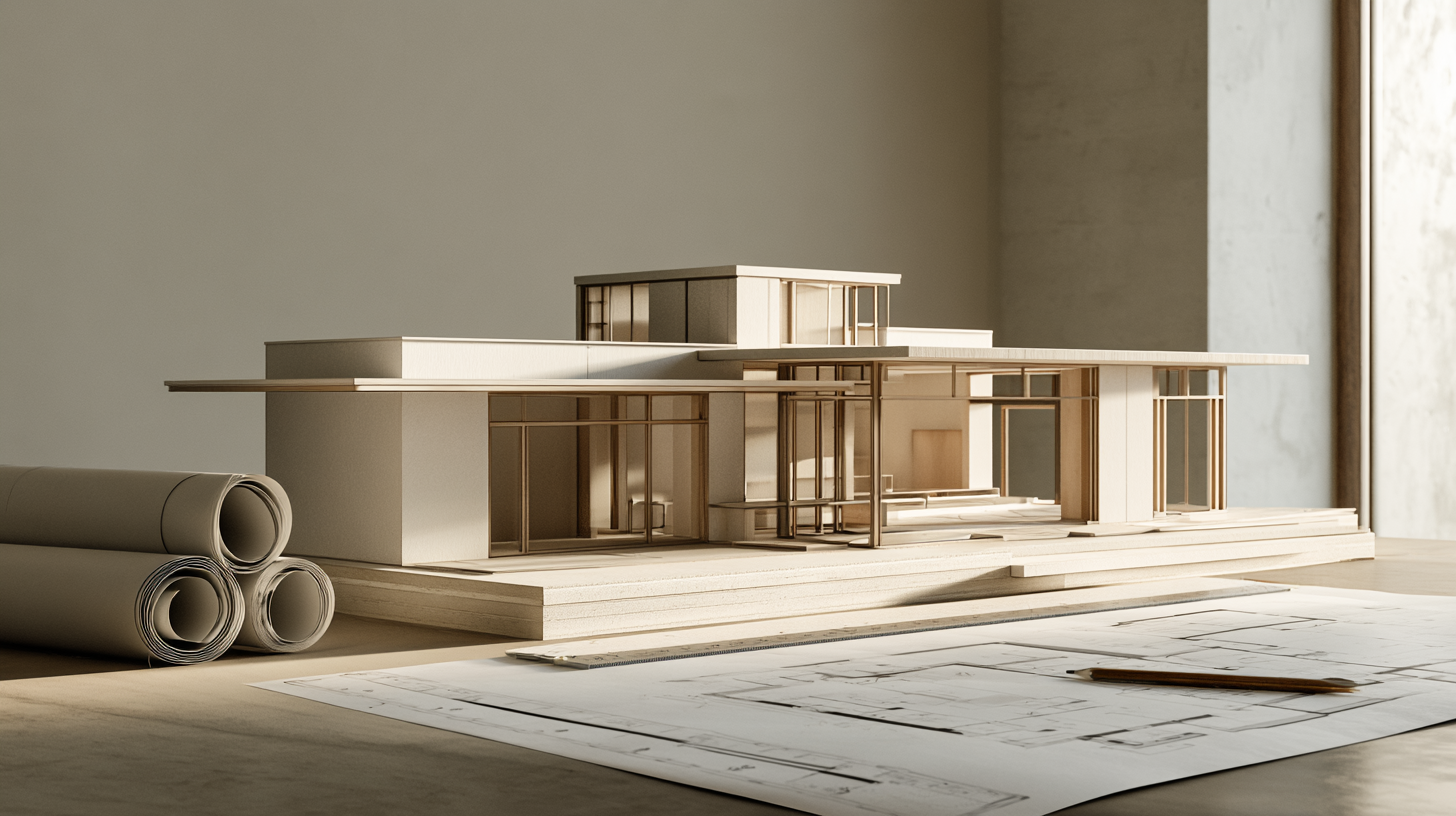
How to Build an Architecture Physical Model From Scratch
Building an architecture physical model from scratch takes the right scale, tools,...
Furkan Sen6 Mins read


Leave a comment