

How to Optimise Architectural Videos for Better Design Presentations and Online Sharing
Walkthroughs and animations help architects explain a design, but large files are hard to send. Here is how resolution, frame rate, bitrate, format and compression keep project videos small and clear.
 illustrarch Editoral Team31 October 20265 Mins read2
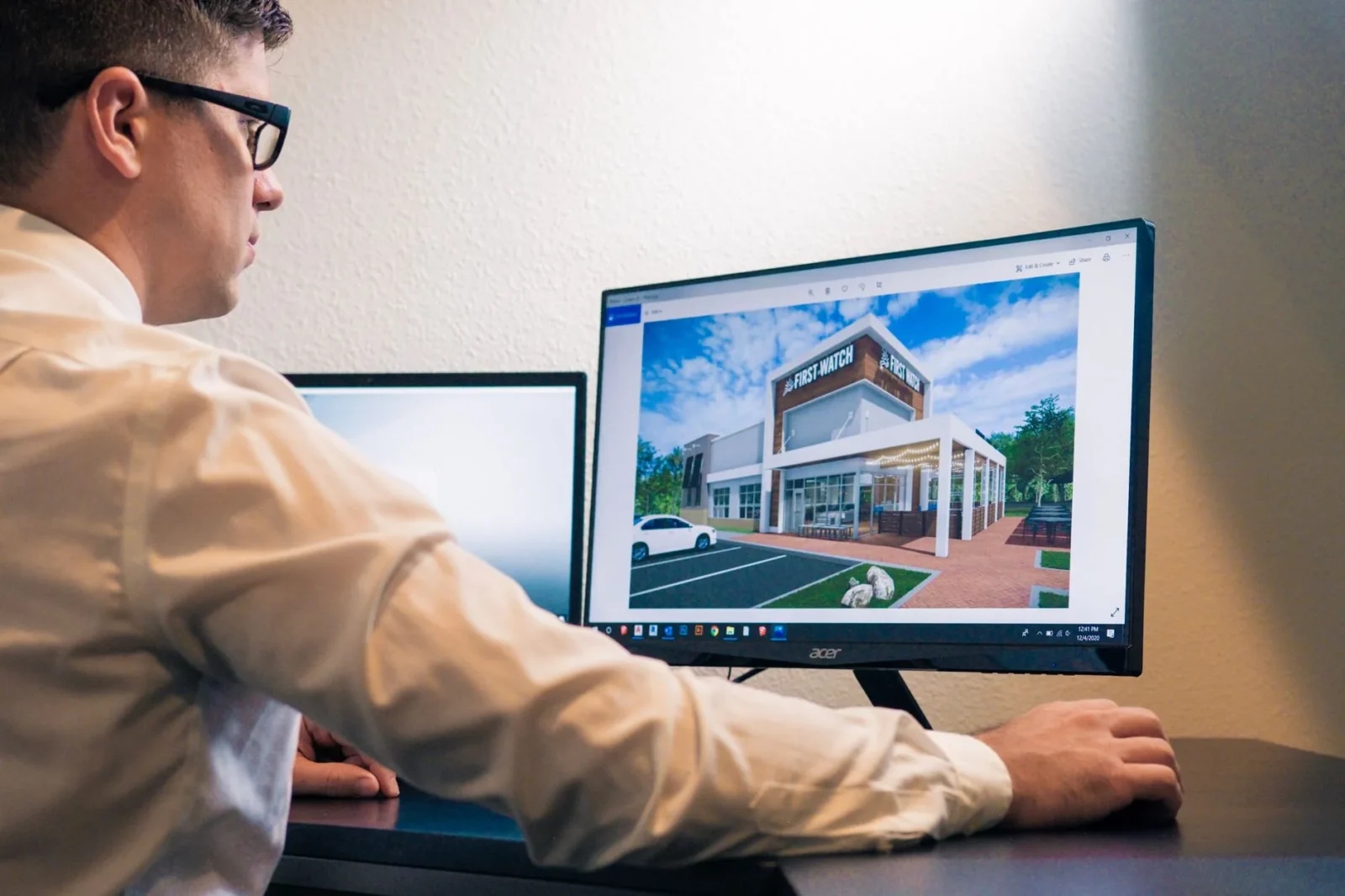
Table of Contents Show
Architecture is a visual discipline where presentation plays an important role in communicating creative ideas. From conceptual sketches and 3D models to completed building projects, architects use different visual formats to explain their work. Videos have become particularly useful for presenting architectural designs because they allow viewers to explore spaces, understand layouts, and experience a project from different perspectives. However, large video files can make sharing and uploading presentations difficult. Using a video size reducer can help architects and designers make their project videos smaller and easier to share while maintaining suitable visual quality.
The Growing Importance of Video in Architecture
Architectural communication has developed significantly with the introduction of digital design tools and visualisation technologies. Traditional drawings and photographs remain important, but videos provide another dimension to project presentations. They allow architects to demonstrate how a building looks from different angles, how spaces connect, and how natural light interacts with interior and exterior elements.
For example, a residential project can be presented through a virtual walkthrough that takes viewers from the entrance to the living areas, bedrooms, and outdoor spaces. Similarly, commercial developments can use animated presentations to demonstrate circulation, building layouts, and design features.
Videos are particularly valuable in the following areas:
- Client presentations: Architects can explain proposed designs more clearly through visual walkthroughs.
- Design portfolios: Project videos help professionals demonstrate their technical abilities and creative approach.
- Architectural education: Students can use animations to understand spatial planning, construction concepts, and building design.
- Project marketing: Developers can present properties and upcoming developments to potential buyers.
- Construction documentation: Recorded footage provides a visual reference for monitoring project progress.
As video becomes a regular part of architectural communication, managing file size and presentation quality becomes increasingly important.
Why Architectural Video Files Can Become So Large
Architectural videos often contain detailed visual information that requires considerable storage space. High-resolution textures, realistic lighting, complex animations, and multiple camera movements can all contribute to larger file sizes.
Understanding the main factors behind video size can help designers make better export decisions.
1. High Video Resolution
Resolution determines the amount of visual detail contained in each frame. A 4K video offers more pixels than a Full HD video, making it useful for detailed architectural presentations. However, the additional information also increases the amount of data required to store the footage.
Not every presentation requires the highest available resolution. For standard online portfolios and client reviews, Full HD may provide sufficient visual clarity.
2. Frame Rate Settings
Frame rate refers to the number of frames displayed per second. Higher frame rates can make camera movements and animations appear smoother, but they can also increase file size.
For many architectural walkthroughs, 24 or 30 frames per second provides a suitable viewing experience. The ideal setting depends on the type of animation and how it will be presented.
3. Video Duration
The length of a video directly influences its overall size. A detailed ten-minute architectural presentation will generally require more storage than a short two-minute walkthrough.
Keeping presentations focused can make them more effective. Instead of showing every detail, designers can highlight the most important areas of a project.
4. Bitrate and Encoding
Bitrate determines how much data is used to represent each second of video. Higher bitrates generally preserve more visual information, while lower bitrates create smaller files.
Encoding also affects the final result. Choosing an appropriate format and compression level helps balance video quality with manageable storage requirements.
Practical Ways to Optimise Architectural Videos
Reducing the size of architectural videos does not always require complicated editing techniques. A few adjustments during production and export can make a noticeable difference.

Select the Right Export Resolution
Before exporting a video, consider where it will be displayed. A presentation intended for a website may not require the same resolution as a large exhibition screen.
Choosing an appropriate resolution prevents unnecessary file sizes while ensuring that important architectural details remain visible.
Remove Unnecessary Scenes
Long introductions, repeated camera movements, and unnecessary transitions can make presentations longer than needed. Editing these sections out improves the overall viewing experience and reduces the final video size.
A well-structured walkthrough should guide viewers through the project in a logical order, focusing on its most important design features.
Use Suitable Compression Settings
Compression reduces the amount of data stored in a video file. Selecting suitable compression settings can make large architectural animations easier to upload and distribute.
However, excessive compression may affect fine details such as surface textures, window frames, structural lines, and lighting effects. Designers should always review the final output before sharing it.
Choose an Appropriate Video Format
Different video formats offer different combinations of compatibility, quality, and file size. MP4 is widely supported across websites, presentation platforms, and mobile devices, making it a practical choice for many architectural projects.
Selecting a compatible format helps avoid playback problems when sharing presentations with clients or collaborators.
Online Tools for Managing Large Video Files
Architects and designers do not always have access to powerful editing computers or advanced video software. Sometimes, they simply need to make an existing video smaller before sending it to a client or uploading it to a portfolio.
Online video processing tools provide a convenient alternative in these situations. They allow users to work with video files through a web browser without installing additional desktop applications.
This approach can be useful for architecture students preparing coursework, freelance designers delivering project presentations, and professionals sharing visualisations with international clients.
Before using an online service, it is worth considering its supported file formats, upload limits, processing options, and privacy policies. After processing, users should also check the resulting video to ensure that the architectural details remain clear.
How to Maintain Visual Quality After Compression
File size is only one part of a successful architectural presentation. The final video must still communicate the design accurately.
Certain visual elements require particular attention during compression.
Architectural Lines and Edges: Building outlines, window frames, columns, and other structural elements should remain sharp enough to understand.
Material Textures: Stone, wood, concrete, glass, and other materials contribute to the visual character of a project. Excessive compression can make these surfaces appear blurred.
Lighting and Shadows: Architectural visualisations often rely on subtle lighting effects to demonstrate atmosphere and material relationships. These details should be checked after processing.
Camera Movement: Smooth transitions and consistent movement help viewers understand the relationship between different spaces. The compressed version should not introduce noticeable playback problems.
Keeping an original high-quality copy is also important. It allows architects to return to the source file whenever they need to create a different version or prepare a presentation for a larger display.
Better Video Presentations for Modern Architectural Projects
A successful architectural presentation is not simply about producing attractive visuals. It is also about making information accessible to the intended audience.

For example, a residential design presentation might focus on room layouts, natural lighting, and connections between indoor and outdoor spaces. A commercial project may require a different approach, highlighting circulation routes, shared facilities, and the overall building arrangement.
Understanding the purpose of a video helps designers decide how long it should be, which scenes to include, and what export settings to use.
It is equally important to consider the platform where the video will appear. Websites, email services, online portfolios, and social media platforms may have different file-size and format requirements. Preparing the video accordingly can save time and reduce difficulties during delivery.
Conclusion
Video has become an important communication medium in contemporary architecture. It allows designers to present spaces, explain creative decisions, and demonstrate projects in ways that static images alone cannot always achieve. However, large video files can create challenges when uploading, sharing, and delivering presentations.
By selecting appropriate resolutions, adjusting export settings, removing unnecessary footage, and applying suitable compression, architects can make their videos easier to manage without losing essential visual details. Paying attention to both technical quality and presentation objectives ensures that architectural ideas reach their audience clearly and professionally.




Why Captions Belong in Every Architecture and Design Video
Most people watch design reels with the sound off. Captions make architecture...
illustrarch Editoral Team4 Mins read
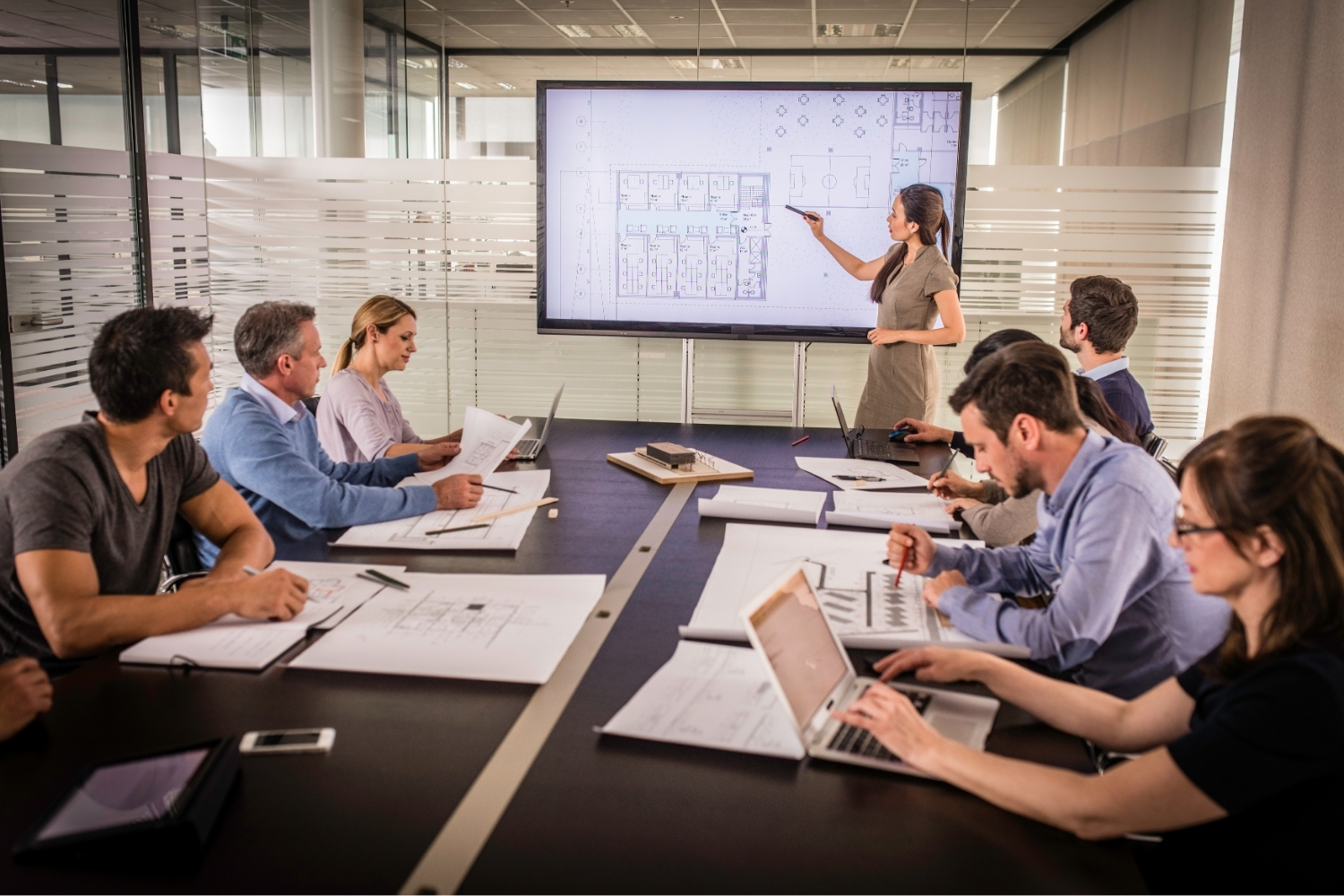
Architecture Crit Presentation: How to Present Your Project With Confidence
The crit is where a good project can fall apart and an...
 Sinan Ozen6 Mins read
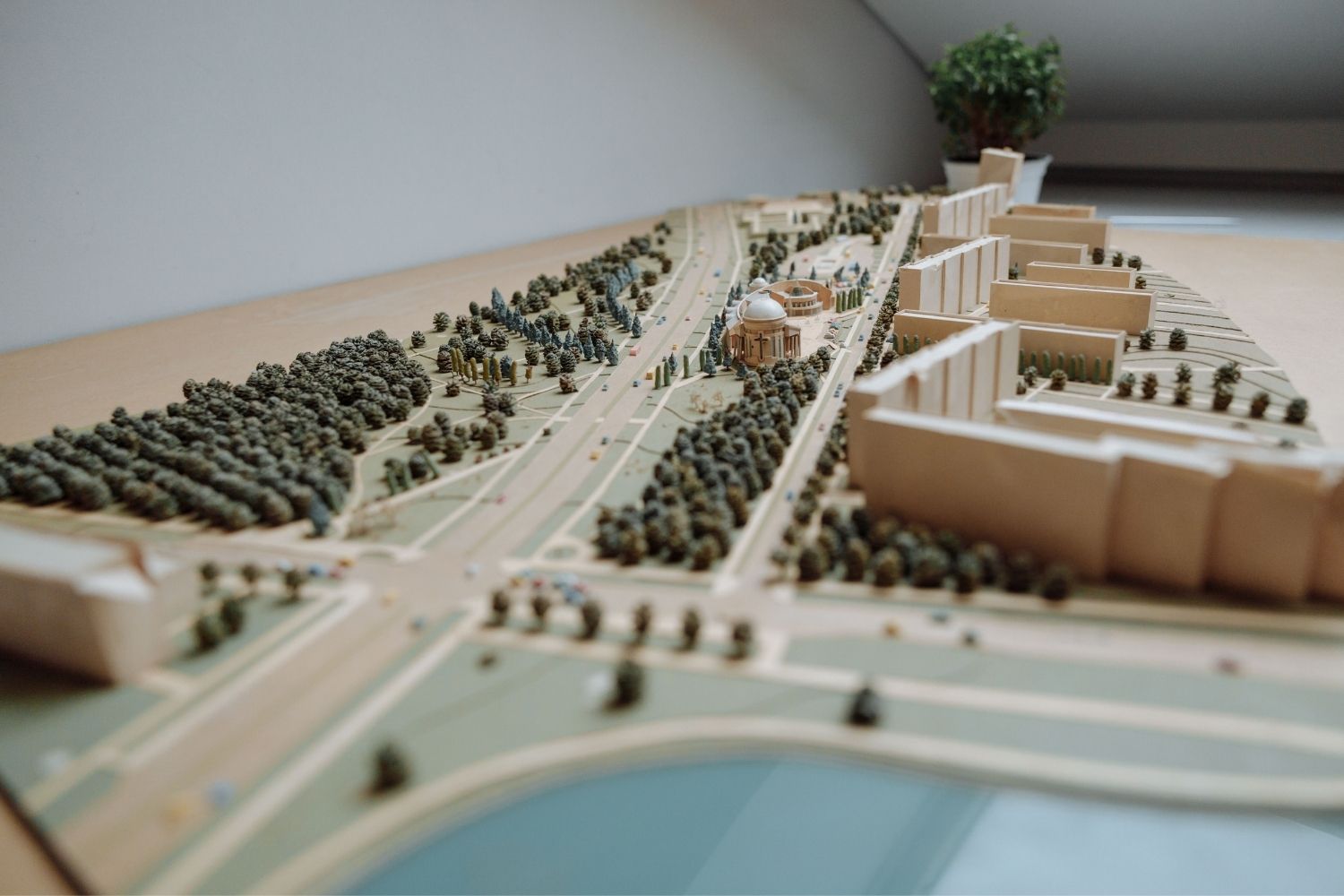
Why Do Architects Use Architectural Models Instead of Just Drawings?
Physical architectural models remain a core tool even in a digital studio....
 Furkan Sen6 Mins read
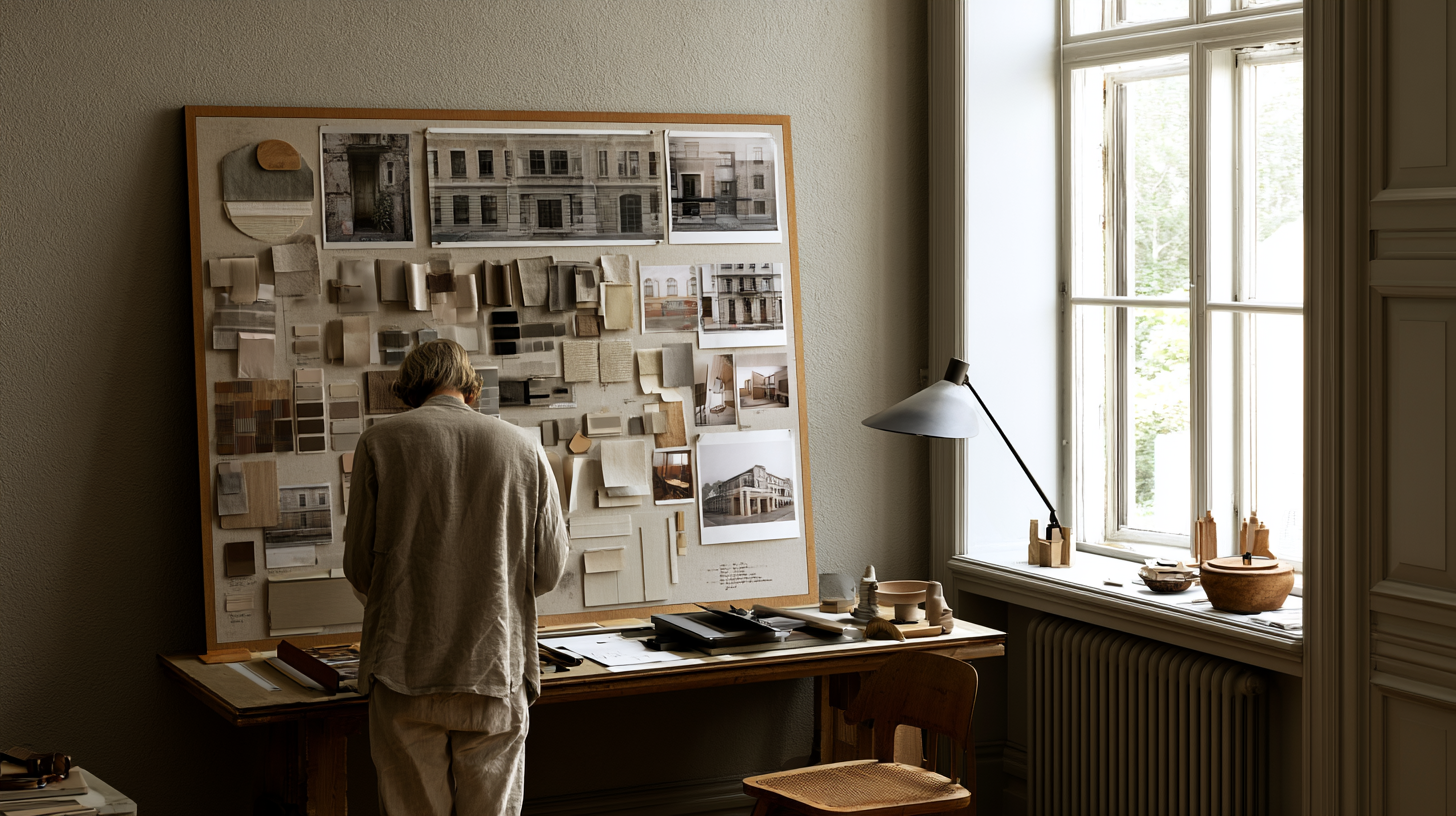
How to Make an Architecture Mood Board: A Step-by-Step Guide
A practical walkthrough for building an architecture mood board, covering how to...
Furkan Sen6 Mins read


Leave a comment