

What Is the Easiest Way to Animate a Picture with AI?
A comparison of five AI image animators, Pollo AI, Canva, Pika, Runway and Kling, with their strengths, limits and best uses for turning still photos into short videos.
 illustrarch Editorial Team23 November 20265 Mins read1
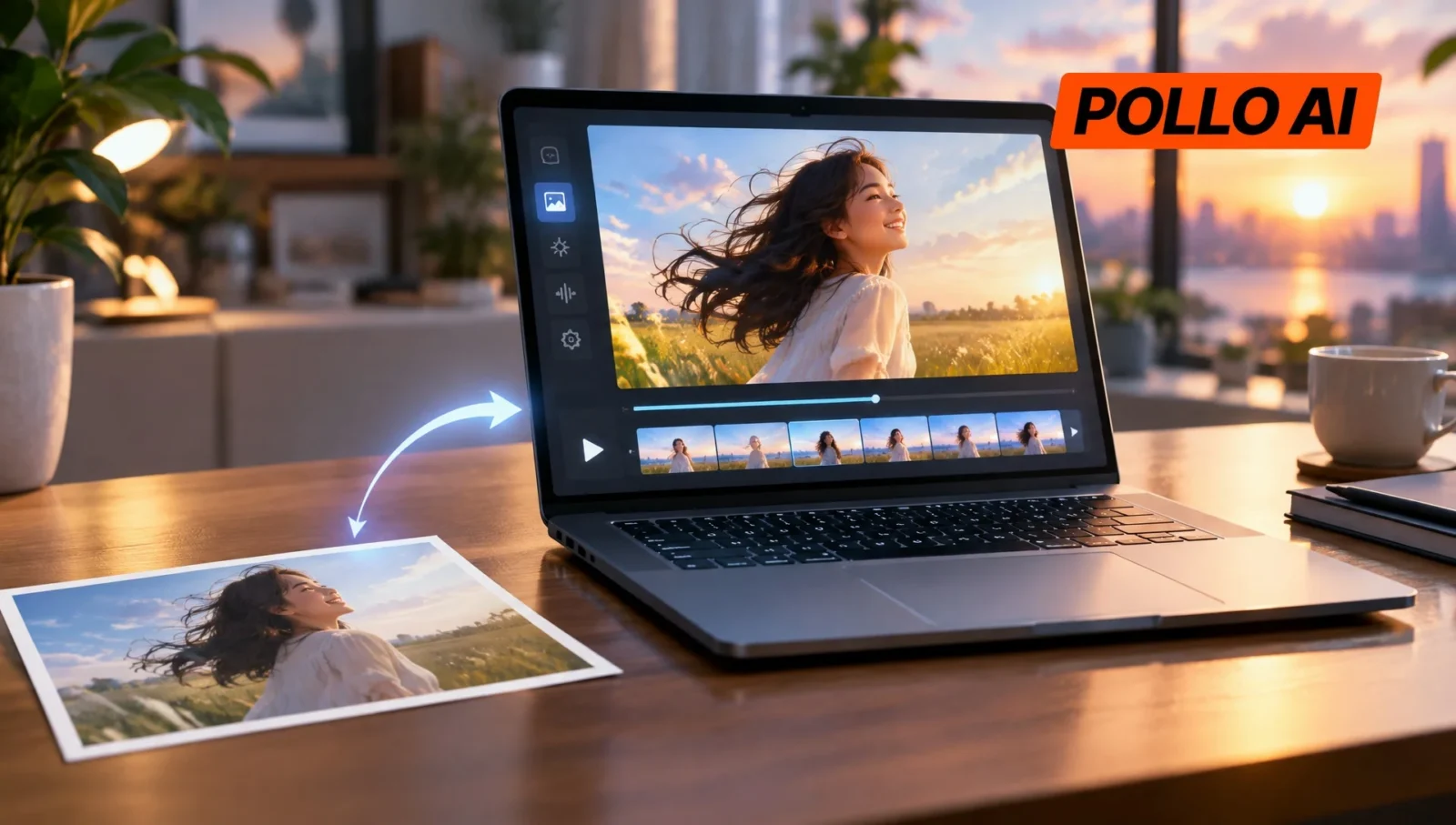
Table of Contents Show
Turning a still picture into a moving video no longer requires animation skills or complicated editing software. AI image animators can bring portraits, product photos, illustrations, and old photographs to life with a simple prompt. After testing more than 17 tools, five stand out for their ease of use, features, and practical results. This guide compares their strengths, limitations, and best use cases to help users find the easiest way to animate photos.
Which AI Tools Are Best for Animating Photos?
1. Pollo AI Image Animator – Best for Easy All-Round Photo Animation
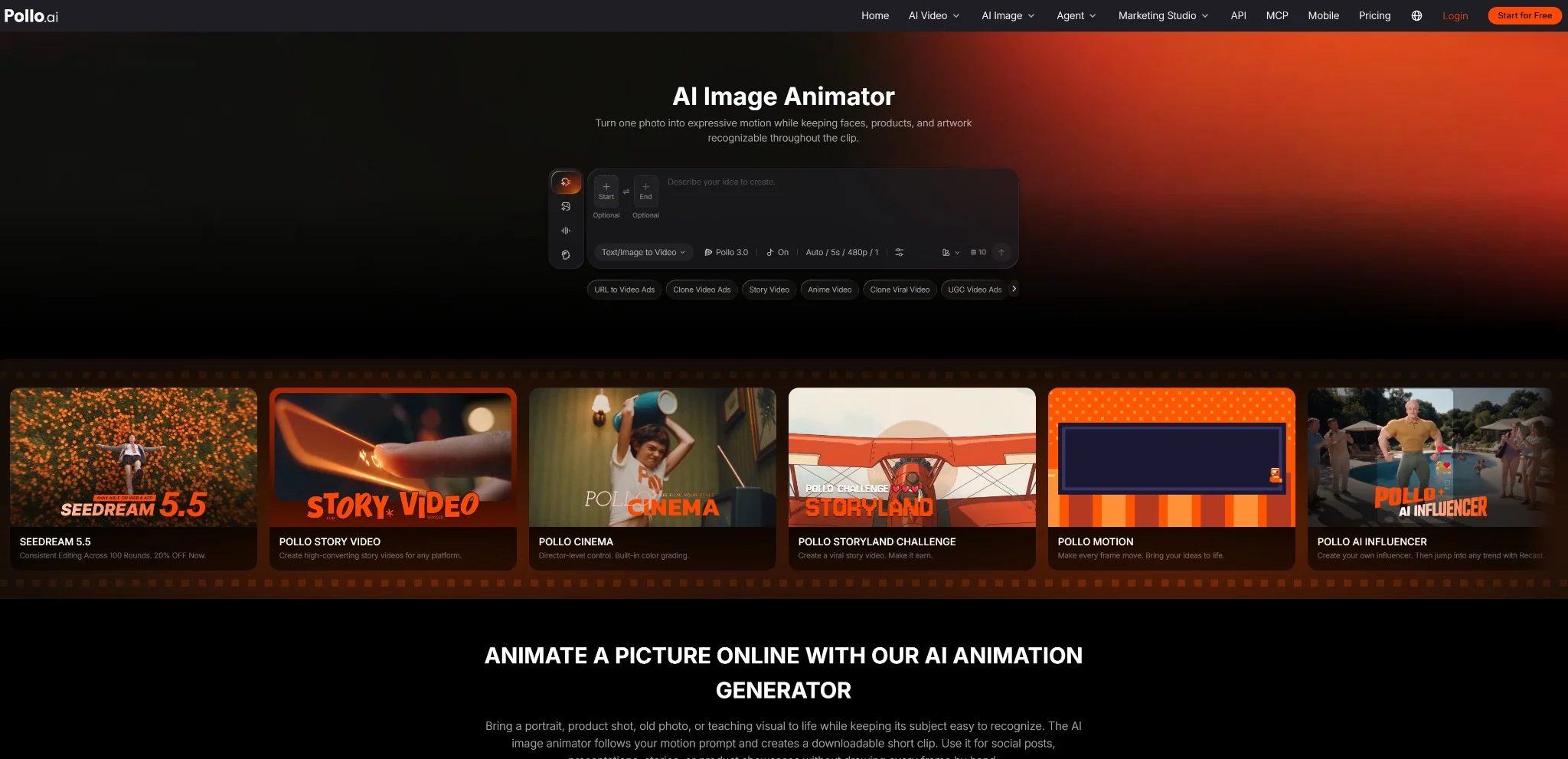
Pollo AI Image Animator is an online tool that turns static pictures into short videos. Users upload an image, describe the desired movement, and generate a clip without dealing with animation timelines or individual frames.
It supports portraits, product shots, old photos, drawings, and diagrams. Users can animate a portrait with a natural expression or add movement to a product close-up. For UGC video ads, these animated shots can complement creator footage, product demonstrations, and voiceovers. The tool handles image animation rather than complete ad production.
Users can request camera movements such as push-ins, pans, and orbits, or describe specific subject actions. They can also adjust the duration, style, and aspect ratio while aiming to preserve recognizable details of the original image.
Strengths:
- Simple three-step process: upload, prompt, and generate.
- Works with several types of visual content, not just portraits.
- Generated clips can be previewed, downloaded, and shared.
Limitations: Very detailed movements may need prompt adjustments. Blurry images, heavy occlusion, and tiny details can also affect how recognizable the subject remains.
Best for: Beginners, social media creators, and anyone who wants to animate portraits, products, drawings, or old photos without complicated controls.
2. Canva Image to Video – Best for Animating Existing Designs
Canva Image to Video is an AI feature built into Canva’s design editor. It adds movement to static images, making it useful for people who already use Canva to create social media graphics, presentations, and promotional materials.
Users can choose Smart mode for automatic animation or Custom mode to describe the desired movement. The resulting five-second clip appears directly in the editor, where it can be combined with text, graphics, and other design elements.
For example, a small business could animate a product image within an existing Instagram promotion instead of creating a separate video project. The main appeal is convenience: the animation becomes part of the original design rather than another asset that needs to be assembled elsewhere.
Strengths:
- Two animation modes accommodate different experience levels.
- Generated clips retain the original image’s aspect ratio.
- Integrates with Canva’s design and editing features.
Limitations: Videos are limited to five seconds, facial animation is not fully supported, and generated clips do not include audio.
Best for: Marketers, small businesses, and Canva users who want to add movement to existing graphics.
3. Pika – Best for Creative Short Animations
Pika is an AI video generation platform with image-to-video capabilities. Its Pika 2.5 model turns still images into short clips based on text instructions, making it useful for creators experimenting with expressive movements and visual effects.
The workflow starts with uploading an image and describing what should happen. A creator might ask for hair to move in the wind, a character to turn its head, or a camera to slowly approach the subject. Pika 2.5 supports five- and ten-second videos at up to 1080p.
Pikaframes offers another approach, connecting two to five ordered images through AI-generated transitions. This can help digital artists build short visual sequences without manually animating every transition.
Strengths:
- Supports different short-video durations.
- Prompts can focus on specific subject movements.
- Pikaframes provides more options for multi-image animation.
Limitations: Pika 2.5 generates silent videos, so music and sound effects need to be added separately.
Best for: Digital artists and social media creators who want expressive animations and creative visual transitions.
4. Runway – Best for Precise Camera and Scene Movement
Runway is an AI creative platform with image-to-video generation. Its Gen-4.5 model lets users turn an uploaded image into a moving scene through detailed text instructions.
Rather than relying entirely on automatic motion, users can describe camera movements, changes in atmosphere, and sequences of actions. For instance, a photographer could animate an architectural image with a slow camera push toward a building while trees move gently in the background.
Gen-4.5 supports videos between two and ten seconds in different aspect ratios. This makes it useful when a particular shot needs careful direction, although users may need several attempts to get the movement right.
Strengths:
- Handles detailed and sequenced motion instructions.
- Supports multiple aspect ratios.
- Offers greater control over camera choreography.
Limitations: Gen-4.5 requires a Standard plan or higher and costs 12 credits per second, so repeated generations can become expensive.
Best for: Photographers, filmmakers, and experienced creators who want more control over animated shots.
5. Kling AI – Best for Longer, Structured Animations
Kling AI is an AI video generation platform that turns static images into moving scenes. Its Kling 4.0 model offers additional controls for developing character actions and visual sequences, making it useful for more elaborate animations.
Users can upload reference images and describe the intended movement. For projects requiring more direction, Kling 4.0 supports up to ten keyframes, allowing creators to guide important moments throughout a video. It also supports video generation of up to 30 seconds.
For example, an illustrator could use multiple keyframes to guide a character through a scene rather than leaving the entire sequence to the model. This is useful for short visual stories, character animation, and product demonstrations involving several actions.
Strengths:
- Supports up to ten keyframe inputs.
- Offers longer video generation of up to 30 seconds.
- Includes native audio generation and reference options.
Limitations: Advanced controls involve more setup than basic photo animators and may be unnecessary for simple animations.
Best for: Animators, filmmakers, and creators who need longer sequences or more structured character movements.
Which AI Tool Is the Easiest Way to Animate a Picture?
For someone who simply wants to upload a picture, describe a movement, and get a video, Pollo AI Image Animator is the easiest overall choice. Its straightforward workflow works for portraits, product photos, drawings, and old photographs without requiring detailed animation knowledge.
The alternatives suit more specific needs. Canva is convenient for adding motion to existing designs, Pika works well for creative short clips, Runway offers more precise camera direction, and Kling is better for longer animations with keyframes.
If only one tool is needed for everyday photo animation, Pollo AI Image Animator offers a good balance of simplicity and flexibility.
Conclusion
A good photo animation doesn’t always need elaborate effects. A subtle smile, a moving background, or a gentle camera pan can be enough to make a still image more engaging.
For users who want to animate portraits, product photos, illustrations, or old photographs without learning traditional animation, Pollo AI Image Animator is a practical option to try. Uploading a clear image and starting with one simple movement is often the easiest way to see what the tool can do.
FAQs
1. Can AI Animate a Picture Without Editing Skills?
Yes. Most AI image animators only require users to upload a picture and describe the desired movement, making the process accessible to beginners without editing experience.
2. What Types of Photos Can Be Animated with AI?
Common options include portraits, family photos, product images, landscapes, illustrations, and digital artwork. The final result depends on the image quality and the tool’s capabilities.
3. How Can Users Make AI Photo Animations Look More Realistic?
Start with a clear image and use simple, specific motion prompts rather than requesting several actions at once. Subtle movements such as blinking, slight head turns, and gentle camera pans often look more natural.
4. Can AI Animate Old or Blurry Photographs?
Yes, although severely blurred or damaged images may produce less convincing results. Using a clearer or restored version of the original photo can help preserve recognizable details during animation.


From Site Outline to 3D Model to Final Renders with Rendair
A house develops in seven steps with Rendair: a footprint sketched over...
 Elif Ayse Sen3 Mins read
How to Turn a Furniture Sketch into a 3D Model for an Interior Concept
A furniture sketch can set the mood of an interior before the...
illustrarch Editorial Team4 Mins read

A Courtyard Reading Corner Takes Shape with Nano Banana 3
A narrow courtyard can look finished on plan and still feel uninviting...
illustrarch Editorial Team5 Mins read

From SketchUp View to Client-Ready Render: A Hands-On Look at Vizbase
Vizbase co-founder Mikus Zarāns shows how the browser-based AI renderer turns SketchUp...
illustrarch Editorial Team4 Mins read




Leave a comment