

Midjourney Video Update: A New Era for AI Architecture & Landscape Design
Midjourney’s new video feature introduces AI-powered animation for architectural and landscape renders, enabling designers to create cinematic visual storytelling in seconds.
 Muhammad Abdullatef - Tifa Studio15 December 20252 Mins read210
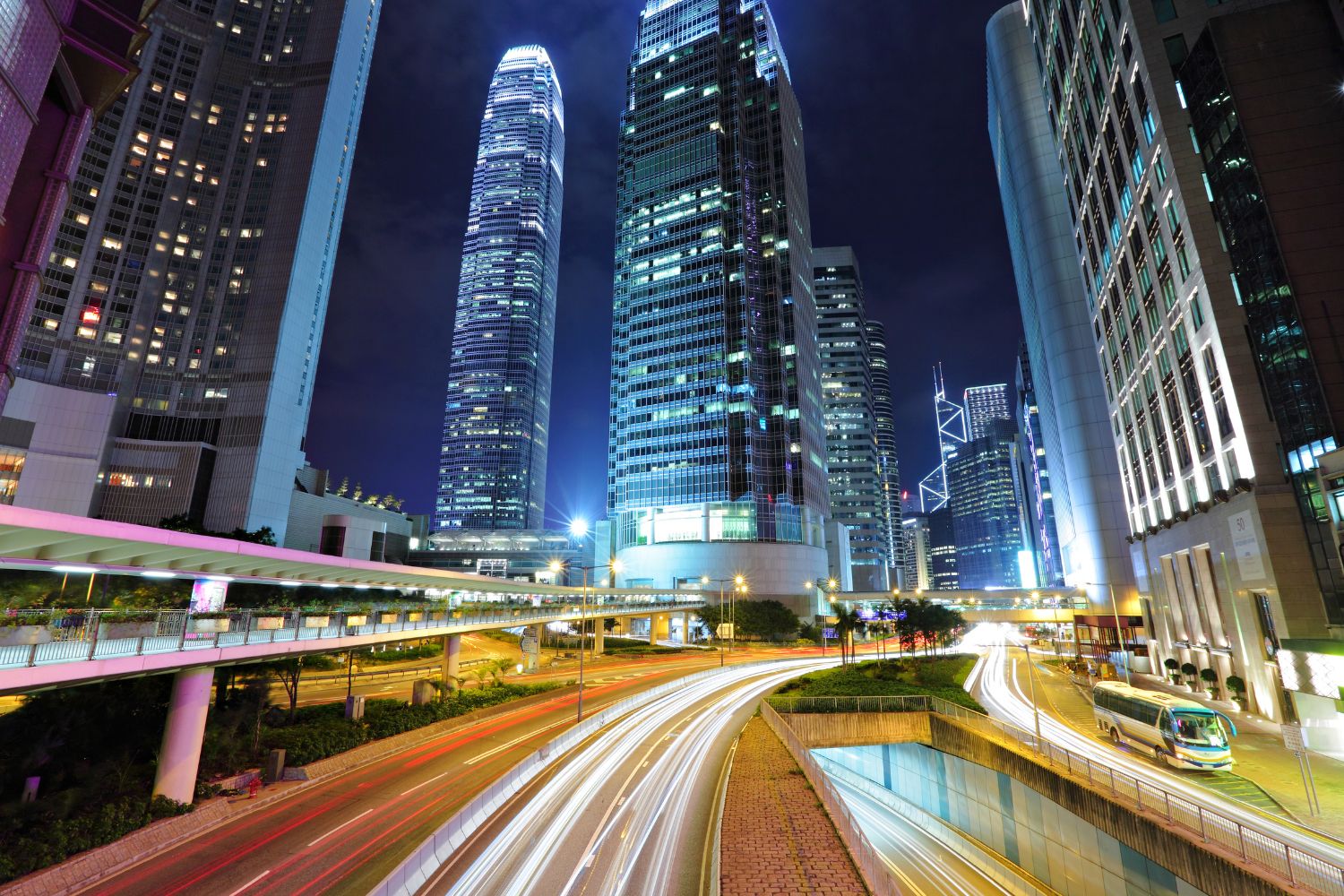
Table of Contents Show
As AI visualization tools rapidly evolve, Midjourney has introduced one of its most exciting updates yet: video generation from static renders. This feature unlocks cinematic animations that elevate design communication — especially for architects, landscape designers, and interior visualization professionals.
What Is the Midjourney Video Feature?
The new video tool allows users to animate any AI-generated or imported image. Instead of sharing only still renderings, designers can now produce short videos that simulate camera movements, environmental motion, and atmospheric transitions.
This adds depth, realism, and emotion — qualities essential when presenting spatial ideas.
Why Video Matters in Architecture & Landscape Design
Enhancing Spatial Storytelling
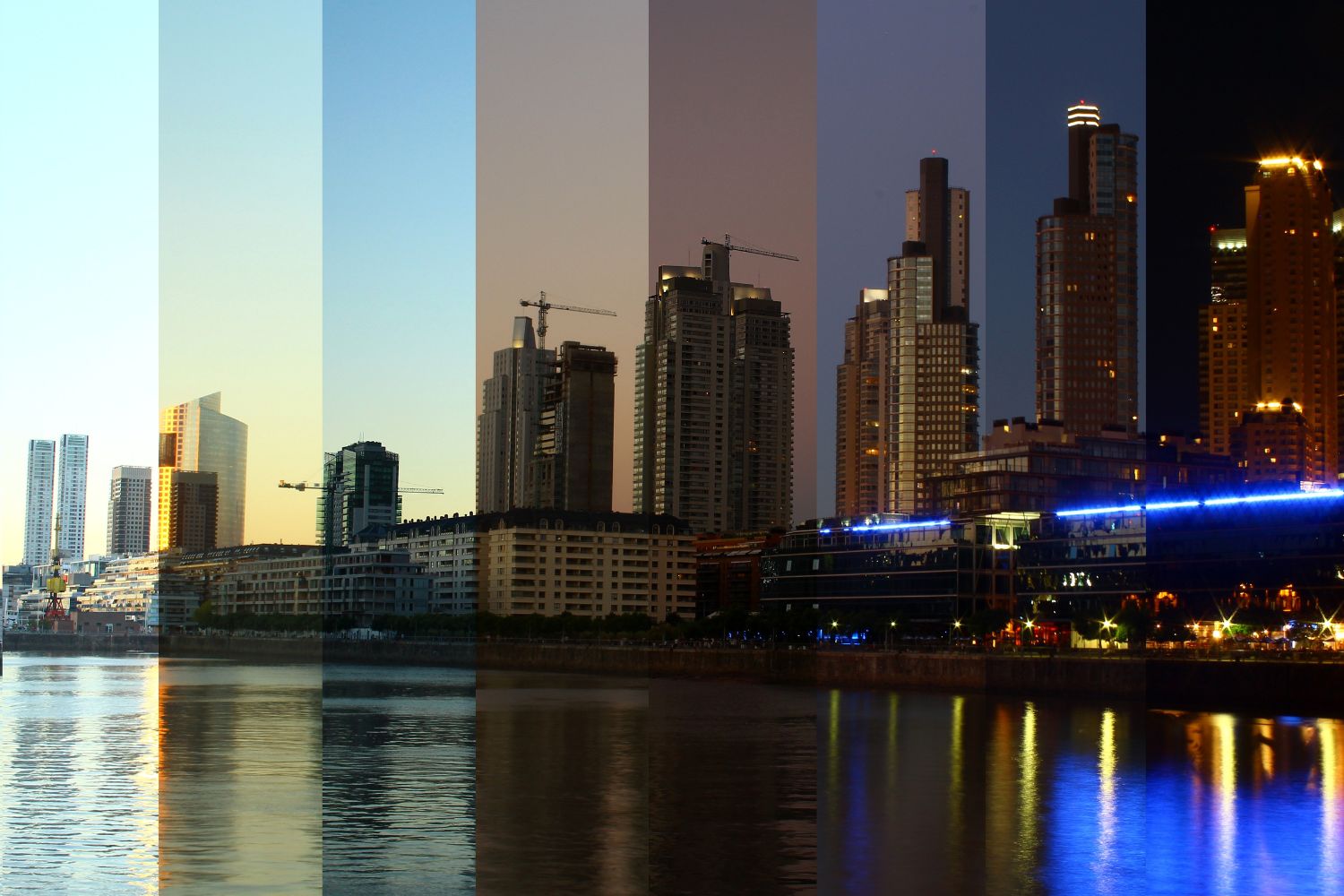
Movement helps clients better understand volume, approach, and material relationships. Videos can simulate how a visitor might experience a pathway, courtyard, or lobby — rather than imagining it from a single view.
Speed and Creative Flexibility
Traditional animation workflows require complex 3D modeling and long production timelines. Midjourney’s update generates visual motion in seconds, making revisions and experiments effortless.
Increased Client Engagement and Marketing Impact
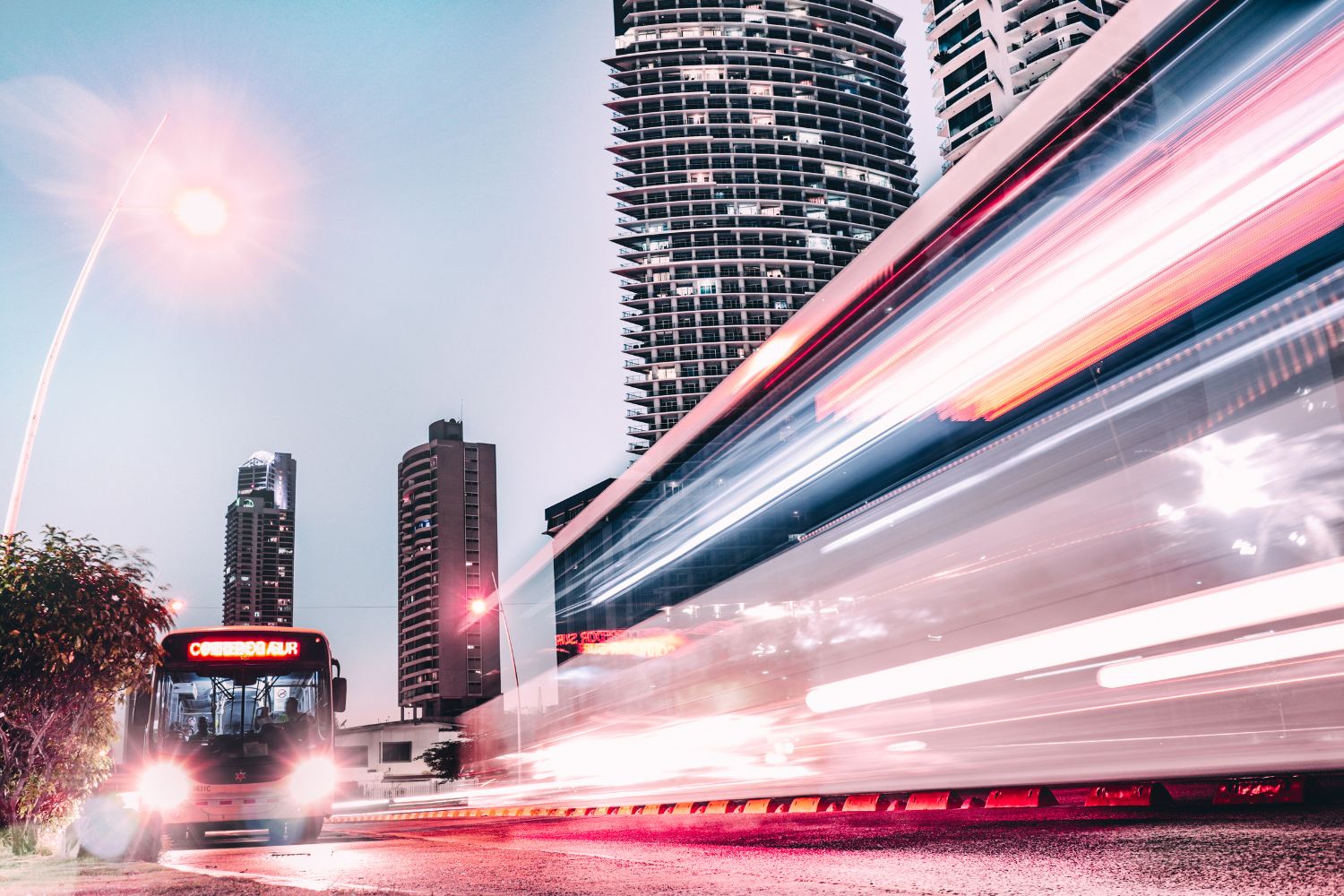
Architectural videos perform significantly better on social media, pitch decks, and portfolio websites. Smooth transitions and dynamic atmosphere can turn a conceptual design into a compelling narrative.
Best Use-Cases for the Midjourney Video Update
-
Architecture concept evolution: Massing → material development → final visualization
-
Landscape experience previews: Tree movement, lighting shifts, scenic walk-throughs
-
Before & after transformations: Renovation, redevelopment, seasonal change
-
Atmospheric renderings: Day to night transitions or dynamic weather moments
-
Interior design walk-ins: Entry sequences or dynamic focal point reveals
These applications can transform early design conversations into visually persuasive experiences.
Tips for Better Architectural Animations in Midjourney
To achieve smooth, believable motion:
-
Use clean compositions with a clear subject
-
Maintain strong perspective in the source images
-
Favor realistic lighting and material behavior
-
Keep movement subtle for architectural clarity
-
Avoid overly complex scenery on first iterations
Refining input quality always leads to stronger final animations.

How to Create Midjourney Videos (Step-by-Step)
Follow this quick workflow:
1️⃣ Generate or upload a still image in Midjourney
2️⃣ Select the Animate / Video option on the image
3️⃣ Choose Motion Amount (low for architecture is recommended)
4️⃣ Define Start + End frame direction if customization is available
5️⃣ Preview the animation and adjust if needed
6️⃣ Download or continue developing the video
7️⃣ Extend the clip if you want longer cinematic movement
In just a few steps, you can convert a static render into a dynamic visual asset.
Sample Prompts for Architectural & Landscape Animations
These prompts are optimized for clarity, realism, and spatial movement:
Modern Architecture Exterior
A cutting-edge architecture concept, sharp geometric forms, ultra-realistic materials, golden hour sunlight, subtle reflections, landscaped plaza, cinematic style, professional architectural photography, 8K detailed render
Landscape Design Perspective
Contemporary public park, native plant palette, concrete seating edges, human scale walkways, clean visual hierarchy, soft lighting with wind-moved vegetation, hyper-realistic, wide lens
Interior Minimalist Space
Bright modern interior with natural light from skylights, refined wood tones, minimal decor, smooth perspective depth, architectural composition, photoreal materials, 4K clarity
Once the still image is ready, apply the video tool to animate lighting or camera direction for presentation.
The Future of Design Visualization
Midjourney’s video update signals a major shift in how designers communicate ideas. AI-generated animations reduce time, cost, and technical barriers that once limited cinematic presentations to high-end studios.
As this technology evolves, we may see full AI-powered walkthroughs, interactive client previews, and immersive environmental simulations — all generated within minutes.
Final Thoughts
Architects and landscape designers thrive on emotional impact and visual clarity. The ability to animate concepts introduces a new storytelling layer that strengthens every stage of design — from early ideation to final client approval.
If you haven’t explored the new Midjourney video tools yet, now is the perfect time to start experimenting.




Seedance 3.0 for Home and Garden Concepts: Making a Renovation Story Easier to Discuss
Seedance 3.0 can turn a renovation idea into a short concept video....
 illustrarch Editoral Team5 Mins read

From SketchUp View to Client-Ready Render: A Hands-On Look at Vizbase
Vizbase co-founder Mikus Zarāns shows how the browser-based AI renderer turns SketchUp...
illustrarch Editoral Team4 Mins read
Best AI Interview Assistant for Architects: 9 Tools Compared
We compare nine AI interview assistants for architects on speed, drawing awareness,...
illustrarch Editoral Team12 Mins read

OpenAI’s Astra Model Aims to Turn AI Into an Architecture Workflow Operator
OpenAI's Astra model, launched Sept. 3, 2026, runs multi-step tasks across software,...
illustrarch Editoral Team3 Mins read


Leave a comment