

Adobe Express Review: Is It Fast Enough for an Architect’s Presentation Graphics?
A hands-on review of Adobe Express for architects, covering how it handles presentation boards, quick social graphics, background removal, and logos. Includes a Canva comparison and what the free plan actually covers.
 Sinan Ozen7 August 20265 Mins read184
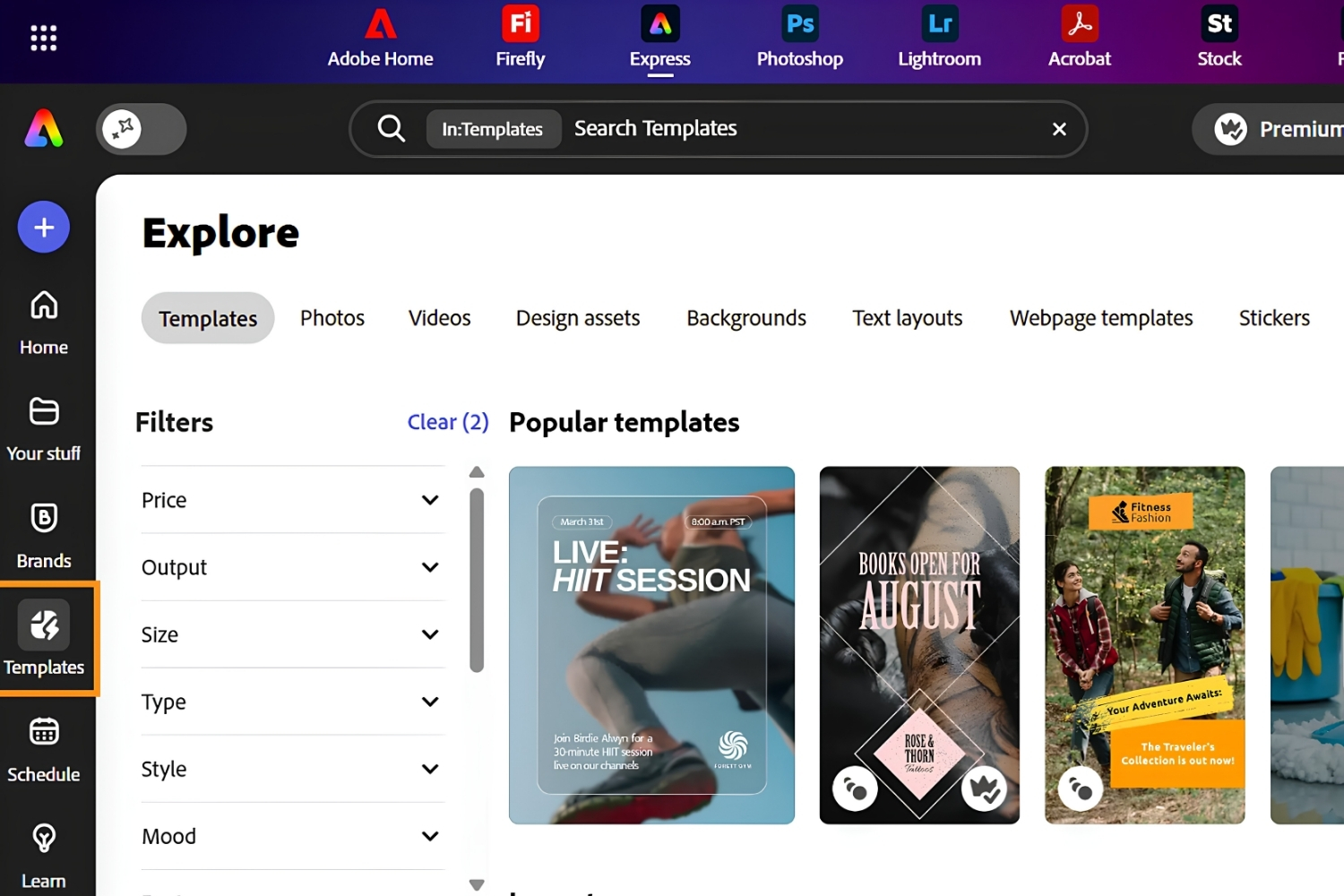
Table of Contents Show
Adobe Express review in short: it is a free, browser-based design app that lets architects produce presentation graphics, social posts, and quick edits without opening Photoshop or InDesign. It handles background removal, simple video, and logos well, but it works as a supporting tool for boards and marketing, not as a documentation platform.
Most architects do not need another heavy design suite. They need to turn a render, a floor plan, and a few lines of text into a clean presentation board or a social post before a deadline. Adobe Express targets exactly that gap. This Adobe Express review looks at how it performs for real architectural work, from presentation graphics and background removal to short video and firm branding, plus how it measures up against Canva and what you actually get for free.

What Is Adobe Express, and Is It Really Free?
Adobe Express is Adobe’s lightweight web and mobile design app for making social graphics, flyers, presentations, short videos, and logos from templates. Yes, there is a genuinely free plan. According to Adobe, the free tier includes over 100,000 templates, more than a million royalty-free Adobe Stock assets, basic photo and video editing, 5 GB of storage, and a limited monthly pool of generative AI credits.
For an architect, the appeal is speed. You can build a title slide, resize it for three social platforms, and drop in a cleaned-up render in a few minutes, all in a browser through the Adobe Express site. If you are already assembling a kit of no-cost software, it sits comfortably next to the options in our roundup of free tools for architectural design and the wider list of best architecture tools of 2026.

Adobe Express for Architects: Where It Fits a Workflow
Adobe Express for architects works best as a presentation and marketing layer, not a drafting or documentation tool. It cannot import DWG or IFC files, and it has none of the scale control, layer depth, or print precision that Illustrator, InDesign, or Figma give you. What it does well is take finished visuals and package them quickly.
Think competition board covers, diagram labels, project announcement cards, client-facing slide graphics, and quick portfolio pieces. For anything that needs precise vector linework, a dedicated editor is still the right choice, and our guide to Illustrator alternatives for architects covers those. Express is the tool you reach for after the technical drawing is done.
💡 Pro Tip
Build a brand kit once before you start designing. On Premium, save your firm’s exact colors, two fonts, and logo as a brand kit, then apply them to every board, slide, and social post with one click. Architects who skip this end up eyeballing hex codes on each new file, which is where visual consistency quietly breaks across a submission.
The Features That Matter for Presentations
Four features carry most of the value for architectural use.
Presentation and Slide Graphics
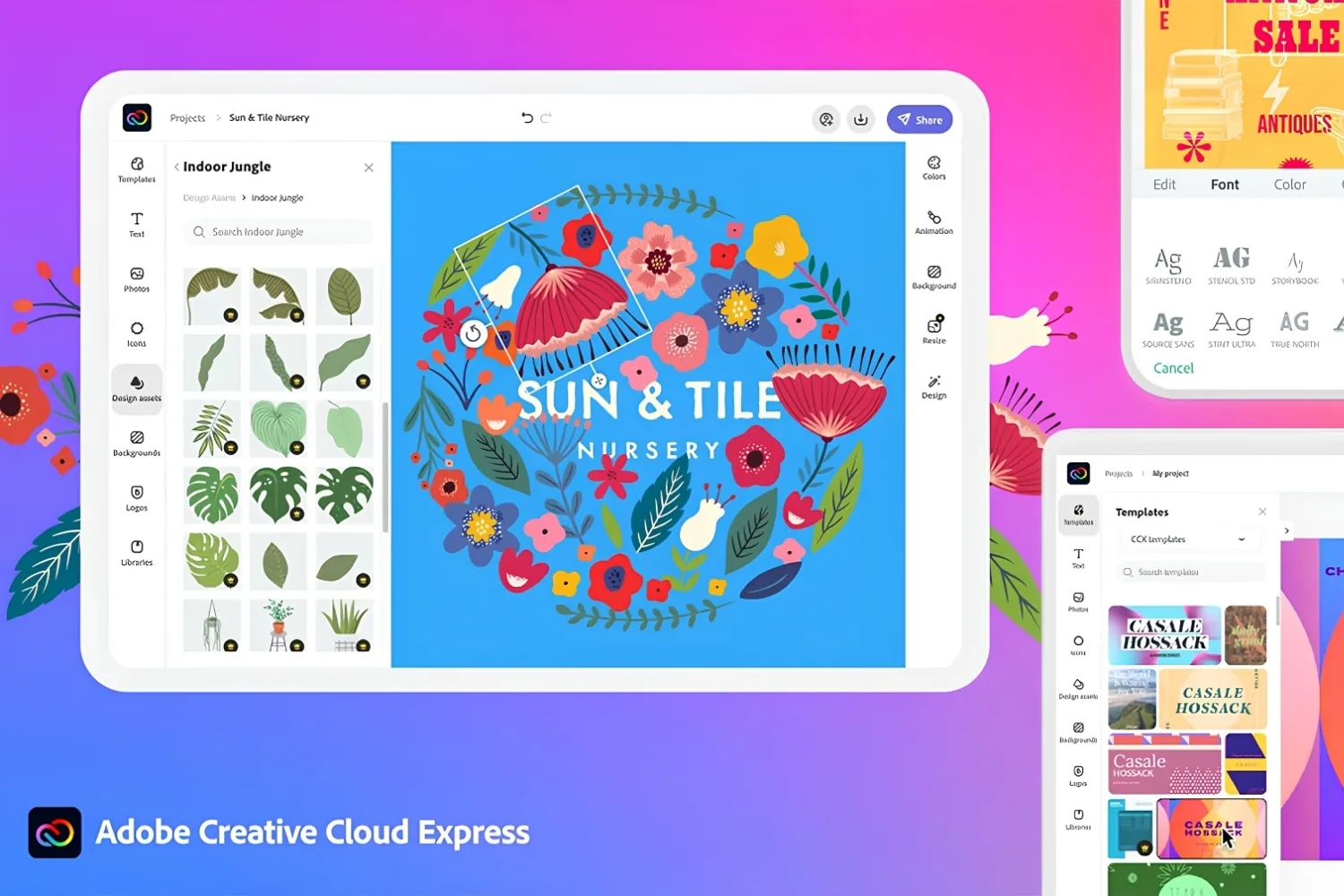
The template library covers presentation formats, thumbnails, and social sizes, and one-click resize adapts a single layout across platform dimensions. The practical win for architects is turning a diagram or render into a titled, captioned graphic without rebuilding it for each channel. For ideas on what to put on those slides, our breakdown of architectural diagrams and their types pairs well with the layout tools here.
Adobe Express Background Remover
The Adobe Express background remover is the standout for quick visual work. It uses AI to cut a subject out in roughly one click and export a transparent PNG, which is handy for isolating a building from a cluttered sky or lifting a model figure onto a clean board. Independent testing has noted faint edge halos on fine detail and some trouble with low-contrast images, so check the cutout at full zoom before you place it. For heavier compositing, a dedicated editor still wins, and our list of Photoshop alternatives for architects covers stronger options. You can test it on the Adobe Express background remover page.
Adobe Express Video Editor
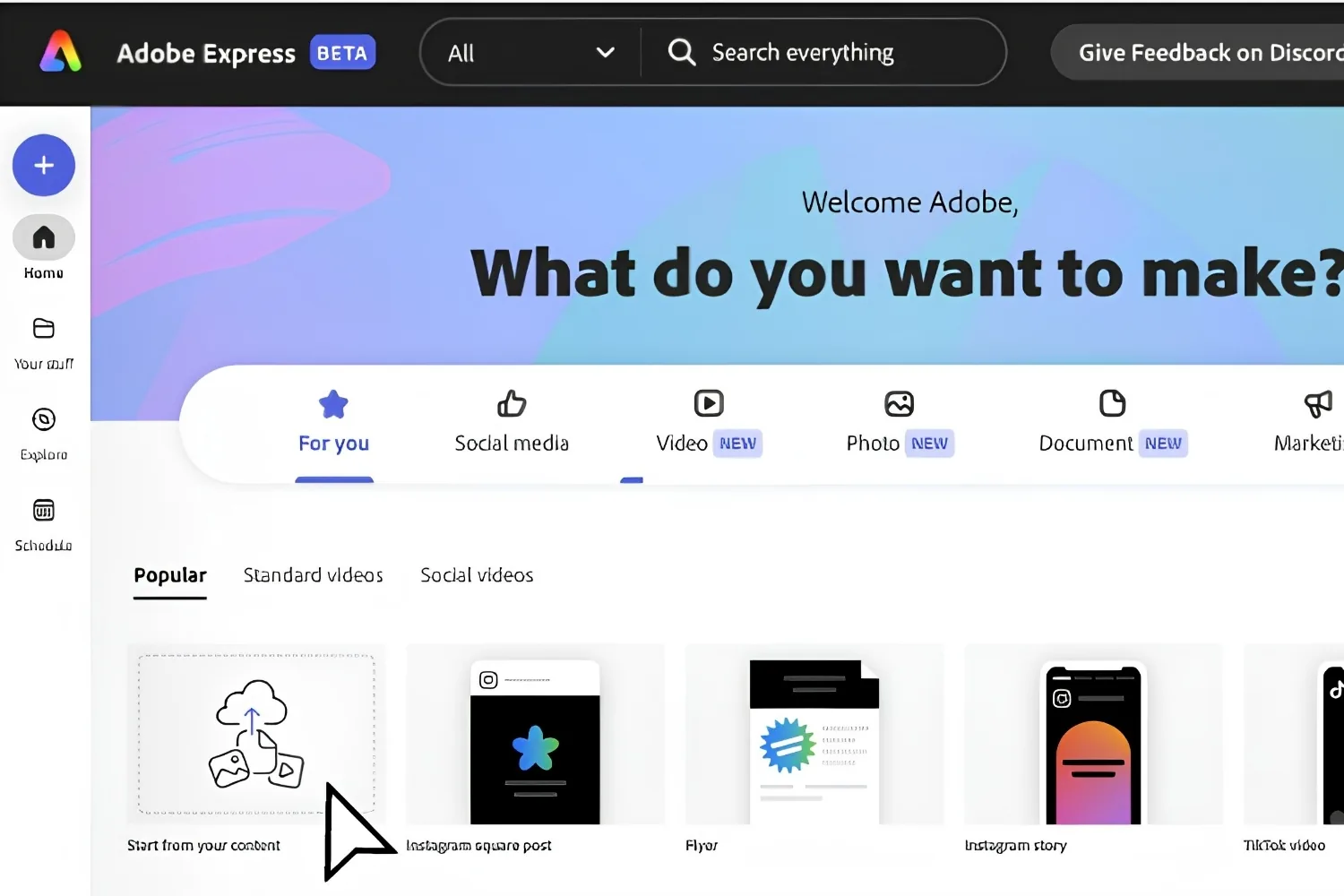
The Adobe Express video editor handles the basics: trim and merge clips, add captions and music, resize for social, and remove a video background on Premium. It is built for short project reels and social clips, not walkthrough animation or full post-production. For a thirty-second site teaser it is quick. For anything longer or layered, Premiere Pro is the better call.
Adobe Express Logo Maker
The Adobe Express logo maker builds simple wordmarks and icon-based marks from a name and a few style choices. It is fine for a studio side project, an event, or a placeholder, but a serious practice identity still deserves custom vector work. Treat it as a starting point rather than a finished brand.
🔢 Quick Numbers
- Free plan: 100,000+ templates and 1M+ royalty-free Adobe Stock assets (Adobe, 2026)
- Premium plan: 200M+ Adobe Stock assets and 30,000+ Adobe Fonts (Adobe, 2026)
- Background removal ran roughly 5 to 8 seconds per image in independent testing (Pix Imagen, 2026)
Adobe Express vs Canva: Which One Fits Architecture Work?
Adobe Express vs Canva is the real decision for most architects choosing a template-based tool. Both run in the browser, both have free tiers, and both cover presentation and social graphics. The differences come down to price, asset ecosystem, and where each one plugs into your existing software.
Canva has a much larger template library and stronger team collaboration, which matters for bigger marketing teams. Adobe Express costs less at the paid tier and connects to the Adobe ecosystem, so a cleaned-up image can move into Photoshop or Illustrator when a project needs more control. If you are weighing the switch more broadly, our guide to Canva alternatives for architects compares both against tools built for technical work.
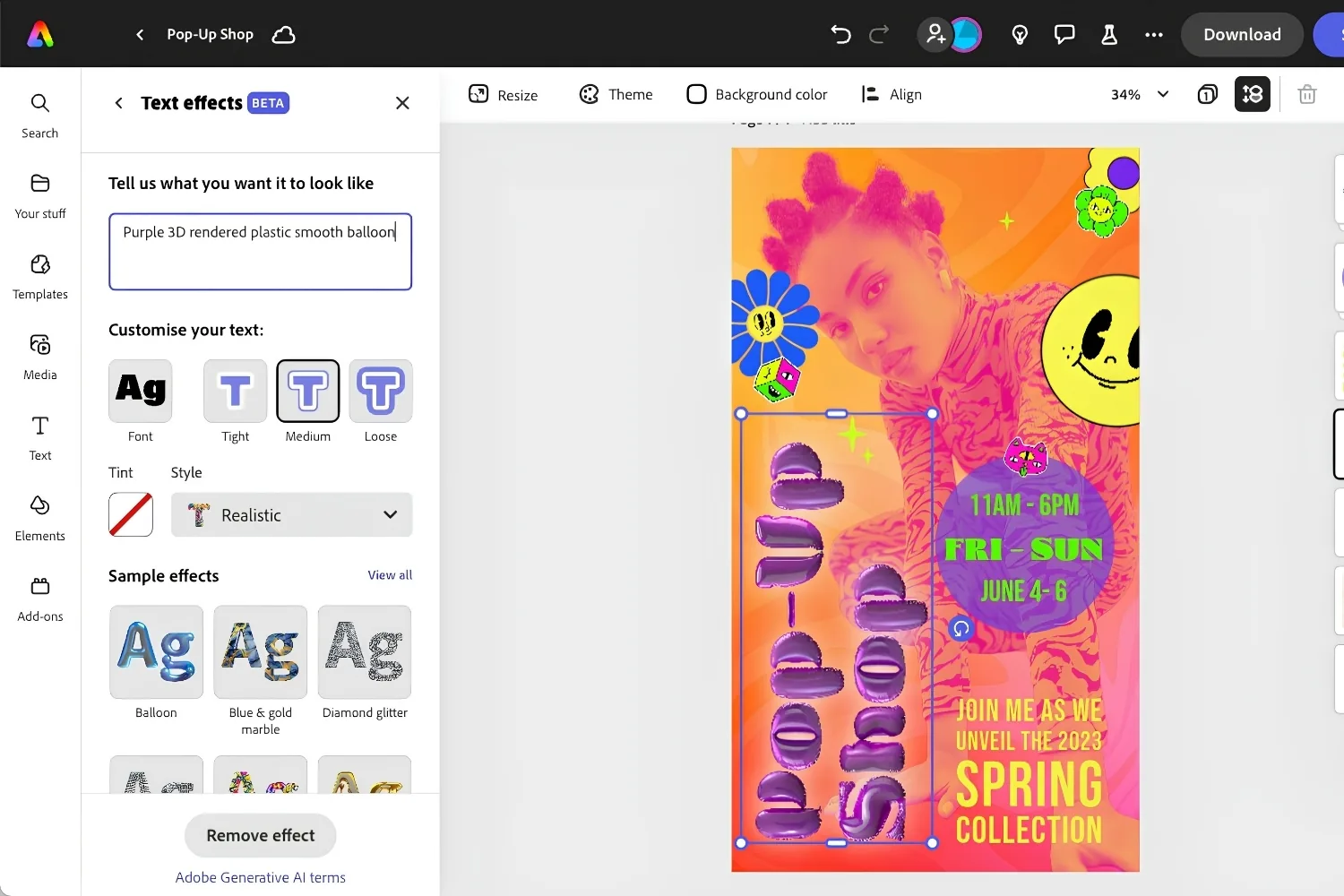
Adobe Express vs Canva at a Glance
The table below sums up the differences that affect architectural work:
| Feature | Adobe Express | Canva |
|---|---|---|
| Free plan | Yes, 100,000+ templates | Yes, large free library |
| Paid tier | Premium, $9.99/month, billed monthly (Adobe, October 2026) | Pro, monthly or yearly per person (check Canva’s current rate) |
| Template library | 100,000+ on free (Adobe) | 2M+, per Canva |
| Stock assets | 200M+ Adobe Stock on Premium | Large built-in library |
| AI engine | Adobe Firefly | Canva AI |
| Ecosystem link | Adobe Creative Cloud apps | Owns Affinity, kept separate |
| Best for architects | Graphics that flow into Adobe tools | More templates and team features |
Adobe Express Free vs Premium: What You Get
The Adobe Express free plan is generous enough for light use. You get the template library, over a million Adobe Stock assets, basic editing, background removal with no watermark on the result, and a small monthly allowance of generative AI credits. The catch is the premium crown, since many of the best templates and assets are locked, and some export types carry an Adobe Express watermark on the free tier.
Premium runs $9.99 per month in the US (as of October 2026), billed monthly with no annual commitment, according to Adobe’s pricing page. It adds the full template and font libraries, 200M+ Adobe Stock assets, video background removal, brand kits, and 100 GB of storage. Premium is also bundled with most Creative Cloud single-app plans, so if your firm already pays for Photoshop, you may have it already. A Teams plan layers on shared brand controls and admin features. Current rates are listed on the Adobe Express pricing page.
💡 Pro Tip
Watch the free credit meter on deadline day. The free plan’s generative AI credits reset monthly and run out faster than most people expect, and once they are gone, tools like generative fill stop until the next cycle. Before a submission, batch your AI edits and background removals in one session rather than scattering them across the week, so you are not blocked the night before a review.
Pricing is approximate and varies by region, plan, and billing cycle. Check Adobe’s official pricing page for current rates.
Wrapping Up
Bottom Line: Adobe Express earns a place in an architect’s toolkit as a fast, low-cost layer for presentation graphics, social posts, and quick edits, especially if you already work inside the Adobe ecosystem. It will not replace your drafting, layout, or rendering software, and it is not trying to. Start on the free plan, then move to Premium only once background removal, brand kits, or the full asset library become part of your weekly routine.







Notion Alternatives for Architects: 7 Tools That Fit Studio Work
Notion works until a studio needs fee tracking, phase budgets and timesheets....
 Furkan Sen7 Mins read

Why Every Practice Ends Up With Five Versions of the Same Revit Family
Let’s learn why Revit family libraries accumulate duplicates, break schedules and slow...
 illustrarch Editoral Team5 Mins read

Visualizing Renovation Projects From Photographs: A Workflow for Existing-Building Work
Photo-based visualization turns a photograph of a building that already exists into...
illustrarch Editoral Team7 Mins read

Best Free CAD Blocks and Resources for Architects
A working guide to free CAD blocks for architects, covering ARCAT, CAD-Blocks.net,...
Furkan Sen7 Mins read


Leave a comment