

Seedance 3.0 for Home and Garden Concepts: Making a Renovation Story Easier to Discuss
Seedance 3.0 can turn a renovation idea into a short concept video. Here is how to brief it, review it and keep it apart from measured design decisions.
 illustrarch Editoral Team5 October 20265 Mins read6

Table of Contents Show
A renovation conversation often stalls between a plan that is accurate and an atmosphere that is difficult to describe. A homeowner can understand where a new doorway will go without knowing whether the adjoining courtyard will feel connected to the kitchen. Material samples, drawings, and photographs each answer part of the question, but they do not always explain how the spaces might be experienced together.
A short concept video can give that discussion a useful starting point. Seedance 3.0 offers text and reference-based video workflows that can help explore an intended mood or visual sequence. For home and garden projects, the most productive role is to illustrate an idea for discussion while keeping measured drawings and professional design advice as the basis for actual decisions.
Choose one question about everyday life
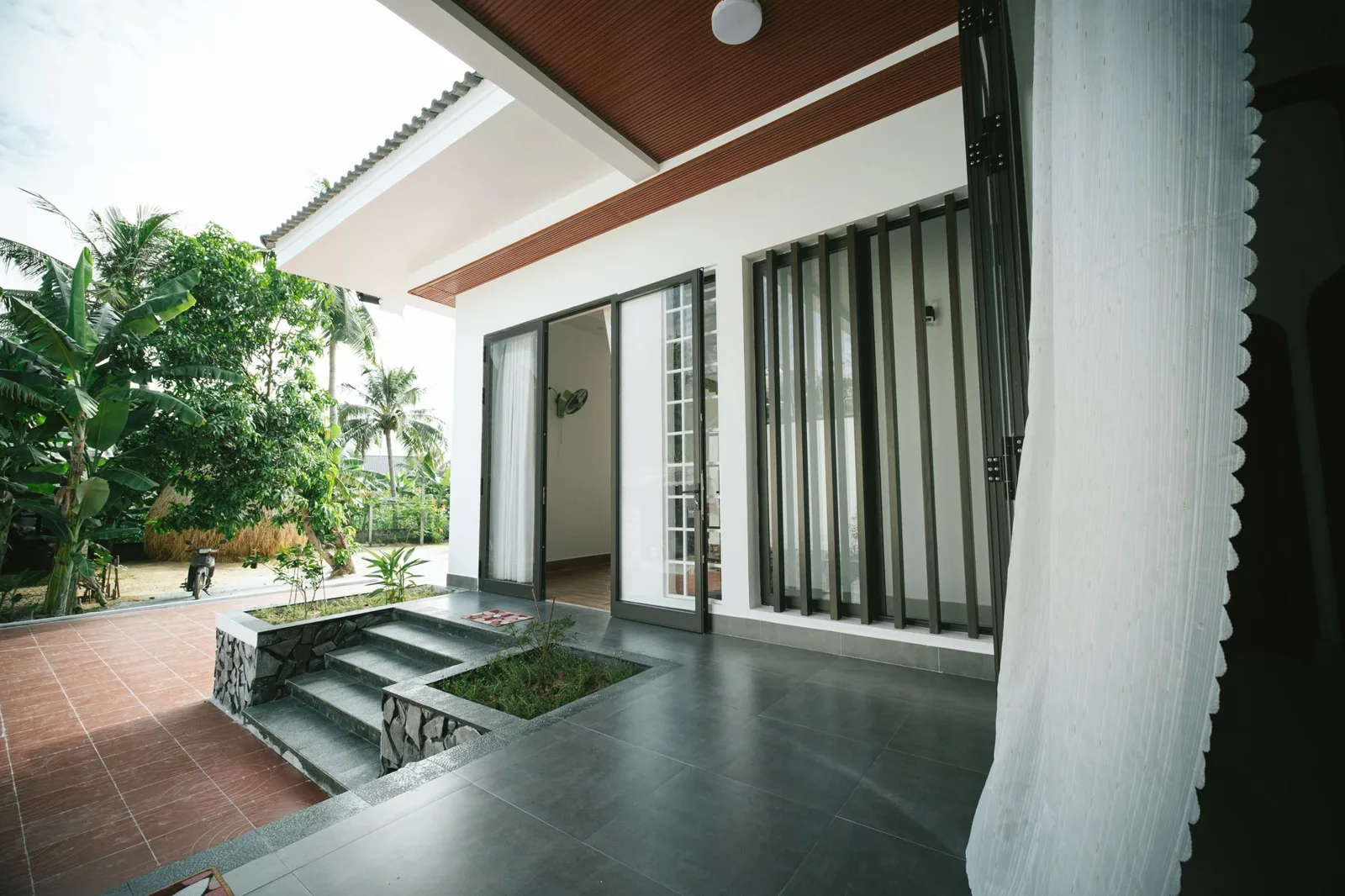
Consider a hypothetical renovation of a small home with a narrow courtyard. The owners want somewhere to have breakfast, grow a few plants, and leave the kitchen door open on comfortable days. Their first question is not whether the finished video looks cinematic. It is whether the proposed arrangement expresses the quiet, usable outdoor room they have in mind.
Build the concept around that question. A simple sequence could begin inside the kitchen, look toward the threshold, and end at a seating area beside planting. Each view should contribute something different to the conversation. There is little benefit in adding an elaborate aerial shot when the decision concerns how a person moves between a table and a door.
Gather references with clear boundaries
Start with photographs of the existing space and approved views from the designer. Add a small selection of materials or planting references if they clarify the idea. Keep a note of which images describe the actual project and which merely suggest a color, texture, or atmosphere. That distinction prevents an appealing reference from quietly becoming an assumed part of the design.

When preparing a Seedance 3.0 brief, explain the role of each reference in plain language. A photograph might establish the courtyard’s character, while a material sample suggests the tone of a proposed surface. Use images the project team has permission to process, and avoid including household documents, personal belongings, or people who do not need to appear.
The reference set should be selective. Too many conflicting examples can obscure the intention. If one image suggests a lush shaded garden and another a bright open terrace, decide which aspect of each is relevant before generation. A clear brief is easier to discuss with both the tool and the people reviewing its output.
Describe a modest camera journey
A slow view toward a doorway may communicate a connection better than an ambitious continuous walkthrough. Keep the movement short enough to inspect and simple enough to revise. Describe the viewpoint, direction, and subject of attention. If planting is the focus, say so; otherwise an attractive interior detail may take over the composition.
With Seedance 3.0, motion can be part of the written direction, but the result still needs to be checked against the references. Watch for a doorway becoming wider, a wall moving, or a bench changing shape. Such changes may look natural in a moving image while misrepresenting the space the homeowner is actually considering.
Keep geometry and performance claims separate
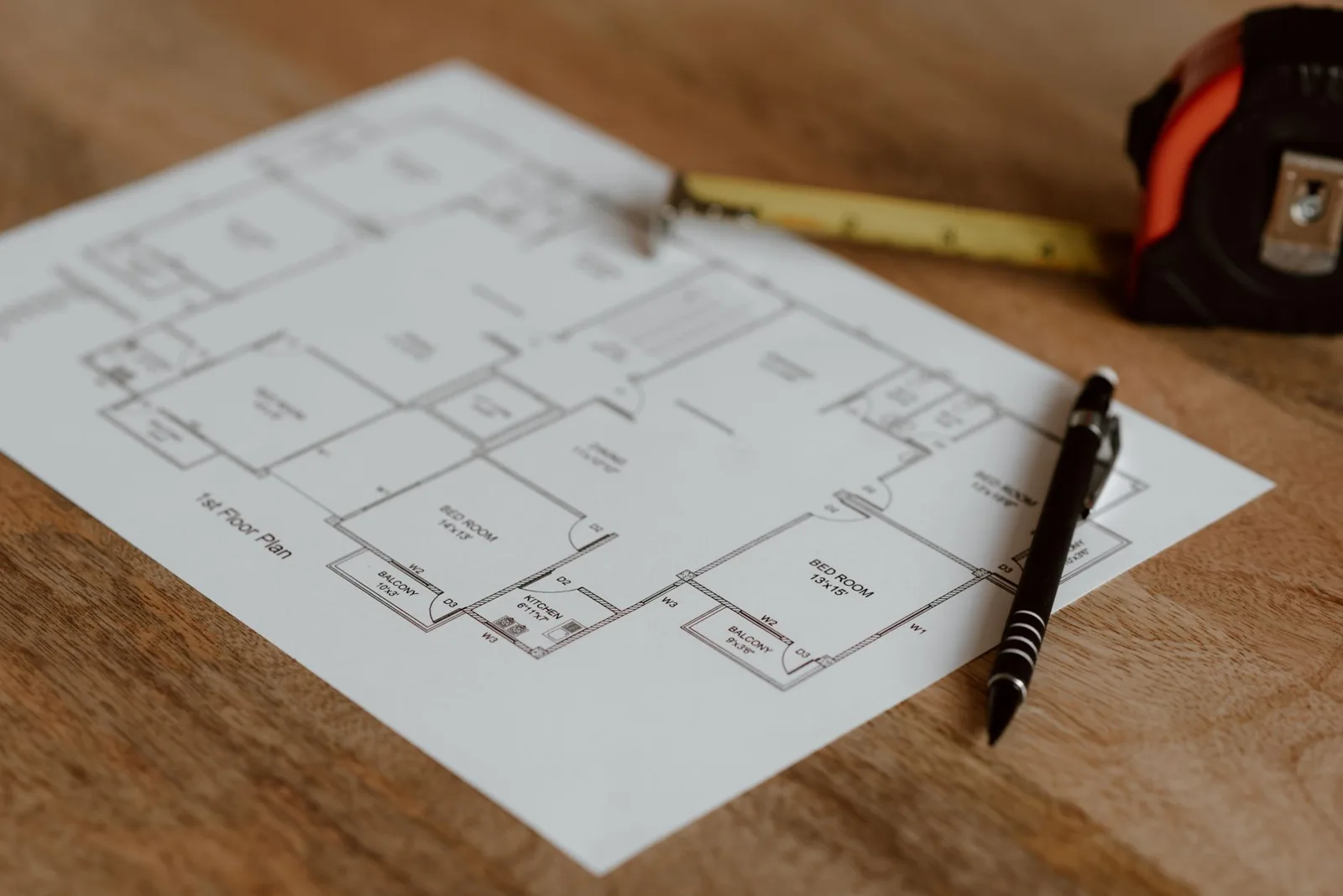
A concept generated with Seedance 3.0 is not a measured model. It cannot establish whether a passage is wide enough, a structure is buildable, or a planting bed will drain correctly. Those questions belong to drawings, calculations, site information, and qualified professionals. Presenting the video beside the plan makes its limited purpose easier to understand.
The same care applies to light. A warm patch of sun can help communicate a desired atmosphere, but it is not evidence of daylight performance at a particular hour or season. If sunlight is central to the design decision, use an appropriate analysis based on the real site. Label the video as an illustrative concept so the visual appeal does not become an unintended promise.
Planting deserves a similar distinction. A lush image does not demonstrate that a species will thrive in the local climate or fit the available root space. Let the landscape designer evaluate suitability and maintenance. The visual concept can help discuss the desired density and character of planting without pretending to settle those practical questions.
Use alternatives to clarify a choice
Two well-defined options are often more useful than a folder full of unrelated clips. For the courtyard example, compare a restrained palette with more visible planting against a warmer material palette with a simpler planting scheme. Keep the viewpoint and broad arrangement consistent so the owners can understand what they are being asked to compare.
At this stage, Seedance 3.0 can serve as an exploratory production tool. The team can generate candidate sequences, select useful moments, and assemble a short comparison in an editor. Do not imply that the options are precise forecasts of the completed work. Their purpose is to help the owners articulate preferences before those preferences are developed into a coordinated proposal.
Ask specific questions during review. Does the space seem too formal for daily use? Is the relationship between inside and outside clear? Which material direction feels closer to the brief? Avoid asking only which video people like best. That question can reward lighting or camera movement rather than the design choice under discussion.
Make sound and text support the presentation
Sound can influence how a garden concept is perceived. Quiet ambient audio may suggest calm, but it should not imply that a real site is free from traffic or neighboring noise. If the purpose is to discuss materials and layout, a silent clip may be the clearest option. Choose sound deliberately rather than adding it because generation makes it available.
Seedance 3.0 includes audio features, yet a design presentation still benefits from restraint. A short spoken explanation can identify the question being explored and the aspects that remain unresolved. Add accurate labels in the editing stage, where spelling, positioning, and consistency can be controlled. Avoid relying on generated lettering to communicate dimensions or material specifications.
Plan for revisions before producing a series
Home projects evolve as budgets, surveys, and preferences become clearer. Keep the prompt, source references, and selected output together so another version can be traced back to the same idea. Mark the date and concept stage on the presentation. An old clip should not circulate as though it represents the latest proposal.
Before committing to many variations, review Seedance 3.0 Pricing for current plan details and set aside time for selection and editing. The cost of a useful presentation includes the discarded attempts and the human review, not just the generation step. A small set of purposeful clips may be enough for an early design meeting.
Return the conversation to the home
After viewing the concept, bring the discussion back to the people who will live with the result. Where will wet shoes go? Who will care for the plants? Will the seating still be convenient when the door is open? These ordinary questions give an atmospheric presentation a practical foundation and often reveal what the next drawing needs to resolve.
The value of using Seedance 3.0 in this setting is not that it can decide how a home should be renovated. It is that an illustrative sequence can make an intention easier to discuss. When its limits remain clear, the video becomes one useful part of a larger design conversation, alongside the plans, samples, site knowledge, and people responsible for the project.


Best AI Interview Assistant for Architects: 9 Tools Compared
We compare nine AI interview assistants for architects on speed, drawing awareness,...
illustrarch Editoral Team12 Mins read
The Nano Banana Prompt: Mastering Micro-Bionic Architecture in Midjourney v6
Nano Banana Prompt explores the innovative fusion of biomimicry and architectural design...
 Bahattin Duran3 Mins read

ChatGPT Alternatives for Architects: 8 Best AI Tools in 2026
Not every AI assistant fits an architecture workflow the same way. This...
 Furkan Sen12 Mins read

Spacio AI Review: Generate Structured Building Proposals in Minutes, Not Weeks
This Spacio AI review breaks down how the platform handles early-stage building...
 Sinan Ozen9 Mins read


Leave a comment