

Vectorworks Alternatives for Architects: 7 Best Software Options in 2026
Looking for the best Vectorworks alternatives for your architecture practice? This guide compares seven leading options across BIM capability, platform support, pricing, and workflow type, helping you choose the right tool for residential, commercial, or landscape design work.
 Sinan Ozen21 April 20269 Mins read231
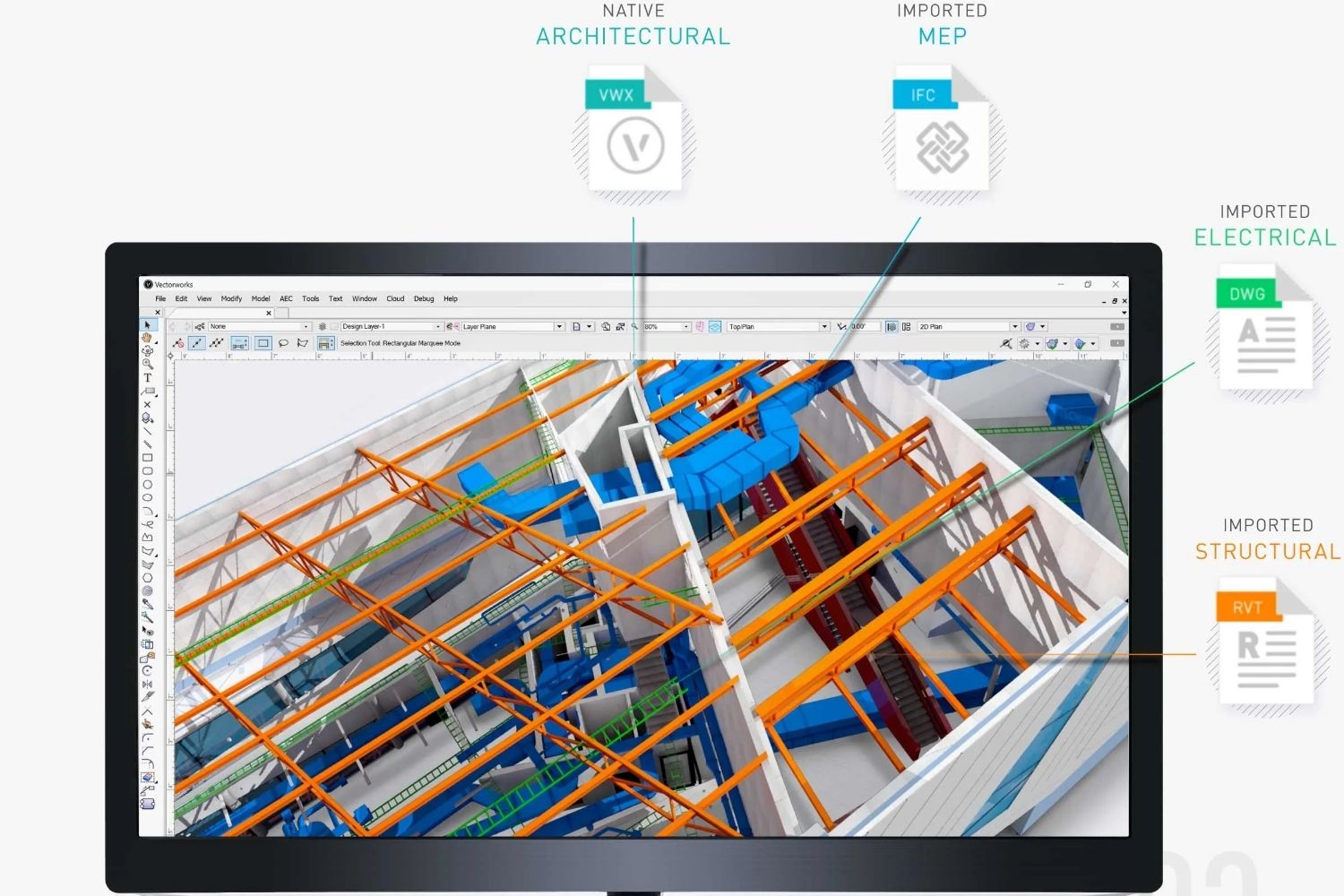
Table of Contents Show
The top Vectorworks alternatives for architects are ArchiCAD, Revit, AutoCAD Architecture, SketchUp, Rhino 3D, BricsCAD BIM, and FreeCAD. Each serves different workflow needs, from full BIM documentation to concept modeling, and the right choice depends on your operating system, project scale, and collaboration requirements.
Why Architects Look for Vectorworks Alternatives
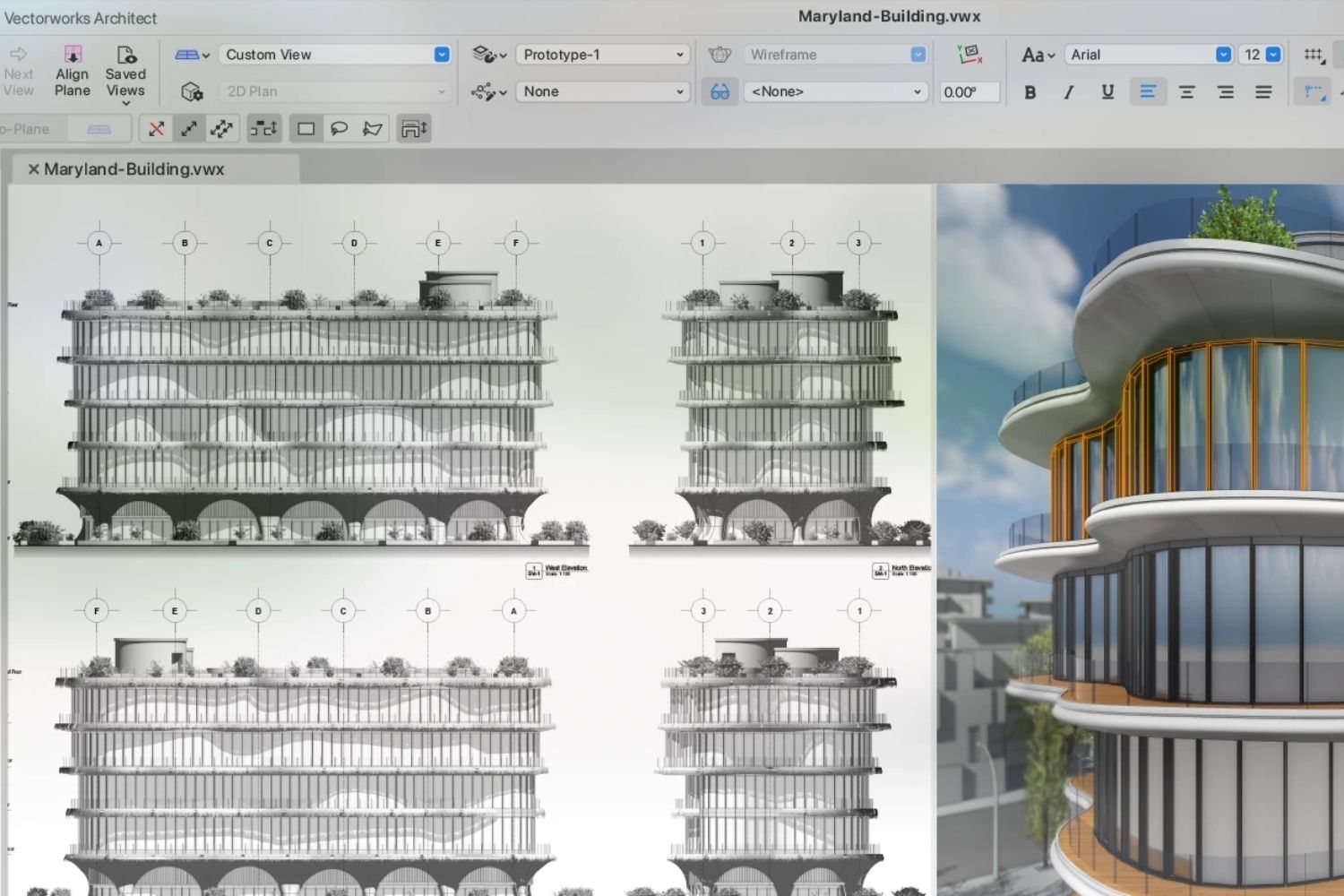
Vectorworks architecture software has built a loyal following since 1985, particularly among Mac-based studios and design-led practices that value drawing quality and workflow flexibility. With over 685,000 users worldwide across architecture, landscape, and entertainment design, it is a credible platform. But it is not the right fit for every office.
The most common reasons architects search for Vectorworks alternatives include its relatively small user base compared to Revit or AutoCAD, compatibility friction when collaborating with consultants who use other platforms, and regional market dynamics where Vectorworks has lower adoption. In North American commercial practice especially, Revit compatibility is often a project requirement, not a preference.
For firms evaluating their software stack in 2026, the comparison between vectorworks architecture and its competitors comes down to three practical questions: What operating system does your team use? What level of BIM coordination does your project type demand? And who are your consultants using?
💡 Pro Tip
Before switching software, audit the last five projects your firm delivered and identify specifically where Vectorworks slowed you down. Most practices find the friction is in one or two areas (usually IFC coordination or collaboration with Revit-based consultants), not the whole workflow. Targeted solutions, like adding a dedicated IFC viewer or export protocol, sometimes resolve the problem without a full platform change.
How This Comparison Is Structured
The seven Vectorworks alternatives below are evaluated across five criteria: BIM capability, platform support (Mac vs. Windows), pricing, learning curve, and best-fit practice type. This is not an exhaustive technical spec comparison. The goal is to help you match the right tool to your actual workflow.
For context on Vectorworks itself, our guide to learning Vectorworks Architect covers the best training resources if you decide to stay with the platform.
Quick Comparison: Vectorworks Alternatives at a Glance
The table below summarizes the key differences between the top Vectorworks alternatives for architects:
| Software | BIM Level | Mac Support | Approx. Price (as of October 2026) | Best For |
|---|---|---|---|---|
| ArchiCAD | Full BIM | Yes | ~$2,414/yr (Archicad Studio) | Design-led practices, Mac studios |
| Revit | Full BIM | No | ~$3,005/yr | Large firms, multi-discipline projects |
| AutoCAD Architecture | 2D + basic 3D | No (Windows only) | ~$2,095/yr | DWG-heavy workflows, documentation |
| SketchUp Pro | Concept + docs | Yes | $399/yr | Concept design, small firms |
| Rhino 3D | Geometry + hybrid | Yes | ~$995 (perpetual) | Complex geometry, parametric design |
| BricsCAD BIM | Full BIM | No (BIM) | ~$1,485/yr | AutoCAD firms transitioning to BIM |
| FreeCAD | Open BIM | Yes | Free | Students, budget-constrained practices |
1. ArchiCAD: The Closest Direct Alternative
For architects comparing vectorworks vs revit architecture and simultaneously considering ArchiCAD, the honest answer is that ArchiCAD sits closer to Vectorworks in philosophy than Revit does. Both prioritize design-centric workflows, both run natively on macOS, and both now belong to the Nemetschek Group, although Vectorworks began in the United States as Diehl Graphsoft. Our ArchiCAD alternatives guide gives more context on where it fits in the current BIM landscape.
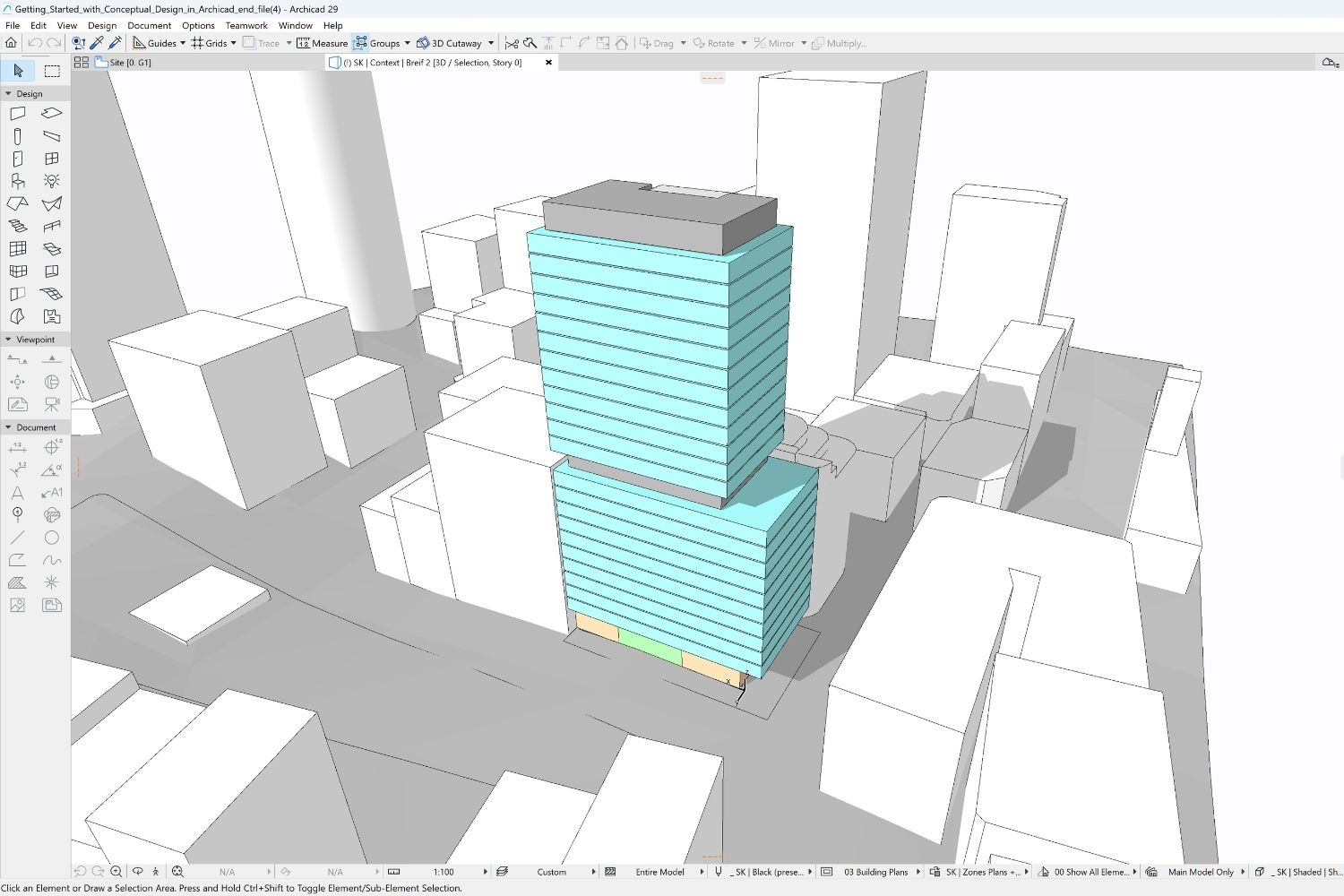
ArchiCAD launched in 1987, making it one of the earliest BIM solutions ever built. Its interface uses floating palettes and customizable toolbars that feel approachable for architects coming from traditional drafting or SketchUp. Archicad Studio costs $2,414 per seat per year when paid upfront (about $201 per month), compared to Revit’s $3,005 annual cost (as of October 2026), making it meaningful savings for smaller teams.
Where ArchiCAD outperforms Vectorworks is in BIM coordination depth and team collaboration. Its Teamwork feature, powered by BIMcloud, allows real-time multi-user work on the same model. For firms regularly coordinating with structural or MEP consultants, ArchiCAD’s OpenBIM credentials and strong IFC4 export are a practical advantage. See also our dedicated Revit vs ArchiCAD comparison for a head-to-head breakdown on pricing and collaboration tools.
🎓 Expert Insight
“Having used both Revit and ArchiCAD in practice for many years, I chose Vectorworks for my own firm because it includes many of the modules missing from Revit, works on macOS, and is more cost-effective than either.”
Practitioner with 20+ years experience, First in Architecture user forum
This reflects a pattern common in smaller independent practices: once freed from project requirements demanding Revit compatibility, many architects find that either Vectorworks or ArchiCAD handles the full project lifecycle without the overhead of Autodesk’s ecosystem.
2. Revit: The Industry Standard for Large Firms
The comparison between vectorworks vs autocad architecture is sometimes framed incorrectly. AutoCAD Architecture handles 2D documentation well but is not a true Vectorworks equivalent. Autodesk Revit is the more accurate comparison for practices considering a full platform change, and our Revit alternatives guide covers the full competitive landscape across eight platforms.
Autodesk Revit dominates the North American commercial architecture market. Its parametric modeling updates every drawing, schedule, and elevation automatically when the model changes, which is genuinely powerful on complex multi-discipline projects. It is the platform most structural and MEP consultants use, which creates real coordination advantages on large jobs.
The trade-offs are equally real. Revit is Windows-only, costs approximately $3,005 per year per seat as of October 2026, and has a steep learning curve that typically requires two to four weeks for AutoCAD-experienced users. For solo practitioners and small residential firms, the cost and complexity rarely justify the switch. For mid-to-large commercial practices working in North American markets, the BIM coordination benefits often do.
⚠️ Common Mistake to Avoid
Many practices switch to Revit because a single large client requested it, then find the platform poorly suited to their smaller residential or commercial work. Before committing, evaluate whether Revit’s coordination features match your typical project type and team size. A firm delivering ten residential projects a year has very different needs from one managing a single 50,000 sqm mixed-use development. The software should fit your workflow, not the other way around.
3. AutoCAD Architecture vs Vectorworks: For DWG-Heavy Workflows
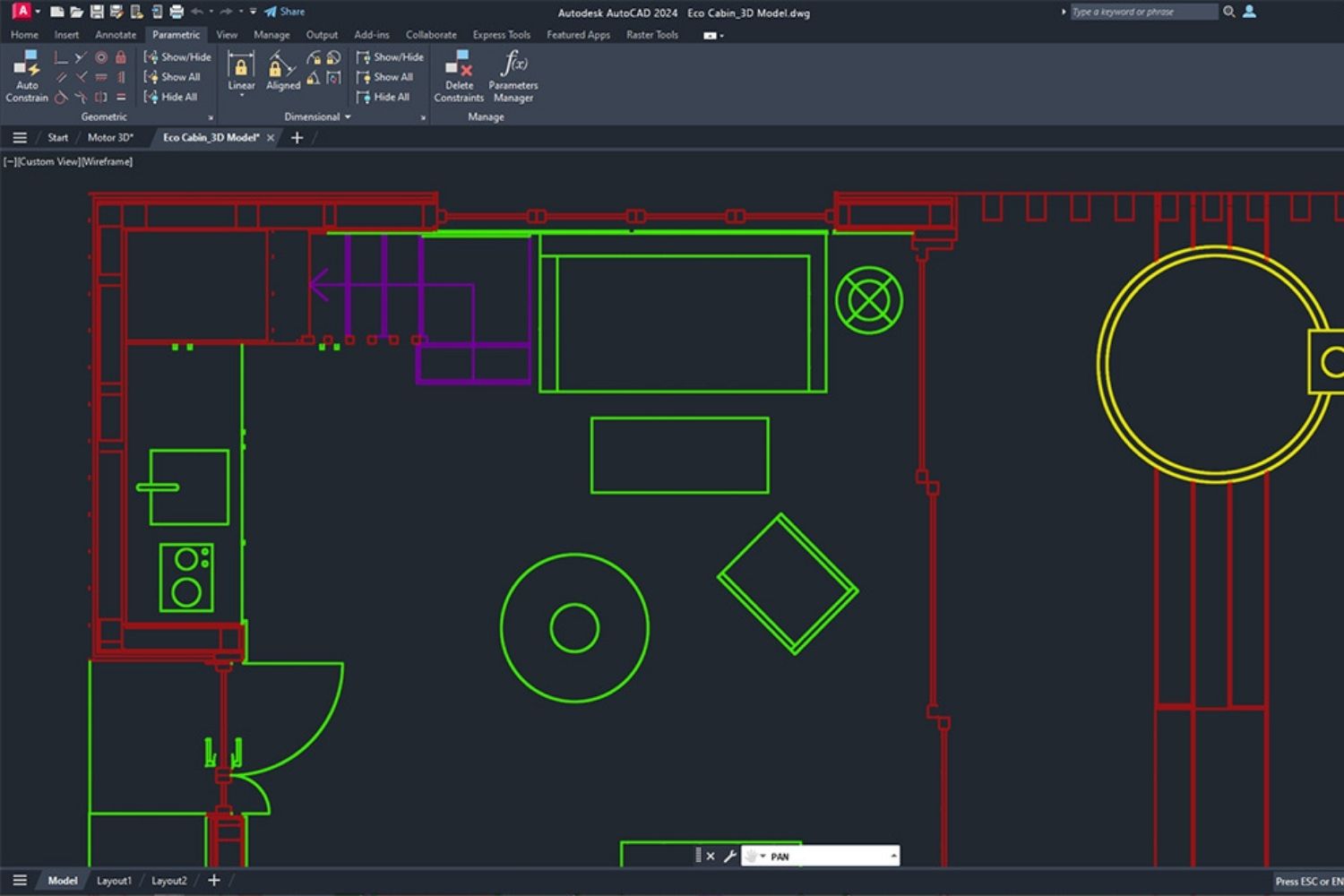
AutoCAD Architecture, part of the Autodesk AEC Collection, adds architecture-specific objects and tools to the AutoCAD drafting environment. Walls, doors, windows, and stairs behave as intelligent building components rather than raw geometry, which is a step toward BIM without the full model-centric approach of Revit or ArchiCAD.
The autocad architecture vs vectorworks comparison usually comes down to workflow origin. Firms already running AutoCAD for 2D drafting find AutoCAD Architecture a lower-friction upgrade path because commands, keyboard shortcuts, and DWG-based file management stay familiar. Vectorworks, by contrast, requires relearning the modeling approach from scratch.
AutoCAD Architecture is not the right tool for practices wanting full BIM with coordinated 3D models and automated documentation. It is a solid choice for firms with DWG-heavy documentation workflows and consultant networks that expect DWG deliverables. Pricing sits at approximately $2,095 per year through an AutoCAD subscription, which includes the Architecture toolset, or it is included in the AEC Collection at $3,675 annually (as of October 2026).
📌 Did You Know?
Vectorworks has been part of the Nemetschek Group since 2000, the same parent company that owns Graphisoft (maker of ArchiCAD) and Allplan. This means that two of the most commonly cited Vectorworks alternatives, ArchiCAD and Allplan, are technically sibling products developed under the same corporate umbrella, though they remain entirely separate platforms with different code bases, interfaces, and target markets.
4. SketchUp: The Concept Design Alternative
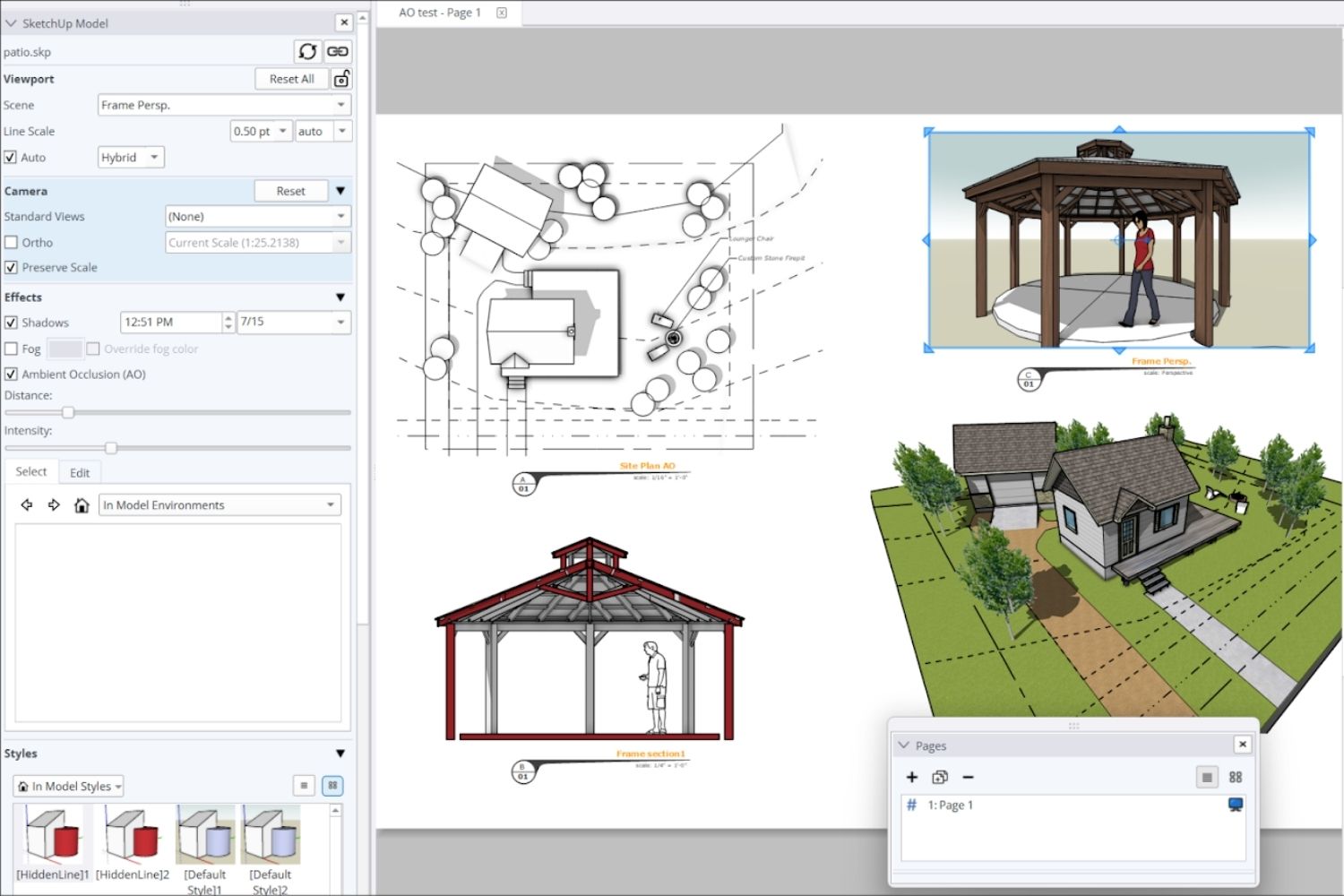
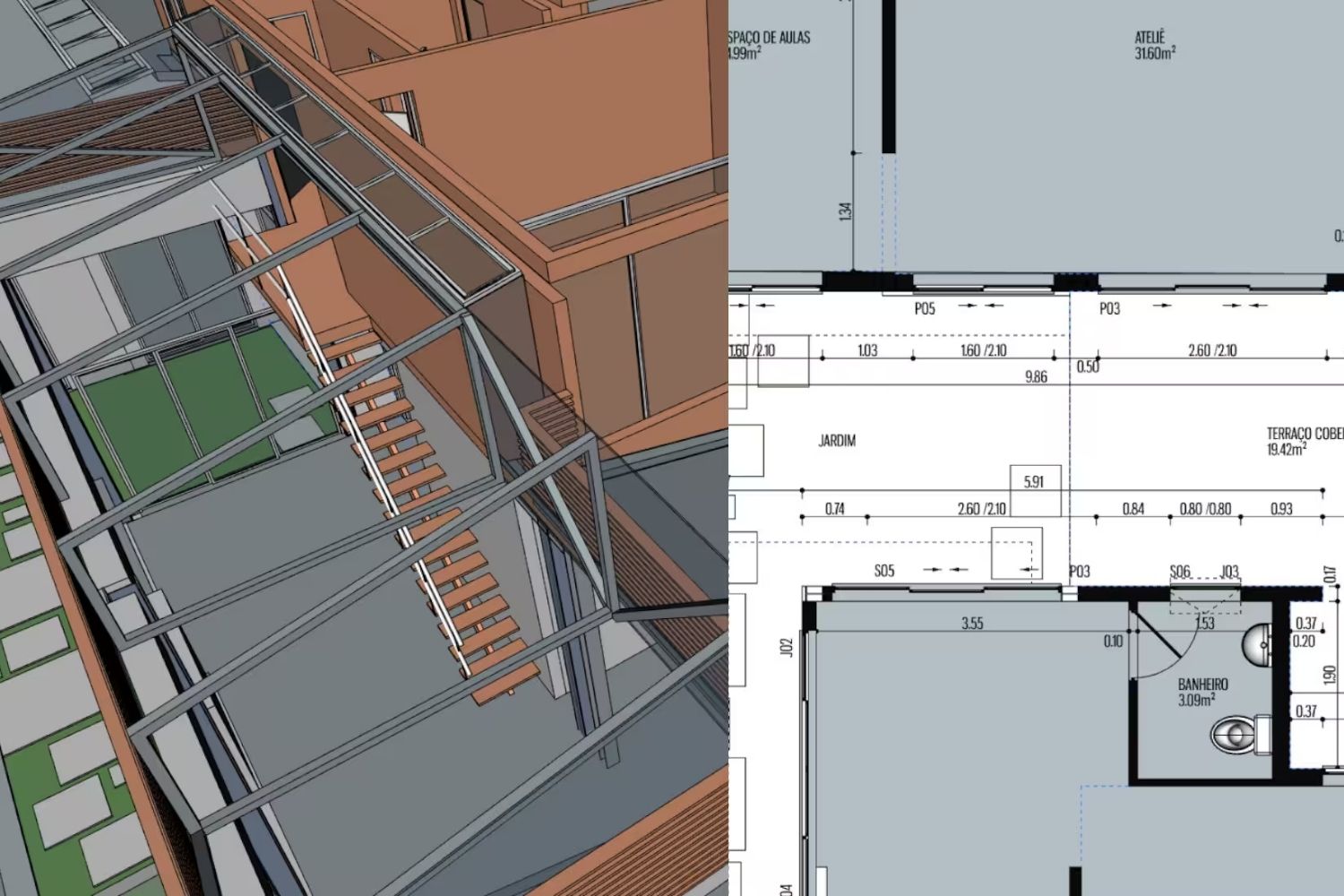
SketchUp is not a direct vectorworks architecture replacement. It lacks Vectorworks’ BIM depth, documentation tools, and data management. But for practices primarily doing concept design, client presentations, and early-stage massing, SketchUp Pro at $399 per year (as of October 2026) covers a significant portion of the design workflow at a fraction of the cost. For a full comparison of how it stacks up against other options, our SketchUp alternatives for architects guide covers the trade-offs in detail.
SketchUp’s push-pull modeling interface remains among the fastest tools for translating spatial ideas into 3D geometry. The 3D Warehouse provides a large library of pre-built components for rapid massing and layout. For landscape architecture work specifically, the terrain tools and vegetation libraries make SketchUp a practical option alongside more specialized platforms like Vectorworks for landscape architecture (Vectorworks Landmark).
Many small practices use SketchUp for design and either ArchiCAD or AutoCAD for construction documentation, accepting a two-tool workflow rather than forcing everything through a single platform.
5. Rhino 3D: For Parametric and Complex Geometry Work
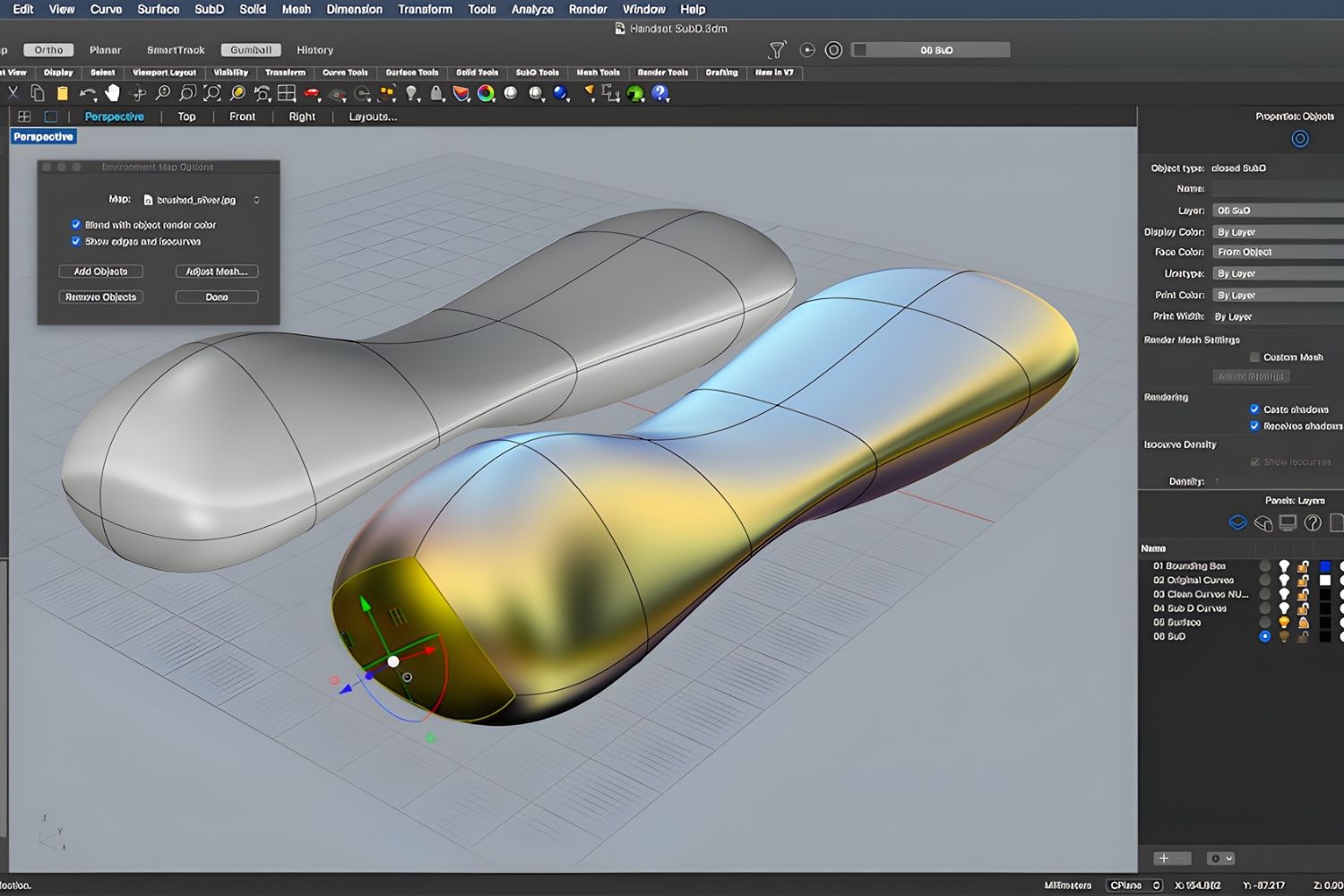
Architects using Vectorworks for its modeling flexibility, particularly on projects with complex curved surfaces, cladding geometry, or parametric components, often find Rhino 3D a more capable replacement for the geometry phase of their workflow. Rhino’s NURBS-based modeling engine handles surface complexity that Vectorworks’ Parasolid kernel approaches differently, and the Grasshopper visual scripting environment has no equivalent in Vectorworks outside of its Marionette scripting tool. Our Rhino alternatives for architects guide covers how these tools compare across parametric modeling, BIM documentation, and visualization.
Rhino 8 is available on both Mac and Windows. Its perpetual license at approximately $995 is more affordable long-term than most annual subscription platforms. The downside is that Rhino alone does not produce construction documentation. Practices typically pair it with a BIM tool for drawings, which means two software licenses and two workflows.
6. BricsCAD BIM: For AutoCAD Firms Adding BIM
BricsCAD BIM occupies a specific niche: it is the best option for firms deeply invested in AutoCAD workflows that want full BIM capability without abandoning DWG-native file management. It reads and writes DWG files natively, uses familiar AutoCAD commands and interface conventions, and includes AI-powered tools that automatically classify building elements and generate BIM data from existing 3D geometry.
The software has also changed hands at the corporate level. In February 2026 Bricsys, previously part of Hexagon, announced that it would operate as part of Octave, a new independent software company formed from Hexagon’s spin-off of selected software businesses, and the product is now branded Octave BricsCAD. The CAD platform itself stays the same.
The BIMIFY feature is particularly useful for firms with large libraries of AutoCAD details and blocks. It converts existing geometry into BIM-aware objects automatically, which significantly reduces the setup time when transitioning existing project templates to BIM workflows. BIM module pricing sits at approximately $1,485 per year, making it meaningfully cheaper than Revit.
The limitation is platform: BricsCAD’s BIM modules are Windows-only, which eliminates it as an option for Mac-based studios. For Windows practices comparing vectorworks architecture software to more AutoCAD-compatible alternatives, BricsCAD BIM is worth evaluating seriously.
💡 Pro Tip
When evaluating BIM platforms, test IFC export early in the trial period rather than at the end. Export a representative project model to IFC, open it in a free viewer like Solibri Anywhere or BIMcollab Zoom, and check whether your wall types, room data, and door schedules round-trip correctly. IFC compatibility issues are the most common source of coordination problems in multi-discipline projects, and discovering them during a trial is far better than discovering them mid-project.
7. FreeCAD: The Free Open-Source Option
FreeCAD with its BIM Workbench is the strongest free alternative to Vectorworks for budget-constrained practices and students. The BIM Workbench provides wall, floor, roof, door, window, and stair objects that carry IFC data, enabling basic OpenBIM coordination. FreeCAD runs on Windows, macOS, and Linux, and its Python API allows extensive customization for technically proficient users. Our free tools for architectural design guide covers how to combine FreeCAD with other no-cost platforms for a complete zero-budget pipeline.
The honest trade-off is maturity. FreeCAD’s interface lacks the polish of commercial platforms, its documentation tools are less production-ready than ArchiCAD or Vectorworks, and the learning resources are more scattered. For academic projects, small residential studies, and practices exploring open-source as a long-term strategy, it is a viable option. For professional production work on tight deadlines, the workflow gaps are real.
Vectorworks for Architecture vs Alternatives: Which One Is Right for You?
The decision between vectorworks architecture review-level platforms and its alternatives comes down to four practical factors. Operating system is the first filter: if your studio runs macOS, ArchiCAD and Vectorworks are the only full BIM platforms with robust native Mac support. Revit, BricsCAD BIM, and Allplan are Windows-only for their BIM modules.
Project scale and collaboration requirements come second. Large multi-discipline commercial projects with structural and MEP consultants benefit from Revit’s coordination ecosystem. Smaller residential and boutique commercial practices, particularly those valuing presentation quality and design flexibility, typically find ArchiCAD or Vectorworks a better workflow fit.
Budget matters too. The cost gap between SketchUp Pro ($399/year) and Revit ($3,005/year) is substantial. BricsCAD BIM and ArchiCAD sit in the middle ground. FreeCAD removes the cost barrier entirely, at the cost of production maturity.
Finally, evaluate your consultant network. If every structural engineer and MEP firm you work with uses Revit, the IFC coordination overhead of a Vectorworks or ArchiCAD workflow adds real friction. If your consultants are flexible about file formats or already use OpenBIM, the platform choice becomes less constrained. For a broader look at the full digital toolkit architecture practices use alongside their primary modeling software, see our overview of architectural design software and features.
✅ Key Takeaways
- ArchiCAD is the closest direct Vectorworks alternative for design-led practices, especially on Mac, with comparable BIM depth and a lower learning curve than Revit.
- Revit is the right choice for large firms and multi-discipline commercial projects where Revit coordination is a client or consultant requirement, but its Windows-only limitation and high cost rule it out for many smaller practices.
- AutoCAD Architecture suits DWG-dependent documentation workflows but is not a full BIM replacement for Vectorworks.
- SketchUp covers concept design effectively at low cost, but requires a second platform for full construction documentation.
- BricsCAD BIM is the best BIM transition path for AutoCAD firms on Windows who want DWG-native workflows with BIM intelligence.
- The right Vectorworks alternative depends primarily on your OS, project scale, consultant network, and budget, no single platform fits all practice types.

Software pricing figures cited in this article are approximate and reflect publicly available information as of early 2026. Actual pricing varies by region, license type, and distributor. Always confirm current costs directly with the software vendor or authorized reseller.







Notion Alternatives for Architects: 7 Tools That Fit Studio Work
Notion works until a studio needs fee tracking, phase budgets and timesheets....
 Furkan Sen7 Mins read

Why Every Practice Ends Up With Five Versions of the Same Revit Family
Let’s learn why Revit family libraries accumulate duplicates, break schedules and slow...
 illustrarch Editoral Team5 Mins read

Visualizing Renovation Projects From Photographs: A Workflow for Existing-Building Work
Photo-based visualization turns a photograph of a building that already exists into...
illustrarch Editoral Team7 Mins read

Best Free CAD Blocks and Resources for Architects
A working guide to free CAD blocks for architects, covering ARCAT, CAD-Blocks.net,...
Furkan Sen7 Mins read


Leave a comment