

Octane Render Alternatives for Architects: 8 Best Picks for 2026
Octane is a fast GPU renderer, but it is not the only choice for architectural visualization. This guide compares eight Octane Render alternatives by engine type, pricing, and use case, covering V-Ray, Corona, Redshift, Cycles, and real-time tools.
 Sinan Ozen22 July 20268 Mins read325

Table of Contents Show
Octane Render alternatives for architects include V-Ray, Corona, Redshift, and the free Blender Cycles, plus real-time engines like Enscape, Lumion, and D5 Render. The right choice depends on your modeling software, whether you need GPU speed or CPU accuracy, and your budget for photorealistic architectural visualization.
Octane Render built its reputation on raw GPU speed and clean, physically accurate output. For animation and product work it is hard to beat. For architecture, though, the picture is more mixed. The plugin support for Revit and ArchiCAD is thin, the standalone workflow leans toward 3ds Max and Cinema 4D, and the subscription cost adds up once you scale past a single seat. If any of that sounds familiar, the renderers below cover the same ground with workflows built around the way architects actually model and present.
This list mixes two categories on purpose. Some entries are production renderers that compete with Octane on pure photorealism, while others are real-time engines that solve a different problem: getting a believable image in front of a client in seconds. Most architecture studios end up running one of each. Knowing which side of that line a tool sits on is the fastest way to cut a long shortlist down to the two or three options worth testing on a real project.
Why Architects Look for Octane Render Alternatives
Octane is an unbiased GPU path tracer from OTOY, and it does that job extremely well. The friction shows up in three places. First, integration: architects live inside Revit, SketchUp, Rhino, and ArchiCAD, and Octane’s strongest plugins target Cinema 4D and 3ds Max instead. Second, hardware: GPU-only rendering ties your scene size to your video card’s memory, which becomes painful with dense urban models and heavy vegetation. Third, the workflow is final-frame focused, while most architecture projects need fast client iterations long before a hero shot is due.
The good news is that the gap Octane leaves has been filled from two directions. Production renderers like V-Ray and Redshift give you the same photoreal control with deeper CAD integration, and a new class of real-time tools delivers usable images in seconds. Choosing well starts with knowing which engine type fits your stage of the project, a topic our guide on picking the best rendering engine breaks down in detail.
📌 Did You Know?
There is a free OctaneRender for Blender edition. OTOY offers a no-cost tier of its Blender plugin with a limited number of GPUs, which is why searches for “blender octane render” stay popular. That free Blender Octane Render edition is a fair way to test the engine before paying, but it sits outside the Revit and ArchiCAD pipelines most firms depend on.

Comparison of the Best Octane Render Alternatives
Before the detailed reviews, this table maps each tool to its strongest use case, its underlying engine type, and how you pay for it. Use it to shortlist two or three candidates that match your CAD software and project stage.
Octane Render Alternatives at a Glance
| Tool | Best for | Engine type | Price model |
|---|---|---|---|
| V-Ray | Photoreal production stills and broad CAD support | CPU and GPU hybrid (biased and unbiased) | Subscription |
| Corona | Interiors and accurate, warm lighting | CPU path tracer (GPU in development) | Subscription |
| Redshift | Fast GPU production and large scenes | Biased GPU renderer | Subscription |
| Blender Cycles | Free photoreal rendering on any budget | CPU and GPU path tracer | Free, open source |
| Enscape | Real-time iteration inside Revit and Rhino | GPU real-time ray tracing | Subscription |
| Lumion | Context, entourage, and atmosphere | GPU real-time | Subscription or perpetual license |
| D5 Render | Real-time output with built-in AI tools | GPU real-time ray tracing | Free tier plus Pro subscription |
| Twinmotion | Live-linked walkthroughs from BIM | GPU real-time (Unreal based) | Free tier plus paid license |
The 8 Best Octane Render Alternatives for Architects
Each tool below earns its place for a different reason. Read them with your own pipeline in mind, since the renderer that suits a one-person studio rarely matches what a 40-person firm needs.
1. V-Ray
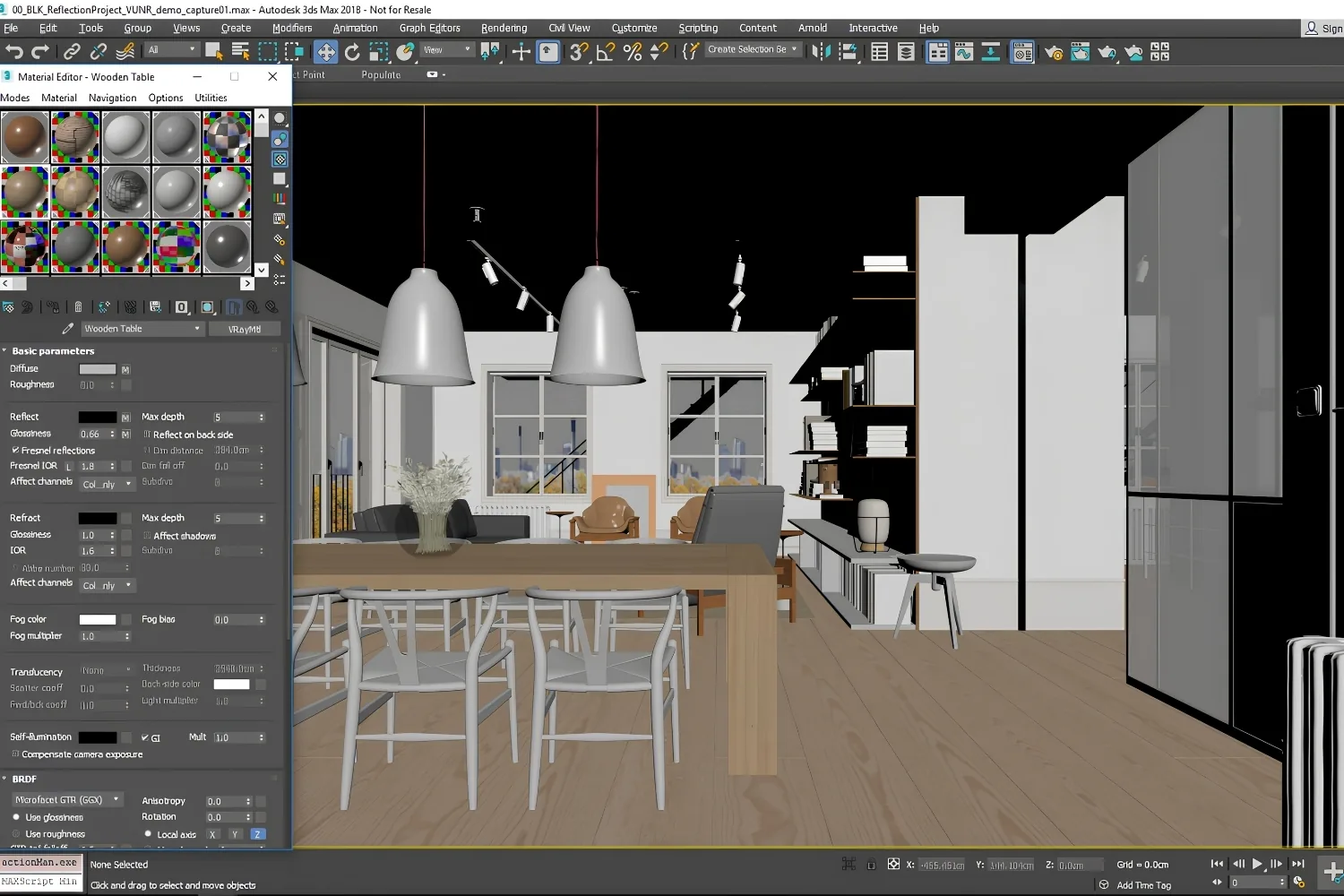
V-Ray from Chaos is the closest thing the industry has to a default. It runs on both CPU and GPU, so you are never boxed in by graphics memory the way a GPU-only engine like Octane leaves you. Plugins exist for SketchUp, Rhino, 3ds Max, Revit, and more, and the Chaos Cosmos library ships thousands of render-ready assets. That hybrid CPU and GPU design is the single biggest reason architects move here from Octane: you can lean on graphics cards for speed during drafts, then switch to processor cores for a final pass when a scene grows too large for video memory. For exterior and interior stills where realism is the priority, V-Ray remains the safe bet, and the depth of documentation and tutorials around it means new team members get up to speed quickly. If you work in SketchUp, our walkthrough on V-Ray photorealistic renders covers the material and lighting setup that makes the difference.
💡 Pro Tip
When moving a scene from Octane to V-Ray, do not trust auto-converted materials. GPU and CPU engines treat reflection and IOR values differently, so a quick manual pass on glass, metal, and water will save you from washed-out or overly dark surfaces in the first test render.
2. Corona Renderer
Also part of the Chaos family, Corona trades some speed for a reputation as the most forgiving engine for interior lighting. Its defaults produce believable results with little tweaking, which is why visualization studios reach for it on residential and hospitality work. Corona is primarily CPU based today, so it scales with processor cores rather than graphics cards. For architects who found Octane’s GPU memory limits frustrating on big interior scenes, that tradeoff often feels like a relief rather than a step back. The interface is also deliberately simple, with fewer render passes and settings to manage than V-Ray exposes, which suits architects who want photoreal results without becoming part-time render technicians. Because both tools share the Chaos ecosystem, a studio can run Corona and V-Ray side by side and move assets between them.
3. Redshift
Redshift from Maxon is the answer for firms that loved Octane’s speed but wanted broader production features. It is a biased GPU renderer tuned for throughput, which means it handles heavy scenes with deep geometry and large texture sets faster than most unbiased engines. Where Octane prioritizes physical accuracy at every step, Redshift takes calculated shortcuts that cut render times sharply while keeping output convincing, a tradeoff that pays off when you are rendering hundreds of frames. Redshift sits well in Cinema 4D, 3ds Max, Maya, and Houdini pipelines, making it a natural pick for studios that produce animation alongside stills. For pure architectural still output it is overkill for some, but for high-volume render farms it earns its keep.

4. Blender Cycles
The strongest argument against any paid renderer is that Blender’s Cycles engine is free and genuinely production grade. Cycles is a physically based path tracer that runs on CPU and GPU, and its results sit alongside V-Ray and Corona at the top end. The catch is the learning curve, since Blender is a full 3D suite rather than a CAD-friendly plugin. For students, small studios, and anyone testing the waters, the price is unbeatable. Our guide to architectural visualization with Blender shows how to pair Cycles with free PBR assets for a complete zero-cost pipeline.
💡 Pro Tip
If you only need Octane’s look without leaving Blender, the free 3D Octane Render plugin for Blender installs as a separate render engine. Experienced artists keep both Cycles and Octane available in the same project, switching between them depending on whether they want speed or a specific material response.
5. Enscape
Enscape changed how many firms work by living inside Revit, Rhino, SketchUp, and ArchiCAD as a real-time viewport. Hit a button and your model appears as a navigable, lit scene with no export step. For design review and client meetings, that real-time feedback beats waiting on any offline render. The output is not quite at V-Ray’s photoreal ceiling, but for the iteration stage it is more than enough, and recent versions have closed much of the gap with hardware ray tracing. The standout benefit for architects is that Enscape never breaks your link to the source model, so a change in Revit shows up instantly in the render without a single export. If real-time is your priority, our roundup of Enscape alternatives compares it directly against the other live engines here.
6. Lumion
Lumion‘s strength is context. It ships with a large library of vegetation, people, vehicles, and weather effects, which makes it the go-to for landscape, urban, and masterplanning work where the building needs a living environment around it. You import a model, drop it into a scene, and Lumion handles the atmosphere. It leans on a strong GPU, but the payoff is fast, presentation-ready imagery. Architects comparing it against newer real-time tools will find useful context in our list of Lumion alternatives.
7. D5 Render
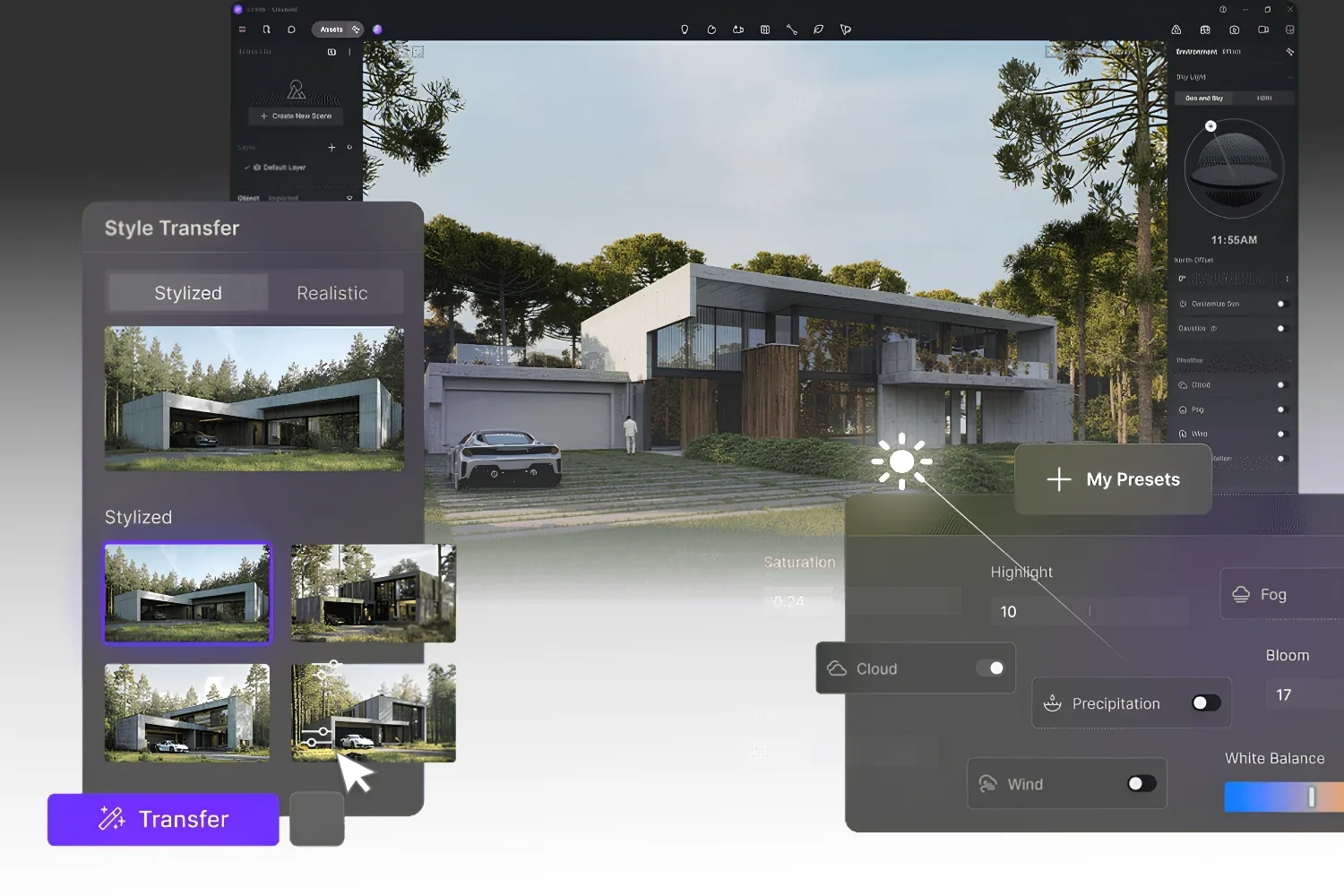
D5 Render has grown fast by combining real-time ray tracing with a generous free tier and an expanding set of AI features. It supports live syncing from SketchUp, Rhino, Revit, and 3ds Max, so model changes flow through without re-exporting. For architects who want Octane-level visual quality at the iteration stage without the offline wait, D5 is one of the most compelling recent entries. The free version is capable enough to handle most presentation work before any upgrade is needed. Its built-in AI tools can restyle a scene, add weather, or generate background context from a text prompt, which gives smaller teams output that used to require a dedicated visualization artist.
8. Twinmotion
Built on Unreal Engine and backed by Epic Games, Twinmotion offers real-time visualization with a direct live link to Revit, ArchiCAD, SketchUp, and Rhino. Changes in your BIM model update the scene automatically, which suits teams that revise constantly. It is strong for walkthroughs, VR review, and quick animated flythroughs. That live link to BIM is the headline feature, since it removes the repeated export cycle that slows down iterative design work. A free tier covers smaller practices, and the Unreal foundation means there is a clear path toward fully interactive presentations if you want to grow into them.
How Much Do Octane Render Alternatives Cost?
Pricing falls into three bands. Free and open-source tools, led by Blender Cycles and the free tiers of D5 Render and Twinmotion, cost nothing to start and suit students, freelancers, and small studios. Subscription production renderers such as V-Ray, Corona, Redshift, and Enscape typically run on annual or monthly plans and target firms that need integration and support. Lumion offers both subscription and perpetual licensing, which appeals to practices that prefer a one-time purchase. Match the price model to how steady your render workload is, since a perpetual license rarely pays off for occasional use.
Pricing and licensing structures change often and vary by region and seat count. Confirm current figures on each vendor’s official site before budgeting.
Choosing the Right Octane Render Alternative
Work backward from your CAD software and your project stage. If you model in Revit or ArchiCAD and need fast client images, a real-time engine like Enscape, D5 Render, or Twinmotion will serve you better than any GPU offline renderer. If your output is a small set of hero stills where realism decides the contract, V-Ray or Corona earns the render time. For high-volume animation or render-farm work, Redshift carries the load, and for a no-budget start, Cycles proves you do not need a paid license to compete. A wider look at how these fit together sits in our overview of 3D rendering software for architects.
The Bigger Picture
Octane Render is excellent at what it was designed for, but architecture rewards renderers that meet you inside your modeling tool and at every stage of the project, not only the final frame. The strongest move for most firms is not picking a single replacement at all. Pair a fast real-time engine for daily iteration with one production renderer for the shots that matter, and you cover the full range Octane alone leaves open.
Architecture Students Hub
This guide is part of Software, Rendering and Gear, stage 4 of our student roadmap from the first diagram to the first internship. Next stage: Portfolio, CV and Internships, or browse every free tool and guide in the Architecture Students Hub.








Notion Alternatives for Architects: 7 Tools That Fit Studio Work
Notion works until a studio needs fee tracking, phase budgets and timesheets....
 Furkan Sen7 Mins read

Why Every Practice Ends Up With Five Versions of the Same Revit Family
Let’s learn why Revit family libraries accumulate duplicates, break schedules and slow...
 illustrarch Editoral Team5 Mins read

Visualizing Renovation Projects From Photographs: A Workflow for Existing-Building Work
Photo-based visualization turns a photograph of a building that already exists into...
illustrarch Editoral Team7 Mins read

Best Free CAD Blocks and Resources for Architects
A working guide to free CAD blocks for architects, covering ARCAT, CAD-Blocks.net,...
Furkan Sen7 Mins read


Leave a comment