

Unreal Engine Alternatives for Architects: Top Tools for 2026
A practical rundown of seven Unreal Engine alternatives for architects, from real-time tools like Twinmotion and Enscape to photoreal engines such as V-Ray, with a comparison table covering best use, render type, and pricing.
 Sinan Ozen20 July 20268 Mins read354
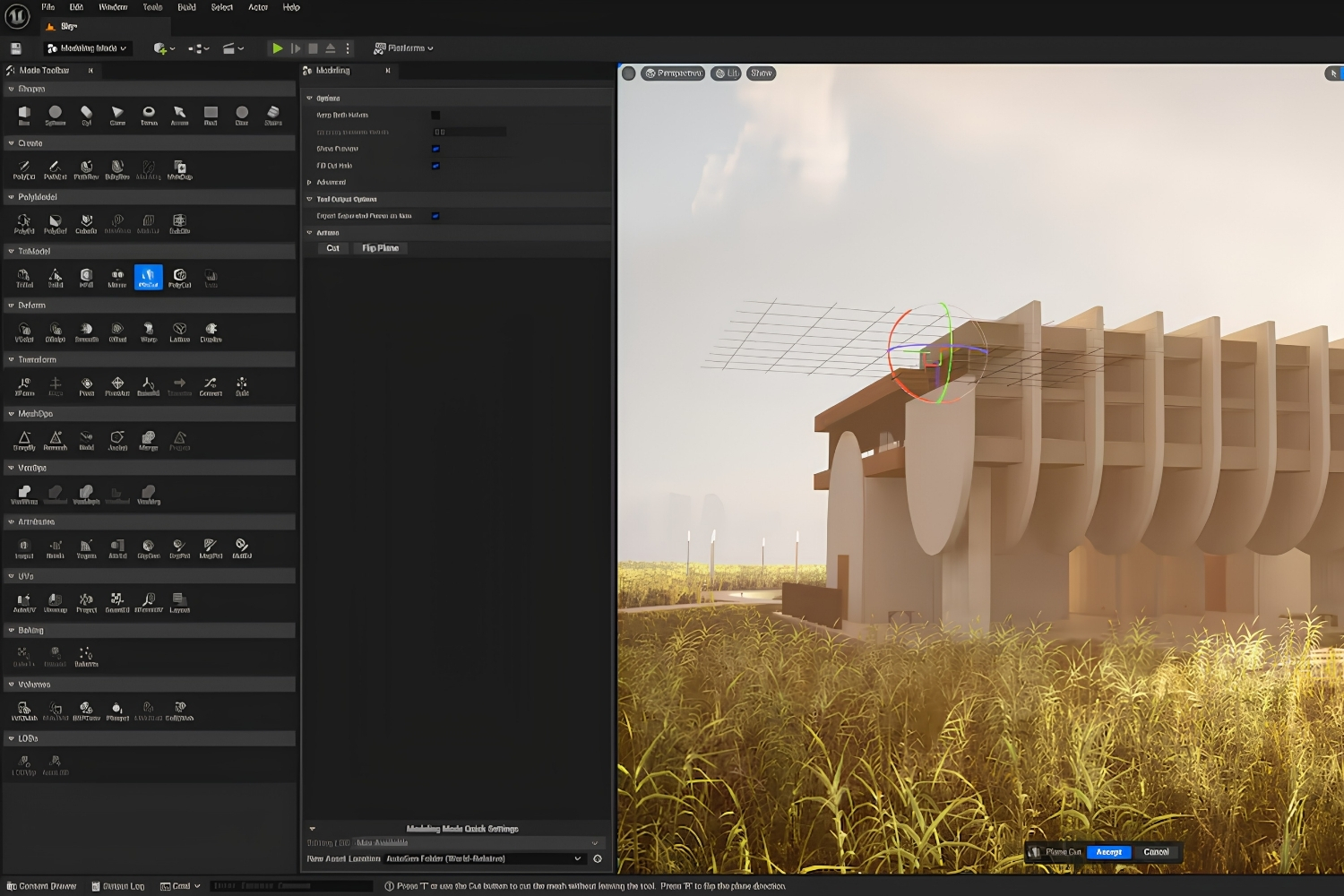
Table of Contents Show
Unreal Engine alternatives for architects include Twinmotion, Enscape, D5 Render, Lumion, Unity, V-Ray, and Blender. These tools deliver real-time or photorealistic visualization with far gentler learning curves than Unreal Engine, letting design teams produce client-ready renders, walkthroughs, and VR scenes without writing Blueprint scripts or building game-engine pipelines.
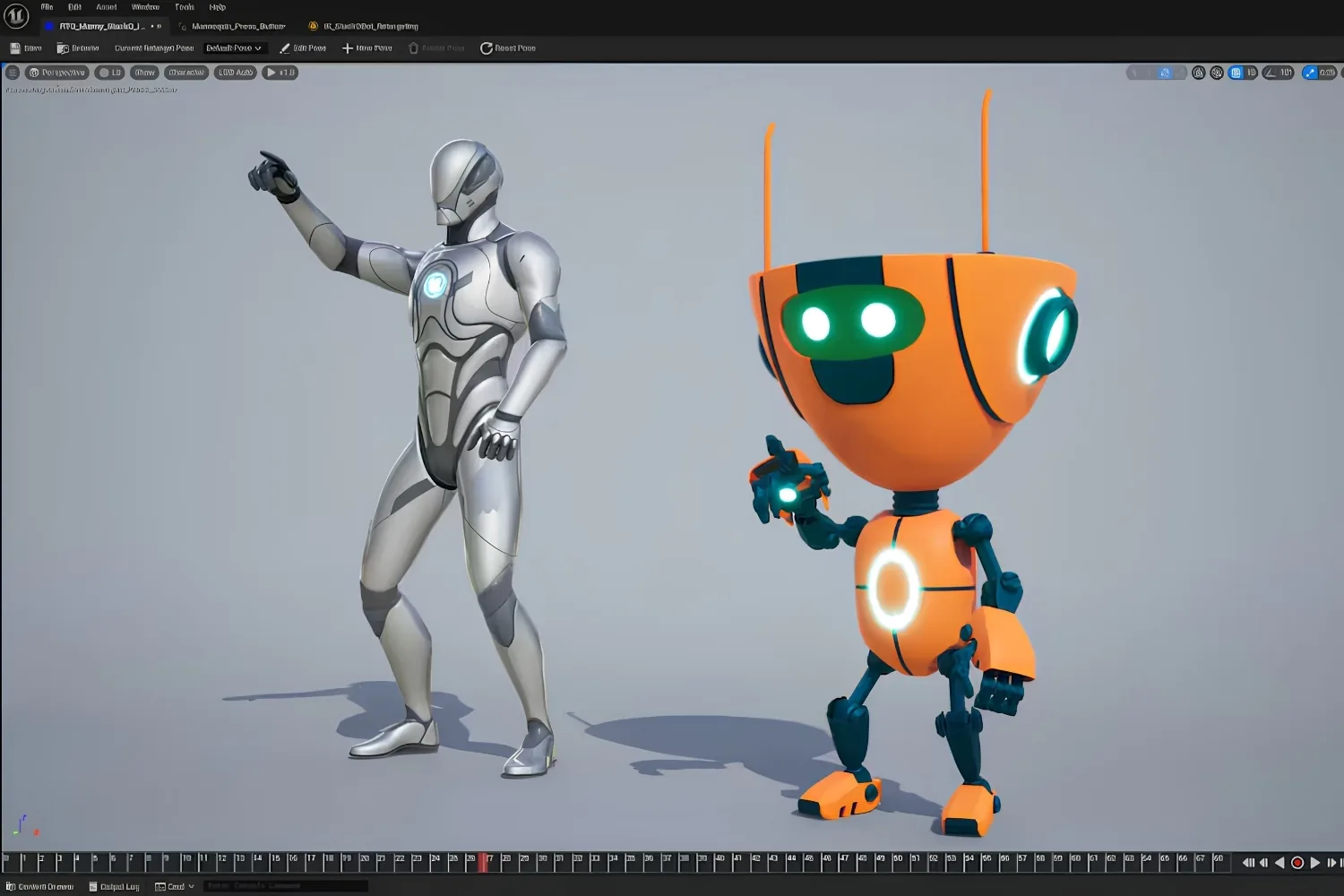
Unreal Engine is a powerful real-time platform, and plenty of architecture studios use it for high-end interactive presentations and films. The catch is the time cost. Setting up materials, lighting, and packaged builds in Unreal pulls you into a game-development workflow that has little to do with drawing a building. Most architects want renders that match their design intent in hours, not a custom pipeline that takes weeks to learn. The tools below close that gap while keeping the visual quality clients expect.
Why Architects Look for Unreal Engine Alternatives
The reasons usually come down to time, hardware, and fit with an existing modeling workflow. Unreal Engine assumes you are comfortable with a node-based material editor, level design, and packaging projects for distribution. For a practice running on Revit, SketchUp, Rhino, or ArchiCAD, that is a steep detour. A dedicated architectural renderer reads your model directly, applies a sky and materials in minutes, and exports stills or video without a separate build step.
Cost and team size matter too. A solo practitioner or a five-person studio rarely has a dedicated visualization artist who can babysit an Unreal project. The alternatives in this list trade some of Unreal’s ceiling for speed, predictable licensing, and direct links to the software you already model in. If you want a wider view of the market first, our guide to 3D rendering software for architects maps the full landscape of real-time and offline engines.
There is also the question of file handling. Architectural models carry layers, materials, and metadata from BIM software that a game engine was never designed to read cleanly. Importing a Revit model into Unreal often means rebuilding materials by hand and fixing geometry that came in with reversed normals or missing textures. Tools built for architecture parse that data on their own, so a brick stays brick and glass stays glass without manual cleanup.
📌 Did You Know?
Twinmotion runs on Unreal Engine under the hood, so you can get the same lighting and reflection quality without ever opening the Unreal editor. Epic Games built it specifically for architects, urban planners, and designers who needed real-time output without a game-engine workflow.
What to Look For in a Real-Time Renderer
Before picking a tool, match it to how you actually work. A few criteria separate a good fit from a frustrating one:
- Live sync with your modeling app, so geometry changes update without re-exporting.
- Asset libraries for vegetation, people, furniture, and vehicles that save you from sourcing models.
- Output range, from quick stills to animated walkthroughs, panoramas, and VR.
- Hardware demands, since some GPU renderers need a strong graphics card to stay smooth.
- Licensing that fits your revenue and team size, including any free tiers.
Keep your end deliverable in mind. A planning-stage massing study needs speed, while a final marketing image rewards a slower, photorealistic engine. Many studios run two tools for these two jobs rather than forcing one to do both.
7 Best Unreal Engine Alternatives for Architects
Each tool below earns its place for a specific kind of work. Read them as a menu, not a ranking, because the right pick depends on your modeling software, budget, and the look your clients pay for.
1. Twinmotion
Twinmotion is the closest swap for Unreal Engine because it is built on the same engine, yet it hides the complexity behind a simple interface. You drag in a sky, paint materials, scatter trees, and see a near-final image instantly. It links directly to Revit, ArchiCAD, SketchUp, Rhino, and more, and it exports stills, video, panoramas, and interactive presentations. The live link means a change in your model can update in Twinmotion without a fresh export, which keeps late design tweaks from breaking the render. For most architects chasing Unreal-grade visuals without the overhead, this is the first tool to try. The official Twinmotion site hosts free downloads and asset packs.
💡 Pro Tip
When a client later asks for a fully interactive walkthrough that Twinmotion cannot deliver, you can push the same scene into Unreal Engine through the Datasmith pipeline. Starting in Twinmotion keeps that upgrade path open without committing to Unreal on day one.
2. Enscape
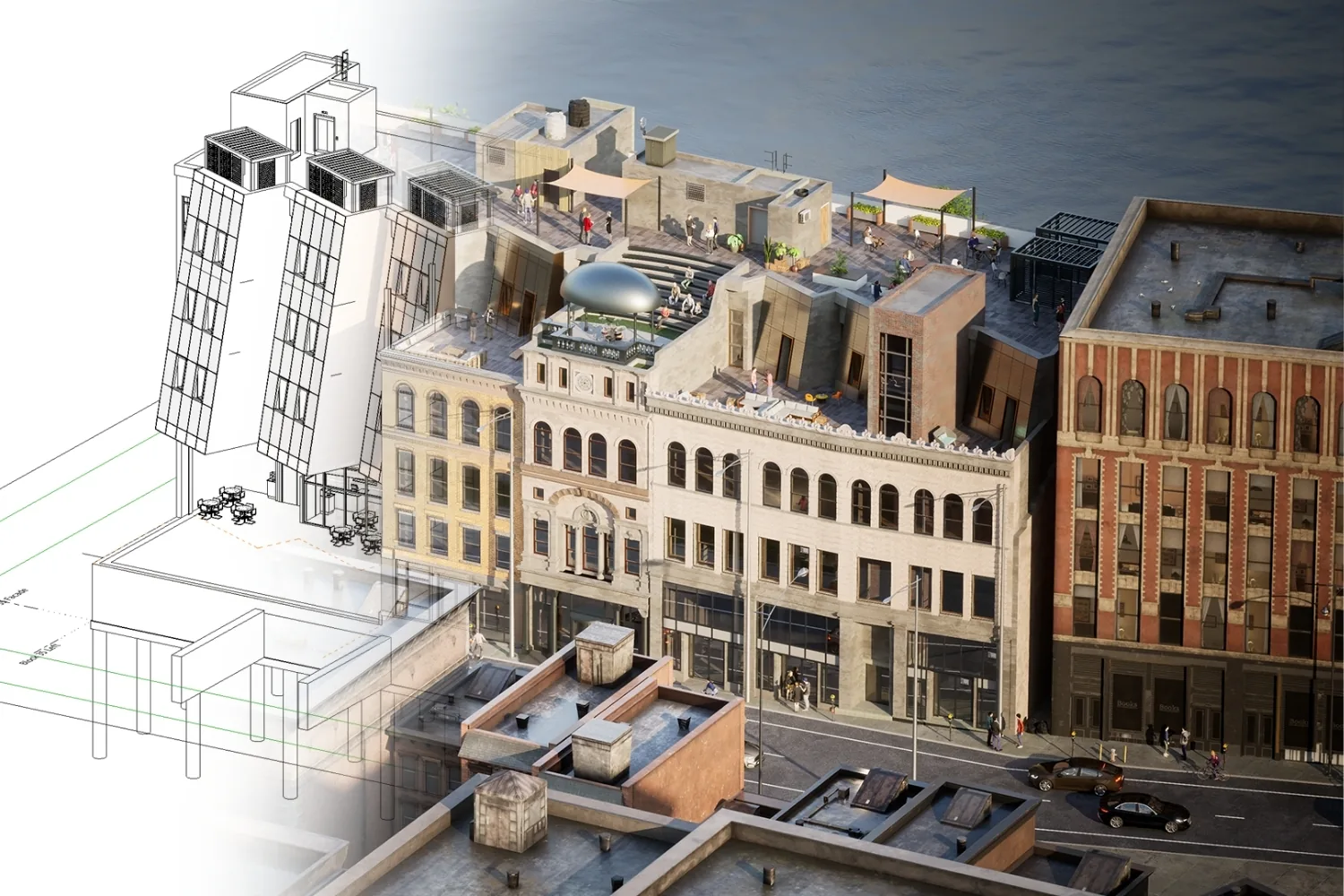
Enscape is a plugin that lives inside Revit, SketchUp, Rhino, ArchiCAD, and Vectorworks. There is no import step, because it renders the model you are already drawing and updates as you edit. That tight loop makes it the default choice for design-stage review, where you want to spin a viewpoint and show a client an idea in seconds. It also handles VR well, sending a headset view straight from the model so a client can walk a space before it is built. The give-back is that its asset library and atmospheric range sit below a tool like Lumion, so it shines more in fast iteration than in polished final marketing images. For deeper options and pricing notes, see our breakdown of Enscape alternatives for architects, and the Enscape site covers current plans.
3. D5 Render
D5 Render is a standalone GPU renderer that has gained ground fast thanks to ray tracing, a large asset library, and AI-assisted features. You import your model, then work in a separate environment with strong control over light, weather, and post-processing. The output rivals Lumion for many interior and exterior scenes, and its pricing tends to undercut the older players. Recent versions add AI tools that fill in textures and generate background context, which speeds up early concept images. The D5 Render site lists system requirements, which lean on a capable graphics card.
🔢 Quick Numbers
- The 2024/25 CGarchitect Rendering Engine Survey, published in March 2025, found V-Ray and Corona still dominant, with real-time engines such as Unreal Engine, Lumion and Chaos Vantage gaining traction.
- In the same survey, 56% of respondents said they already integrate AI tools into their workflow.
- For comparison, Unreal Engine was used in production by 22.5% of respondents in the 2021 edition of the survey.
- Twinmotion is free for students, hobbyists, and companies earning under 1 million USD in annual gross revenue, according to Epic Games.
4. Lumion
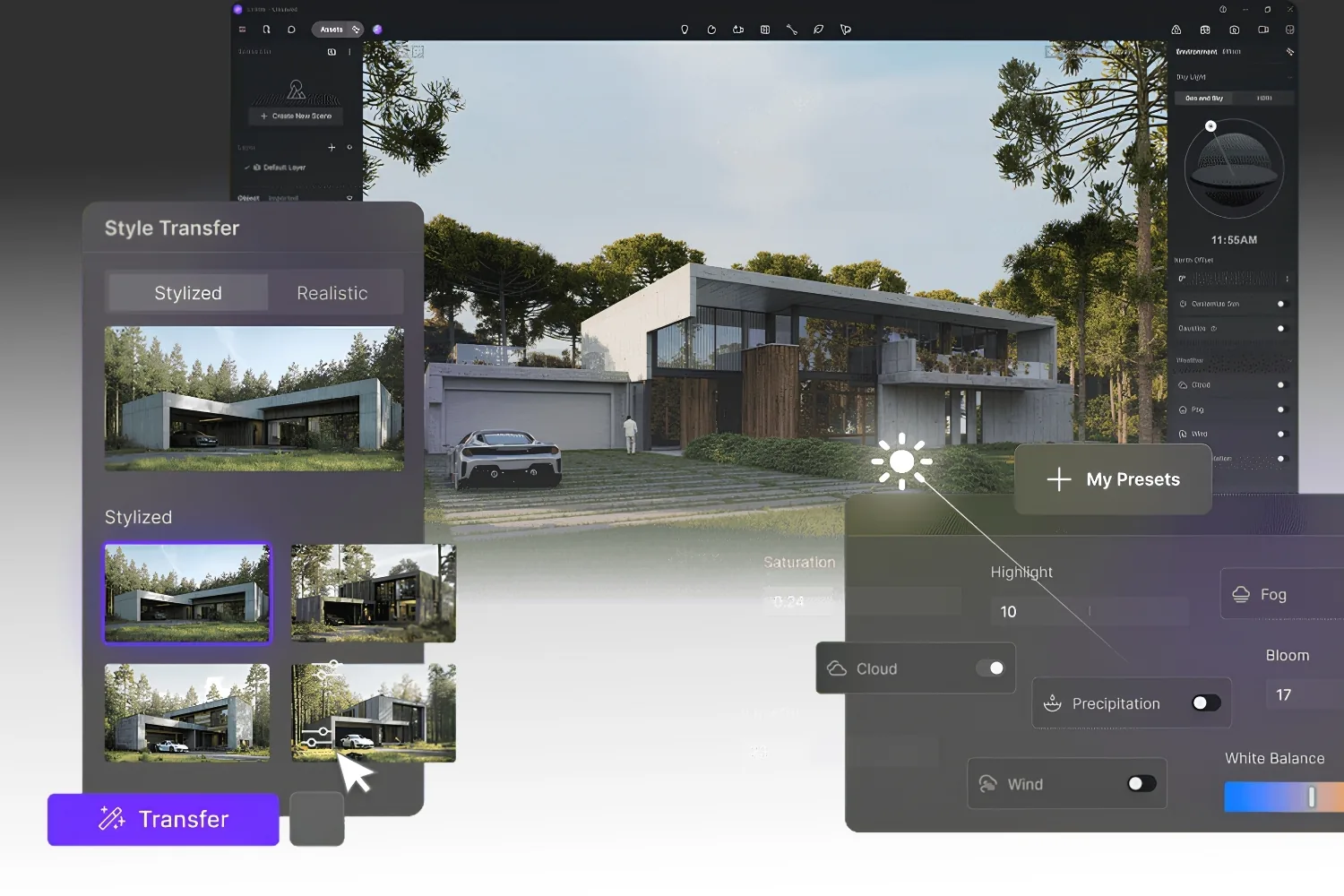
Lumion has been a benchmark for atmospheric, photoreal stills for years. Its draw is the asset library and weather system, which ship with thousands of plants, people, vehicles, and entourage objects. That depth makes it strong for landscape, masterplanning, and large exterior scenes where context sells the image. It works as a standalone tool with live sync plugins for major modeling apps. The effects stack, with volumetric light, fog, and seasonal foliage, lets you set a mood in a few clicks rather than building it from scratch. Compare it against the field in our look at Lumion alternatives, and the Lumion site shows the current asset count.
5. Unity
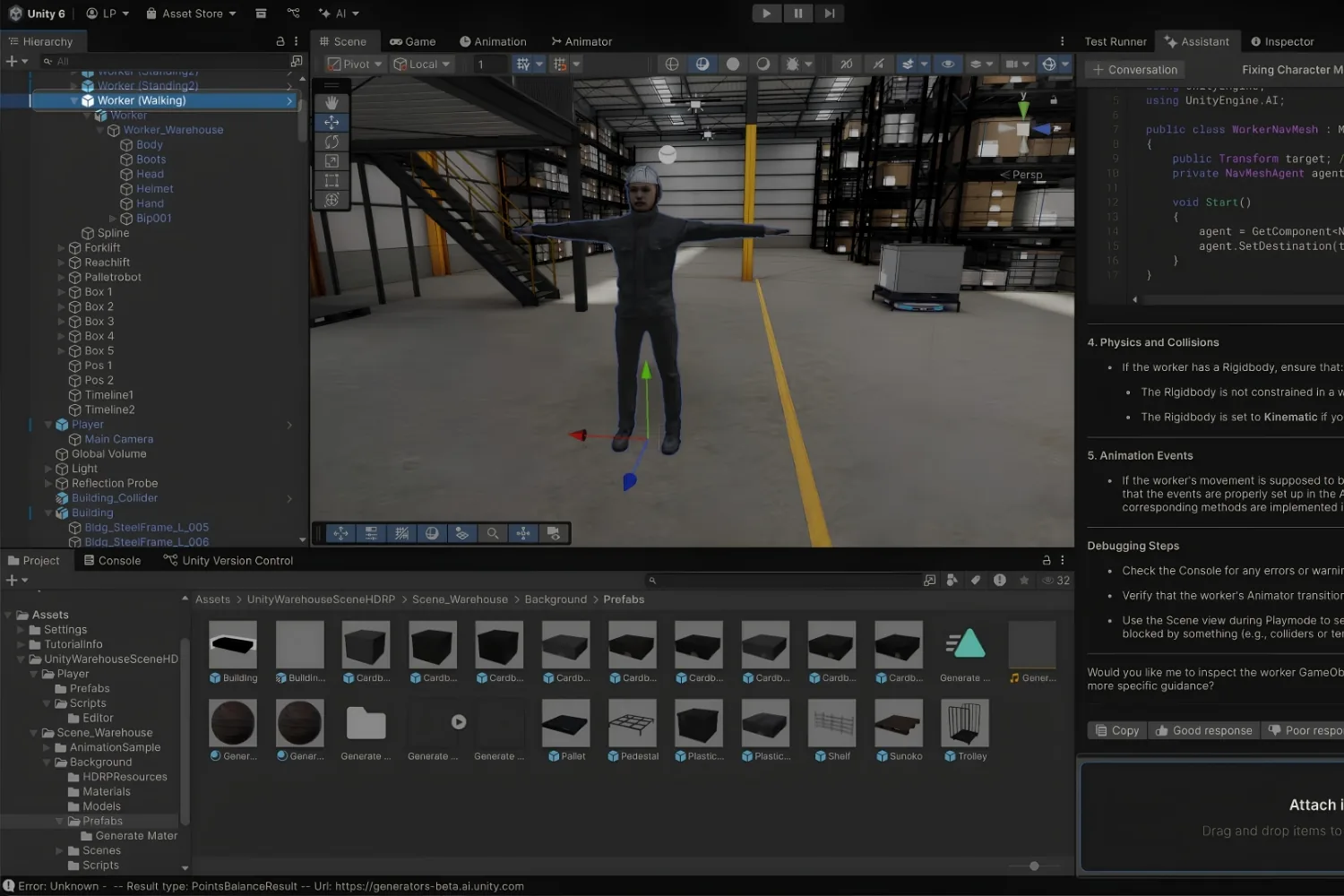
Unity is the other major real-time engine, and it appeals to studios that want full control over interactive experiences, configurators, or AR and VR apps. Like Unreal, it carries a developer learning curve, but it can be lighter to deploy on a range of devices, and its asset store is deep. Architecture teams usually reach for Unity when the deliverable is a custom application rather than a render or a video. The Unity site details licensing tiers for different revenue levels.
💡 Pro Tip
If your goal is a touchscreen kiosk or a VR sales tool rather than a marketing image, scope the interactive features before choosing the engine. A render-focused tool like Twinmotion will frustrate you here, while Unity or Unreal pays off once real interactivity is the deliverable.
6. V-Ray
V-Ray, from Chaos, is the offline standard when image quality is the only thing that matters. It plugs into 3ds Max, SketchUp, Rhino, and Revit, and it produces some of the most accurate light and material results in the industry. The trade-off is render time, since frames compute rather than appear in real time. A single high-resolution interior can take many minutes per frame, so animation work needs a render farm or a lot of patience. Many studios pair a fast real-time tool for review with V-Ray for the final hero shot. Our Lumion vs Enscape vs Twinmotion comparison shows where real-time tools sit next to engines like this one.
7. Blender
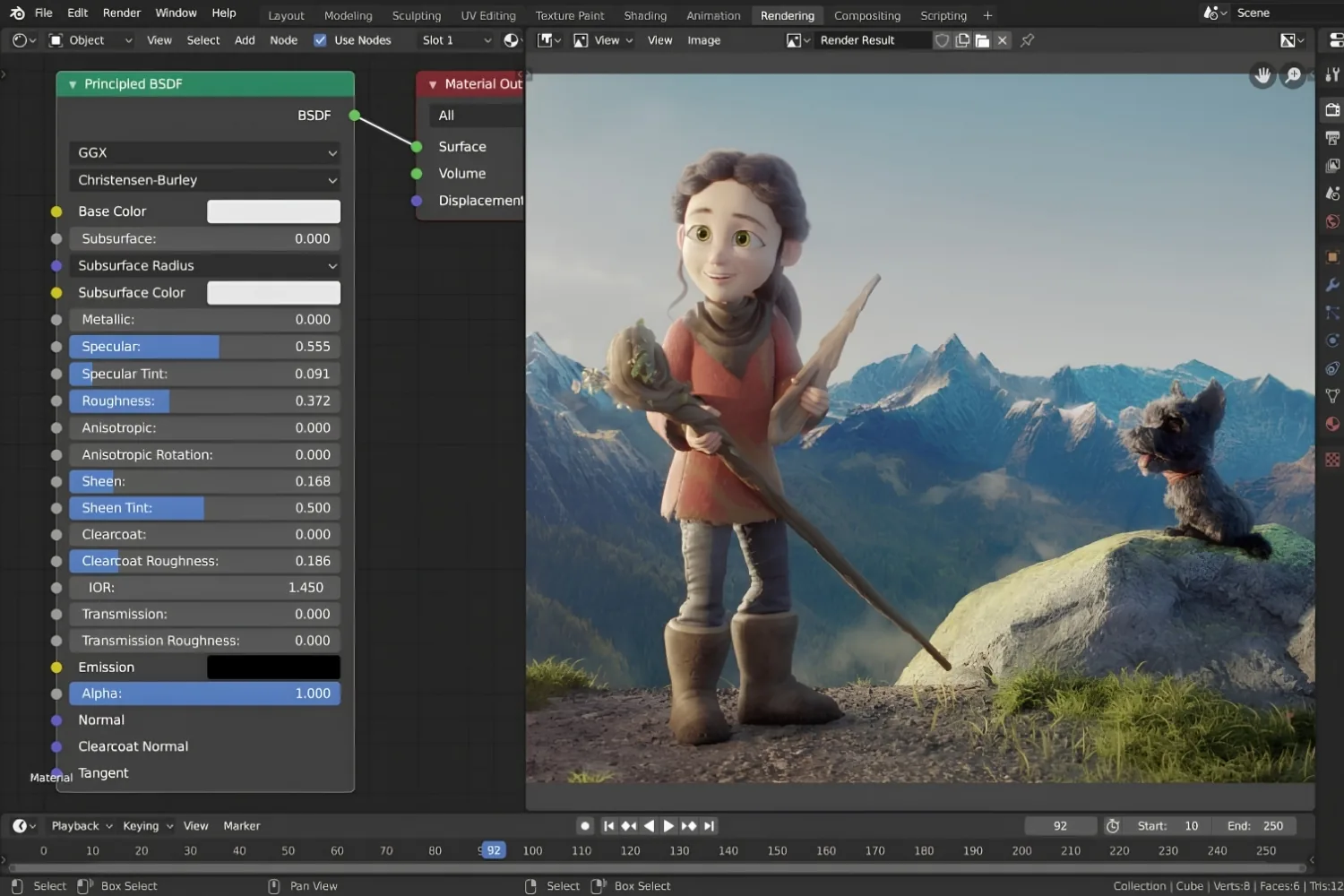
Blender is free, open source, and surprisingly capable for architecture once you set it up. Its Cycles engine handles photoreal output, and Eevee gives quick real-time previews. The main hurdle is that it lacks native BIM links, so you import geometry rather than syncing live. Add-ons such as the BlenderBIM project help close that gap for IFC files, though the setup asks more of you than a plug-and-play renderer. For teams on a tight budget or anyone who wants to learn one tool deeply, it is hard to beat on price. See our guide to Blender alternatives for architects if you want to weigh it against paid options.
Comparison Table: Unreal Engine Alternatives at a Glance
The table below sorts each tool by what it does best, its rendering type, and how it is licensed, so you can match one to your studio quickly.
| Tool | Best For | Type | Price Model |
|---|---|---|---|
| Twinmotion | Unreal-grade visuals, fast | Real-time, standalone | Free under 1M revenue, paid above |
| Enscape | In-model design review | Real-time plugin | Annual subscription |
| D5 Render | Ray-traced interiors and exteriors | Real-time, standalone | Free tier plus paid plans |
| Lumion | Landscape and large exteriors | Real-time, standalone | Annual subscription |
| Unity | Interactive apps, AR and VR | Real-time engine | Free tier plus revenue-based plans |
| V-Ray | Photoreal final stills | Offline plugin | Subscription or perpetual |
| Blender | Budget studios, full control | Real-time and offline | Free, open source |
How to Match a Tool to Your Workflow
Start from your modeling software and your deliverable. If you live in Revit or SketchUp and want to react to design changes in real time, Enscape removes the import friction. If you want Unreal-level light and reflections without the engine, Twinmotion is the natural step. For atmospheric exteriors heavy on landscape, Lumion still leads, while D5 Render gives a strong, lower-cost path to ray-traced scenes.
For final marketing images where nothing but quality counts, V-Ray remains the reference, often paired with a faster tool for everyday review. When the project is a real interactive product, a configurator, a kiosk, or a VR sales experience, Unity earns its learning curve. Blender sits underneath all of this as a free option that rewards patience.
Budget shapes the shortlist as much as features. Twinmotion, D5 Render, and Blender all offer free or low-cost entry points, which makes them easy to test on a live project before any money changes hands. Subscription tools like Enscape and Lumion ask for a yearly commitment, so run a trial on a real model first and judge them on the deliverable that pays your bills, whether that is a quick design review or a single hero image a client signs off on. If your concept work happens in SketchUp, our roundup of SketchUp AI render tools shows how AI fits alongside these engines for early-stage ideas.
One practical reference point for where the market is heading: the CGarchitect rendering engine survey tracks how real-time tools keep taking share from older offline engines, and the official Unreal Engine site remains the benchmark these alternatives measure against.
What This Means for Your Next Project
The right Unreal Engine alternative depends less on raw power and more on how little it interrupts your design process. A renderer that reads your model directly, fits your budget, and produces the look your clients expect will beat a more capable tool you never have time to learn. For most practices, that means a real-time engine for daily work and a photoreal option held in reserve for hero shots.
Your Next Step: Download Twinmotion or D5 Render and rebuild one finished project you already know well, then compare the time and quality against your current process before committing a paid subscription to any single tool.
Architecture Students Hub
This guide is part of Software, Rendering and Gear, stage 4 of our student roadmap from the first diagram to the first internship. Next stage: Portfolio, CV and Internships, or browse every free tool and guide in the Architecture Students Hub.





Notion Alternatives for Architects: 7 Tools That Fit Studio Work
Notion works until a studio needs fee tracking, phase budgets and timesheets....
 Furkan Sen7 Mins read

Why Every Practice Ends Up With Five Versions of the Same Revit Family
Let’s learn why Revit family libraries accumulate duplicates, break schedules and slow...
 illustrarch Editoral Team5 Mins read

Visualizing Renovation Projects From Photographs: A Workflow for Existing-Building Work
Photo-based visualization turns a photograph of a building that already exists into...
illustrarch Editoral Team7 Mins read

Best Free CAD Blocks and Resources for Architects
A working guide to free CAD blocks for architects, covering ARCAT, CAD-Blocks.net,...
Furkan Sen7 Mins read


Leave a comment