

Architectural Rendering Hub
Architectural rendering, from the first test image to the final visual
Every rendering and visualization guide we publish, in one place: learn what makes an image read as real, choose a render engine, get more from Lumion, D5, Twinmotion and V-Ray, try AI renderers, and find the textures, HDRIs and cutouts that finish the picture.
Start with the basics →Compare render software →Updated November 2026
Most read rendering guides
The guides readers open most often from Google search, based on the last 90 days.
- 1
 Easier 3D Visualization with D5 Render’s Free Downloadable Assets & PBR Materials9 min read
- 2Twinmotion Render: Free Downloadable Assets and PBR Materials for Simpler 3D Workflows18 min read
- 3Beautiful Exteriors with Lumion 1210 min read
- 4ReRender AI Review: The Fastest AI Architecture Renderer for Revit, SketchUp and Rhino Users9 min read
- 5Top 15 List of 3D Modeling Websites for Free and Premium Models18 min read
A learning route through architectural rendering
New to architectural rendering? Read these nine guides in order. Each step builds on the one before, from choosing software and lighting basics to building a scene and finishing the image.
What good rendering software does and the basics of a realistic, well lit image.
Set up assets, materials, sky and light in the engine you use.
Try AI rendering, polish the image in Photoshop and know when to move to animation.
Rendering Basics and Techniques
What makes a render read as real: a practical how-to, tips on composition and light, the skills visualization artists need, and when an animation says more than a still image.
Guides and examples
 Photorealistic 3D Rendering: A Practical How-To Guide
 A Guide to Creating the Best Architectural Rendering
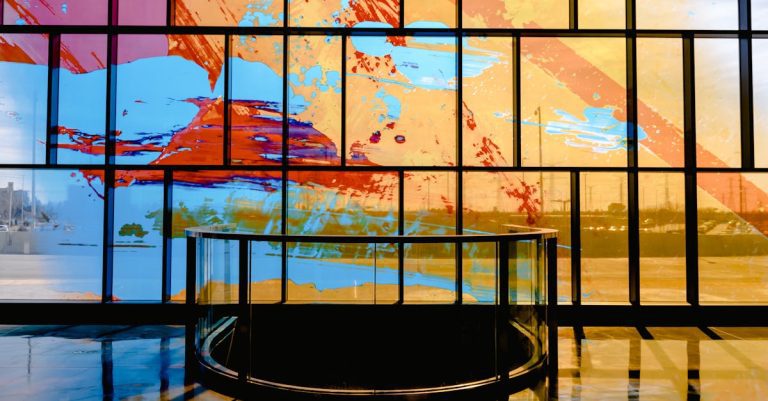 Top Tips for Crafting Exceptional 3D Architectural Renderings
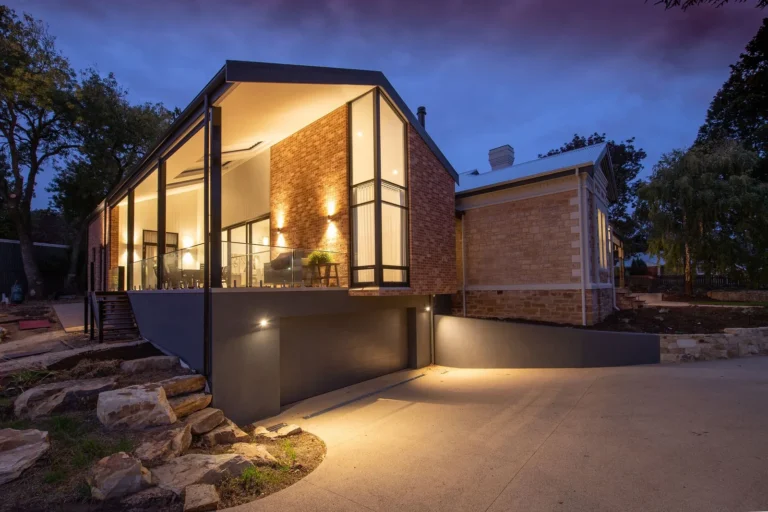 Mastering Atmosphere: How Lighting Transforms Architectural Visuals
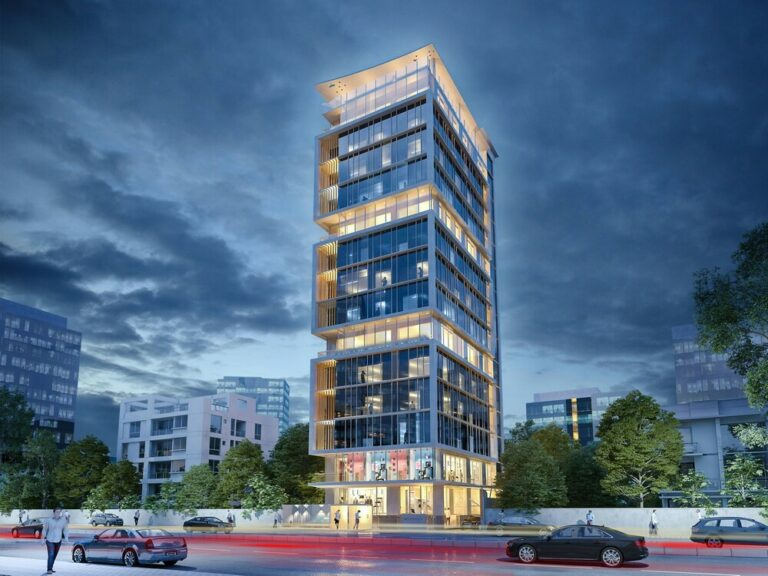 Architectural Visualization in Motion: When a Still Image Isn’t Enough
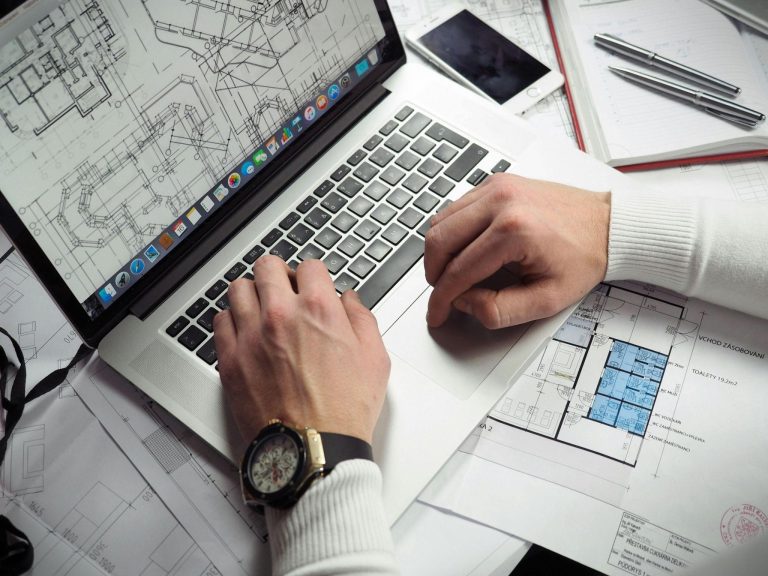 Building Expertise: The Key Knowledge and Skills Required for Architectural 3D Visualization
Choosing Rendering Software
Which engine suits your model and your machine. The main tools for architects, free options for students, SketchUp render plugins and ways to render faster.
Guides and examples
 3D Rendering Software for Architects: Best Tools for 2026
 Best Free Rendering Software for Architecture Students in 2026
 Top Render Plugins for SketchUp: Boost Your 3D Modeling and Visualization
 Tips for Fast Rendering in 3Ds Max and Sketchup
 Mac Guide for Architects: How to Maximize Rendering Speed and Performance
 Advantages of KeyShot Rendering
Lumion Guides
Lumion from the first scene to the finished image: exteriors and interiors, version comparisons, the asset library, common mistakes, student tips and the channels to learn from.
Guides and examples
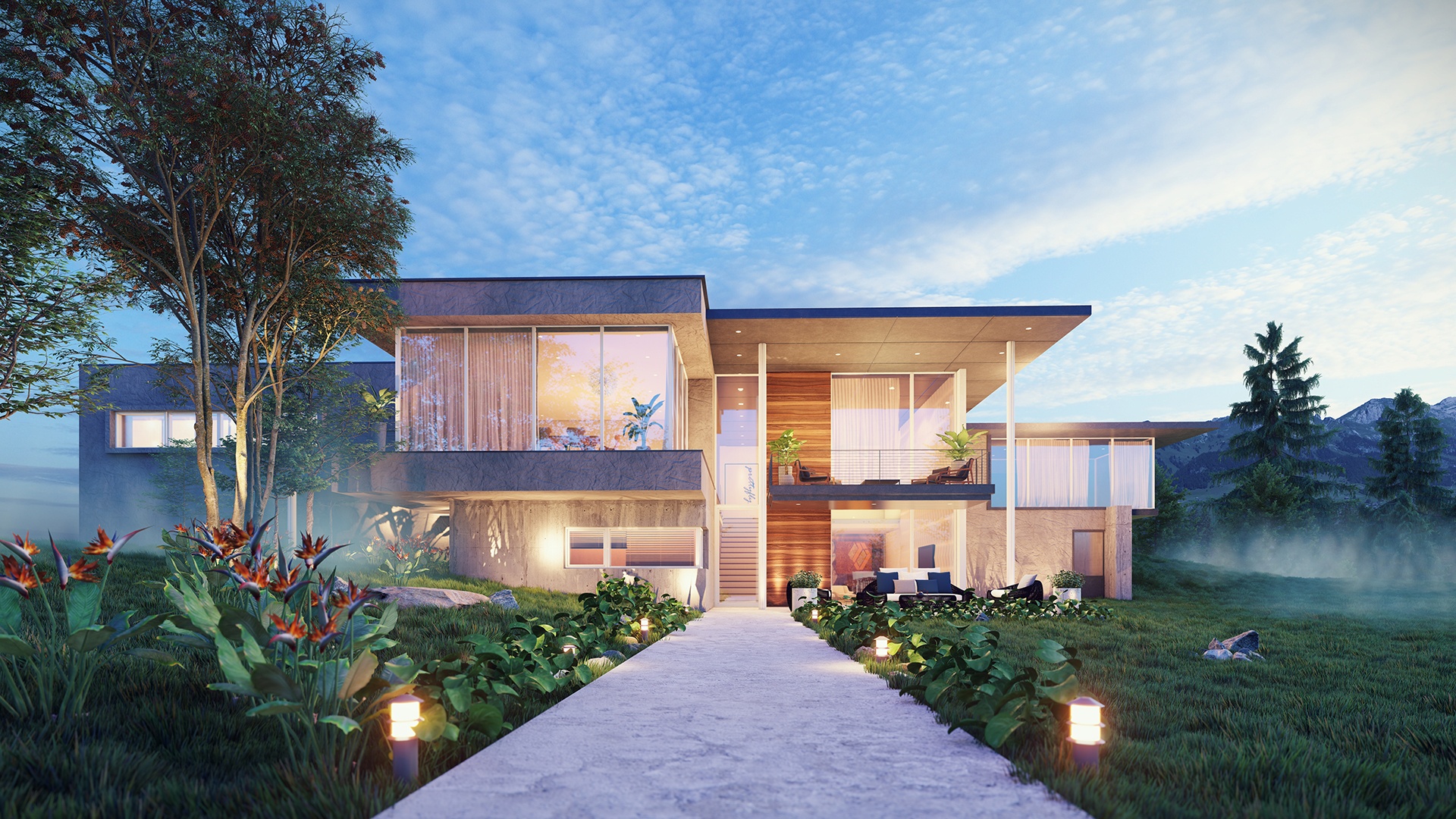 Beautiful Exteriors with Lumion 12
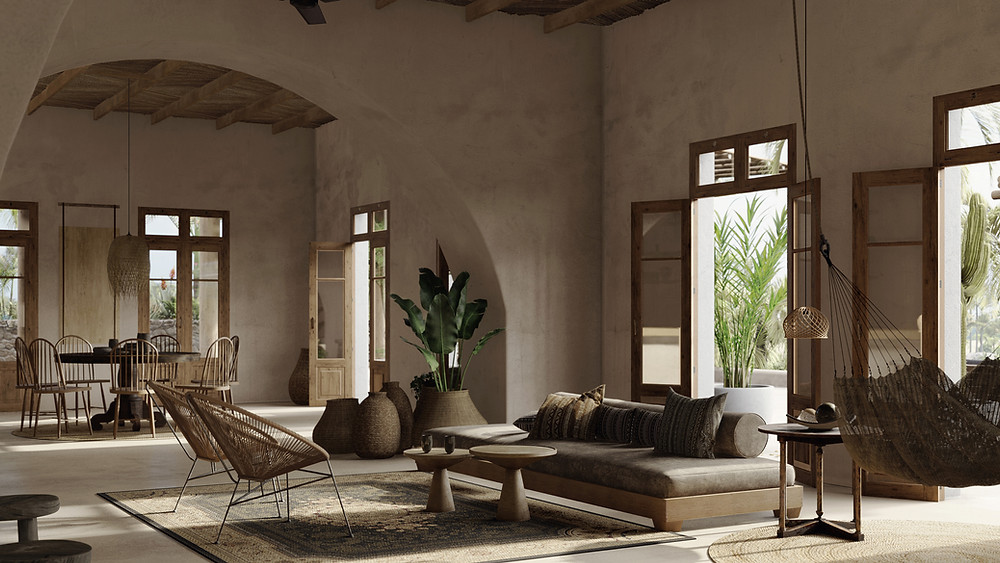 Beautiful Interiors with Lumion 12
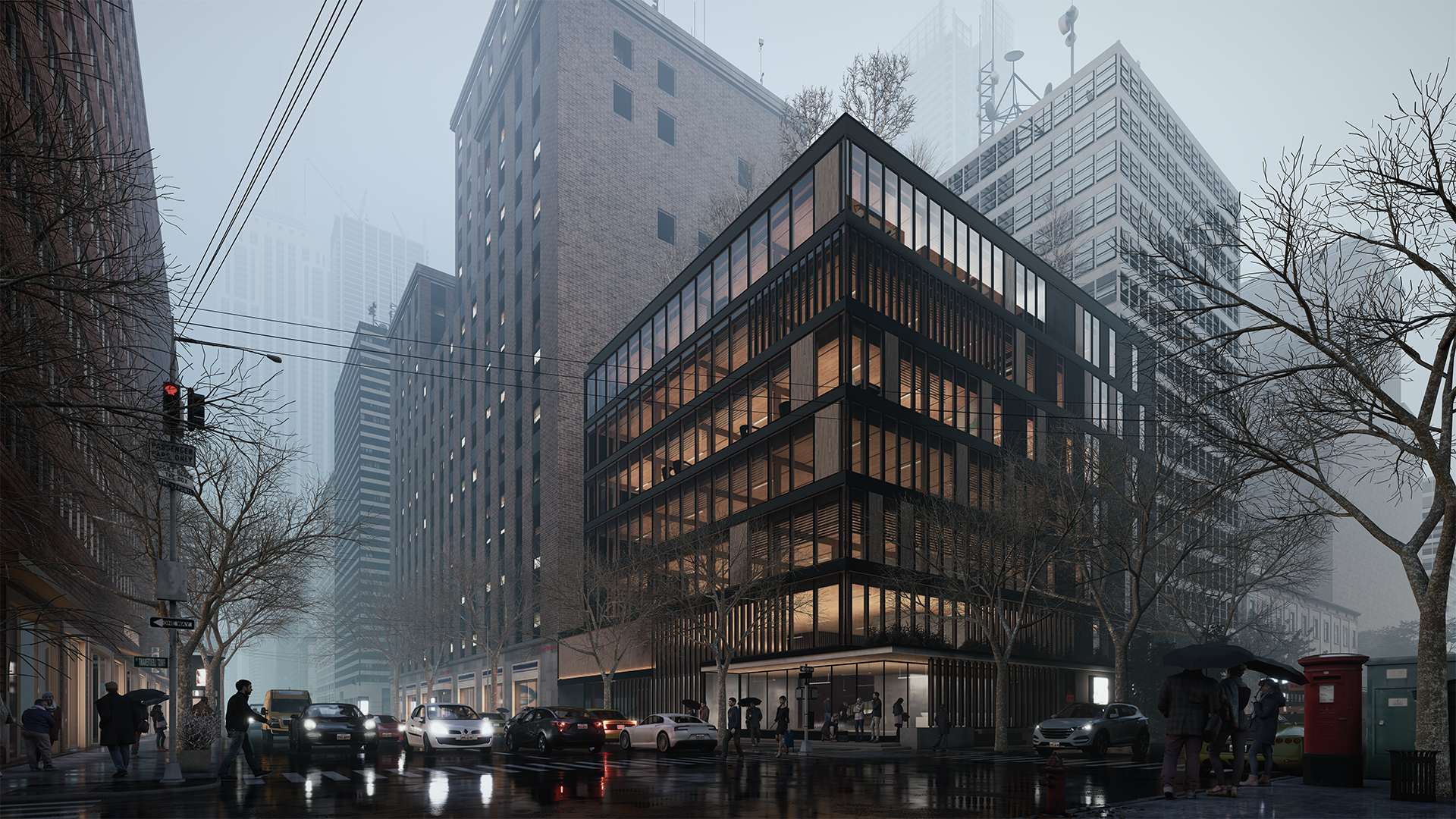 Lumion 12.5 vs Lumion 2023: What’s Best?
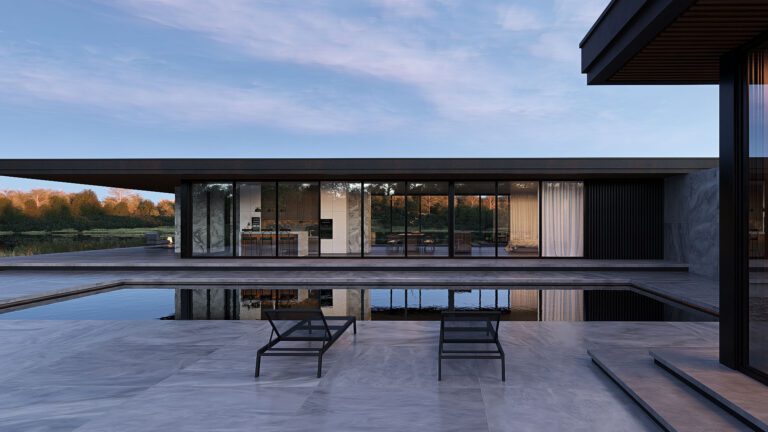 Lumion Pro 2025: Smarter, Faster, More Realistic
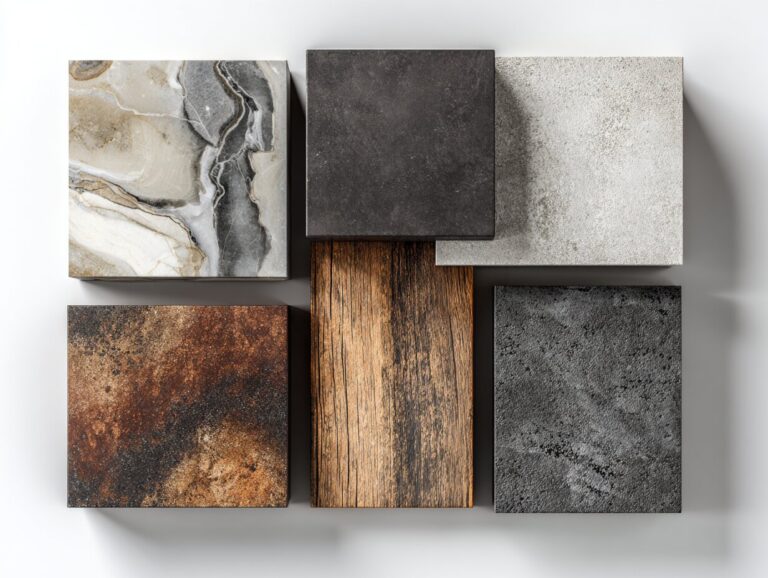 Lumion Asset Library: A Practical Guide to Free Assets and PBR Materials for Architects
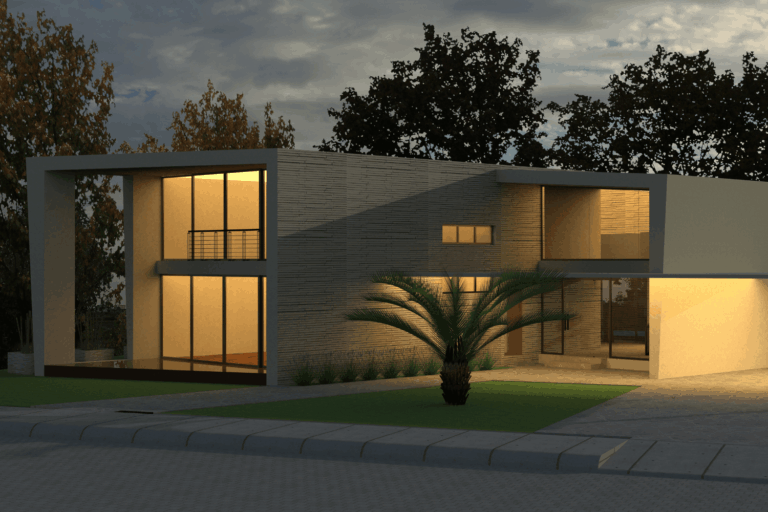 10 Essential Lumion Tips Every Architecture Student Should Know
 5 Common Lumion Mistakes & How to Fix Them
 Best YouTube Channels for Learning Lumion
D5, Twinmotion, V-Ray, Enscape and Blender
The other engines architects work with, their free asset libraries and PBR materials, what changed in Enscape 3.2 and the features V-Ray users rely on.
Guides and examples
 Easier 3D Visualization with D5 Render’s Free Downloadable Assets & PBR Materials
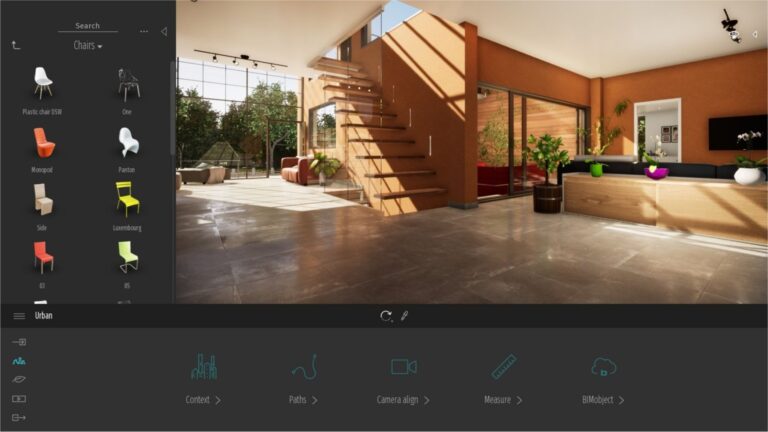 Twinmotion Render: Free Downloadable Assets and PBR Materials for Simpler 3D Workflows
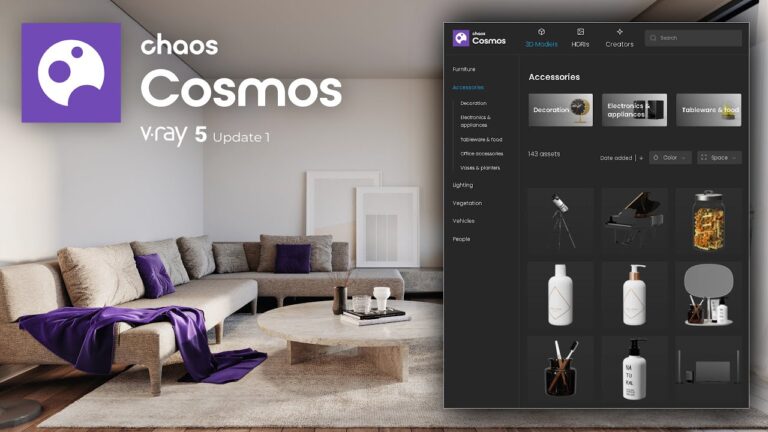 V-Ray Photorealistic Renders: Using Chaos Assets Library and PBR Materials
 Architectural Visualization with Blender: Free Assets and PBR Materials Guide
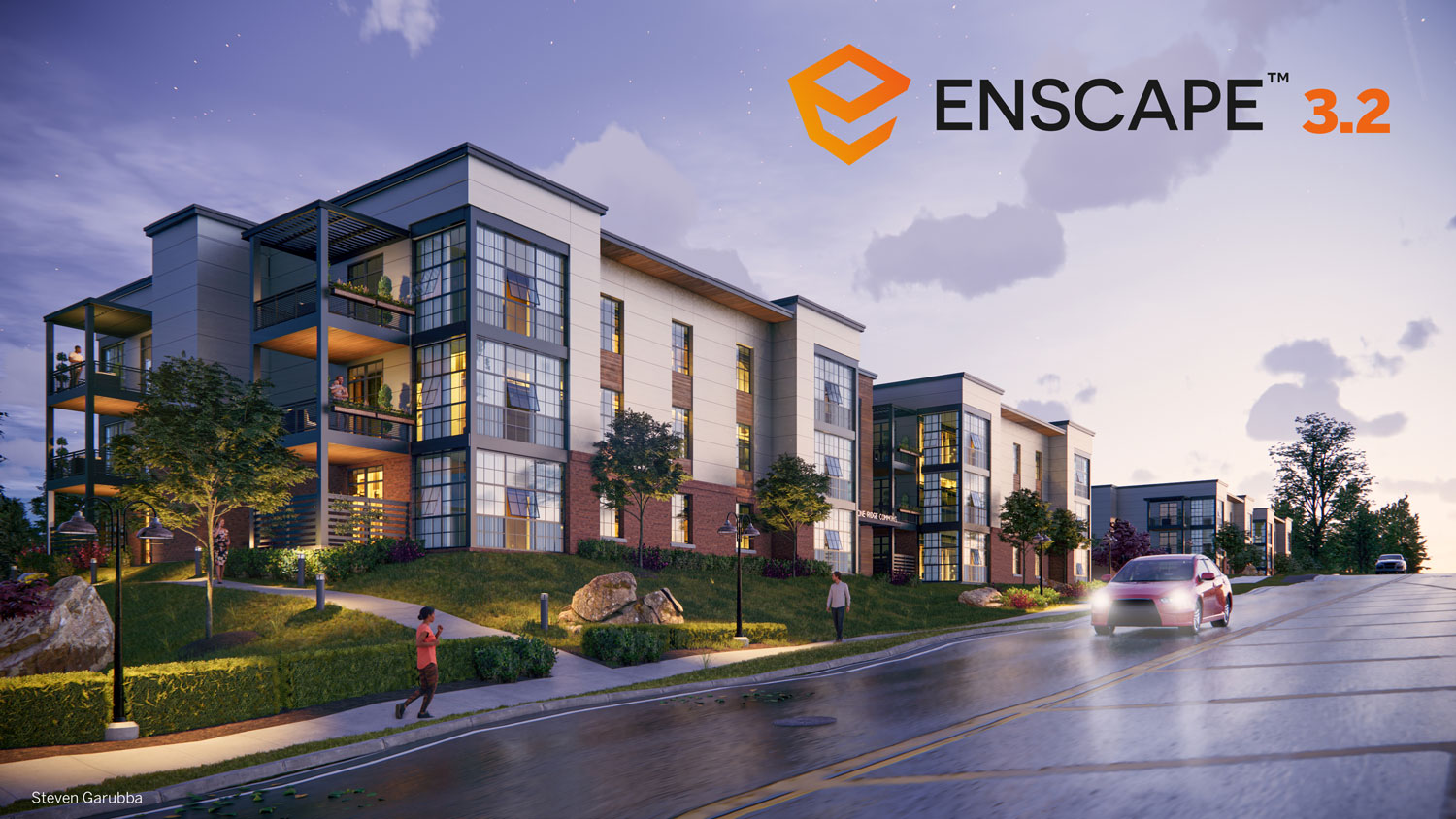 What is New in Enscape 3.2?
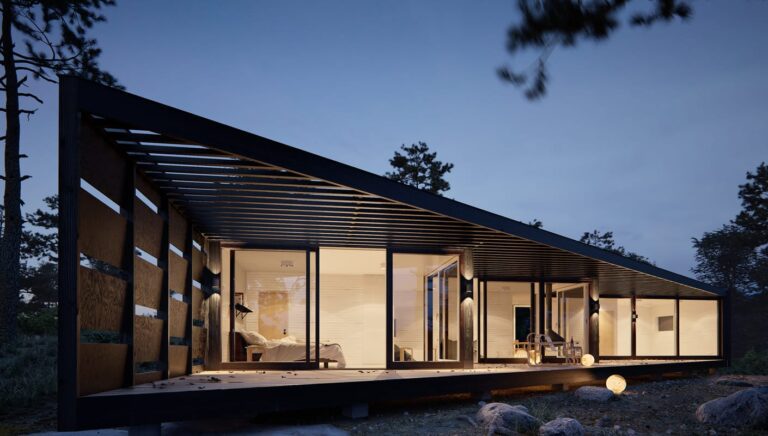 Best Features of Vray Rendering
Render Engine Alternatives
Licence, hardware or workflow not right for you? Side by side lists of alternatives to Lumion, Enscape, D5 Render, Twinmotion, KeyShot and Octane.
Guides and examples
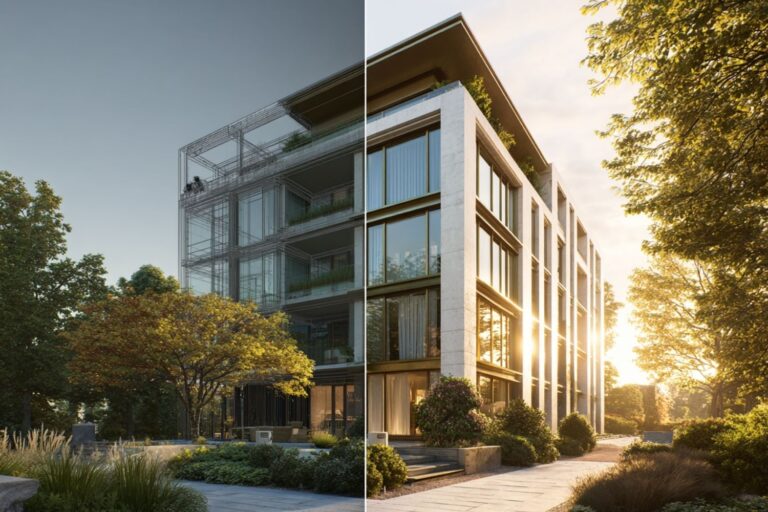 Alternative to Lumion: 6 Best Rendering Tools for Architects
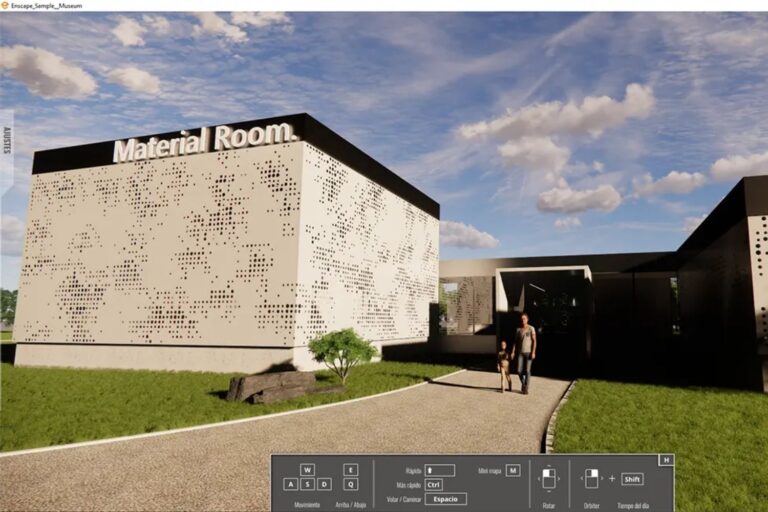 Enscape Alternative: 6 Best Rendering Tools for Architects in 2026
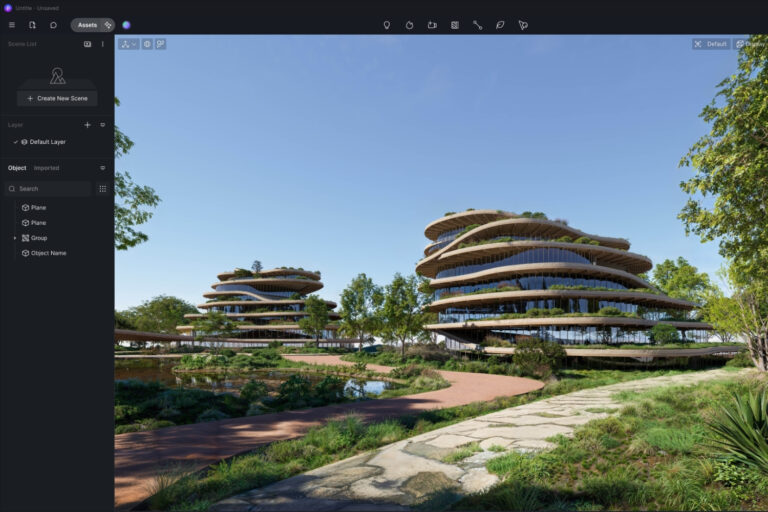 D5 Render Alternatives for Architects: 7 Best Tools for 2026
 Twinmotion Architectural Rendering: 7 Best Alternatives for Architects
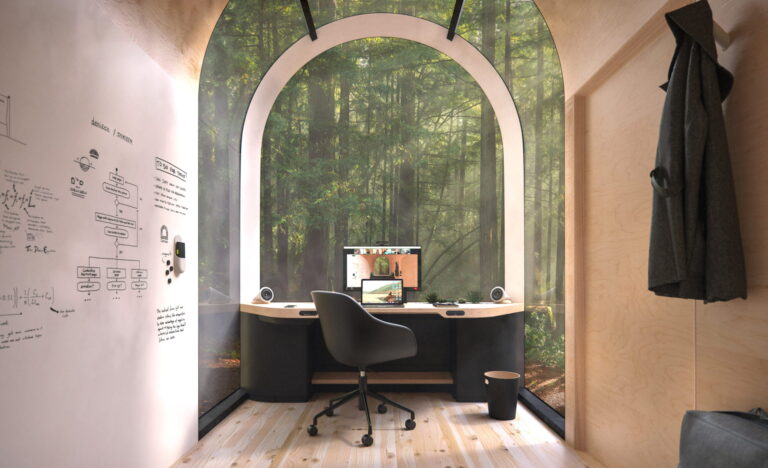 KeyShot Architectural Rendering: 7 Best Alternatives for Architects
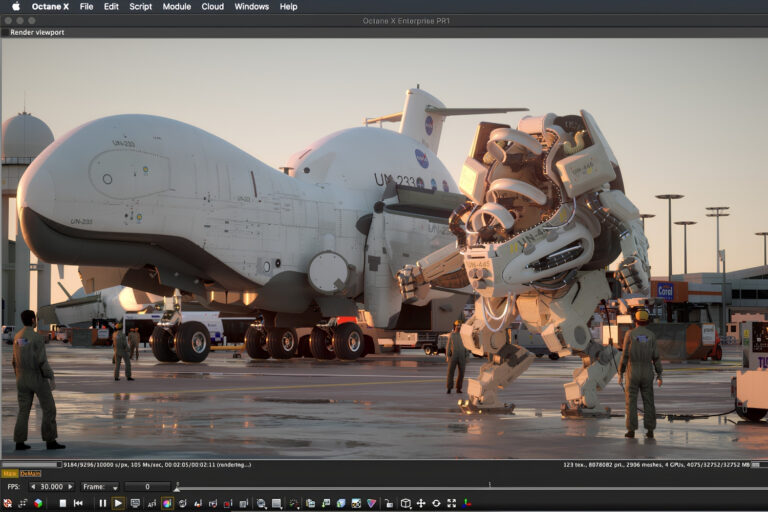 Octane Render Alternatives for Architects: 8 Best Picks for 2026
AI Rendering
AI tools that turn sketches and models into images. Reviews of ReRender AI, ArchiVinci and AI Render Studio, Midjourney guides, SketchUp AI plugins and a look at Photoshop next to AI.
Guides and examples
 ReRender AI Review: The Fastest AI Architecture Renderer for Revit, SketchUp and Rhino Users
 25 Best AI Architectural Rendering Tools in 2026
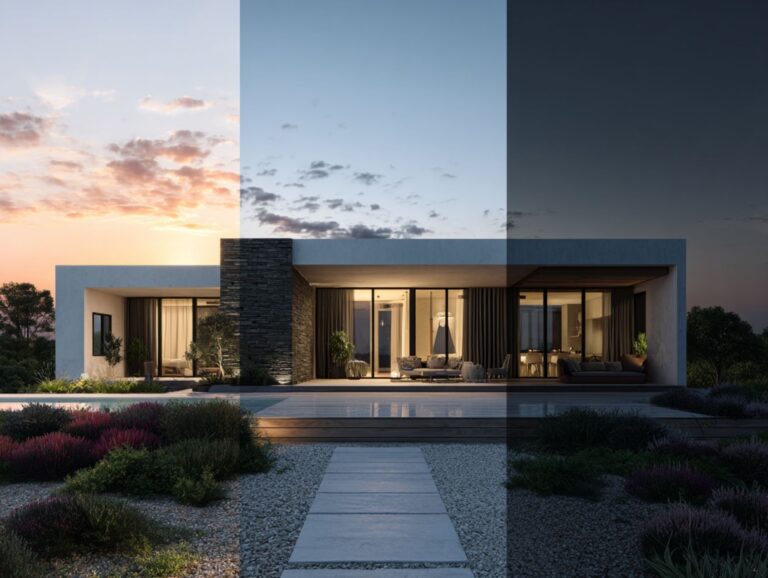 SketchUp AI Render: 7 Best Tools and Plugins for Architects in 2026
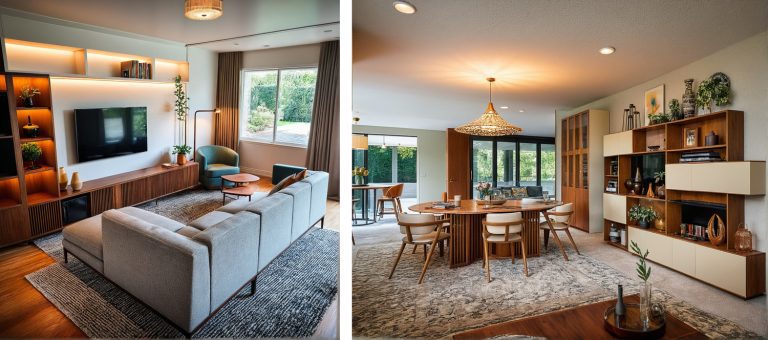 ArchiVinci 2.1 Review: AI Architectural Rendering Tool
 AI Render Studio Review: Sketch-to-Image AI for Architecture and Interior Design
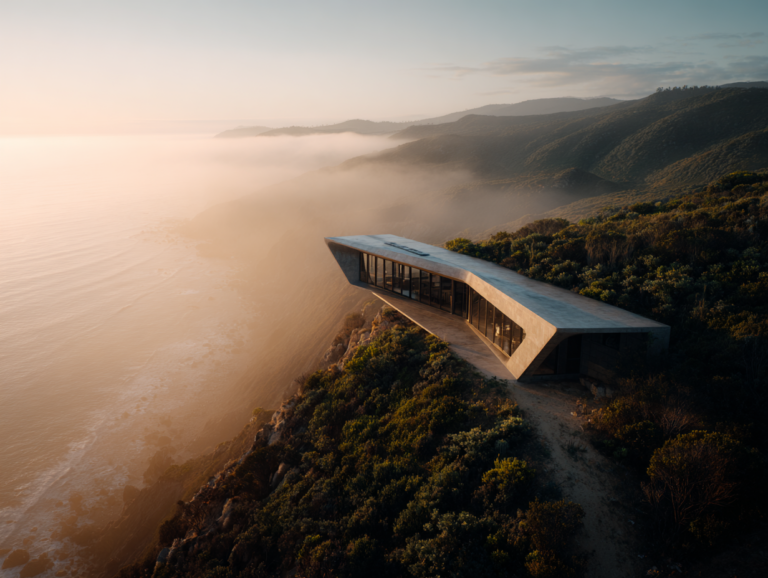 Midjourney Architecture Guide: AI-Generated Renderings with DALL-E and Stable Diffusion
 Midjourney AI vs DALL-E (Now ChatGPT Images) for Architecture: Which Creates Better Renders in 2026?
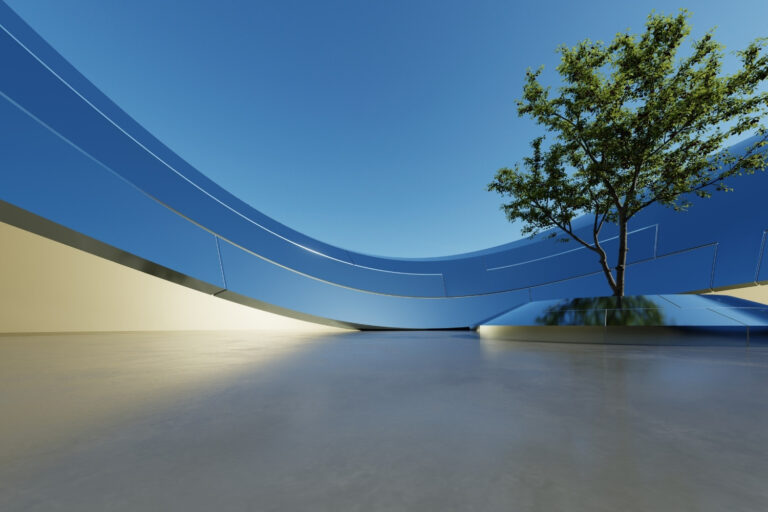 Photoshop vs AI Rendering: Do Architects Still Need Photoshop in 2026?
Textures, HDRI, Cutouts and Post Production
The pieces that finish a render: websites for 3D models, textures and free HDRIs, cutout people and trees, fabric material libraries and Photoshop tips for the final pass.
Guides and examples
 Top 15 List of 3D Modeling Websites for Free and Premium Models
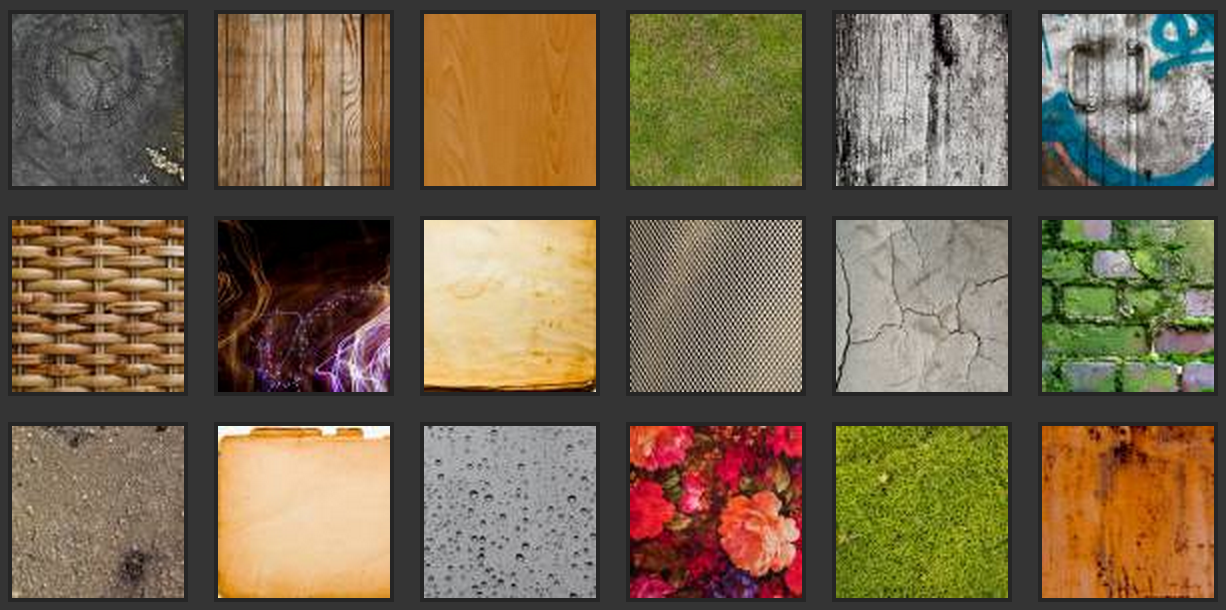 Best Texture Websites to Download
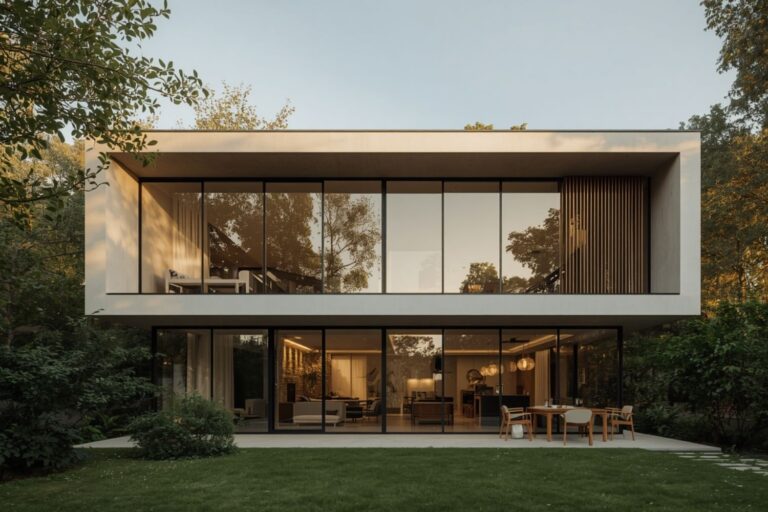 Best Free HDRI Websites Every Architect Needs for Realistic Renders
 Best PNG & Cutout Websites for Your Designs
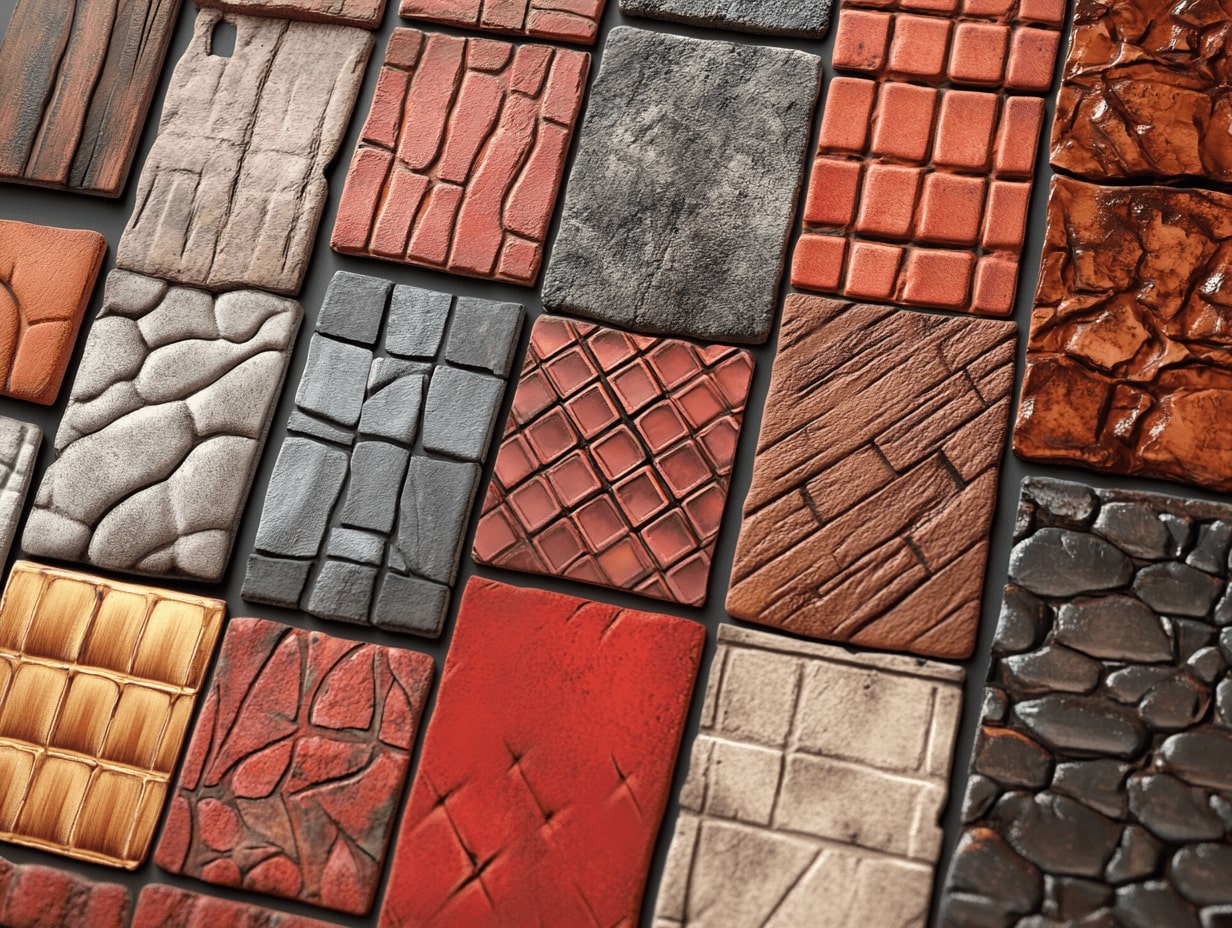 Textile and Material Libraries for 3D Architectural Model to Enhance Realism
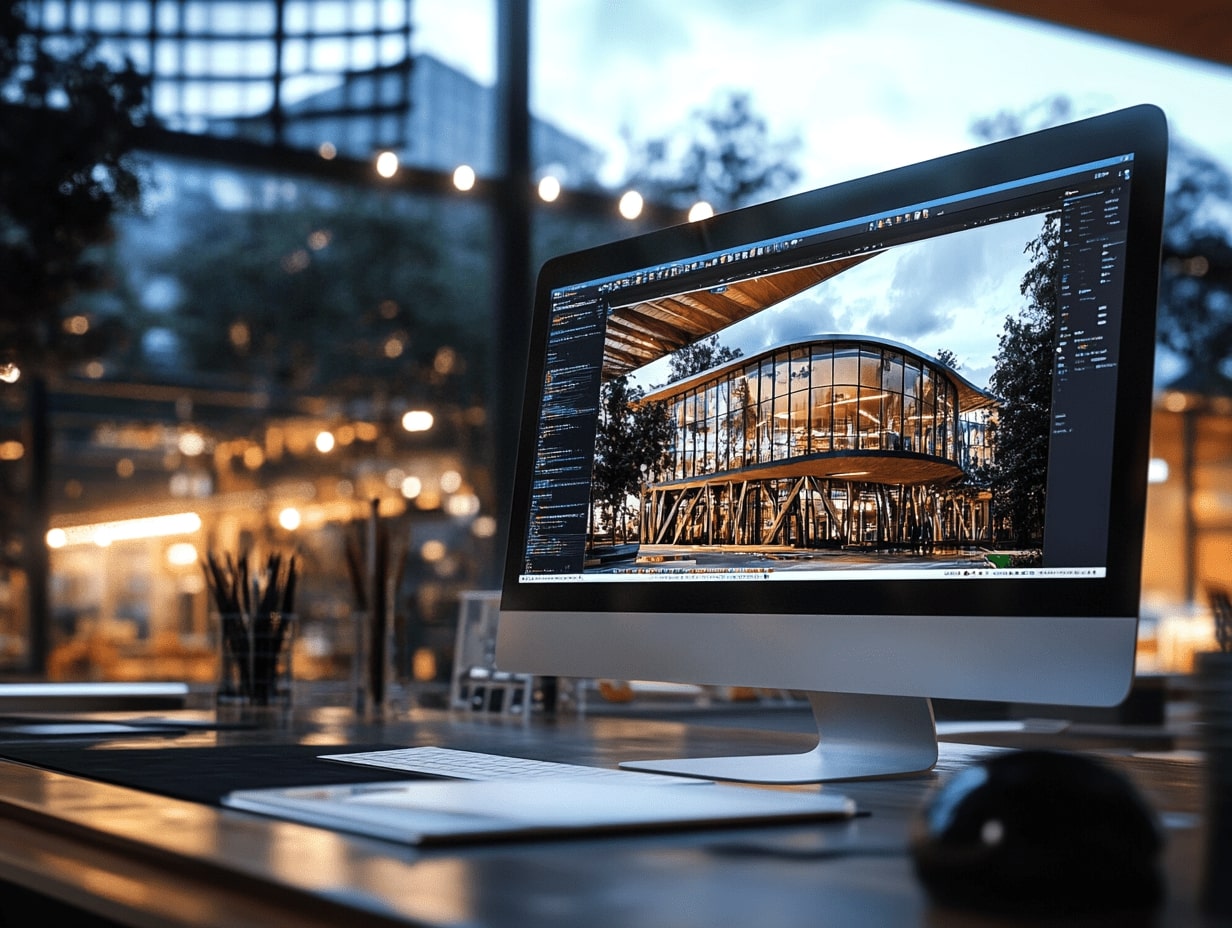 20 Photoshop Tips for Architects to Improve Renderings
Which render engine fits your work
Render engines differ in how they make an image and what they do best. Use this table to narrow the field, then open the guide for settings, assets and workflow tips.
| Engine | How it works | Best for | Guide |
|---|---|---|---|
| Enscape | Real-time, with a live link between model and render | Fast design checks while you model | Read → |
| Lumion | Standalone real-time app with a large asset library | Polished scenes with ready-made models and materials | Read → |
| Twinmotion | Real-time, built on Unreal Engine | Stills, walkthrough videos and VR | Read → |
| D5 Render | Real-time with ray tracing, offers a free version | Photoreal images and fast scene population | Read → |
| V-Ray | Path tracing and global illumination for accurate light | High-end photoreal final images | Read → |
| Blender | Free and open source, with Cycles and EEVEE | Photoreal scenes at zero software cost | Read → |
| AI renderers | Turn sketches, models and prompts into images in seconds | Fast concept options and style tests | Read → |
Downloads for Rendering Work
Free 3D models and AI prompt handbooks to start with, plus entourage, texture and AI visualization kits from the illustrarch library when a deadline is close.
Browse the library →Free downloads
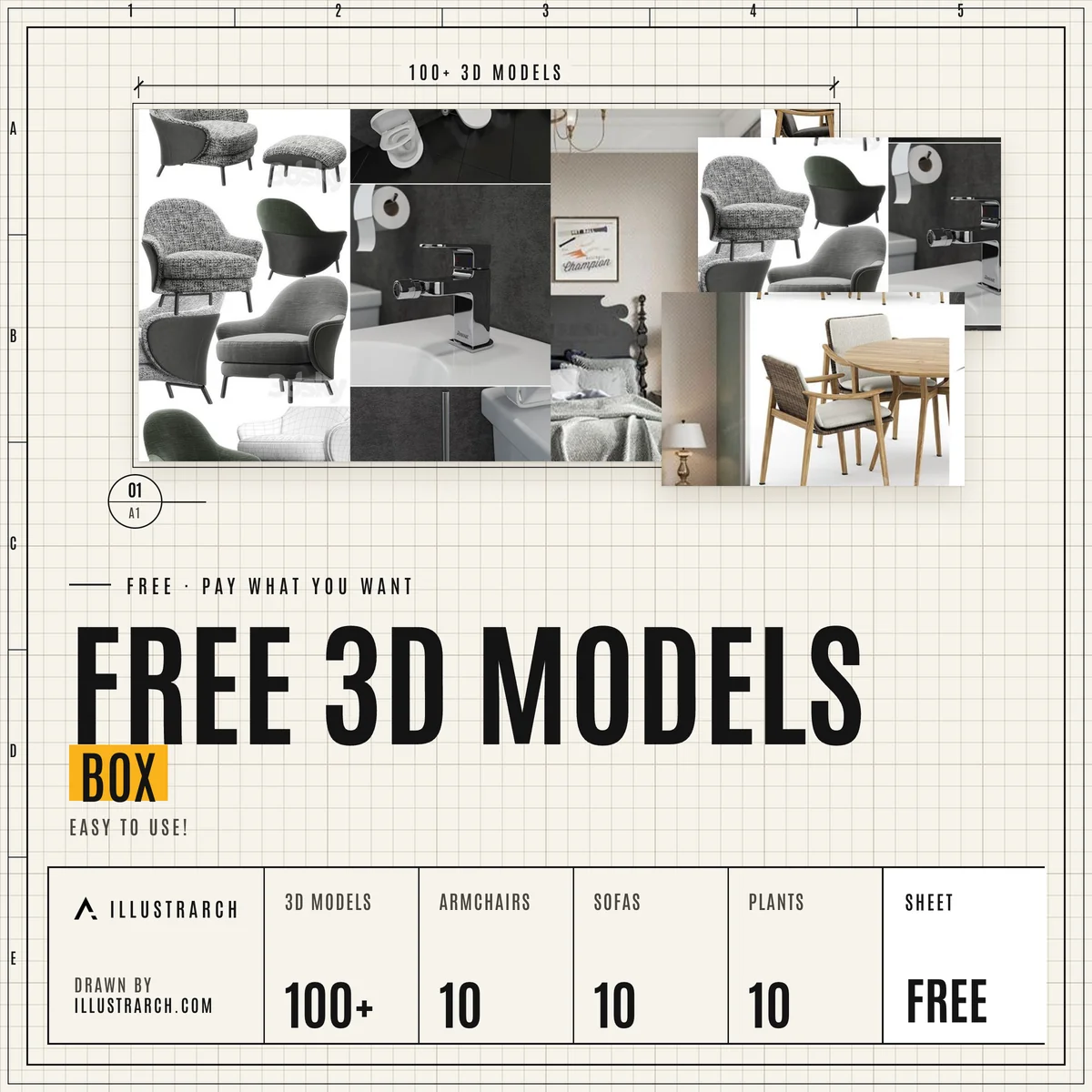 3D Models BoxEasy to use 3D modelsFREE DOWNLOAD
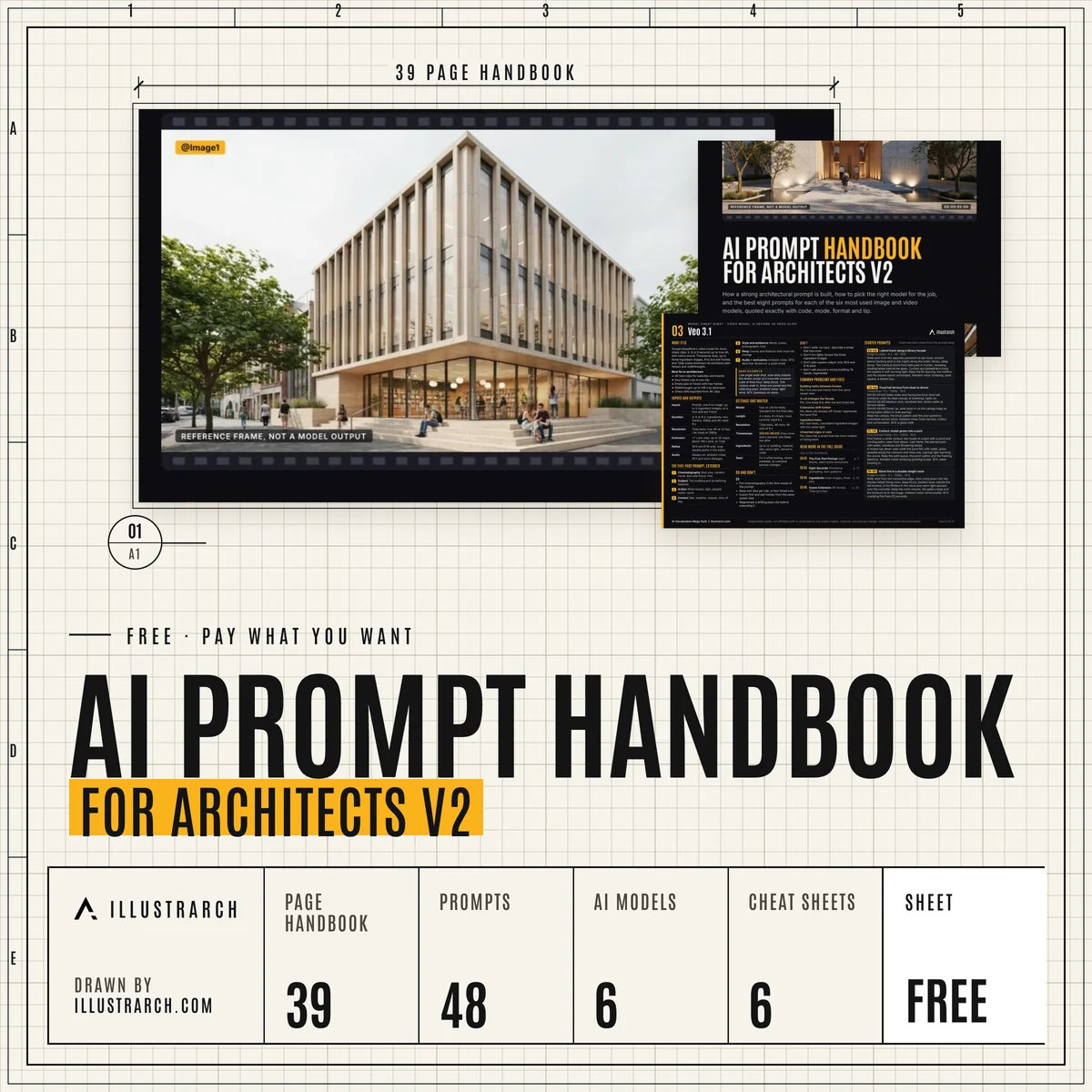 AI Prompt Handbook v248 prompts, 6 models, 6 cheat sheetsFREE DOWNLOAD
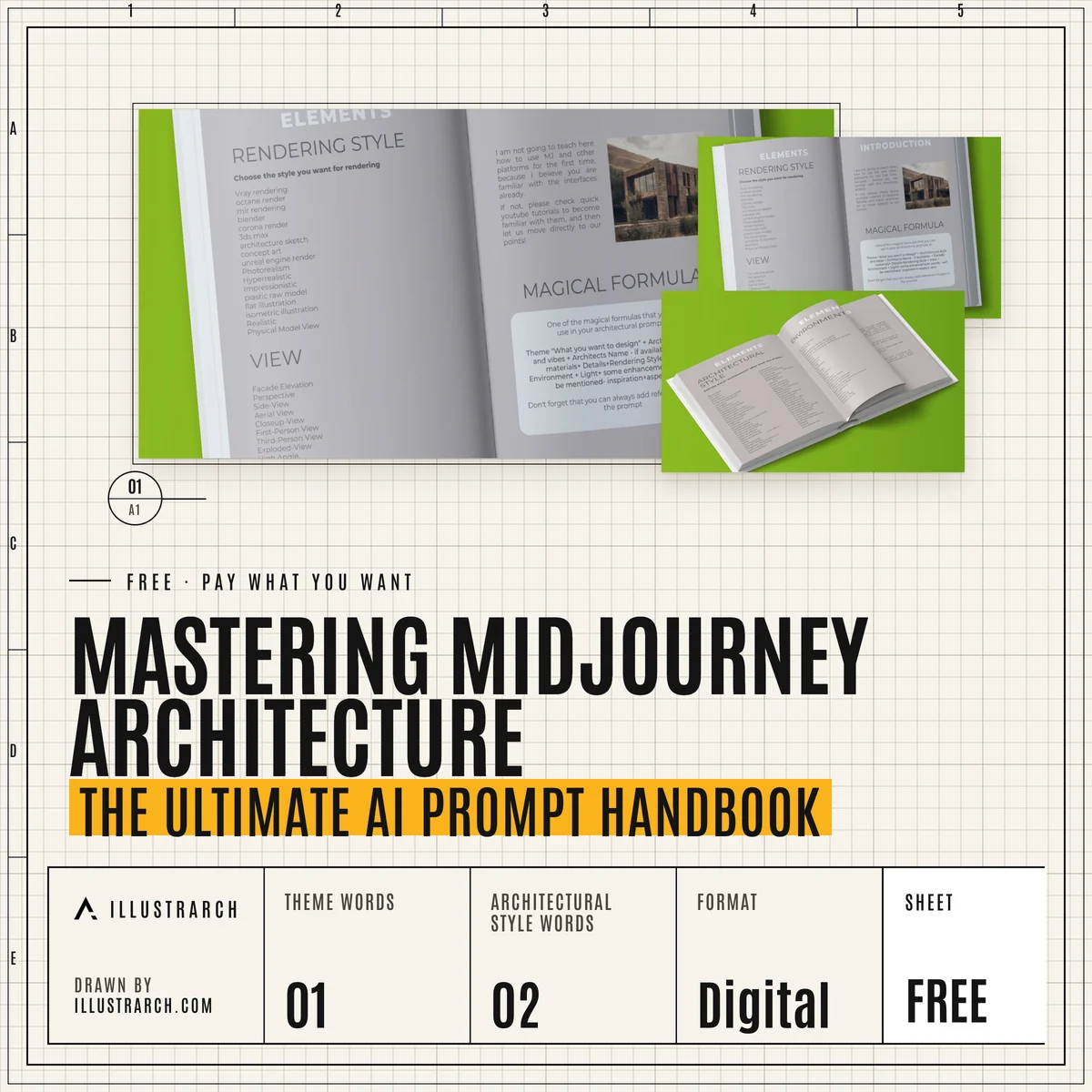 Mastering Midjourney ArchitectureAn AI prompt handbookFREE DOWNLOAD
From the illustrarch library
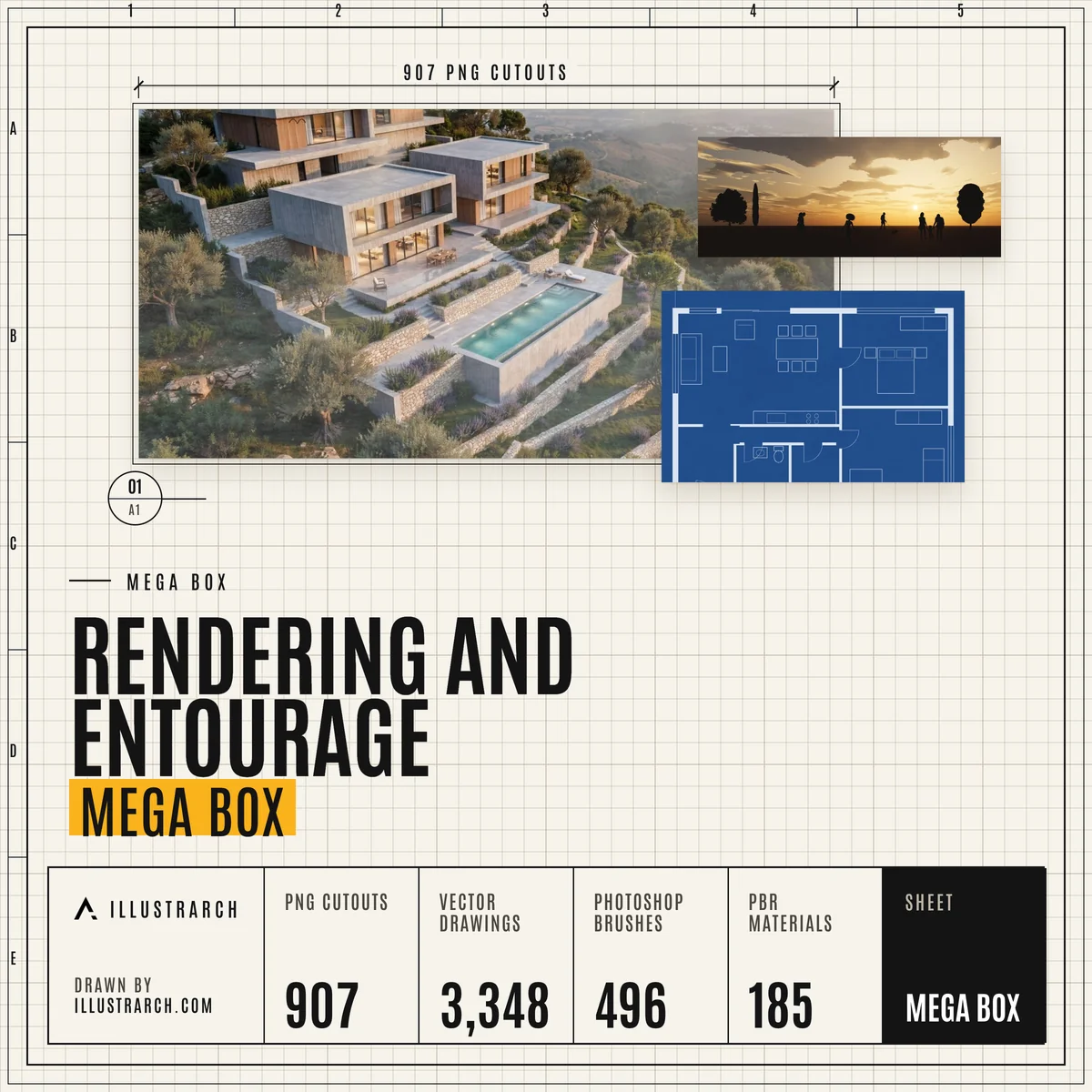 Rendering and Entourage Mega Box907 cutouts, 3,348 vectors, 185 PBR materials, 44 HDRI skiesIN THE LIBRARY
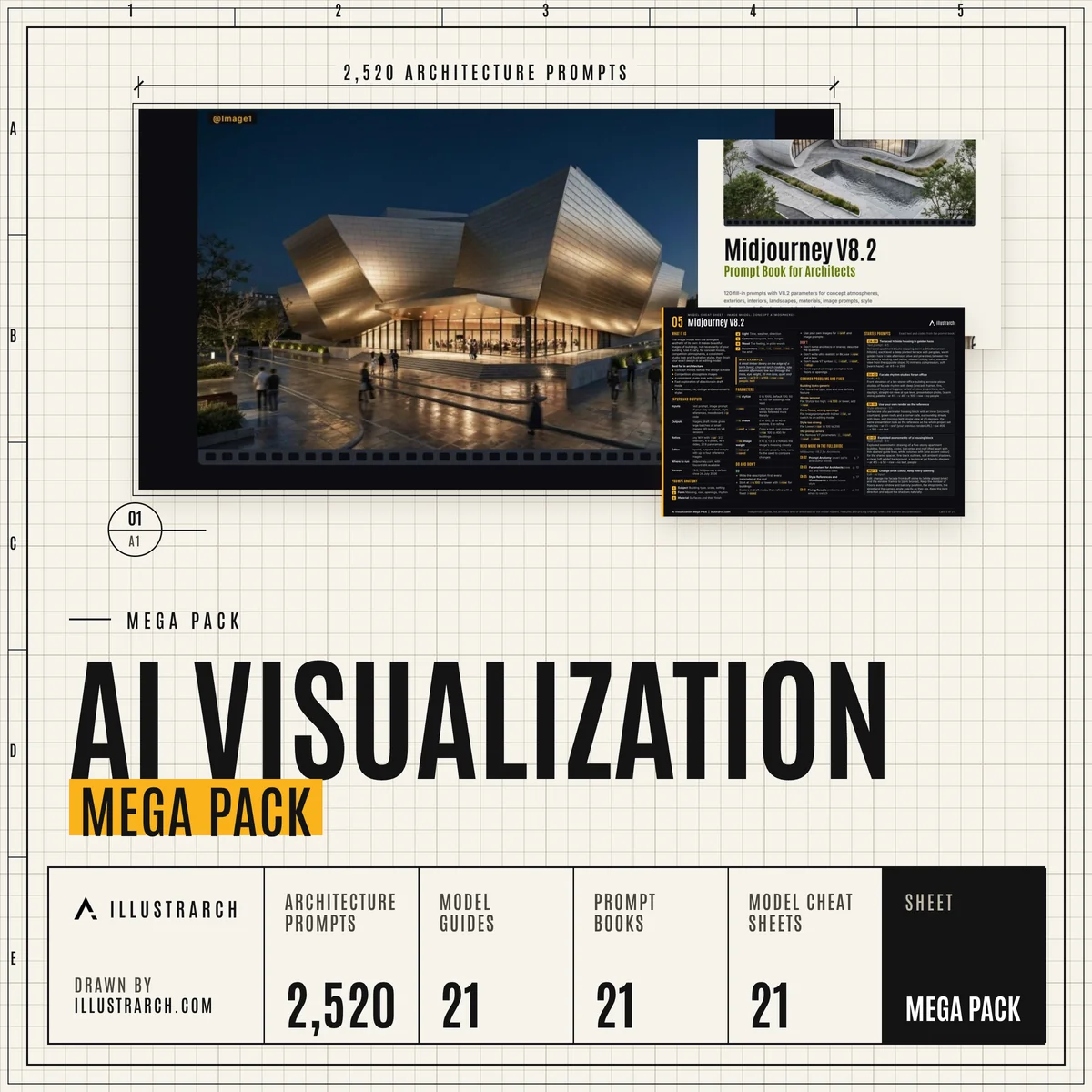 AI Visualization Mega Pack2,520 prompts and 21 model guidesIN THE LIBRARY
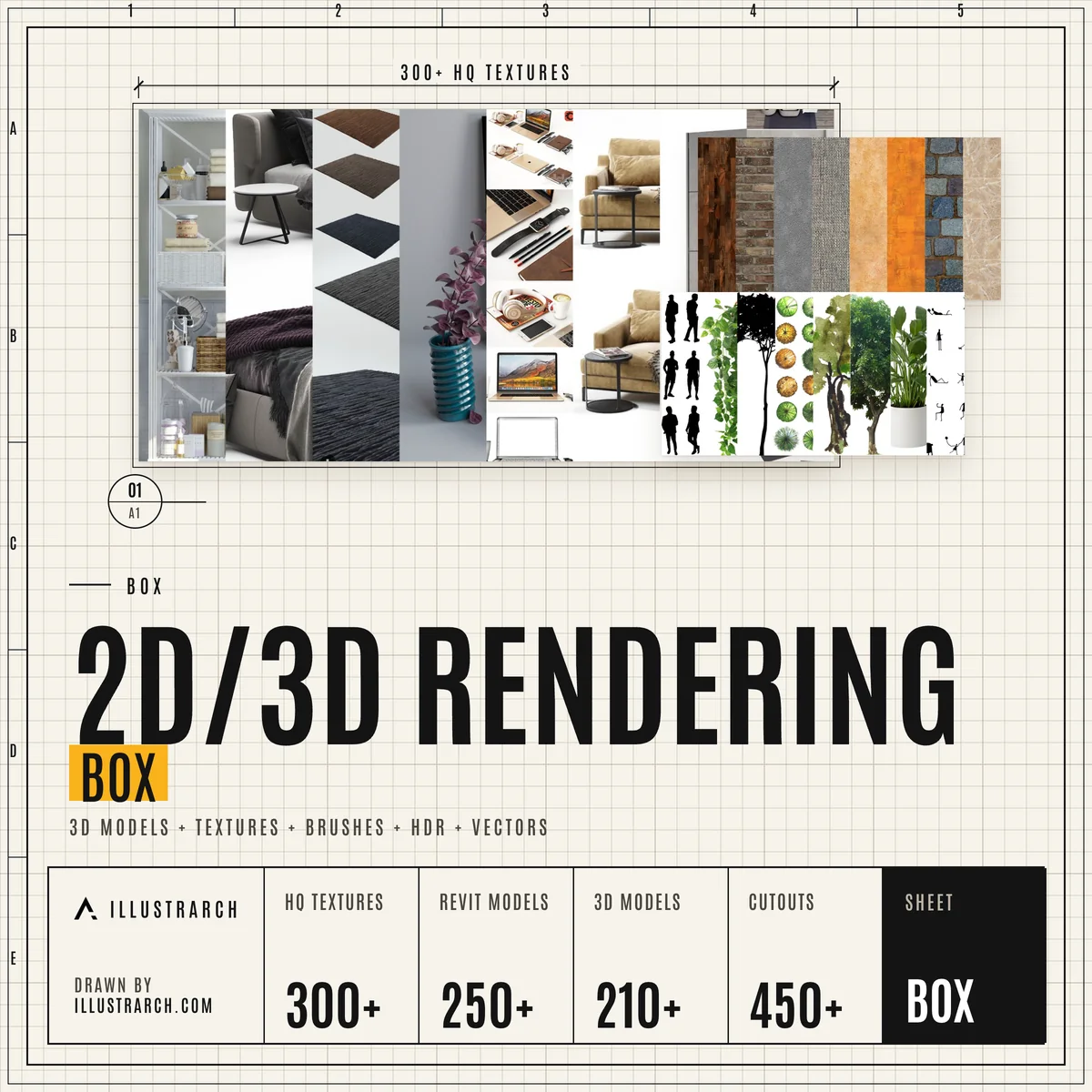 2D and 3D Rendering Box3D models, textures, brushes, HDR and vectorsIN THE LIBRARY
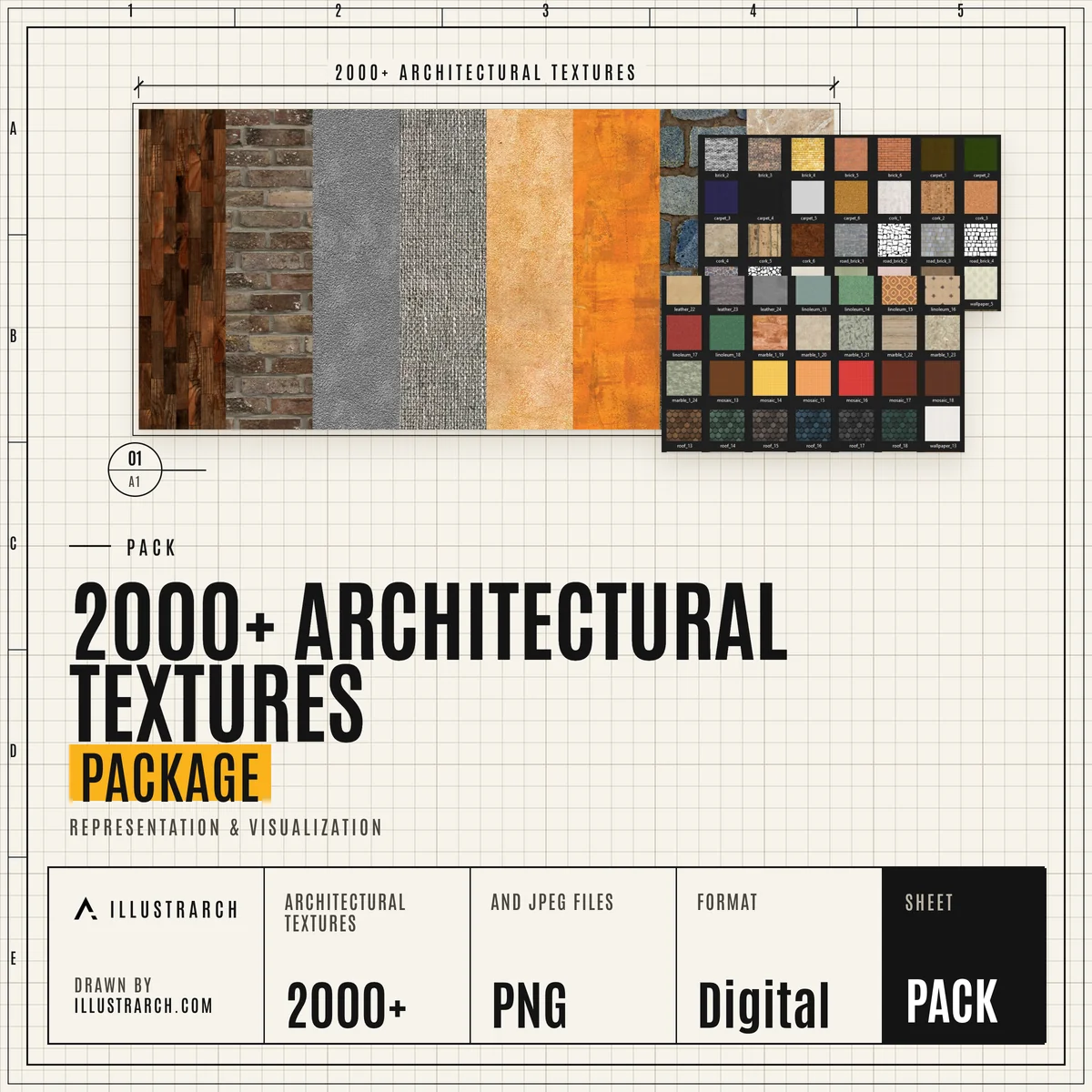 Architectural Textures Package2000+ textures for visualizationIN THE LIBRARY
Frequently Asked Questions
What is architectural rendering?
An image or animation made from a 3D model to show how a building or interior will look before it is built. It is used in studio reviews, competitions and client presentations.
Which rendering software should a beginner start with?
Real time engines such as Lumion, Twinmotion, D5 Render and Enscape are quick to learn and give fast feedback. Our software and alternatives guides compare them, including free options for students.
Can AI replace traditional rendering?
AI renderers are fast for early ideas and mood images, but they do not always follow the exact geometry and materials of the model. Many architects use them next to a classic render engine and Photoshop.
Where can I find free textures and HDRIs?
Our asset guides list texture, HDRI, 3D model and cutout websites. D5 Render, Twinmotion, Lumion and V-Ray also come with their own asset libraries, covered in the engine guides.
How can I make my renders look more realistic?
Start with good light, correctly scaled materials and a believable camera height, then add people, trees and context. A short post production pass in Photoshop often finishes the image.
Explore more hubs
Every illustrarch hub collects the guides, tools and downloads for one subject. Pick the next one for your project.
Visit the Students Hub →All free tools →
