
Architecture Student Starter Kit
Your first year in architecture, set up step by step
The architecture student starter kit from illustrarch: fourteen steps from your first week to your first internship, covering your room and desk, supplies, model kit, laptop, software, AI, skills, wellbeing and money. Follow them in order or jump to the step you need.
Start with step 1 →Download the free kit →Before You Start: What First Year Is Really Like
Architecture school is built around the design studio: you work on projects, present them at crits and learn as much from feedback as from lectures. Start here to see what you will study, how a crit works and what to sort out before week one.
- Read your course handbook and the first project brief
- Find your studio, the workshop and the print room
- Start a sketchbook and draw a little every day
- Learn the words you will hear at crits
- Plan your week around studio days
Can wait: new software, a new laptop and a full model kit until your tutors say what the first project needs.
 Core Modules in an Architecture Degree: What You Actually Study8 min read
 20 Back-to-School Tips Every Architecture Student Should Know8 min read
 Architecture Crit Presentation: How to Present Your Project With Confidence7 min read
 What Subjects Do I Need to Study Architecture? A Guide to Succeed in the Field9 min read
 How to Choose Best Architecture School7 min read
Set Up Your Room for Studio Work
A student room has to work as a bedroom, a drawing office and sometimes a model workshop. Plan a clear desk, good light and a safe place for models to dry before you unpack everything else.
- A desk big enough for a large sheet or a cutting mat
- A desk lamp placed on the side opposite your drawing hand
- Shelf or box space for models and rolled drawings
- A spot near a window where glue and spray can dry
- An extension lead with surge protection by the desk
- Curtains or a blind dark enough for proper sleep
Can wait: extra furniture and a second screen until you know how much work you do at home.

Set Up Your Workspace: Desk, Light and Screen
You will spend long hours at a desk, so set it up for both hand drawing and screen work. These guides cover desk choice, monitors and the small upgrades that make long sessions easier on your back and eyes.
- Top of the screen at or slightly below eye level
- Chair height that keeps your feet flat on the floor
- A laptop stand with a separate keyboard and mouse
- Cables kept clear of the cutting area
- Even light on the desk, not only from the screen
Can wait: a standing desk, a second monitor and gadgets until the basics are in place.
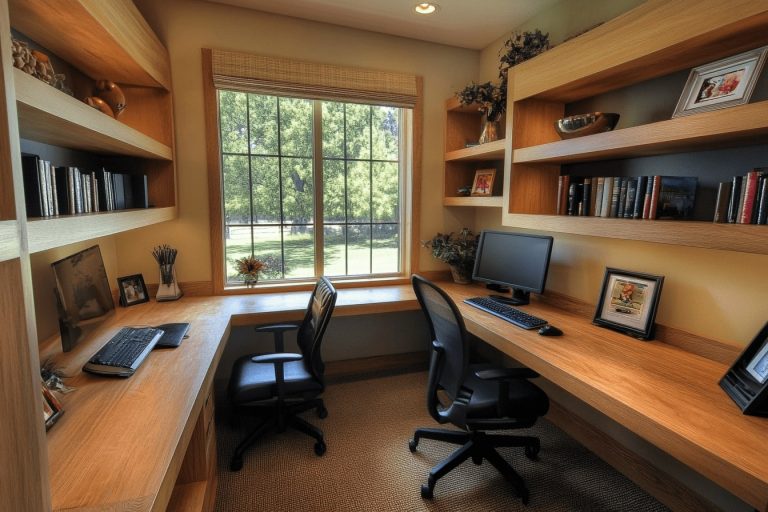 Innovative Architect Desk Setup Ideas for a Productive Workspace11 min read
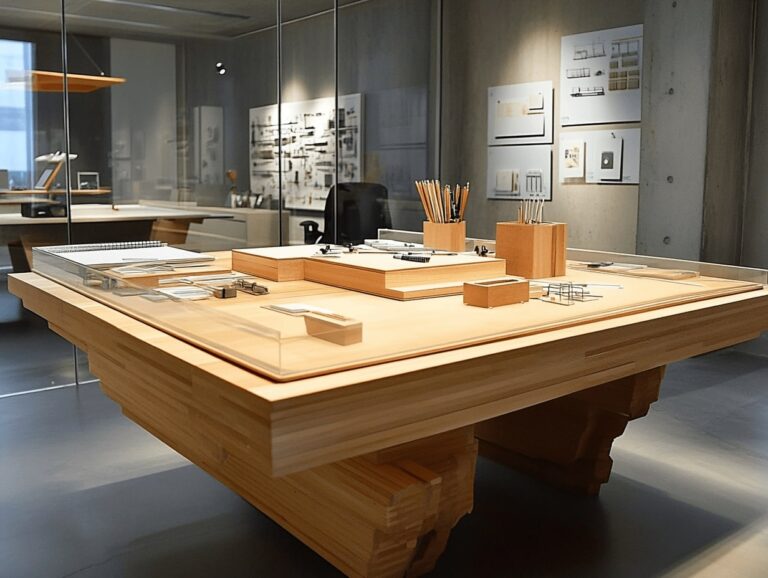 Desk Selection for Architects: Top Tips for Comfort, Productivity, and Efficiency12 min read
 Best Portable Monitors for Architects: 2026 Buying Guide9 min read
 Best Monitors for Architects: Complete Buying Guide with 15 Expert-Reviewed Picks47 min read
 11 Tech Gadgets For Architects That Make Architecture School Easier16 min read
 The Best Standing Desks for Architects: Stable, Large Picks for CAD and Drawing Work11 min read
Buy Your Supplies: The First Year Shopping List
Start with a basic drawing kit and buy the rest when a brief asks for it. Your school list comes first; these guides explain what each tool is for, from scale rulers to paper sizes and pens.
- A scale ruler with the scales your course uses
- Mechanical pencils, erasers and fine liners in a few line weights
- Set squares, a compass and a long metal ruler
- A sketchbook and a roll of tracing paper
- Masking tape and a tube or folder to carry drawings
Can wait: a drafting board, technical pens and markers until your studio asks for them.
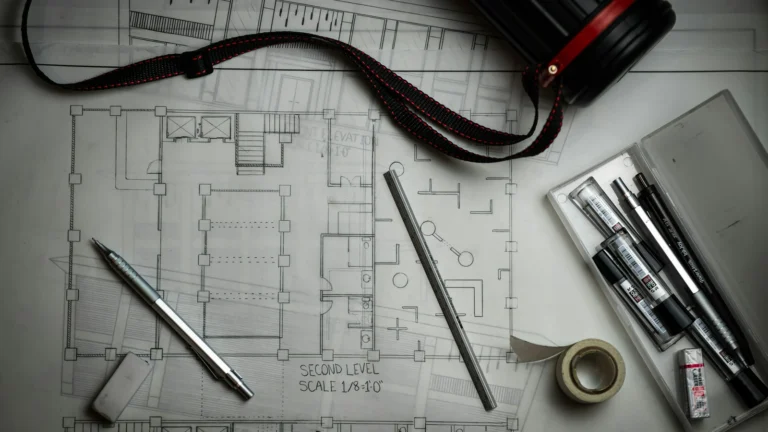 Architecture School Supplies List: What to Buy in First Year and What Can Wait10 min read
 Top Essential Tools for Architecture Students to Succeed in Design and Creativity12 min read
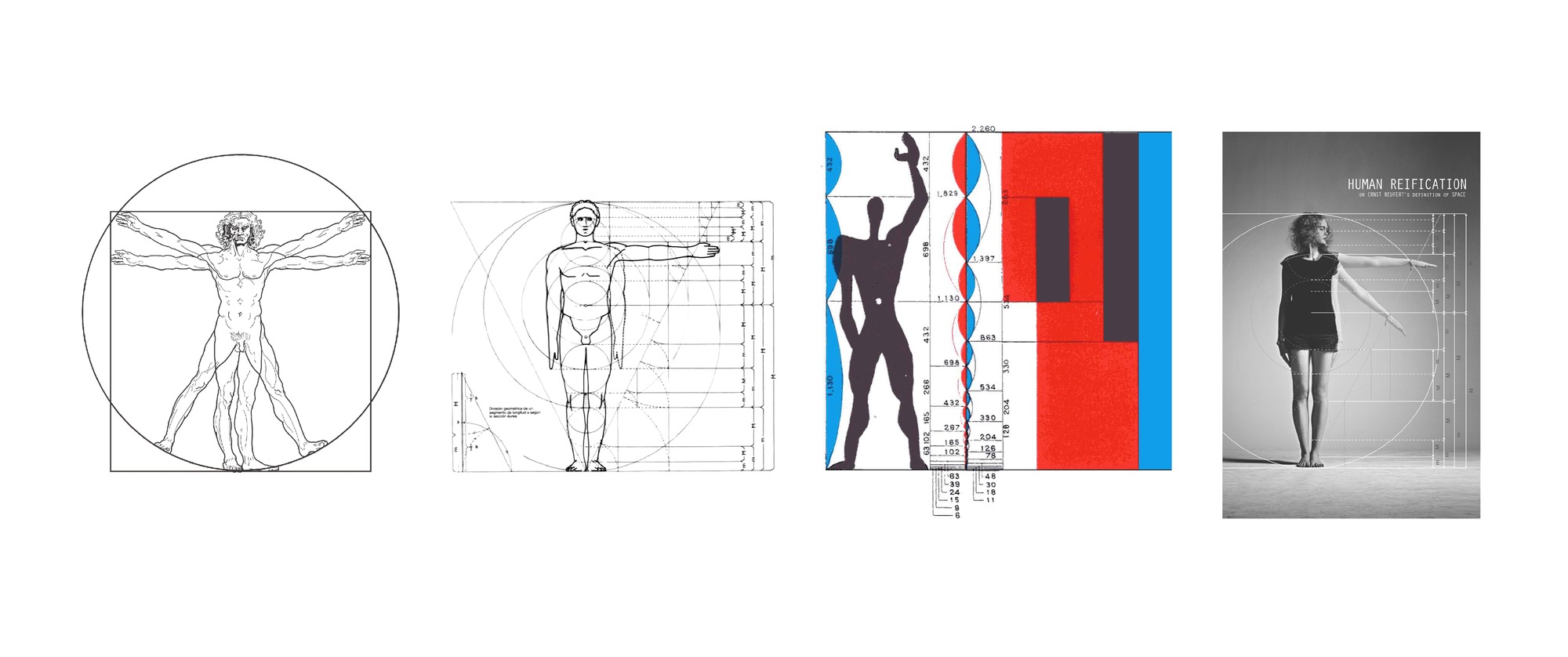 Scale in Architecture: Complete Guide to Architectural Scales & Drawings17 min read
 Architecture Paper Sizes For Architects And Students12 min read
 Best Stylus and Pen for Architectural Sketching: Top Picks for 202614 min read
 Introduction to Architectural Sketching for Beginners: Tools, Techniques, and Practice Tips7 min read
 Gifts for Architecture Students: 15 Thoughtful Ideas That Actually Get Used10 min read
Build Your Model Making Kit
Physical models are part of most studio projects, from quick study models to the final review. Start with a few reliable tools and cheap card, then add materials as your projects grow.
- A cutting mat and a metal ruler
- A craft knife with plenty of spare blades
- Grey board, card and foam board for study models
- PVA glue, a glue stick and masking tape
- A small square, tweezers and sandpaper
- Cut away from your hand and bin used blades safely
Can wait: laser cutting and 3D printing until you know your school workshop rules.
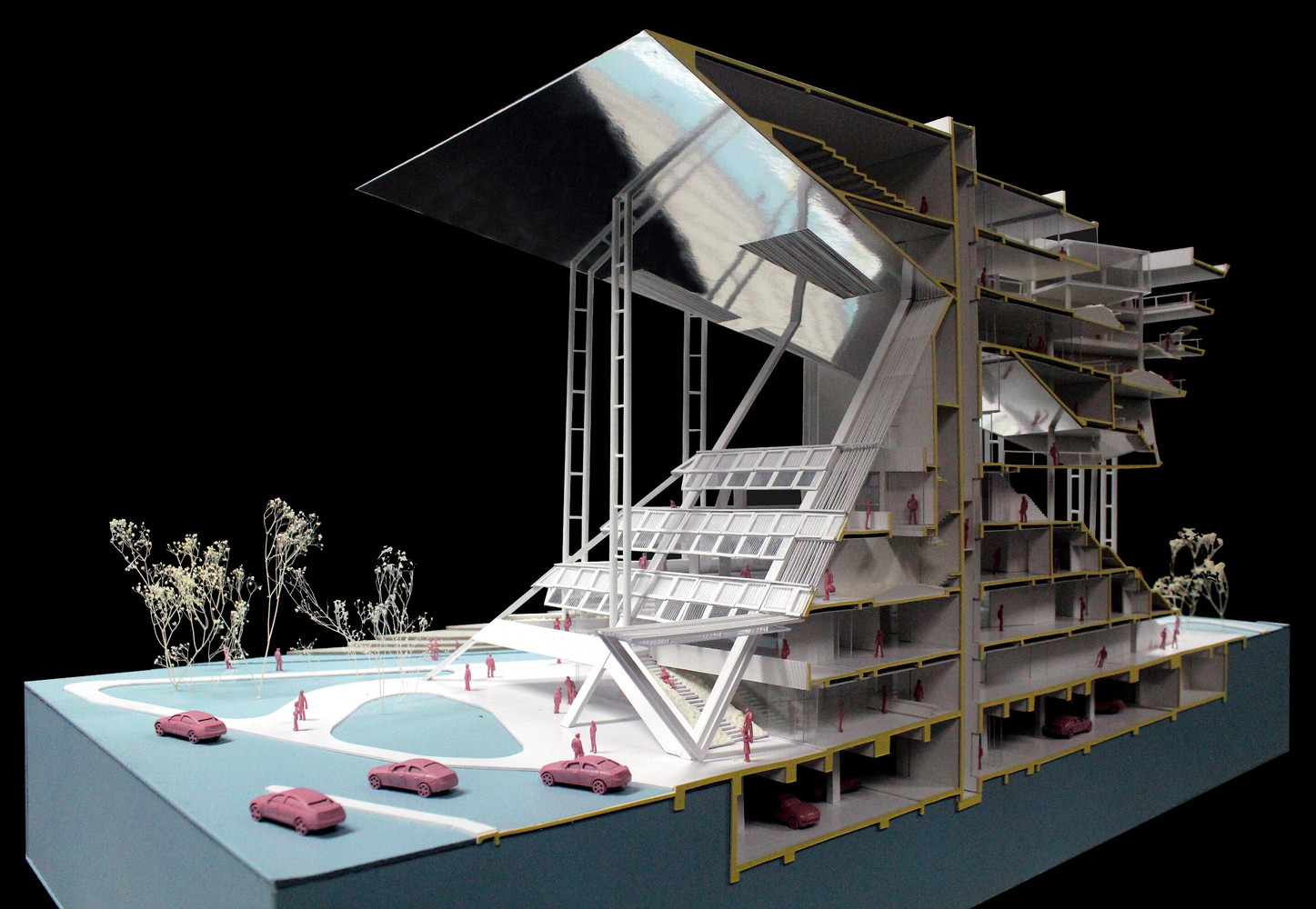 5 Materials for Architectural Models10 min read
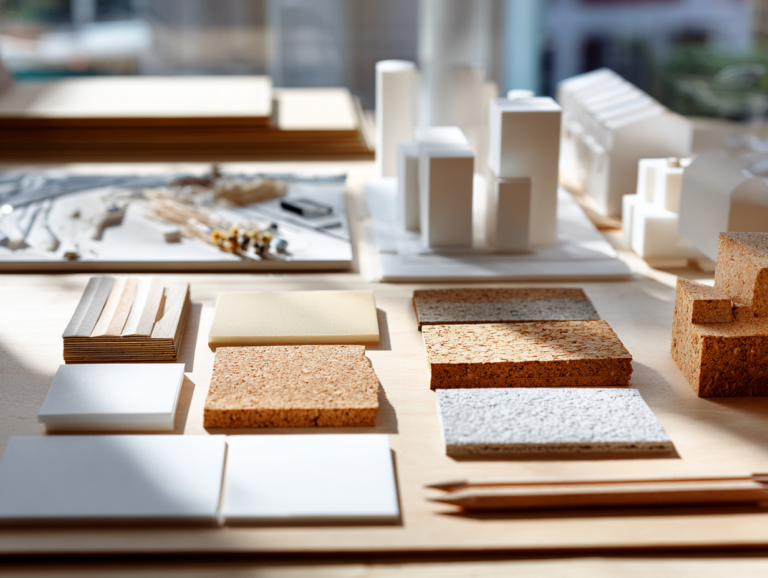 7 Affordable Model Making Materials and Where to Find Them12 min read
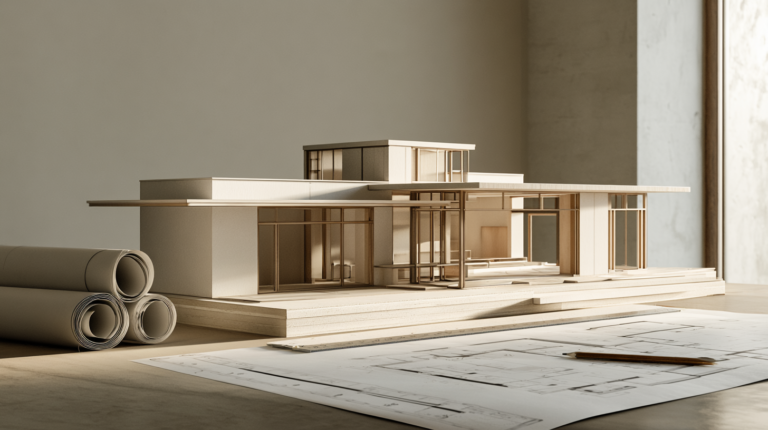 How to Build an Architecture Physical Model From Scratch8 min read
 Architectural Concept Model: Types, Tools and Uses6 min read
 Why Do Architects Use Architectural Models Instead of Just Drawings?7 min read
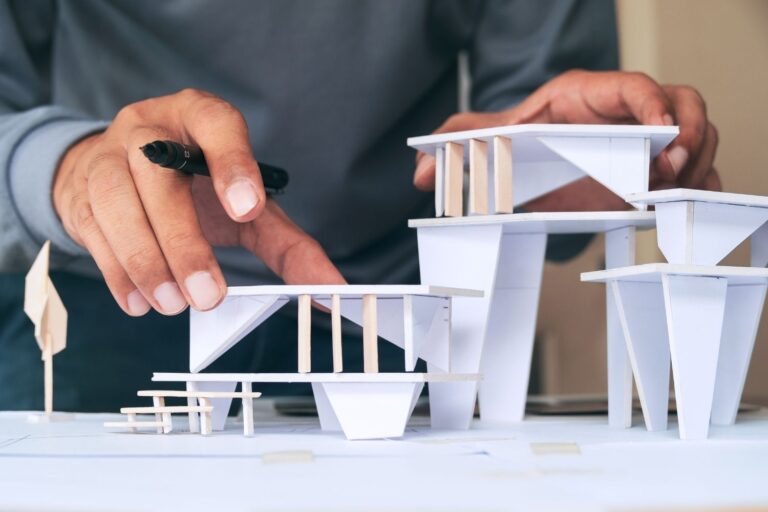 Why Is the Architecture Physical Model Still Taught in Schools?7 min read
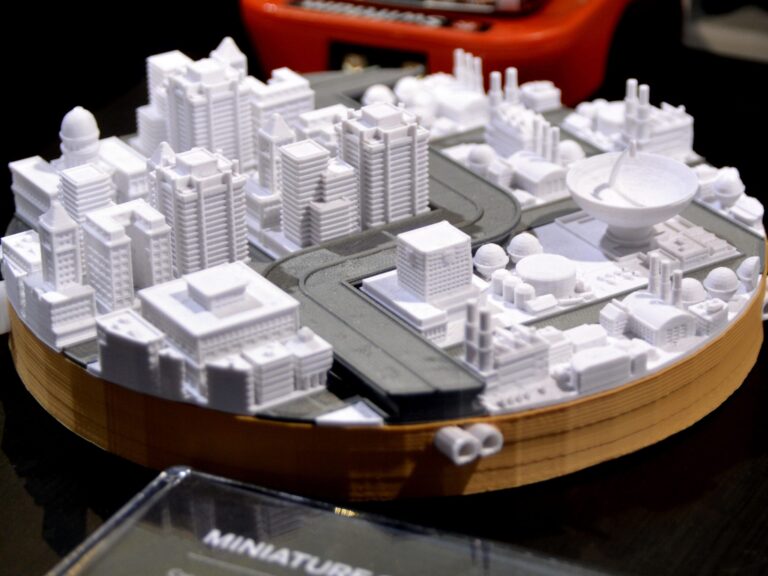 Best 3D Printers for Architectural Model Making18 min read
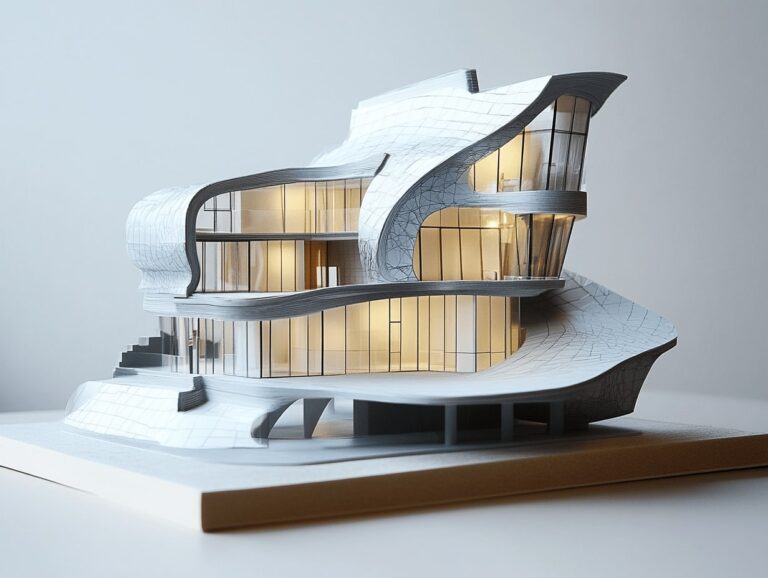 Essential Tips and Techniques for Stunning Architectural Model Photography6 min read
Choose Your Computer and Devices
A laptop is the biggest purchase on the list, so check which software your course uses before you buy. Tablets, monitors and a better mouse help, but most of them can wait until you know how you like to work.
- A laptop that runs the software on your course list
- Check whether that software runs on Mac or needs Windows
- Ask your school or older students which specs they suggest
- A proper mouse with a scroll wheel for CAD
- An external drive or cloud storage for backups
Can wait: a drawing tablet, a second monitor, a 3D mouse and a printer; use the school print room first.
 Best Tablets for Architects and Students in 2026: Performance, Drawing & CAD41 min read
 Top 7 Best Android Tablets for Architects: Precision, Power and Portability15 min read
 6 Best Drawing Tablets for Architects & Students18 min read
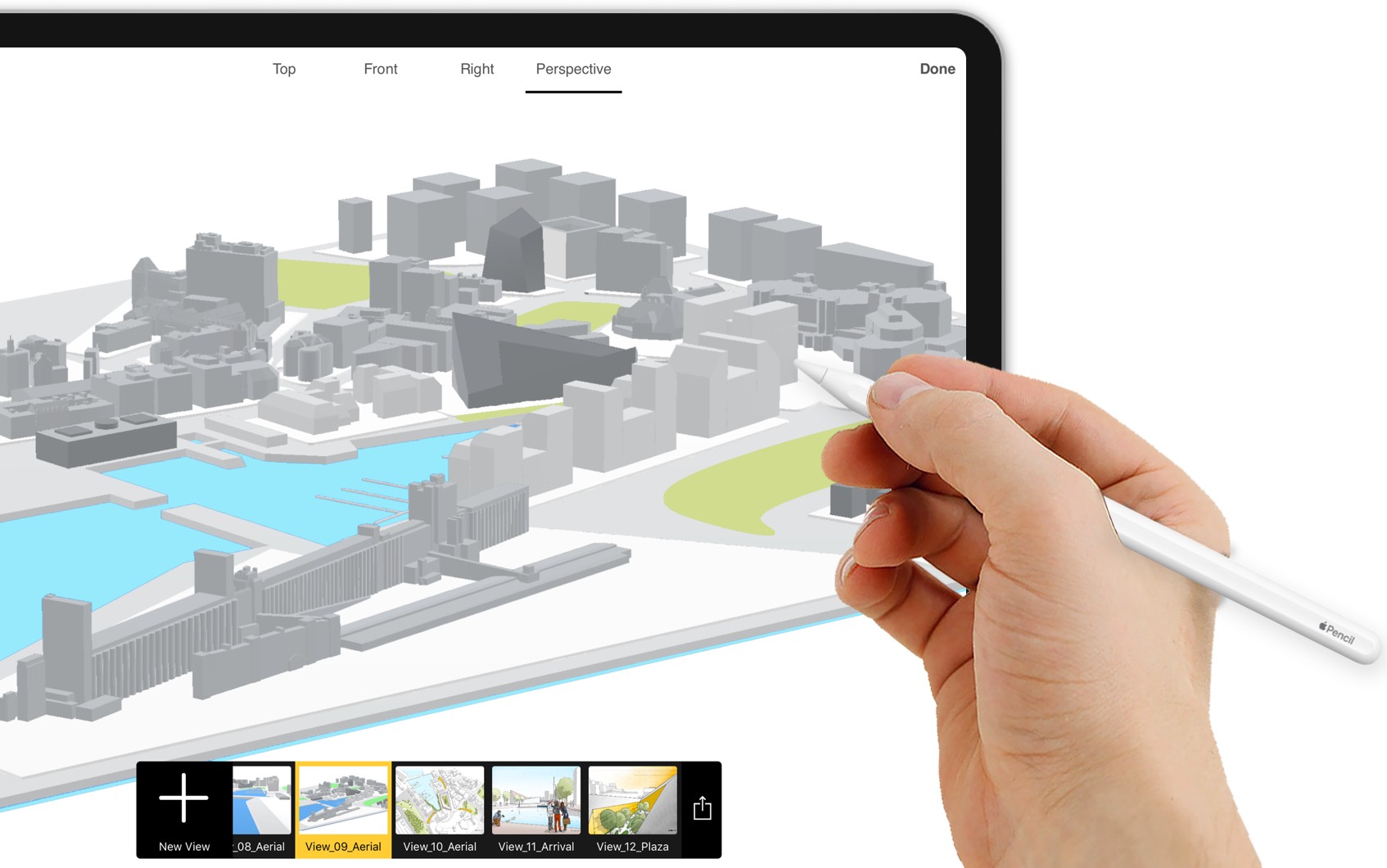 Should Architects Use iPad for Designing?20 min read
 6 Best Free Architecture Apps for iPad17 min read
 How to Select the Perfect Monitor for Architectural Design16 min read
 Best Keyboards for CAD and BIM Software: 7 Picks for Architects and Designers19 min read
 Best 3D Mouse for Architects: The 2026 SpaceMouse Buyer’s Guide8 min read
Learn the Software in the Right Order
You do not need every program in first year. Start with one 2D drawing tool and one 3D modeller, add image editing for boards, and move on to BIM, rendering and scripting as your projects ask for them.
- Get the free education licence before you pay for anything
- Start with one 2D drafting tool and one 3D modeller
- Learn image editing and layout for your boards
- Add BIM and rendering when your projects need them
- Name files clearly and back them up every day
Can wait: scripting with Grasshopper or Python until you are comfortable modelling.
 Revit for Architecture Students: Free Download, Best Tutorials & Practical Tips10 min read
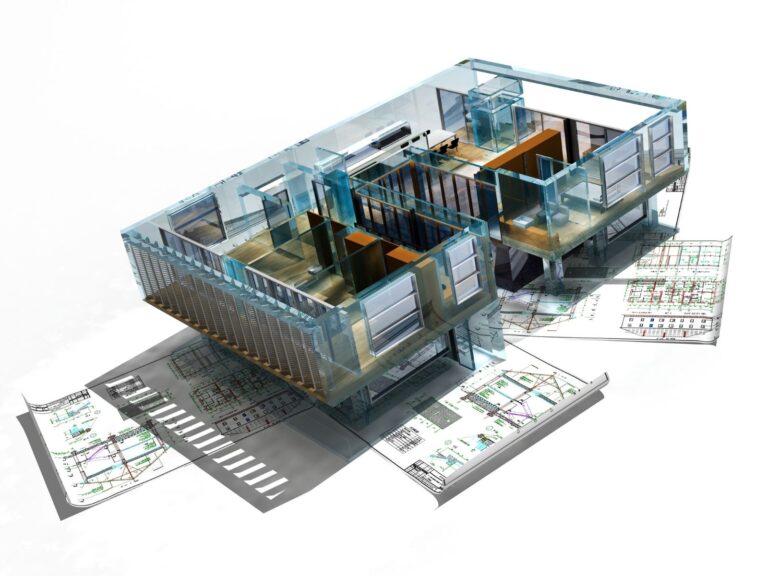 The Best Free CAD Tools Every Architecture Student Should Know in 20269 min read
 SketchUp vs Rhino: Best 3D Modeling for Architects7 min read
 Best Free Rendering Software for Architecture Students in 20267 min read
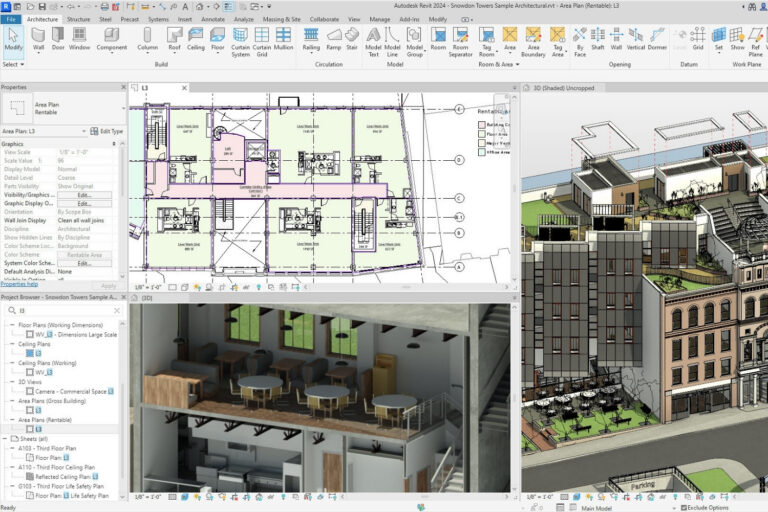 How to Learn Revit in 30 Days: A Complete Beginner’s Roadmap9 min read
 Photoshop for Architects: A Practical Guide for Students7 min read
 Python or Grasshopper: Which Should Architecture Students Learn First?7 min read
Use AI Honestly in Studio
AI tools can help with research, writing feedback and early concept images, but every school sets its own rules on how they may be used. Check your course policy, ask your tutor when unsure and say clearly where AI was part of your work.
- Read your school and course AI policy
- Ask your tutor before using AI images in submitted work
- Say where and how you used AI
- Check facts, sources and references yourself
- Keep your own sketches and process work
Avoid: paid essay services and tools that claim to hide AI writing.
 AI and Architectural Skills: Threat or Opportunity?6 min read
 ChatGPT Alternatives for Architects: 8 Best AI Tools in 202615 min read
 AI Rendering for Architecture: Tools and Workflow7 min read
 Midjourney Architecture Guide: AI-Generated Renderings with DALL-E and Stable Diffusion14 min read
 5 Best AI Plugins for Revit, Rhino, and SketchUp in 202610 min read
 SketchUp AI Render: 7 Best Tools and Plugins for Architects in 202618 min read
 The Rise of AI Architecture Design in 2026: Tools, Trends, and Real-World Impact9 min read
Build the Core Skills
Studio rewards a small set of skills practised often: sketching, modelling, precedent research, writing and talking about your work. Pick one skill a week and practise it on your current project.
- Sketch something real for a few minutes every day
- Study one precedent through its plans and sections
- Make a quick study model before you draw
- Explain your project out loud in one sentence
- Write a short paragraph about your concept
 5 Powerful Skills That All Architecture Students Should Acquire7 min read
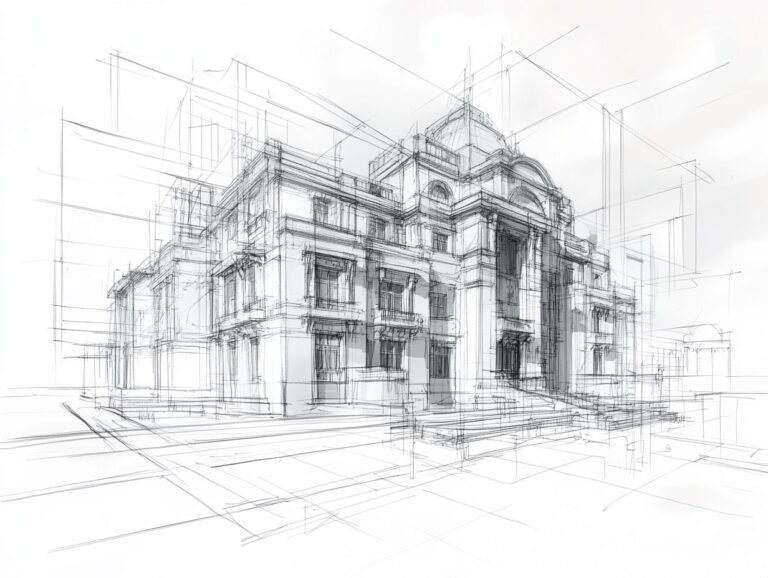 Architectural Sketching for Beginners: A Comprehensive Guide to Start Drawing Like a Pro16 min read
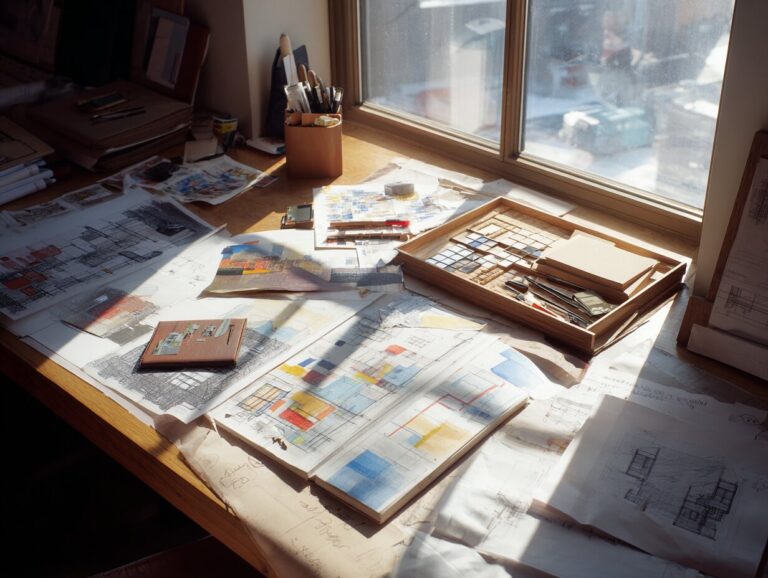 Architecture Precedent Study: How to Analyze a Building Step by Step14 min read
 Daily Habits to Boost Your Design Thinking as an Architecture Student13 min read
 How to Learn Architecture Software Faster12 min read
 How to Write an Architecture Essay: A Step-by-Step Guide9 min read
Work Smart Through the Semester
Studio time is easier to manage when you plan backwards from the review date, not forwards from the brief. Break each project into weekly goals, protect your files and leave time for printing and model building.
- Write down the review date and plan backwards
- List every drawing and model you need to present
- Set weekly goals and check them at the end of each week
- Book printing and workshop time early
- Save versions and back up at the end of each day




Look After Yourself in Studio
Long studio days and public crits can be hard, and feeling tired or stressed at times is common. Protect the basics first, and talk to someone early if things start to feel too heavy.
- Keep a regular sleep time, also in review weeks
- Eat proper meals and drink water on long studio days
- Take short breaks away from the desk and move a little
- Set a stop time before deadlines and keep it
- Find your university counselling or health service before you need it
- If low mood, anxiety or exhaustion lasts, talk to a doctor or counsellor
If you ever feel unsafe, contact local emergency services or a crisis line straight away.
 15 Wellness Essentials to Survive Architecture School Stress17 min read
 7 Mental Health Must-Haves for Late-Night Studio Sessions8 min read
 Architecture Students Mental Health: What the Numbers Really Reveal10 min read
 Is Being an Architect Stressful? 5 Real Stressors7 min read
 Back-to-School Playlist: Music for Late-Night Studio Sessions in Architecture School13 min read
Keep Learning: Books, Courses and Free Resources
Good resources save hours of searching. Start with a few core books, a free course and the free CAD, model and HDRI libraries you will use in project after project.
- One drawing and design basics book
- A free online course in a topic you find hard
- A few architecture websites you check every week
- A podcast or documentary for the commute
- Bookmarked libraries for CAD blocks, HDRIs and textures
 Top 10 Free Online Architecture Courses for 20267 min read
 Must-Read Architecture Books for Students in 202615 min read
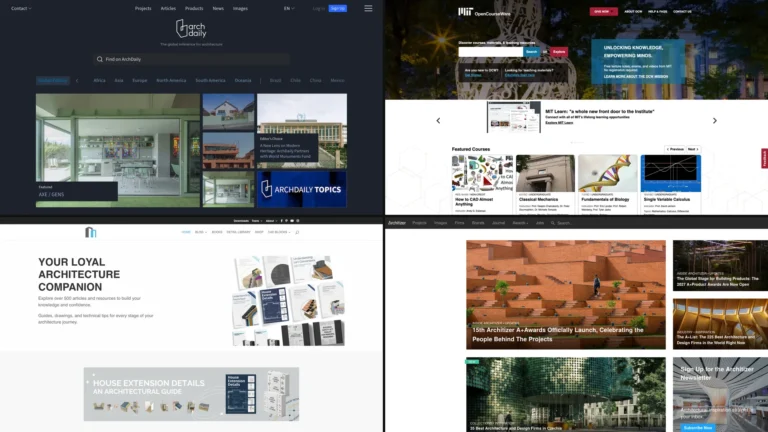 Top 10 Essential Websites for Architecture Students7 min read
 7 Websites for Downloading Free CAD Models7 min read
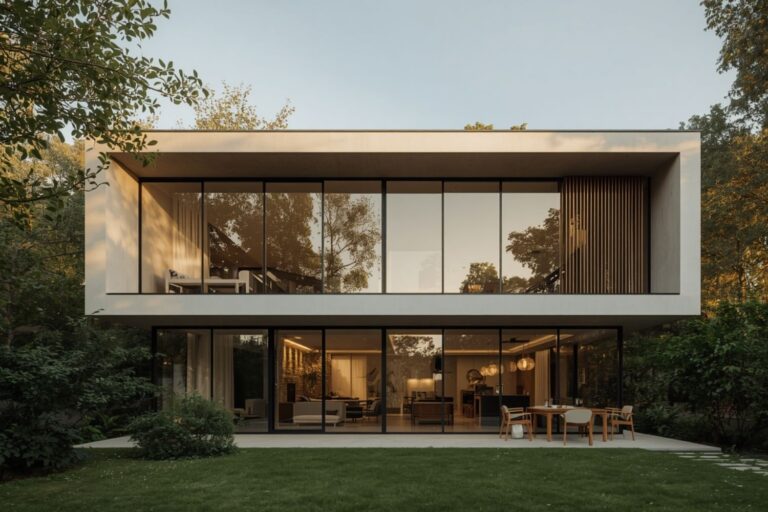 Best Free HDRI Websites Every Architect Needs for Realistic Renders11 min read
 Top 10 Best Netflix Documentaries for Architects to Watch15 min read
 Top 8 Architecture Podcasts Worth Your Commute11 min read
Plan Your Money
Architecture school costs more than tuition: supplies, model materials, printing, software and housing all add up. Plan for them early, use free education licences and look for scholarships every year.
- Supplies and model materials for each project
- Printing and plotting before reviews
- Software, with free education licences first
- Housing, travel and site visits
- Scholarship and grant deadlines in your calendar
Tip: share tools with classmates and buy model materials as a group.




Next Steps: Internships, Competitions and Your First Portfolio
Once first year settles, start looking ahead: a summer internship, a student competition or a first portfolio. These guides and our live listings show where to begin.
- Keep your best work and process files from every project
- Start a simple portfolio and CV
- Look at internship calls early in the year
- Pick competitions that fit your time and budget
- Join a student association or a local architecture group
 Architecture Student Internships: How to Find, Apply & Succeed in 202613 min read
 Architecture Portfolio for Internship: 8 Steps to Stand Out and Get Hired16 min read
 Architecture Competitions for Students: Are They Worth Your Time?8 min read
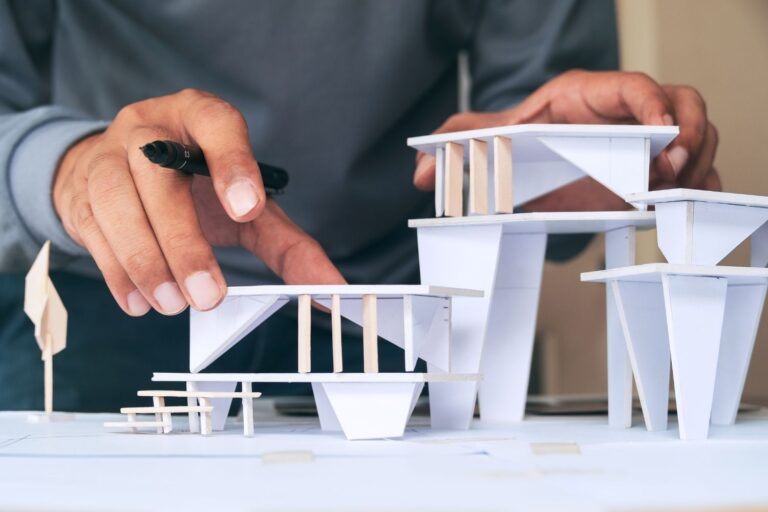 What It’s Like Working as an Architect: 5 Things Architecture School Doesn’t Teach You9 min read
 How to Write an Architect CV With No Experience8 min read
 The Power of Networking in Architecture School: A Practical Guide16 min read
Free Downloads for Your First Year
Planners, checklists and guides from the illustrarch library. Each one is free: go through a free checkout and download the files straight away.
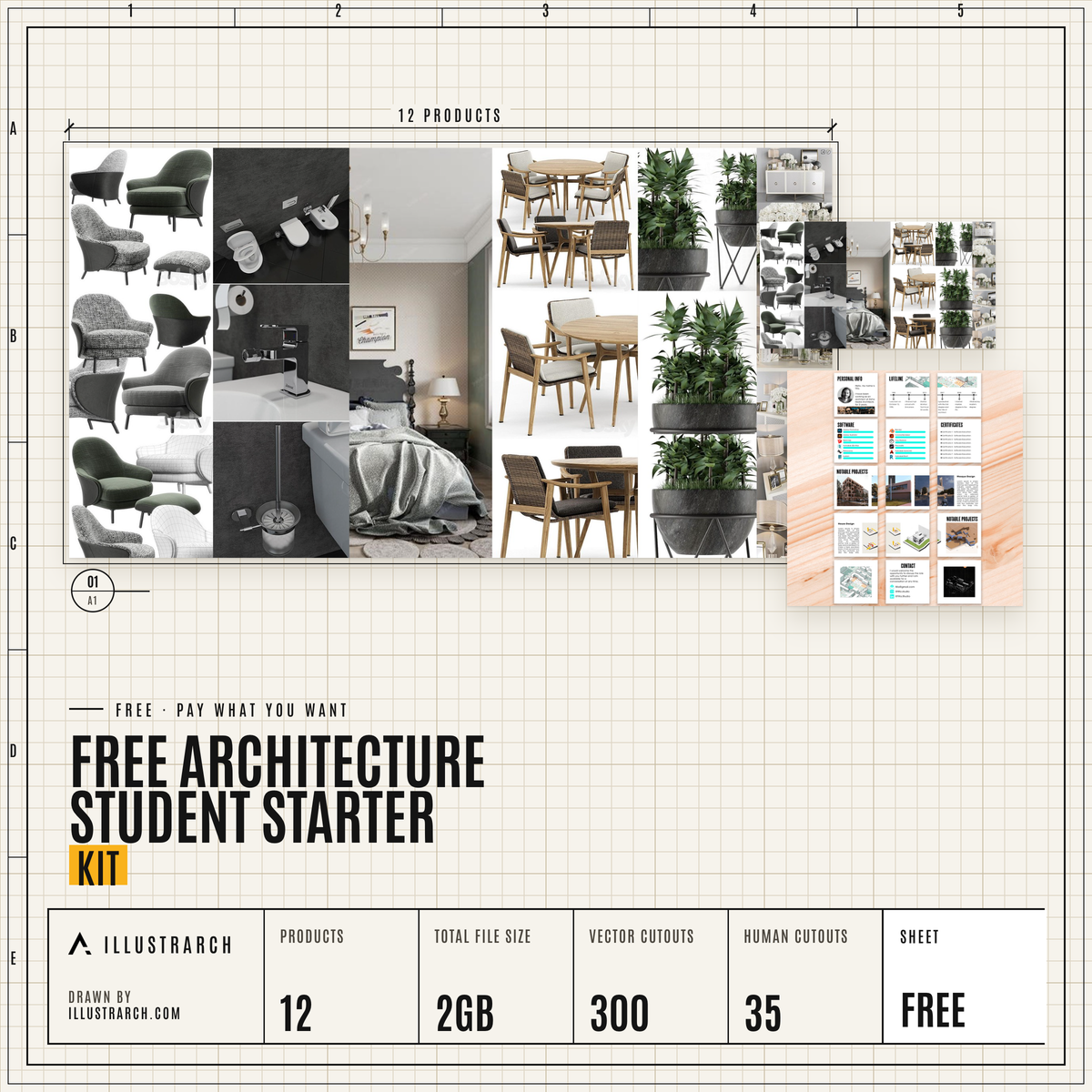 Student Starter KitThe free starter kit download for architecture students.FREE DOWNLOAD
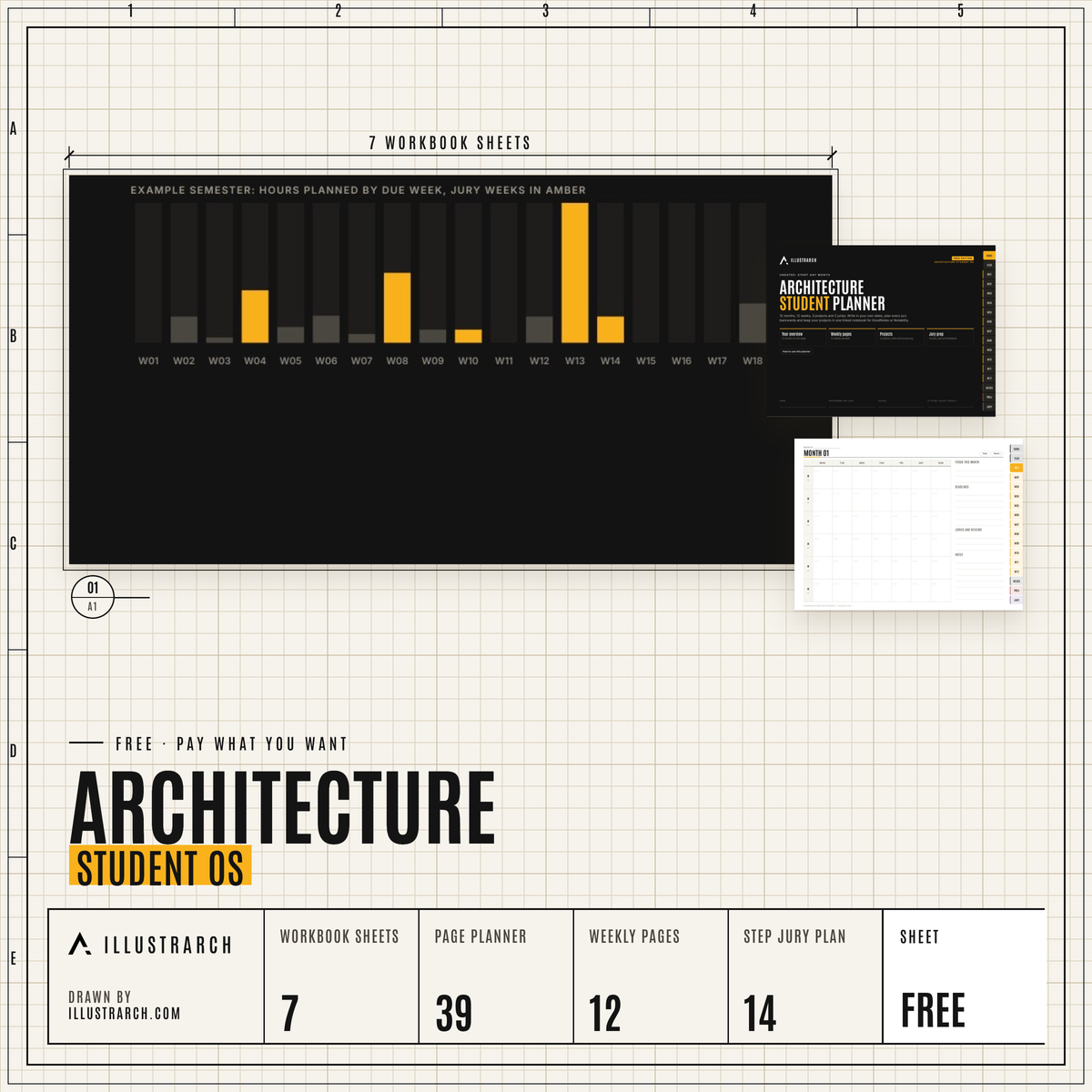 Architecture Student OSA semester workbook and a 39 page digital planner.FREE DOWNLOAD
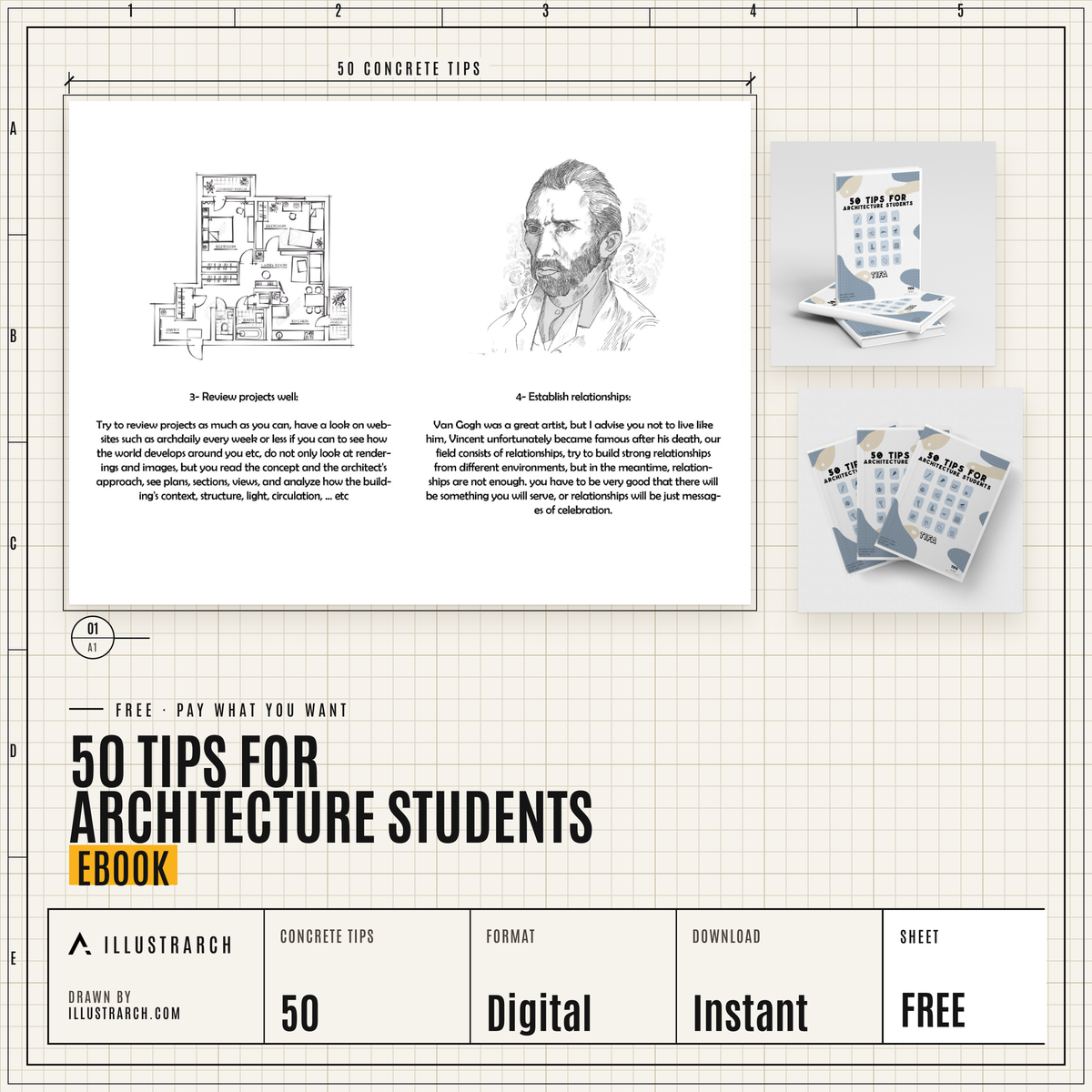 50 Tips for Architecture StudentsAn eBook with 50 tips for architecture students.FREE DOWNLOAD
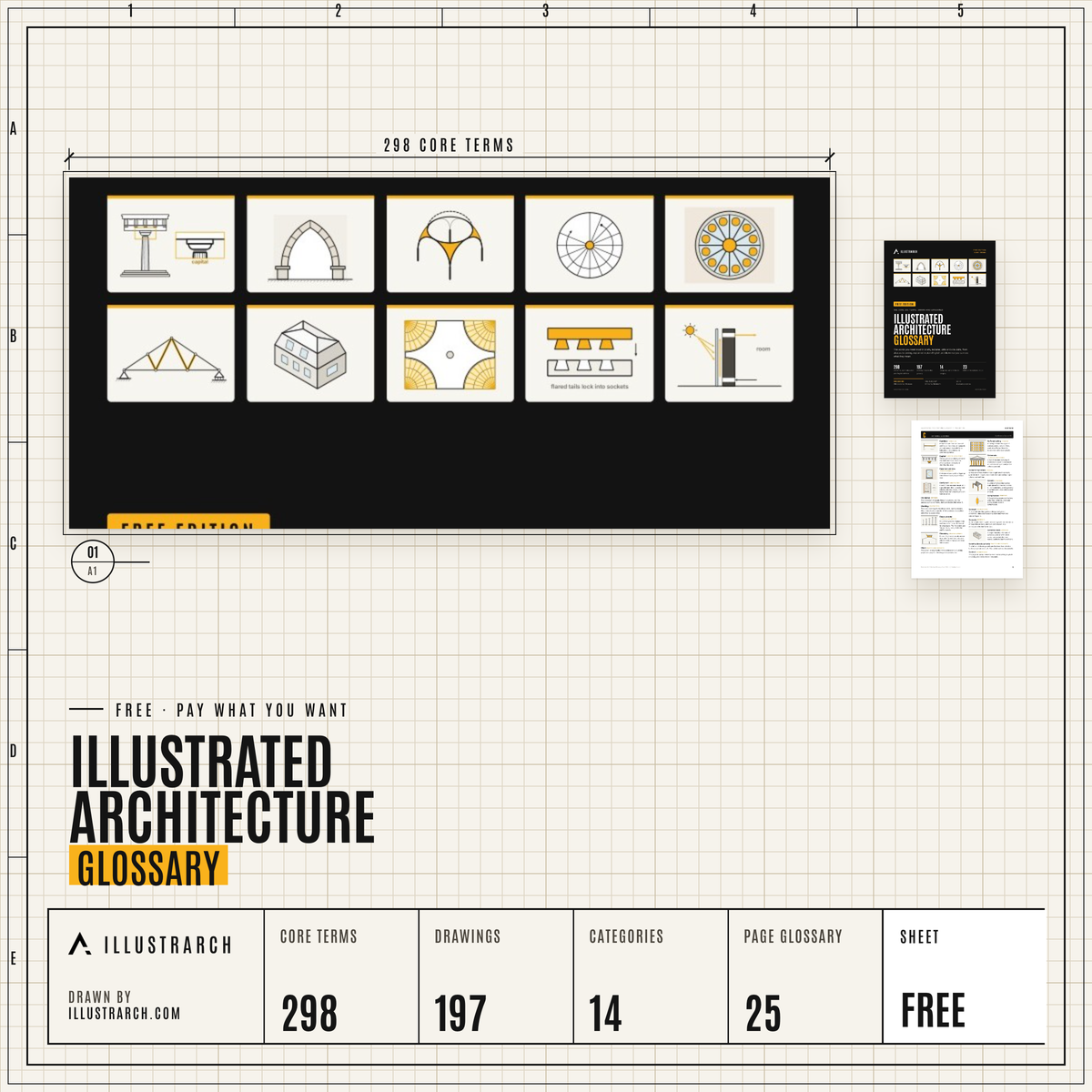 Illustrated Architecture Glossary298 core terms and 197 drawings in 14 categories.FREE DOWNLOAD
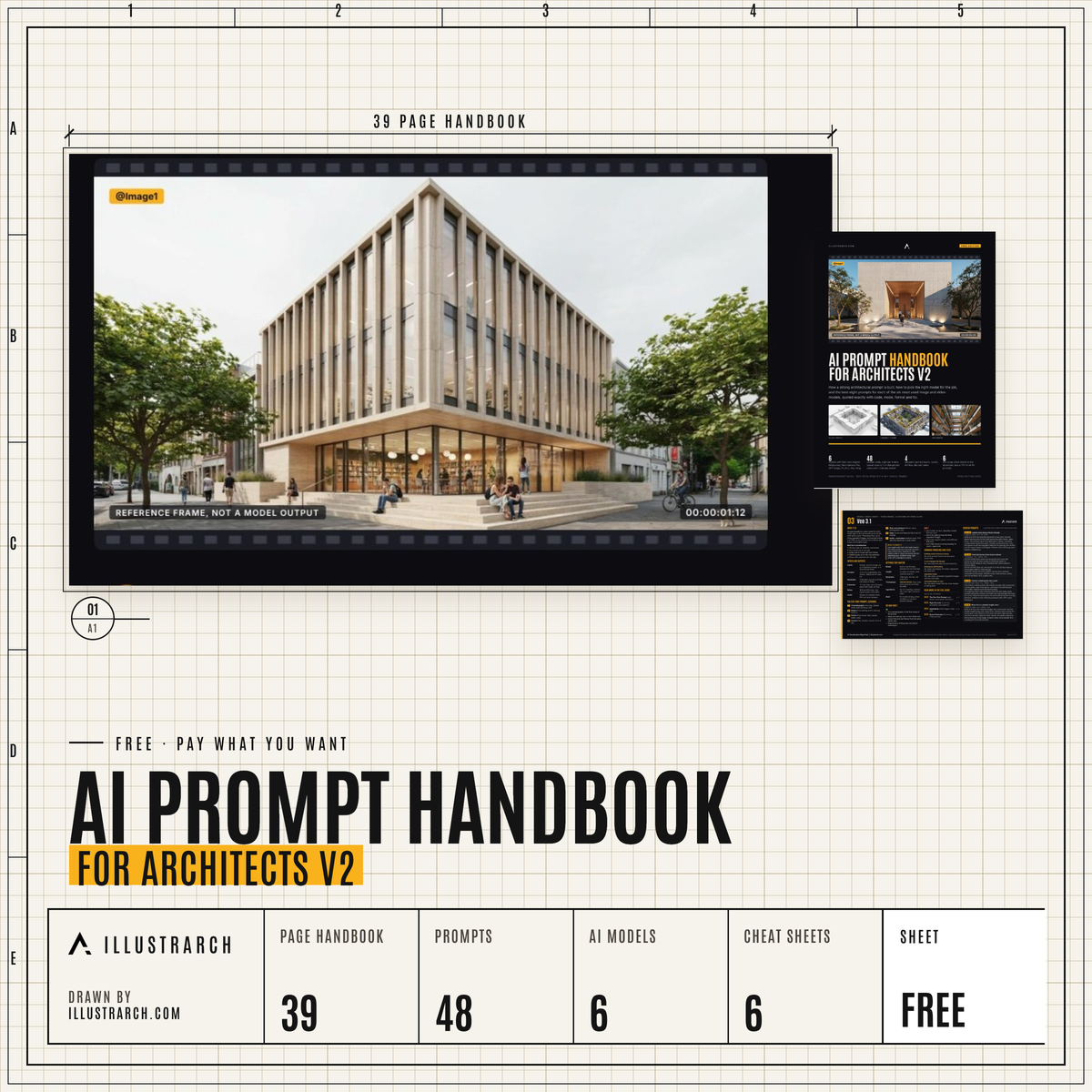 AI Prompt Handbook for Architects48 prompts, 6 models and 6 cheat sheets.FREE DOWNLOAD
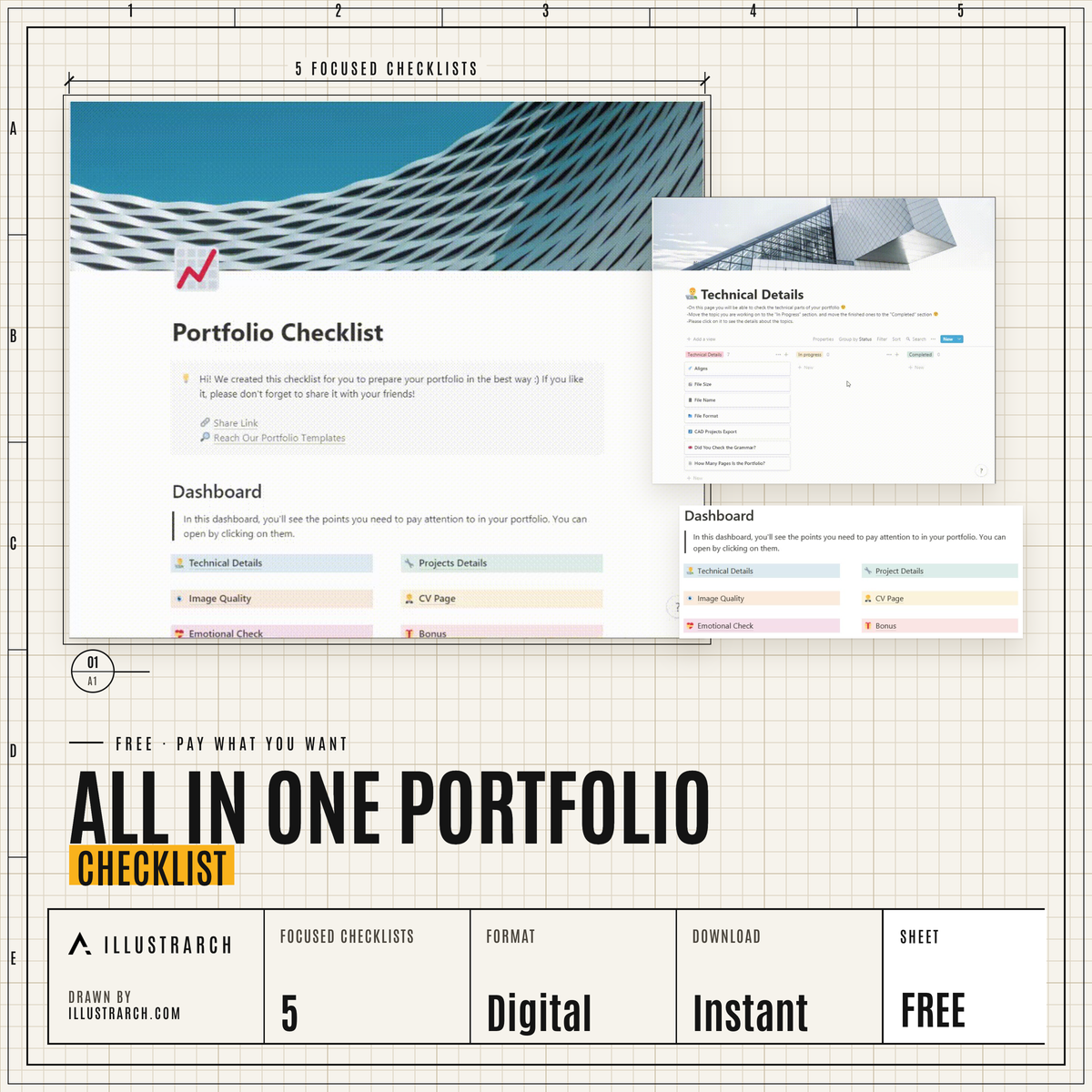 Portfolio ChecklistAn all in one checklist for your portfolio.FREE DOWNLOAD
Free Tools for Studio Work
Free, runs in the browser, no account.
 Architecture Quiz450 questions in 15 topics, with an explanation after every answerFREE · OPEN TOOL
 Architectural Scale ConverterConvert real dimensions to drawing size at any scaleFREE · OPEN TOOL
 Bubble Diagram MakerMap spaces and their relationships in your browserFREE · OPEN TOOL
 Color Palette CreatorBuild a consistent colour palette for your boardsFREE · OPEN TOOL
 Golden Ratio CalculatorFind golden ratio proportions for facades and layoutsFREE · OPEN TOOL
Frequently Asked Questions
What is the Architecture Student Starter Kit?
A free, step by step guide on illustrarch for new architecture students. Each step links to our guides, from setting up your room and buying supplies to software, skills, money and internships, and there is a free kit to download as well.
What supplies do I need for first year architecture?
Your school list comes first. A typical starting kit is a scale ruler, pencils and fine liners, set squares, a sketchbook, tracing paper and a basic model kit with a cutting mat and craft knife; buy the rest when a brief asks for it.
Do I need an expensive laptop for architecture school?
Not on day one. Check which software your course uses and whether it needs Windows, then choose a laptop that runs it. Heavy rendering and BIM work need more power, so ask your school which specs it suggests.
Which software should architecture students learn first?
Start with what your school teaches, often one 2D drawing tool and one 3D modeller, plus an image editor for boards. Many design programs offer free education licences, so check those before paying.
Can I use AI tools in architecture school?
It depends on your school and course. Read the AI policy, ask your tutor before using AI in submitted work and always say where AI was used.
Where can I get help if studio stress gets too much?
Start with your university counselling or student health service, or see a doctor. If you ever feel unsafe, contact local emergency services or a crisis line straight away.
More for students
Opportunities, student work and every free tool we publish for architecture students.
Students hub →Internships →Competitions →